AI French Kissing Generator
Upload a photo of two people and turn it into a short, romantic kiss video. Our AI French kissing generator animates a natural lean-in and a gentle kiss in seconds — no editing skills needed.
An Emochi character profile generator helps you create the visual identity of an original character before you build the rest of the profile. You can describe the character's appearance, role, outfit, expression, and world, then generate a portrait that represents those choices.
GPTProto generates the character image with GPT Image 2. It does not create an Emochi chatbot, conversation memory, personality system, or evolving storyline. After downloading the image, you can separately add a name, personality, backstory, relationship dynamic, welcome message, and scenario on a platform that supports custom character profiles.
Text to Character: Start from a written idea. Describe the character's age range, facial features, hairstyle, clothing, role, expression, art style, setting, lighting, and profile framing. GPT Image 2 turns those details into a new character portrait.
Image to Character: Upload a sketch, avatar, or reference image you have the right to use, then describe what should change. You can adjust the hairstyle, outfit, color palette, art style, background, mood, or framing while asking the model to preserve important visual traits.
A useful OC profile image does more than show an attractive face. It gives viewers immediate clues about who the character is, what kind of world they belong to, and how they may behave.
Choose two or three defining traits that remain easy to recognize, such as a specific hairstyle, eye color, scar, accessory, silhouette, or color combination. Too many unrelated details can weaken the design.
An image cannot create a working personality, but it can suggest one. A guarded expression, formal posture, worn jacket, bright accessories, or restrained palette can communicate different character archetypes without adding text.
Use clothing, props, architecture, and lighting to show the character's role and setting. A black credit card and luxury office suggest a wealthy executive; embroidered clothing and candlelight suggest a historical fantasy world.
For an avatar or character card, keep the face readable and avoid placing essential details at the outer edges. A centered head-and-shoulders or half-body composition is easier to crop across different profile layouts.
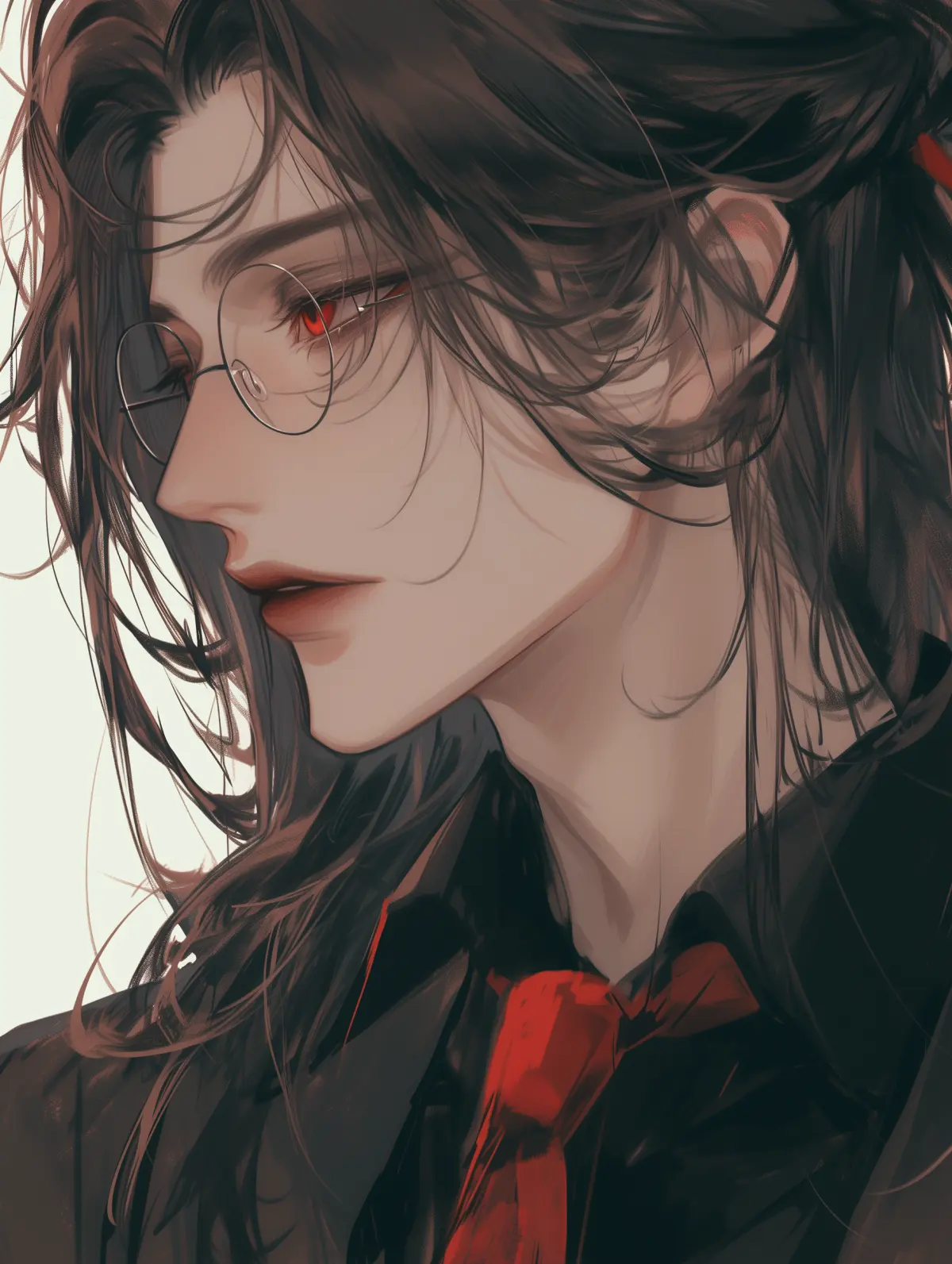
Create an original character image in three steps. No manual illustration or photo-editing workflow is required.
1. Create an Account and Add Balance
Sign up for GPTProto and add credit to your account. The current Emochi character image workflow uses GPT Image 2 and costs approximately $0.015 per generation.
2. Enter a Prompt or Upload a Reference
Describe the character from scratch, paste one of the prompt starters above, or upload a reference image you own or have permission to use. State both the details you want to change and the traits you want the model to preserve.
Generate the image, review the face, hands, clothing edges, accessories, and background, then adjust the prompt if needed. Download the selected portrait and use it wherever custom character images are permitted.
Character name: A memorable name that fits the setting.
Short introduction: One or two sentences explaining who the character is.
Personality and flaws: Core traits, emotional habits, boundaries, and weaknesses.
Backstory: The events that shaped the character before the roleplay begins.
Relationship dynamic: How the character knows or approaches the user.
Welcome message: The first line or scene that starts the interaction.
Scenario: The location, conflict, or shared situation that gives the conversation direction.
Copyable character profile template:
Name:
Role:
Short introduction:
Core personality traits:
Flaws or internal conflict:
Backstory:
Relationship with the user:
Speaking style:
Welcome message:
Opening scenario:Upload a photo of two people and turn it into a short, romantic kiss video. Our AI French kissing generator animates a natural lean-in and a gentle kiss in seconds — no editing skills needed.


Upload one photo and star in your own movie poster — or type a concept and the AI builds it from scratch. The AI movie poster generator wraps a full film poster around your shot: genre lighting, cinematic color, and a clean area for your title, in fantasy, horror, blockbuster, indie, or animated looks. Runs online in your browser, no design software.


Upload a portrait or start with a text prompt to create an older, younger, teen, or baby version. Choose an example to load its prompt, adjust the age and details, and generate your result online.


Upload one reference photo and generate a consistent, photoreal virtual influencer you can place in any scene, outfit, or brand campaign — image-first, powered by 200+ models on a single balance.

What is Emochi AI? See why it grew so fast, how its features and pricing work, and what 10M+ Android downloads reveal about the roleplay app.

Learn how to create your own AI character without coding. Connect an API, write a character card, choose an LLM, manage memory, and estimate costs.

Copy 20 free Seedream 5.0 Pro packaging design prompts for product boxes, labels, SKU ranges, e-commerce images, shelf mockups, and campaign ads.

Compare 5 uncensored AI image-to-video generators online in 2026. Explore free and paid options, pricing, privacy, upload support, and key limitations.