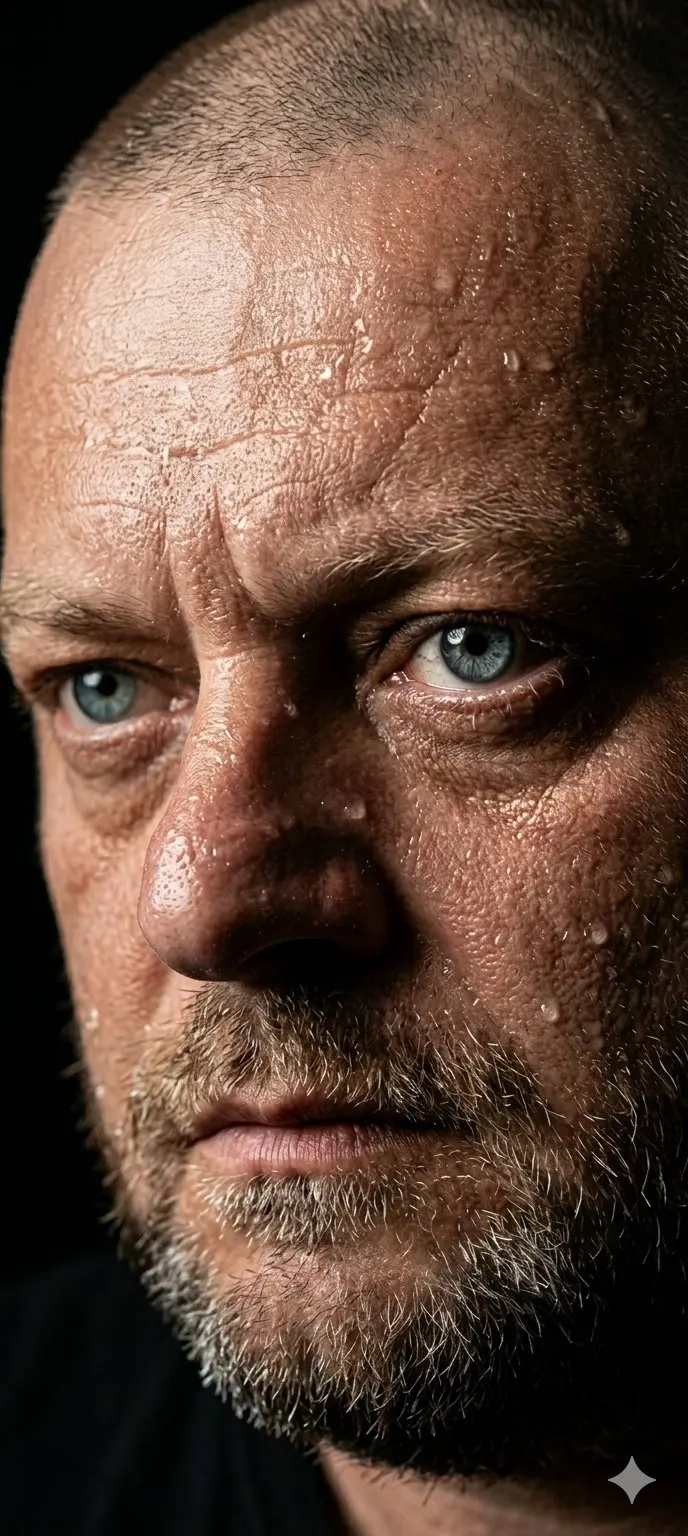
Reasoned Layouts and Readable Text
The model plans complex prompts before rendering, helping it organize headlines, labels, objects, and visual hierarchy for posters, packaging concepts, diagrams, and infographics.

curl --request POST "https://gptproto.com/api/v3/google/gemini-3-pro-image-preview/text-to-image" \
    --header "Authorization: Bearer $GPTPROTO_API_KEY" \
    --header "Content-Type: application/json" \
    --data '{
        "prompt": "A tiny origami fox sailing a teacup across a moonlit puddle",
        "size": "1K",
        "aspect_ratio": "1:1",
        "output_format": "png",
        "enable_sync_mode": false,
        "enable_base64_output": false
}'Start from the cost of a single sample and pick a testing budget. GPTProto rates are 40% below list price.
| Scenario | Google list | OpenRouter | GPTProto | You save / mo |
|---|---|---|---|---|
| Quick tests & prototypes100 images / mo | $13.40 | $14.14 | $8.04 | −$5.36≈ $64.32 / yr |
| Product & e-commerce photos1,000 images / mo | $134.00 | $141.37 | $80.40 | −$53.60≈ $643.20 / yr |
| Ad / marketing creatives2,500 images / mo | $335.00 | $353.42 | $201.00 | −$134.00≈ $1608.00 / yr |
| Social media content10,000 images / mo | $1340.00 | $1413.70 | $804.00 | −$536.00≈ $6432.00 / yr |

Google · $0.0804 per time · 1K · 2K · 4K
Nano Banana Pro is Google's reasoning-led image model for briefs where composition, readable text, reference fidelity, and detailed constraints matter more than the fastest result. GPTProto exposes the model alongside Nano Banana 2, GPT Image, Seedream, and other image APIs under one account and balance.
Reasoned Layouts and Readable Text
The model plans complex prompts before rendering, helping it organize headlines, labels, objects, and visual hierarchy for posters, packaging concepts, diagrams, and infographics.
40% Below Google List Price
Generate 1K or 2K images for $0.0804 and 4K images for $0.144. The corresponding Google list rates are $0.134 and $0.24 per image.
Multi-Reference Image Editing
Use the dedicated image-edit route to combine up to 14 references. The model can preserve objects, people, and visual style while following a written edit brief.
1K, 2K, and 4K Output
Choose 1K, 2K, or 4K output, ten aspect ratios from 1:1 to 21:9, and PNG or JPG delivery for product, social, print, and wide-format assets.
Nano Banana Pro is the product name for Google's Gemini 3 Pro Image model. It is an image generation and editing model, not the general Gemini 3 Pro language-model endpoint. Google positions it for complex graphic design, high-fidelity product mockups, factual visualizations, accurate text rendering, and professional asset production.
Google's current official model code is gemini-3-pro-image. This GPTProto page uses the integrated model string gemini-3-pro-image-preview, so developers should copy the model ID and route shown in the page's API panel instead of substituting the current Google identifier.
The GPTProto integration provides separate text-to-image and image-edit routes. The generation route accepts a text brief, while the edit route can add reference images for subject, object, or style guidance. Supported controls include resolution, aspect ratio, output format, synchronous response mode, and Base64 output.
| Field | GPTProto page value |
|---|---|
| Product name | Nano Banana Pro |
| Google model family | Gemini 3 Pro Image |
| GPTProto model string | gemini-3-pro-image-preview |
| Tasks | Text-to-image and image editing |
| Inputs | Text prompt; reference images on the image-edit route |
| Output | Image |
| Output sizes | 1K, 2K, and 4K |
| Aspect ratios | 1:1, 2:3, 3:2, 3:4, 4:3, 4:5, 5:4, 9:16, 16:9, and 21:9 |
| Output formats | PNG and JPG |
| Reference-image limit | Up to 14 images |
| Displayed GPTProto price | $0.0804 for 1K/2K; $0.144 for 4K |
Use Nano Banana Pro when words must be rendered inside the image rather than added later. Specify the exact copy, hierarchy, font character, placement, palette, and aspect ratio. Review generated prices, dates, legal text, and small print before publication.
Describe product position, camera angle, material, lighting direction, reflections, background, and surrounding props in one brief. This makes the model useful for testing hero images, packaging directions, seasonal campaign concepts, and listing visuals before a photography or design pass.
The model can combine visual hierarchy with labels, diagrams, and factual context. Supply the source facts, define the reading order, and verify every number. Google Search grounding is an official model capability, but only claim it if the GPTProto route exposes the option.
Use reference inputs when a product, person, or design language must remain recognizable across a new scene. Google's documented 14-image allowance can include up to six object references, five character references, and three style references. Keep the edit instruction separate from the details that must not change.
Choose by the failure you need to avoid: a dense prompt, slow iteration, weak typography, or an edit that changes the source too much.
| Model | Best fit | Choose it when |
|---|---|---|
| Nano Banana Pro | Complex, text-heavy, high-detail visual assets | The brief contains many constraints, professional layouts, reference identities, or factual visual content, and precision matters more than speed. |
| Nano Banana 2 | General generation and rapid iteration | You need a faster, lower-cost default for everyday generation, 4K output, or repeated drafts before sending only difficult jobs to Pro. |
| GPT Image 2 | OpenAI-oriented image generation and editing | Your application already uses OpenAI-style image workflows or the asset depends heavily on typography and instruction-led editing. |
| Seedream 5 Pro | Structured composition, localized designs, and reference-led editing | Your workflow emphasizes spatial direction, multilingual campaigns, product photography, or multi-reference consistency. |
For a mixed workload, send drafts and high-volume variants to a faster model, then reserve Nano Banana Pro for requests that fail on layout, reference fidelity, or instruction density. GPTProto supports this routing under one account and balance.
GPTProto lists Nano Banana Pro at $0.0804 for a 1K or 2K text-to-image request and $0.144 for 4K, 40% below Google's displayed list rates of $0.134 and $0.24. The larger operational benefit is model choice: the same GPTProto key and balance can call more than 200 text, image, video, and audio models.
Teams can keep Nano Banana Pro for difficult assets while using Nano Banana 2, GPT Image, or Seedream for faster or cheaper stages. Billing, keys, and usage remain in one dashboard.
A reliable prompt works like a compact creative brief. Put requirements in this order:
Task and format: Name the asset and aspect ratio.
Subject and scene: Define the main subject, environment, camera angle, and depth relationship.
Exact text: Put required wording in quotation marks and assign each line a role and position.
Layout rules: State alignment, spacing, object count, sections, and reading order.
Visual direction: Describe palette, materials, lighting, lens or illustration style, and audience.
Locked constraints: Finish with what must remain unchanged and what must not appear.
Need a tested starting point instead of writing every brief from scratch? Explore the Nano Banana Pro prompt library for ready-to-use ideas covering photo editing, posters, product images, character consistency, and creative design. Copy a prompt, replace the subject and constraints with your own details, and run it on GPTProto.
Guides, comparisons, and updates related to this model.
All Articles
Copy 20 of the best Nano Banana Pro prompts for 2026, with examples for ecommerce, ads, portraits, image editing, plus variables and repair tips.

Need a Banana Prompts XYZ alternative? Browse free Nano Banana Pro prompts, remix them in GPTProto, or send the prompt through the API.
A practical Banana Prompts XYZ review covering its image and video galleries, prompt workflow, best use cases, and limits before you rely on it.
Get a Nano Banana Pro API key on GPTProto, run a complete Python request, poll the result, or let an AI coding agent handle the integration.
Input
Output