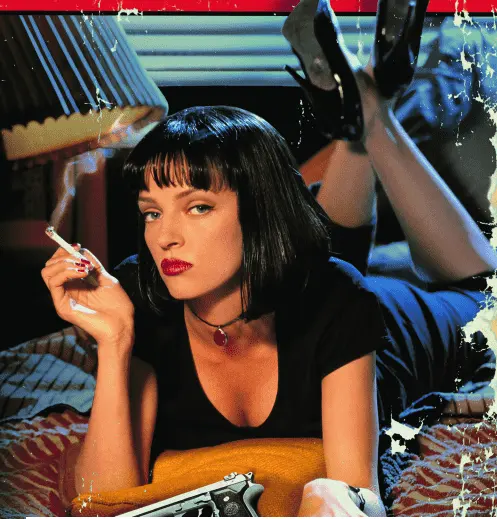
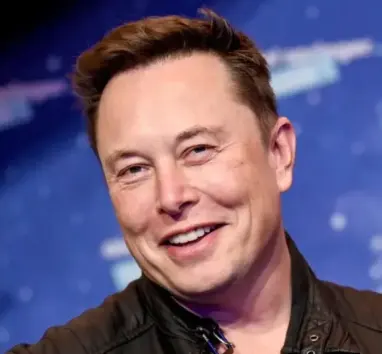
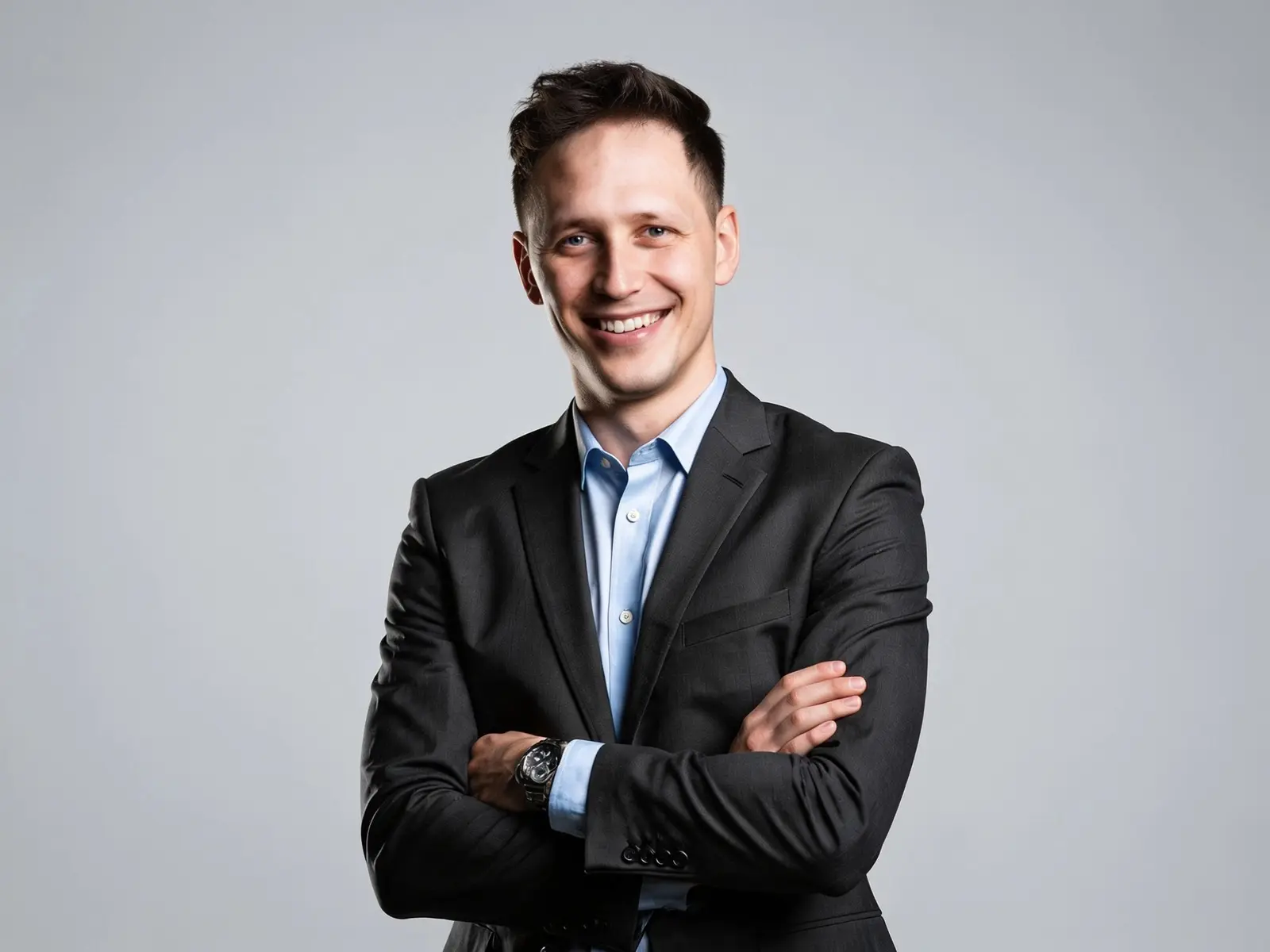
AI Face Swap Image

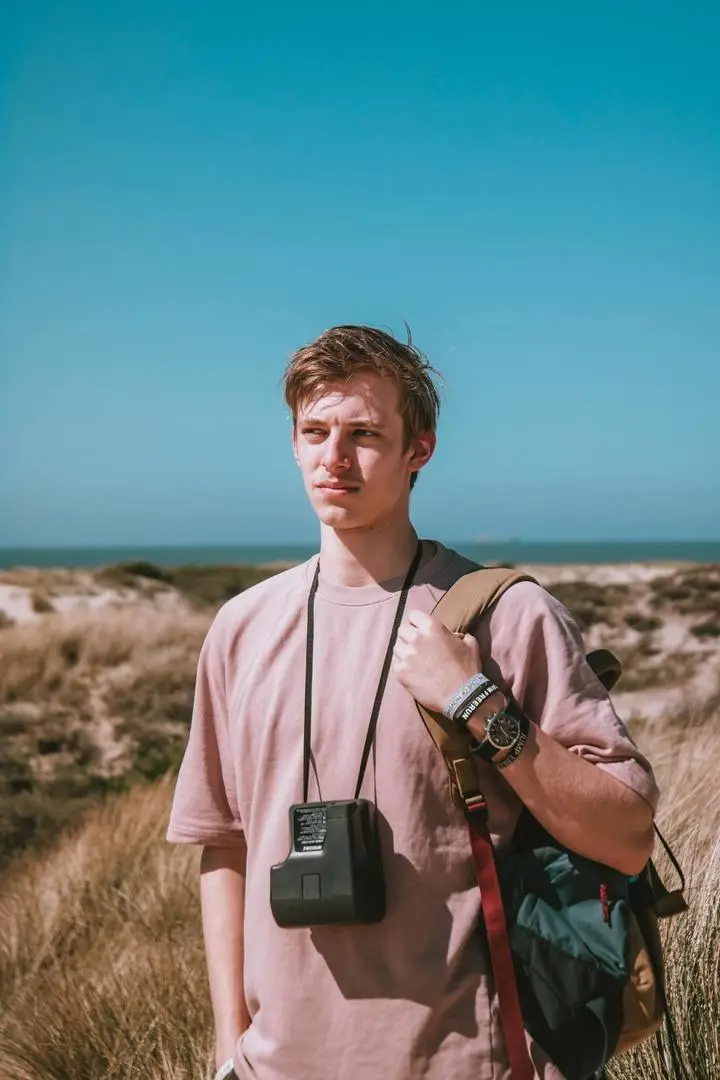
Swap faces in any photo in a single click — no masking, no layers, no editing skills. Just upload two photos and generate.

Target Image

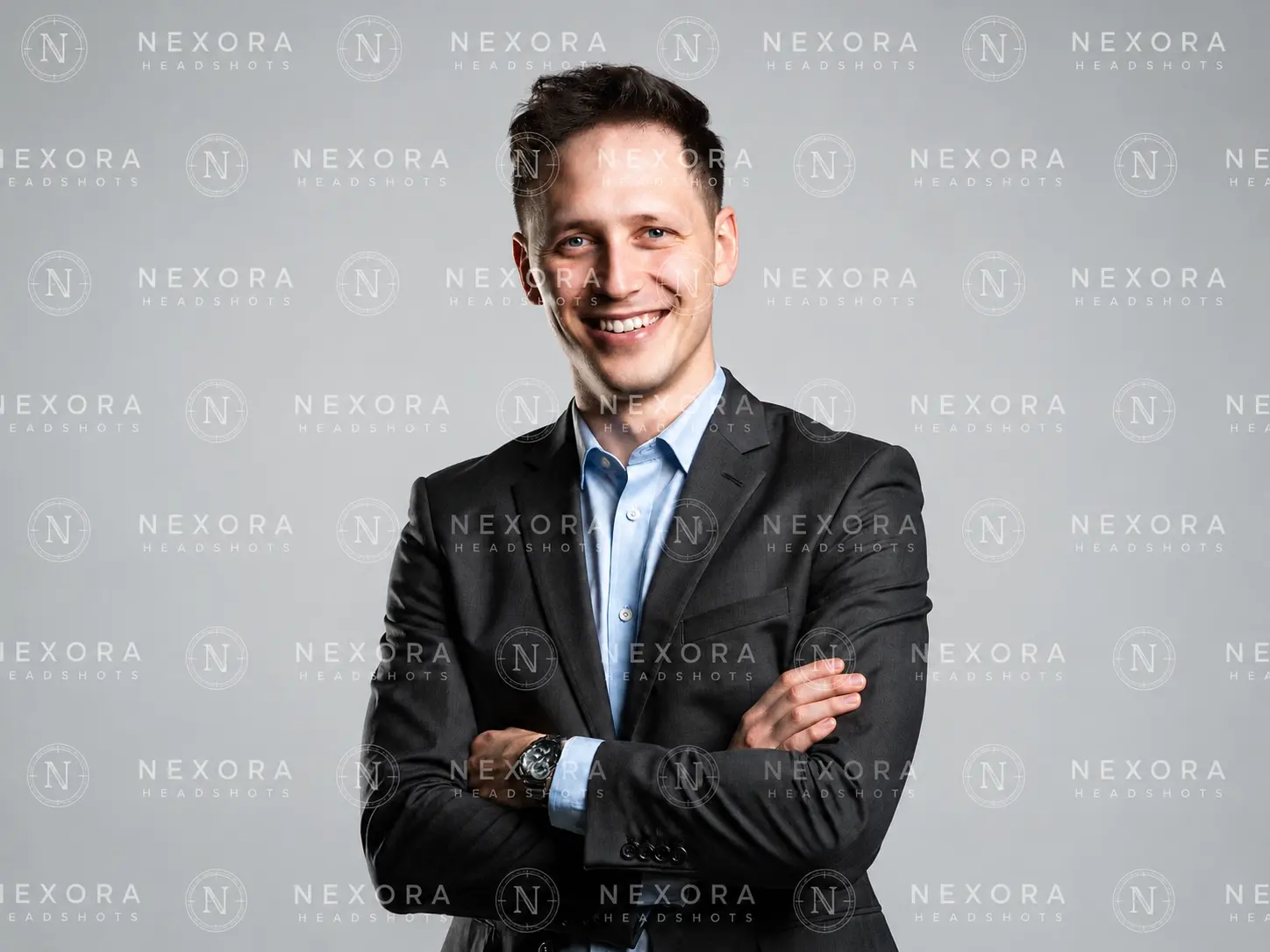
Upload the photo with face to replace

Your Photo

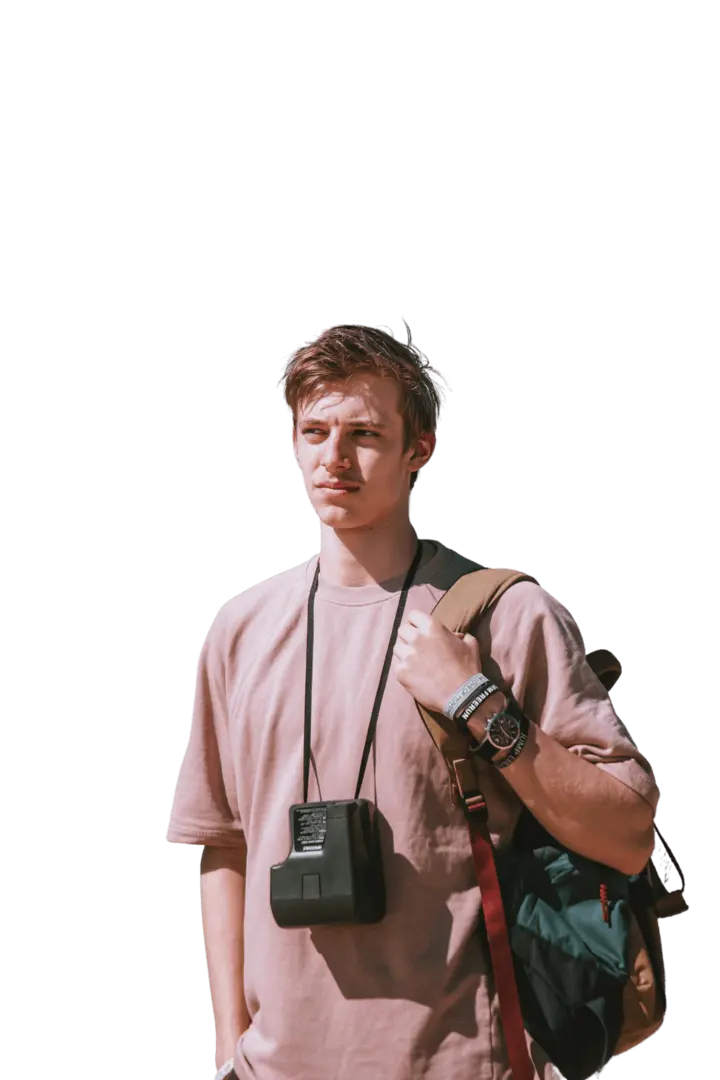
Upload the face you want to insert

Preview image

HOW TO FACE SWAP A PHOTO IN 3 STEPS

Swapping a face takes two photos and one click. Here's the whole flow.

  1. UPLOAD YOUR TARGET IMAGE

    UPLOAD YOUR TARGET IMAGE

    Add the photo that has the face you want to replace. This is the scene, pose, and background you're keeping.

  2. UPLOAD YOUR FACE

    UPLOAD YOUR FACE

    Add a clear, front-facing photo of the face you want to swap in. This is the identity that gets mapped onto the target.

  3. GENERATE YOUR SWAP: Click Generate. The AI detects both faces, aligns them, and blends the new face into the target — matching skin tone and lighting. Download your result in seconds.
    GENERATE YOUR SWAP

    GENERATE YOUR SWAP

    Click Generate. The AI detects both faces, aligns them, and blends the new face into the target — matching skin tone and lighting. Download your result in seconds.

Examples

Realistic Face Swaps Across Any Style

From everyday portraits to bold, stylized looks, the swap keeps the source face recognizable while fitting the scene.

Use-Case

What You Can Do with AI Face Swap

From quick social edits to fixing group photos, here are the everyday ways people use AI Face Swap Image.

  • Memes & Social Content

    rop your face — or a friend's — into meme templates and reaction images for group chats, Reddit, and social posts.

  • Profile Pictures & Avatars

    Put your face into a cleaner, better-lit portrait for a new profile picture or avatar.

  • Try a New Look

    Preview yourself with a different hairstyle, color, or styling before committing to the real thing.

  • Cosplay & Themed Portraits

    Place your face into cosplay shots and themed character portraits for fan edits and creative projects.

What it is

What Is AI Face Swap Image

Replace a face in one photo with a face from another — from two uploads and one click.

AI Face Swap Image is an online tool that replaces a face in one photo with a face from another photo — you give it a target photo and the face you want to add, and it returns a single edited image with the new face in place. It works as a face swap photo editor, an AI face changer, and an AI face replacement tool from the same two-upload flow. Some people call it an AI Face Swapper; it does the same job: switch faces on photos online without Photoshop, masks, or manual cut-outs.

Because everything runs from two uploads and one Generate button, you don't need any editing experience — upload, click, download.

How AI Face Swap Works

Face Detection & Identity Mapping. The AI first locates each face and maps its key landmarks — the corners of the eyes, the bridge of the nose, the edges of the mouth, and the line of the jaw. From your face photo it builds a compact identity profile: the proportions and structure that make the face recognizable. This is what lets the swap keep your likeness instead of producing a generic face.

Lighting & Skin-Tone Blending. The mapped face is then fitted onto the target's angle and expression and composited into the scene. The AI matches skin tone, adjusts lighting and shadow at the edges, and blends the hairline and jaw so the result reads as one photo rather than a face pasted on top. Good blending here is the difference between a natural swap and a visible "mask" effect.


Accuracy tips

How to Improve Face Swap Accuracy

The AI does the heavy lifting, but your input photos set the ceiling on quality. A few habits raise your hit rate:

  • Use a clear, front-facing face photo. Straight-on faces give the AI the most landmarks to work with. Extreme side profiles and steep up/down angles are the most common cause of distortion.
  • Match the angle between both photos. A front-facing face paired with a side-turned target creates awkward stretching. Keep the two head angles close.
  • Keep lighting consistent. Similar lighting between the two photos matters more than raw resolution. An outdoor-lit face on a flash-lit target leaves a visible seam.
  • Avoid anything covering the face. Sunglasses, hands, hair across the cheek, or heavy shadow hide the landmarks the AI needs.
  • Skip big resolution mismatches. A very sharp face on a soft, low-res target (or the reverse) shows up as an obvious sharpness difference.

Feed it clean, well-lit, front-facing photos and the swap blends far more naturally.

Got any questions left?

We’ve answered the most frequently asked questions

How does AI face swap work?

The tool detects the faces in both photos, maps the key facial landmarks, builds an identity profile from your face photo, then blends that face onto the target while matching skin tone and lighting. You get the result in seconds from a single click.

Do I need two photos to swap a face?

es. Upload a target image (the photo with the face to replace) and a face photo (the face you want to add). The AI handles the rest.

How do I swap a face from one photo to another?

Upload your target image, upload your face, and click Generate. There's no manual masking or cut-out step — the tool aligns and blends both faces automatically.

What photo works best?

A clear, front-facing, well-lit face with nothing covering it, and a target shot at a similar head angle. Matching lighting and angle between the two photos improves accuracy more than resolution alone.

Can I swap multiple faces in one photo?

Yes. The tool detects multiple faces and lets you swap faces in group shots — useful for fixing or replacing a specific person in a crowded frame.

Is AI face swap free?

There's no free tier. GPTProto runs on pay-as-you-go credits — an image face swap is about $0.08 per generation, and the same balance works across 100+ AI online tools with no monthly subscription.

Can I use face swaps for commercial purposes?

Yes, provided you hold the rights to the source images and the faces you use. You own your output. Confirm licensing for any commercial project before publishing.

Does the tool store my images?

Your uploads are processed securely and removed shortly after processing. They aren't used to train models.

Can I use it on mobile?

Yes. The tool runs in your browser, so you can swap faces from a phone, tablet, or desktop with no install.

What Creators Say

Jordan M.

Nice ai tool!

"I fixed a group photo where my friend blinked — swapped in her face from another shot and nobody could tell."

Priya S.

Good for profile editing

"Clean blends without opening Photoshop. I use it for profile pictures and quick social edits."

Marcus L.

Help me swap natural

"Angle and lighting tips in the guide actually helped — my swaps look natural now."