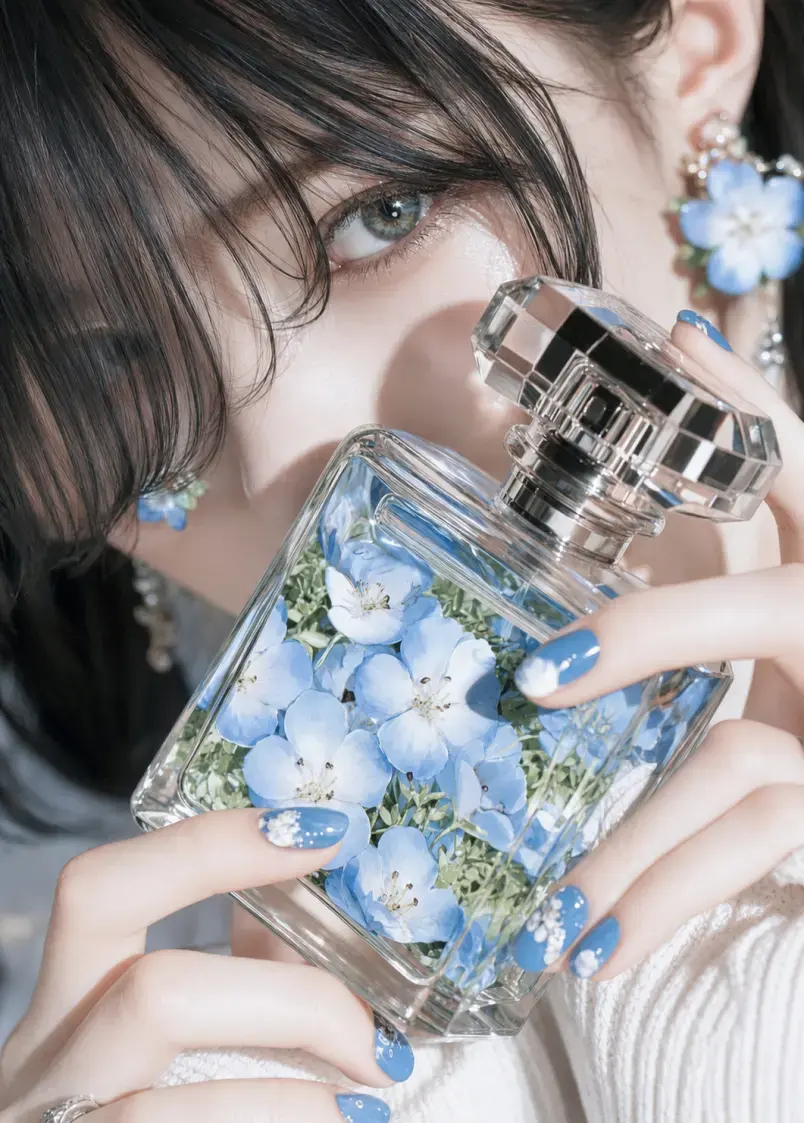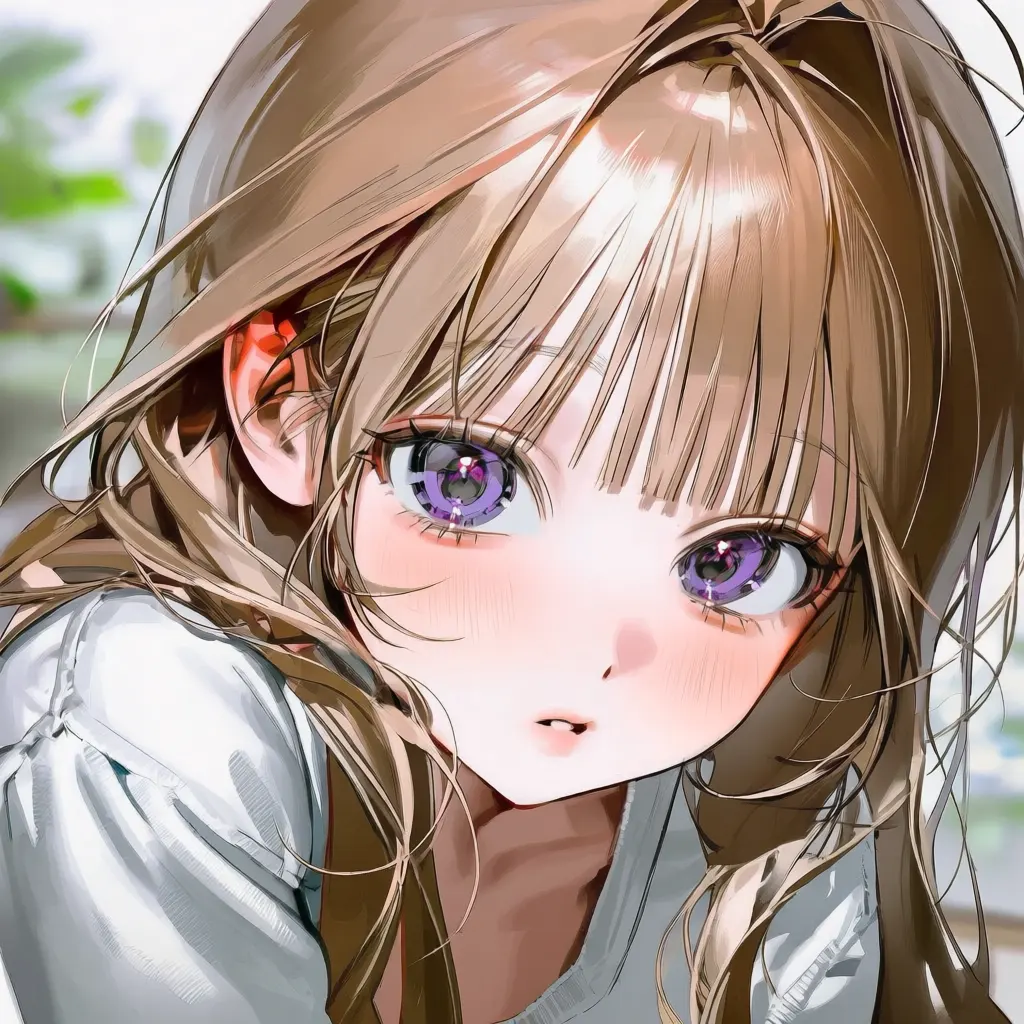
Anime AI Art Generator
Describe the character, outfit, pose, setting, mood, and anime art direction you have in mind. GPTProto turns your text prompt into original anime-style images online.
Upload anime, manga, cartoon, or OC artwork and generate a realistic human interpretation while keeping the hairstyle, expression, outfit, color palette, and other defining visual details.
Examples
Compare original anime, manga, cartoon, and OC artwork with the realistic portraits generated from each source image.
What You Can Transform
Explore different ways to reinterpret illustrated characters as realistic people without writing a prompt.
Turn a close-up or half-body anime portrait into a realistic human interpretation while carrying over its hairstyle, expression, clothing colors, and signature accessories.
Visualize how an original character might look in a live-action setting while keeping the visual traits that make the design recognizable.
Reinterpret colored manga panels, character sheets, and cartoon artwork with natural facial structure, skin, hair, fabric, lighting, and depth.
Create an early visual reference for makeup, hair, wardrobe, casting direction, or a live-action character concept before developing the idea further.
What It Is
Anime to Real Life AI is an image-to-image tool that turns an uploaded illustrated character into a realistic human interpretation.
Instead of describing a new image from scratch, you provide the anime, manga, cartoon, or OC artwork you want to transform. The converter uses that image as its visual reference and applies a fixed realistic treatment, so there is no prompt to write and no style menu to configure.
The result is a newly generated image rather than an exact photographic copy. Small differences can appear in facial structure, clothing details, accessories, background elements, or framing, especially when the source image is highly stylized, cropped, crowded, or low resolution.
The tool carries visible character cues from the source artwork into a newly generated, real-world visual treatment.
Preserving Defining Character Traits
The uploaded image provides reference information such as hairstyle, hair and eye color, expression, apparent age range, pose, outfit, accessories, composition, and background. Clear, visible traits are easier to carry into the generated result than details hidden by cropping, motion blur, text, or other characters.
Translating 2D Details into Real-World Features
Anime artwork often uses enlarged eyes, simplified facial anatomy, flat shading, and drawn textures. The generator reinterprets those elements as more believable human proportions, skin texture, individual hair strands, fabric and material detail, natural shadows, lighting, depth, and camera-like focus.
Input Tips
Start with a source image that clearly shows the details you want the realistic version to keep.
Use one main character: Single-character artwork is easier to interpret than a crowded group scene.
Keep the face visible: Avoid images where hair, hands, masks, text, or props cover important facial features.
Choose a clear portrait or half-body image: A close or medium composition gives the tool more usable information about the face, hair, clothing, and accessories.
Show important design details: If an outfit, weapon, jewelry item, or signature accessory matters, make sure it is fully visible in the source image.
Avoid severe cropping: Missing hair, hands, clothing, or the top of the head may lead the model to reconstruct those areas differently.
Use a clean source file: Low-resolution screenshots, dense watermarks, compression artifacts, and overlaid text can affect the generated details.
Try another generation when needed: Each output is a new interpretation, so a second result may handle a difficult feature differently.
Comparison
These tools reverse the transformation direction. Choose the one that matches the image you already have and the result you want.
| Dimension | Anime to Real Life | Photo to Anime |
|---|---|---|
| Starting image | Anime, manga, cartoon, or OC artwork | A real photograph |
| Generated result | A realistic human or live-action interpretation | Anime-style artwork |
| Main goal | See how an illustrated character could look in reality | Restyle a real person, pet, object, or scene as anime |
| Common uses | OC visualization, realistic avatars, cosplay references, live-action concepts | Anime profile pictures, stylized portraits, gifts, social graphics |
Create original anime art, make controlled image edits, improve a finished result, or explore a different generation workflow with GPTProto.
Describe the character, outfit, pose, setting, mood, and anime art direction you have in mind. GPTProto turns your text prompt into original anime-style images online.
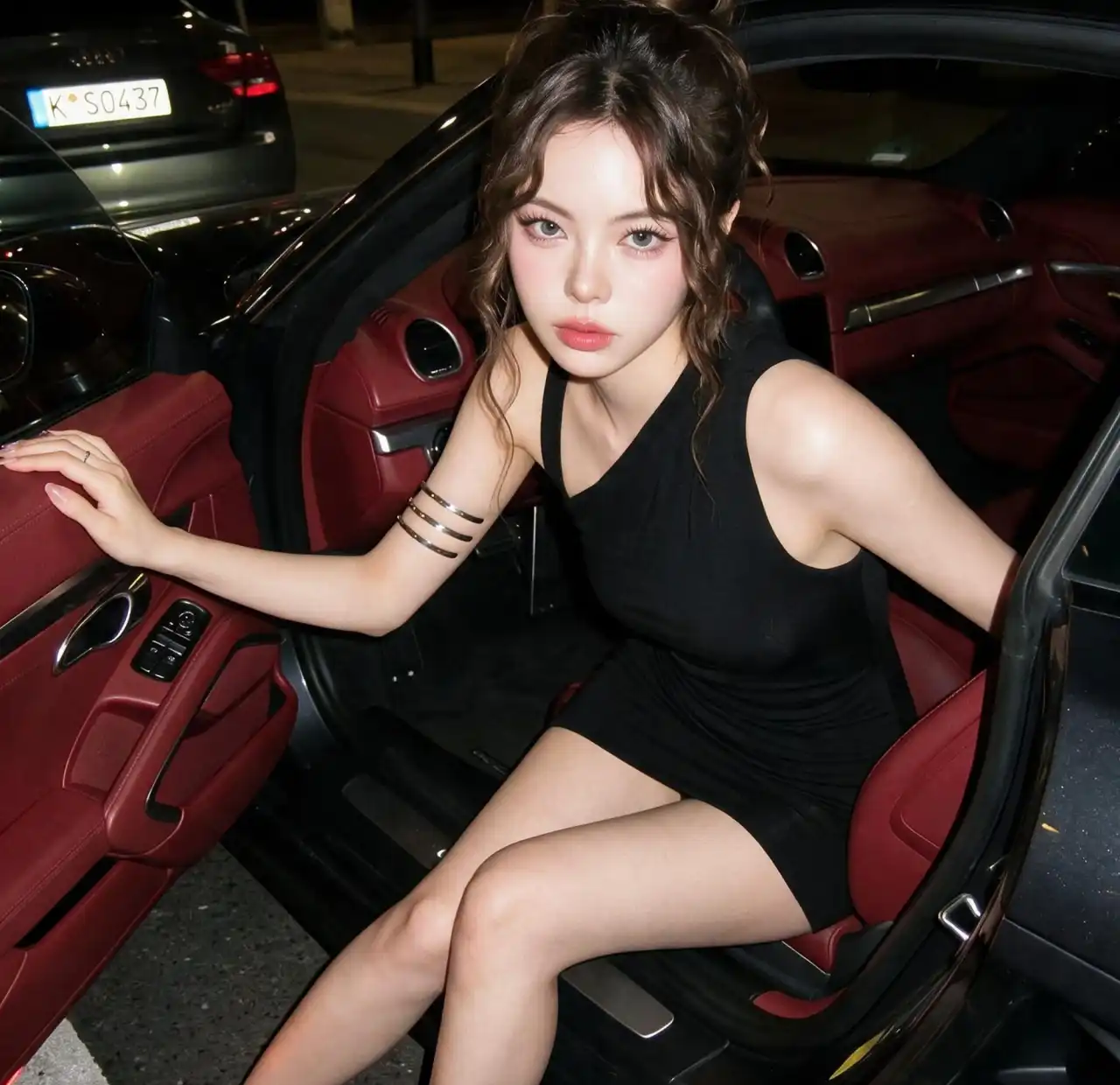
Generate AI images from text or transform an uploaded image online in seconds. GPTProto keeps your prompt exactly as written—with no rewriting, blocked prompts, or hidden creative filters.
Transfer dance, gestures, and body movement from a reference video to your character image. Create a custom AI motion video with two uploads and one click — no prompt or motion-capture setup required.
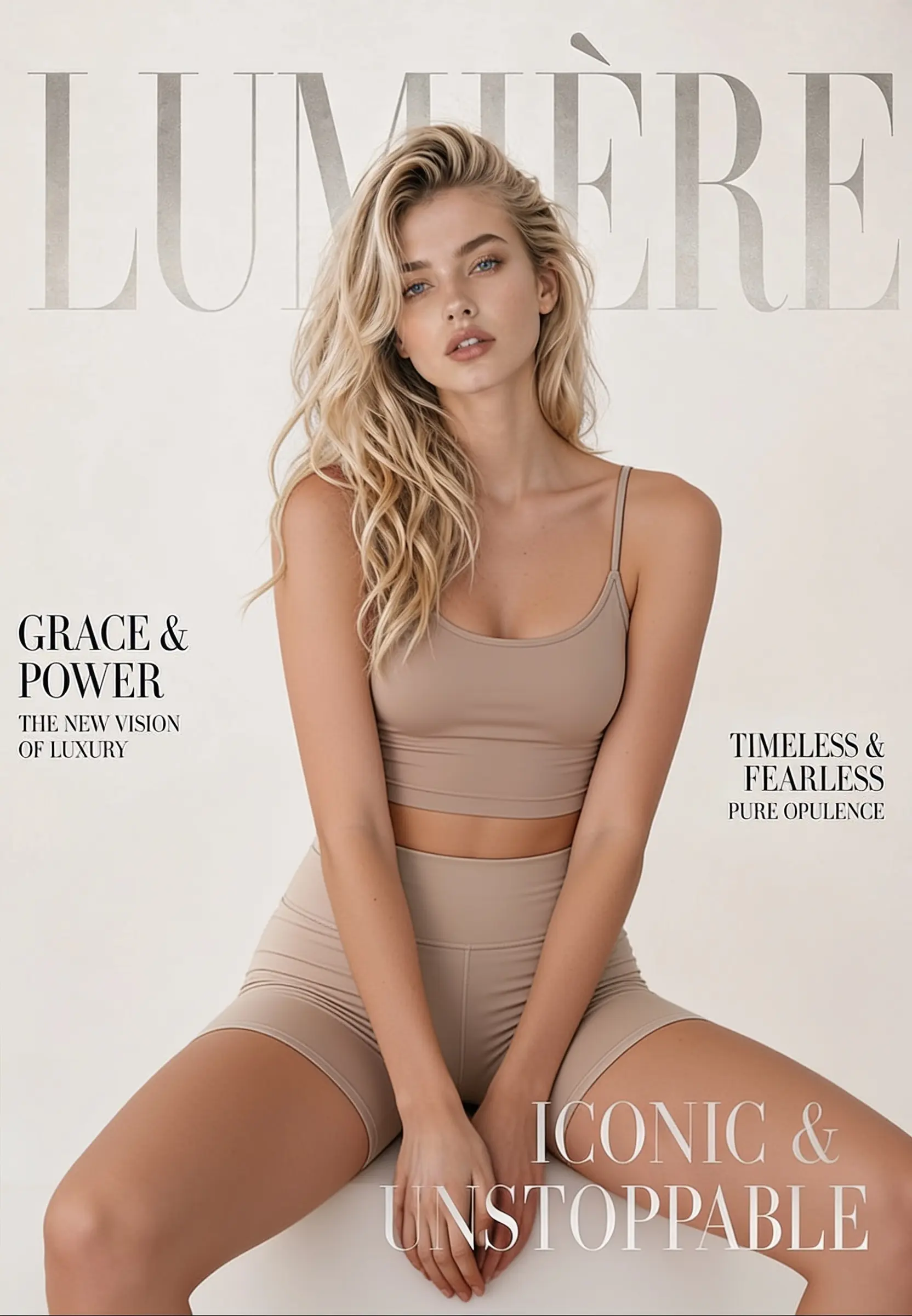
Change, remove, or replace the outfit in any photo online. Upload one image, click generate, and get a realistic restyled result in seconds — made for fashion mockups, e-commerce shots, and everyday photo editing.
See how creators use the tool to visualize original characters, explore cosplay ideas, and turn anime artwork into realistic interpretations.
Images
The images to edit. A maximum of 16 reference images can be uploaded.