WHAT IT IS
What Is an AI Image Editor ?
An AI image editor changes an existing image according to a text instruction, so you can describe the result instead of building it manually with layers, masks, or brushes.
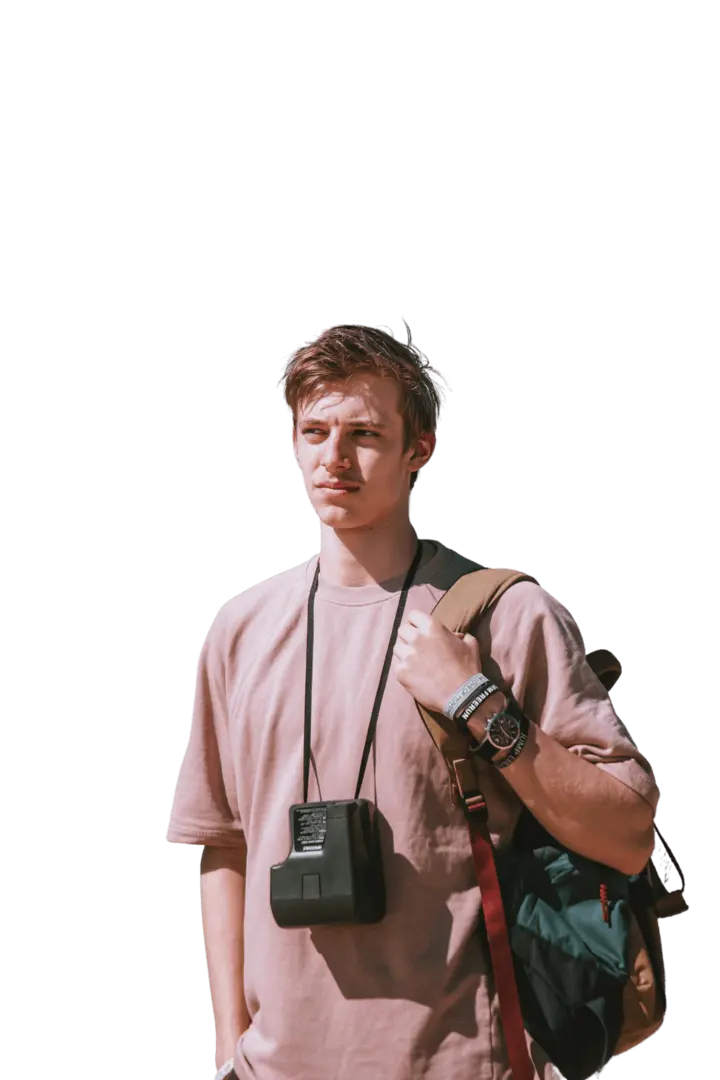
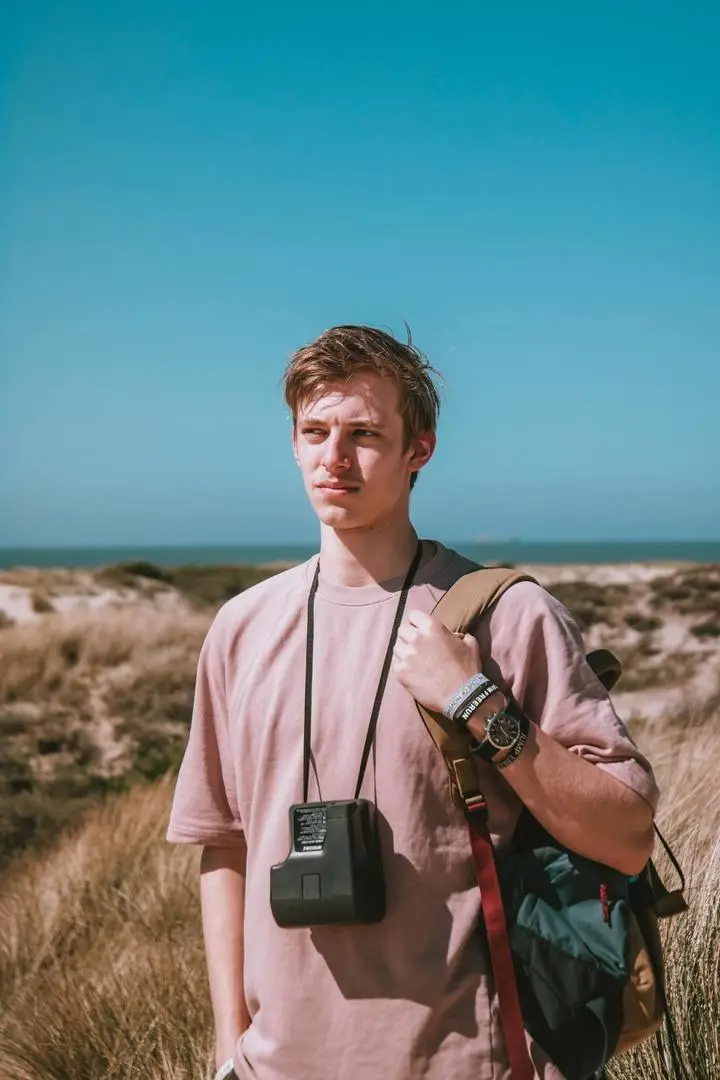
Unlike a text-to-image generator that starts from a blank prompt, an AI photo editor uses your uploaded image as visual context. It interprets the subject, setting, colors, lighting, and composition together with your instruction, then generates a modified result.
Prompt-based editing is useful for quick background changes, object replacement, visual restyling, product-image variations, and everyday photo updates. It does not provide the same pixel-level control as a traditional editor, and generated details may differ from the source. Always review faces, hands, text, logos, product shapes, and edges before using or publishing an edited image.
How Prompt-Based Image Editing Works
The AI considers both the uploaded image and your written instruction to decide what should change and what should remain visually consistent.
Understand the Image and Instruction
The system analyzes the visible subjects, objects, background, lighting, colors, and composition in the uploaded image. It also interprets the action in your prompt—such as add, remove, replace, recolor, or restyle—and uses any preservation instructions to identify details that should stay close to the source.
Generate the Edit in Context
The requested area is regenerated to fit the surrounding image. The result is influenced by the source quality, prompt clarity, object visibility, lighting, and complexity of the requested change. Because the output is generated rather than manually retouched, small details can change and should be checked before download.