AI Face Swap Image
Swap faces in any photo in a single click — no masking, no layers, no editing skills. Just upload two photos and generate.
Turn any photo into a funny, mouse-drawn MS Paint doodle with AI. Upload a portrait, pet, meme, screenshot, or product shot and get crude, wobbly Microsoft Paint–style artwork — no prompt to write, no drawing skill needed. Just upload and generate..
Images
The images to edit. A maximum of 16 reference images can be uploaded.
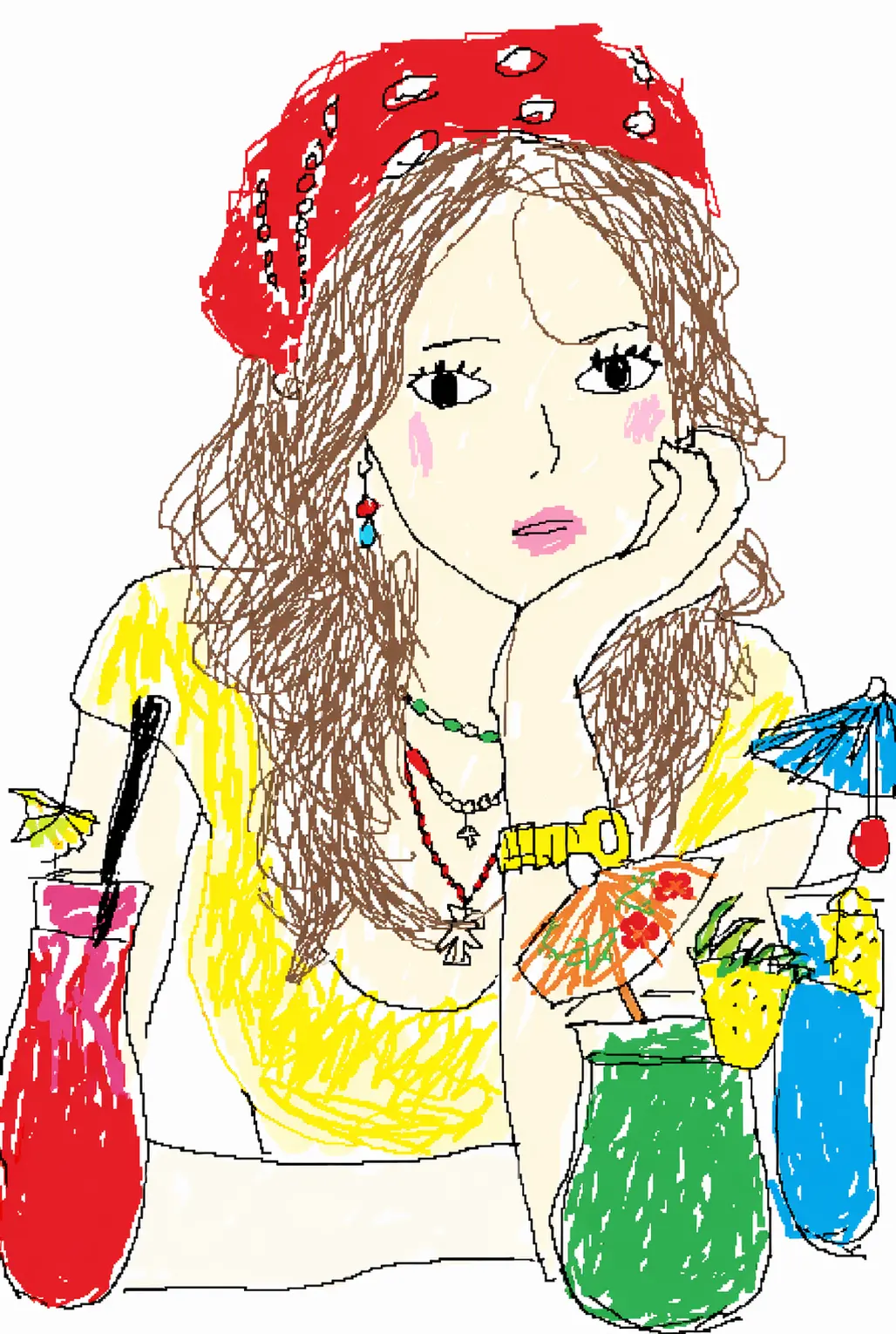
Examples
Every image below started as an ordinary photo, then got redrawn into a crude, shareable MS Paint doodle.
Use-case
Portraits, pets, memes, products — upload any photo and the AI redraws it as a crude MS Paint doodle.
Turn selfies and portraits into wobbly, mouse-drawn faces — lopsided eyes, scribbly hair, flat cheeks. The more off it looks, the funnier it gets.
Redraw your cat, dog, or any animal photo into crude MS Paint art. A quick, funny way to make your pet the star of a meme.
Convert memes, reaction shots, and screenshots into hilariously bad MS Paint versions built for Reddit, Discord, X, and TikTok threads.
Redraw product photos, app screenshots, or logos into clumsy hand-drawn doodles — great for jokes, group chats, and social posts.
What it is
Redraw any photo into a funny, mouse-drawn Microsoft Paint doodle — from one upload and one click.
An MS Paint AI generator is an online tool that redraws any photo you upload into a deliberately crude, mouse-drawn image in the style of classic Microsoft Paint. Instead of polishing your picture, the AI MS Paint image generator does the opposite — it adds shaky outlines, flat blocks of color, uneven proportions, and that hand-drawn-with-a-mouse feel that makes the result look funny and a little broken.
You don't write a prompt or use any editing tools: you upload a photo, generate, and download the doodle.
Subject detection & likeness The AI locates the main subject so your doodle is still clearly you, your pet, or your meme — just crudely drawn.
MS Paint style transfer It replaces clean lines and smooth shading with wobbly mouse strokes, flat fill colors, hard edges, and slightly-off proportions — no gradients, no realistic lighting. Because it runs image-to-image, you never describe anything in words — upload, generate, and the MS Paint version comes back in seconds.
Result tips
The AI does the redraw, but your photo sets the ceiling. A few habits make the doodle funnier and easier to recognize.
01 · Use a clear photo. A sharp, well-lit image with the subject front and center gives the AI a stronger subject to redraw.
02 · Keep it simple. Single subjects — one face, one pet, one product — turn out funnier than busy, crowded scenes.
03 · Front-facing works best for people. A straight-on portrait keeps the doodle recognizable while still looking wonky.
04 · Want it worse? Regenerate. Run the same photo again for a new take — each generation lands a slightly different level of "bad."
Feed it a clear, simple, front-facing photo and the MS Paint doodle turns out funnier and easier to recognize.
Why Viral
The crude, mouse-drawn look became one of the internet's favorite jokes — here's why.
As AI images got glossier and more realistic, people started wanting the opposite: something crude, funny, and obviously human-imperfect. The MS Paint look taps 90s nostalgia and internet humor at once — a photo redrawn this badly reads as a joke on sight, which is exactly why it spreads.
The style caught fire across X, Reddit, TikTok, and Discord, where users redraw portraits, pets, memes, reaction images, and even brand logos into clumsy doodles. The worse the drawing, the more shareable it is — and because an MS Paint doodle takes seconds to make, it's become one of the easiest ways to jump on the joke.
One balance runs every AI tool on GPTProto. Keep editing without switching accounts.
Swap faces in any photo in a single click — no masking, no layers, no editing skills. Just upload two photos and generate.
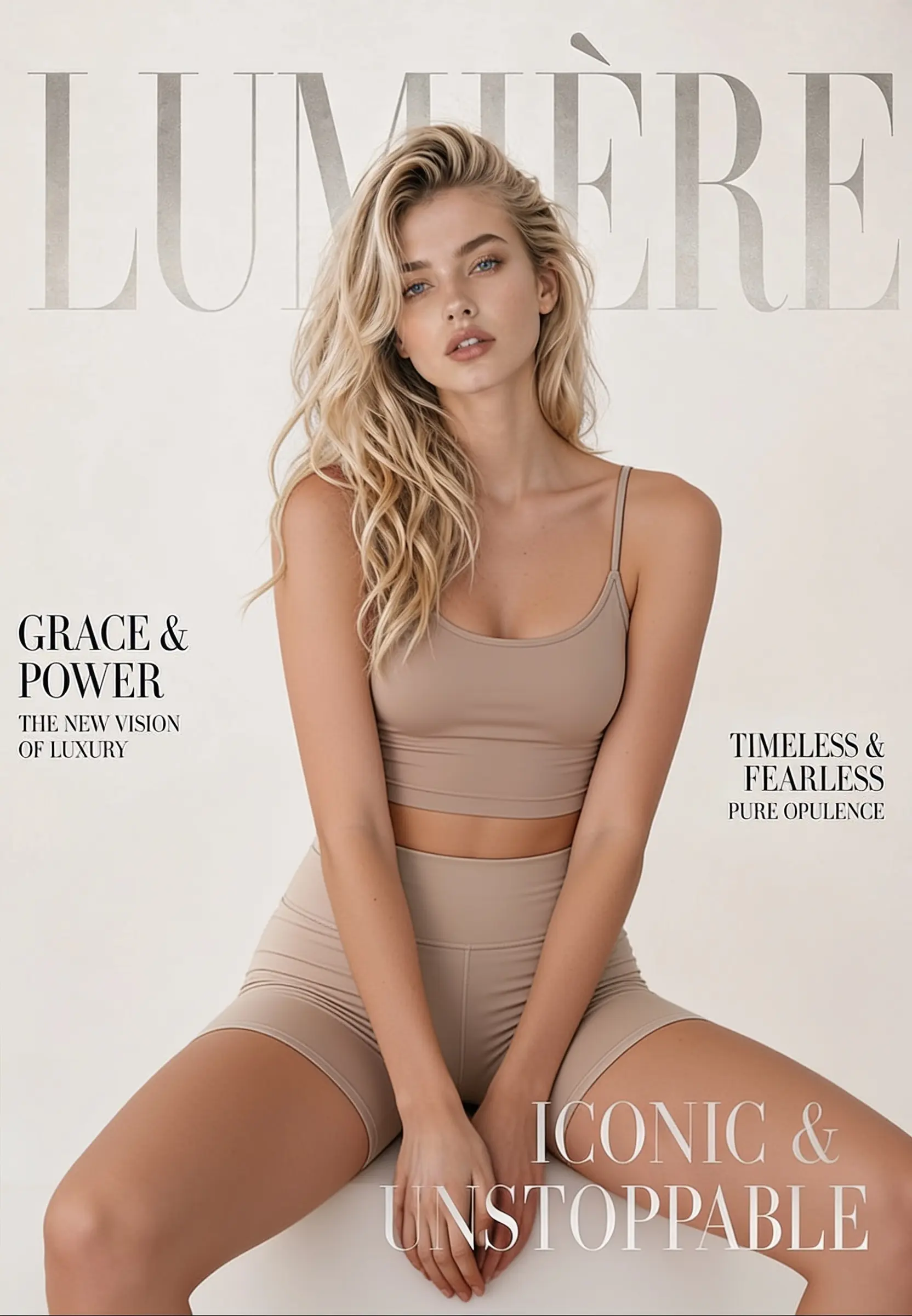
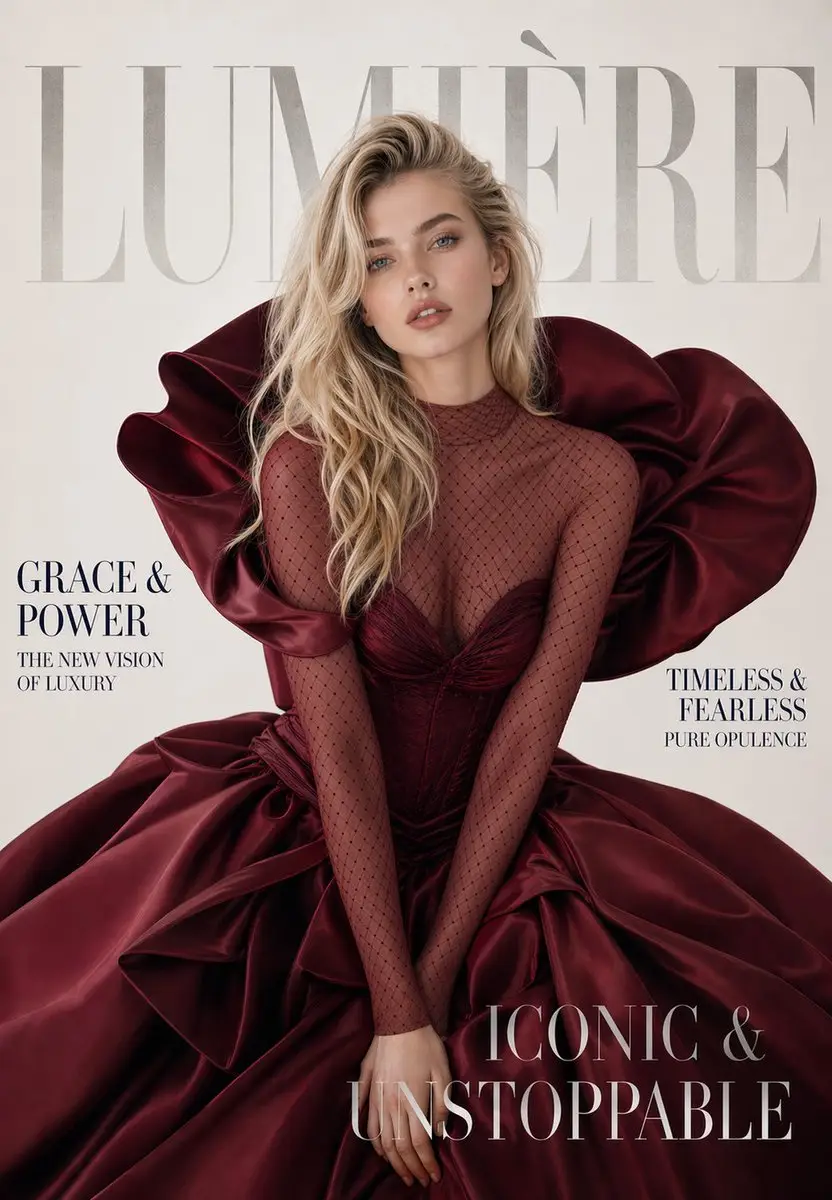
Change, remove, or replace the outfit in any photo online. Upload one image, click generate, and get a realistic restyled result in seconds — made for fashion mockups, e-commerce shots, and everyday photo editing.
Upload one photo and get a passport-style photo — your head cropped and centered on a clean, plain background, ready to download. Your face stays exactly as it is: the tool adjusts framing and background only, so the person in the photo is still you.
We’ve answered the most frequently asked questions
Thousands of satisfied users have shared their Pollo AI experiences on Trustpilot, rating us as "Excellent." See what they love about our platform.