Marcus Bell
5 / 5
E-commerce store owner
"Half my product shots came from suppliers at tiny resolutions. I run them through this, upscale to 4K, and they finally look sharp enough for the storefront and paid ads. Saves me a reshoot every week."
AI Image EnhancerUpload a low-res or blurry picture and let the AI enhance image quality instantly — sharper detail, less noise, and up to 4K resolution. No prompt, no editing skills. One click and download your enhanced photo.
Image
Upload the photo you want to enhance
Examples
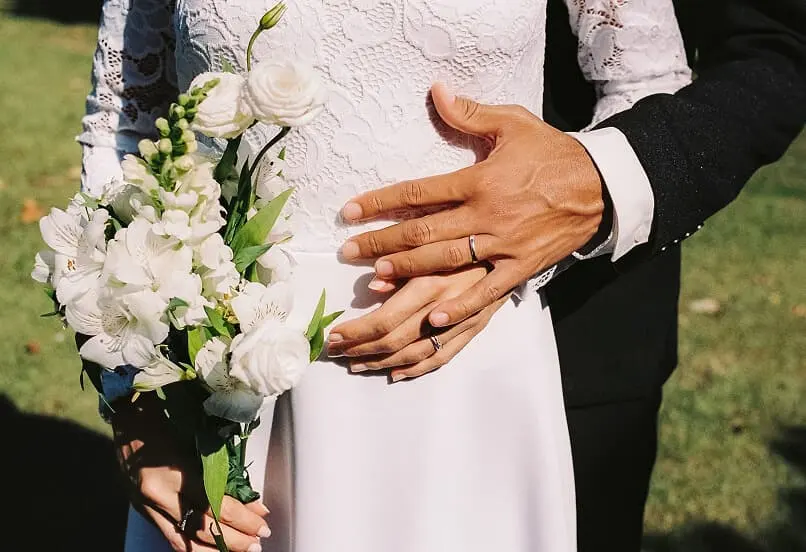
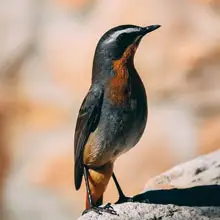
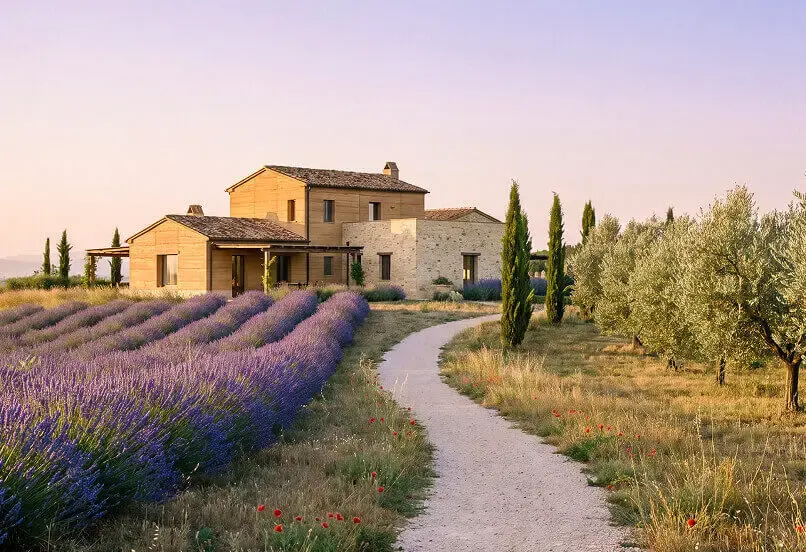
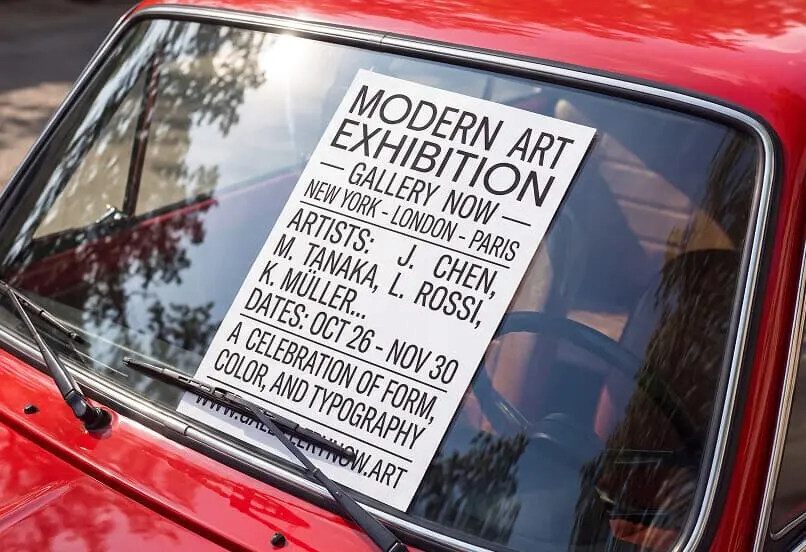
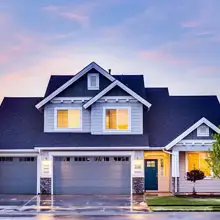
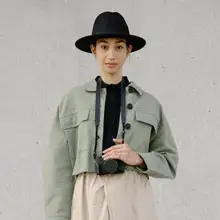
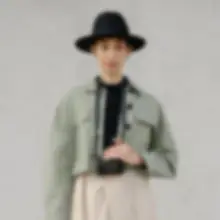
Real enhancements from blurry, low-res, and old photos — drag the slider on each pair to compare the original with the AI-enhanced result.
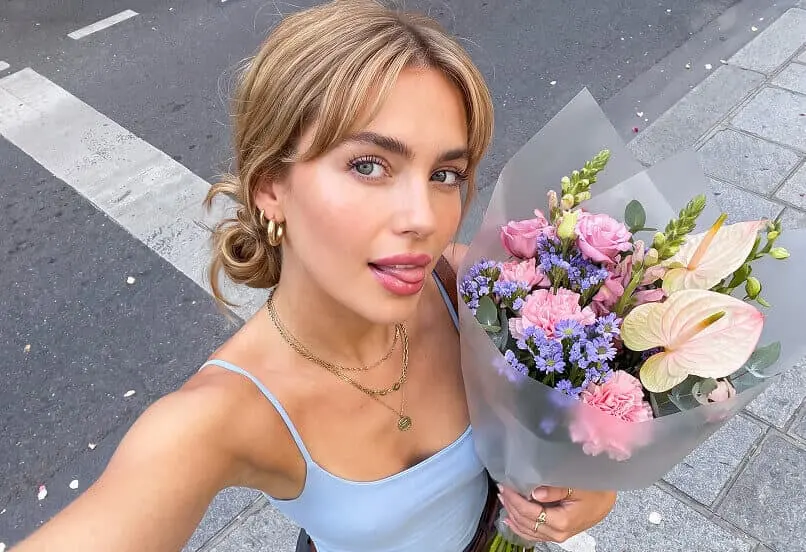
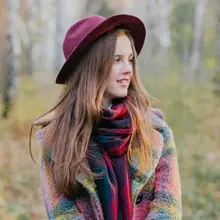
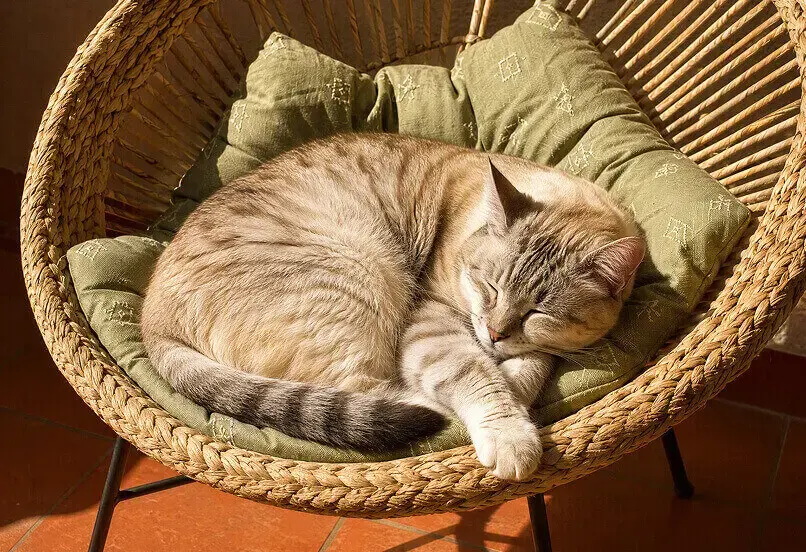


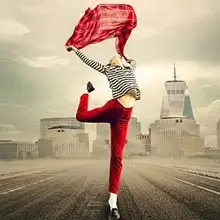
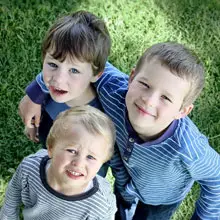
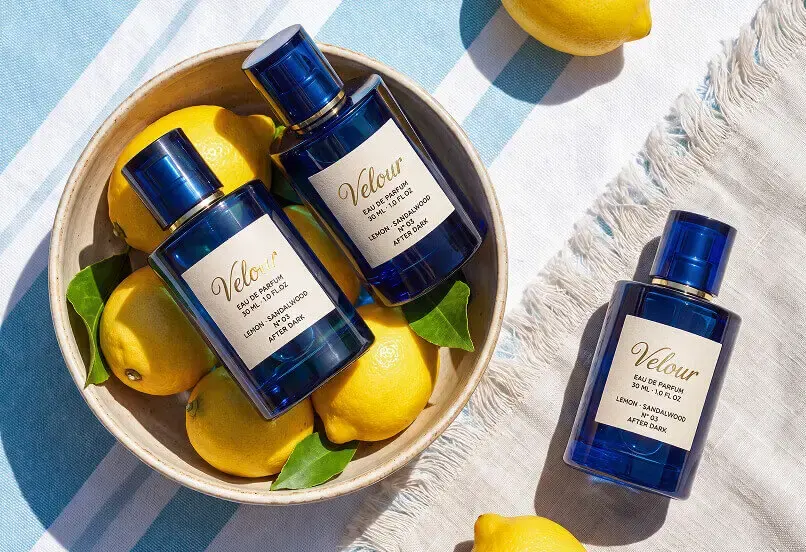

Use-Case
Four common photo problems, one tool. Pick what's wrong with your picture and let the AI handle the rest.
Turn small, low-resolution pictures into 4K without the stretched, blurry look. Ideal for printing, zoomable product shots, and large displays.
Recover crisp edges and detail from soft, out-of-focus, or motion-blurred photos. Faces, text, and textures come back into focus.
Clean up grain, JPEG artifacts, and pixelation from compressed or low-light images — clearer results without the muddy smoothing.
Bring faded, scratched, or dull scans back to life with rebuilt detail and balanced color. Good for family archives and vintage prints.
What it is
Improve the quality of any photo — sharper detail, less noise, and up to 4K — from one upload and one click.
An AI image enhancer is an online tool that improves the quality of a picture automatically — sharpening detail, removing noise and blur, and increasing resolution — without manual editing. Unlike traditional resizing, which stretches existing pixels and leaves the image soft, an AI enhancer reconstructs the detail a higher-resolution version should have. It works as an AI photo enhancer, a picture quality enhancer, and an AI image upscaler from the same one-upload flow. Some people call it an AI image clarity enhancer; it does the same job: enhance image quality online without Photoshop, masks, or manual editing.
Because everything runs from one upload and one Generate button, you don't need any editing experience — upload, click, download. On GPTProto it runs in your browser as one of 100+ AI online tools.
Detail reconstruction, not pixel stretching
The engine is trained on large sets of low- and high-resolution image pairs, so it learns how real detail looks — skin texture, fabric weave, brick edges, foliage. When you upload a low-res photo, it predicts and rebuilds that fine detail instead of averaging neighboring pixels the way basic resizing does. It's content-aware, so faces, products, and landscapes each get appropriate detail. This is what turns a soft, low-res picture into a sharp one instead of just a bigger blurry one.
Cleanup and upscaling in one pass
Enhancement isn't only about size. In a single run the AI denoises grain, removes blur and JPEG artifacts, and then raises resolution up to 4K — so a compressed, soft image comes out clean and sharp at once, with no separate deblur or denoise step to run yourself. The result is a plausible reconstruction, not a literal recovery of lost data — but for most photos the difference is clear.
Quality tips
The AI does the heavy lifting, but your input sets the ceiling. A few habits get you sharper results.
01 — Start with the largest version you have. The more real detail in the source, the more the AI has to rebuild from. A screenshot of a screenshot enhances worst.
02 — Avoid images that are already heavily edited. Strong filters, over-sharpening, or a prior AI upscale can confuse detail reconstruction and add artifacts.
03 — Match the fix to the problem. Blur, noise, and low resolution are different issues — a soft photo needs sharpening, a grainy one needs denoise, a small one needs upscaling.
04 — Don't expect tiny text or faces to be invented. The AI rebuilds plausible detail; unreadable text a few pixels tall, or a face that's a handful of pixels wide, can't be fully recovered.
05 — Enhance before you crop or print. Upscale at full frame first, then crop or size for print — you keep the most detail for the final output.
Feed it a clean, reasonably lit original and the enhancement holds up far better.