AI Passport Photo Maker

Upload one photo and get a passport-style photo — your head cropped and centered on a clean, plain background, ready to download. Your face stays exactly as it is: the tool adjusts framing and background only, so the person in the photo is still you.

Your Photo

Upload a portrait to turn into a passport-ready photo

Preview image

HOW TO MAKE A PASSPORT PHOTO IN 3 STEPS

One upload, three steps, and a document-ready photo — no prompt to write, no editing skills needed.

  1. UPLOAD YOUR PHOTO

    UPLOAD YOUR PHOTO

    Add a clear, front-facing portrait taken in even light. Any background is fine — the tool replaces it.

  2. GENERATE: Click Generate. The AI detects your head, crops to a passport-style frame, centers your face, and sets a clean, plain background- no settings to choose.
    GENERATE

    GENERATE

    Click Generate. The AI detects your head, crops to a passport-style frame, centers your face, and sets a clean, plain background- no settings to choose.

  3. DOWNLOAD

    DOWNLOAD

    Save your HD photo, ready to print or to resize to your document's exact dimensions before you submit.

Examples

FROM ANY SELFIE TO A DOCUMENT-READY PHOTO

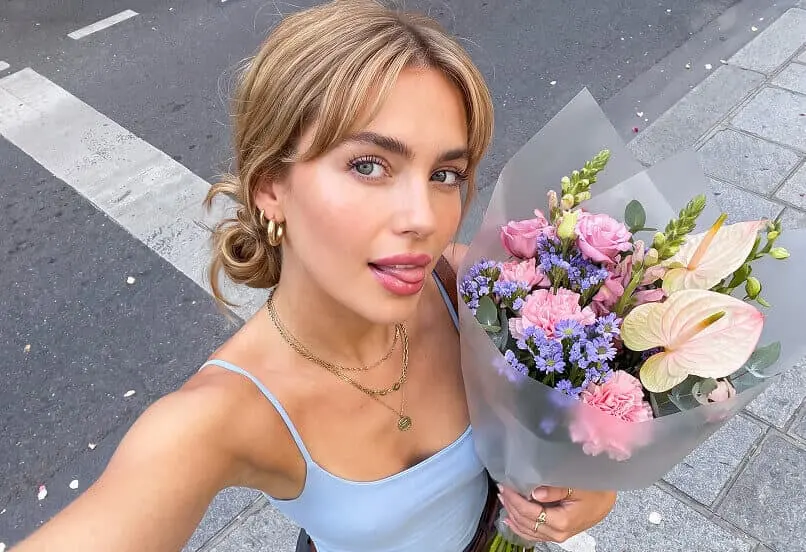
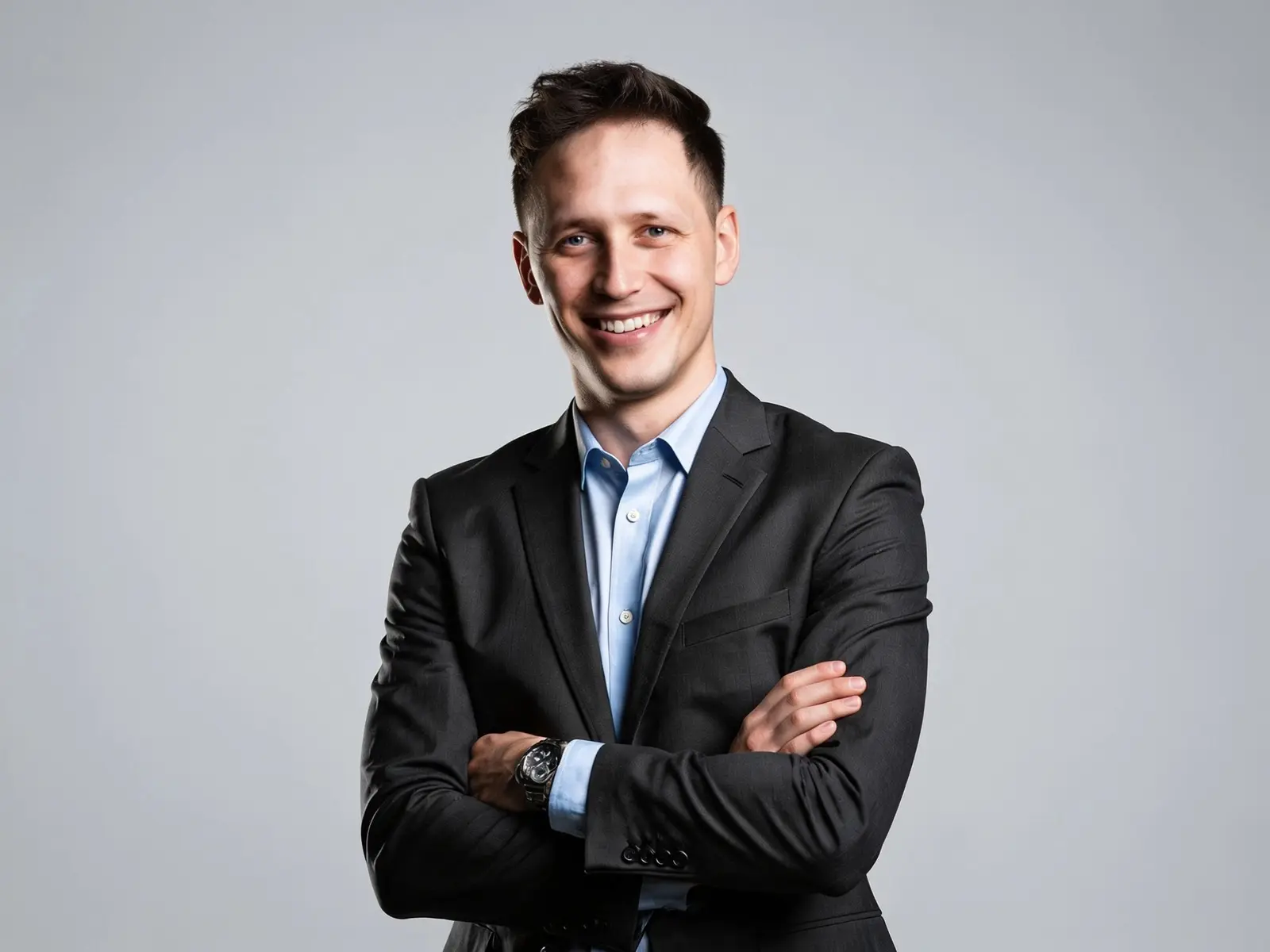
A normal portrait goes in; a correctly sized, clean-background passport photo comes out, with the same face, no retouching.

Use Cases

WHAT YOU CAN DO WITH AI PASSPORT PHOTO MAKER

The same one-click flow, sized for whatever document or profile you're filling out.

  • Passport & visa photos

    Turn a selfie into a clean, front-facing headshot on a plain background — a ready starting point for the passport or visa photo your application needs.

  • ID cards & licenses

    Get a tidy, centered headshot on a plain background for national ID, residence permit, or license forms that accept a formatted photo.

  • Professional & profile headshots

    Turn a casual portrait into a tidy, neutral-background headshot for LinkedIn, work badges, résumés, or company directories.

  • Online forms & family photos

    Format a photo for online applications, school or gym IDs, or a child's document photo — one upload, clean plain background.

What it is

WHAT IS AN AI PASSPORT PHOTO MAKER?

What the tool does to your photo — and what it deliberately leaves untouched.

An AI passport photo maker turns a normal portrait into a document-ready photo without changing how you look. It detects your head, crops to a passport-style frame, positions your face within a standard head-height range, and replaces the background with a plain, light color.

On GPTProto it runs as a single-upload tool — no prompt to write, no settings to choose. It adjusts framing and background only. It does not retouch, beautify, or regenerate your face, so the person in the photo is still you.

How It Works

  • Head & face detection — locates your face and the chin-to-crown line so the head sits in the right place.

  • Crop & framing — crops to a passport-style headshot and positions your head within a standard range.

  • Background replacement — swaps a busy background for a plain, light field.

  • Framing check — centers the face and keeps the shoulders and margins inside the frame.
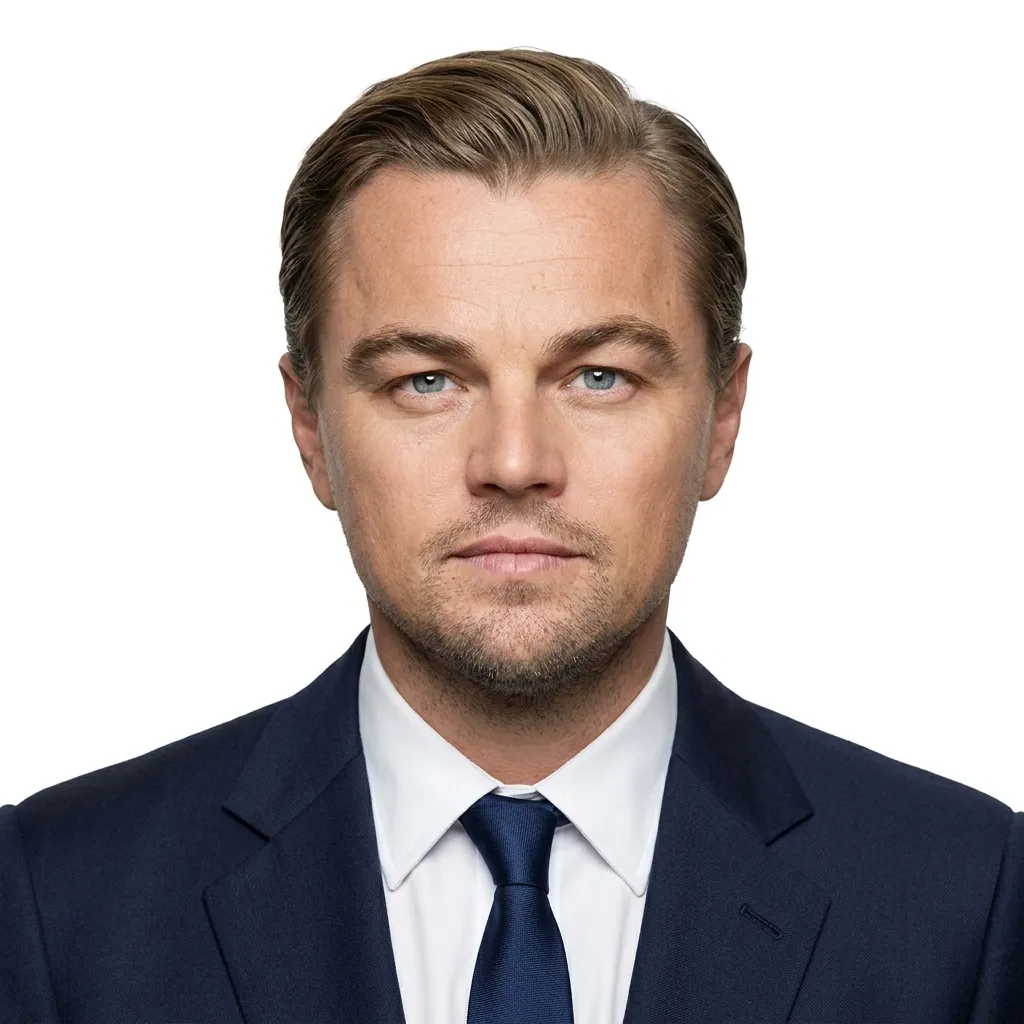
Photo size

GLOBAL PASSPORT PHOTO SPECIFICATIONS

Size, background, and head-height rules for the most commonly requested countries.

There is no single worldwide standard — always confirm the exact requirement for your specific document and issuing authority. The figures below are common standards as of 2026, not a substitute for official guidance. This tool produces a passport-style photo; use the table to confirm your target and resize the download if your application requires exact dimensions.

Country / Region Print size Background Head height (chin–crown) Common digital spec
United States 2×2 in (51×51 mm) Plain white / off-white 1–1⅜ in (25–35 mm) 600×600 px min, 300 DPI
UK 35×45 mm Light grey or cream (not pure white) ~29–34 mm ~413×531 px @ 300 DPI
EU / Schengen 35×45 mm Light grey / off-white (France: grey only) 32–36 mm ~413×531 px @ 300 DPI
Canada 50×70 mm Plain white 31–36 mm 420×540 px min
Australia 35×45 mm Plain white 32–36 mm 600×750 px min
India 35×45 mm or 51×51 mm (varies by document/portal) White (some portals prefer very light blue) 70–80% of frame Verify on Passport Seva; tight file caps
China 33×48 mm Plain white 28–33 mm 354×472 px for many online visa uses
Japan 35×45 mm Plain white / light ~34 mm 600×600 px min

Most of the world uses the 35×45 mm rectangle; the US 2×2 in square and Canada 50×70 mm are the main exceptions — a photo cropped for one family is rarely valid for another. Use this table to confirm your target, then resize the downloaded photo to the exact dimensions your application requires.

Accuracy tips

TIPS FOR A PHOTO THAT PASSES

Six things to get right before you upload, so fewer applications come back rejected.

  • Background — stand in front of a plain, evenly lit wall; keep a gap so no shadow falls behind you.

  • Lighting — face a window in soft daylight. Avoid hard overhead light, which casts shadows under the chin.

  • Expression — neutral, mouth closed, eyes open and visible. Many authorities reject smiles.

  • Head position — face the camera straight on, head level, both sides of the face visible.

  • Camera — use the rear camera from a little over arm's length; the selfie lens can distort your face.

  • Accessories — remove glasses (the US bans them entirely) and hats, unless worn for documented religious reasons.

Frequently Asked Questions

Can AI make a passport photo?

Yes — for sizing and formatting. It crops your real photo to the exact dimensions your document needs and sets a compliant background. It does not invent or alter your face. Whether the result is accepted depends on your issuing authority's current rules

Will an AI passport photo be accepted for a US passport?

Read this before you submit. Since January 2026, the US State Department rejects passport photos altered by AI, filters, or editing software, and screens uploads for it. This tool never changes your face, but because it replaces the background, a US passport direct submission is safest with an unedited photo taken against a real plain white background. Use this tool for a clean, correctly framed photo, and for visa, ID, and headshot uses — and always check the current official rules on travel.state.gov before submitting a US passport photo.

What size should my passport photo be?

It depends on the country. The US uses 2×2 in (51×51 mm); the UK, EU/Schengen, Australia, and Japan use 35×45 mm; Canada uses 50×70 mm; China uses 33×48 mm. See the specifications table above, then resize your downloaded photo to match if your application requires an exact size.

What background color do I need?

Most countries want plain white or off-white. The UK prefers light grey or cream, and France requires grey — a pure white background can be rejected there. This tool outputs a plain, light background; if your destination requires a specific shade, confirm the download matches before submitting.

Can I make a baby or infant passport photo?

Yes. Upload a clear photo of the child alone — no hands, toys, or pacifiers in frame — and the tool crops and formats it. Infant rules are more relaxed on expression, but the size and background rules still apply.

Is there a free version, and how much does it cost?

GPTProto is pay-as-you-go: each passport photo costs $0.0402, drawn from one prepaid balance that also covers 100+ other AI online tools. There is no subscription.

Can I use it for a visa or green card photo?

Yes, for sizing and formatting to the dimensions your application specifies. Confirm the exact size and background on the official form first — visa specs sometimes differ from a country's passport specs.

Do you store my uploaded photo?

Your photo is processed securely, deleted shortly after your photo is generated, and not used to train models.

Testimonials

Daniel R.

Freelance designer

"Uploaded a phone selfie with a messy room behind me and got a clean headshot on a plain background in seconds. Used it straight on a visa form."

Mei L.

International student

"My face wasn't changed at all — still me, just a plain even background. I resized it to my country's spec myself and it was accepted."

James O.

Small business owner

"Needed matching headshots for our team page. One balance covered the whole team at a few cents each."

Priya S.

New parent

"Got a usable plain-background photo of my toddler without dragging everyone to a studio."

Tomás G.

Job seeker

"Turned a casual photo into a tidy, LinkedIn-ready headshot. No strange AI face edits — it still looks like me."

Aisha K.

Frequent traveler

"Fast and cheap for a clean ID-style photo. I checked it against the official size requirements and adjusted before submitting."