MS Paint AI 생성기
AI로 어떤 사진이든 재미있는 마우스 드로잉 MS Paint 낙서로 바꿔 보세요. 인물 사진, 반려동물, 밈, 스크린샷, 제품 사진을 업로드하면 투박하고 삐뚤빼뚤한 Microsoft Paint 스타일 아트웍이 완성됩니다. 작성할 프롬프트도, 그림 실력도 필요 없어요. 업로드하고 생성하기만 하면 됩니다.
Upload one photo and get a passport-style photo — your head cropped and centered on a clean, plain background, ready to download. Your face stays exactly as it is: the tool adjusts framing and background only, so the person in the photo is still you.
Your Photo
Upload a portrait to turn into a passport-ready photo
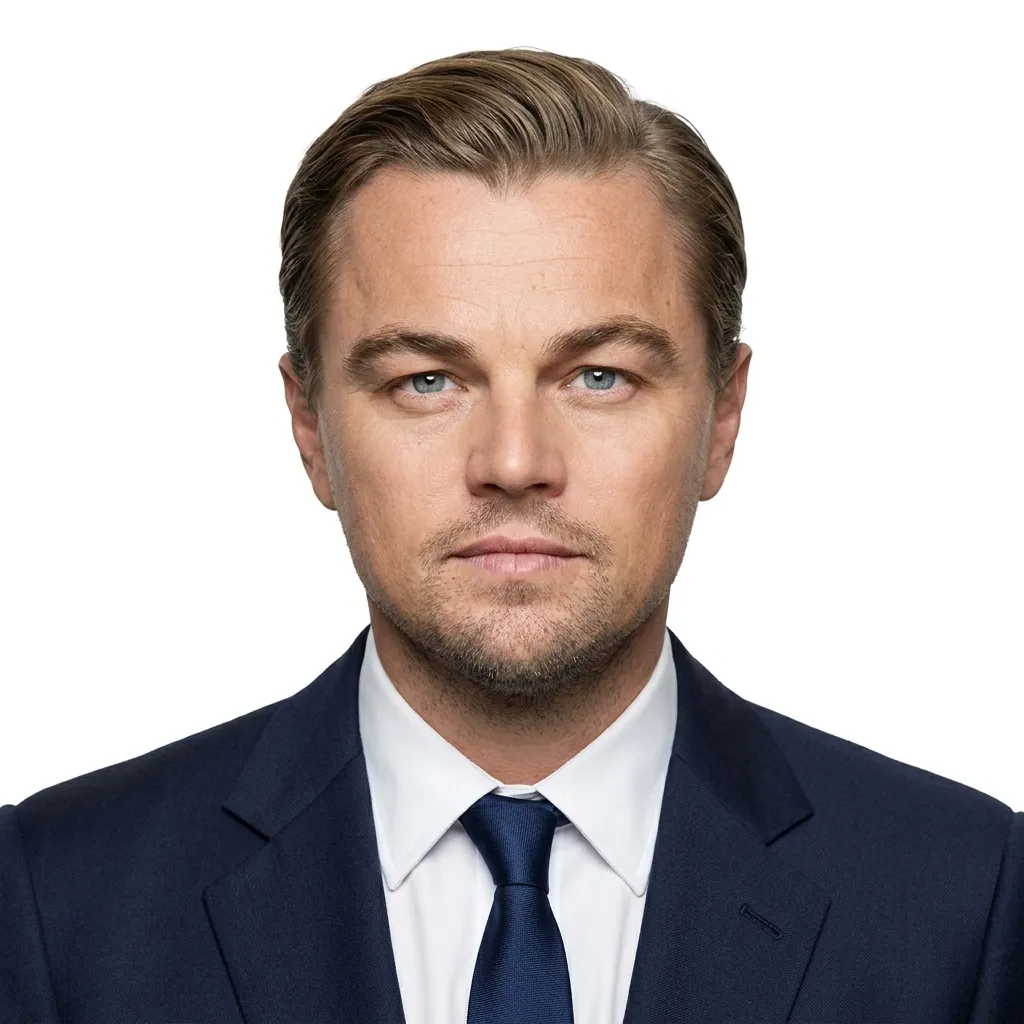
사진 한 장 업로드, 세 단계로 서류 제출용 사진 완성. 작성할 프롬프트도, 편집 기술도 필요 없습니다.
고른 조명에서 촬영한 선명한 정면 초상화를 추가하세요. 배경은 무엇이든 괜찮습니다. 도구가 교체합니다.

생성을 클릭하세요. AI가 머리를 감지하고 여권 스타일 프레임으로 크롭한 뒤 얼굴을 중앙에 배치하고 깔끔한 단색 배경을 설정합니다. 선택할 설정이 없습니다.
HD 사진을 저장하세요. 제출 전에 인쇄하거나 서류의 정확한 크기로 조정할 수 있습니다.
예시
평범한 초상화가 들어가면 올바른 크기와 깔끔한 배경의 여권 사진이 나옵니다. 얼굴은 그대로이며 보정이 없습니다.
활용 사례
작성 중인 서류나 프로필에 맞게 크기가 조정되는 동일한 원클릭 방식입니다.
셀카를 단색 배경의 깔끔한 정면 헤드샷으로 바꿔 신청에 필요한 여권 또는 비자 사진의 준비된 시작점을 만듭니다.
서식에 맞는 사진을 허용하는 국가 신분증, 거주 허가증, 면허 양식에 사용할 단색 배경의 단정하고 중앙 정렬된 헤드샷을 얻으세요.
일상적인 초상화를 LinkedIn, 사원증, 이력서, 회사 디렉토리에 쓸 수 있는 중립 배경의 단정한 헤드샷으로 바꿉니다.
온라인 신청, 학교·체육관 ID, 또는 아이의 서류 사진을 위한 사진을 한 번의 업로드와 깔끔한 단색 배경으로 정리합니다.
What it is
What the tool does to your photo — and what it deliberately leaves untouched.
An AI passport photo maker turns a normal portrait into a document-ready photo without changing how you look. It detects your head, crops to a passport-style frame, positions your face within a standard head-height range, and replaces the background with a plain, light color.
On GPTProto it runs as a single-upload tool — no prompt to write, no settings to choose. It adjusts framing and background only. It does not retouch, beautify, or regenerate your face, so the person in the photo is still you.
Head & face detection — locates your face and the chin-to-crown line so the head sits in the right place.
Crop & framing — crops to a passport-style headshot and positions your head within a standard range.
Background replacement — swaps a busy background for a plain, light field.
Framing check — centers the face and keeps the shoulders and margins inside the frame.
Photo size
Size, background, and head-height rules for the most commonly requested countries.
There is no single worldwide standard — always confirm the exact requirement for your specific document and issuing authority. The figures below are common standards as of 2026, not a substitute for official guidance. This tool produces a passport-style photo; use the table to confirm your target and resize the download if your application requires exact dimensions.
| Country / Region | Print size | Background | Head height (chin–crown) | Common digital spec |
|---|---|---|---|---|
| United States | 2×2 in (51×51 mm) | Plain white / off-white | 1–1⅜ in (25–35 mm) | 600×600 px min, 300 DPI |
| UK | 35×45 mm | Light grey or cream (not pure white) | ~29–34 mm | ~413×531 px @ 300 DPI |
| EU / Schengen | 35×45 mm | Light grey / off-white (France: grey only) | 32–36 mm | ~413×531 px @ 300 DPI |
| Canada | 50×70 mm | Plain white | 31–36 mm | 420×540 px min |
| Australia | 35×45 mm | Plain white | 32–36 mm | 600×750 px min |
| India | 35×45 mm or 51×51 mm (varies by document/portal) | White (some portals prefer very light blue) | 70–80% of frame | Verify on Passport Seva; tight file caps |
| China | 33×48 mm | Plain white | 28–33 mm | 354×472 px for many online visa uses |
| Japan | 35×45 mm | Plain white / light | ~34 mm | 600×600 px min |
Most of the world uses the 35×45 mm rectangle; the US 2×2 in square and Canada 50×70 mm are the main exceptions — a photo cropped for one family is rarely valid for another. Use this table to confirm your target, then resize the downloaded photo to the exact dimensions your application requires.
Accuracy tips
Six things to get right before you upload, so fewer applications come back rejected.
Background — stand in front of a plain, evenly lit wall; keep a gap so no shadow falls behind you.
Lighting — face a window in soft daylight. Avoid hard overhead light, which casts shadows under the chin.
Expression — neutral, mouth closed, eyes open and visible. Many authorities reject smiles.
Head position — face the camera straight on, head level, both sides of the face visible.
Camera — use the rear camera from a little over arm's length; the selfie lens can distort your face.
Accessories — remove glasses (the US bans them entirely) and hats, unless worn for documented religious reasons.
One balance runs every AI tool on GPTProto. Keep editing without switching accounts.
AI로 어떤 사진이든 재미있는 마우스 드로잉 MS Paint 낙서로 바꿔 보세요. 인물 사진, 반려동물, 밈, 스크린샷, 제품 사진을 업로드하면 투박하고 삐뚤빼뚤한 Microsoft Paint 스타일 아트웍이 완성됩니다. 작성할 프롬프트도, 그림 실력도 필요 없어요. 업로드하고 생성하기만 하면 됩니다.
마스킹, 레이어, 편집 기술 없이 한 번의 클릭으로 어떤 사진에서든 얼굴을 바꾸세요. 사진 두 장을 업로드하고 생성하면 됩니다.
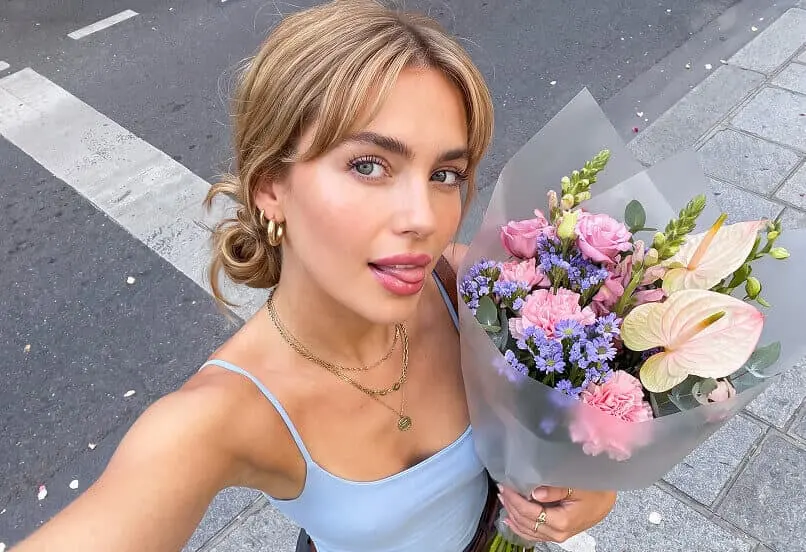
AI 이미지 향상 도구: 저해상도나 흐릿한 사진을 업로드하면 AI가 즉시 이미지 품질을 향상합니다. 더 선명한 디테일, 더 적은 노이즈, 최대 4K 해상도를 제공합니다. 프롬프트도 편집 기술도 필요 없습니다. 한 번의 클릭으로 향상된 사진을 다운로드하세요.
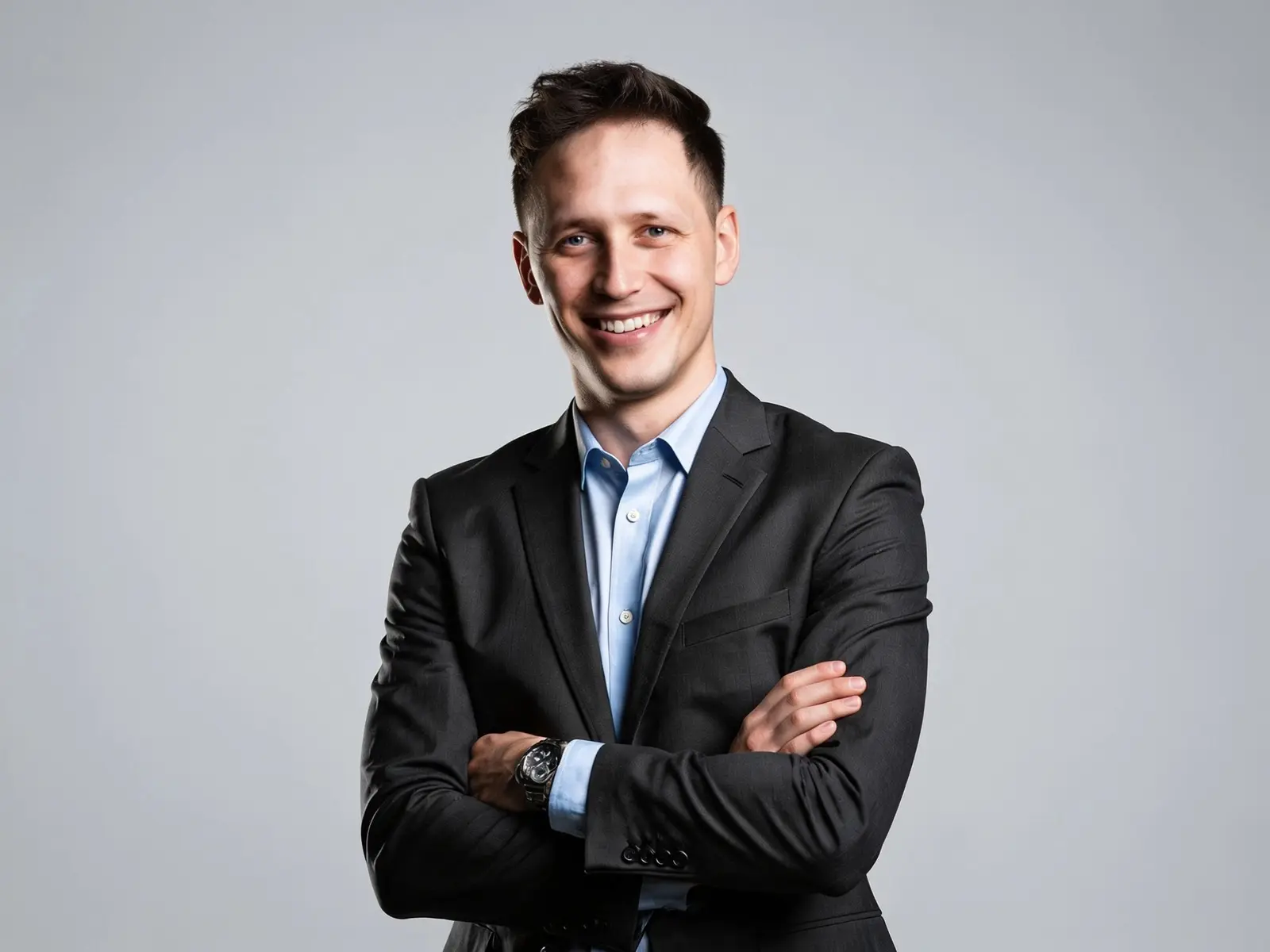
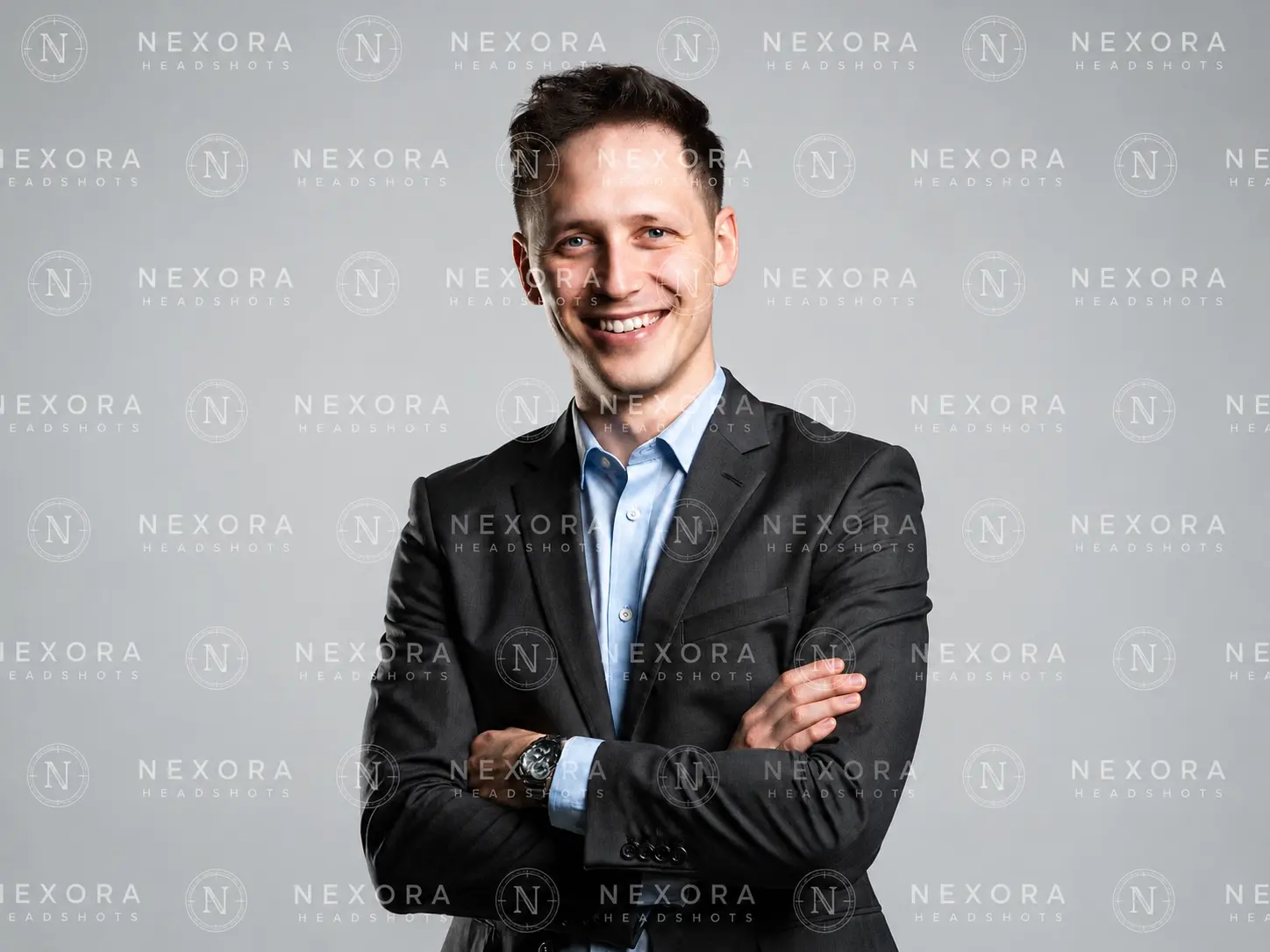
온라인에서 이미지의 보이는 로고, 텍스트, 날짜 스탬프를 제거하세요—업로드 한 번, 클릭 한 번, 편집 소프트웨어 불필요.