AI Age Filter
Upload a portrait or start with a text prompt to create an older, younger, teen, or baby version. Choose an example to load its prompt, adjust the age and details, and generate your result online.
Upload one photo and star in your own movie poster — or type a concept and the AI builds it from scratch. The AI movie poster generator wraps a full film poster around your shot: genre lighting, cinematic color, and a clean area for your title, in fantasy, horror, blockbuster, indie, or animated looks. Runs online in your browser, no design software.
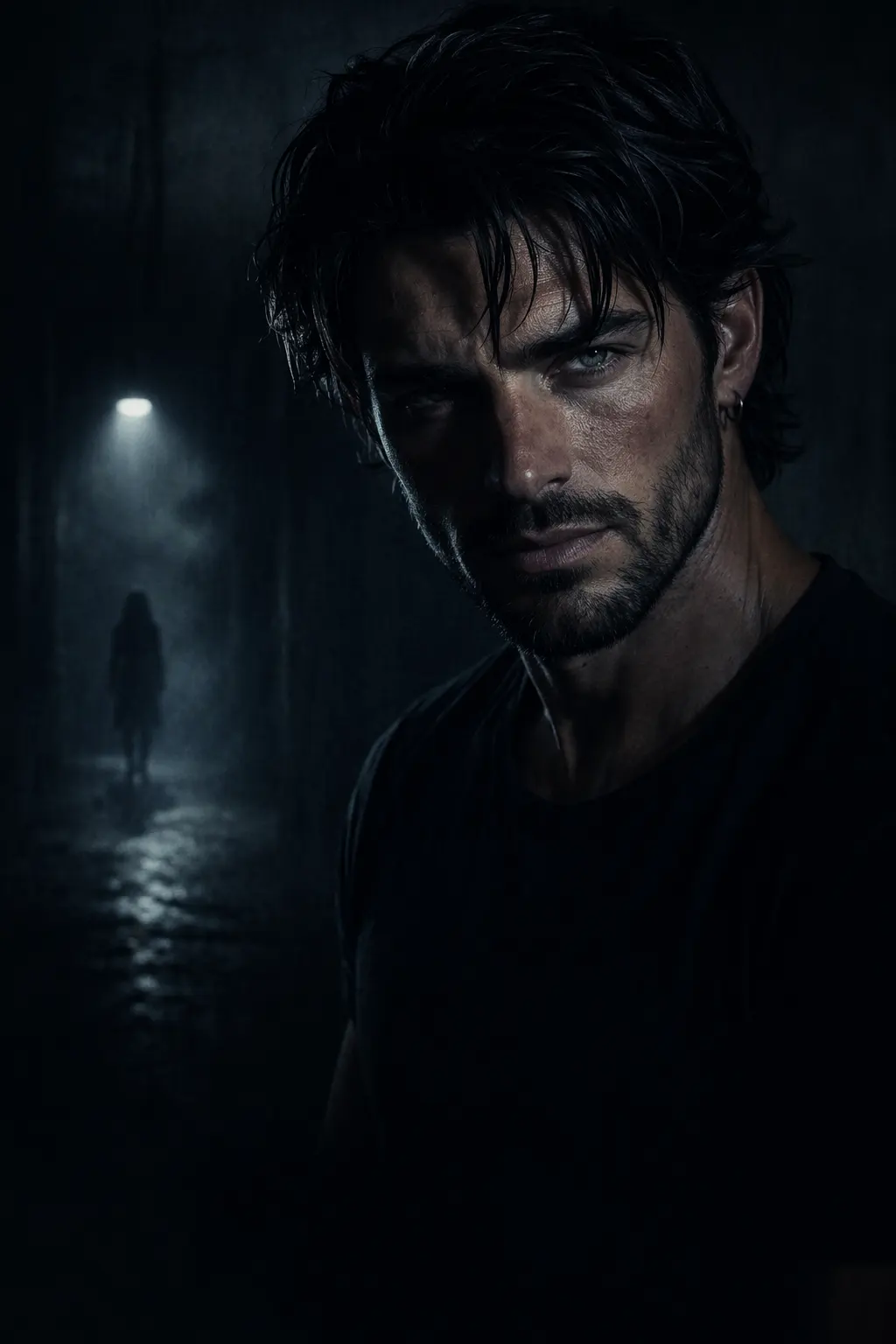
An AI movie poster generator is an online tool that turns a single photo — or a short text idea into a finished film poster. You pick a genre, and the AI builds the whole one-sheet around your subject: the lead image, genre-matched color and lighting, and a clean area kept open for the title and credits. AI image models render stylized text unreliably, so the presets focus on the artwork and leave the title space clean; you drop a crisp, correctly spelled title in afterward.
GPTProto's version runs two ways. Photo to poster (image-to-image) keeps your face and pose and restyles everything around you, so you become the lead of a horror, blockbuster, indie, or animated feature. Text to poster (text-to-image) starts from a written concept and designs a poster from nothing — useful when you're pitching a fantasy world that doesn't exist yet. People use it for fake movie posters of themselves and friends, concept art for student films and pitches, social posts, and shareable before-and-afters.
A good poster isn't a busy collage — it's one clear idea that still reads when it's shrunk to a thumbnail in a feed. Three things carry most of the result, and the generator is tuned around them.
Genre sets the look. The fastest way to signal what a film is is color and light. Horror leans cold, high-contrast, and shadow-heavy; action runs warm orange-and-teal with hard rim lighting; indie drama goes muted and grainy with lots of negative space; fantasy goes wide and luminous. Picking a genre preset loads that whole visual grammar at once instead of you tuning it by hand.
Composition that reads at a glance. Strong posters use a clear focal point and the rule of thirds — a centered hero or a single striking image, not five competing ones. The generator keeps one subject dominant and leaves the top or bottom third open for the title, the way studio one-sheets do.
Best photo for photo-to-poster. For the image-to-image styles, the input does a lot of the work. A clear, front-facing portrait with even light and an unobstructed face holds your identity through the restyle. Sunglasses, heavy filters, hard shadows, or a tiny low-res face give the model less to anchor to, so the likeness drifts. One sharp, well-lit photo beats a busy group shot.
Need more than a one-off? The same models behind this tool are callable through the GPTProto API, so you can batch movie posters from a list of photos or prompts and pull them straight into your own app or pipeline.
Build a print-ready (300 DPI), character-consistent AI picture book — same character on every page, KDP-ready files — for about $1 in API cost. Full code.
Claude Fable 5 is Anthropic's first public Mythos-class model. See what it does, what it costs, and when to pick it over Opus 4.8.
OpenAI shut down Sora 2. Here are 6 real alternatives for 2026: Seedance, Veo, Kling & more — ranked by a neutral benchmark, all on one API key.
Lovart AI goes beyond basic image generation to act as a true collaborative design partner. Learn how to navigate its features and waitlist today.