Create games with AI
Describe your game below.
Describe your idea, generate a first version, and refine it through play.
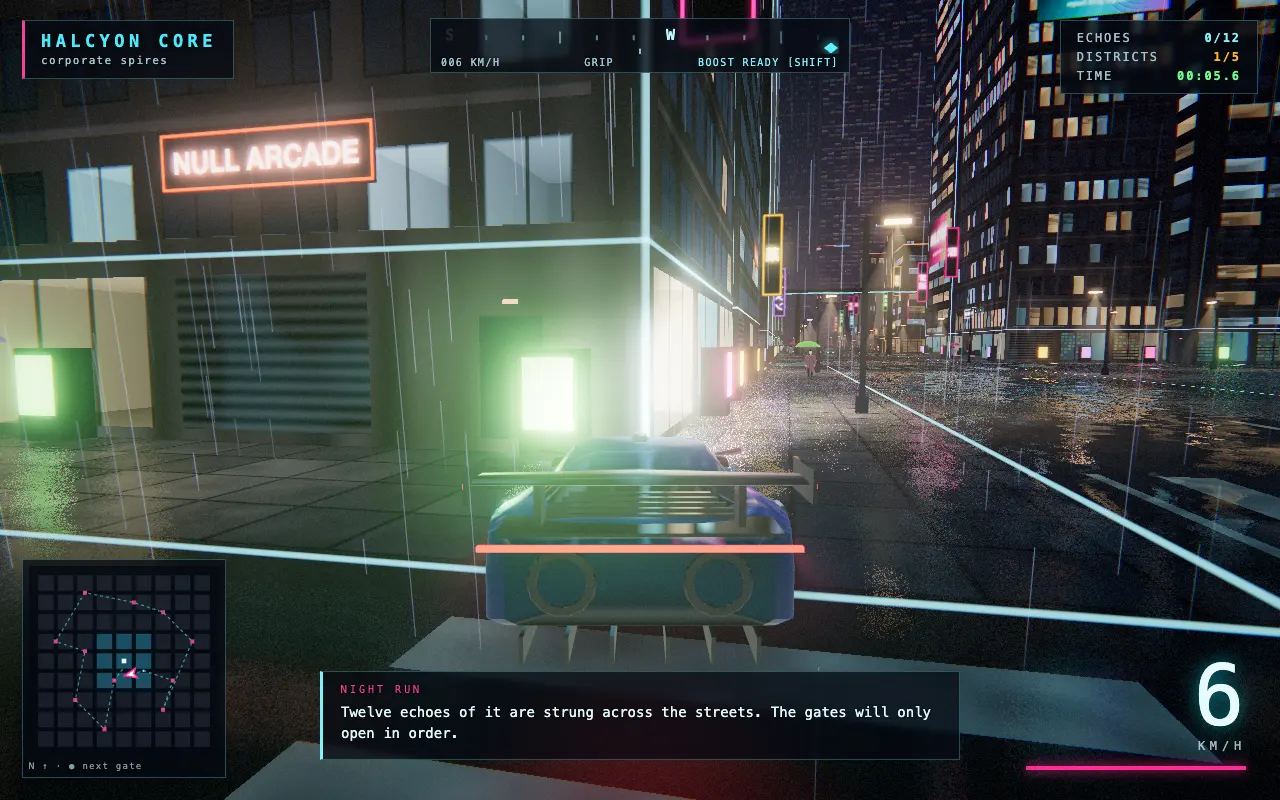
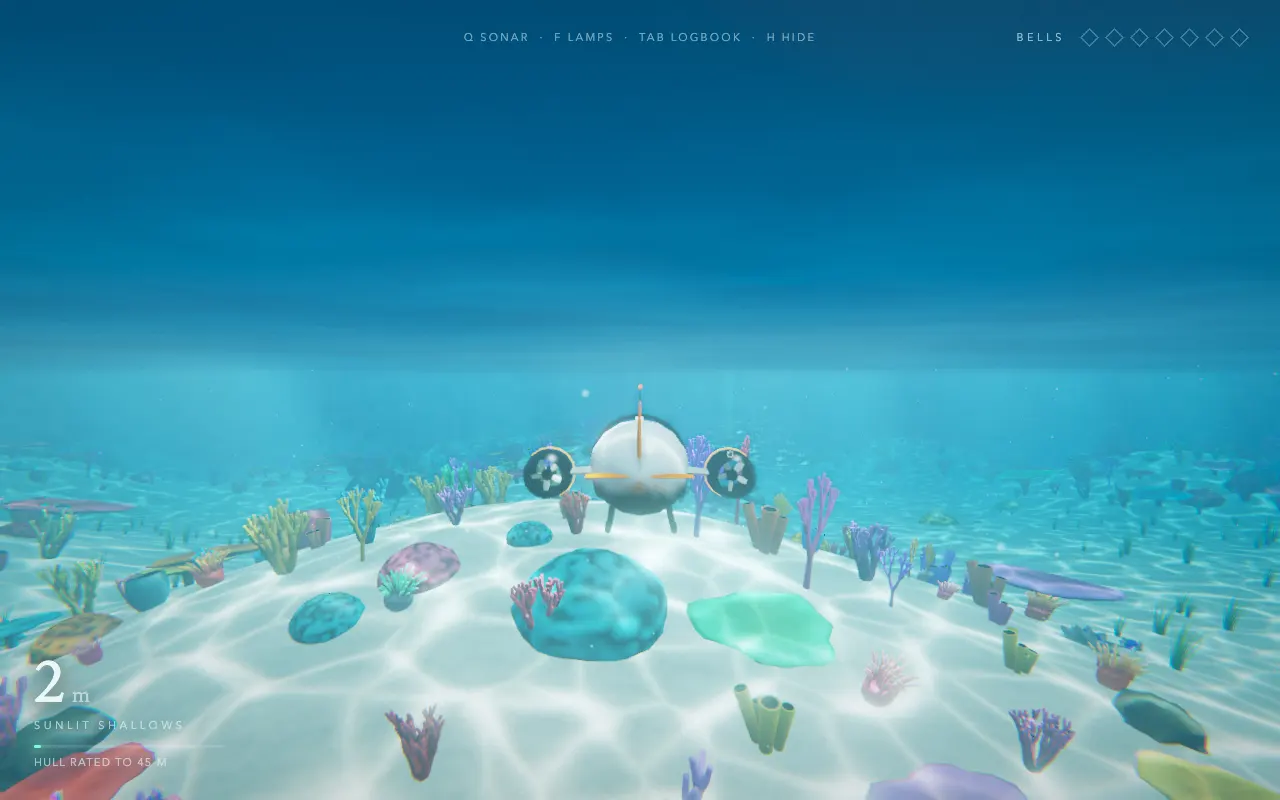
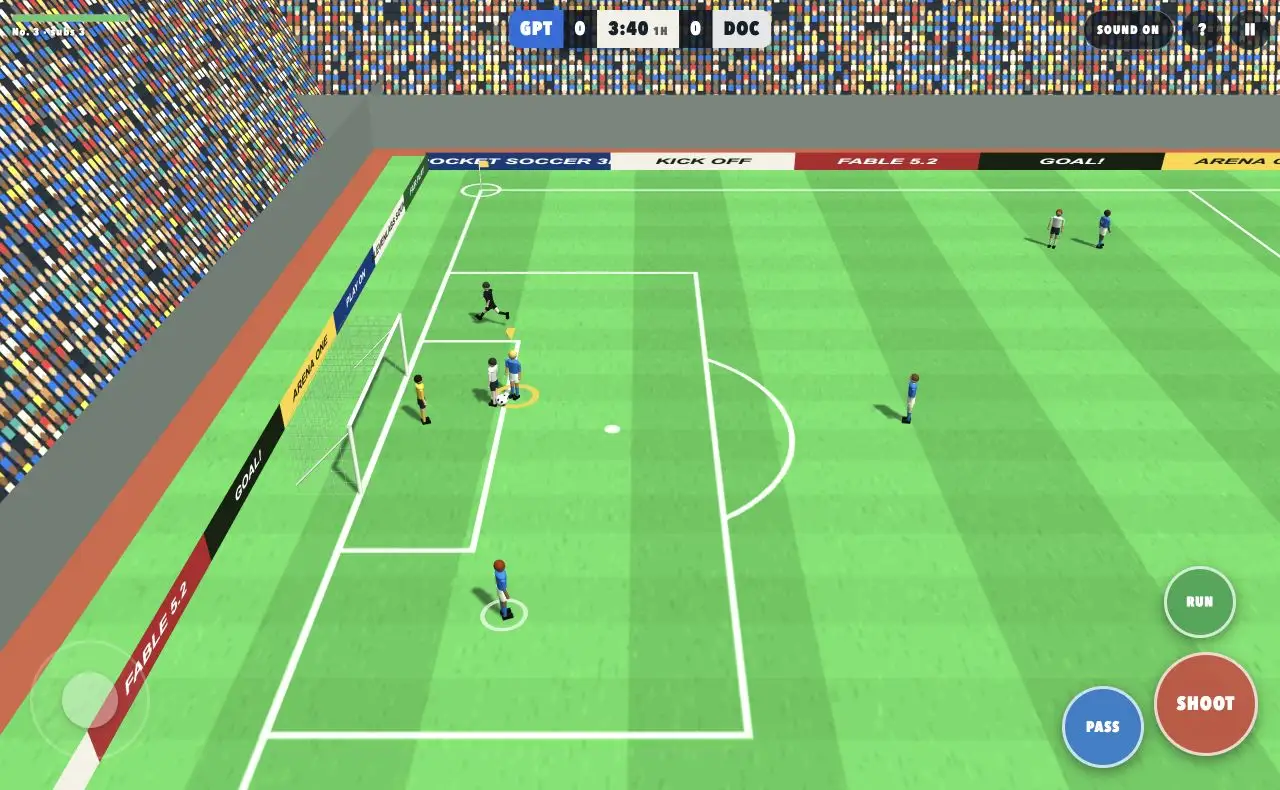
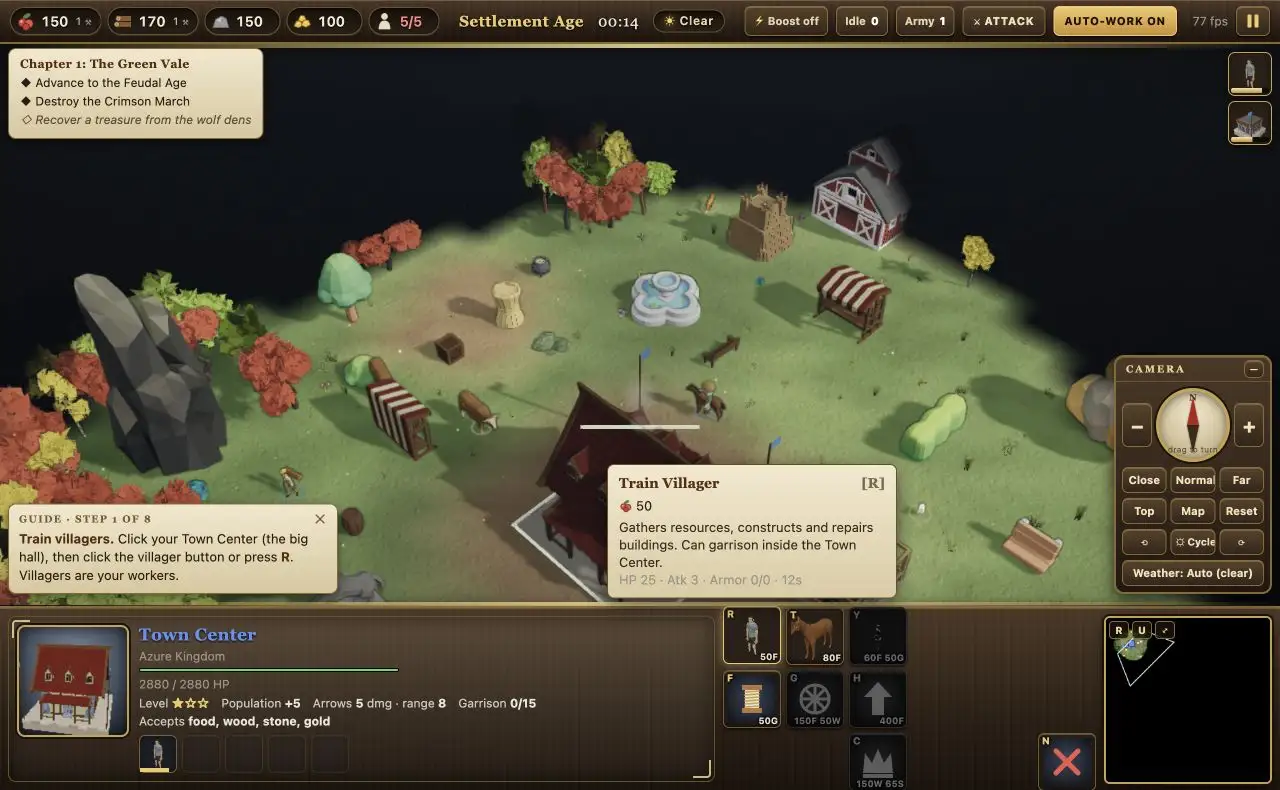
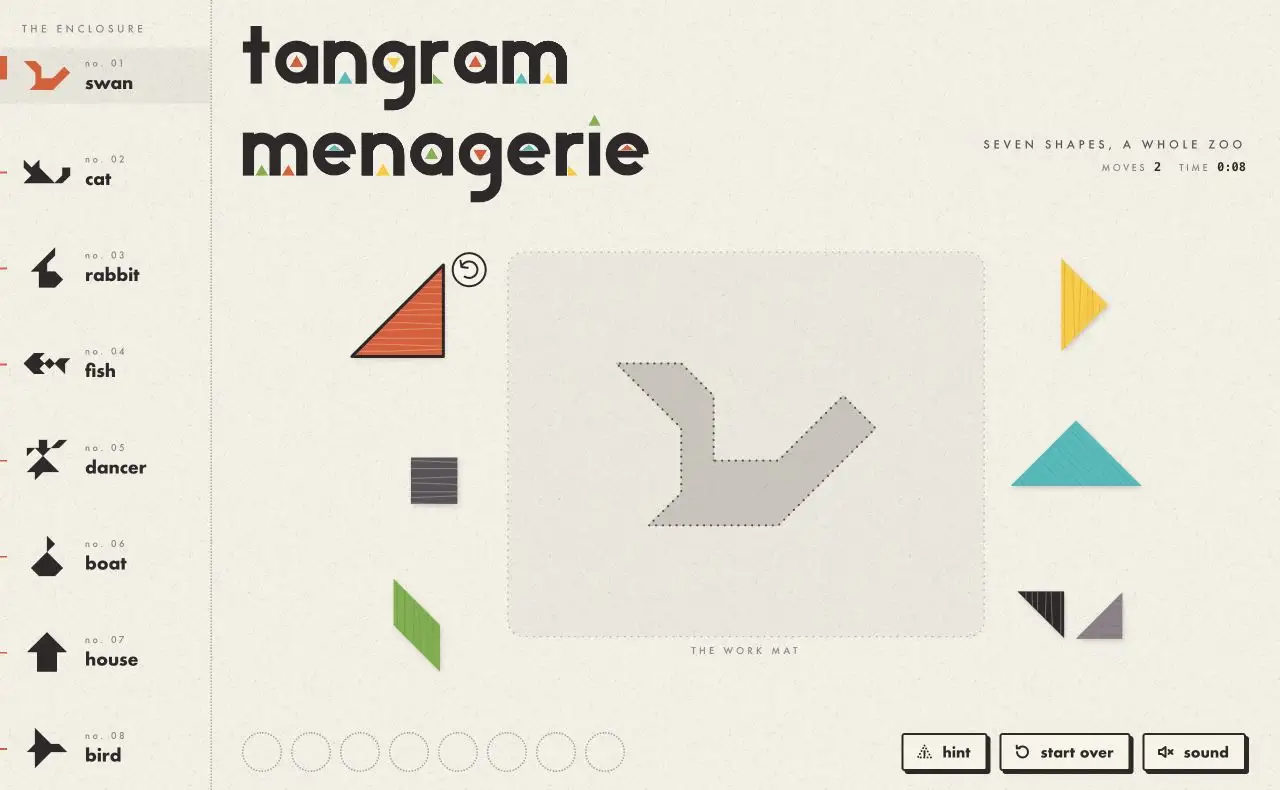
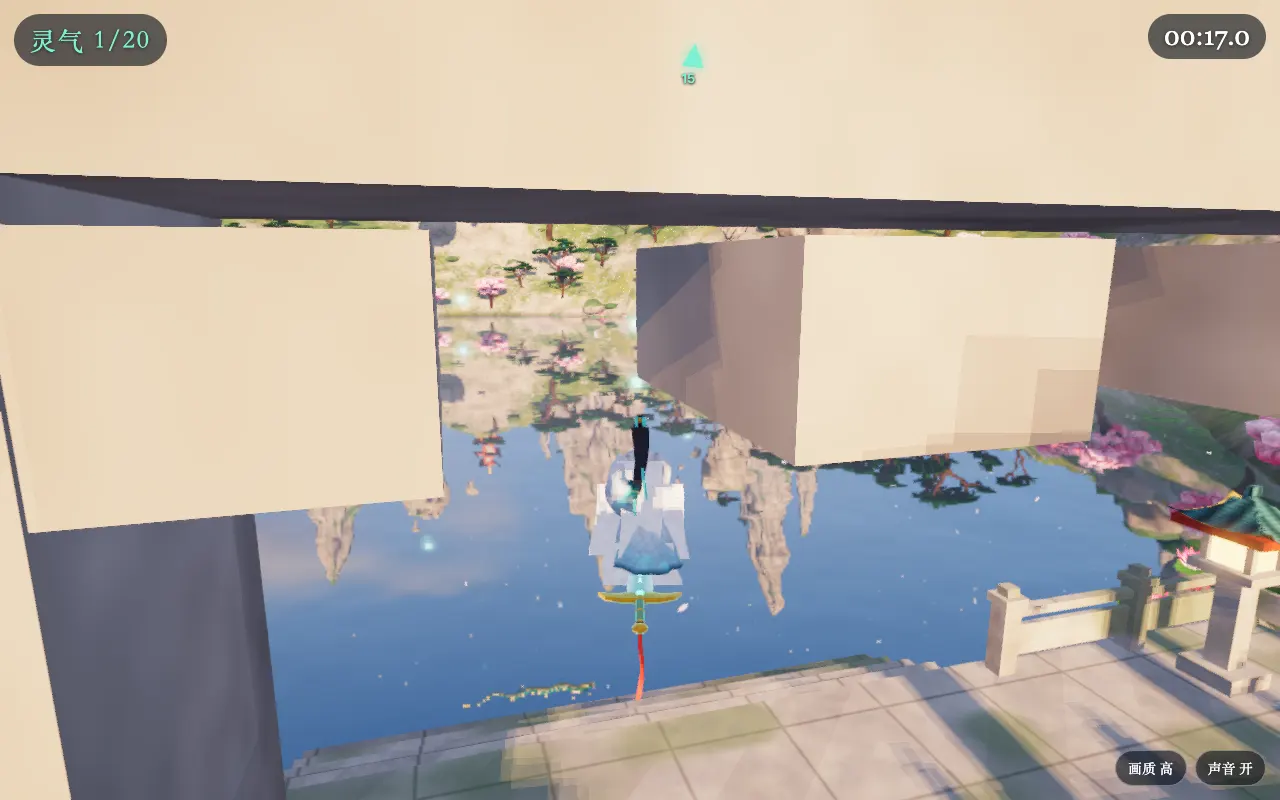
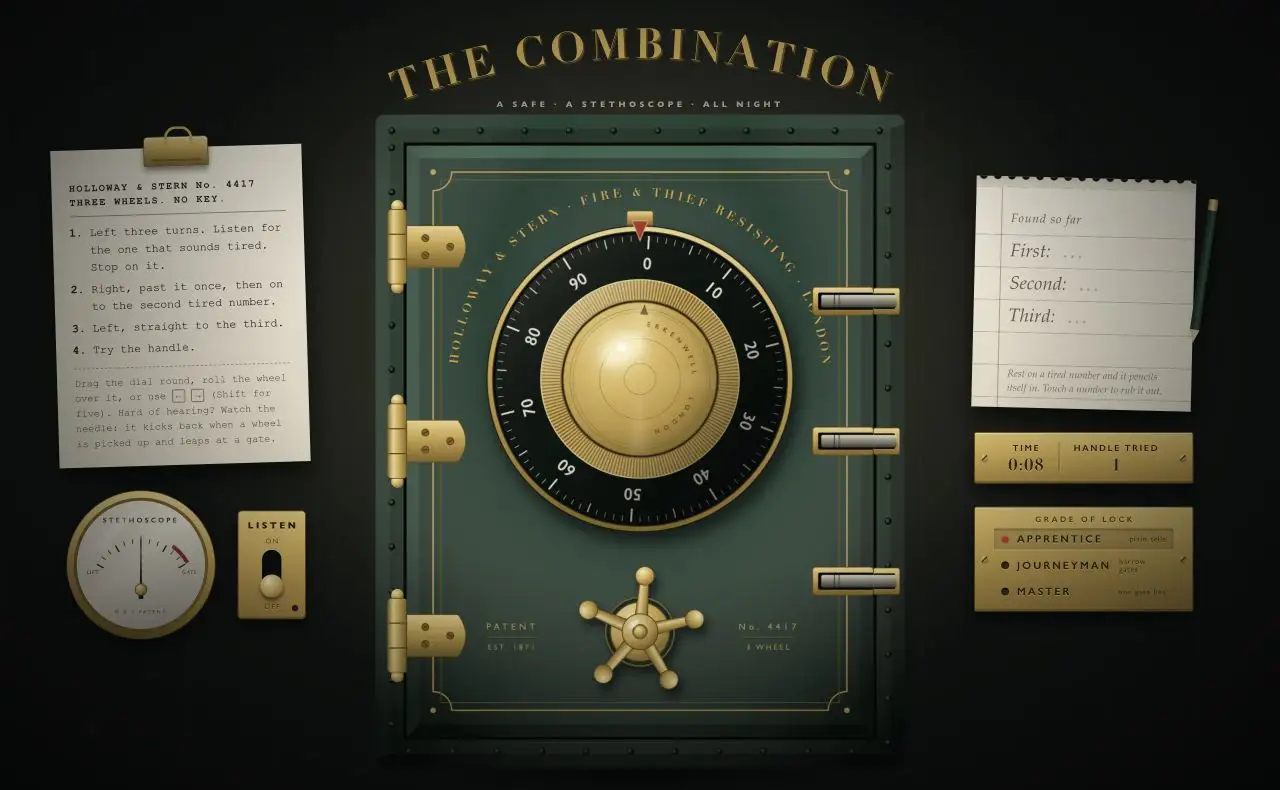
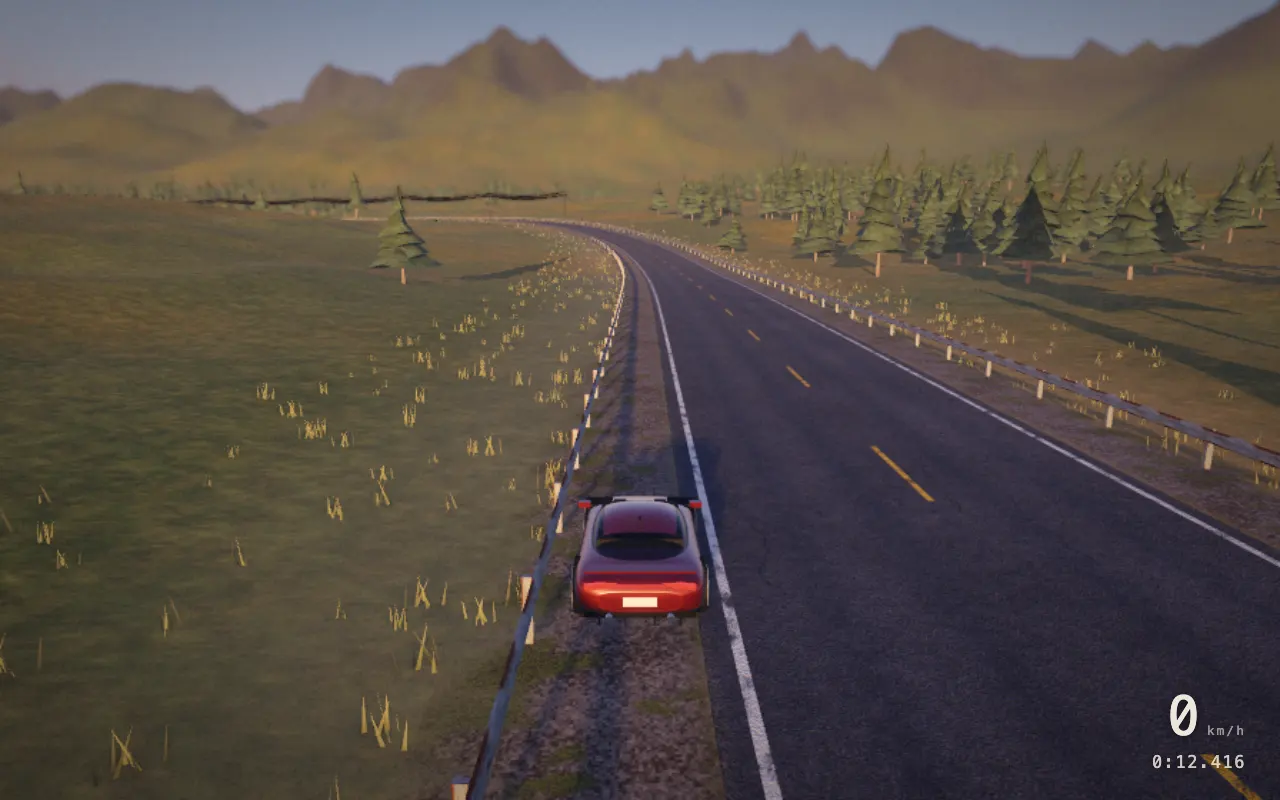
Featured games to play and remix
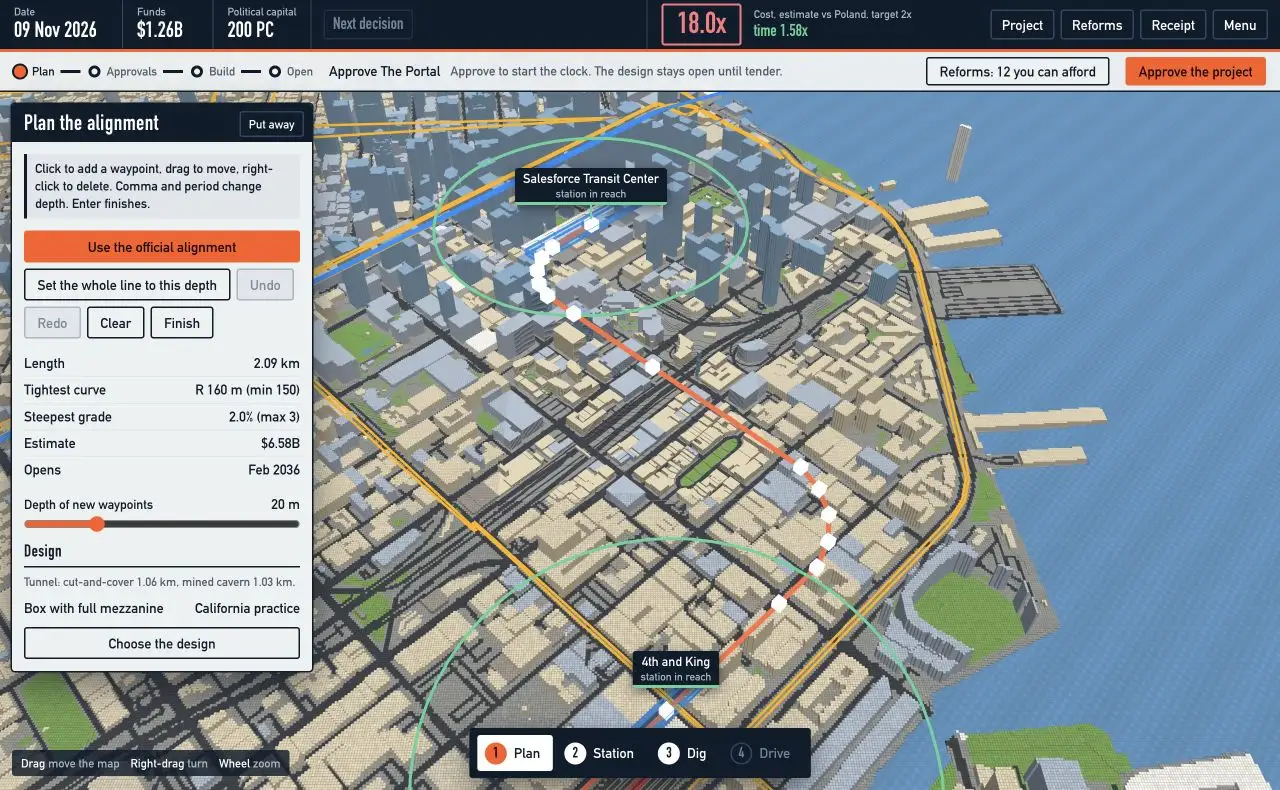
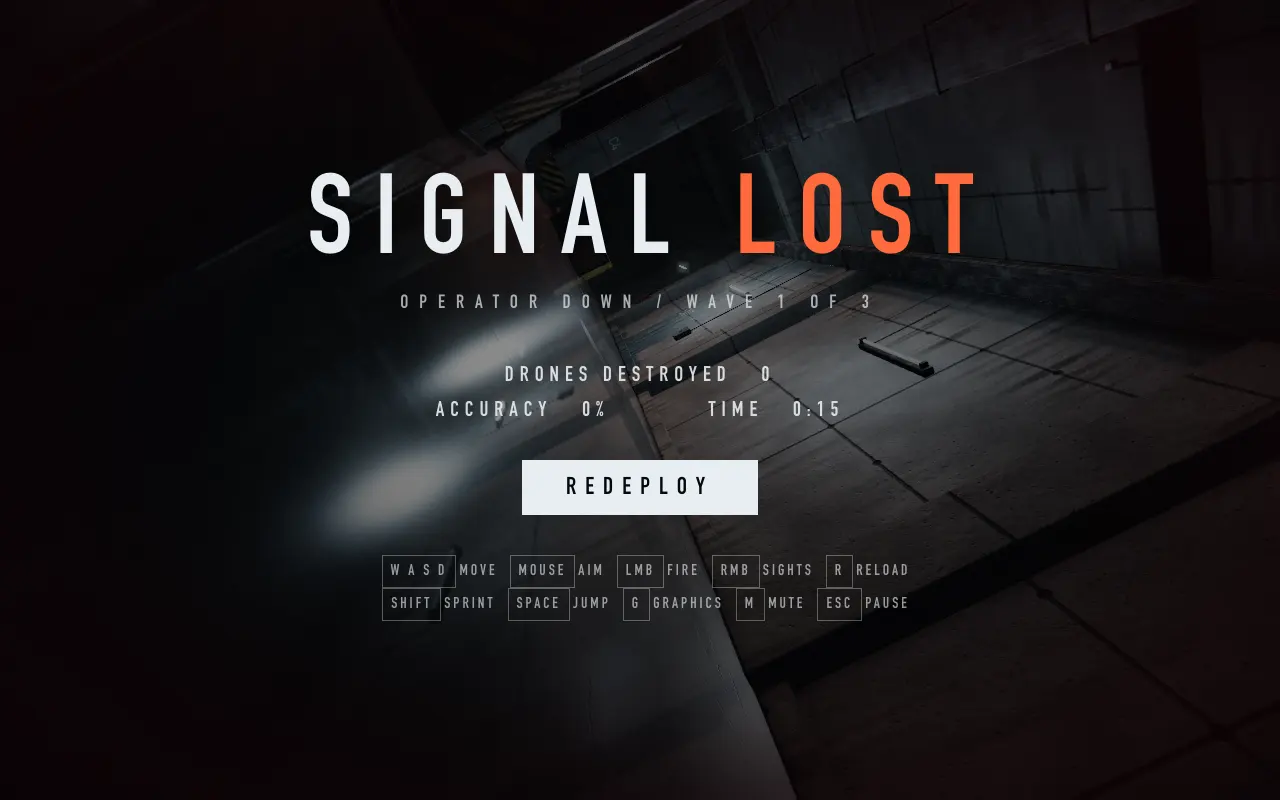
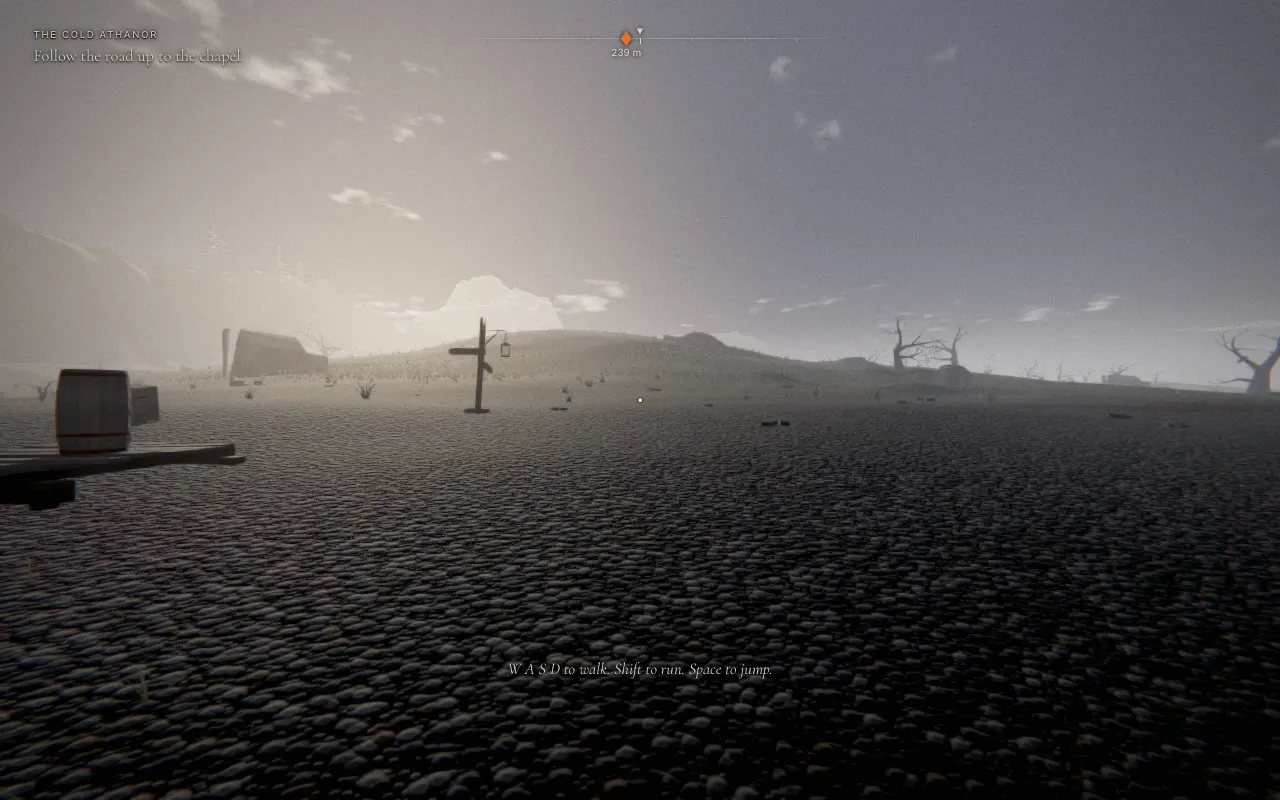
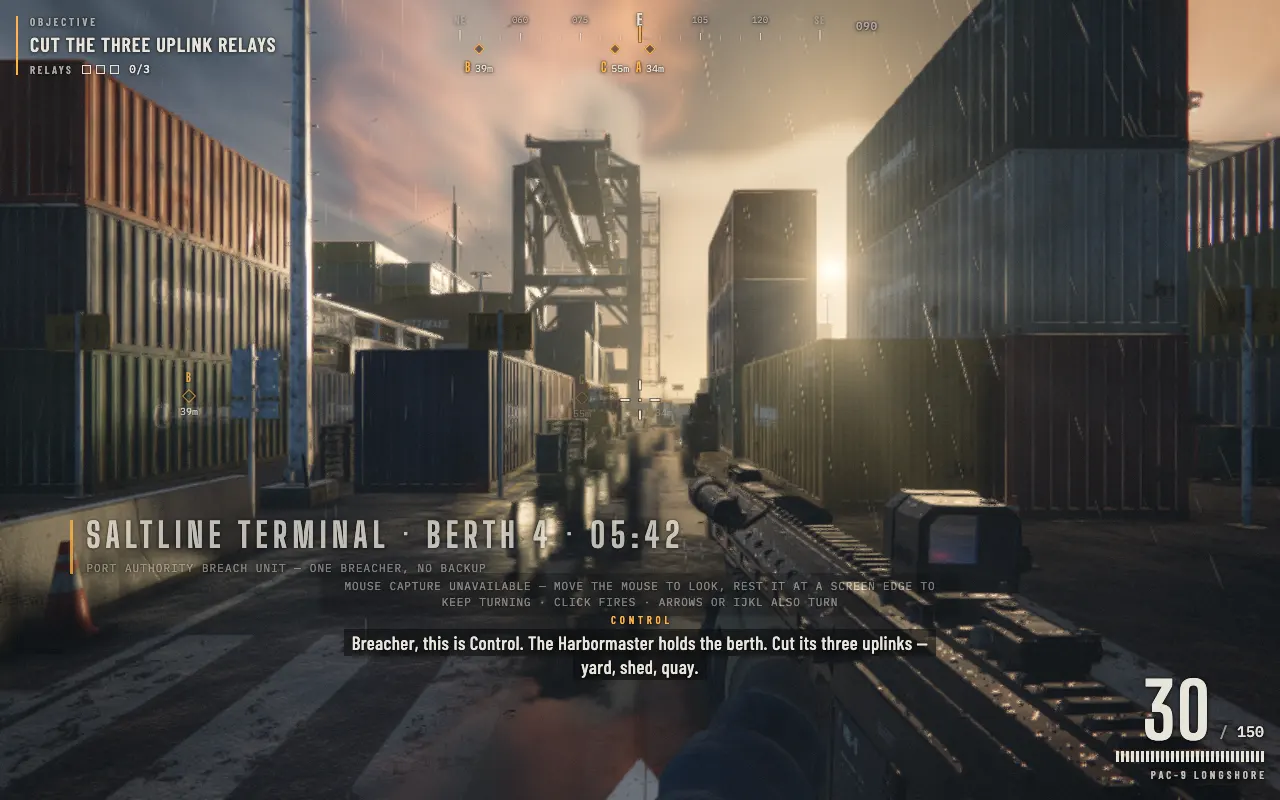
THE PROCESS
How to make a game with AI
Use the AI game builder to create a small first version, then improve it through testing. Keep each request focused so you can tell whether the next version solves the problem.
1. Describe the rules
Tell the AI what the player controls, what they need to achieve, and how a round ends. Include the controls and a restart option before adding extra levels or visual detail.
2. Generate and playtest
Choose a model and generate your browser game prototype. Play a full round: check that you can start, use the controls, reach the end, and restart.
3. Revise and keep your work
Ask for one specific change, then test the updated version again. Keep a working version and download the HTML when you want a copy outside the editor.
What kind of game will you make?
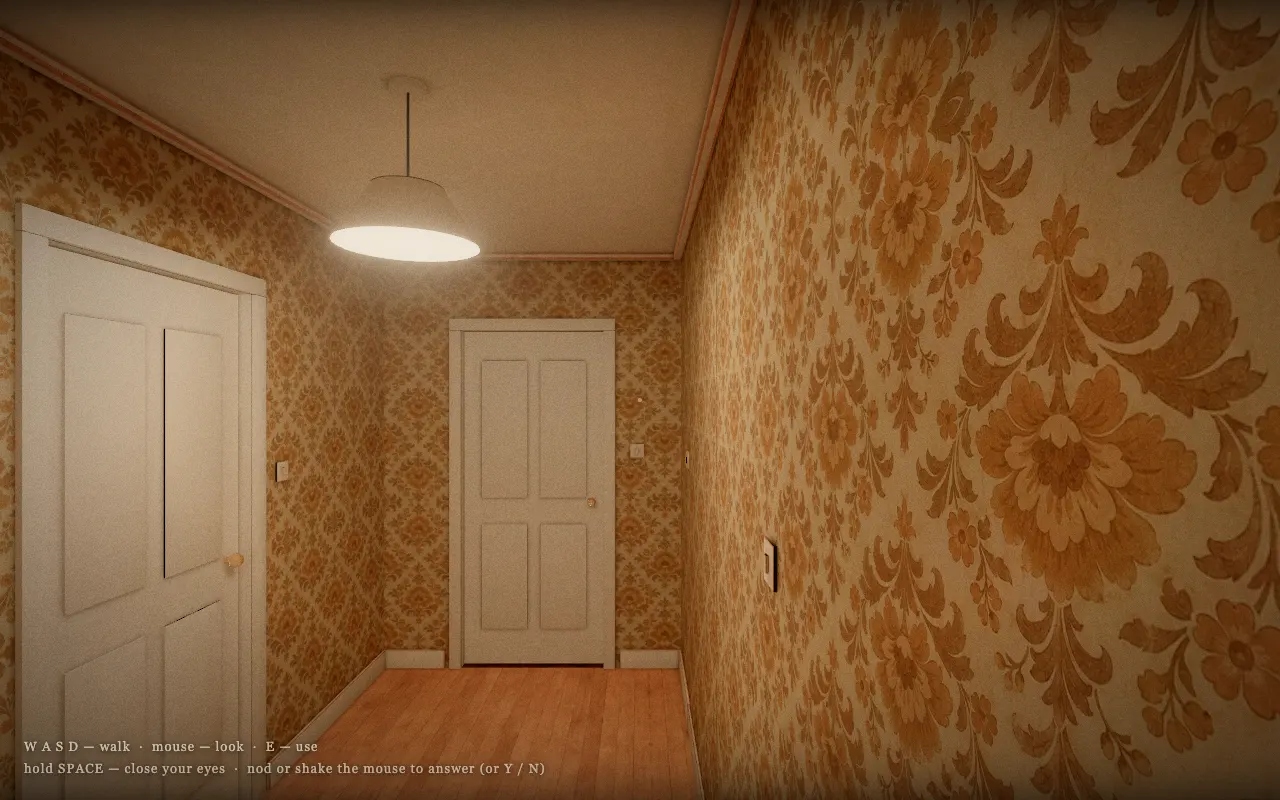
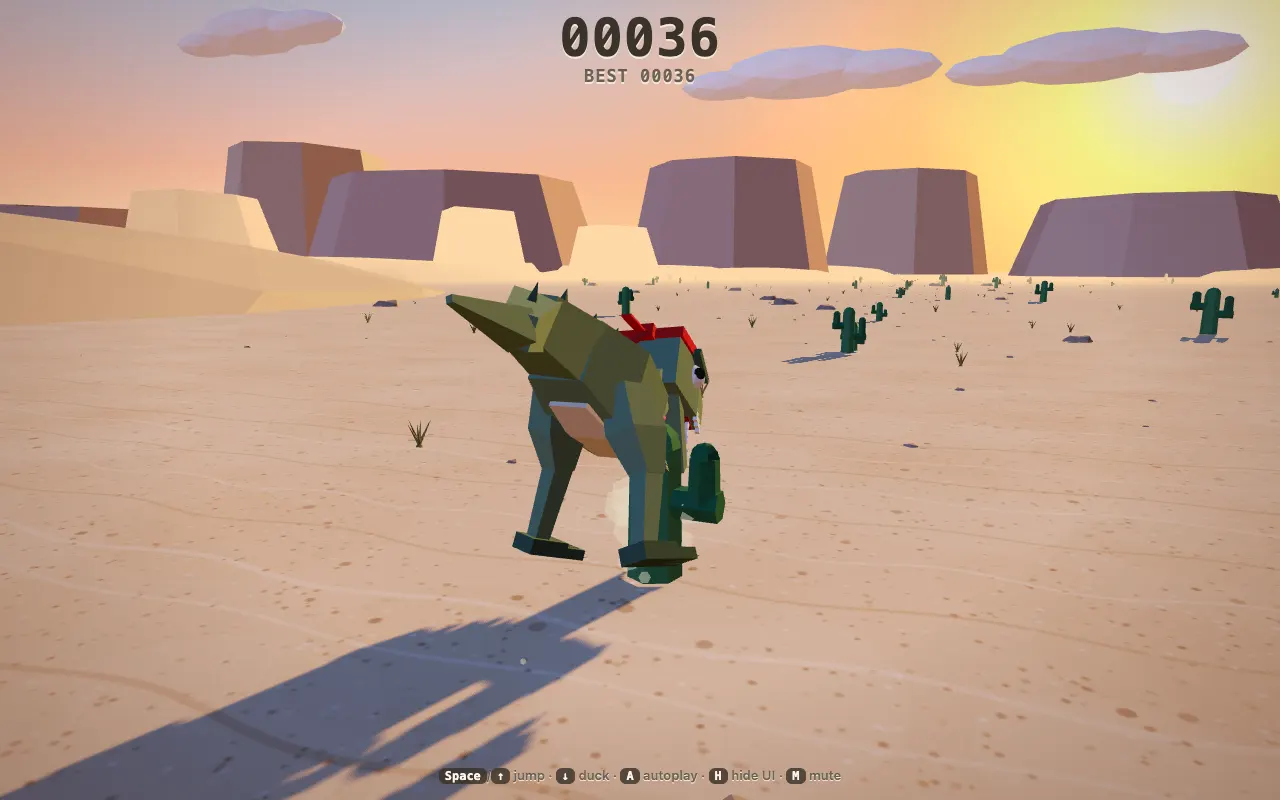
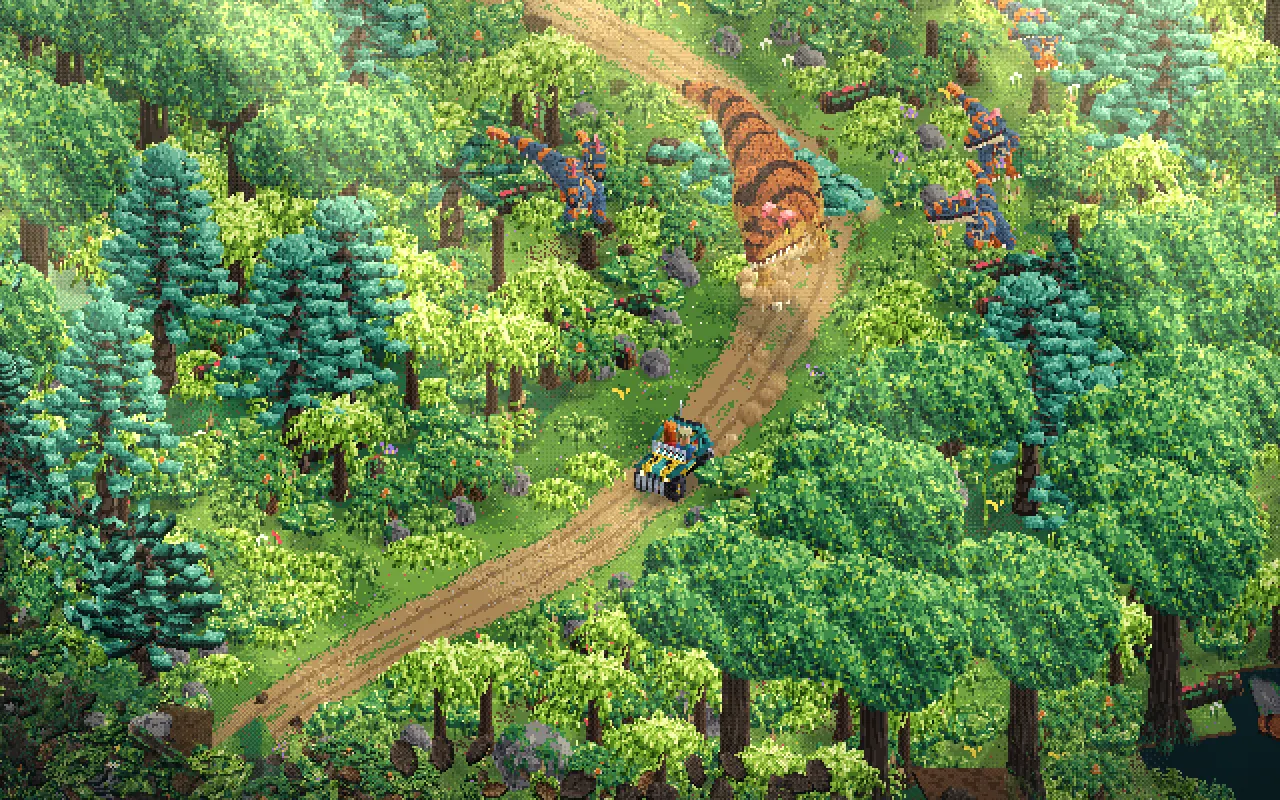
Pick a genre or visual style. Explore game ideas, then build your own version with AI.
START SMALL
What kind of game should you make first?
Start with a browser game that has a small set of rules you can check yourself. These ideas are starting scopes for an AI game maker, not a guarantee that every model will implement them correctly.
Puzzles with clear rules
Try matching pairs, arranging tiles, or reaching a target score. Define a valid move, a win condition, and a way to reset the board.
Arcade games with one main action
Start with collecting, dodging, jumping, or aiming. Keep the first level short so you can check movement, collisions, scoring, and restart behavior.
Small 3D experiments
For an AI 3D game maker workflow, begin with a small scene, a simple camera, and one objective. A scene that renders still needs tests for controls, collisions, and performance.
Check larger requirements first
Don’t assume a prototype includes online multiplayer, player accounts, cloud saves, or app-store packaging. Confirm each requirement before building the rest of your game around it.
PLAY & REFINE
Change your AI-generated game one step at a time
Use follow-up requests to change your game after the first generation. Describe the behavior you want and name the parts that should stay the same.
Give a specific change request
A focused request makes the result easier to evaluate. After the change, check the controls and scoring that already worked.
Make the player move more slowly. Keep the level layout, scoring rules, and controls unchanged.
Revisit an earlier version
Select earlier generated versions in the editor to compare results. Keep track of the last version that worked before adding another feature.
Report bugs with repeatable steps
Explain what you did, what happened, and what should have happened. Include the device or control method if it matters.
After I finish a round and press Restart, the old score remains. Reset it to zero when a new round begins. Keep the scoring rules unchanged.
Retest what already worked
After each change, play a full round and restart. Recheck movement, scoring, and win or loss conditions before keeping the new version.
The new timer works, but restarting no longer clears the score. Restore the score reset and keep the timer unchanged.
BEFORE YOU GENERATE
What does this AI game maker cost?
Creating a game uses model credits. Your selected model’s rates apply, and additional generation or revision requests can add to the total.
| Action | What you get | Cost |
|---|---|---|
| Browse game references | Explore game ideas and choose a starting point. | No model credits used. |
| Play an available preview | Try an existing game’s controls and gameplay. | No model credits used; playing a preview does not generate a game. |
| Generate a new game | Turn your description into a first version you can test. | Uses credits at your selected model’s rates. |
| Request an AI revision | Generate an updated version from your change request. | Each AI revision uses additional model credits. |
Keep your first request focused
Start with one playable level and test it before requesting changes. Describe one specific fix at a time so you can check whether the next version solves it.
KEEP YOUR WORK
Save your project and download your game
Keep your project in this browser while you work, and download a generated version as an HTML file. A download gives you a copy of that version; it is not a public game link or an app-store build.
Know where your project lives
Projects are stored in this browser. Clearing its site data can remove your saved work, so download copies you want to keep.
Test the downloaded version
Select a generated version and download its HTML. Open and test that file separately before relying on it outside the editor.
Check what sharing requires
Downloading a game does not automatically publish it for other players. Decide where it will run and test that environment.
A FEW MORE ANSWERS
Questions before you use the AI game maker
Do I need to know how to code?
You can start by describing your game and requesting changes in plain English. You still need to test the result and explain what should change.
Does the AI game maker create a finished game?
It generates a browser prototype you can inspect and improve. A generated file does not prove that every requested feature works; test a small goal before expanding it.
Can I make and play games on my phone?
Request touch controls and test them on a real device. Working keyboard controls do not confirm touch support.
What if the preview is blank?
If the response is incomplete, ask for the full HTML file. If it loads but fails, describe the error and the steps that caused it.


Make your first browser game with AIMake it yours.
Choose one action, one goal, and one way to restart. Describe that small game in the AI game maker, then use your first playtest to decide what to change.
- ✓Describe your idea
- ✓Test and refine
- ✓Download your HTML