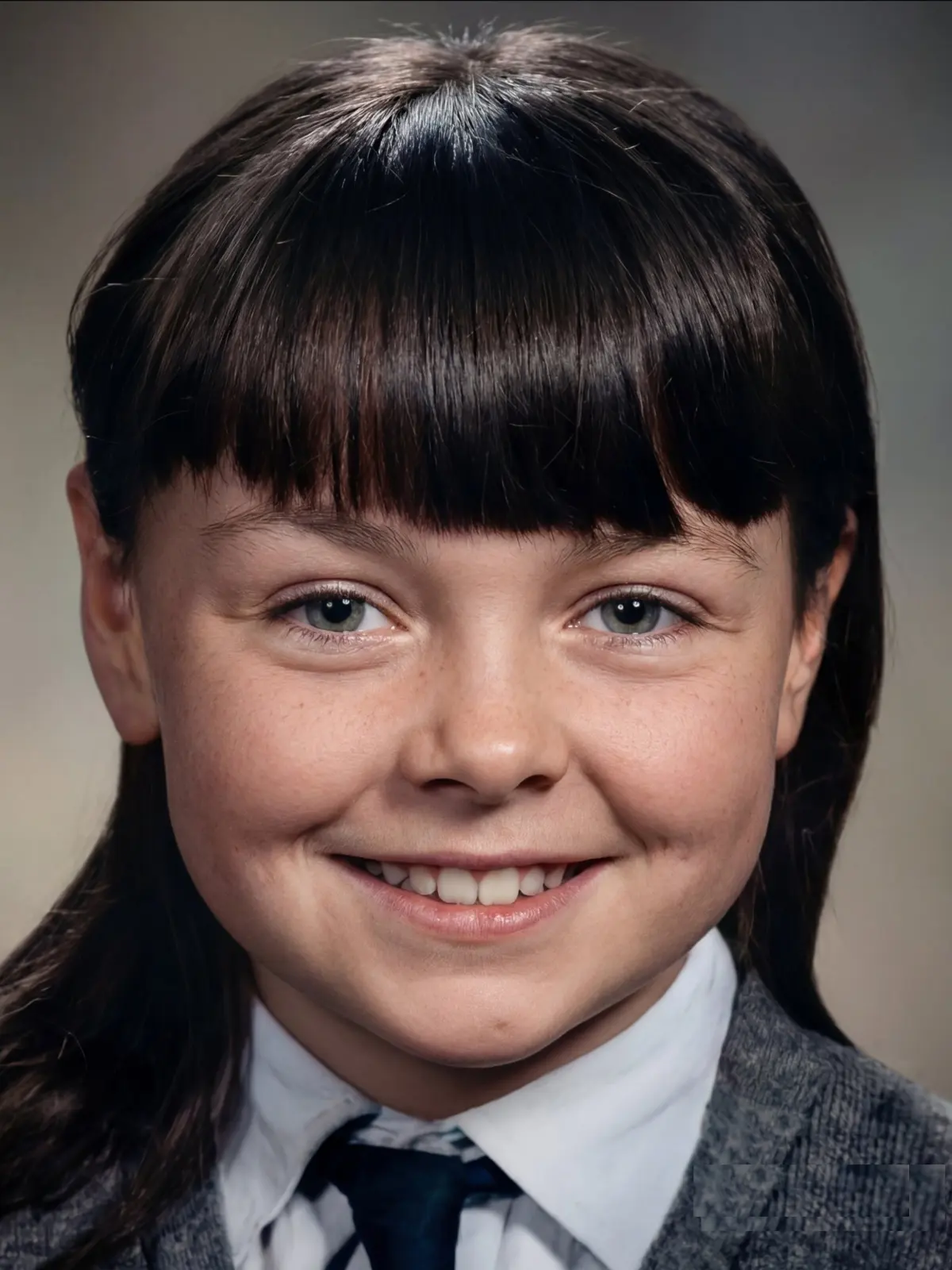
Our retouch AI uses a smart inpainting algorithm to analyze surrounding pixels and seamlessly fill the gap, making power lines or trash cans vanish magically.
Can I use this tool to fix old, damaged family pictures?
Yes! You can easily roll back years from old photos. The tool is perfect for erasing scratches, spots, and tears to bring the old days back to life.
Will the retouch AI help hide skin defects in selfies?
Absolutely. Our retouch AI can conceal annoying wrinkles, redness, and blemishes effortlessly, acting like a digital makeup tool for flawless portraits.
Is it hard to make tourists disappear from travel shots?
Not at all. With our intuitive interface, deleting strangers or background clutter is as easy as clicking a switch. The retouch AI handles the complex work.
Does the retouch AI leave weird marks or blurry spots behind?
No, our platform repairs and restores the image to perfection. The retouch AI ensures the edited area blends naturally with the original background.
Can I remove text and symbols from an image?
Yes, our online tool automatically identifies and removes unwanted texts, logos, and symbols while keeping the underlying image intact and clean.
Is this retouch AI fast enough for quick edits?
Most edits happen momentarily. Whether you are deleting a building or smoothing out skin, the retouch AI processes your images instantly for rapid results.
Do I need advanced editing skills to use this platform?
No prior experience is needed. The platform is designed to be a free easy online tool where anyone can use the retouch AI without complex software.
Testimonials
S
Sarah Jenkins
5 / 5
Travel Blogger
The retouch AI is amazing! I had a great shot of the Eiffel Tower, but a tourist walked right in front. It removed them flawlessly.
M
Mark Torres
5 / 5
Historian
Using the retouch AI, I can easily erase scratches from my grandparents' wedding photos. The inpaint feature brought the old days back to life!
E
Elena Rossi
5 / 5
Beauty Influencer
Finally, I don't need heavy makeup to hide my skin defects. This tool smooths out redness and wrinkles naturally.
D
David Lin
5 / 5
Real Estate Photographer
I use the retouch AI to delete power lines and trash cans from my real estate shots. It saves me hours of manual editing.
J
Jessica Wong
5 / 5
Graphic Designer
It automatically removes unwanted texts and watermarks from stock images. Super helpful for my design mockups.
T
Tom Campbell
5 / 5
Content Creator
I thought revisiting places to take another shot was my only option until I tried this retouch AI. Background clutter is gone instantly!
A
Amanda Perez
5 / 5
Make-up Artist
This retouch AI works like a miracle on blemishes. It's like finger snapping and the spots disappear without leaving a blurry mess.
B
Brian Miller
5 / 5
Archivist
Incredible tool for restoring old pictures. Rolling back the years by fixing tears and spots took me less than a minute.
L
Lisa Kauffman
5 / 5
Event Planner
The retouch AI accurately repairs the background when I delete unwanted people from my event photos. Highly recommend it.
J
James Harrison
5 / 5
Digital Marketer
Such a magical online tool! Deleting unwanted elements used to take me forever, but with the retouch AI it's as easy as clicking a switch.