
AI 고양이 댄스 동영상 생성기
선명한 고양이 이미지와 사람의 댄스 영상을 업로드해 나만의 AI 고양이 댄스를 온라인으로 만드세요. 참조 영상이 안무와 타이밍을 이끌고, 이미지가 완성된 클립에 등장할 고양이를 정합니다. 애니메이션 타임라인이나 모션 캡처 장비는 필요하지 않습니다.
고급 AI 타투 생성기로 개념을 피부에 바로 적용할 수 있는 디자인으로 변환하세요. 결정하기 전에 무한한 타투 슬리브 아이디어와 스타일을 탐색하세요.
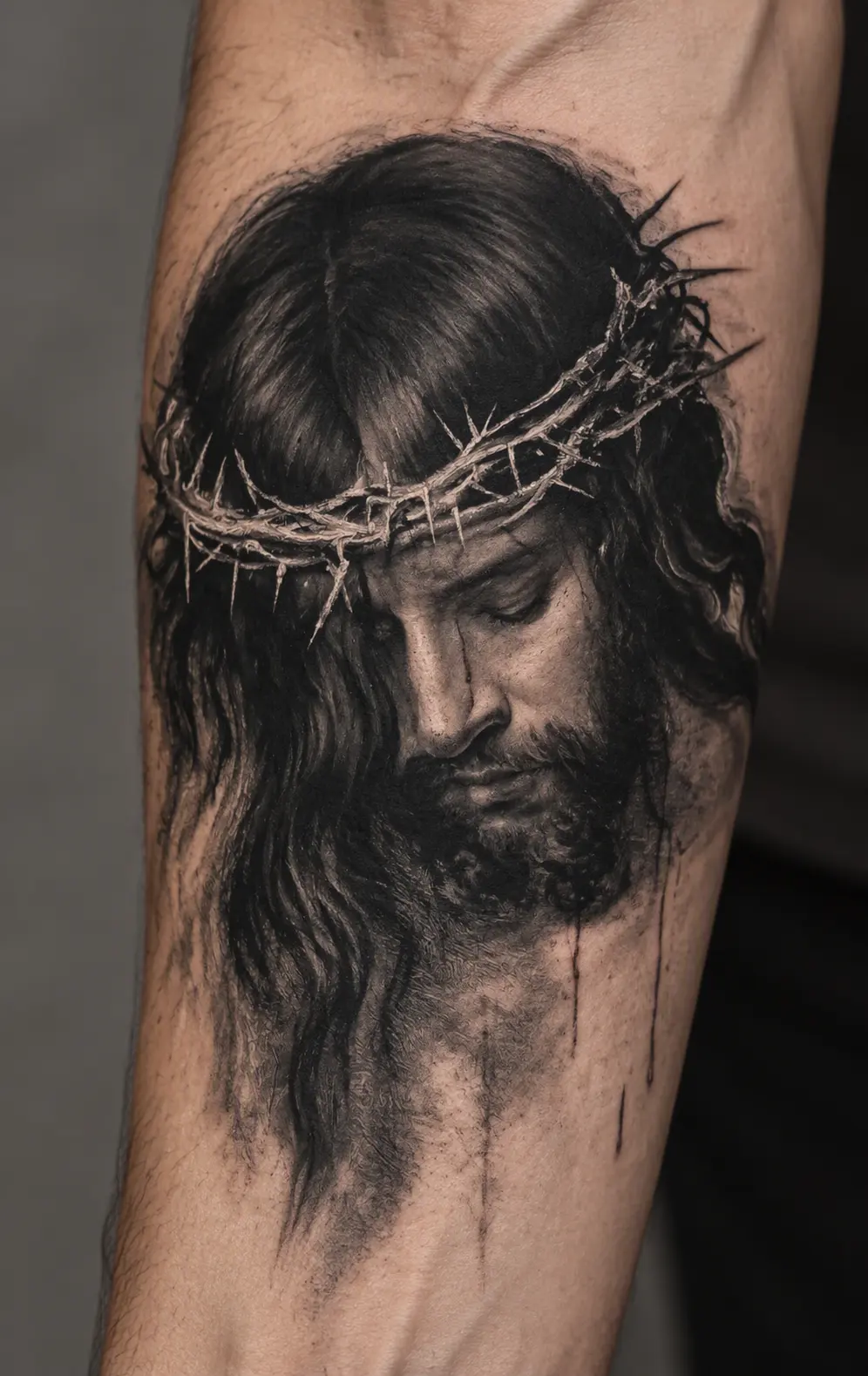
Turn a reference image into a tattoo preview without writing a prompt.
Sign up for GPTProto and add credits to your account before generating. You can check the current cost in the generator.
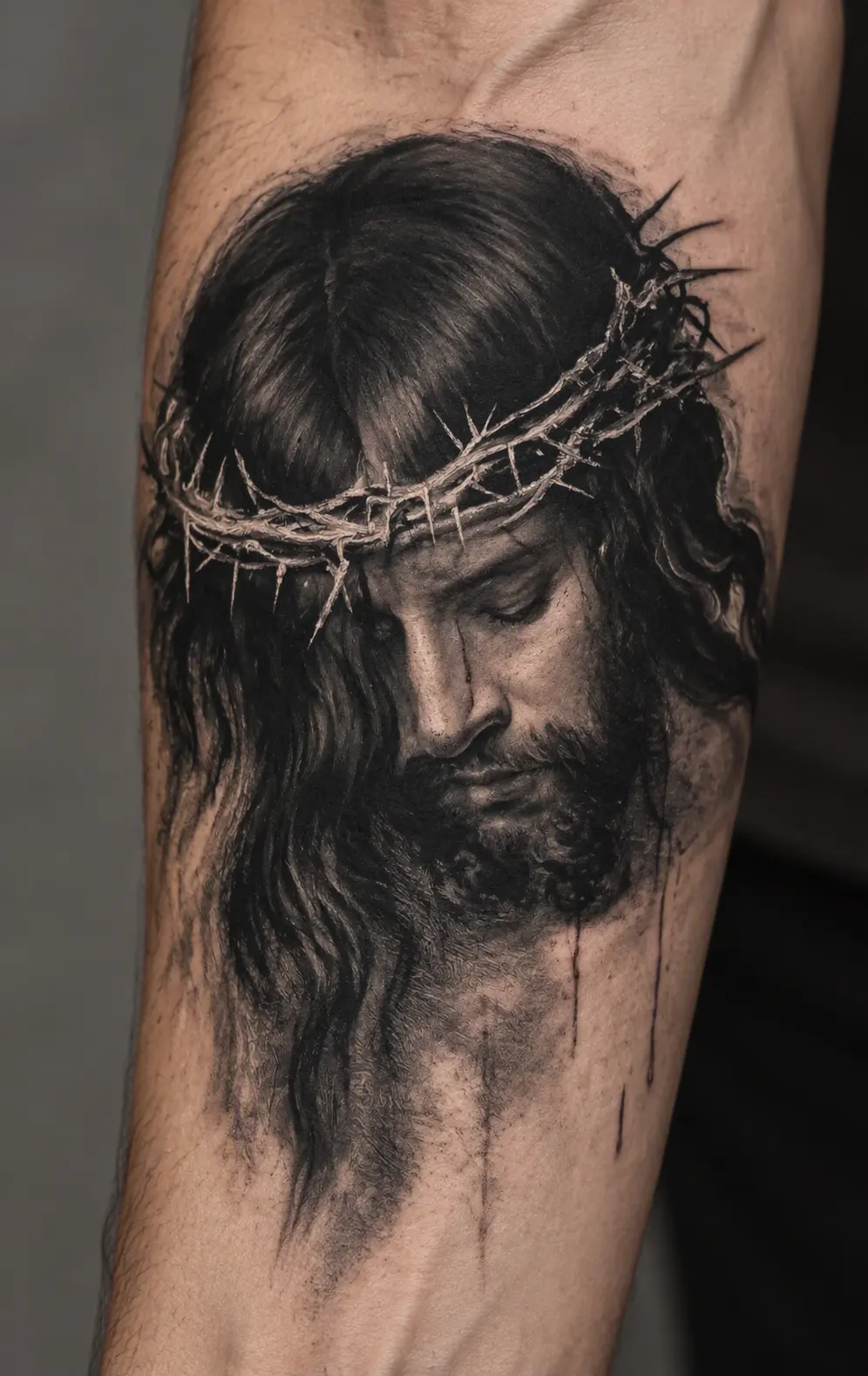
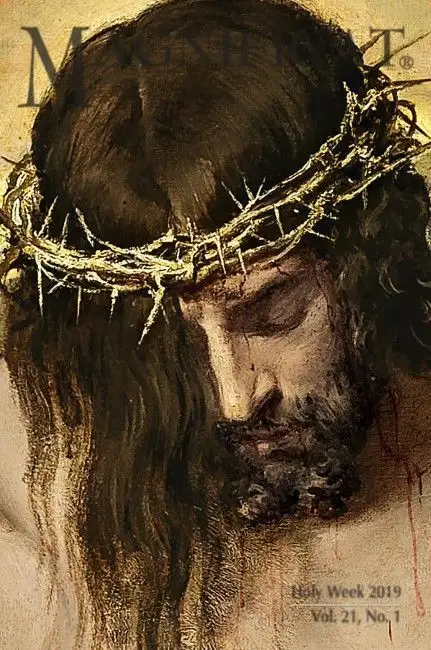
Upload the photo, sketch, or artwork you want to transform. An image with one visible subject gives the generator a clearer starting point.
Select Generate to create your tattoo preview. If you selected a style from the examples, the generator uses that style for the result.
Examples
See how the same reference subject can change across tattoo styles. Select a style to apply it to your uploaded image; the original image remains your reference.
Ideas
Start with something you already care about. Each reference image gives the generator a subject to reinterpret.
Use a clear photo of your pet to explore a tattoo that keeps its recognizable ears, markings, or expression.
Turn a flower or leaf photo into a fine-line, shaded, or colorful tattoo concept.
Upload a simple symbol or object and see how it could read as ink on skin.
Use a sketch you made as a starting point for a more finished tattoo look while keeping its central idea.
What it is
An AI tattoo generator uses your uploaded image as a visual reference to create a new tattoo-style image. On this page, the result is shown as a simulated tattoo on skin, so you can compare how a subject might look in different ink styles.
A photo of a pet, a drawing, or a familiar object can each provide the central subject. The generated result is an interpretation: small features, proportions, colors, and composition may change. It is useful for exploring a visual direction and discussing an idea with a tattoo artist. It is not a tattoo stencil or a guarantee of how the finished tattoo will look on your body.
The uploaded image supplies the subject. The chosen style changes how that subject is drawn, while the finished preview presents the artwork as ink on a photographed forearm.
Translate the subject into tattoo artwork. Fine line simplifies it into delicate contours; blackwork builds contrast with solid ink; realism keeps more tonal detail. The reference remains the starting point in every style.
Present the ink on skin. The preview includes skin texture, lighting, and the curve of an arm to help you judge the overall look. This is a generated scene, not a placement preview on your own photo.
Better Tips
Choose one clear subject. A close-up pet portrait, single flower, or simple drawing is easier to interpret than a crowded group photo.
Keep defining details visible. Check that the markings, outline, or expression you care about are not cropped out or hidden in shadow.
Compare styles with the same image. Keeping the reference constant makes it easier to decide whether you prefer fine lines, strong black areas, or more shading.
Review tiny details before sharing. AI can change lettering, dates, faces, and small symbols. Ask a tattoo artist to redraw and check anything that needs to be exact before it becomes a real tattoo.
Continue working with your image using other GPTProto tools.
선명한 고양이 이미지와 사람의 댄스 영상을 업로드해 나만의 AI 고양이 댄스를 온라인으로 만드세요. 참조 영상이 안무와 타이밍을 이끌고, 이미지가 완성된 클립에 등장할 고양이를 정합니다. 애니메이션 타임라인이나 모션 캡처 장비는 필요하지 않습니다.
텍스트 프롬프트나 업로드한 이미지로 개인화된 귀여운 배경화면을 만드세요. GPTProto에서 온라인으로 카와이 캐릭터, 파스텔 패턴, 반려동물 일러스트, 휴대폰 잠금 화면, 데스크톱 배경을 디자인하세요.
애니메이션, 만화, 카툰 또는 OC 아트워크를 업로드하고 헤어스타일, 표정, 의상, 색상 팔레트 및 기타 주요 시각적 디테일을 유지한 채 사실적인 실제 사람 버전을 생성하세요.
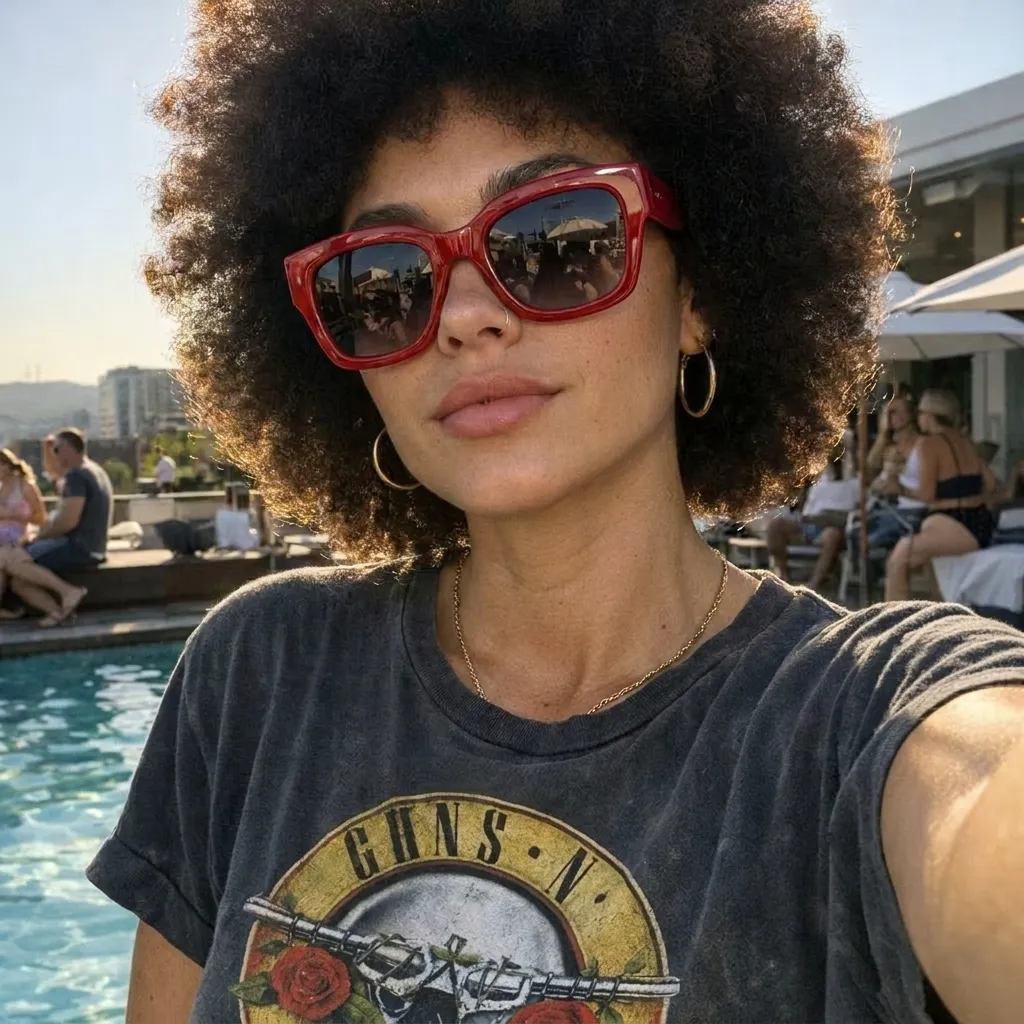
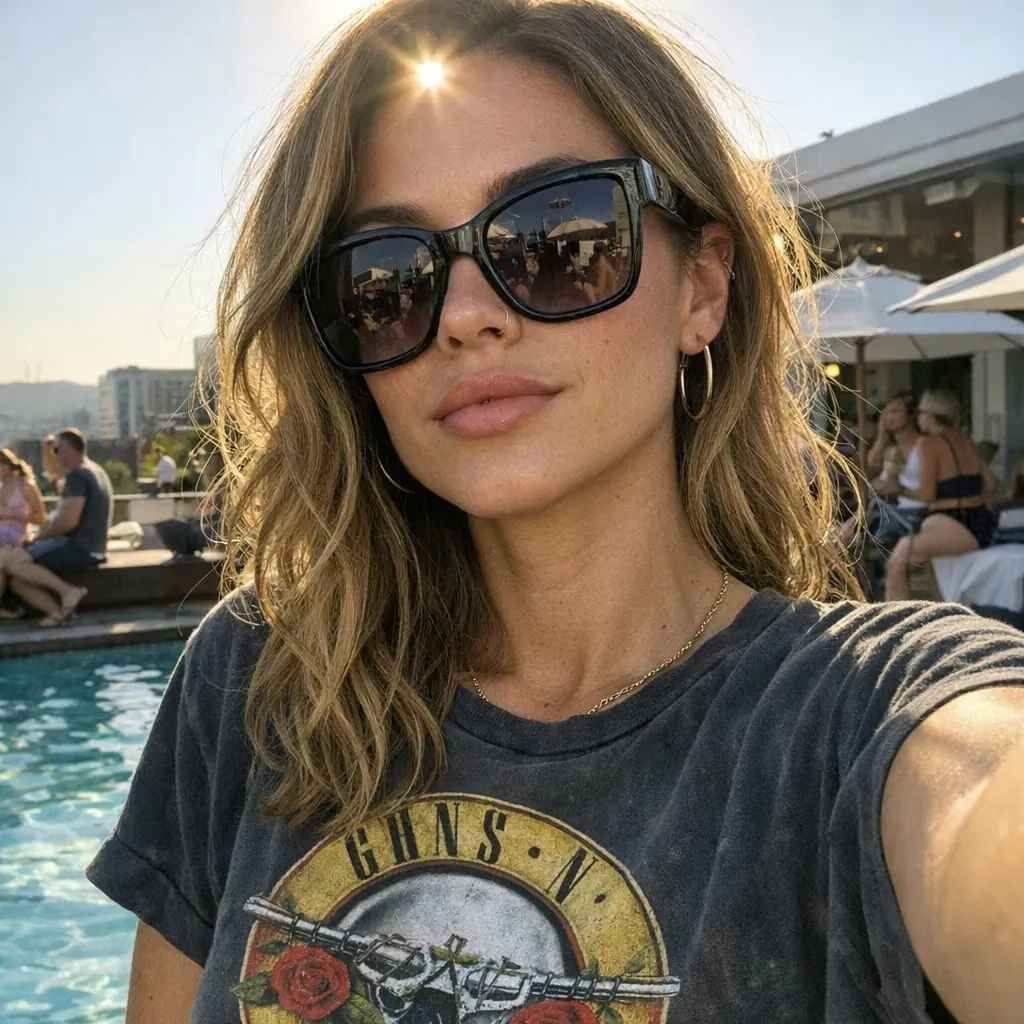
사진을 업로드하고 변경하려는 내용을 설명하면 AI가 이미지를 온라인으로 편집합니다. 간단한 텍스트 지침만으로 객체를 제거하거나 교체하고, 배경을 바꾸고, 조명을 조정하고, 장면 스타일을 바꾸고, 새로운 변형을 만들 수 있습니다.
하드웨어와 필터를 저울질하며 최고의 무료 AI 이미지 생성 옵션을 찾아보세요. 오늘날 실제로 무료 아트를 제공하는 도구가 무엇인지 확인하세요.
플라스틱 같은 사진에 돈 쓰지 마세요. 오늘 당신의 커리어를 위한 전문적이고 사실적인 결과물을 제공하는 최고의 무료 AI 헤드샷 생성기를 찾아보세요.
나에게 맞는 최고의 무료 AI 아트 생성기를 찾아보세요. 사실감과 일일 한도를 기준으로 Bing, Ideogram, Leonardo를 평가했습니다. 지금 무료로 시작하세요.
최고의 AI 음악 생성기를 찾으려면 마케팅 과대광고 너머를 봐야 합니다. Suno와 Mureka에 대한 실제 테스트를 읽고 자신에게 맞는 도구를 찾아보세요.