AI 法式接吻生成器
上傳一張情侶照或兩張獨立肖像,將其變為一段簡短浪漫的接吻影片。AI 法式接吻生成器將兩人帶入同一時刻,無需手動影片編輯即可生成靠近與接吻的動作。
使用文字提示或上傳圖片,建立個人化的可愛桌布。在線上透過 GPTProto 設計 kawaii 角色、粉彩圖案、寵物插圖、手機鎖定畫面與電腦桌面背景。
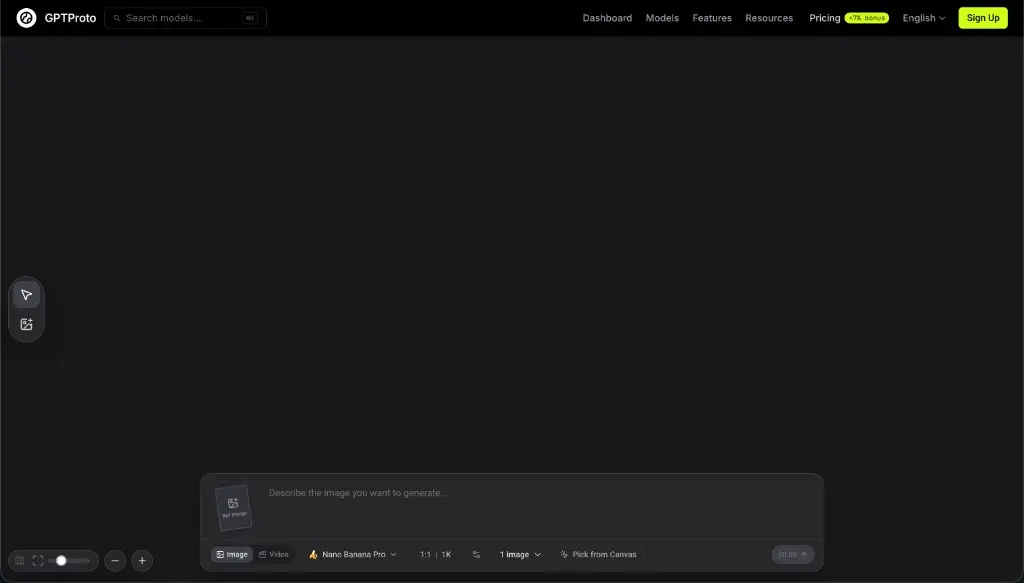
從文字想法、上傳的圖片,或範例圖庫中的提示詞開始。
建立你的 GPTProto 帳戶並將點數加到餘額中。目前生成費用會在你生成前顯示於工具中。
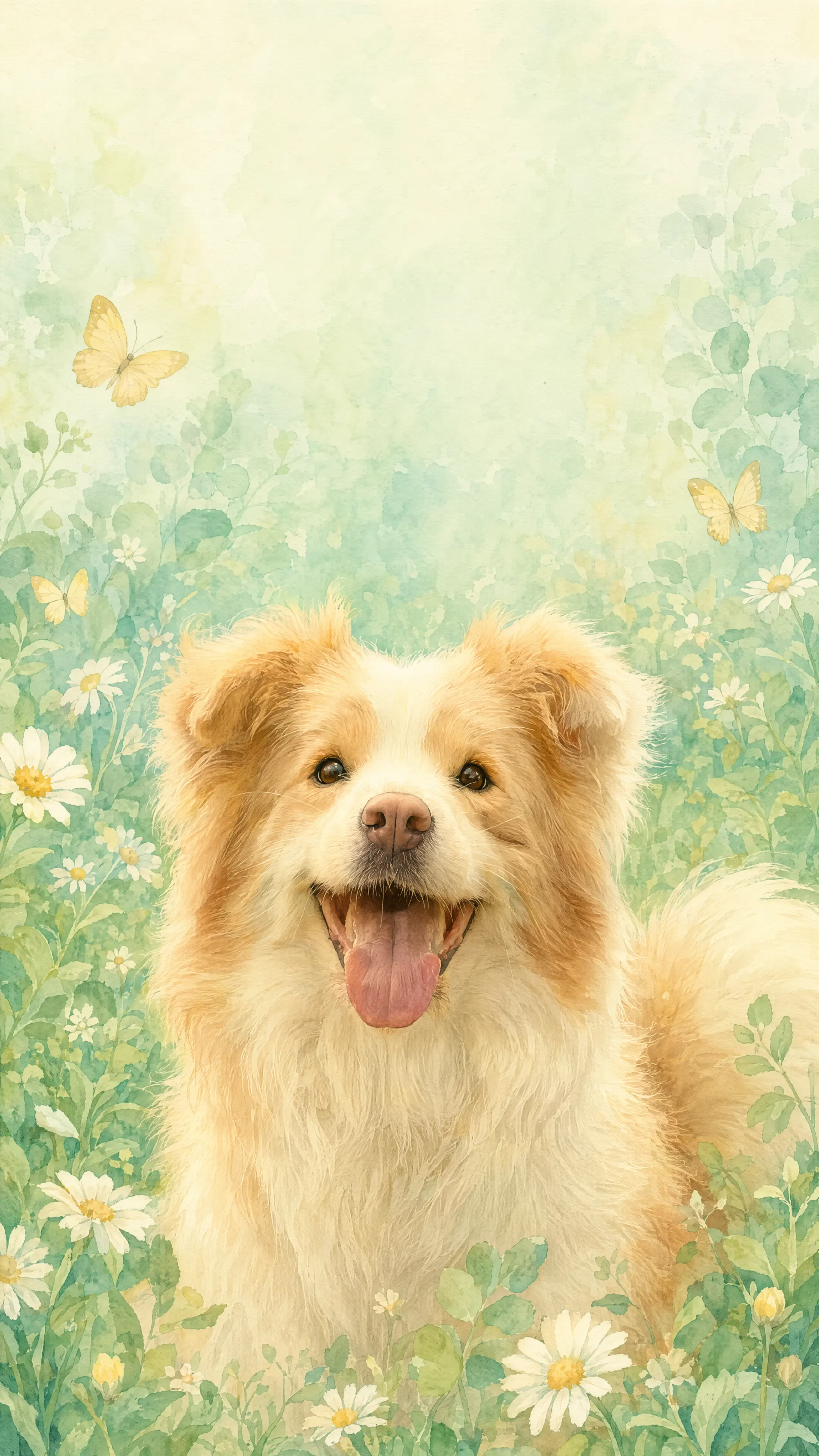
輸入文字提示詞,從零開始建立新的桌布。若要重新設計照片或現有圖片的風格,請上傳該圖片,並描述你想保留的色彩、藝術風格、背景、構圖與可見細節。你也可以選擇下方的範例,將其提示詞載入生成器。
點擊「生成」以建立桌布。檢查構圖與小細節,必要時修改提示詞,然後下載你想使用的版本。
範例
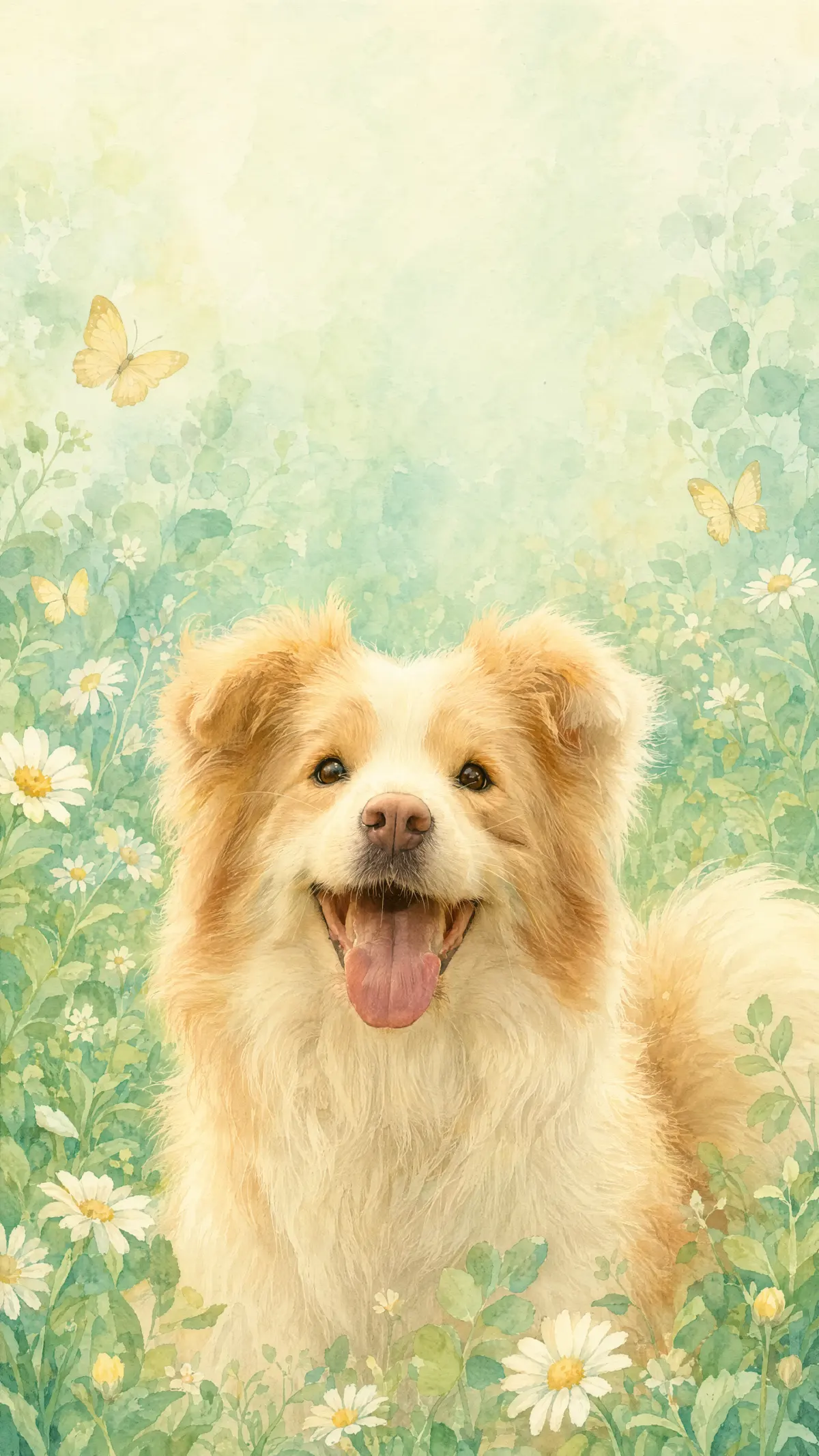
選擇你喜歡的桌布,將其提示詞載入生成器。你可以直接使用提示詞,或先更改主體、顏色、視覺風格與螢幕版面,再生成自己的版本。
使用情境
為不同螢幕、主題與視覺風格製作桌布,而不必在固定的背景圖庫中搜尋。
設計直式鎖定畫面,具備明確的視覺焦點,並在時鐘、日期與通知周圍保留較留白的空間。試試粉彩動物、花卉、雲朵、食物角色,或原創的 Q 版主體。
為筆電、顯示器與平板建立較寬的背景。將主要主體放在遠離應用程式圖示、資料夾、Dock 或工作列的位置,讓桌布既美觀又實用。
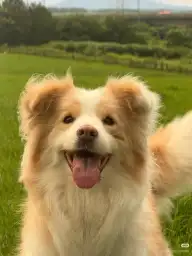
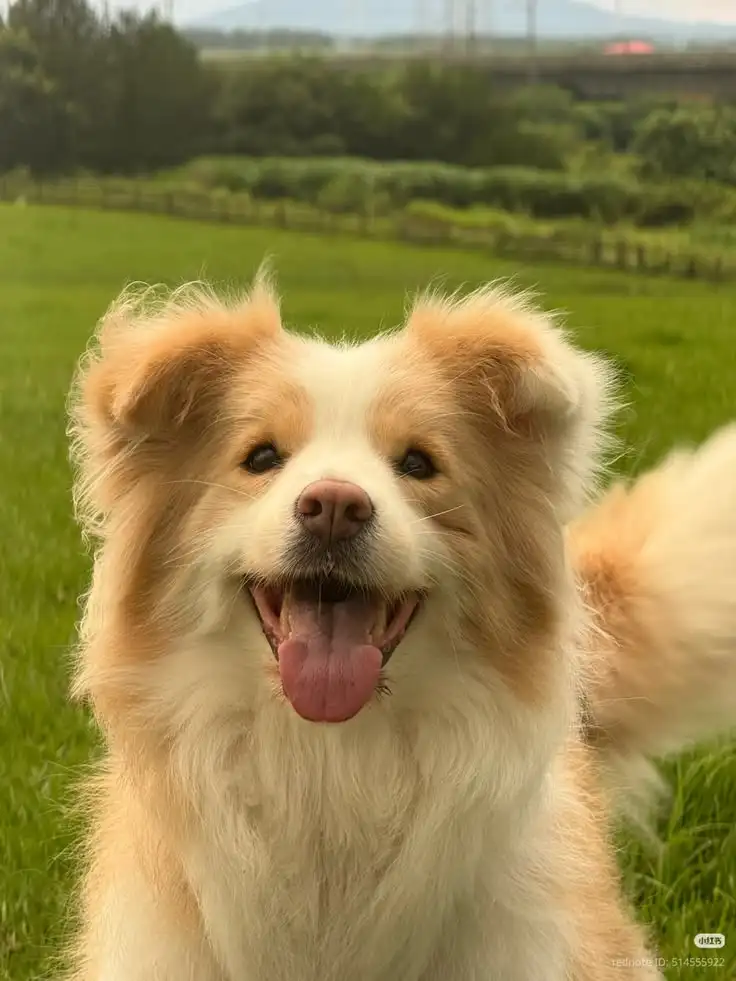
上傳你自己、寵物、朋友或最愛地點的照片,並描述希望如何重新設計風格。讓生成器保留可辨識的特徵,同時改變色調、背景或藝術方向。
生成原創的可愛角色、重複圖樣、田園鄉村風場景、水彩花卉、夢幻風景與暗色極簡設計,無須依賴預製範本。
這是什麼
可愛桌布生成器是一種 AI 圖像工具,可根據文字提示建立新的螢幕背景,或將上傳的圖片轉換成不同的視覺風格。
你不必瀏覽固定圖庫,而是可以描述你想要的主體、色調、藝術風格、背景和版面配置。生成器會解讀這些指示,並產生可用於手機、平板或電腦桌布的新圖片。
使用文字轉圖像時,提示會定義完整的視覺內容。使用圖像轉圖像時,上傳的檔案會為主體、姿勢、色彩或構圖提供參考。接著,提示會說明哪些部分應該改變,哪些部分應盡量接近原始來源。
AI 生成的結果每次都可能不同。請將範例提示視為創意起點,而不是重現所顯示桌布每一個像素的方法。
t2i 或 i2i
選擇符合你想製作之桌布的輸入方式。
文字轉圖像: 輸入文字描述,從零開始建立原創桌布。請說明主體、藝術風格、色調、背景元素、氛圍、方向,以及應保持視覺安靜的區域。
圖像轉圖像: 上傳現有照片或插圖,並說明應如何重新設計風格。請指出哪些可見細節應保持可辨識,例如寵物的斑紋、人物的髮型、主要姿勢,或原始主體的位置。
指南
提示和來源圖片會決定生成器應優先處理的內容。清楚的螢幕版面指示與所選的藝術風格同樣重要。
使用文字轉圖像時,提示會建立主要主體、輔助元素、色調、光線、質感和插畫風格。聚焦的描述能讓生成器獲得比一長串不相關風格詞更清楚的層級。
使用圖像轉圖像時,上傳的檔案會提供可見的參考資訊。清晰、光線充足且大到足以檢視的細節,比被模糊、厚重濾鏡、裁切或視覺雜亂遮蔽的細節更容易保留到新結果中。
桌布仍需要在介面元素後方發揮作用。請描述主要主體應出現的位置,以及哪個區域應包含較少細節。例如,手機鎖定畫面可能需要在上方中央附近留出空白,而電腦背景則可能需要在左側保留較平靜的區域,以便放置檔案和捷徑。
提示技巧
具體的視覺指示能更容易同時控制風格和螢幕版面。
提示公式: 主要主體 + 可愛視覺風格 + 色調 + 背景元素 + 螢幕構圖 + 要保留的細節 + 整體氛圍
指定主要主體: 指出應主導構圖的動物、人物、原創角色、物品、圖案、花朵、食物或風景。
定義「可愛」的意思: 使用更具體的方向,例如柔和卡哇伊插畫、圓潤 Q 版比例、水彩故事書藝術、粉彩黏土渲染、溫馨鄉村田園風,或極簡塗鴉藝術。
選擇有限色調: 指定二到四種主要顏色,讓結果感覺協調。例如腮紅粉和奶油色、薰衣草紫和淡藍色、薄荷綠和暖黃色,或黑色搭配少量粉彩點綴。
描述背景: 僅在這些細節能襯托主要主體時,加入星星、雲朵、花朵、緞帶、小愛心、格紋、閃光、柔和漸層或重複圖案。
規劃螢幕版面: 說明桌布是直向或橫向、主要主體應位於何處,以及生成器應在哪裡保留較安靜的留白空間,供時鐘、應用程式圖示、資料夾或小工具使用。
保護重要的來源細節: 對於上傳的圖片,指出應保持可辨識的可見特徵。請生成器保留臉部、寵物斑紋、姿勢、服裝顏色、物品形狀,或對結果重要的背景特徵。
更佳結果
提示、來源圖片和目標螢幕都會影響最終構圖。
維持一個主要想法: 從一個主體和一個視覺方向開始。僅在次要裝飾能支持該想法時才加入。
使用協調的色調: 簡短的色調通常比一長串互相競爭的顏色更能創造一致的背景。
保留有用的留白: 告訴生成器在哪裡保持背景較安靜,以免介面元素遮住視覺焦點。
使用清晰的參考圖片: 進行圖像轉圖像時,請上傳可用的最大清晰版本。避免嚴重模糊、過度壓縮、強烈美顏濾鏡,或充滿介面元素的截圖。
一次改變一個主要變數: 如果第一個結果很接近,請分別修改色調、主體位置、背景或藝術風格,而不是取代整個提示。
檢查小細節: 在將結果設為桌布之前,請檢查臉部、爪子、手、重複圖案、文字、邊緣裁切,以及時鐘或圖示後方的區域。
使用相關的 GPTProto 圖像工具,繼續創作並完善你的桌布。
上傳一張情侶照或兩張獨立肖像,將其變為一段簡短浪漫的接吻影片。AI 法式接吻生成器將兩人帶入同一時刻,無需手動影片編輯即可生成靠近與接吻的動作。
上傳動畫、漫畫、卡通或原創角色(OC)圖片,生成逼真的人類形象詮釋,同時保留髮型、表情、服裝、配色及其他具代表性的視覺細節。


上傳照片、描述想要變更的內容,讓 AI 在線上編輯圖片。移除或替換物件、變更背景、調整光線、重新設計場景風格,並透過簡單的文字指示建立新變化版本。
上傳人像照或使用文字提示詞,建立年長、年輕、青少年或嬰兒版本。選擇一個範例載入其提示詞,調整年齡與細節,然後在線上生成結果。
了解如何在 Seedance 2.5 中透過按時間安排的微表情、電影感技巧和兩個完整影片範例,提示出真實的情感面部表情。
複製 15 個 Nano Banana Pro 照片編輯提示詞,涵蓋臉部修正、背景變更、物件移除、產品清理和圖片擴展。
逐步學習如何製作逼真的 AI Vlog,包含一致的角色、多個場景、旁白、字幕與音效——無需手動剪輯影片。
複製 20 個免費 Seedream 5.0 Pro 包裝設計提示詞,適用於產品盒、標籤、SKU 系列、電商圖片、貨架模擬圖與行銷廣告。
從個人鎖定畫面到主題內容套組,創作者可以將此生成器用於多種實用的影像工作流程。