動畫轉真人 AI
上傳動畫、漫畫、卡通或原創角色(OC)圖片,生成逼真的人類形象詮釋,同時保留髮型、表情、服裝、配色及其他具代表性的視覺細節。
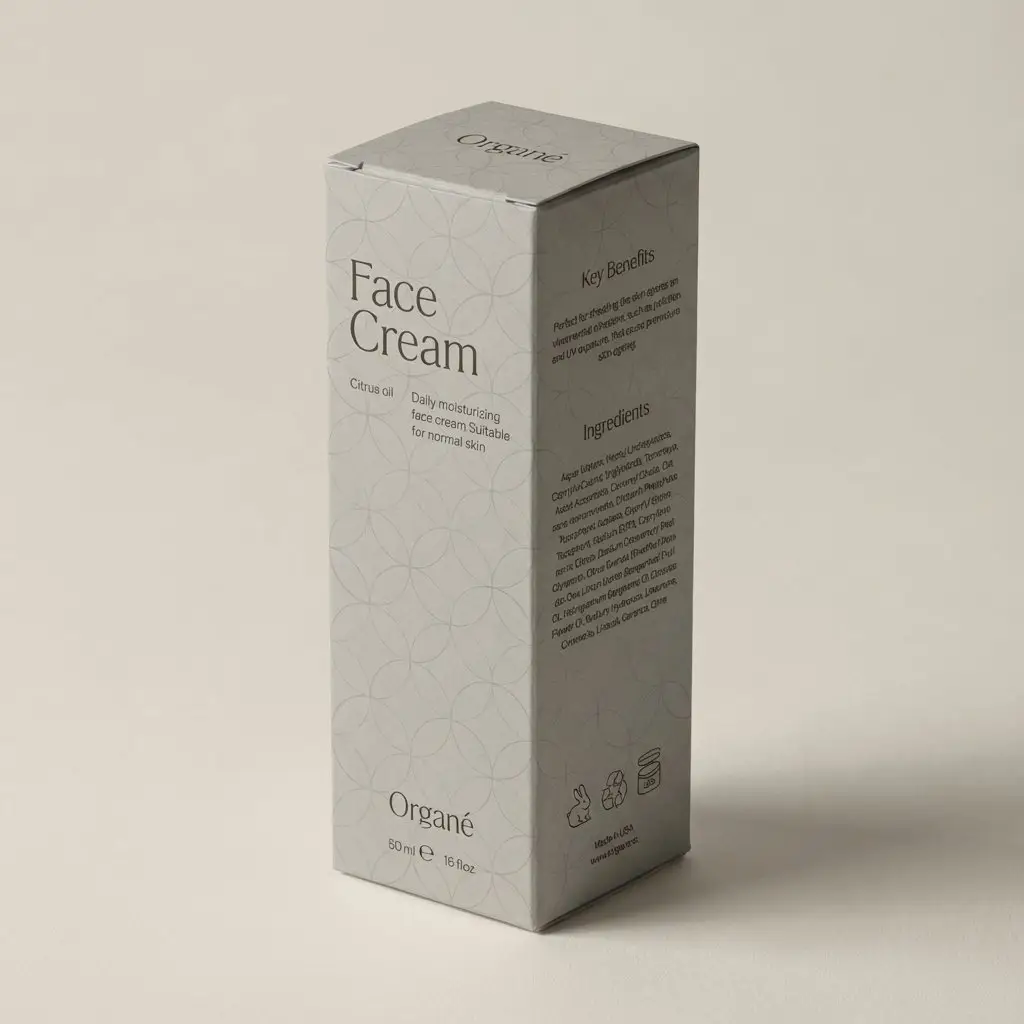
從文字提示、上傳圖片或兩者結合建立包裝概念與產品模擬圖。無需每次都從空白畫布開始,即可探索盒子、瓶子、軟袋、標籤與電商視覺的新外觀。
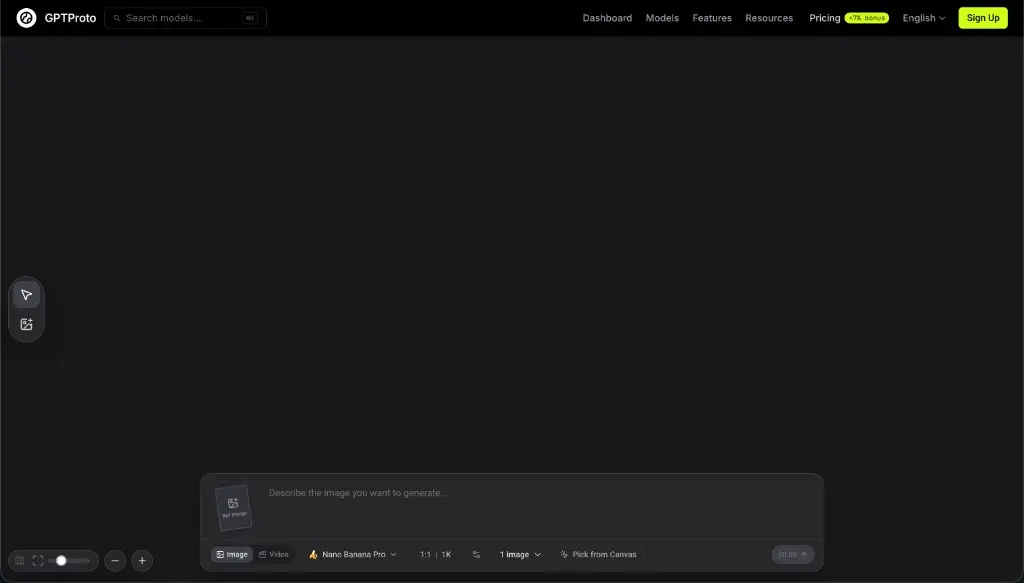
從文字開始,或帶入自己的產品圖片。兩種方式都採用相同的三步驟流程。
註冊 GPTProto,並在建立圖片前為帳戶新增點數。

只使用文字提示即可建立全新的包裝概念。若要重新設計現有內容,請上傳產品照片、現有包裝、標籤、草圖或參考圖片,並描述你想要變更與保留的部分。
點選「生成」以建立圖片。檢視結果、調整提示,或嘗試其他變化,直到視覺方向適合你的概念、簡報或電商流程。
範例
了解文字提示或參考圖片如何將產品想法轉化為新的包裝方向、重新設計的標籤或電商展示。
設計靈感
使用文字轉圖像建立新點子,或在希望輸出遵循既有產品、包裝或視覺參考時使用圖像轉圖像。
描述你想要的產品、包裝形式、受眾、色彩、材質、圖像風格與展示方式。生成器會將這些細節轉化為新的視覺概念,用於早期探索、情緒板或品牌討論。
上傳現有包裝並說明要變更的內容。以可見的包裝形狀、角度、光線與構圖作為參考,探索新的色彩系統、圖像、字體方向、加工效果或品牌定位。
將標籤概念加入空白瓶子、罐子、軟袋、罐頭或盒子。描述標籤形狀、色彩、材質、視覺層級與品牌方向,讓它更自然地呈現在可見的產品表面。
將基本產品圖片轉化為更精緻的電商或行銷展示。加入協調的背景、台座、道具、陰影與光線,同時要求生成器盡量保留上傳參考中的重要產品細節。
What it is
An AI packaging design generator creates new package visuals from written descriptions, reference images, or a combination of both. It can help brands, designers, marketers, and product teams explore packaging directions before spending time on detailed production artwork.
Text-to-image generation is useful when you are starting with an idea. Image-to-image generation is useful when you already have a product photo, package, label, or sketch and want to test a different visual direction. The output can support mood boards, concept reviews, pitches, ecommerce images, and product launch planning.
The tool generates raster images rather than editable structural packaging files. It does not calculate package dimensions, engineer a container, or create a production dieline. Treat each result as a visual concept or product mockup that may need further design work.
Choose the input route that matches how much material you already have.
Text to Image: Enter a written description to create an original packaging concept from scratch. Include the product, package format, target customer, brand style, colors, materials, graphic elements, and the type of mockup or setting you want to see.
Image to Image: Upload a product photo, existing package, flat label, sketch, or visual reference and explain the intended change. State which details should remain close to the source, such as the package shape, product position, camera angle, main colors, or background.
Packaging Types
The generator can visualize many common packaging formats and product categories, as long as the requested form and important details are described clearly.
Boxes and Cartons: Explore folding cartons, rigid boxes, mailer boxes, gift boxes, sleeves, and other box-based concepts for retail products, subscriptions, gifts, and direct-to-consumer orders.
Bottles, Jars, and Cans: Create packaging visuals for beverages, skincare, cosmetics, supplements, sauces, candles, and household products using glass, plastic, aluminum, or other visible material directions.
Pouches, Bags, and Flexible Packaging: Test stand-up pouches, coffee bags, snack packaging, refill packs, sachets, and other flexible formats with different color systems, illustrations, patterns, and finishes.
Labels and Sleeves: Apply label or sleeve concepts to blank products, or explore a new visual hierarchy for an existing bottle, jar, can, cup, or container.
Common use cases include food and beverage packaging, cosmetics and skincare, supplements and wellness products, ecommerce goods, and early concepts for DTC brands.
Prompt tips
Clear prompts help the generator understand both the package you want and the way it should be presented.
Prompt Formula: Product + packaging format + target audience + brand style + colors + materials + required visual elements + mockup setting
Name the product and format: Specify whether you need a coffee pouch, skincare bottle, beverage can, shipping box, jar label, or another package type.
Define the audience and position: Add cues such as premium, playful, family-friendly, eco-conscious, minimalist, youthful, or clinical when they genuinely fit the product.
Describe colors and materials: Mention paper, cardboard, glass, aluminum, matte plastic, foil, embossing, transparent labels, or other visible finishes.
List essential visual elements: Include the logo area, product name, illustration style, pattern, color hierarchy, or flavor cues that should influence the image.
Set the presentation: Ask for a front view, 45-degree angle, studio mockup, retail shelf scene, ecommerce product image, or campaign composition.
For image-to-image edits, say what should remain: Identify the package shape, product position, camera angle, lighting, or background when those details matter.
AI to Real
AI-generated packaging is useful for exploring directions and communicating an idea, but a visual result is not automatically a print-ready file.
Brand names, logos, and small text: Check spelling, spacing, alignment, and trademarked elements. Rebuild important typography and logos with the correct source files.
Product and legal information: Verify ingredients, nutrition facts, warnings, net quantity, barcodes, certification marks, contact details, and any category-specific claims.
Structure and dielines: Confirm dimensions, folds, cut lines, glue areas, closures, and how the artwork maps to the actual package with a packaging designer, manufacturer, or printer.
Print preparation: Set the correct bleed, safe area, color mode, image resolution, fonts, spot colors, and finishing instructions in the final production file.
Materials and finishes: Check whether the proposed paper, plastic, glass, metal, foil, embossing, coating, or transparency can be produced within the project budget.
Food, cosmetic, supplement, and wellness packaging may be subject to additional labeling rules in the markets where the product is sold. Complete the relevant legal and regulatory review before printing or distribution.
使用相關 GPTProto 工具繼續調整你的包裝圖片。
複製 15 個 Nano Banana Pro 照片編輯提示詞,涵蓋臉部修正、背景變更、物件移除、產品清理和圖片擴展。
複製 20 個 2026 年最佳 Nano Banana Pro 提示詞,包含電商、廣告、人像、圖片編輯範例,以及可替換變數與修正技巧。
逐步學習如何製作逼真的 AI Vlog,包含一致的角色、多個場景、旁白、字幕與音效——無需手動剪輯影片。
複製 20 個免費 Seedream 5.0 Pro 包裝設計提示詞,適用於產品盒、標籤、SKU 系列、電商圖片、貨架模擬圖與行銷廣告。
從第一輪想法到產品上市視覺,生成器能縮短文字方向與可供團隊檢視的圖片之間的距離。