MS Paint AI 生成器
使用 AI 將任何照片轉換成搞笑的滑鼠繪製 MS Paint 塗鴉。上傳人像、寵物、迷因、螢幕截圖或產品照片,取得粗糙、搖晃的 Microsoft Paint 風格作品——不需要撰寫提示詞,也不需要繪畫技巧。只需上傳並生成..
Swap faces in a video online—no app, prompt, or manual masking needed. Upload the original clip, add an image or video showing the face you want to use, and click Generate to create your face swap.
Swapping a face takes two photos and one click. Here's the whole flow.
Add the photo that has the face you want to replace. This is the scene, pose, and background you're keeping.
Add a clear, front-facing photo of the face you want to swap in. This is the identity that gets mapped onto the target.
Click Generate. The AI detects both faces, aligns them, and blends the new face into the target — matching skin tone and lighting. Download your result in seconds.
Examples
Choose a sample video as your starting clip, then add your face reference as an image or video. Compare the original footage with the example result to see how expressions, head movement, and lighting affect a swap.
Use-Case
Use your own footage and authorized face references for personal edits, creative tests, and short-form video ideas.
Put yourself into an original reaction clip for a personalized joke, celebration, or group-chat moment. Keep the edit playful and make its altered nature clear when sharing.
Create a personalized introduction, greeting, or short social post using footage you own. Try a new face in the same clip without filming each variation again.
Compare authorized presenter looks in a shared video concept before planning a new shoot. Treat the result as a creative draft, not evidence of a person's actual endorsement.
Place your face into an original costume or character performance. Start with a clip whose outfit, body, and setting already match the scene you want.
What it is
An AI video face swap replaces a face in existing footage using a separate image or video as the face reference. Your Target Video supplies the scene and performance. Your Face Reference supplies the facial identity you want to add. When both uploads are videos, they still serve these two different roles.
Unlike a text-to-video generator, this tool starts with a clip rather than a written description. The aim is to change the face while retaining the surrounding performance—not to redesign the body, outfit, or setting. Results can vary, so check important details before sharing.
Accuracy tips
A convincing result needs to work while the video is playing, not just in a still preview. Look for two things when reviewing your clip:
Recognizable Identity Through Movement: The face should remain recognizable as the subject smiles, speaks, or turns. Check for sudden changes around the eyes, mouth, and jaw, especially when the face moves away from the camera.
Lighting and Edges That Fit the Scene: The swapped face should fit the surrounding angle, shadows, and skin tones. Look for visible borders, color jumps, or flicker near the cheeks and hairline. Difficult angles and covered faces may need a clearer source clip.
Better Results
Give the tool clear inputs before trying a more demanding scene.
Choose a Clear Face Reference: Use a sharp image or video in which the replacement face is clearly visible. Avoid sunglasses, heavy filters, and hair or hands covering key features. For a video reference, prefer a steady, well-lit view of one person.
Keep the Video Face Easy to See: Start with footage in which the face is large enough to identify. A distant subject or heavily compressed video provides less useful detail.
Start with Simple Movement: Try a short, continuous shot with one clearly visible person. Rapid cuts, strong motion blur, and repeated obstructions make the result harder to keep consistent.
Use a Compatible Angle: A clear front-facing or mild three-quarter view is a useful starting point. Large differences between the face reference and the target video's head angle can make the swap more difficult.
Review the Whole Clip: Watch head turns, mouth movement, and changes in light. A good first frame does not guarantee that every moment will look the same.
Choose the edit that matches what you want to change.
| Your goal | Best starting point |
|---|---|
| Replace a face in a video you already have | Video face swap: the existing clip is the base, and a separate image or video supplies the replacement face. |
| Replace an entire character, including their body or outfit | Character replacement: a broader editing task that should not be assumed from face-swap functionality alone. |
| Make the character in an image follow a recorded performance | Motion transfer: the video guides the movement of a character from a separate image. |
For reference-driven character movement, explore AI Motion Transfer. Use this page when replacing the face is the main task.
Already have both files? Go straight to the generator. If you need an original scene or portrait first, prepare it with another GPTProto tool, download it, and upload it here as a separate step.
Need a Video to Edit? Use the Unrestricted AI Video Generator to create an original scene from text or animate an image. Choose a result with one clearly visible face, then download the clip for your swap.
Need an Original Face Image? Use the Unrestricted AI Image Generator to develop a realistic portrait concept. Choose a clear, unobstructed face and test it on a short clip before building a longer project.
Working with Photos Instead? Open AI Face Swap Image to replace a face in a still image rather than a video.
One balance runs every AI tool on GPTProto. Keep editing without switching accounts.
使用 AI 將任何照片轉換成搞笑的滑鼠繪製 MS Paint 塗鴉。上傳人像、寵物、迷因、螢幕截圖或產品照片,取得粗糙、搖晃的 Microsoft Paint 風格作品——不需要撰寫提示詞,也不需要繪畫技巧。只需上傳並生成..

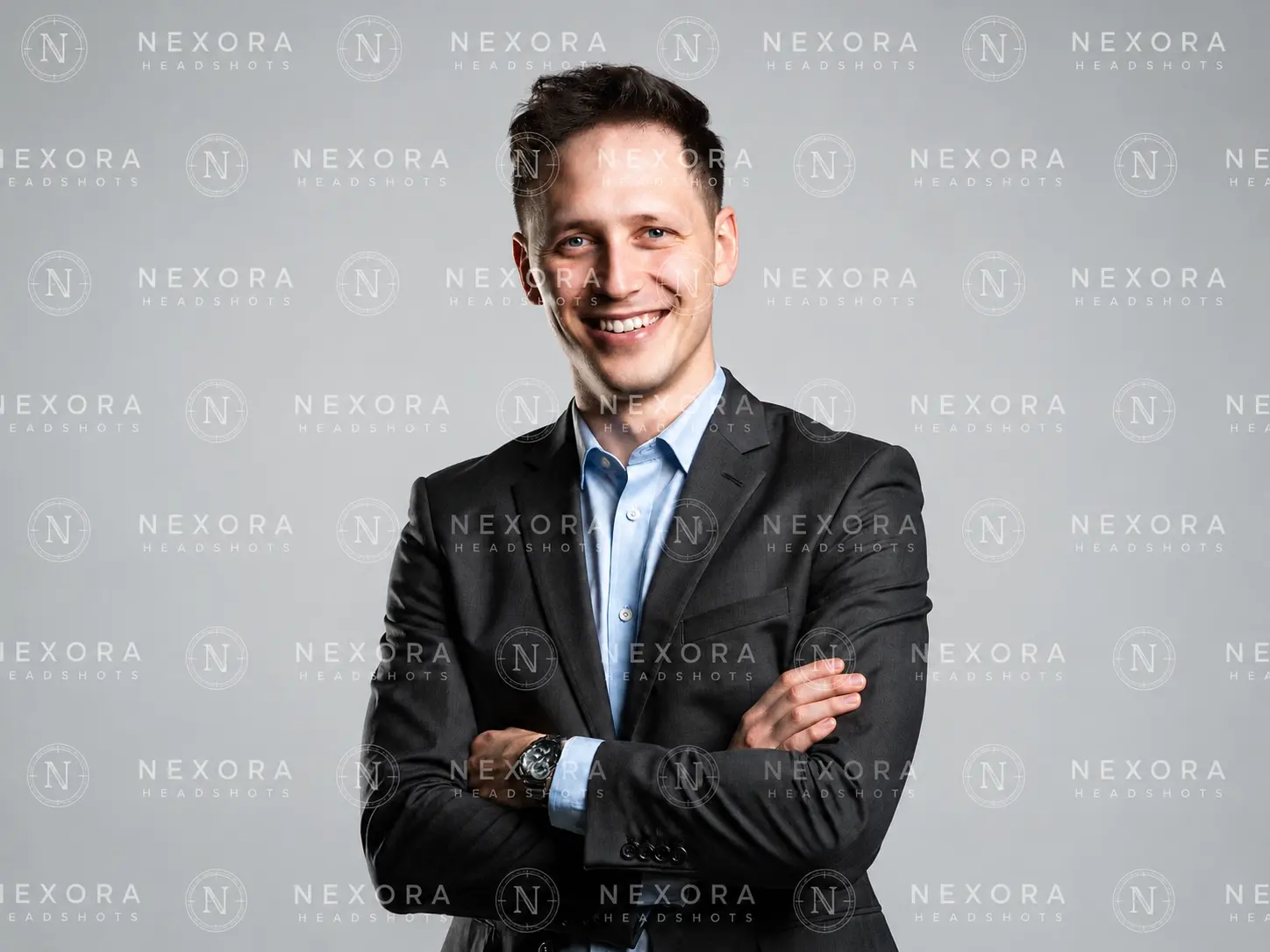
線上移除圖片中的可見標誌、文字和日期戳記——上傳一次、點擊一次,不需要編輯軟體。
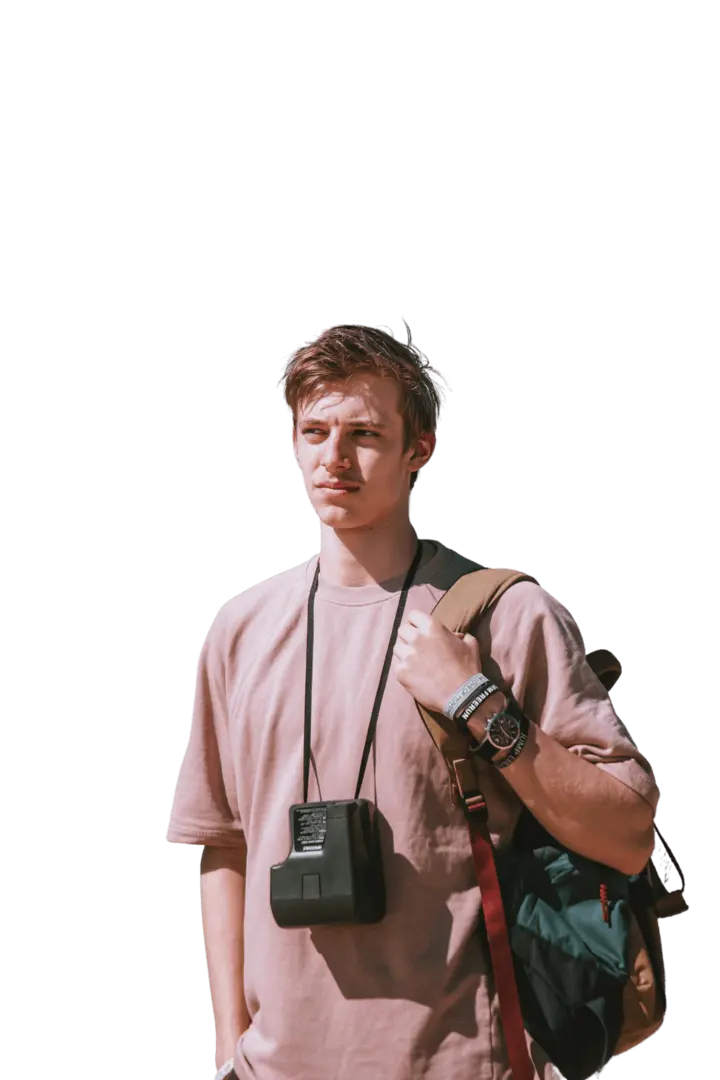
上傳任何圖片,一鍵將主體去背。AI 會移除背景並提供乾淨的透明 PNG——無需提示詞、手動遮罩或設計技能。
從文字建立原創影片,或使用自己的提示詞將靜態影像轉為動態。選擇「文字轉影片」或「影像轉影片」,引導主體、動作、攝影機、燈光與視覺風格,然後使用 GPTProto 點數線上產生。
Compare the best AI models for roleplay in 2026 for memory, story writing, RPGs and long chats, including Kimi K3, GLM, Claude, DeepSeek and Gemini.
Learn how to make an AI cat dance video from your own photo using Wan 3.0, a reference dance clip, copy-ready prompts, and simple fixes.
Compare 5 affordable AI video APIs for ecommerce and AI short drama. See current pricing, clip costs, audio fees, and the best model for each job.