AI 貓跳舞影片生成器
上傳清晰的貓咪圖片與一段人類舞蹈影片,即可線上製作你自己的 AI 貓跳舞影片。參考影片引導編舞與節奏,你的圖片則決定完成片段中出現的貓咪。不需要動畫時間軸,也不需要動作捕捉設備。
透過我們先進的 AI 刺青產生器,將概念轉化為可直接上身的設計。在決定之前,探索無限的刺青袖套靈感與風格。
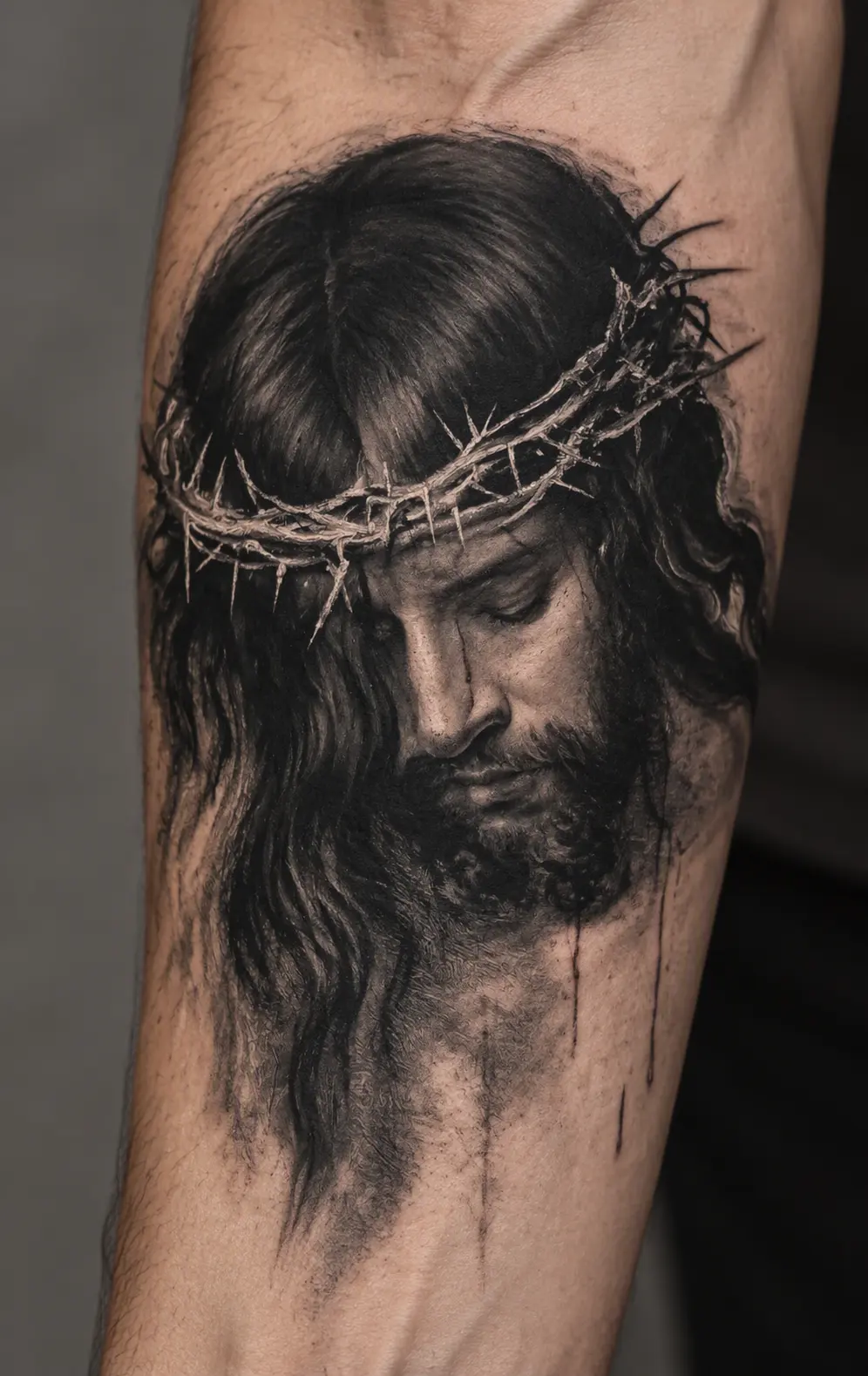
Turn a reference image into a tattoo preview without writing a prompt.
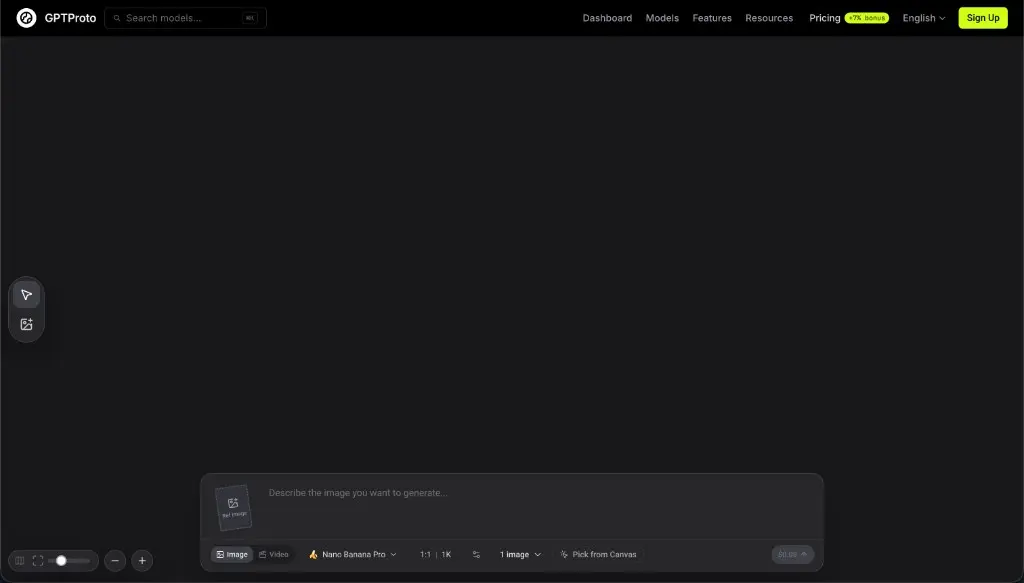
Sign up for GPTProto and add credits to your account before generating. You can check the current cost in the generator.
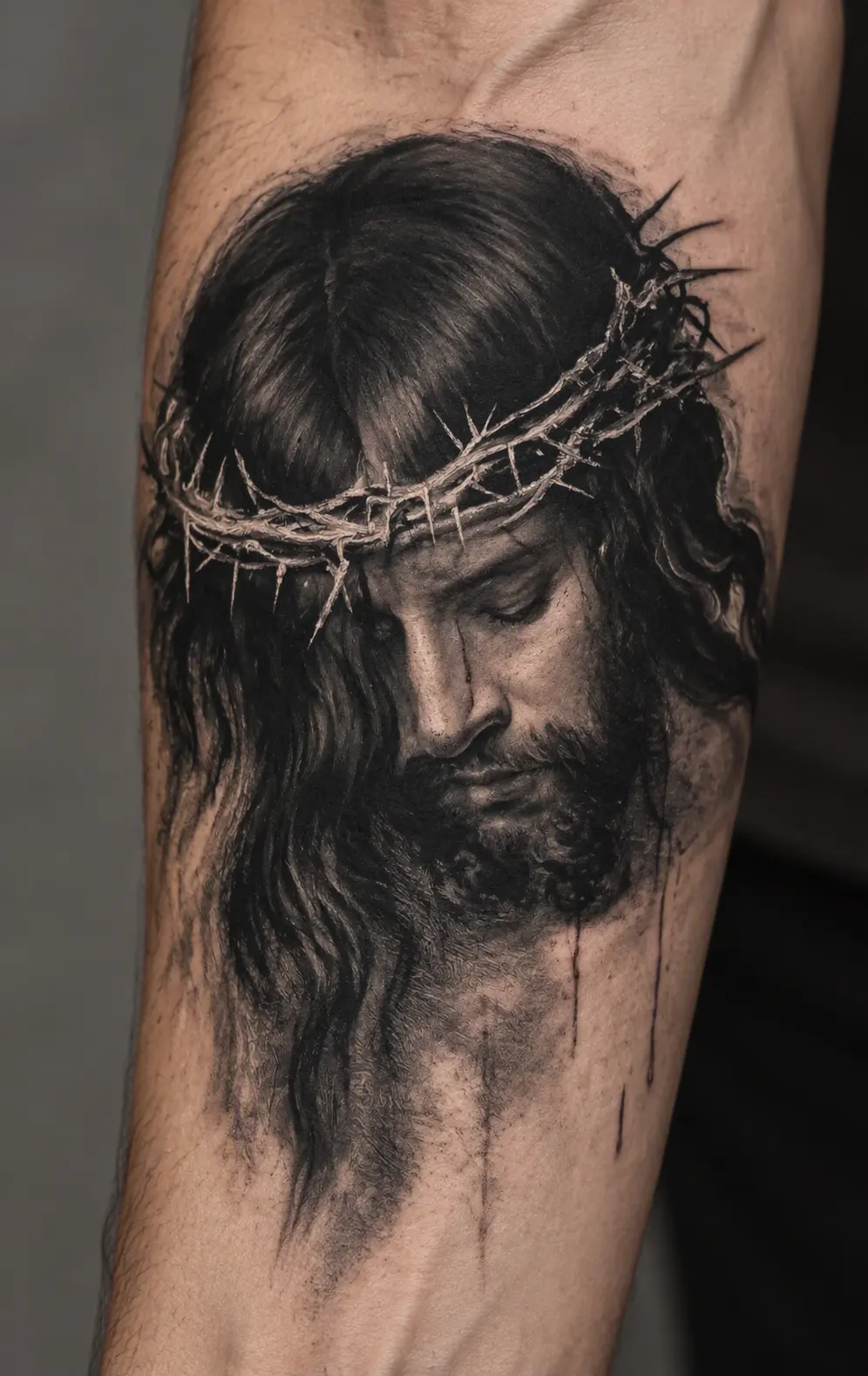
Upload the photo, sketch, or artwork you want to transform. An image with one visible subject gives the generator a clearer starting point.
Select Generate to create your tattoo preview. If you selected a style from the examples, the generator uses that style for the result.
Examples
See how the same reference subject can change across tattoo styles. Select a style to apply it to your uploaded image; the original image remains your reference.
Ideas
Start with something you already care about. Each reference image gives the generator a subject to reinterpret.
Use a clear photo of your pet to explore a tattoo that keeps its recognizable ears, markings, or expression.
Turn a flower or leaf photo into a fine-line, shaded, or colorful tattoo concept.
Upload a simple symbol or object and see how it could read as ink on skin.
Use a sketch you made as a starting point for a more finished tattoo look while keeping its central idea.
What it is
An AI tattoo generator uses your uploaded image as a visual reference to create a new tattoo-style image. On this page, the result is shown as a simulated tattoo on skin, so you can compare how a subject might look in different ink styles.
A photo of a pet, a drawing, or a familiar object can each provide the central subject. The generated result is an interpretation: small features, proportions, colors, and composition may change. It is useful for exploring a visual direction and discussing an idea with a tattoo artist. It is not a tattoo stencil or a guarantee of how the finished tattoo will look on your body.
The uploaded image supplies the subject. The chosen style changes how that subject is drawn, while the finished preview presents the artwork as ink on a photographed forearm.
Translate the subject into tattoo artwork. Fine line simplifies it into delicate contours; blackwork builds contrast with solid ink; realism keeps more tonal detail. The reference remains the starting point in every style.
Present the ink on skin. The preview includes skin texture, lighting, and the curve of an arm to help you judge the overall look. This is a generated scene, not a placement preview on your own photo.
Better Tips
Choose one clear subject. A close-up pet portrait, single flower, or simple drawing is easier to interpret than a crowded group photo.
Keep defining details visible. Check that the markings, outline, or expression you care about are not cropped out or hidden in shadow.
Compare styles with the same image. Keeping the reference constant makes it easier to decide whether you prefer fine lines, strong black areas, or more shading.
Review tiny details before sharing. AI can change lettering, dates, faces, and small symbols. Ask a tattoo artist to redraw and check anything that needs to be exact before it becomes a real tattoo.
Continue working with your image using other GPTProto tools.
上傳清晰的貓咪圖片與一段人類舞蹈影片,即可線上製作你自己的 AI 貓跳舞影片。參考影片引導編舞與節奏,你的圖片則決定完成片段中出現的貓咪。不需要動畫時間軸,也不需要動作捕捉設備。
使用文字提示或上傳圖片,建立個人化的可愛桌布。在線上透過 GPTProto 設計 kawaii 角色、粉彩圖案、寵物插圖、手機鎖定畫面與電腦桌面背景。
上傳動畫、漫畫、卡通或原創角色(OC)圖片,生成逼真的人類形象詮釋,同時保留髮型、表情、服裝、配色及其他具代表性的視覺細節。
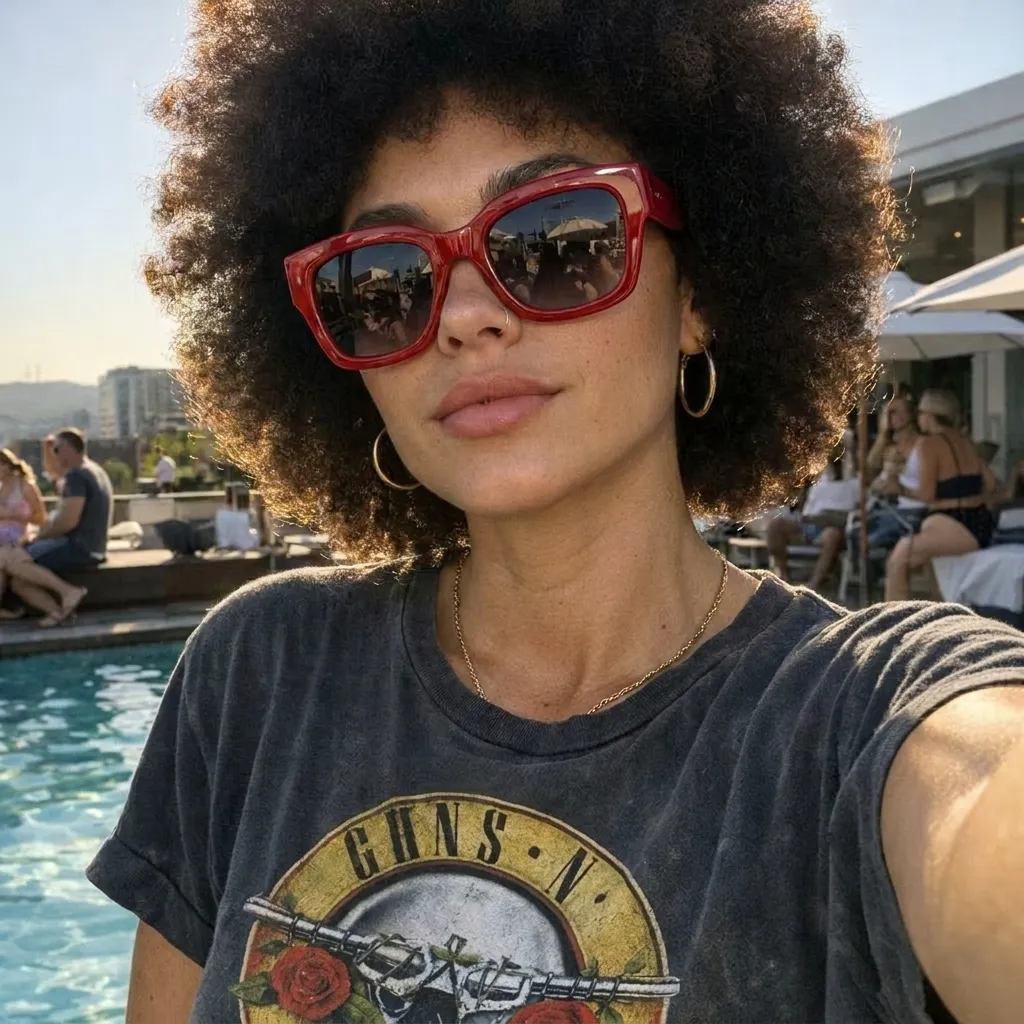
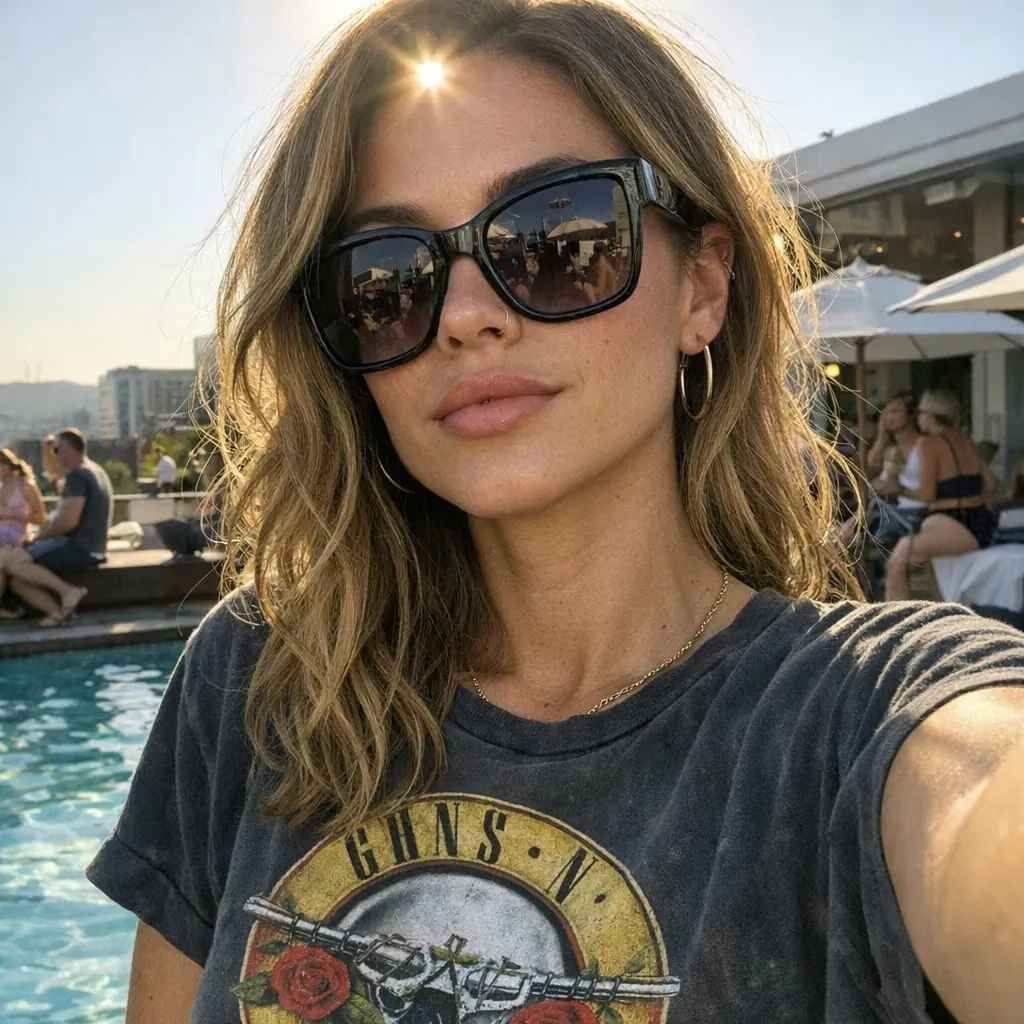
上傳照片、描述想要變更的內容,讓 AI 在線上編輯圖片。移除或替換物件、變更背景、調整光線、重新設計場景風格,並透過簡單的文字指示建立新變化版本。
透過在品質、硬體與篩選機制之間取得平衡,找出最佳免費 AI 圖像生成選項。了解今天哪些工具真正能提供零成本藝術創作。
別再為塑膠感照片付費。立即找出能為你的職涯帶來專業、寫實成果的最佳免費 AI 大頭照生成器。
探索最符合你需求的最佳免費 AI 藝術生成器。我們根據寫實度與每日使用上限,為 Bing、Ideogram 和 Leonardo 排名。立即免費開始創作。
尋找最佳 AI 音樂生成器,需要看透行銷炒作。閱讀我們對 Suno 與 Mureka 的真實世界測試,找出最適合你的工具。