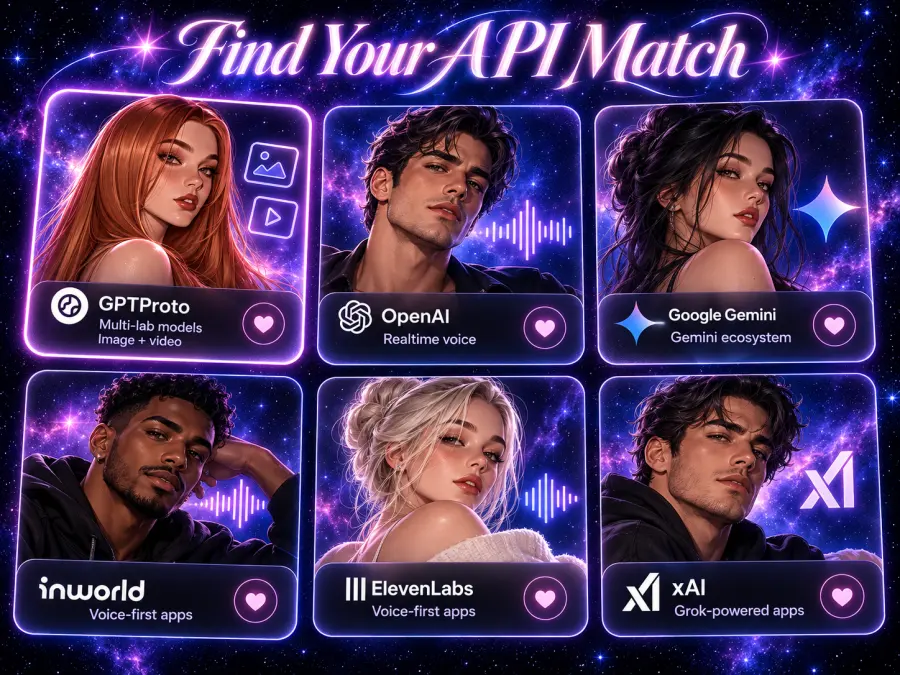
Best API Providers for AI Companion Apps at a Glance
| Provider |
Best fit |
Capabilities to evaluate |
Main trade-off |
| GPT Proto |
Combining models from different labs with visual content |
Supported chat, image, and video models under one key and balance |
Your app still manages character state and persistent memory |
| OpenAI |
Direct integration with OpenAI realtime voice models |
Text, image generation, speech, and realtime audio interaction |
Access to other model families requires additional integrations |
| Google Gemini API |
Products using Google's AI ecosystem |
Gemini chat, Live interaction, image generation, and video models |
Live input and generated media use different model capabilities |
| Inworld |
Configurable realtime voice experiences |
STT, selectable LLMs, TTS, plus image and video inference |
Cross-session memory requires application storage and restoration |
| ElevenLabs |
Voice-led products that also need visual content |
Agents, configurable voices, and image/video generation APIs |
Media API access has a subscription requirement |
| xAI |
Products built around Grok |
Chat, Imagine image/video generation, and voice APIs |
Each feature has its own request and billing requirements |
How We Selected These API Providers
This is a documentation-based selection guide, checked on October 27, 2026. The recommendations reflect available capabilities, integration requirements, and published billing structures. They do not represent a measured ranking of dialogue quality or response speed.
I prioritized providers that a developer could evaluate for a companion product, then considered model choice, media support, application work, and cost. A useful comparison must explain whether a service provides model inference, a voice conversation pipeline, or additional product infrastructure.
Real projects show why that distinction matters. The open-source Utsuwa companion project configures LLM and text-to-speech providers separately. Its application retrieves conversation history, injects relevant memories, and adjusts context to fit the selected model. Provider selection is one part of that system.
For more examples, explore GPT Proto's character-chat apps and their model usage. Use the listings to investigate application patterns and model choices. They do not establish which supplier will perform best for your own app.
6 API Providers to Consider for Your Companion App
1. GPT Proto for Combining Chat Image and Video Models
GPT Proto is the strongest starting point on this shortlist when you want to compare different model families and add generated visuals through the same account. Its AI API for roleplay gives you a place to evaluate character prompts and compare supported models before committing to one.
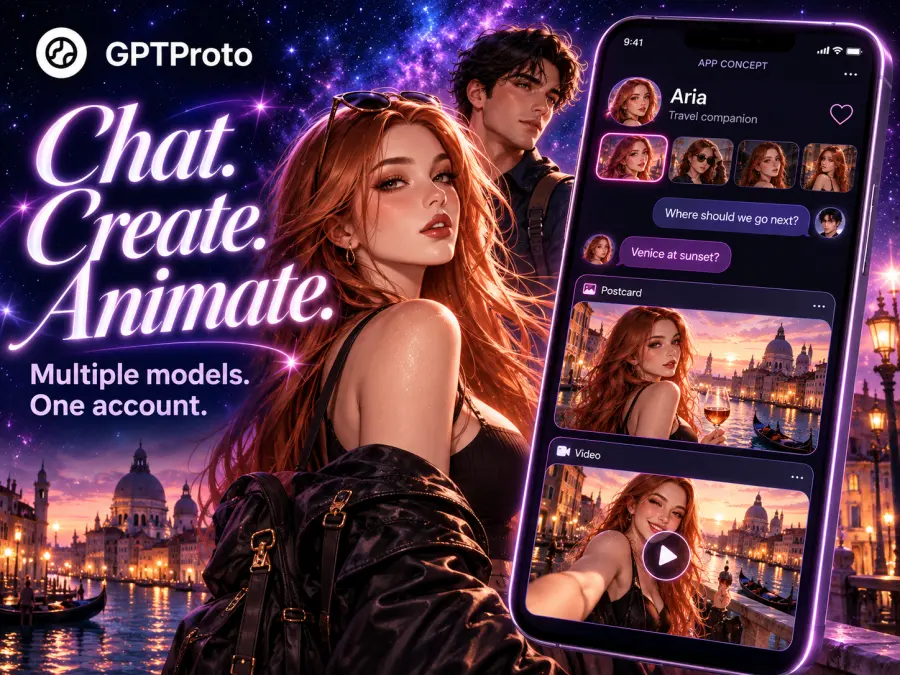
Consider a fictional travel companion: a chat model writes the conversation, an image model creates a postcard from the character, and a video model animates a scene. Those jobs can use different models. GPT Proto has dedicated pages for options such as Nano Banana 2.1 image generation and Kling 4.0 video generation, with model-specific request examples.
Shared access reduces the accounts and balances your team manages. The integration still needs separate handling for each task. A chat-completions request and an asynchronous video job have different lifecycles.
For a concrete budget reference, GPT-6 Luna on GPT Proto lists $0.08 per million input tokens and $0.40 per million output tokens. That makes it a candidate for inexpensive chat experiments; character quality needs its own evaluation.
Choose GPT Proto when model flexibility and visual features are priorities. Build memory, user permissions, and character state into your application, and verify any required realtime voice feature separately.
2. OpenAI for Direct Access to Realtime Voice Models
OpenAI is a practical choice when your product requirements center on its models and realtime speech interaction. The Realtime API processes audio directly, maintains conversation state, and supports tools. Its documented browser flow uses an ephemeral client secret and WebRTC; server connections can use WebSocket.
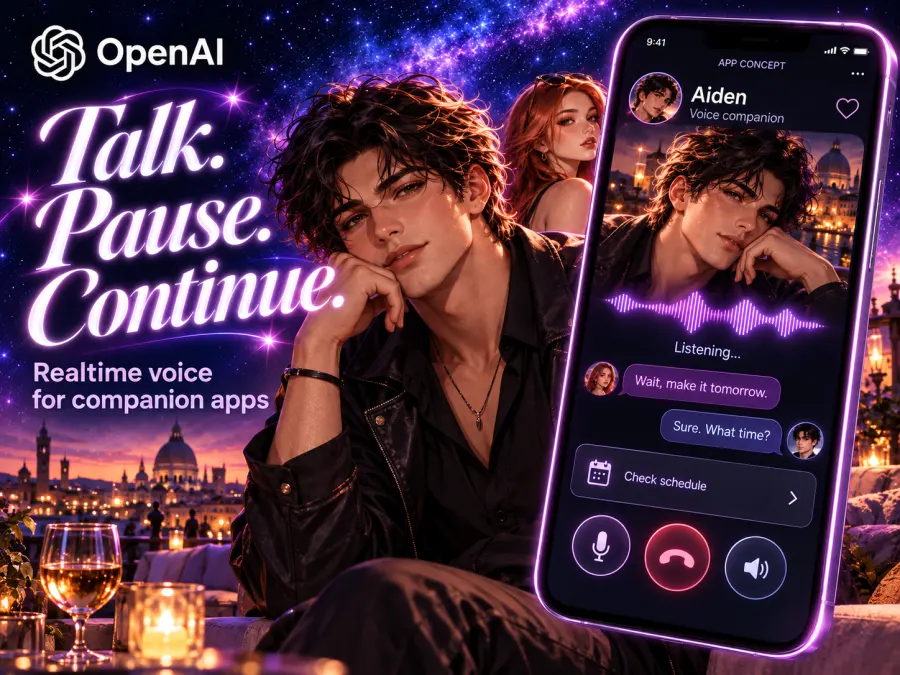
That is useful for a spoken companion that needs to handle interruptions or call a tool during the conversation. You can develop against the original API and its SDKs, with fewer intermediate services to investigate when a model-specific feature behaves unexpectedly.
The limitation is model choice across suppliers. If your product later needs another lab's dialogue style or a different image model, you will add that integration yourself. Stored conversation state also needs an explicit design for user history and memory retrieval.
For video, check current availability carefully. OpenAI's deprecation notice lists the Videos API and Sora 2 API shutdown on September 24, 2026. An accessible older tutorial is insufficient evidence that its endpoint remains available.
Choose OpenAI when direct access to its realtime capabilities outweighs the need to switch model families.
3. Google Gemini API for Apps Built Around Google AI
Google is worth shortlisting when you already use its developer ecosystem and want to evaluate conversation, visual input, generated images, and video features within that environment.
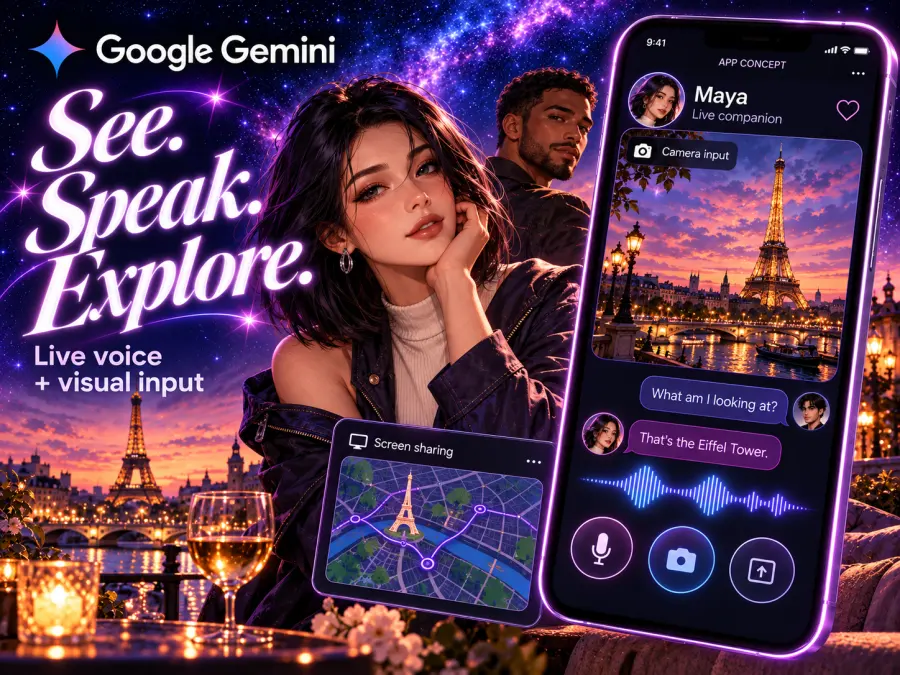
The Gemini Live API supports streaming interactions, with frontend or backend WebSocket connections. Google recommends ephemeral tokens for production client connections. This can suit a companion that responds to spoken input and information from a camera or shared screen.
Generated video is a separate selection. The current Gemini video guide points developers toward Gemini Omni Flash and distinguishes it from discontinued Veo 3.1 Preview endpoints. For a character sending a short animated message, evaluate a generation model rather than assuming Live video input provides that output.
The practical work is selecting and testing the right models for each feature. A product may require different settings, usage limits, and billing calculations for chat, voice, and media. Keep those costs separate in your forecast.
Choose Google when its ecosystem fits your app and you are comfortable selecting different models for different interactions.
4. Inworld for Configurable Realtime Voice Pipelines
Inworld deserves a close look when spoken conversation is central to the experience. Its Realtime API combines speech-to-text, your chosen LLM, and text-to-speech, while handling turn detection and interruptions through WebSocket or WebRTC.
It also has broader media coverage. Inworld Inference exposes text, image, and video models, so describing the platform as a voice-only service would miss part of its offering.
The important boundary is persistent memory. Its long-term memory documentation explains that realtime sessions are temporary. Your client must save memory externally and restore it for a future session. This is a concrete application responsibility to include in development estimates.
For cost evaluation, track speech recognition, LLM consumption, and generated speech separately, then add media use. A low TTS unit price does not establish the price of an entire conversation.
Choose Inworld when configurable voice interaction is a core requirement and you want less orchestration work. Plan the database and memory restoration flow alongside the voice integration.
5. ElevenLabs for Voice Led Apps With Visual Features
ElevenLabs is a candidate when you want voice configuration and conversation controls to be part of the platform you buy. ElevenAgents supports language model selection, turn-taking, interruptions, and deployment through web and mobile integrations.
Its image and video offering changes the comparison. The Image & Video API guide documents separate asynchronous generation endpoints, with results collected through webhooks or polling. Access requires a Pro plan or above and the relevant API permissions.
That subscription requirement matters for a small prototype. Compare your expected feature usage with the services available under the plan you intend to purchase. Media generations consume credits according to the selected model, settings, and inputs; a voice allowance should not be treated as an unlimited media budget.
There is another cost distinction: the agent model documentation accounts for third-party LLM usage separately. Estimate the conversation configuration you will actually deploy rather than using a headline voice price as the total.
Choose ElevenLabs when voice configuration and agent tooling justify the platform requirements. Check media access before designing character-image or video features around it.
6. xAI for Apps Built Around Grok Models
xAI is relevant when you specifically want Grok as the conversational model and want to evaluate related media and speech capabilities.
The Imagine documentation covers image generation and editing alongside video generation. This gives developers a path to test a character conversation and generated visual content within the same supplier's ecosystem.
Voice should be evaluated through its own Voice API documentation. Keep speech interaction, text chat, and generated clips as separate integration and budget items, even when they share an account.
You are still building the companion product. A model API does not automatically supply the character assets, persistent relationship state, or interface found in a consumer companion app. Check the API's actual inputs, outputs, and controls against the features in your specification.
Choose xAI when Grok itself is part of the product decision. If your priority is comparing many model families, include a multi-model service in the evaluation too.
What Does an AI Companion App Actually Cost
A token quote becomes useful when you connect it to a defined workload. Long conversations can resend character instructions, retrieved memories, and recent history with each request. Measure the input your application sends.
Here is a hypothetical text-only workload: 1,000 sessions, 50 replies per session, an average of 2,000 input tokens per request, and 200 billed output tokens per reply. That produces 100 million input tokens and 10 million output tokens.
| Same model and workload |
GPT Proto GPT-6 Luna |
OpenAI GPT-6 Luna |
| Input price per million tokens |
$0.08 |
$0.10 |
| Output price per million tokens |
$0.40 |
$0.50 |
| Cost for 100 million input tokens |
$8 |
$10 |
| Cost for 10 million output tokens |
$4 |
$5 |
| Total text inference estimate |
$12 |
$15 |
The rates come from GPT Proto's model page and the OpenAI GPT-6 Luna model documentation. This calculation uses uncached standard text rates and assumes no reasoning output beyond the stated token allowance. It excludes cache-write charges, retries, media, memory processing, storage, and taxes. It is a purchasing-cost illustration, not a measured companion-quality comparison.
For a multimodal product, add the following usage to the forecast:
| Feature |
What to measure |
| Persistent memory |
Extraction or summary calls, embeddings where used, retrieval, and storage |
| Character images |
Images requested, resolution, reference inputs, and repeat generations |
| Short videos |
Generated duration, resolution, input assets, audio settings, and billed retries |
| Spoken conversation |
Recognition, LLM usage, speech output, and any platform or connection charges |
Latency also belongs in product evaluation. In a desktop companion development account, the author combined cloud inference with local speech and database memory, then reported delays from tool calling. It is an individual experience, but it illustrates why a fast text model alone cannot establish the waiting time users experience.
Connect a Chat Model and Plan Your Media Workflow
Begin with a short character conversation. Create a GPT Proto API key, add credit, and set the GPTPROTO_API_KEY environment variable on your server. The GPT-6 Luna model page provides the current API Usage example.
curl --fail-with-body --silent --show-error \
  https://gptproto.com/v1/chat/completions \
  -H "Authorization: Bearer $GPTPROTO_API_KEY" \
  -H "Content-Type: application/json" \
  --data '{
    "model": "gpt-6-luna",
    "messages": [
      {
        "role": "system",
        "content": "You are Mira, a fictional travel companion. Be warm and concise."
      },
      {
        "role": "user",
        "content": "I have one free afternoon in Kyoto and prefer quiet places."
      }
    ]
  }'
Read the reply from choices[0].message.content. This request supplies a character instruction and one message. For continuing dialogue, your backend must assemble the relevant conversation and memories for each call. Keep the permanent API key out of browser code and mobile bundles.
Next, select an image or video model from its own page. Use the model page's API Usage instructions when asking your coding assistant to build the integration. Preserve the documented endpoint, authentication, parameters, and result-handling flow.
An asynchronous media task needs a saved job ID and a completion handler. Your interface can show a pending image or video while chat continues. Connecting every task to the chat-completions endpoint will not reproduce those separate capabilities.
Which API Provider Should You Choose
| Your first product milestone |
Shortlist |
What to validate before committing |
| Text companion MVP |
GPT Proto or a direct model API |
Character behavior, cost per conversation, memory handling |
| Chat plus character images and clips |
GPT Proto, Google, Inworld, ElevenLabs, or xAI |
Exact model availability, media access, references, and task completion flow |
| Realtime spoken companion |
OpenAI, Inworld, ElevenLabs, or Gemini Live |
Interruptions, first audible response, voice consistency, and total session cost |
| Product built specifically around Grok |
xAI |
Required API features and the application work beyond model access |
For a team still exploring its dialogue model and visual features, I would start with GPT Proto and a small repeatable evaluation. Use the same character instructions and conversation history, then compare supported models before building the rest of the product around one.
Model selection deserves a separate pass. Our best AI models for roleplay guide focuses on the underlying dialogue models. Use it to narrow the candidates, then test your own characters and session patterns.
Start with GPT Proto's AI API for roleplay to compare a character conversation, and add visual generation once the chat experience meets your requirements.