


Animate an Approved Starting Image
Use one image as the opening frame, then describe the subject’s movement and camera direction. This route suits product photos, character artwork, and compositions that already have a clear visual starting point.

curl --request POST "https://gptproto.com/api/v3/vidu/viduq4-preview/image-to-video" \
    --header "Authorization: Bearer $GPTPROTO_API_KEY" \
    --header "Content-Type: application/json" \
    --data '{
        "prompt": "A tiny origami fox sailing a teacup across a moonlit puddle",
        "image": "",
        "duration": 5,
        "resolution": "720p",
        "audio": true,
        "seed": 1
}'Comece pelo custo de uma única amostra e escolha um orçamento de teste. As tarifas da GPTProto são 20% abaixo do preço de tabela.
| Cenário | Lista de Vidu | OpenRouter | GPTProto | Economia / mês |
|---|---|---|---|---|
| Anúncios curtos de produto30 × 8s / mês | $28.80 | $30.38 | $23.04 | −$5.76≈ $69.12 / ano |
| Clipes sociais60 × 5s / mês | $36.00 | $37.98 | $28.80 | −$7.20≈ $86.40 / ano |
| Geração em massa100 × 10s / mês | $120.00 | $126.60 | $96.00 | −$24.00≈ $288.00 / ano |

Vidu · $0.036 / por segundo · 540p · 720p · 1080p · 2k · 4k
Build image-led ads, character scenes, and product videos with the Vidu Q4 API on GPTProto. Start with an approved image or reference assets, then direct motion, camera changes, and sound. Compare the available settings and current quote in the playground before integrating the same workflow into your application.
Animate an Approved Starting Image
Use one image as the opening frame, then describe the subject’s movement and camera direction. This route suits product photos, character artwork, and compositions that already have a clear visual starting point.
Guide Products, Characters, and Voices
Combine visual references with optional voice samples to guide subject identity, scene style, and dialogue. Reference-to-video is useful when a recognizable product or character needs to carry across changing camera angles.
Tell a Story in Up to 16 Seconds
Generate 3–16-second clips and describe a sequence of story beats with camera changes. Give the scene time for an opening hook, a clear action, and a closing moment within one generation.
Choose Up to 4K with Synchronized Sound
Choose 540p, 720p, 1080p, 2K, or 4K, with sound or silent output. Test the composition at a lower resolution before generating the version intended for delivery.
Vidu Q4 Preview is Vidu’s image-led video model for single-image animation and reference-guided scenes. Image-to-video uses an opening frame; reference-to-video draws on supplied images and optional voice samples to guide the subjects and scene. Both official API routes offer synchronized audio and video, camera switching, and output up to 4K.
For a catalog image that already establishes the composition, start with image-to-video. For a scene involving a product, presenter, and separate location references, reference-to-video gives each asset a role. Describe those roles explicitly rather than treating every uploaded image as interchangeable.
| Specification | Official Q4 Preview API capability |
|---|---|
| Model ID | viduq4-preview |
| Generation modes | Image-to-video; reference-to-video |
| Output duration | 3–16 seconds, integer values; default 5 seconds |
| Output resolution | 540p, 720p, 1080p, 2K, 4K; default 720p |
| Single-image input | One opening-frame image |
| Reference inputs | 1–15 images; optional 0–3 voice references |
| Audio output | Synchronized sound or silent output |
| Reference-mode framing | 16:9, 9:16, 1:1, 3:4, 4:3 |
Available settings on GPTProto depend on the selected route. Use the live API documentation for the platform’s input limits and accepted field names.
Start with approved product photography and a short shot list. Assign each reference a purpose: product identity, presenter, location, or lighting. For a launch clip, plan a close-up, one demonstrative action, and a clean closing shot. Specify which proportions, materials, and packaging details should stay recognizable.
For multiple SKUs, keep the same prompt structure and replace the product assets. Change one variable at a time—such as the opening hook or camera move—to make comparisons useful. Review motion, product geometry, and dialogue before delivery; add exact prices, legal copy, and small labels in your editor. Track total spend against the number of approved clips when planning a batch budget.
Use this comparison to shortlist models by input and delivery requirements. A 16-second ceiling alone does not distinguish Q4 from Q3 Pro; the relevant differences include resolution and reference workflows.
| Decision factor | Vidu Q4 Preview | Vidu Q3 Pro | MiniMax H3 |
|---|---|---|---|
| Generation length | 3–16 seconds | 1–16 seconds for T2V/I2V | 4–15 seconds |
| Highest documented output | 4K | 1080p | 2K through its high-resolution workflow |
| Prompt-only generation | No dedicated route in current official Q4 documentation | Supported | Supported |
| Visual starting point | One opening image or multiple image references | Text, image, or first/last frames | Text, keyframes, or mixed references |
| Reference emphasis | Images and optional voice samples | Q3 Pro T2V/I2V and keyframe workflows | Image, video, and audio references |
| Audio | Synchronized audio-video output | Synchronized audio-video output | Native stereo audio |
Shortlist Q4 when supplied imagery and 4K delivery matter. Consider Q3 Pro for prompt-only scenes within the Vidu family. Evaluate H3 when source video is part of the reference brief. Compare the same creative brief and accepted-output criteria before deciding which model is more economical for your project.
Use this as a creative brief for reference-guided generation, adjusting it to your selected duration and framing:
Use the product photo to define the serum bottle and the scene reference to guide lighting. Create a 10-second vertical launch video. Open on the glass texture, pull back as the bottle turns slightly, then finish with a steady front view and clear space above it. Preserve the bottle proportions, cap, and packaging design. Use soft morning light, restrained camera movement, and quiet ambient sound. Do not add extra text or products.
Guias, comparações e atualizações relacionadas a este modelo.
Todos os artigos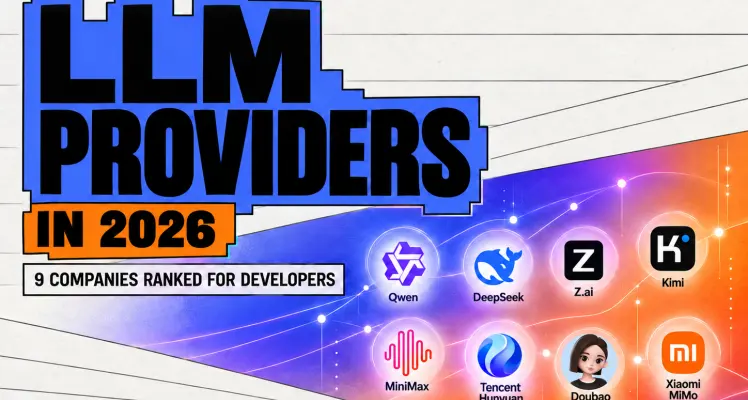
Kimi leads the Chinese Arena—but Qwen wins overall. Compare 9 Chinese LLM providers by API access, pricing, open weights, licensing, and production fit.
See which models fit dialogue, action and character continuity in short dramas. Compare Seedance, Kling, MiniMax, Vidu, Veo and Hailuo.
Create an AI factory video with a 9-shot storyboard, copy-ready image and video prompts, and editing tips. Follow a beginner-friendly chocolate factory example.
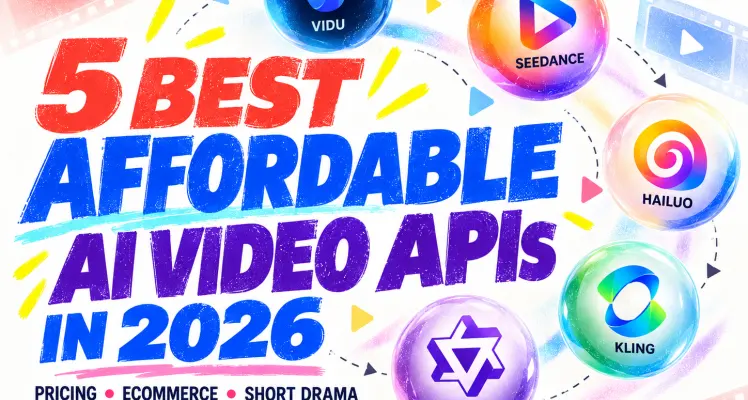
Compare 5 affordable AI video APIs for ecommerce and AI short drama. See current pricing, clip costs, audio fees, and the best model for each job.
Entrada
Saída