Preços+7% bônus

AI Motion Transfer Online

Transfer dance, gestures, and body movement from a reference video to your character image. Create a custom AI motion video with two uploads and one click — no prompt or motion-capture setup required.

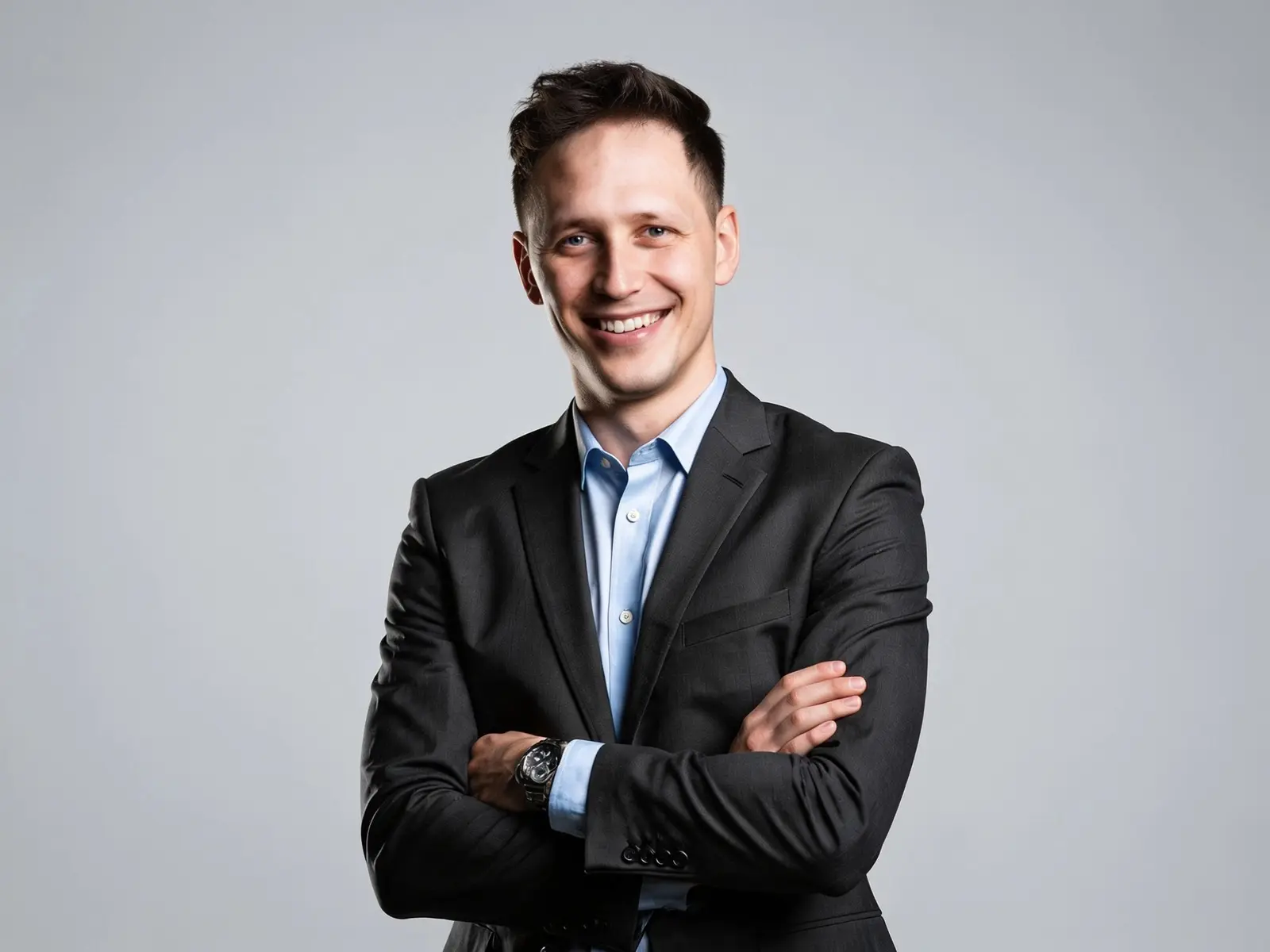
Vídeo alvo

MP4, MOV ou WEBM

Sua foto

PNG, JPG ou cole da área de transferência

Histórico
Baixar

Como Usar a Transferência de Movimento por IA Online

Adicione uma referência de movimento e uma imagem de personagem e gere seu vídeo personalizado.

  1. Envie um Vídeo de Referência

    Envie um Vídeo de Referência

    Escolha um vídeo nítido com a dança, o gesto ou a ação que deseja transferir.

  2. Adicione a Imagem do Seu Personagem

    Adicione a Imagem do Seu Personagem

    Envie uma foto, avatar, personagem de anime ou ilustração com um sujeito claramente visível.

  3. Gere Seu Vídeo de Movimento

    Gere Seu Vídeo de Movimento

    Clique em Gerar para aplicar o movimento de referência ao seu personagem e criar um novo vídeo.

Exemplos

Veja a Transferência de Movimento por IA em Ação

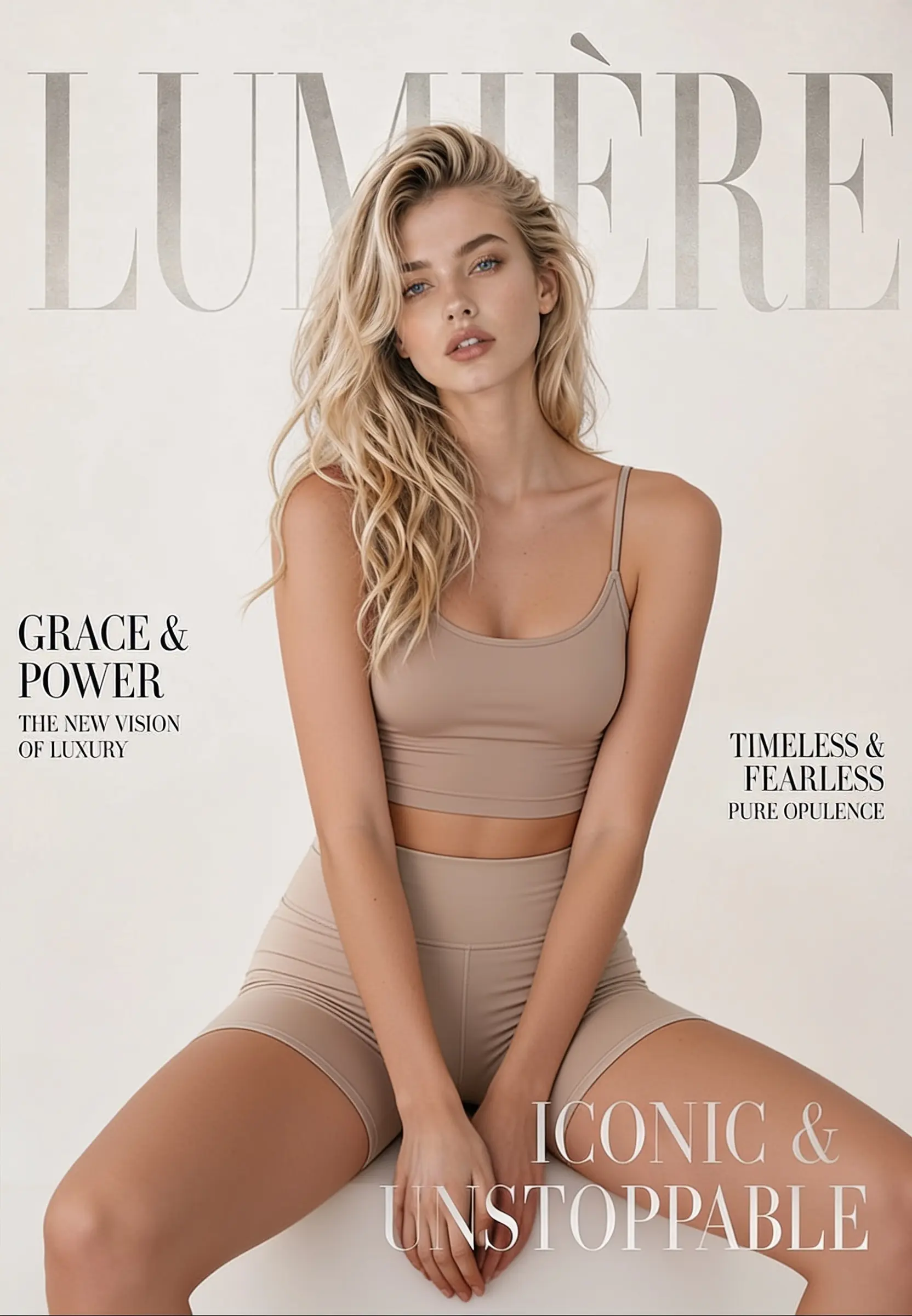
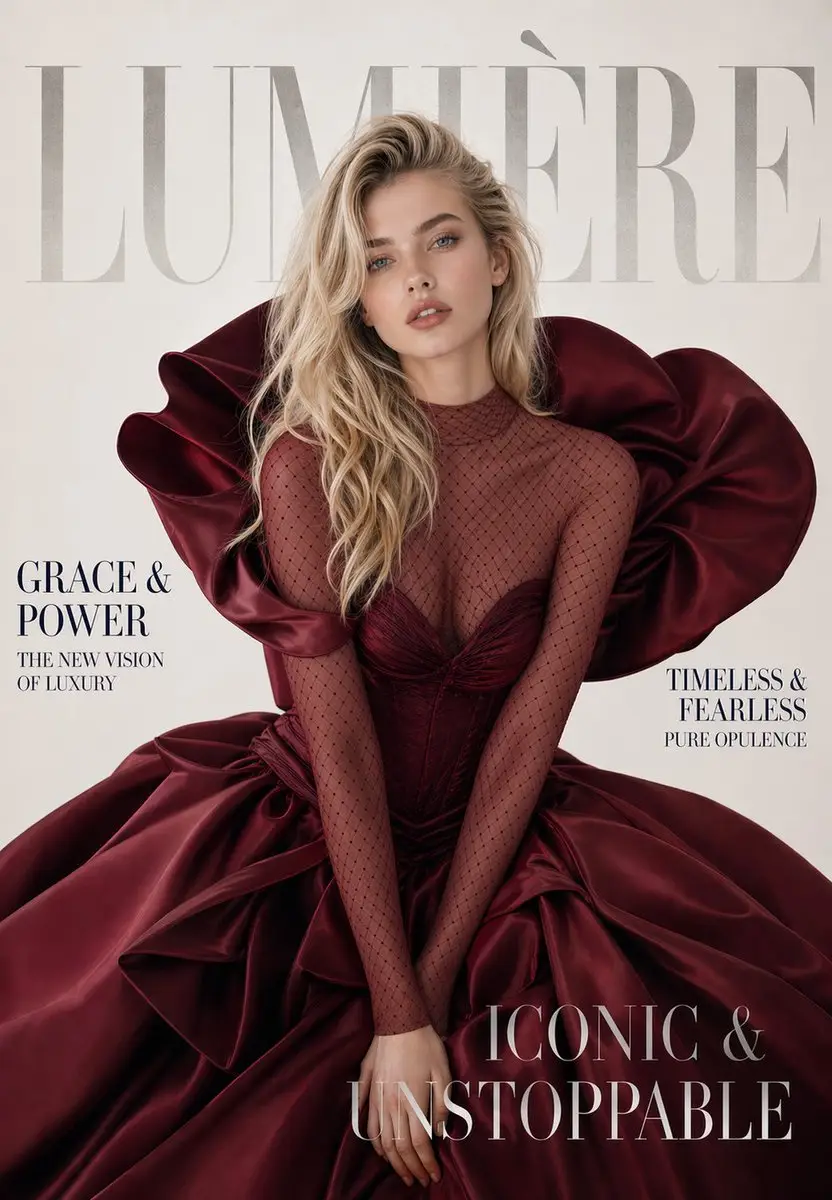
Veja como vídeos de referência podem orientar dança, performance, exercícios e movimento de personagens em diferentes estilos visuais.

Casos de Uso

Crie Mais com a Transferência de Movimento por IA

Reutilize uma performance gravada para criar novos vídeos de personagens sem filmar cada versão novamente.

  • Transferência de Movimento de Dança

    Aplique a coreografia de um clipe de referência a uma foto, avatar, personagem de anime ou figura ilustrada.

  • Animação de Personagens e Avatares

    Transforme um personagem digital estático em um vídeo em movimento guiado por uma performance real.

  • Transferência de Atuação e Gestos

    Reutilize linguagem corporal, poses e gestos expressivos de um ator ou criador gravado.

  • Vídeos de Movimento para Redes Sociais

    Adapte danças, reações e performances curtas para postagens de influenciadores de IA, Reels, Shorts e conteúdo no estilo TikTok.

What It Is

What Is AI Motion Transfer?

Use a real video as the movement guide for a new character video.

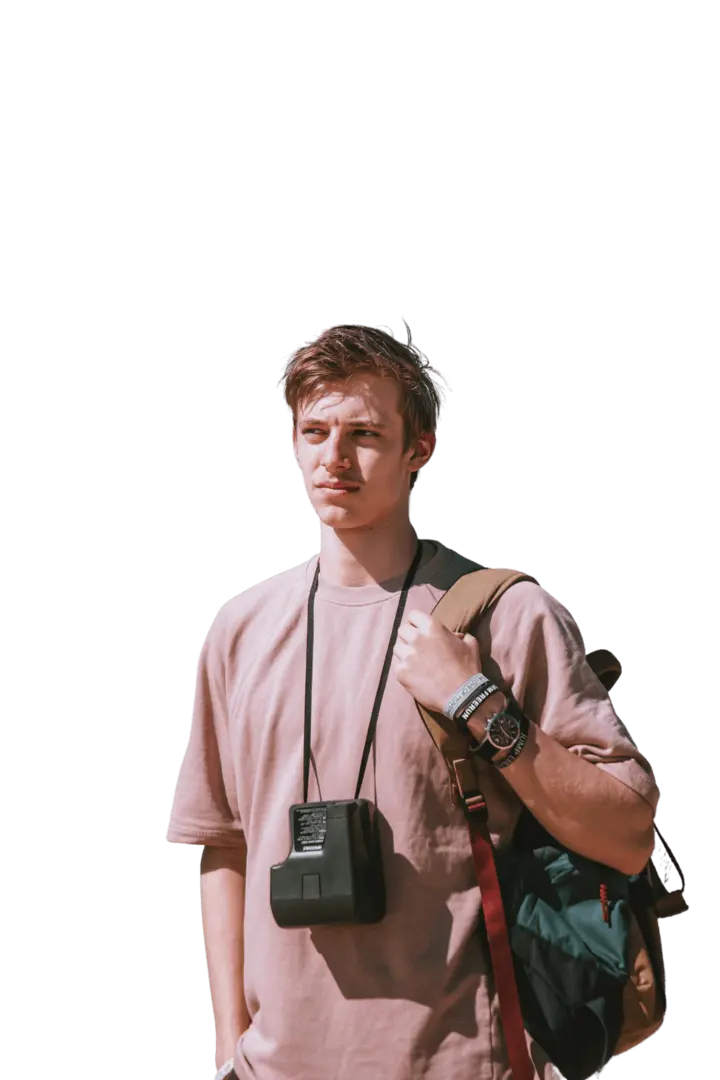
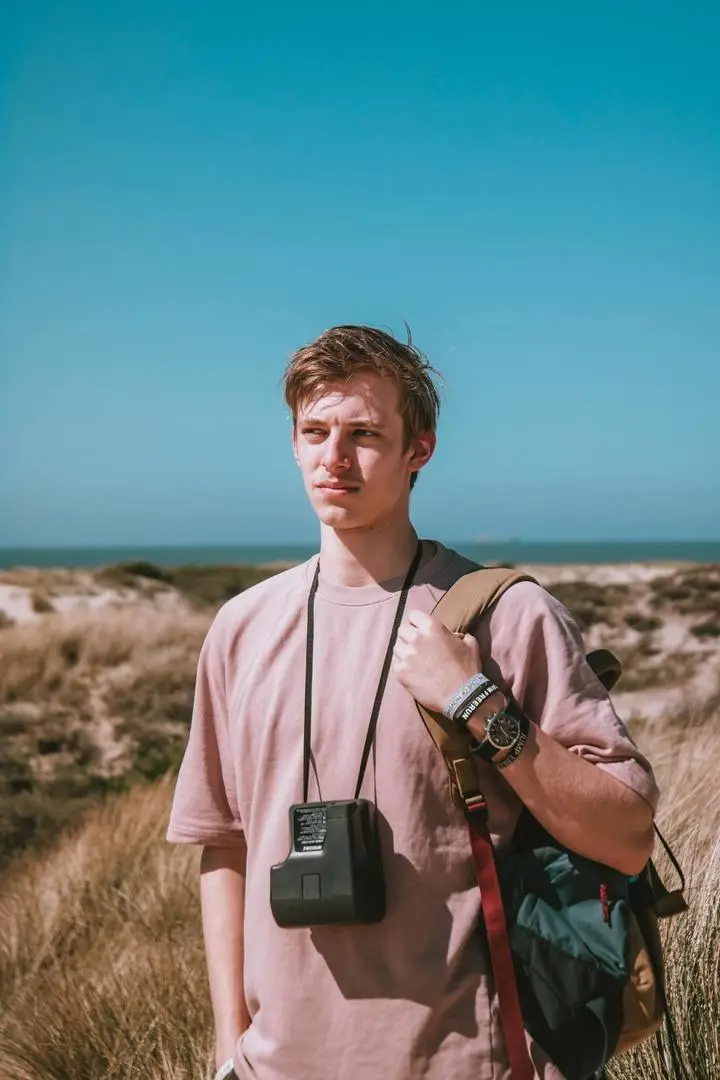
AI Motion Transfer is an online tool that applies movement from a reference video to the character in a still image. The reference clip defines the action, pacing, poses, and gestures, while the uploaded image defines the person or character that appears in the result. The tool then returns a new video in which that character follows the selected movement.

The same workflow may also be described as motion transfer AI, AI motion control, or video motion transfer. Unlike general image-to-video generation, it does not ask the model to invent the entire movement. You provide the action you want through a reference clip, giving the output a clearer motion direction without writing a prompt or manually rigging a character.

How AI Motion Transfer Works

The tool uses the two uploads for different jobs: the video guides the movement, and the image defines the character.

  • Reference-video motion guidance: The system reads visible pose changes, gestures, movement timing, and the path of the action in your reference clip. It uses that sequence as the motion guide for the generated video, so a dance, turn, exercise, or acting performance follows the source more closely than prompt-only animation.

  • Character-aware video generation: Your uploaded image supplies the character's face, outfit, body shape, and visual style. The generator rebuilds the moving scene around that character while following the reference action. Clear subjects and compatible framing make it easier to preserve recognizable character details throughout the motion.
Accuracy Tips

How to Improve AI Motion Transfer Accuracy

The tool handles the generation, but clear and compatible inputs make the movement easier to reproduce.

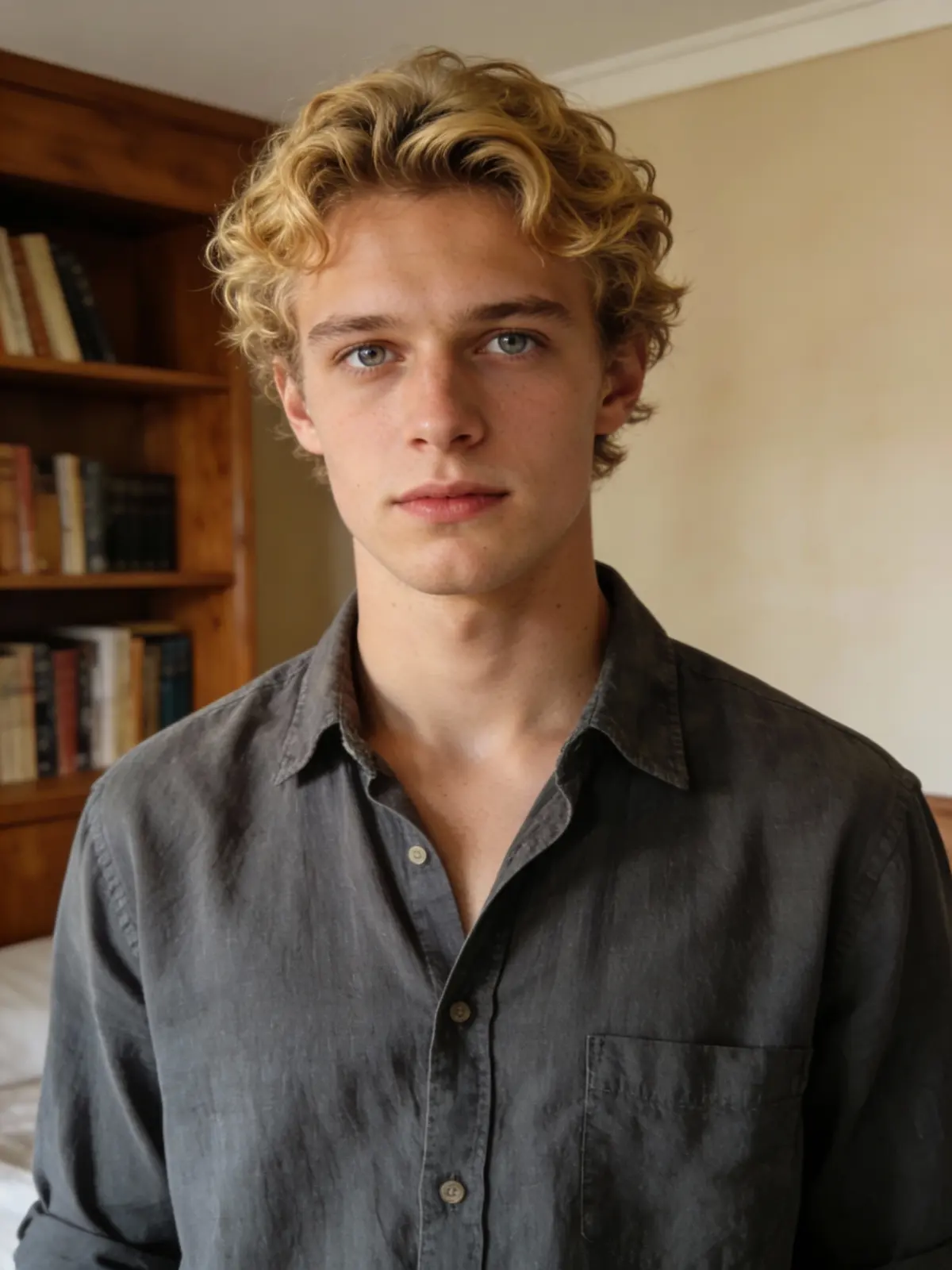
  • Use one clear character. Choose an image with a single visible person or character. Crowded scenes, overlapping subjects, and heavily covered bodies make it harder to identify which subject should follow the motion.

  • Match the framing of the image and video. Pair a full-body action clip with a full-body character image, or an upper-body performance with an upper-body image. Similar framing gives the movement enough visible body information to work with.

  • Choose a steady, well-lit reference video. Use footage where the main subject remains visible and the action is easy to follow. Strong shadows, heavy camera shake, and motion blur can hide important pose changes.

  • Avoid rapid cuts and multiple performers. Continuous movement from one subject is easier to transfer than an edited montage, a crowded dance, or a clip that switches angles every few moments.

  • Start with one readable action. A short clip focused on one dance sequence, gesture, exercise, or turn is easier to evaluate and refine than a long video containing several unrelated movements.

Clear subjects, compatible framing, and readable motion give AI motion control a stronger reference to follow.

Know the Difference

AI Motion Transfer vs. Image-to-Video

Both methods animate an image, but they give you different levels of control over the movement.

Comparison AI Motion Transfer Image-to-Video
Motion source A reference video supplies the action, timing, and pose sequence A prompt or the model supplies most of the movement
Required inputs One character image and one reference video Usually one image, with an optional prompt
Motion control Better suited to a specific, repeatable performance Better suited to open-ended or improvised animation
Best use cases Dance transfer, acting, gestures, exercise, and character performance Quick photo animation, environmental movement, and general scene creation

Choose AI Motion Transfer when you already have a movement you want the character to follow. Choose image-to-video when you want the model to decide how the image should move.

Perguntas Frequentes

O que é transferência de movimento por IA?

A transferência de movimento por IA usa um vídeo de referência para orientar o movimento de uma pessoa ou personagem a partir de uma imagem estática. Você envia a imagem do personagem e o vídeo de ação, e a ferramenta gera um novo vídeo em que o personagem segue o movimento de referência.

Como faço para transferir movimento de um vídeo para uma imagem?

Envie o vídeo com o movimento que deseja reutilizar, adicione uma imagem nítida do seu personagem e clique em Gerar. O vídeo de referência orienta a ação, enquanto a imagem determina quem aparece no vídeo de movimento gerado.

A transferência de movimento por IA é a mesma coisa que controle de movimento por IA?

Normalmente, eles descrevem o mesmo fluxo de trabalho baseado em referência. “Transferência de movimento por IA” enfatiza copiar o movimento de uma fonte para outra, enquanto “controle de movimento por IA” enfatiza o uso de um vídeo de referência para controlar como o personagem gerado se move.

Como a transferência de movimento difere de imagem para vídeo?

A ferramenta imagem para vídeo geralmente pede que o modelo anime uma imagem estática a partir de um prompt ou de sua própria interpretação. A transferência de movimento por IA usa um vídeo enviado como fonte de movimento, sendo mais adequada quando você deseja uma dança, um gesto, uma sequência de poses ou uma performance específicos.

Quais imagens de personagem funcionam melhor para transferência de movimento por IA?

Use uma imagem nítida com um sujeito principal, formato corporal visível, pouca oclusão e enquadramento semelhante ao vídeo de referência. Imagens de corpo inteiro funcionam melhor para ações de corpo inteiro, enquanto imagens da parte superior do corpo são mais adequadas para gestos e performances de retrato.

O que torna um bom vídeo de referência de movimento?

Escolha um vídeo bem iluminado, com um performer claramente visível, enquadramento estável, movimento contínuo e poucos ou nenhum corte. Evite cenas lotadas, desfoque de movimento intenso, membros ocultos e mudanças frequentes de ângulo de câmera.

Posso usar transferência de movimento por IA com personagens de anime ou ilustrações?

Sim. A ferramenta pode ser usada com fotos, avatares, personagens de anime e ilustrações quando o sujeito está claramente visível e sua estrutura corporal é compatível com o movimento do clipe de referência.

A transferência de movimento por IA é gratuita?

A GPTProto usa créditos pré-pagos para geração. O custo atual da geração é exibido ao lado do botão Gerar antes de você enviar o trabalho, para que possa revisar o preço primeiro sem se comprometer com um plano mensal.

Posso usar qualquer foto ou vídeo de referência?

Envie apenas imagens e vídeos que você possui ou tem permissão para usar. Não use a imagem de outra pessoa, filmagens protegidas por direitos autorais ou material privado sem a devida autorização.

Testimonials

Maya Chen

5 / 5

Short-Form Video Creator

“I reused one dance reference across several character styles without recording the routine again. The two-upload workflow made testing each version much easier.”

Daniel Ruiz

5 / 5

Character Animator

“Matching the framing of my character image to the reference clip gave me a much cleaner result. It is a practical way to test character movement before committing to a longer animation workflow.”

Aisha Morgan

5 / 5

AI Influencer Manager

“I can adapt the same gesture or performance to different virtual characters for campaign drafts. It saves me from filming every concept separately.”

Leo Martins

5 / 5

Motion Designer

“Using a real action video gives me clearer movement direction than asking an image-to-video model to invent everything from a prompt.”

Priya Nair

5 / 5

Social Media Strategist

“The workflow is straightforward: add the action clip, upload the character, and generate. It works well for quickly comparing dance, reaction, and avatar-video ideas.”

Noah Bennett

5 / 5

Independent Filmmaker

“I used it to turn a recorded performance into a character test for a storyboard. Seeing the motion on the character helped me evaluate the scene before production.”