AI Face Swap Image
Échangez des visages sur n'importe quelle photo en un seul clic — sans masquage, sans calques, sans compétences en retouche. Importez simplement deux photos et générez.
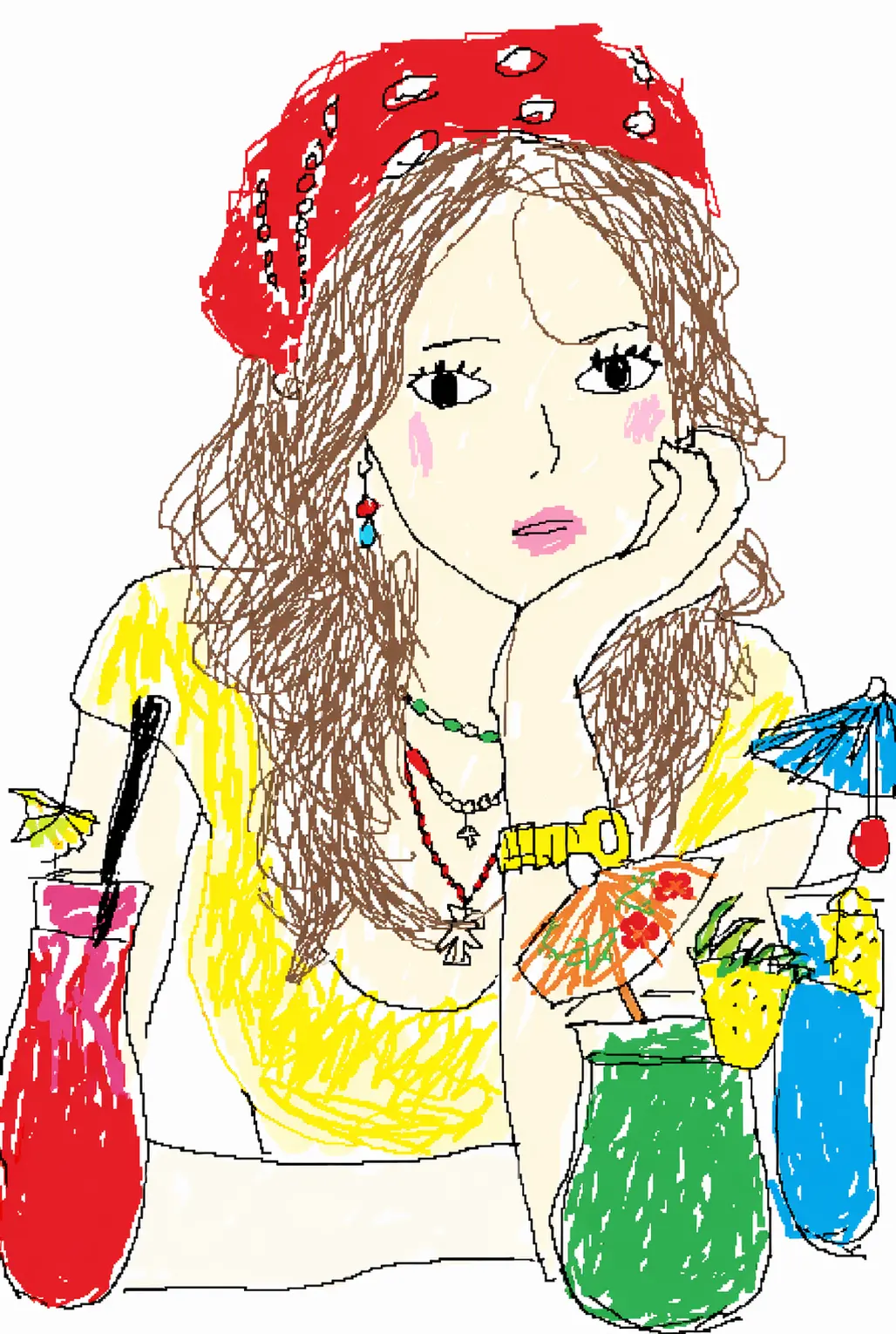
Transformez n'importe quelle photo en un gribouillis MS Paint amusant, dessiné à la souris, grâce à l'IA. Importez un portrait, un animal, un mème, une capture d'écran ou une photo de produit et obtenez une œuvre grossière et tremblée de style Microsoft Paint — aucune invite à écrire, aucun talent de dessin requis. Il suffit d'importer et de générer.
Images
Les images à modifier. Vous pouvez importer jusqu'à 16 images de référence.
Exemples
Chaque image ci-dessous a commencé comme une photo ordinaire, puis a été redessinée en un gribouillis MS Paint grossier et partageable.
Cas d'usage
Portraits, animaux, mèmes, produits : importez n'importe quelle photo et l'IA la redessine en un gribouillis MS Paint grossier.
Transformez selfies et portraits en visages tremblés, dessinés à la souris — yeux de travers, cheveux griffonnés, joues plates. Plus c'est raté, plus c'est drôle.
Redessinez votre chat, votre chien ou toute photo d'animal en art MS Paint grossier. Un moyen rapide et amusant de faire de votre animal la star d'un mème.
Convertissez mèmes, images de réaction et captures d'écran en versions MS Paint hilarantes et mauvaises, parfaites pour les fils Reddit, Discord, X et TikTok.
Redessinez des photos de produits, des captures d'écran d'applications ou des logos en gribouillis maladroits dessinés à la main — parfaits pour les blagues, les discussions de groupe et les publications sociales.
What it is
Redraw any photo into a funny, mouse-drawn Microsoft Paint doodle — from one upload and one click.
An MS Paint AI generator is an online tool that redraws any photo you upload into a deliberately crude, mouse-drawn image in the style of classic Microsoft Paint. Instead of polishing your picture, the AI MS Paint image generator does the opposite — it adds shaky outlines, flat blocks of color, uneven proportions, and that hand-drawn-with-a-mouse feel that makes the result look funny and a little broken.
You don't write a prompt or use any editing tools: you upload a photo, generate, and download the doodle.
Subject detection & likeness The AI locates the main subject so your doodle is still clearly you, your pet, or your meme — just crudely drawn.
MS Paint style transfer It replaces clean lines and smooth shading with wobbly mouse strokes, flat fill colors, hard edges, and slightly-off proportions — no gradients, no realistic lighting. Because it runs image-to-image, you never describe anything in words — upload, generate, and the MS Paint version comes back in seconds.
Result tips
The AI does the redraw, but your photo sets the ceiling. A few habits make the doodle funnier and easier to recognize.
01 · Use a clear photo. A sharp, well-lit image with the subject front and center gives the AI a stronger subject to redraw.
02 · Keep it simple. Single subjects — one face, one pet, one product — turn out funnier than busy, crowded scenes.
03 · Front-facing works best for people. A straight-on portrait keeps the doodle recognizable while still looking wonky.
04 · Want it worse? Regenerate. Run the same photo again for a new take — each generation lands a slightly different level of "bad."
Feed it a clear, simple, front-facing photo and the MS Paint doodle turns out funnier and easier to recognize.
Why Viral
The crude, mouse-drawn look became one of the internet's favorite jokes — here's why.
As AI images got glossier and more realistic, people started wanting the opposite: something crude, funny, and obviously human-imperfect. The MS Paint look taps 90s nostalgia and internet humor at once — a photo redrawn this badly reads as a joke on sight, which is exactly why it spreads.
The style caught fire across X, Reddit, TikTok, and Discord, where users redraw portraits, pets, memes, reaction images, and even brand logos into clumsy doodles. The worse the drawing, the more shareable it is — and because an MS Paint doodle takes seconds to make, it's become one of the easiest ways to jump on the joke.
One balance runs every AI tool on GPTProto. Keep editing without switching accounts.
Échangez des visages sur n'importe quelle photo en un seul clic — sans masquage, sans calques, sans compétences en retouche. Importez simplement deux photos et générez.
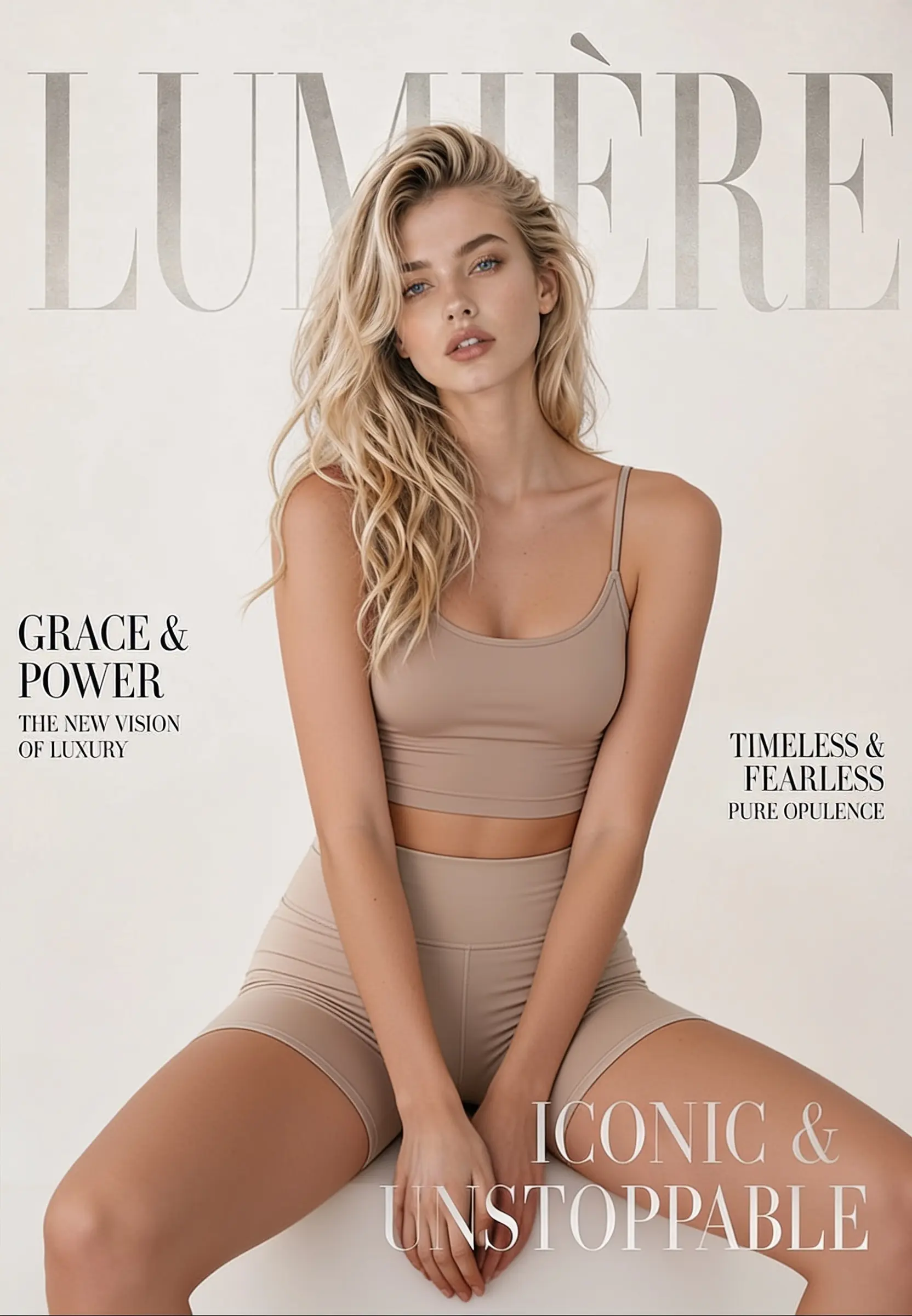
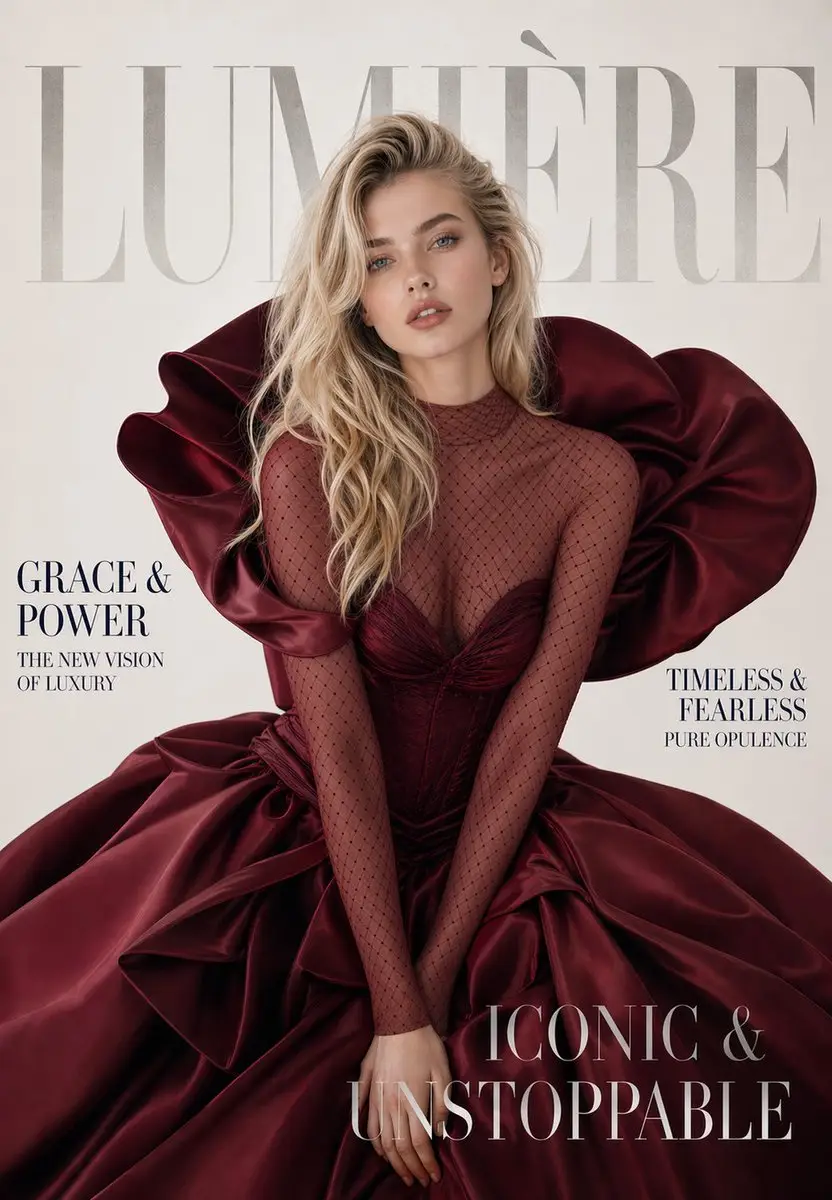
Changez, retirez ou remplacez la tenue de n'importe quelle photo en ligne. Téléversez une image, cliquez sur Générer et obtenez un résultat restylé et réaliste en quelques secondes — conçu pour les maquettes de mode, les photos e-commerce et la retouche photo du quotidien.
Téléversez une photo et obtenez une photo de style passeport — votre tête recadrée et centrée sur un fond propre et uni, prête à télécharger. Votre visage reste exactement tel quel : l'outil ajuste uniquement le cadre et le fond, donc la personne sur la photo est toujours vous.
Nous avons répondu aux questions les plus fréquemment posées
Thousands of satisfied users have shared their Pollo AI experiences on Trustpilot, rating us as "Excellent." See what they love about our platform.