Anime AI Art Generator from Text

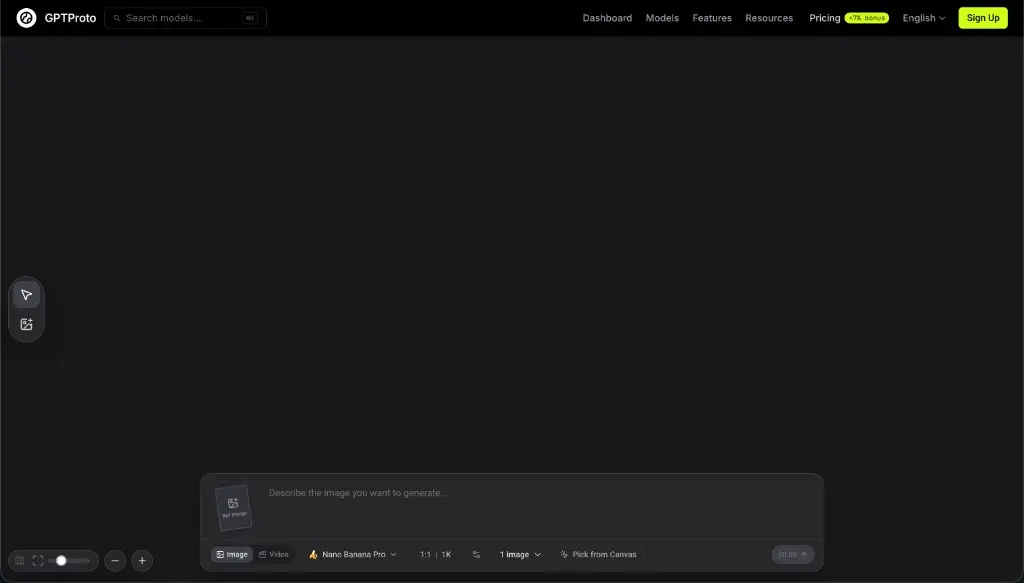
Describe the character, outfit, pose, setting, mood, and anime art direction you have in mind. GPTProto turns your text prompt into original anime-style images online.

Preview image
History
Descargar

ANIME ART GALLERY

See Anime AI Art Created from Text

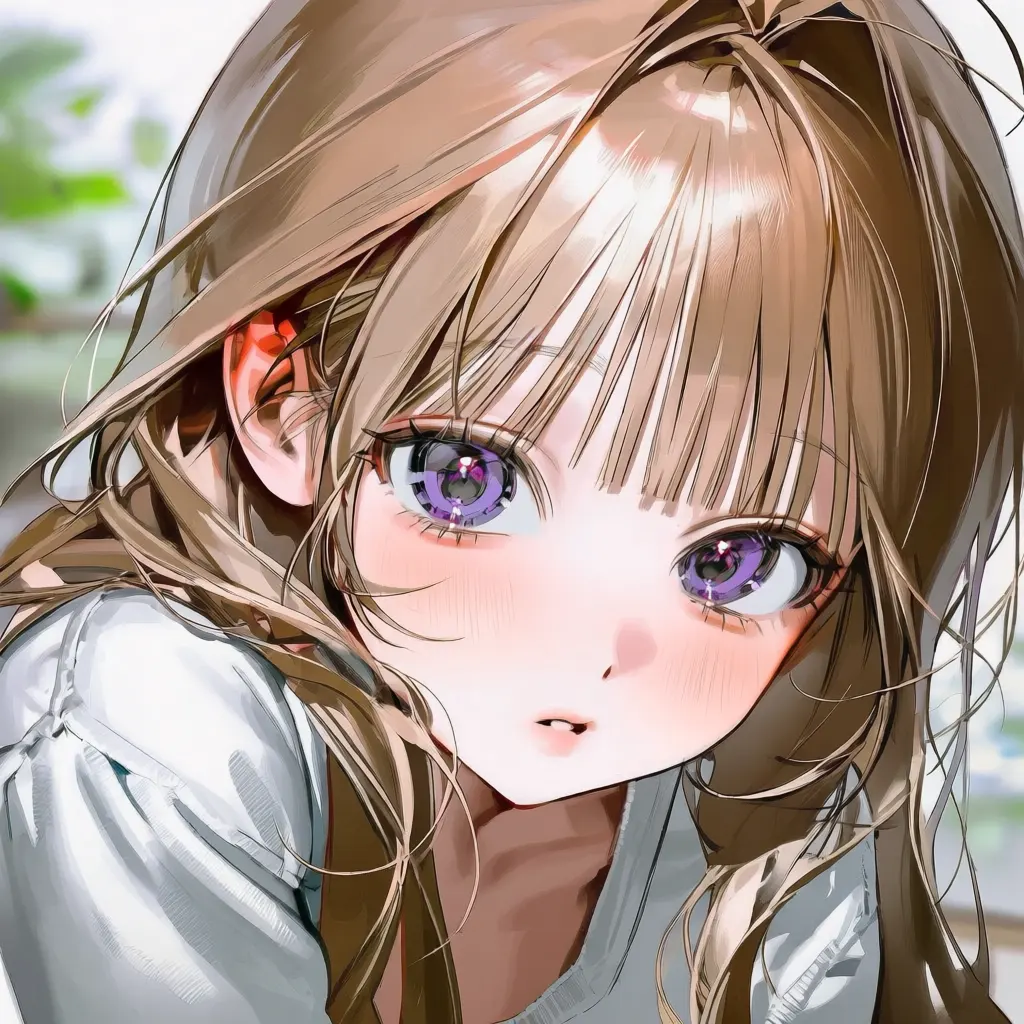
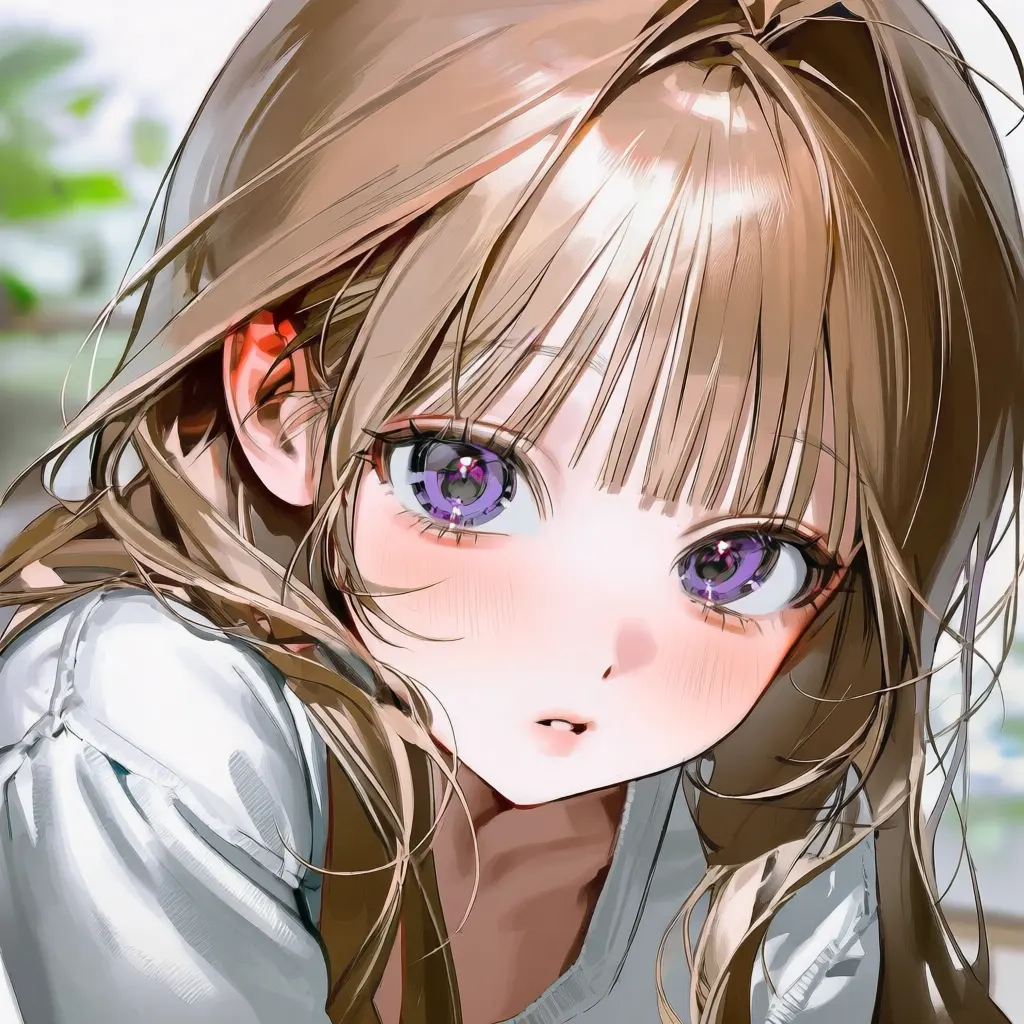
Explore anime portraits, original characters, manga-style moments, fantasy environments, chibi avatars, and wallpapers created from written prompts.

START WITH AN IDEA

What Do You Want to Create?

Not sure where to begin? Choose an image type, then describe the character, setting, mood, and visual details that matter most.

  • Original Anime Character

    Define your character’s appearance, personality cues, outfit, signature accessory, and the kind of world they belong to.

  • Anime Profile Picture

    Focus on the face, expression, hairstyle, accessories, background color, lighting, and close-up portrait framing.

  • Chibi Avatar

    Describe the character’s defining features, outfit, expression, pose, and a simple background that keeps attention on the subject.

  • Manga-Style Scene

    Include the characters, action, emotion, environment, camera angle, and whether the moment should feel dramatic, playful, or quiet.

  • Fantasy Anime Art

    Combine a character with magical clothing, creatures, weapons, architecture, natural scenery, and atmospheric lighting.

  • Cyberpunk Anime Character

    Describe futuristic clothing, technology, neon colors, weather, city details, and the mood of the scene.

  • Anime Wallpaper

    Use a wide composition and explain the scenery, time of day, lighting, color palette, and placement of the main subject.

  • Visual Novel or Game Concept

    Specify the character’s role, costume, setting, mood, and whether you need a portrait, dialogue scene, or environmental concept.

WHAT IT IS

What Is an Anime AI Art Generator?

An Anime AI Art Generator is a text-to-image tool that creates new anime-style images from written descriptions. Instead of starting with a drawing or photograph, you explain what the image should contain and generate a visual interpretation of your idea.

Your prompt can describe the character’s hairstyle, eyes, outfit, expression, pose, environment, lighting, mood, colors, and camera framing. The tool can be used for character concepts, profile pictures, manga-inspired scenes, wallpapers, game ideas, and personal creative projects.

This page generates images from text. If you want to preserve the subject or composition of an existing photo while changing its appearance, use an image-to-image anime tool instead.

PROMPT BUILDER

Turn a Simple Idea into a Better Anime Prompt

Start with the main subject, then add only the visual details that should influence the result.

Simple Idea

An anime character in a city.

Expanded Prompt

A confident anime character with short silver hair and amber eyes, wearing a black streetwear jacket, standing beneath neon signs in a rainy futuristic city, reflective streets, cinematic night lighting, medium shot.

Build your prompt with:

Character + Appearance + Outfit + Action + Setting + Mood + Lighting + Camera

Ready-to-Use Anime Prompt Templates

Anime Portrait: Close-up anime portrait of [character], with [appearance], wearing [outfit or accessories], [expression], [background], [lighting and color palette].

Anime Action Scene: [Character] [action] in [location], wearing [outfit], dynamic pose, [camera angle], [lighting], [mood and atmosphere].

Anime Wallpaper: Wide anime landscape featuring [subject] in [setting], [time of day], [weather], [color palette], atmospheric lighting, spacious composition.

CHARACTER CONSISTENCY

How to Keep Your Anime Character More Consistent

The same character can look slightly different across separate generations. To reduce unnecessary changes, keep a short set of defining traits unchanged in every prompt.

  • Create a character anchor: Fix the hairstyle, hair color, eye color, age range, outfit, body type, and one or two signature accessories.

  • Repeat the same wording: Copy the important character description into each new prompt instead of describing the same features differently every time.

  • Change one element at a time: Keep the character anchor stable while changing only the pose, expression, setting, lighting, or camera angle.

  • Save your base prompt: Store the core description somewhere you can reuse it whenever you create another image of the character.

  • Check defining details: Compare the hairstyle, eye color, clothing colors, and accessories before placing multiple images together.

Frequently Asked Questions

What is an Anime AI Art Generator?

An Anime AI Art Generator creates anime-style images from text prompts. You describe the character, scene, mood, and visual direction, and the tool generates a new image based on those instructions.

How do I generate anime art from text?

Enter a prompt describing what you want, choose the available image settings, and select Generate. Review the results and adjust specific prompt details if you want to change the character, composition, or atmosphere.

What should I include in an anime art prompt?

Start with the main character or subject. Add defining features, clothing, expression, pose, setting, mood, lighting, color palette, and camera framing when those details matter to the result.

Can I create an original anime character or OC?

Yes. Describe the character’s appearance, clothing, personality cues, signature item, and environment. Saving this core description will also make it easier to reuse the character in later prompts.

How can I keep the same anime character consistent?

Create a fixed character anchor and copy it into every prompt. Keep the character description unchanged while modifying only the pose, expression, setting, or camera framing. Some variation between generations may still occur.

Can I generate manga-style images?

Yes. You can request black-and-white artwork, dramatic framing, speed lines, expressive reactions, or a single manga-style scene. Creating a longer sequence may require multiple generations and additional editing.

Can I turn an existing photo into anime on this page?

No. This page creates original anime images from text. Use an image-to-image anime generator if you want to transform an existing photo while preserving its subject or composition.

Is the Anime AI Art Generator free?

GPTProto uses pay-as-you-go credits for image generation. Check the current credit cost displayed in the tool before generating; you are not required to commit to a monthly subscription.

Can I use the generated anime art commercially?

Commercial use depends on the terms of the selected model and whether you hold the necessary rights to any names, characters, logos, or reference material included in your prompt. Review the current GPTProto and model terms before selling or publishing the result.

Why does the result look different when I reuse the same prompt?

Image generation includes natural variation, so identical prompts may produce different poses, facial details, or compositions. Generate another variation or make the most important visual traits more explicit.

Should I use the name of an existing anime character in my prompt?

For more original results, describe the visual traits you want instead of relying on an existing character or franchise name. Make sure you have the necessary rights before using protected characters, logos, or designs commercially.

What Creators Say

See how creators use GPTProto to explore character ideas, profile artwork, game concepts, and anime-style scenes.

Maya Chen

Independent Illustrator

“I use it to test character colors and clothing ideas before deciding which direction I want to draw. Saving one character description also makes later experiments much easier.”

Leo Martins

Visual Novel Developer

“The prompt templates helped me describe scenes more clearly. I can change the location or mood without rewriting the character from the beginning every time.”

Nora Kim

Content Creator

“I wanted an anime profile picture but did not know how to structure the prompt. Starting with the face, expression, accessories, and background gave me a much better result.”

Aiden Brooks

Indie Game Designer

“It is useful for early character and environment concepts. I can explore several directions before choosing which ideas deserve more detailed production work.”

Sofia Alvarez

Student Artist

“The simple-prompt and improved-prompt example made the tool easier to understand. I now know which details actually affect the image.”

Ethan Park

Community Manager

“We use it for casual character themes and event graphics. The ability to quickly change the setting and color palette is especially helpful.”