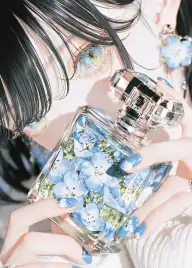
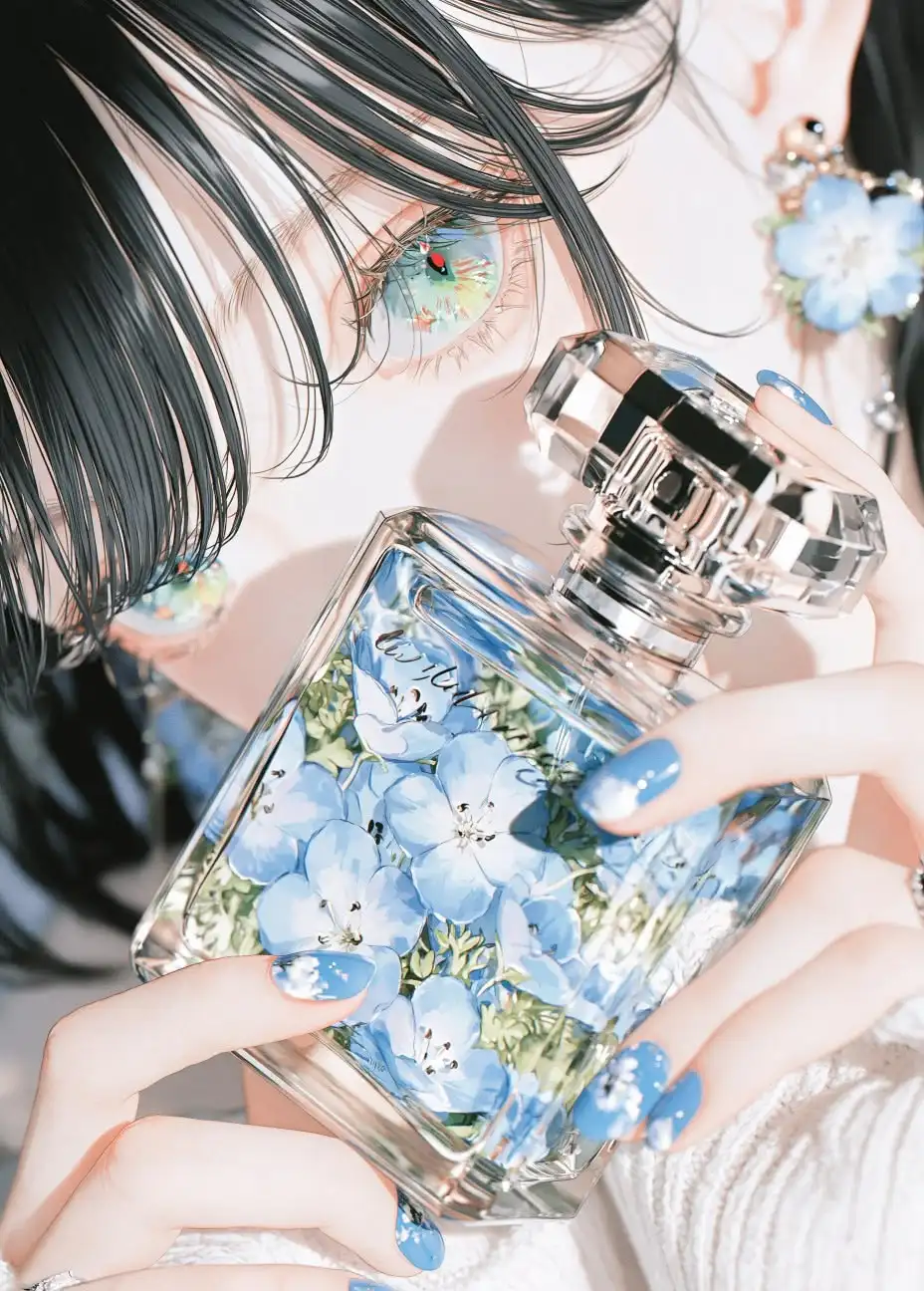
Generador de Arte Anime con IA
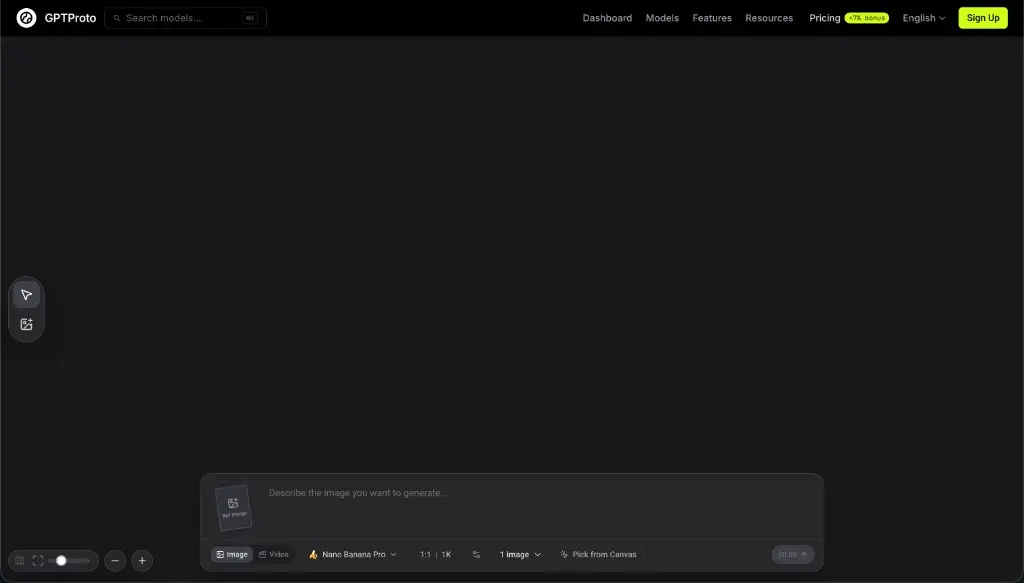
Describe el personaje, el atuendo, la pose, el escenario, el estado de ánimo y la dirección de arte anime que tienes en mente. GPTProto convierte tu indicación de texto en imágenes originales de estilo anime en línea.
Sube ilustraciones de anime, manga, dibujos animados u obras de arte de personajes originales (OC) y genera una interpretación humana realista conservando el peinado, la expresión, el atuendo, la paleta de colores y otros detalles visuales característicos.
Images
The images to edit. A maximum of 16 reference images can be uploaded.
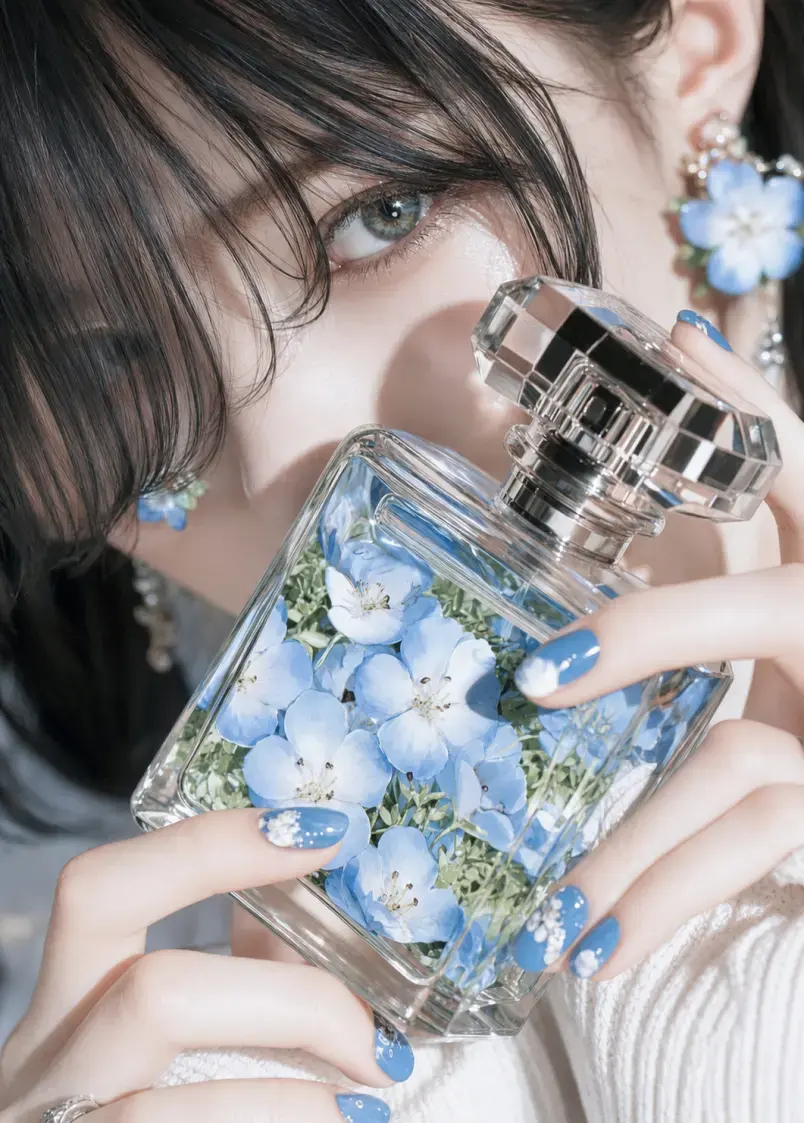
Convierte un personaje ilustrado en una imagen realista con una sola carga y sin necesidad de escribir un prompt.
Regístrate en GPTProto y añade créditos de pago por uso a tu cuenta antes de comenzar una generación.
Elige una imagen nítida con un personaje principal. Una cara visible, un peinado completo y ropa o accesorios claramente mostrados le dan a la herramienta información visual más útil.
Selecciona Generar para aplicar el efecto fijo de Anime a la vida real. Revisa la interpretación realista y luego descarga el resultado o prueba otra imagen de origen.
Ejemplos
Compara obras originales de anime, manga, dibujos animados y OC con los retratos realistas generados a partir de cada imagen de origen.
Lo que puedes transformar
Explora diferentes formas de reinterpretar personajes ilustrados como personas realistas sin escribir un prompt.
Convierte un retrato de anime de primer plano o de medio cuerpo en una interpretación humana realista, conservando su peinado, expresión, colores de ropa y accesorios característicos.
Visualiza cómo podría verse un personaje original en un entorno de acción real, manteniendo los rasgos visuales que hacen reconocible el diseño.
Reinterpreta paneles de manga a color, hojas de personajes y arte de dibujos animados con estructura facial, piel, cabello, tela, iluminación y profundidad naturales.
Crea una referencia visual inicial para maquillaje, cabello, vestuario, dirección de casting o un concepto de personaje de acción real antes de desarrollar la idea más a fondo.
Qué es
Anime to Real Life AI es una herramienta de imagen a imagen que convierte un personaje ilustrado que subes en una interpretación humana realista.
En lugar de describir una imagen nueva desde cero, proporcionas la ilustración de anime, manga, caricatura o personaje original (OC) que quieres transformar. El conversor usa esa imagen como referencia visual y aplica un tratamiento realista fijo, así que no hay ningún prompt que escribir ni ningún menú de estilo que configurar.
El resultado es una imagen recién generada, no una copia fotográfica exacta. Pueden aparecer pequeñas diferencias en la estructura facial, los detalles de la ropa, los accesorios, los elementos del fondo o el encuadre, especialmente cuando la imagen de origen está muy estilizada, recortada, concurrida o es de baja resolución.
La herramienta traslada los rasgos visuales del personaje desde la ilustración original hasta un tratamiento visual realista recién generado.
Conservación de los rasgos definitorios del personaje
La imagen subida proporciona información de referencia como el peinado, el color de pelo y de ojos, la expresión, el rango de edad aparente, la pose, el atuendo, los accesorios, la composición y el fondo. Los rasgos claros y visibles son más fáciles de trasladar al resultado generado que los detalles ocultos por recortes, desenfoque de movimiento, texto u otros personajes.
Traducción de los detalles 2D a rasgos del mundo real
El arte de anime suele emplear ojos grandes, anatomía facial simplificada, sombreado plano y texturas dibujadas. El generador reinterpreta esos elementos como proporciones humanas más creíbles, textura de piel, hebras de cabello individuales, detalles de telas y materiales, sombras naturales, iluminación, profundidad y un enfoque similar al de una cámara.
Consejos de entrada
Empieza con una imagen de origen que muestre claramente los detalles que quieres que conserve la versión realista.
Usa un personaje principal: Una ilustración con un solo personaje es más fácil de interpretar que una escena grupal concurrida.
Mantén el rostro visible: Evita imágenes en las que el pelo, las manos, las máscaras, el texto o los objetos cubran rasgos faciales importantes.
Elige un retrato claro o una imagen de medio cuerpo: Una composición cercana o media le da a la herramienta información más útil sobre el rostro, el pelo, la ropa y los accesorios.
Muestra los detalles de diseño importantes: Si un atuendo, un arma, una joya o un accesorio característico es importante, asegúrate de que se vea completo en la imagen de origen.
Evita los recortes severos: Si faltan el pelo, las manos, la ropa o la parte superior de la cabeza, el modelo puede reconstruir esas zonas de forma diferente.
Usa un archivo de origen limpio: Las capturas de pantalla de baja resolución, las marcas de agua abundantes, los artefactos de compresión y el texto superpuesto pueden afectar los detalles generados.
Prueba otra generación si es necesario: Cada resultado es una nueva interpretación, así que un segundo resultado puede manejar un rasgo difícil de otra manera.
Comparación
Estas herramientas invierten la dirección de la transformación. Elige la que coincida con la imagen que ya tienes y con el resultado que deseas.
| Dimensión | Anime to Real Life | Photo to Anime |
|---|---|---|
| Imagen inicial | Ilustración de anime, manga, caricatura o personaje original (OC) | Una fotografía real |
| Resultado generado | Una interpretación humana realista o de acción real | Ilustración de estilo anime |
| Objetivo principal | Ver cómo podría verse un personaje ilustrado en la realidad | Reestilizar como anime una persona, mascota, objeto o escena reales |
| Usos comunes | Visualización de OC, avatares realistas, referencias de cosplay, conceptos de acción real | Imágenes de perfil anime, retratos estilizados, regalos, gráficos para redes sociales |
Crea arte anime original, realiza ediciones controladas de imágenes, mejora un resultado final o explora un flujo de generación diferente con GPTProto.
Describe el personaje, el atuendo, la pose, el escenario, el estado de ánimo y la dirección de arte anime que tienes en mente. GPTProto convierte tu indicación de texto en imágenes originales de estilo anime en línea.
Un generador de imágenes por IA sin restricciones y sin filtros en tus instrucciones. Escribe una descripción o sube una foto, y GPTProto envía tus palabras al modelo exactamente como las escribiste. Paga por las imágenes que generas, sin planes mensuales.
Transfiere bailes, gestos y movimientos corporales de un video de referencia a la imagen de tu personaje. Crea un video personalizado con movimiento generado por IA con dos cargas y un clic, sin necesidad de escribir instrucciones ni configurar captura de movimiento.
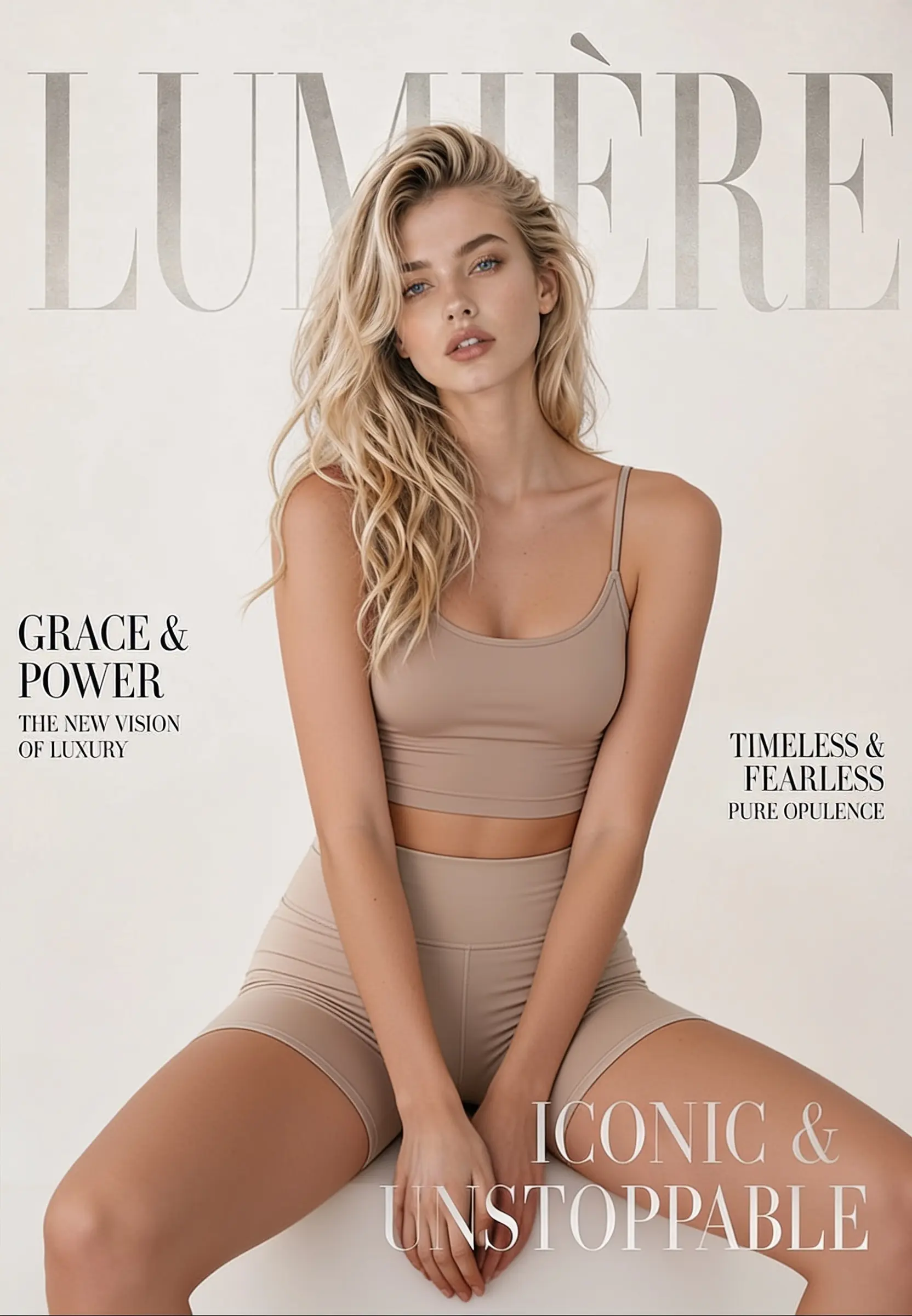
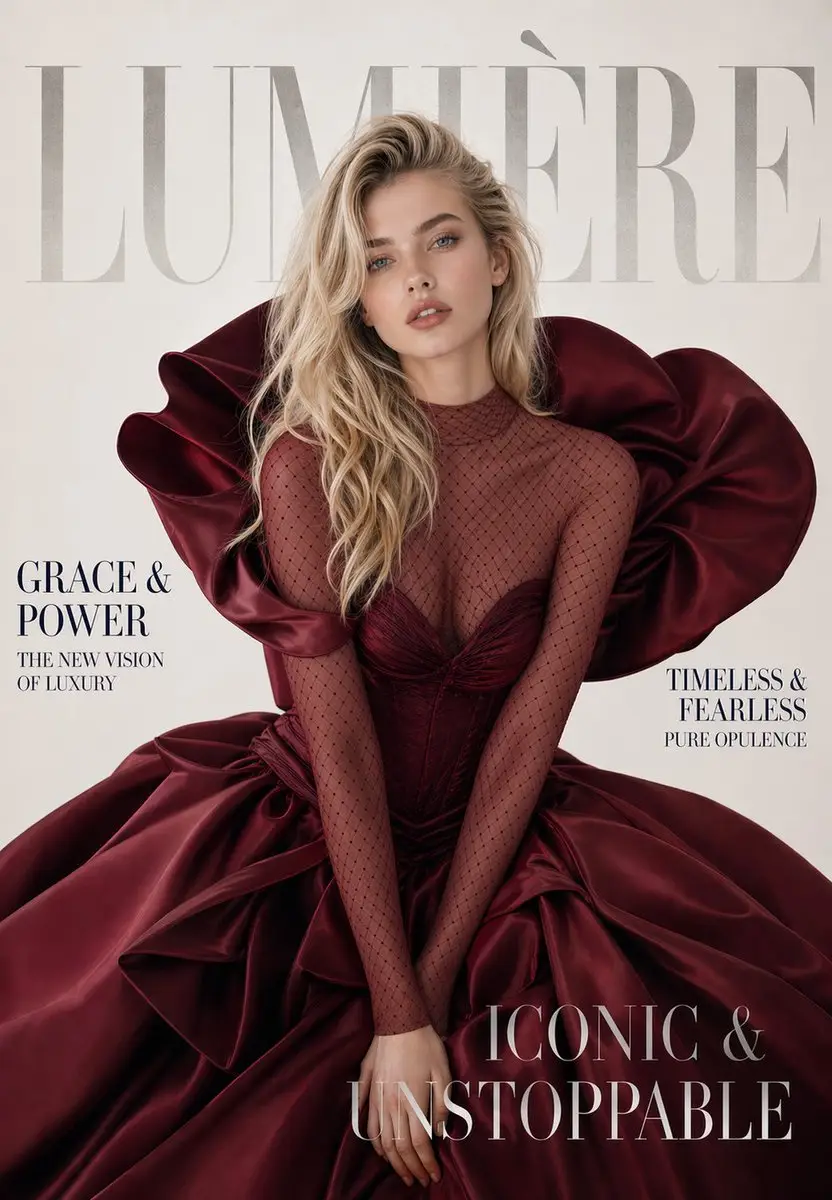
Cambia, elimina o reemplaza el atuendo de cualquier foto en línea. Sube una imagen, haz clic en generar y obtén un resultado realista con un nuevo estilo en segundos, ideal para maquetas de moda, fotos de comercio electrónico y edición de fotos cotidiana.
Descubre cómo los creadores usan la herramienta para visualizar personajes originales, explorar ideas de cosplay y convertir ilustraciones de anime en interpretaciones realistas.