AI Clothes Remover
Change, remove, or replace the outfit in any photo online. Upload one image, click generate, and get a realistic restyled result in seconds — made for fashion mockups, e-commerce shots, and everyday photo editing.
Upload any image and cut out the subject in one click. The AI removes the background and hands you a clean transparent PNG — no prompt, no manual masking, no design skills.
Image
Upload image for background removal
Removing a background takes three steps — no prompt required.
Drop in any photo — a portrait, a product shot, an object, or an animal. JPG or PNG.

Our background-removal engine detects the main subject, traces its edges, and separates it from everything behind it.
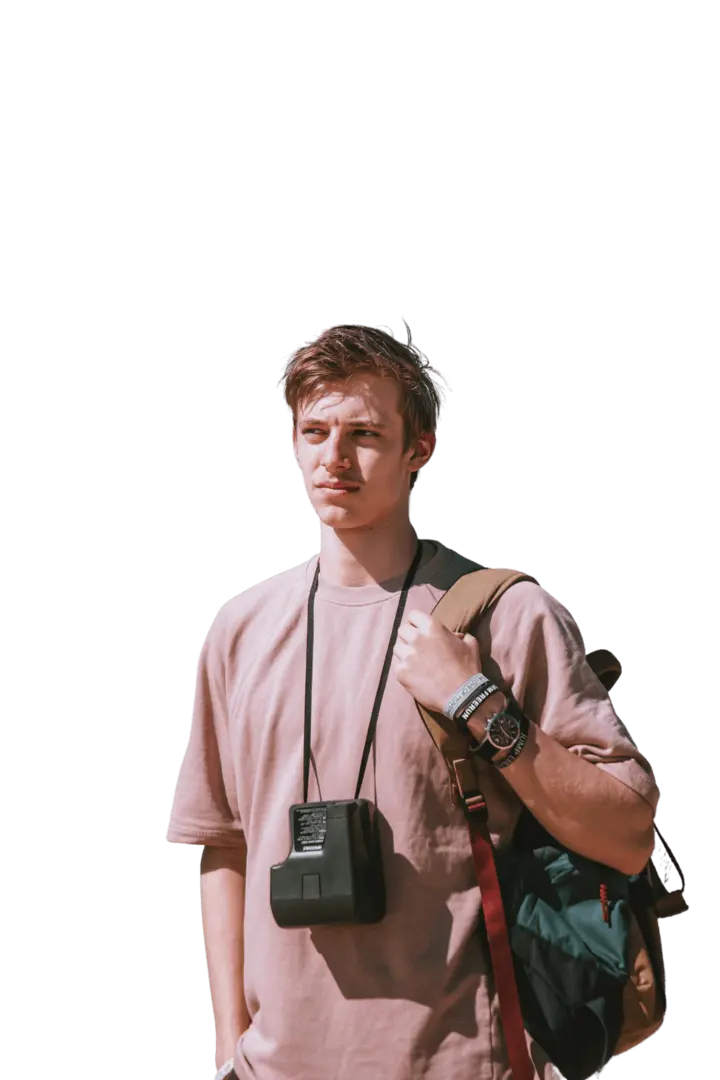
Get the subject on a clean transparent background, ready to drop onto a white backdrop, a new scene, or a design.
Examples
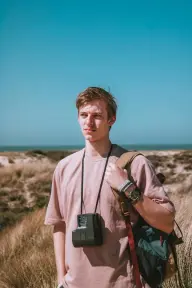
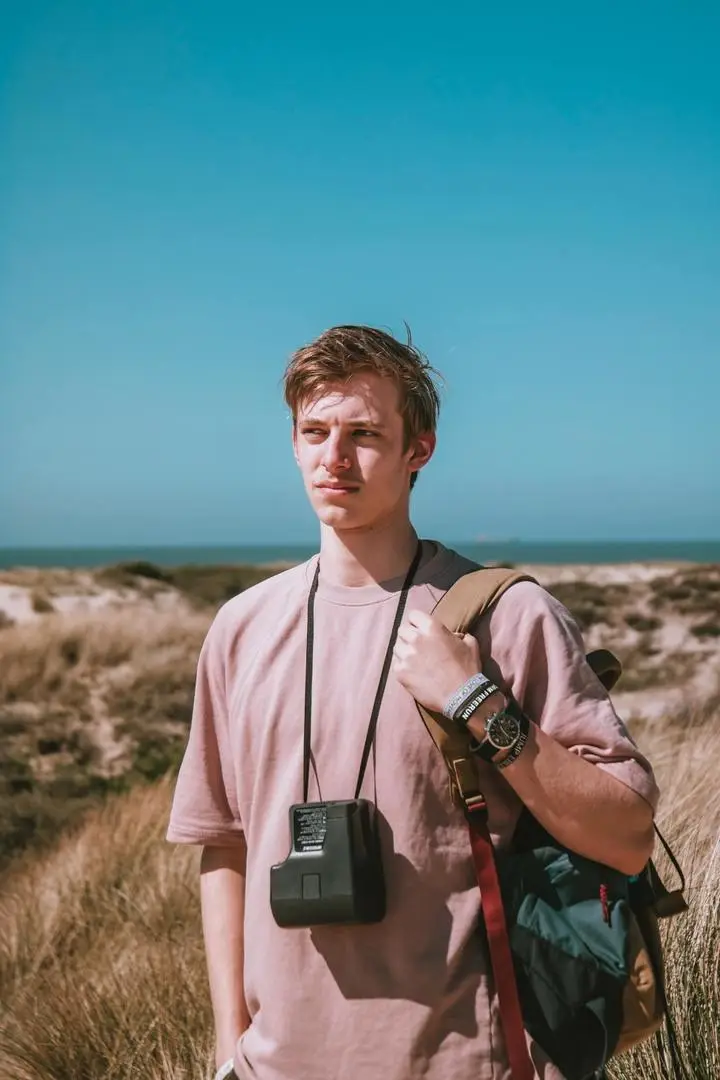
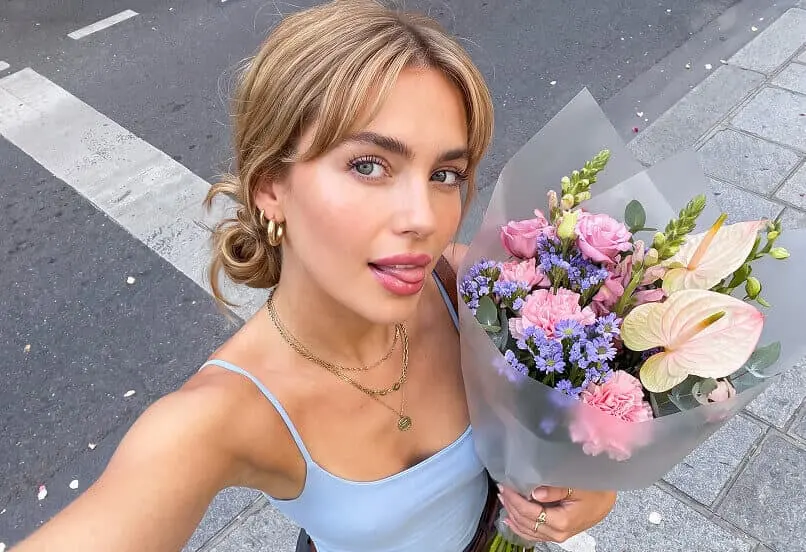
People, products, animals, objects — the AI isolates the subject and drops the background, edges included.
USE CASES
The same one-click cutout works across product listings, social posts, and design.
Drop your product onto a clean white or transparent background for Amazon, Shopify, or eBay listings — consistent, marketplace-ready shots without a photo studio.
Cut yourself out of a busy photo and place the headshot on a plain backdrop, ready for LinkedIn, resumes, or social profiles.
solate a subject to build ads, thumbnails, banners, and posts. Layer the cutout over any color or scene in your design tool.
Get transparent-background cutouts for stickers, mockups, T-shirts, and merch. The PNG drops straight onto products with nothing behind it.
What Is
The browser-based AI that cuts out your subject and drops the background — online.
An online background remover tool is a browser-based AI that separates the subject of a photo from its background and returns a clean cutout — no software install, no manual selection. Instead of erasing pixels by hand, you upload an image and the AI does the background removal for you, outputting the subject on a transparent background. It works as an image background eraser, a cutout image maker, and a tool to make any background transparent — all from one upload. Because it runs online, there is nothing to download; you remove the background from any image and save the result as a transparent PNG.
AI Subject Detection — the AI scans the image and locates the main subject, mapping the exact boundary between the subject and the background, even against busy or similarly colored backdrops.
Clean Edge & Alpha Cutout — it traces the subject's outline and builds a soft alpha edge around fine detail like hair and fur, so the cutout blends onto its next background without a hard fringe.
PRO TIPS
A few habits that help the AI find a cleaner edge on any image.
Use a photo where the subject stands out clearly from what's behind it — good lighting and contrast help the AI find the edge.
Sharp, in-focus images cut out more cleanly than blurry ones.
Very fine or transparent edges (loose hair, glass, smoke) are the hardest cases; results there may need a light touch-up.
To remove a white background specifically, upload the image as-is — the AI reads the subject against the white and cuts it out; no prompt needed.
One balance runs every AI tool on GPTProto. Keep editing without switching accounts.


Change, remove, or replace the outfit in any photo online. Upload one image, click generate, and get a realistic restyled result in seconds — made for fashion mockups, e-commerce shots, and everyday photo editing.


AI Image EnhancerUpload a low-res or blurry picture and let the AI enhance image quality instantly — sharper detail, less noise, and up to 4K resolution. No prompt, no editing skills. One click and download your enhanced photo.


Swap faces in any photo in a single click — no masking, no layers, no editing skills. Just upload two photos and generate.


Upload one photo and get a passport-style photo — your head cropped and centered on a clean, plain background, ready to download. Your face stays exactly as it is: the tool adjusts framing and background only, so the person in the photo is still you.