Imagen de intercambio de rostros con IA
Intercambia rostros en cualquier foto con un solo clic: sin máscaras, capas ni conocimientos de edición. Solo sube dos fotos y genera el resultado.
Cambia, elimina o reemplaza el atuendo de cualquier foto en línea. Sube una imagen, haz clic en generar y obtén un resultado realista con un nuevo estilo en segundos, ideal para maquetas de moda, fotos de comercio electrónico y edición de fotos cotidiana.
Foto objetivo
Sube la foto con el atuendo que quieres cambiar
Cambia la ropa de tu foto en tres pasos: no necesitas escribir prompts ni tener conocimientos de edición.
GPTProto funciona con pago por uso: un solo saldo cubre esta herramienta y más de 100 herramientas de IA en línea, por aproximadamente $0.034 por imagen y sin plan mensual. Recarga una vez y realiza tantas ediciones como necesites.
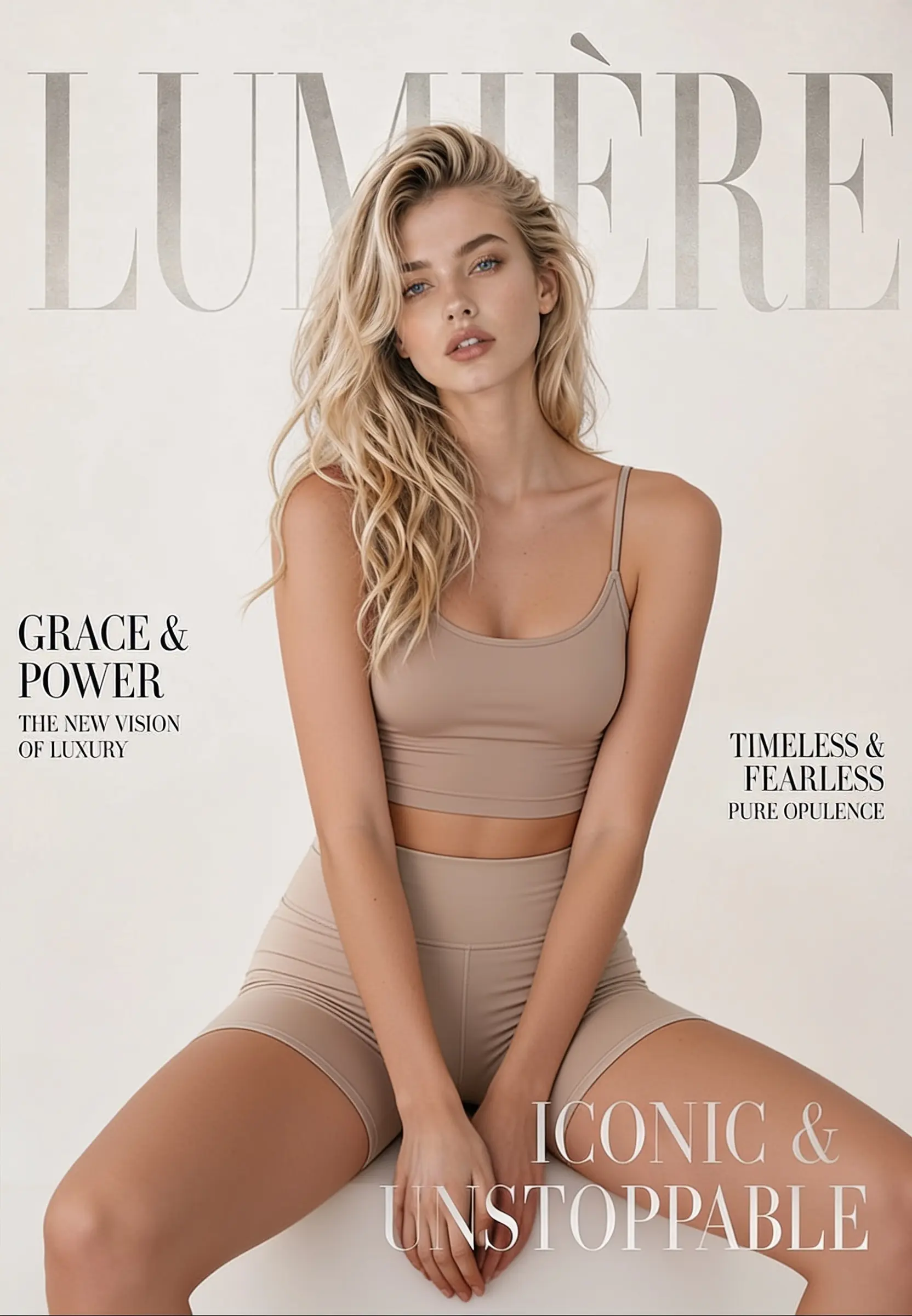
Añade la única foto con el atuendo que quieres cambiar. Una imagen clara y bien iluminada, en la que la persona y la ropa sean completamente visibles, ofrece el resultado más limpio.
Haz clic en Generar y la herramienta devuelve una versión con un nuevo estilo en segundos. ¿No te convence el primer resultado? Vuelve a generar para probar otro aspecto.
Ejemplos
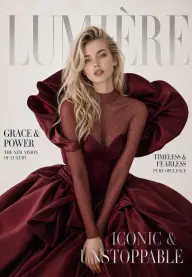
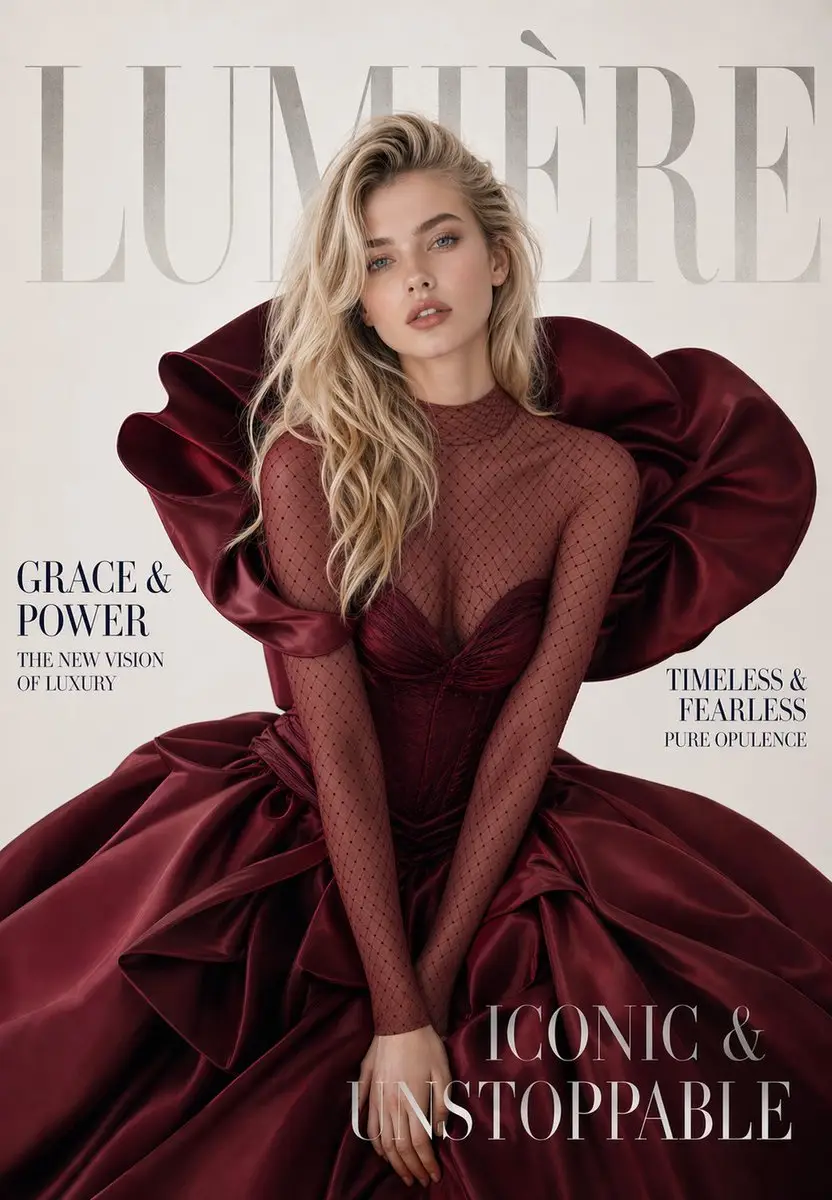
Descubre cómo una sola foto se transforma en un nuevo atuendo mientras la pose, la iluminación y el fondo se mantienen uniformes.
Casos de uso
Descubre cómo una sola foto se transforma en un nuevo atuendo mientras la pose, la iluminación y el fondo se mantienen uniformes.
Muestra la misma foto de producto con un atuendo o color diferente sin tener que organizar otra sesión de fotos.
Prueba looks formales, casuales o de estilo urbano en una sola foto para crear rápidamente un catálogo.
Elimina una camiseta con un logotipo que no encaja con la marca o un estampado recargado y reemplázalo por un atuendo más limpio que se adapte a la foto.
Crea prototipos de ideas de vestuario para una campaña o un personaje antes de comprometerte con una sesión real.
Qué es
Cambia el atuendo de una foto con una sola carga y un solo clic.
El removedor de ropa con IA es una herramienta en línea que elimina la ropa de una foto y la reemplaza por un nuevo atuendo a partir de una sola imagen. Subes una foto y la herramienta identifica a la persona y su pose, aísla la región de la ropa y regenera únicamente esa zona como un nuevo atuendo. La forma corporal, la iluminación y el fondo se mantienen, por lo que el resultado parece una sola foto en lugar de un montaje. Funciona como removedor de ropa con IA, cambiador de atuendos y removedor de vestidos dentro del mismo flujo de carga única.
Como todo funciona a partir de una sola carga y un botón Generar, no necesitas experiencia en edición: sube, haz clic y descarga. Es un editor de ropa para trabajos de moda y creativos, no una herramienta para imágenes desnudas o explícitas.
Detección del cuerpo y la pose La herramienta localiza primero a la persona y la prenda existente, y traza la pose: hombros, torso, brazos y la forma en que cae la tela. Así sabe dónde se encuentra el atuendo y cómo debe caer, para que la nueva prenda siga el cuerpo en lugar de parecer superpuesta.
Relleno y combinación de regiones En lugar de redibujar toda la imagen, la IA reconstruye únicamente la zona de la ropa y combina el nuevo atuendo con los píxeles circundantes. Iguala la dirección de la luz y las sombras de la foto y simula tejidos como mezclilla, punto o seda, para que la edición se integre en la escena original en lugar de parecer pegada.
Consejos de edición
La IA hace el trabajo pesado, pero la foto de entrada establece el límite de calidad. Algunos hábitos pueden mejorar tus resultados.
Usa una foto clara y de frente. Una persona mirando a la cámara ofrece a la IA la mayor cantidad de información posible. Los ángulos extremos son la causa más común de distorsión.
Mantén toda la ropa dentro del encuadre. Si la mitad del atuendo queda fuera del borde o recortada, la herramienta tiene menos información que reconstruir y la edición será menos precisa.
Prefiere una iluminación uniforme. La luz suave y constante importa más que la resolución bruta. Las sombras laterales intensas o las fotos muy oscuras dificultan aislar la región de la ropa.
Evita las superposiciones pronunciadas sobre la prenda. Los brazos cruzados, bolsos, cabellos u objetos sobre el atuendo ocultan la zona que la IA necesita editar.
Vuelve a generar cuando sea necesario. La ropa estampada o holgada a veces requiere un segundo intento. Con el precio de pago por uso, cada nuevo intento cuesta solo unos $0.034.
Proporciónale una foto limpia, bien iluminada y de frente, y el cambio de atuendo se integrará de forma mucho más natural.
Un solo saldo activa todas las herramientas de IA de GPTProto. Sigue editando sin cambiar de cuenta.
Intercambia rostros en cualquier foto con un solo clic: sin máscaras, capas ni conocimientos de edición. Solo sube dos fotos y genera el resultado.
Sube una foto y obtén una foto estilo pasaporte: con la cabeza recortada y centrada sobre un fondo limpio y liso, lista para descargar. Tu rostro permanece exactamente como está: la herramienta solo ajusta el encuadre y el fondo, así que la persona de la foto sigues siendo tú.
Convierte cualquier foto en un divertido garabato de MS Paint dibujado con el ratón usando IA. Sube un retrato, mascota, meme, captura de pantalla o producto y obtén una ilustración tosca y temblorosa al estilo de Microsoft Paint: sin necesidad de escribir prompts ni saber dibujar. Solo sube la imagen y genera.
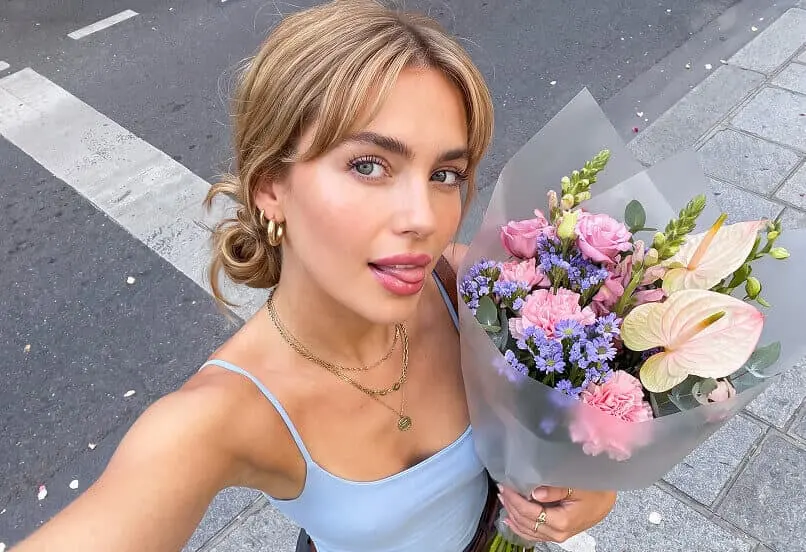
Mejorador de imágenes con IAMejora la calidad de una imagen con IA. Sube una foto borrosa o de baja resolución y deja que la IA mejore su calidad al instante: detalles más nítidos, menos ruido y hasta resolución 4K. Sin prompts ni conocimientos de edición. Haz clic una vez y descarga tu foto mejorada.