Preise+7% Bonus

AI Face Swap Image

Swap faces in any photo in a single click — no masking, no layers, no editing skills. Just upload two photos and generate.

Target Image

Upload the photo with face to replace

Your Photo

Upload the face you want to insert

Vorschaubild
Verlauf
Herunterladen

SO TAUSCHST DU IN 3 SCHRITTEN EIN GESICHT IN EINEM FOTO AUS

Für den Gesichtstausch brauchst du zwei Fotos und einen Klick. So einfach ist der Ablauf.

  1. LADE DEIN ZIELBILD HOCH

    LADE DEIN ZIELBILD HOCH

    Füge das Foto mit dem Gesicht hinzu, das du ersetzen möchtest. Das sind Szene, Pose und Hintergrund, die du behältst.

  2. LADE DEIN GESICHT HOCH

    LADE DEIN GESICHT HOCH

    Füge ein klares, frontal aufgenommenes Foto des Gesichts hinzu, das du einsetzen möchtest. Dies ist die Identität, die auf das Zielbild übertragen wird.

  3. GENERIERE DEINEN GESICHTSTAUSCH: Klicke auf Generieren. Die KI erkennt beide Gesichter, richtet sie aus und fügt das neue Gesicht in das Zielbild ein – mit angepasstem Hautton und Beleuchtung. Lade dein Ergebnis in Sekunden herunter.
    GENERIERE DEINEN GESICHTSTAUSCH

    GENERIERE DEINEN GESICHTSTAUSCH

    Klicke auf Generieren. Die KI erkennt beide Gesichter, richtet sie aus und fügt das neue Gesicht in das Zielbild ein – mit angepasstem Hautton und Beleuchtung. Lade dein Ergebnis in Sekunden herunter.

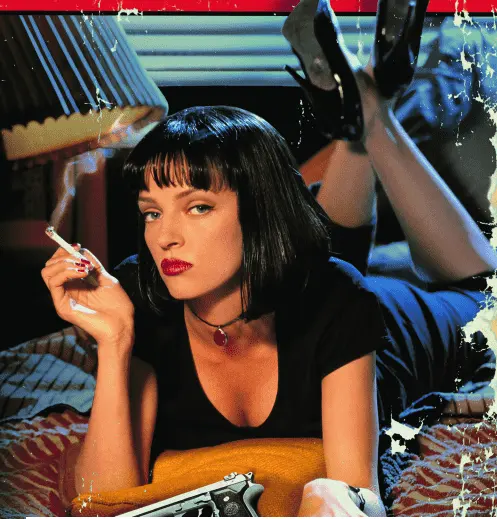
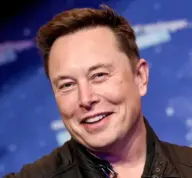
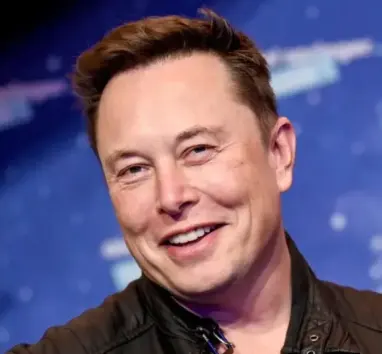
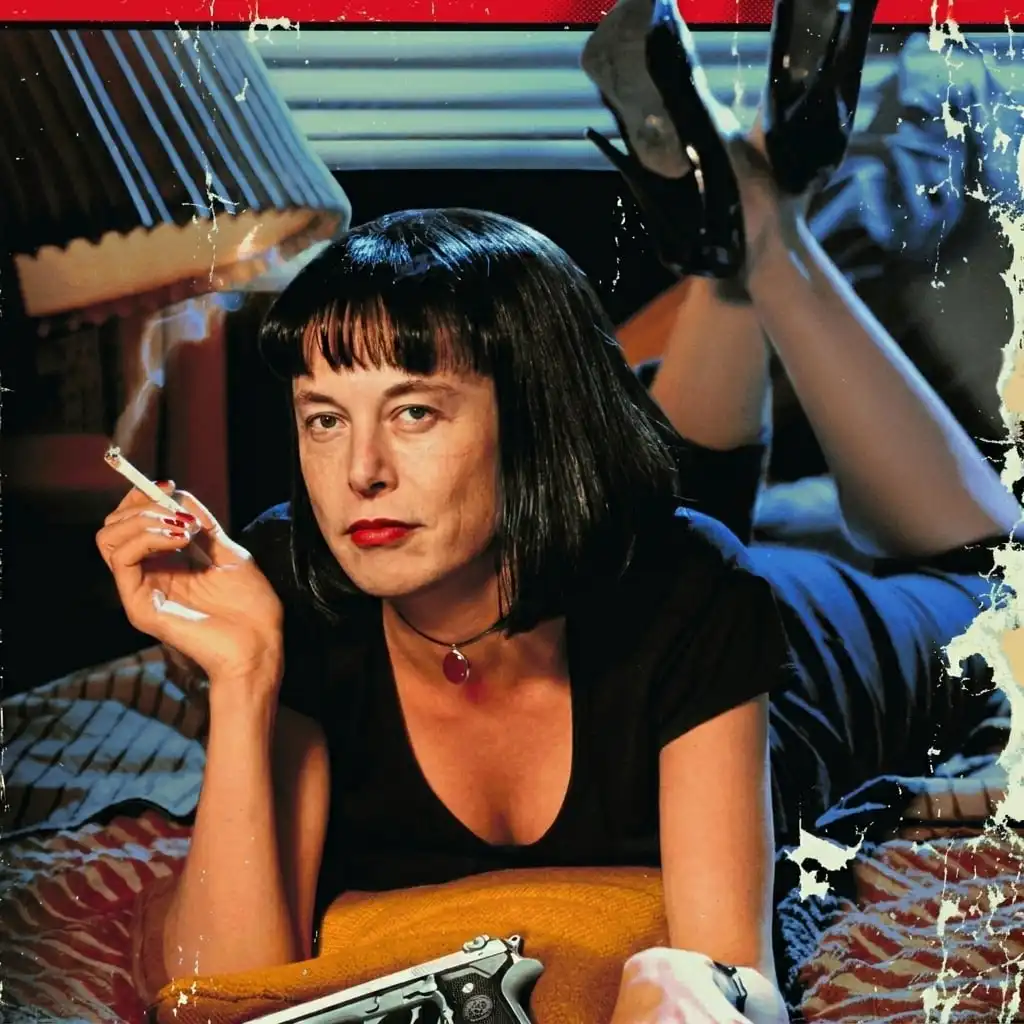
Beispiele

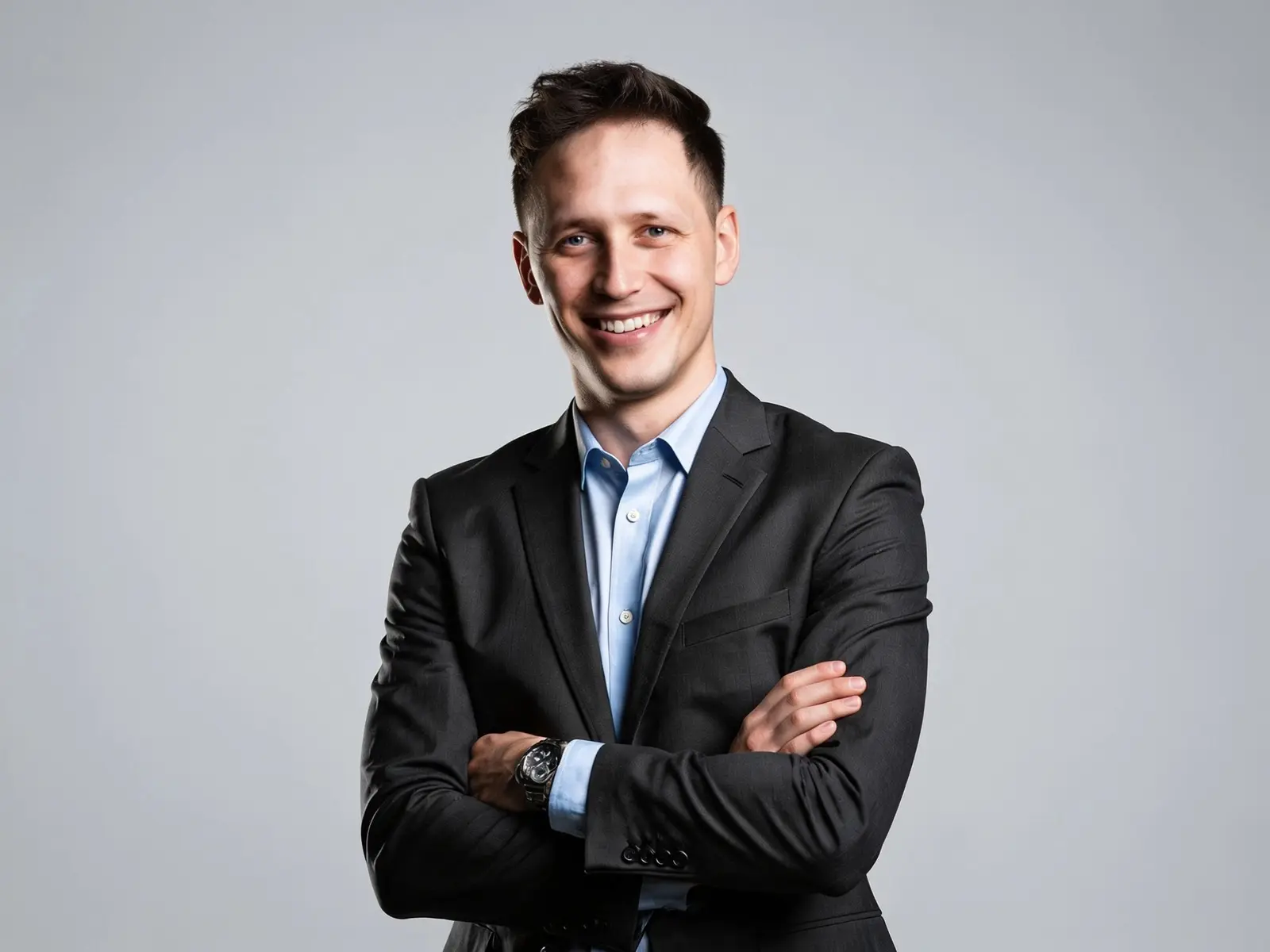
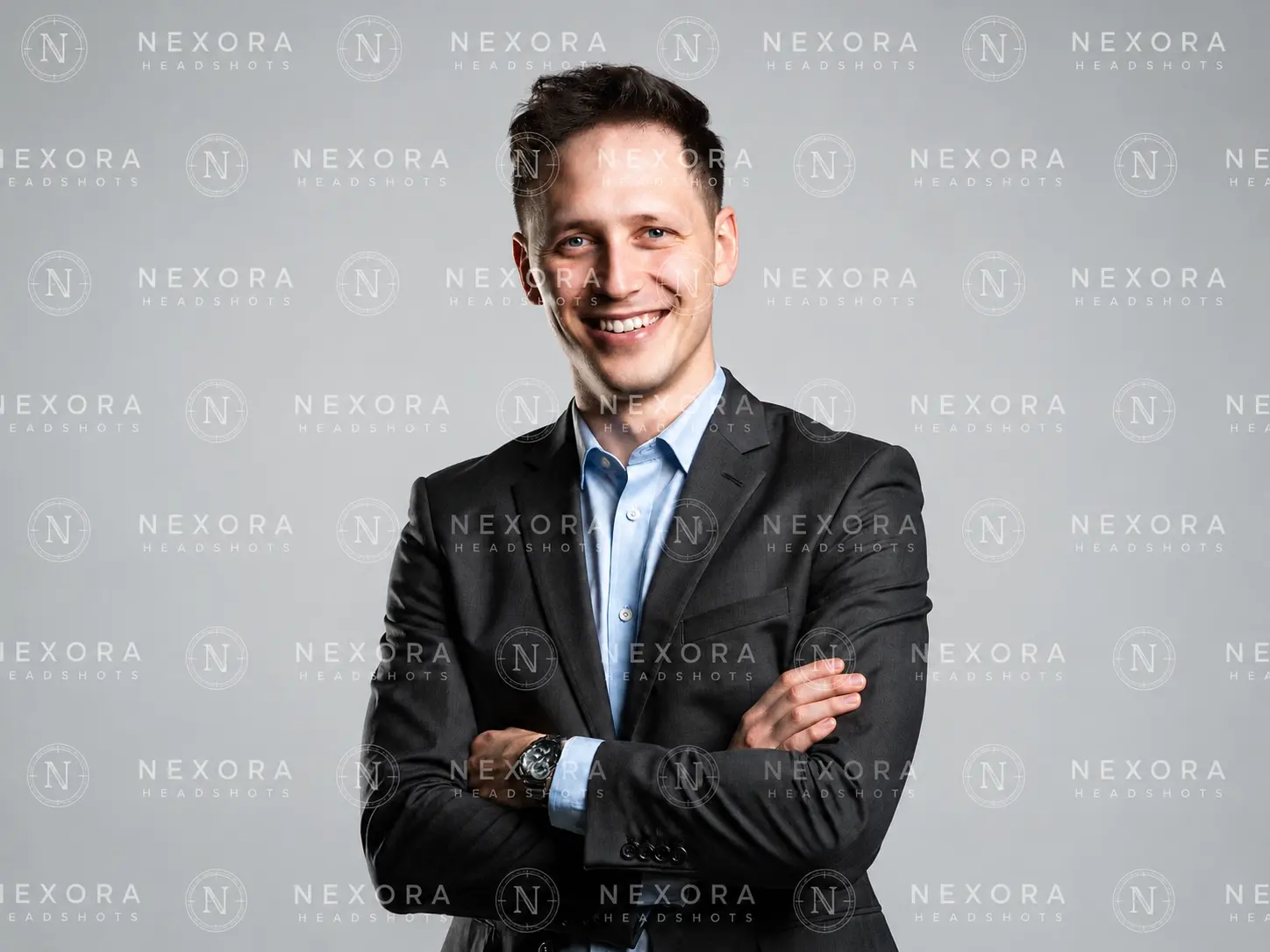
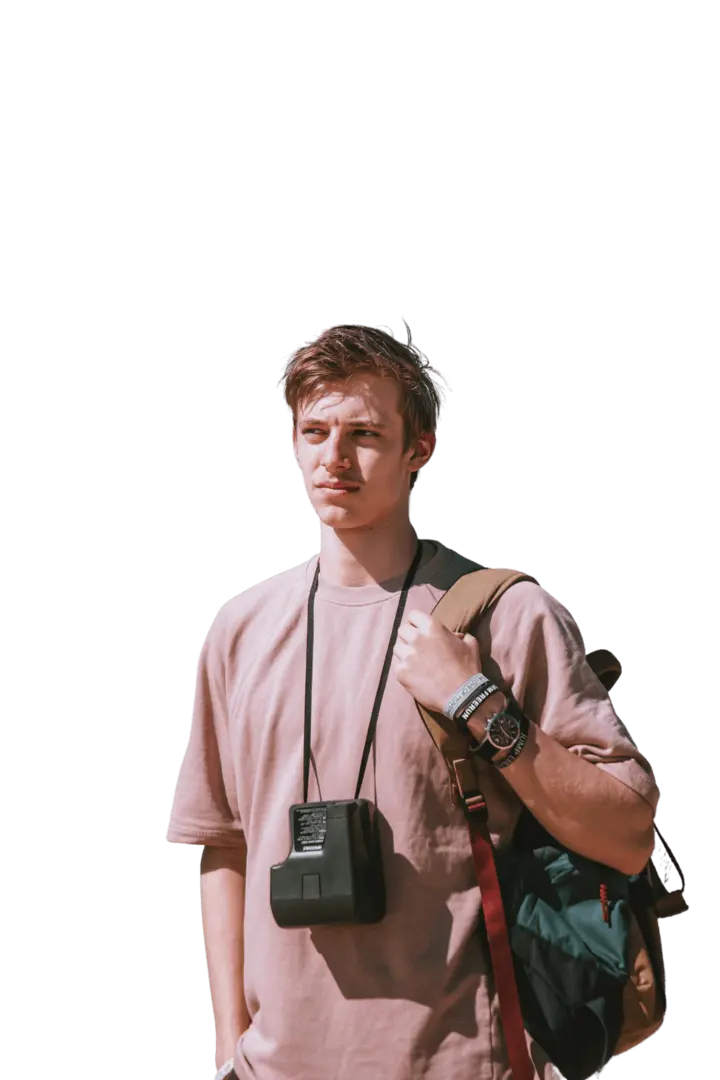
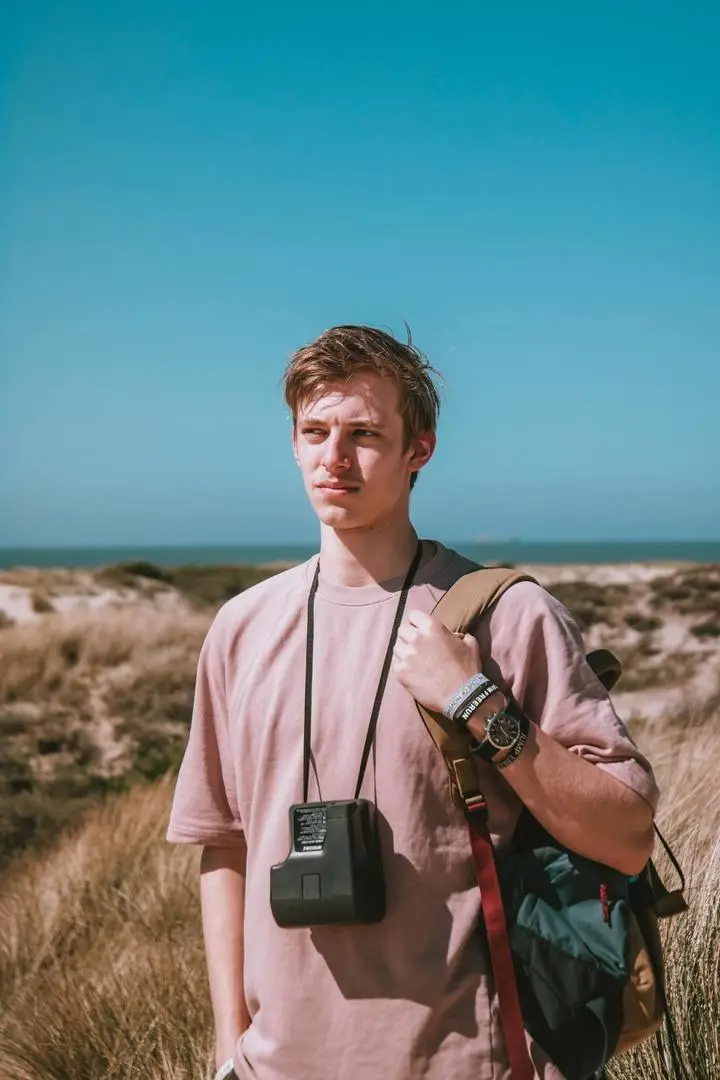
Realistische Gesichtstausche in jedem Stil

Von Alltagsporträts bis zu kräftigen, stylisierten Looks bleibt das Quellgesicht erkennbar und fügt sich gleichzeitig in die Szene ein.

Anwendungsfall

Was du mit dem KI-Gesichtstausch machen kannst

Von schnellen Social-Media-Bearbeitungen bis zur Korrektur von Gruppenfotos – das sind die typischen Anwendungen des KI-Gesichtstausch-Bilds.

  • Memes & Social-Media-Inhalte

    Füge dein Gesicht – oder das eines Freundes – in Meme-Vorlagen und Reaktionsbilder für Gruppenchats, Reddit und Social-Media-Beiträge ein.

  • Profilbilder & Avatare

    Setze dein Gesicht in ein klareres, besser beleuchtetes Porträt für ein neues Profilbild oder einen Avatar.

  • Einen neuen Look ausprobieren

    Sieh dich vorab mit einer anderen Frisur, Farbe oder einem anderen Styling, bevor du dich für die echte Veränderung entscheidest.

  • Cosplay & thematische Porträts

    Setze dein Gesicht in Cosplay-Aufnahmen und thematische Charakterporträts für Fan-Edits und kreative Projekte ein.

What it is

What Is AI Face Swap Image

Replace a face in one photo with a face from another — from two uploads and one click.

AI Face Swap Image is an online tool that replaces a face in one photo with a face from another photo — you give it a target photo and the face you want to add, and it returns a single edited image with the new face in place. It works as a face swap photo editor, an AI face changer, and an AI face replacement tool from the same two-upload flow. Some people call it an AI Face Swapper; it does the same job: switch faces on photos online without Photoshop, masks, or manual cut-outs.

Because everything runs from two uploads and one Generate button, you don't need any editing experience — upload, click, download.

How AI Face Swap Works

Face Detection & Identity Mapping. The AI first locates each face and maps its key landmarks — the corners of the eyes, the bridge of the nose, the edges of the mouth, and the line of the jaw. From your face photo it builds a compact identity profile: the proportions and structure that make the face recognizable. This is what lets the swap keep your likeness instead of producing a generic face.

Lighting & Skin-Tone Blending. The mapped face is then fitted onto the target's angle and expression and composited into the scene. The AI matches skin tone, adjusts lighting and shadow at the edges, and blends the hairline and jaw so the result reads as one photo rather than a face pasted on top. Good blending here is the difference between a natural swap and a visible "mask" effect.
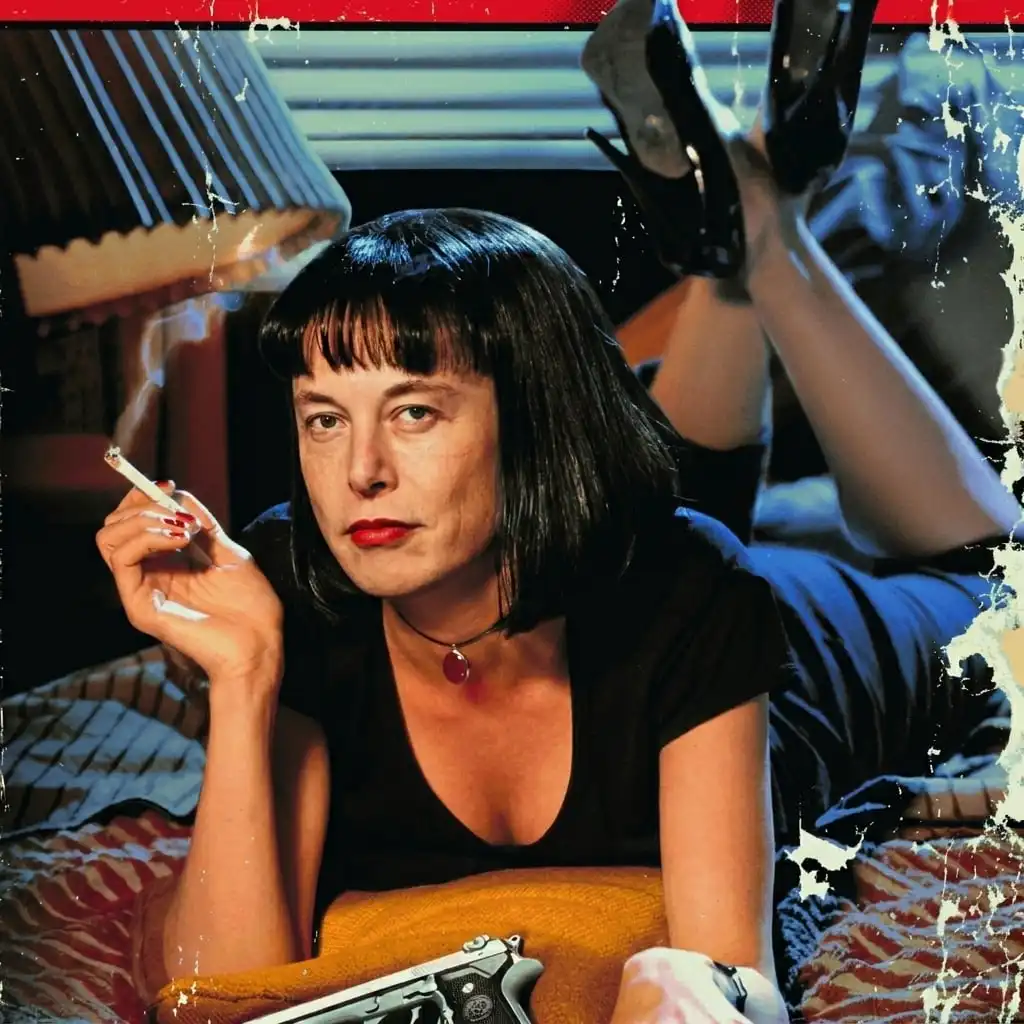
Accuracy tips

How to Improve Face Swap Accuracy

The AI does the heavy lifting, but your input photos set the ceiling on quality. A few habits raise your hit rate:

  • Use a clear, front-facing face photo. Straight-on faces give the AI the most landmarks to work with. Extreme side profiles and steep up/down angles are the most common cause of distortion.
  • Match the angle between both photos. A front-facing face paired with a side-turned target creates awkward stretching. Keep the two head angles close.
  • Keep lighting consistent. Similar lighting between the two photos matters more than raw resolution. An outdoor-lit face on a flash-lit target leaves a visible seam.
  • Avoid anything covering the face. Sunglasses, hands, hair across the cheek, or heavy shadow hide the landmarks the AI needs.
  • Skip big resolution mismatches. A very sharp face on a soft, low-res target (or the reverse) shows up as an obvious sharpness difference.

Feed it clean, well-lit, front-facing photos and the swap blends far more naturally.

Noch Fragen offen?

Wir haben die häufigsten Fragen beantwortet.

Wie funktioniert der KI-Gesichtstausch?

Das Tool erkennt die Gesichter in beiden Fotos, kartiert die wichtigsten Gesichtsmerkmale, erstellt ein Identitätsprofil aus deinem Gesichtsfoto und fügt dann dieses Gesicht in das Zielbild ein – mit angepasstem Hautton und passender Beleuchtung. Mit einem einzigen Klick erhältst du das Ergebnis in Sekunden.

Brauche ich zwei Fotos, um ein Gesicht auszutauschen?

Ja. Lade ein Zielbild (das Foto mit dem zu ersetzenden Gesicht) und ein Gesichtsfoto (das Gesicht, das du hinzufügen möchtest) hoch. Die KI übernimmt den Rest.

Wie tausche ich ein Gesicht von einem Foto auf ein anderes?

Lade dein Zielbild hoch, lade dein Gesicht hoch und klicke auf Generieren. Es gibt keinen manuellen Maskierungs- oder Freistellungsschritt – das Tool richtet beide Gesichter automatisch aus und fügt sie nahtlos zusammen.

Welches Foto eignet sich am besten?

Ein klares, frontal aufgenommenes, gut beleuchtetes Gesicht ohne Bedeckung und ein Zielbild mit ähnlichem Kopfwinkel. Passende Beleuchtung und ähnlicher Winkel zwischen den beiden Fotos verbessern die Genauigkeit mehr als die Auflösung allein.

Kann ich in einem Foto mehrere Gesichter austauschen?

Ja. Das Tool erkennt mehrere Gesichter und ermöglicht dir, Gesichter in Gruppenfotos auszutauschen – nützlich, um eine bestimmte Person in einem überfüllten Bild zu korrigieren oder zu ersetzen.

Ist der KI-Gesichtstausch kostenlos?

Es gibt keinen kostenlosen Tarif. GPTProto arbeitet mit Guthaben nach dem Pay-as-you-go-Prinzip – ein Bild-Gesichtstausch kostet etwa 0,08 $ pro Generierung, und dasselbe Guthaben funktioniert für über 100 KI-Online-Tools ohne monatliches Abonnement.

Kann ich Gesichtstausche für kommerzielle Zwecke nutzen?

Ja, sofern du die Rechte an den Quellbildern und an den verwendeten Gesichtern besitzt. Dir gehört dein Ergebnis. Prüfe vor der Veröffentlichung die Lizenzbedingungen für jedes kommerzielle Projekt.

Speichert das Tool meine Bilder?

Deine Uploads werden sicher verarbeitet und kurz nach der Verarbeitung gelöscht. Sie werden nicht zum Trainieren von Modellen verwendet.

Kann ich es auf dem Handy nutzen?

Ja. Das Tool läuft in deinem Browser, sodass du Gesichter von Handy, Tablet oder Desktop ohne Installation austauschen kannst.

What Creators Say

Jordan M.

5 / 5

Nice ai tool!

"I fixed a group photo where my friend blinked — swapped in her face from another shot and nobody could tell."

Priya S.

5 / 5

Good for profile editing

"Clean blends without opening Photoshop. I use it for profile pictures and quick social edits."

Marcus L.

5 / 5

Help me swap natural

"Angle and lighting tips in the guide actually helped — my swaps look natural now."