Ein Kurzdrama scheitert am Schnitt. Eine überzeugende Nahaufnahme hilft wenig, wenn der Schauspieler in der Gegeneinstellung ein anderes Gesicht hat, der zweite Sprecher den Text des ersten sagt oder der Drache plötzlich die Seite der Höhle wechselt. Ich würde ein Videomodell danach auswählen, welche Szene es erzeugen soll, und vor der Entscheidung für eine ganze Serie erst einen kleinen Kontinuitätstest durchführen.
Meine erste Wahl für einen längeren, durchgehenden dramatischen Moment ist Seedance 2.5 – GPTProto unterstützt Text-zu-Video mit einer Länge von 30 Sekunden, und das Modell gehört zu den Spitzenreitern in einem unabhängigen Ranking für Einzelclips. Wähle stattdessen Kling 3.0 Omni, wenn die Reihenfolge und Kadrierung der Einstellungen wichtiger sind als die Clip-Länge. MiniMax H3 ist mein nächster Kandidat für die Arbeit mit Referenzen; Vidu Q3 Pro ist eine einfachere Option für kurze Dialoge. Veo 3.1 eignet sich für vertikale, referenzgestützte Zwischenschnitte, Hailuo 2.3 Pro für lautlose Bewegungen auf Basis freigegebener Charaktergrafiken. Dies ist eine nach Rang geordnete Auswahlliste für die Produktion, keine Behauptung, dass wir dasselbe Drama mit allen sechs Modellen erstellt haben.
How we chose models for a short drama
My criteria are narrative timing, actor and location continuity, dialogue, control over opening and closing frames or references, a usable 9:16 frame, and the actual GPT Proto entry point. A 2026 short-drama research paper identifies pacing, spatial consistency and production review as separate problems. A convincing clip has to survive the next cut.
Artificial Analysis’s audio text-to-video board supplies an independent signal: pairwise human preference for individual generated clips. On the board checked September 30, 2026, Seedance 2.5 and MiniMax H3 placed above Kling 3.0 Omni, Veo 3.1 and Vidu Q3 Pro. This helps assess single-clip appeal; it does not measure cross-episode actor continuity. The order below favors each model’s production use and its GPT Proto entry point. A provider announcement covers the model family; a model page and its live task controls determine what you can call through GPT Proto. We have not run a controlled six-model trial.
The 6 best AI video models for short dramas
1. Seedance 2.5 — best overall starting point for a longer dramatic beat
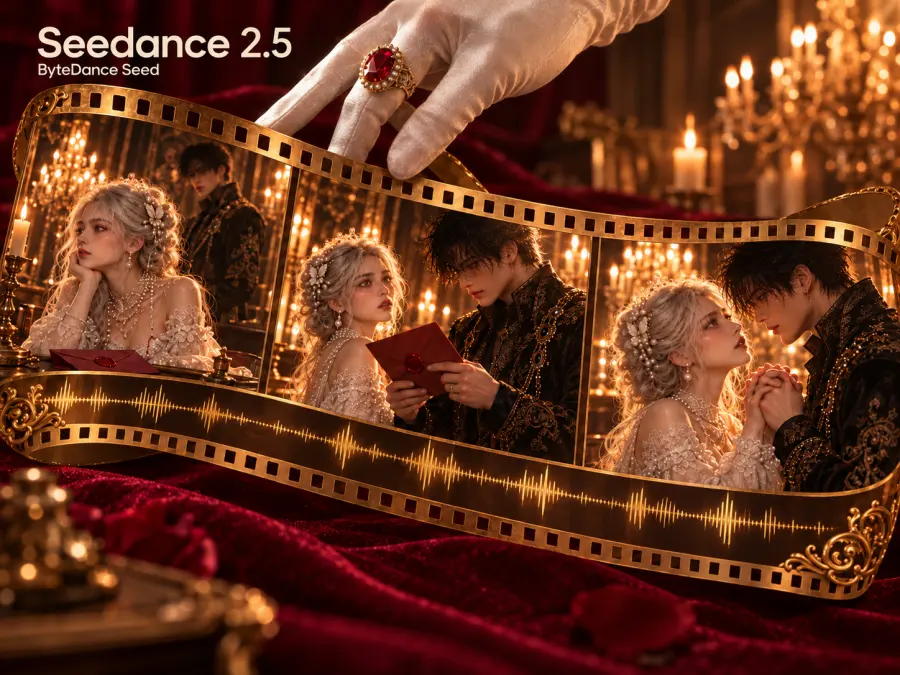
Why it ranks here: A short drama often needs a setup, reversal and payoff. The GPT Proto Seedance 2.5 main model page leads to a text-to-video route capable of a 30-second clip with generated audio. Fewer forced joins can help keep an action and reaction in one continuous space. Separately, ByteDance documents extensive reference and editing capabilities for the model family. The independent Artificial Analysis board placed its audio text-to-video output near the top when checked for this article. These are reasons to try it first, not proof it can keep one face stable through a season.
Use it for: a cave discovery, argument or chase with three chronological beats. Pass/fail check: do the actor, prop and room geometry remain recognizable at the start, middle and end? Trade-off: if only the ending fails, a long clip may need regeneration. The displayed GPT Proto text-to-video example does not document ByteDance’s full image/video/audio reference or targeted-editing toolkit. Select a separate reference task if those inputs are essential. Some older prose on the model page still says 4–15 seconds; that copy needs updating to match the 30-second route.
2. Kling 3.0 Omni Pro — best when you need to direct the cuts
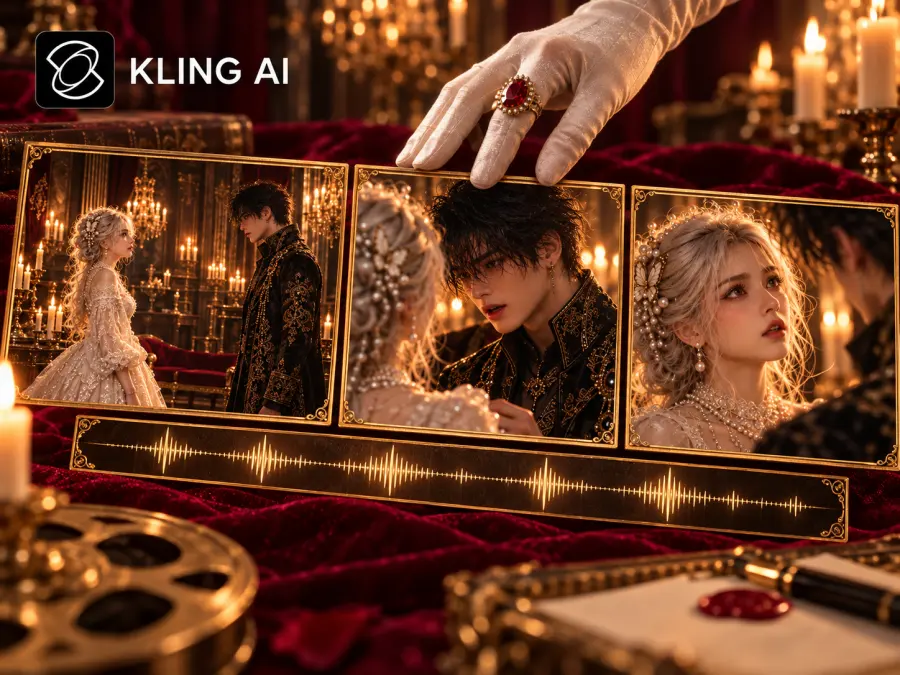
Why it ranks here: A dialogue scene needs an establishing frame, the speaker’s line and the listener’s reaction in a legible order. Kuaishou’s Kling 3.0 announcement describes native audio, multiple characters and multi-shot storytelling up to 15 seconds; Omni adds shot-level storyboard direction. That is a relevant control proposition for an exchange. The GPT Proto Kling v3 Omni Pro main page gives a concrete entry point with sound and duration settings.
Use it for: two-person blocking or a reveal where the order of shots matters. Pass/fail check: speaker identity, eyeline and screen direction after each cut. Trade-off: the simple text-to-video example on GPT Proto does not itself demonstrate all Omni storyboard controls. Confirm the intended task exposes them. The independent preference board ranks Omni’s single text-generated clips below Seedance 2.5 and H3; it is second here for planned cuts, not because that board named it runner-up. The Kling v3.0 Std main page offers a simpler alternative, but Std is not Omni.
3. MiniMax H3 — best for a defined start and end frame
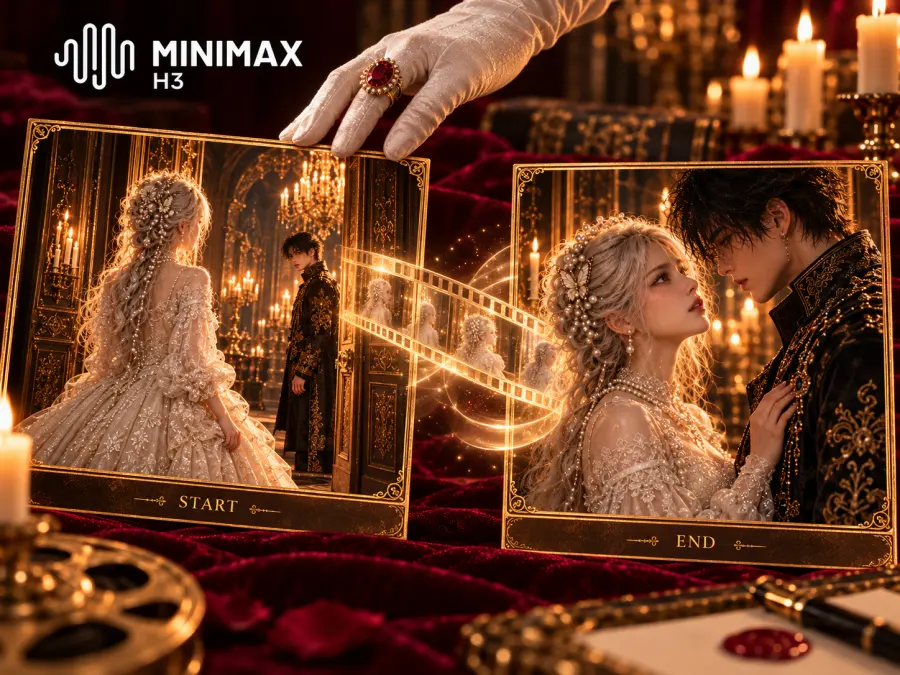
Why it ranks here: A transition is easier to plan when you specify where it begins and ends. MiniMax’s H3 specification separates a first/last-frame variant from an omni-reference variant, with up to 15-second output and native stereo audio. For a character crossing a threshold, approved starting and ending compositions give a more concrete target than additional prose. H3 also placed near the top of the independent audio text-to-video preference board. That result supports a single-clip quality trial; it says nothing definitive about the first/last-frame mode. Start from the MiniMax H3 main model page and choose the matching task.
Use it for: an approach-to-door shot, transformation or exit with two important compositions. Pass/fail check: do actor, costume and door position move plausibly, without a new prop or reversed direction? Trade-off: the model family’s variants have different input contracts. Confirm the GPT Proto task accepts both frames; do not merge all input modes into one request. It is third because guided transitions are a narrower job than a long Seedance beat or planned Omni cuts.
4. Vidu Q3 Pro — best for a short spoken scene with simple integration
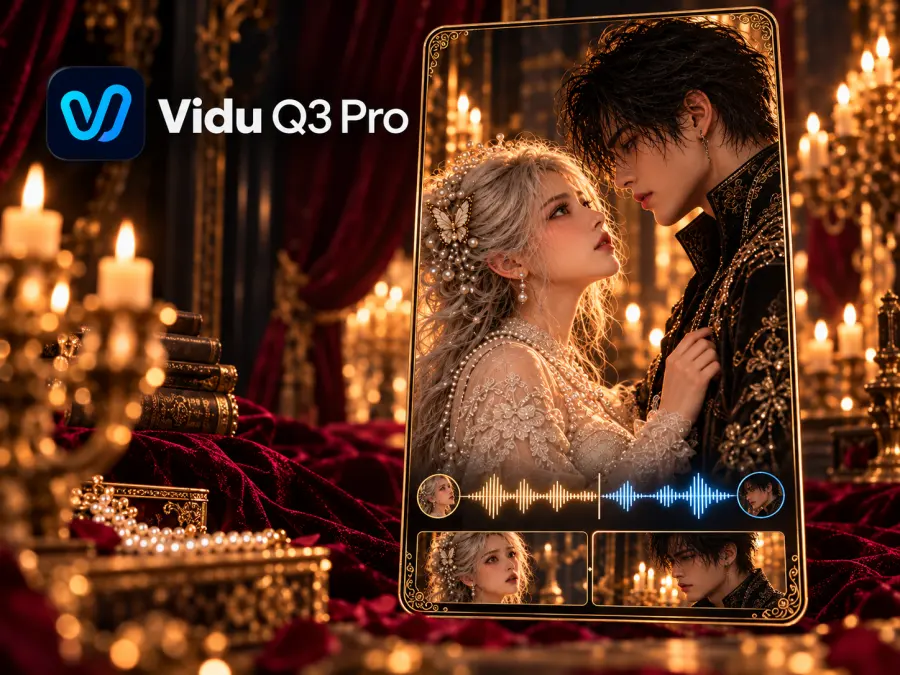
Why it ranks here: Not every exchange needs a complex storyboard. Vidu’s model map describes Q3 Pro’s simultaneous audio/video, smart scene cuts, 1–16-second length and 540p/720p/1080p choices. The GPT Proto Vidu Q3 Pro main page shows a text-to-video example with an audio toggle and vertical ratio. This gives an accessible API trial for a compact spoken beat. Its listed starting rate is $0.04 per second, with actual cost depending on settings. Vidu also lists a specialized viduq3-drama model, but we did not verify a GPT Proto page for that variant; this recommendation is specifically Q3 Pro.
Use it for: one speaker, a short line and a reaction with ambient sound. Pass/fail check: who speaks, mouth/voice alignment and the second character’s appearance at the cut. Trade-off: the independent preference board places Q3 Pro below several rivals for single text-generated clips; automatic cuts do not prove consistency across separate requests. The page’s sample includes bgm and movement_amplitude, while its explanatory text says those fields do not work for Q3. Omit them, as in the example below. Choose the image task separately if you need a locked starting cast frame.
5. Veo 3.1 — best for a short vertical or reference-guided insert1
Why it ranks here: A dramatic close-up may need an approved character image and a vertical frame more than a long take. Google’s Veo API guide documents 9:16 output, 4/6/8-second clips and reference-image or extension modes with restrictions. Veo therefore earns a slot for an episode-opening glance or reveal insert, not for carrying an entire conversation. The GPT Proto Veo 3.1 main model page is the entry point; select the relevant image or text task there.
Use it for: a vertical reaction from an approved portrait, or a short hook. Pass/fail check: face, costume, sightline and room lighting against the adjacent shot. Trade-off: shorter clips require more editing joins, and reference support depends on the selected mode. Fifth is a narrower-use judgment, not a measured fifth-place image-quality score. Do not mix the price or fields of separate Veo 3.1 variants.
6. Hailuo 2.3 Pro — best for a silent motion insert from cast art
Why it ranks here: A wordless reaction does not need a dialogue model. MiniMax’s Hailuo 2.3 release emphasizes motion and expression; the GPT Proto Hailuo 2.3 Pro main page describes an image-to-video, single-shot route without native audio. Starting with the approved face and costume image gives a practical constraint for a look-back, recoil or creature movement. This is a reason to include it as a specialist, not a finding that it preserves identity better than the five above.
Use it for: an actor’s silent reaction between spoken clips. Pass/fail check: silhouette, hands, facial expression and whether motion ends on an editable frame. Trade-off: dialogue and ambience need a separate pass, and this route will not direct several cuts. It is distinct from MiniMax H3. The model page presents inconsistent pricing units; check the live panel before budgeting by second or generation.
Short-drama model comparison: why each one made the list
| Model |
Strongest reason to audition it |
What this does not prove |
GPT Proto main page |
| Seedance 2.5 |
30-second text-to-video beat, audio, strong single-clip preference signal |
Cross-shot actor continuity or full reference support on the displayed task |
Seedance 2.5 |
| Kling 3.0 Omni Pro |
Storyboard direction, several characters and audio in the model family |
Every Omni control is in the displayed text task |
Kling Omni Pro |
| MiniMax H3 |
First/last-frame and reference variants; strong single-clip preference signal |
All variants share one request schema |
MiniMax H3 |
| Vidu Q3 Pro |
Short synchronized dialogue and a straightforward text-to-video API |
Multi-request character consistency |
Vidu Q3 Pro |
| Veo 3.1 |
Vertical and image-guided short insert |
Every task has identical references or duration |
Veo 3.1 |
| Hailuo 2.3 Pro |
Silent image-to-video motion from approved character art |
Native dialogue or multiple directed cuts |
Hailuo 2.3 Pro |
The independent board’s prices are not GPT Proto prices. To choose for your own series, run the same cast and storyboard through the tasks you plan to buy, then score the accepted shots.
Which model fits each shot in your short drama?
Dialogue scene: Write an establishing shot, speaker close-up and listener reaction as three cards. Freeze wardrobe, lighting direction, eyeline and each person’s side of the frame. Try Seedance 2.5 if the exchange should play as one longer beat; try Kling Omni if the shot order is the central constraint; try Vidu Q3 Pro for a short, simple audio-first API trial. Reject a result when the wrong mouth moves, a line changes speaker or the listener switches sides. Keep the cast image, prompt, model task and rejected outputs together. That record turns “this model feels better” into a repeatable decision.
Action scene: Imagine a girl dismounting a dragon at a cave, tracing a glowing seal, then recoiling as the entrance breaks open. Separate the landing, hand-and-symbol insert, impact and reaction. Try Seedance for the continuous discovery, H3 with approved start/end frames for the approach, Kling Omni when internal cut order matters, and Hailuo for a silent expression insert. This is a proposed shot test, not footage we generated. Check hand shape, costume, dragon scale, screen direction and cave position between cuts; if a keyframe route is unavailable, do not score it as though it were tested.
Choose your delivery frame at the start. A 9:16 short drama needs room for faces and captions; cropping a wide two-person shot afterward can erase the listener. Record the route and aspect ratio used for each accepted clip.
Why the cheapest generated clip may cost more to finish
Use cost per accepted shot = total generation spend ÷ shots that pass review. Add voice work, sound repair and editing separately. A cheap render that needs many attempts can cost more than a pricier one that fits the cut early; we do not have comparable acceptance rates for these six models.
In a production interview about Catacombes, director Kévin Mendiboure reports 3,229 image and video generations and 242 hours of work. He used character angle sheets and lower-quality exploratory renders before finishing shots. That is one project, not a universal cost forecast. In a separate 12-minute short-film creator’s own account, crowded shots caused scale and placement errors; the creator sometimes split a long flight between locations into shorter segments and joined them in editing. That experience gives a concrete reason to score spatial continuity and keep rejected generations. It does not prove a winning model.
For broader budget choices, see our affordable AI video API comparison; for another regional model shortlist, see the Chinese AI video model guide.
Try a short-drama dialogue shot with one GPT Proto API key
The following commands submit a Vidu Q3 Pro text-to-video task and query its prediction ID. They follow the live model page’s endpoint and the GPT Proto prediction-result flow. They have been checked against published request shapes but not executed against a funded account.
export GPTPROTO_API_KEY="your-key-here"

curl --fail-with-body --request POST \
  "https://gptproto.com/api/v3/vidu/viduq3-pro/text-to-video" \
  --header "Authorization: Bearer $GPTPROTO_API_KEY" \
  --header "Content-Type: application/json" \
  --data '{
    "prompt": "Vertical cinematic drama. Inside a rain-lit train carriage, a detective in a charcoal coat says: We missed one detail. Hold on the detective, then cut to the silent partner in a tan coat looking toward the window. Keep their positions consistent. Soft carriage hum and rain; no music.",
    "resolution": "720p",
    "duration": 5,
    "aspect_ratio": "9:16",
    "audio": true
  }'
Copy the returned prediction ID from data.id; then query it:
result_id="PASTE_DATA_ID_HERE"
curl --fail-with-body --request GET \
  "https://gptproto.com/api/v3/predictions/$result_id/result" \
  --header "Authorization: Bearer $GPTPROTO_API_KEY"
Poll at reasonable intervals while data.status is created or running; inspect data.outputs when it is completed, or data.error if it fails. The task is asynchronous. The Vidu Q3 Pro page has the live fields; check GPT Proto Pricing before a batch. You can use the same key for other supported models, but each model’s endpoint and request body still need their own check.
Recommendation
Begin with a two-scene pilot: one dialogue exchange and one action sequence. Put Seedance 2.5 and Kling Omni against the same story beats, then use H3 for a start/end-frame need or Vidu Q3 Pro for a compact dialogue API trial. Add Veo for a reference-guided vertical insert and Hailuo for a silent image-led reaction. Log each task, input, rejected output and accepted shot; compare usable footage and total spend. The model catalog leads to the main pages and their live task controls before you commit the next episode.