AI Video Face Swap
Swap faces in a video online—no app, prompt, or manual masking needed. Upload the original clip, add an image or video showing the face you want to use, and click Generate to create your face swap.
Create original character images from a text prompt or upload an image to change its style, setting, outfit, lighting, and other visible details. Choose an example to load a ready-made idea, then generate your image online.
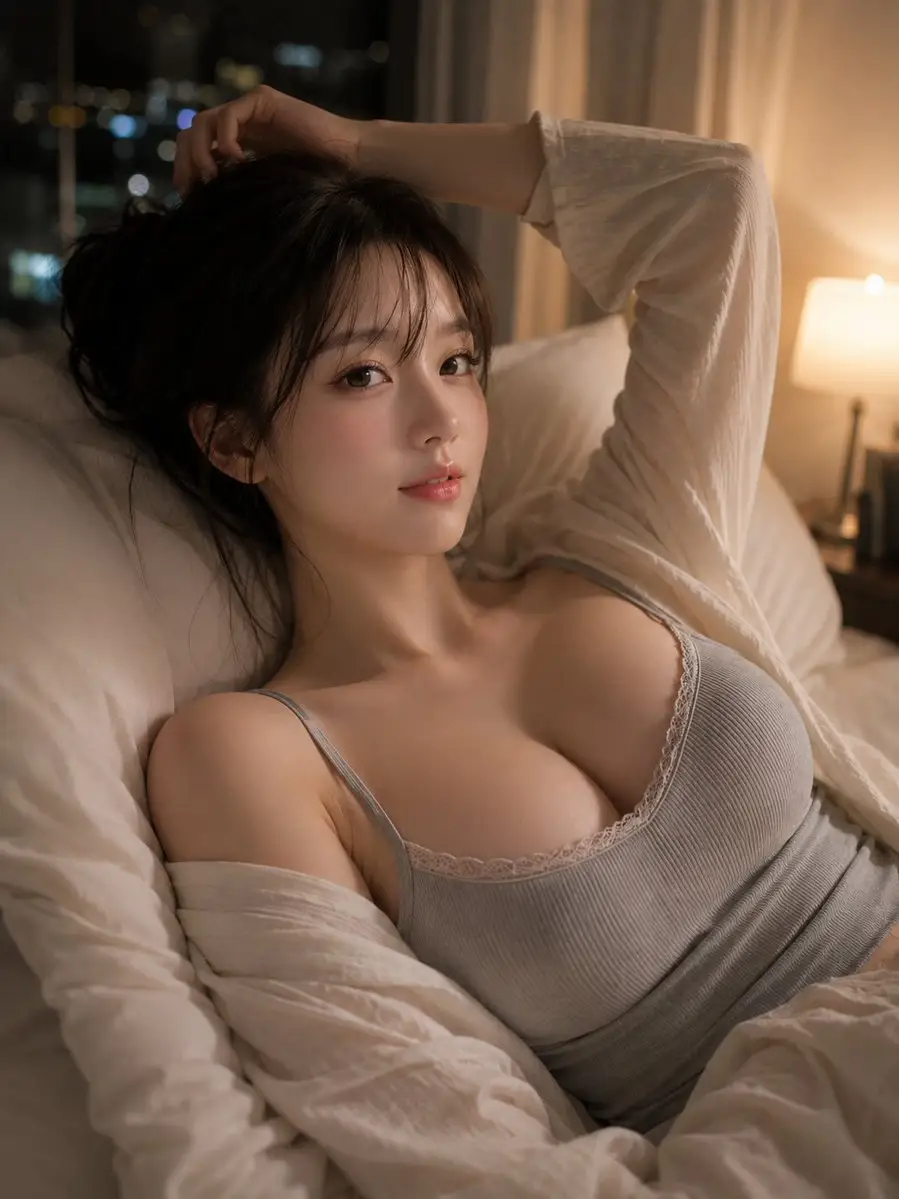
Examples
Choose an example to load its prompt and generation mode. Use it as written or adjust the character, setting, clothing, composition, and art style before generating.
Ideas
Use text-to-image for new concepts or image-to-image when you already have a visual starting point.
Turn a written character idea into a portrait with a defined appearance, outfit, expression, environment, lighting style, and camera composition.
Upload an existing character image and create new outfits, settings, moods, poses, or visual styles while describing the identity details that should remain recognizable.
Use the Eternal AI image editor workflow to change backgrounds, clothing, lighting, colors, atmosphere, or art style without rebuilding the entire composition manually.
Create portraits and scene concepts for original stories, roleplay characters, visual novels, game ideas, social content, and other fictional projects.
What it is
The Eternal AI Image Generator on GPTProto is an independent online tool for creating character images from text or transforming an uploaded picture with written instructions. You can begin with only a prompt, use an image as a visual reference, or load one of the examples on this page.
Text-to-image generation is useful when you want to design a new character or scene from scratch. Image-to-image generation is better when you already have a face, character design, pose, product, or composition that should guide the result.
The tool is designed for people searching for an Eternal AI-style image creation workflow but who want direct control over the prompt and the option to upload a reference image. GPTProto is not the official Eternal AI website and does not claim endorsement or affiliation.
Choose the input route that matches the result you want to create.
Text to Image: Enter a written description to create an original character, portrait, illustration, or scene from scratch. Describe the subject, appearance, outfit, action, setting, lighting, composition, and visual style.
Image to Image: Upload an existing image and explain what should change. Identify the face, pose, hairstyle, character design, product shape, camera angle, or other details that should remain close to the source.
Text-to-image gives you more freedom to invent a new visual direction. Image-to-image gives the generator a stronger reference for identity and composition, although exact preservation is not guaranteed in every result.
Consistent Tips
Character consistency starts with a clear identity description and a reference image that makes the important features easy to see.
Character Prompt Formula: Character identity + age group + facial features + hairstyle + clothing + expression or action + setting + lighting + camera composition + visual style + details to preserve
Define the Character Clearly: Describe the character's approximate age group, face shape, hair, eyes, clothing, expression, and distinguishing features instead of relying on a short label.
Reuse the Same Identity Details: Keep the important character description consistent across prompts. Changing the hair, age, face, clothing, setting, and art style at the same time can make the result drift.
Use a Clear Reference Image: For image-to-image generation, choose a sharp image with the character clearly visible. Heavy blur, strong shadows, face coverings, and crowded group photos provide less usable reference information.
State What Must Remain Unchanged: Tell the generator to preserve specific details such as the face shape, eye color, hairstyle, age, expression, outfit elements, or camera angle.
Change One Main Element at a Time: Create the character first, then test a new scene, outfit, or mood. Smaller controlled changes are easier to compare than rewriting the entire concept in every generation.
Example Consistency Prompt: Use the uploaded character as the identity reference. Preserve the same adult age, face shape, eye color, hairstyle, and recognizable features. Place the character in a new setting while keeping the visual identity consistent. Change only the outfit, background, and lighting described below.
Better Prompt
A useful image prompt separates the main subject from the visual details that control the final result.
Prompt Formula: Main subject + appearance + pose or action + outfit + setting + lighting + camera and composition + visual style + details to preserve
Start with the Main Subject: State whether you want an original character, portrait, couple, group, product, creature, environment, or story scene.
Describe Visible Details: Include specific information about clothing, materials, colors, facial expression, hairstyle, props, weather, and the surrounding environment.
Set the Composition: Add directions such as close-up portrait, waist-up shot, full-body composition, eye-level camera, low angle, centered subject, or wide cinematic scene.
Control the Lighting and Mood: Use clear descriptions such as soft daylight, warm sunset light, studio lighting, neon reflections, dramatic side lighting, or a muted nighttime atmosphere.
Name the Intended Style: Specify realistic photography, anime illustration, fantasy concept art, graphic novel, watercolor, editorial fashion, cinematic still, or another visual direction.
Protect Important Source Details: When editing an image, list the features that should stay recognizable and separate them from the parts you want the generator to change.
Looking for information about the original Eternal AI platform rather than an image generator you can use here? Read our overview of its image and video features, product changes, content policies, and available alternatives.
One GPTProto balance gives you access to more than 100 AI tools for creating, editing, and transforming images and videos.
Swap faces in a video online—no app, prompt, or manual masking needed. Upload the original clip, add an image or video showing the face you want to use, and click Generate to create your face swap.
Generate AI images from text or transform an uploaded image online in seconds. GPTProto keeps your prompt exactly as written—with no rewriting, blocked prompts, or hidden creative filters.
Upload one couple photo or two separate portraits and turn them into a short, romantic kiss video. The AI French kissing generator brings both people into the same moment and creates the approach and kiss without manual video editing.
Upload anime, manga, cartoon, or OC artwork and generate a realistic human interpretation while keeping the hairstyle, expression, outfit, color palette, and other defining visual details.
Compare the best AI models for roleplay in 2026 for memory, story writing, RPGs and long chats, including Kimi K3, GLM, Claude, DeepSeek and Gemini.
Connect GPTProto to Janitor AI step by step. Copy the correct proxy URL and model string, then fix Failed to Fetch, 401, 404, and network errors.
Compare Grok, GLM, DeepSeek, Hermes and Dolphin for roleplay apps. See API access, refusal limits and long-chat costs before choosing your model.
See which models fit dialogue, action and character continuity in short dramas. Compare Seedance, Kling, MiniMax, Vidu, Veo and Hailuo.