Quick Verdict: Which Midjourney API Alternative Is Best?
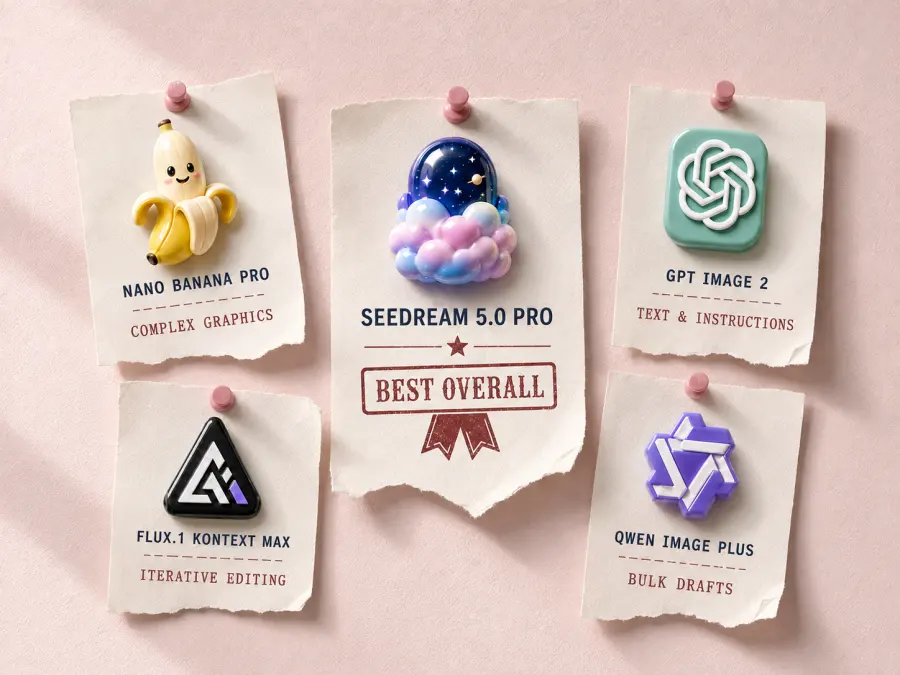
| Rank |
Model |
Best for |
Current GPT Proto price or availability |
Main trade-off |
| 1 |
Seedream 5.0 Pro |
Cinematic images, product hero visuals and polished concepts |
$0.0405 at 1K; $0.081 at 2K |
Attractive outputs may still contain physical or text errors |
| 2 |
Nano Banana Pro |
Complex commercial graphics and dependable first drafts |
From $0.0804 per generation |
Too expensive for routine background variations |
| 3 |
GPT Image 2 |
Detailed instructions, exact copy and conversational editing |
$6.40/M input; $24/M output |
Token billing makes per-image cost harder to predict |
| 4 |
FLUX.1 Kontext Max |
Reference consistency and iterative image editing |
Not currently available on GPT Proto |
BFL now recommends FLUX.2 for new projects |
| 5 |
Qwen Image Plus |
Affordable product edits and bulk creative drafts |
$0.0195 per edit |
More of an editing alternative than an artistic replacement |
These prices use different billing units. GPT Image 2 charges by tokens, while Seedream 5.0 Pro, Nano Banana Pro and Qwen Image Plus show a flat starting price per generation or edit. A flat price does not automatically make a model cheaper: a $0.04 request that needs three retries costs more than a $0.08 request that works once.
The GPT Proto prices were checked on August 31, 2026. Check the linked model page again before setting a production budget.
How These Midjourney Model API Alternatives Were Selected
This ranking combines official model capabilities, current API access, published prices and results from GPT Proto’s earlier image-model tests.
Each option had to meet four requirements:
A documented or verifiable image API must exist.
The model must support generation, reference-based editing or both.
It must replace at least one common Midjourney workflow.
Its capabilities, limitations and pricing or availability must be clear enough to evaluate.
Four of the five models currently have usable GPT Proto routes. FLUX.1 Kontext Max remains in the comparison because its reference consistency and iterative-editing workflow make it a relevant Midjourney alternative, but it is not currently available on GPT Proto and is not presented as a model readers can try here.
This is not a claim that one model wins every visual task. Midjourney’s strength is often its willingness to interpret a vague brief and supply its own taste. Many API alternatives are more literal. That is useful in production, but it can also produce a technically obedient image with less personality.
The ranking therefore asks a narrower question: which model replaces each part of a Midjourney workflow most effectively?
Midjourney API Alternative vs Third-Party Midjourney API
The phrase “Midjourney API alternative” is ambiguous. Some search results use it for services that continue to generate with Midjourney. Others use it for completely different image models.
Those are not the same solution.
| Route |
What the application calls |
Advantage |
Main risk |
| Third-party Midjourney API |
An unofficial hosted route or account-linked wrapper around Midjourney |
Retains Midjourney’s output and prompt behavior |
Policy, account and service-continuity exposure |
| Alternative model API |
Seedream, Nano Banana, GPT Image, FLUX or Qwen |
Documented model inputs and better production control |
Different aesthetics, parameters and failure patterns |
Choose a third-party Midjourney route only when the output must come from Midjourney. If the actual requirement is “generate attractive images programmatically,” a different model API gives the application more room to optimize cost, accuracy and fallback behavior.
1. Seedream 5.0 Pro: Best Overall Midjourney API Alternative
Seedream 5.0 Pro is the first model I would test for a team leaving Midjourney because it needs API access—not because it dislikes Midjourney’s visual output.
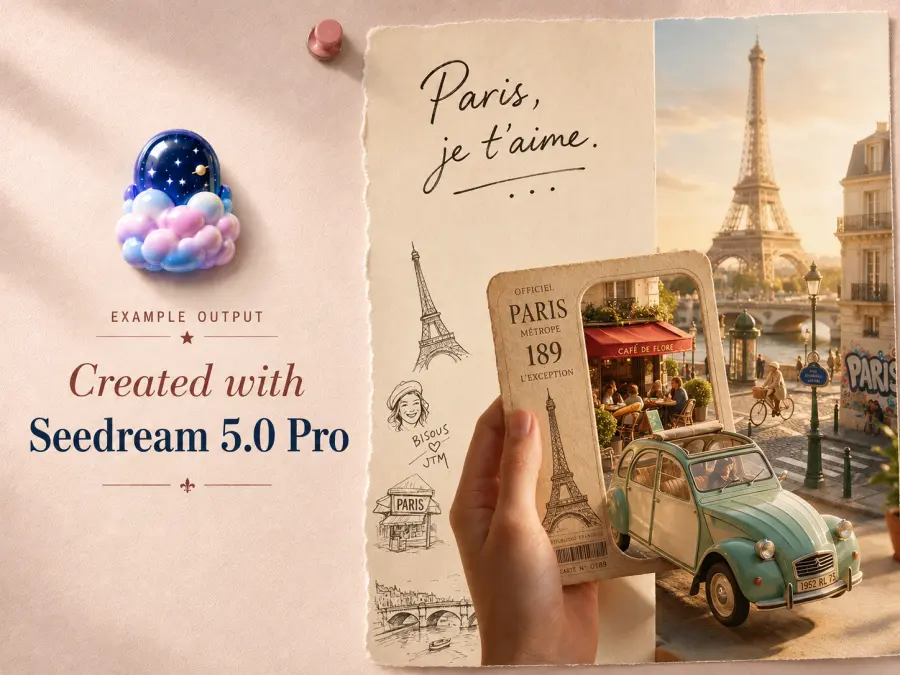
Its strongest use cases are close to the work that attracts people to Midjourney in the first place:
BytePlus documents text-to-image generation, single- and multi-image input, interactive editing, 1K and 2K output, and support for up to ten reference images. The international model ID is dola-seedream-5-0-pro-260628.
On GPT Proto, a 1K generation costs $0.0405, while 2K costs $0.081. The first reference image is included in the base price; additional references cost $0.0027 each after the first. This flat structure is easier to budget than token-based image pricing.
The important caveat is accuracy. Seedream is good at making a scene look finished, but visual finish can conceal a structural error. In GPT Proto’s earlier ecommerce test, Seedream preserved product color and appearance well, yet one nail-polish result showed a capped bottle beside a separate cap and brush. Every object looked plausible on its own. The combination was impossible.
That is the trade-off. Seedream 5.0 Pro is the closest all-round replacement for polished Midjourney-style work, but it still needs review when objects must interact correctly or commercial copy must remain exact.
Choose Seedream 5.0 Pro for: visual concepts, polished product scenes, photography, campaign drafts and briefs where atmosphere matters.
Skip it when: exact local preservation or unattended publication matters more than overall visual impact.
Try Seedream 5.0 Pro API
Need a starting point for testing? Browse the Seedream 5.0 Pro Prompt Library for photography, product, poster and image-editing examples before adapting the prompts to your API workflow.
2. Nano Banana Pro: Best for Complex Commercial Graphics
Nano Banana Pro is a better replacement when the brief contains many relationships that must survive in the same image.
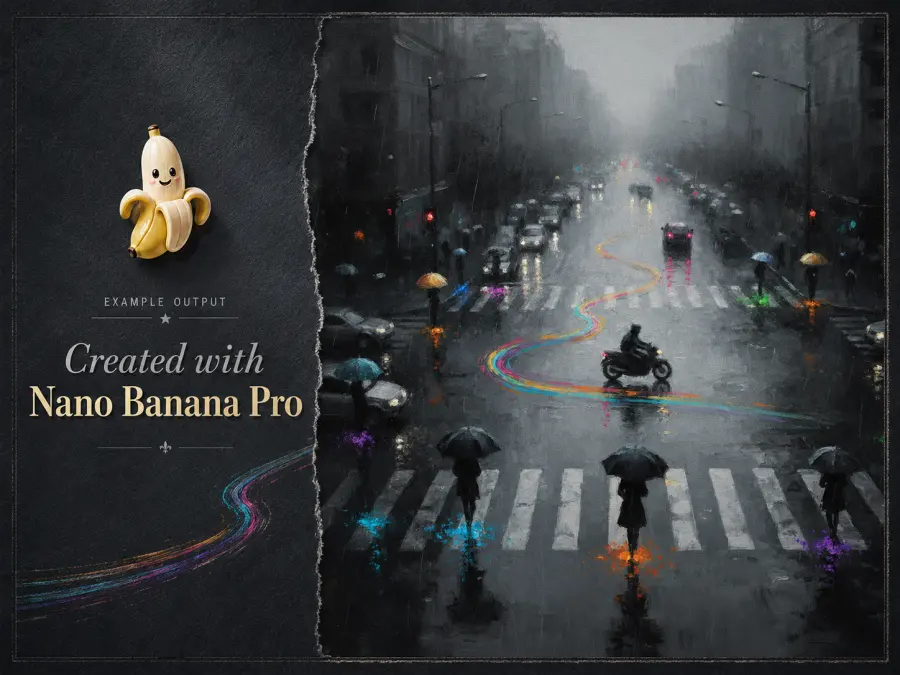
Google describes Gemini 3 Pro Image as a reasoning-driven image generation and editing model for complex graphic design, high-fidelity product mockups, accurate text and factual data visualizations.
That makes it useful for:
Product campaigns involving people and props
Packaging and label concepts
Multi-element advertisements
Infographics
Structured social graphics
Images combining supplied assets with generated environments
The distinction from Midjourney is not that Nano Banana Pro always produces a more attractive picture. It is that the model is more willing to respect an explicit relationship between objects instead of replacing that relationship with a prettier interpretation.
In GPT Proto’s three-task ecommerce test, Nano Banana Pro was the only model without a clearly weak round. It correctly understood that a nail-polish cap had to leave the bottle, carry the brush and meet the fingernail. It also reproduced the supplied advertising copy without inventing new claims. Midjourney created the best selected lifestyle interior, but changed important product and sales information in the other tasks.
Nano Banana Pro currently starts at $0.0804 per generation on GPT Proto. That is more than four times the Qwen Image Plus edit price. The premium only makes sense when better first-pass reliability reduces rejection and repair work.
Choose Nano Banana Pro for: complex commercial images, product-use scenes, structured layouts and work where a missed relationship can invalidate the output.
Skip it when: the team needs hundreds of simple background variants and already has a cheap review-and-retry process.
Try Nano Banana Pro API
To test its handling of reference images, packaging, posters and structured commercial briefs, start with the Nano Banana Pro Prompt Library.
3. GPT Image 2: Best for Exact Instructions and Text
GPT Image 2 is the strongest option when the image brief reads more like a specification than an art direction note.
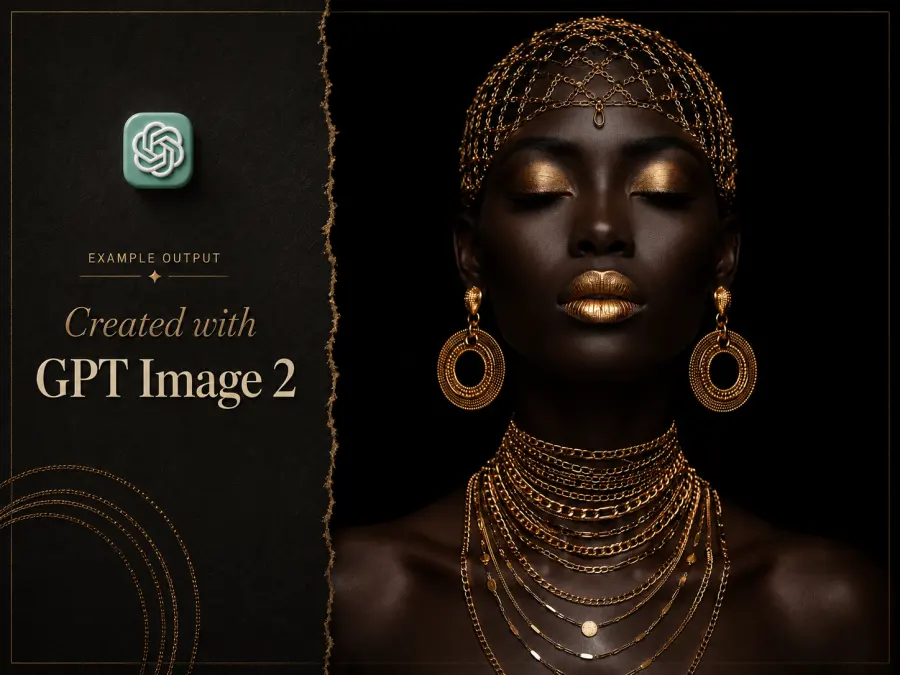
OpenAI’s Images API supports both generations and edits. GPT Image 2 can create a new image from text or modify an existing image through natural-language instructions.
The GPT Proto route supports long prompts, multiple outputs, image references and mask-based editing. That makes it a practical choice for:
In the earlier GPT Proto ecommerce comparison, GPT Image 2 produced the best ad with fixed copy. It preserved the required headline, feature line, price, shipping message and call to action, then arranged them into the clearest hierarchy.
Its weakness appeared in physical action. Two requests did not completely solve the relationship among the hand, brush, cap and nail in the product-use test. The model understood the written request; the final pixels still failed at the contact point.
GPT Image 2 also needs a different budgeting method. GPT Proto lists $6.40 per million input tokens and $24 per million output tokens. There is no honest flat per-image number without recording the resolution, quality setting and tokens consumed by an actual job.
Choose GPT Image 2 for: exact copy, detailed constraints, conversational revisions and edits where instruction-following matters more than spontaneous artistic direction.
Skip it when: the budget requires one fixed per-image rate or the brief is deliberately vague and expects the model to supply most of the art direction.
Try GPT Image 2 API
The GPT Image 2 Prompt Library provides reusable starting points for text-heavy graphics, image editing, product visuals and detailed scene instructions.
4. FLUX.1 Kontext Max: Best for Consistent Iterative Editing
FLUX.1 Kontext Max fits a different kind of Midjourney migration. It is less about generating one striking image and more about keeping an image usable across several changes.
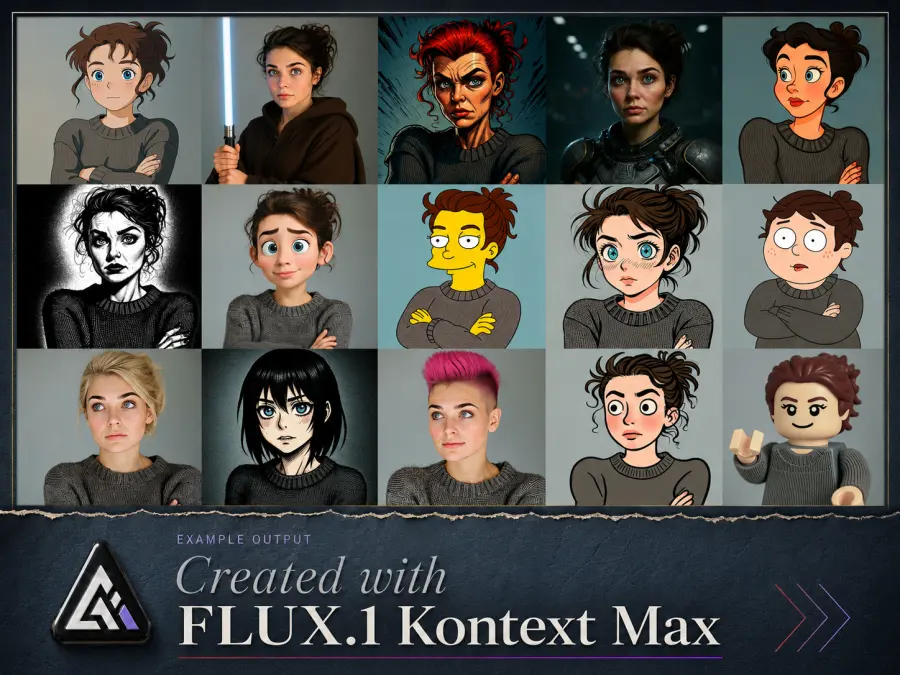
Black Forest Labs documents five relevant capabilities:
The Max tier emphasizes prompt adherence, typography and editing consistency.
That combination makes it suitable for workflows such as:
Keeping the same character across several scenes
Changing an object without rebuilding the full image
Replacing text on a sign or label
Applying a reference style to a new composition
Iterating on a client-approved visual
Turning a sketch into a more finished image
This is where Midjourney can become operationally awkward. Its variations are useful for exploration, but a production team may need to change one approved detail while leaving everything else alone. Kontext is designed closer to that second requirement.
There are two availability warnings.
First, FLUX.1 Kontext Max is not currently available on GPT Proto, so it is included as a relevant market alternative rather than a model readers can call through the platform.
Second, Black Forest Labs now recommends FLUX.2 for new projects because it adds better quality, multi-reference support and output up to 4MP. FLUX.1 Kontext Max and FLUX.2 should not be treated as the same model.
Choose FLUX.1 Kontext Max for: iterative editing, character continuity, text replacement, style references and applications where the previous output becomes the next input.
Skip it when: you specifically need a model available through your current GPT Proto key or only want to evaluate the newest FLUX generation.
5. Qwen Image Plus: Most Affordable Midjourney API Alternative
Qwen Image Plus is not the model I would choose to recreate Midjourney’s artistic personality. It earns a place because many developers searching for a Midjourney model API alternative do not actually need that personality on every request.
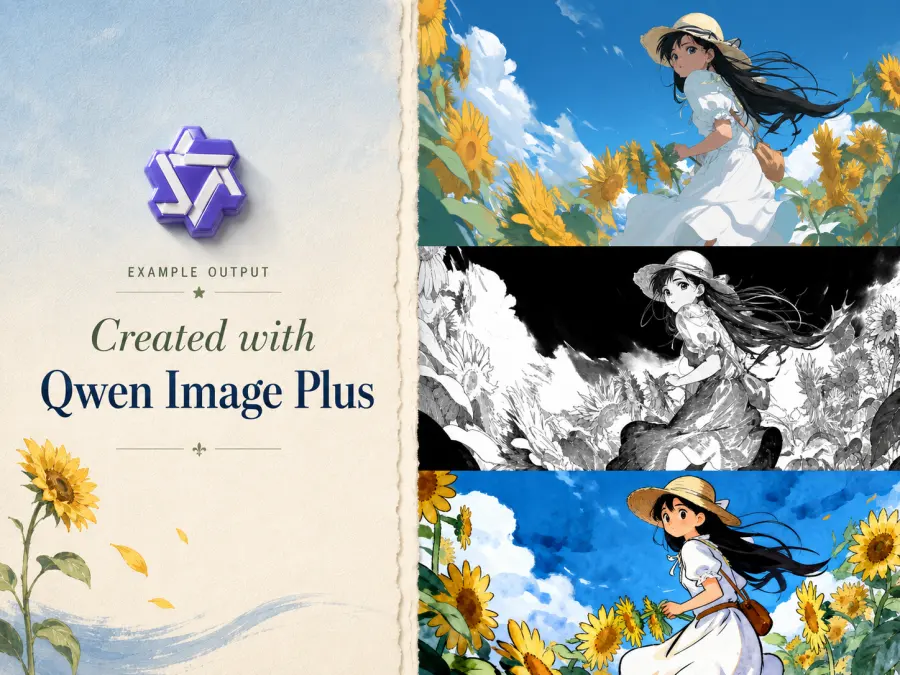
They need inexpensive image operations at scale.
Qwen-Image-Edit-2509 supports multi-image editing and improves consistency for people, products and text. Its official model information also describes ControlNet inputs including depth maps, edges and keypoints.
On GPT Proto, Qwen Image Plus currently costs $0.0195 per edit, the lowest fixed price among the currently available options in this comparison.
Useful applications include:
Product background drafts
Person-and-product combinations
Basic campaign variants
Product poster concepts
Text and color changes
Large batches that will be reviewed later
The previous GPT Proto ecommerce test showed the business case and the limitation at the same time. Qwen produced usable low-cost drafts, but duplicated a battery claim, changed title punctuation and introduced an unexplained icon in one advertisement. Those errors were repairable. They also prevented unattended publishing.
Qwen therefore works best when the production system already expects imperfect candidates. Generate several inexpensive drafts, reject obvious failures, then route difficult requests to a higher-cost model.
Choose Qwen Image Plus for: affordable reference-based editing, bulk drafts and workflows with a mandatory review stage.
Skip it when: the output must carry Midjourney-like visual direction or go directly to customers without verification.
Try Qwen Image Plus API
What Do You Gain and Lose by Replacing Midjourney?
Switching models solves the API problem. It does not preserve every part of the creative experience.
| Replacement |
What you gain |
What you may lose |
| Seedream 5.0 Pro |
Predictable per-image pricing and polished commercial visuals |
Midjourney personalization and style exploration |
| Nano Banana Pro |
Better handling of structured commercial briefs |
Lower-cost casual experimentation |
| GPT Image 2 |
Conversational editing and exact instructions |
A model that aggressively beautifies vague prompts |
| FLUX.1 Kontext Max |
Iterative edits and stronger reference continuity |
Midjourney’s native creative interface and current GPT Proto availability |
| Qwen Image Plus |
Low-cost reference editing |
High-end artistic finish |
A useful community observation is that Midjourney is not one fixed look. It is a system built around style exploration, personalization and visual interpretation. Models such as FLUX and Qwen can follow individual details more literally while producing less of the artistic surprise that Midjourney users value.
That is why “closest to Midjourney” needs a condition attached. Closest for what: mood, prompt obedience, text, editing, price or automation?
How to Migrate a Midjourney Prompt to Another Image API
The descriptive core of a Midjourney prompt can usually be reused. Its platform-specific parameters cannot.
| Midjourney input |
Alternative API approach |
| Scene description |
Retain the subject, environment, composition, lighting and material details |
--ar |
Move the ratio into size or aspect_ratio |
--seed |
Use a seed field only if the selected API route supports it |
| Image prompt |
Pass the source through images, image or input_image |
--no |
Use negative_prompt where supported, or state exclusions directly |
--stylize |
Describe the intended aesthetic or provide a style reference |
--sref |
Use a reference-image field supported by the target model |
| Variations |
Request multiple outputs or rerun with a controlled seed |
There is no universal replacement for --stylize. A value such as --stylize 500 has meaning inside Midjourney but should not be copied into an unrelated API request.
The same-prompt comparison also has limits. Image models use different prompt conventions, reference systems and control fields. Pasting identical syntax into different generators does not create an entirely fair comparison.
A better migration method is:
Extract the creative intent from the original Midjourney prompt.
Remove all Midjourney-only parameters.
Map aspect ratio, reference images and seed to the destination API.
Rewrite style requirements in plain language.
Test 5–20 representative prompts.
Record request cost, retries, acceptance rate and rejection reason.
Use the prompt collections below to compare how the same creative idea should be expressed for each model:
API Example: Generate an Image Without a Midjourney Wrapper
The following request calls GPT Image 2 through GPT Proto’s image-generation endpoint:
export GPTPROTO_API_KEY="your_api_key"

curl --location "https://gptproto.com/v1/images/generations" \
  --header "Authorization: $GPTPROTO_API_KEY" \
  --header "Content-Type: application/json" \
  --data '{
    "model": "gpt-image-2",
    "prompt": "Cinematic editorial portrait with sculptural fashion, deep blue shadows, warm rim lighting, medium-format photography, restrained surreal details, centered composition, no text.",
    "size": "1024x1024",
    "quality": "high",
    "n": 1
  }'
This is a real image-model request. It does not submit a command to a Discord bot or automate the Midjourney website.
Do not assume every alternative uses the same endpoint. GPT Image 2 supports this OpenAI-style request format, while Seedream and Qwen may use task-specific paths and asynchronous result polling. Copy the current request format from the selected model page before deploying it.
FLUX.1 Kontext Max is not currently callable through GPT Proto, so it cannot be selected by changing the model field in this request.
Which Midjourney API Alternative Should You Choose?
Use this routing rule:
| Priority |
Recommended model |
| Closest overall replacement for polished visual concepts |
Seedream 5.0 Pro |
| Complex commercial or product graphics |
Nano Banana Pro |
| Exact text and detailed editing instructions |
GPT Image 2 |
| Reference consistency and repeated edits |
FLUX.1 Kontext Max, if available through another supported route |
| Lowest-cost bulk drafts |
Qwen Image Plus |
| Midjourney aesthetics and personalization |
Keep using Midjourney |
For a small creative team, Seedream 5.0 Pro is the most reasonable first test. It covers many of the visual tasks people associate with Midjourney while providing per-image API pricing.
For a production application, routing by task is better than forcing one model across every request. Use Qwen for inexpensive drafts, Nano Banana Pro for complicated product relationships, GPT Image 2 for copy-heavy assets and Seedream for polished visual concepts.
Through GPT Proto, one key and one shared balance can currently cover Seedream 5.0 Pro, Nano Banana Pro, GPT Image 2, Qwen Image Plus, Midjourney and other available models. FLUX.1 Kontext Max is not currently part of that routing set.
When Should You Keep Using Midjourney?
Midjourney remains a strong choice when automation is not the real priority.
Keep it for:
Midjourney can also be the better tool when manually choosing among four candidates is part of the creative process. An API model that returns one obedient image may be more efficient without being more inspiring.
The point of a Midjourney API alternative is not to prove Midjourney obsolete. It is to remove Midjourney from workflows where a public model interface, predictable billing, task routing and automated retries matter more than its native creative experience.
If Midjourney output is still required, use the Midjourney model page and review the separate guide to third-party Midjourney API providers before deciding how much continuity risk the application can tolerate.
Final Verdict
Seedream 5.0 Pro is the best overall Midjourney API alternative in this comparison. It offers the most natural starting point for teams that still want polished photography, cinematic concepts and campaign visuals after moving to an API workflow.
Nano Banana Pro is the better commercial-production choice when object relationships and first-pass reliability justify its higher price. GPT Image 2 is strongest for detailed instructions and exact advertising copy. FLUX.1 Kontext Max remains relevant for reference-driven, multi-step editing, but it is not currently available on GPT Proto. Qwen Image Plus is the budget choice for drafts that will be reviewed before publication.
The best Midjourney API alternative is not the model that imitates every Midjourney image. It is the model that replaces the part of your workflow you actually need to automate.