


1080p Native Synthesis
google veo 3.1 generates high-definition video at up to 60fps, ensuring smooth motion and professional visual clarity.
image
video
Image To Video
curl --request POST "https://gptproto.com/v1beta/models/veo-3.1-generate-preview:predictLongRunning" \
  --header "x-goog-api-key: $GPTPROTO_API_KEY" \
  --header "Content-Type: application/json" \
  --data '{
    "instances": [
      {
        "prompt": "Generate a video of a real-life model posing for a photoshoot.",
        "image": {
          "mimeType": "image/png",
          "bytesBase64Encoded": "BASE64_ENCODED_IMAGE"
        }
      }
    ],
    "parameters": {
      "aspectRatio": "9:16"
    }
  }'
Query Result
curl --request POST "https://gptproto.com/v1beta/models/veo-3.1-generate-preview/operations/{{operation_id}}" \
  --header "x-goog-api-key: $GPTPROTO_API_KEY" \
--header "Content-Type: application/json"Discover the advanced technical features of google veo 3.1 that set a new benchmark for cinematic AI video generation and consistency.
google veo 3.1 generates high-definition video at up to 60fps, ensuring smooth motion and professional visual clarity.
Google DeepMind engineered this model to reduce visual jitter, maintaining object permanence across the full 10-second duration.

Use google veo 3.1 to animate static images while perfectly preserving the original lighting, composition, and aesthetic style.
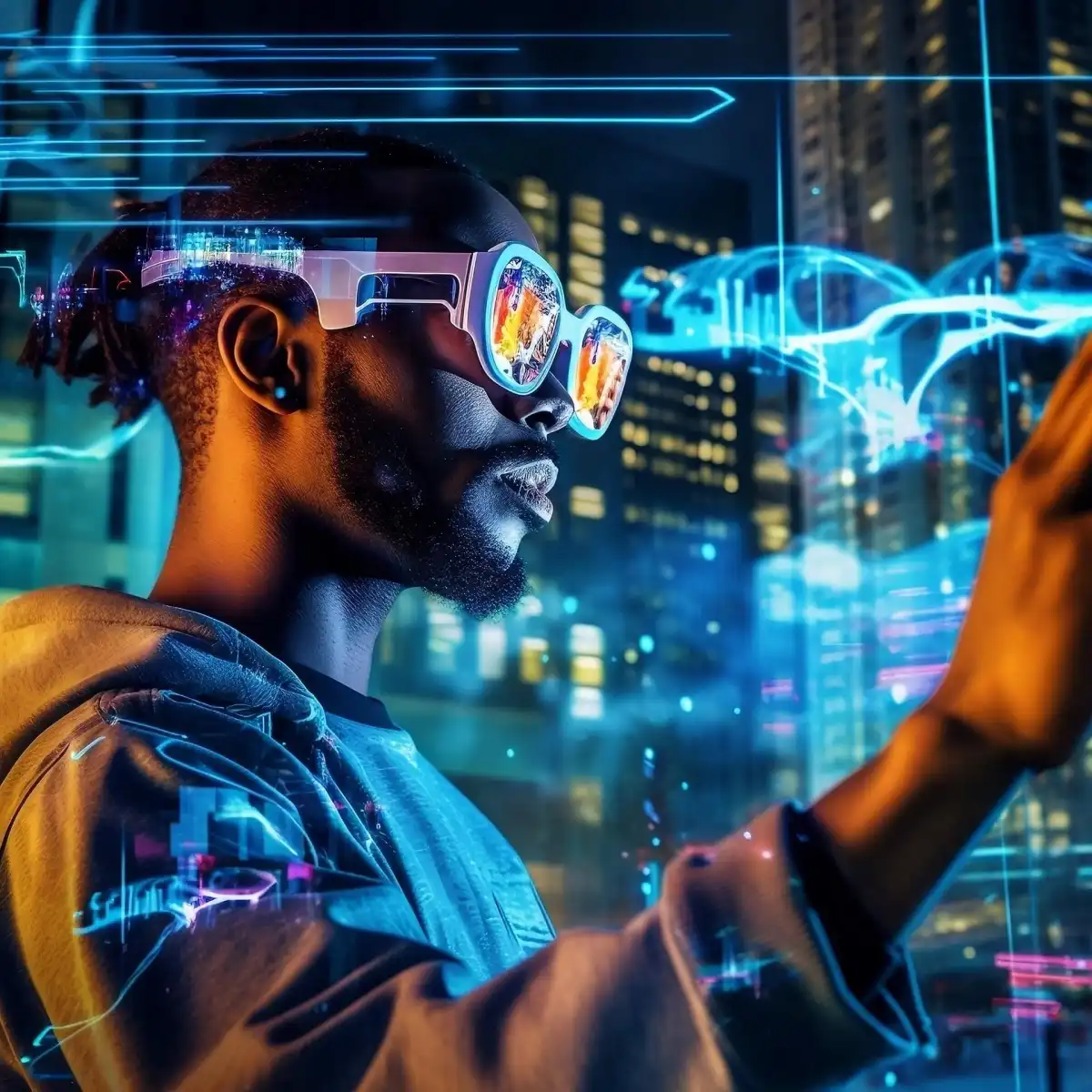
Explicitly control pans, tilts, and zooms using google veo 3.1 to achieve specific cinematic shots with sub-degree precision.

Getting a veo-3.1-generate-preview API key takes four steps and a few minutes. Create a free GPTProto account, add credits, generate your key, and make your first call — at $3.2 it's a cheaper veo-3.1-generate-preview API key than going direct, and one key works across every model on the platform. Full veo-3.1-generate-preview Documentation is in the docs.
Sign up
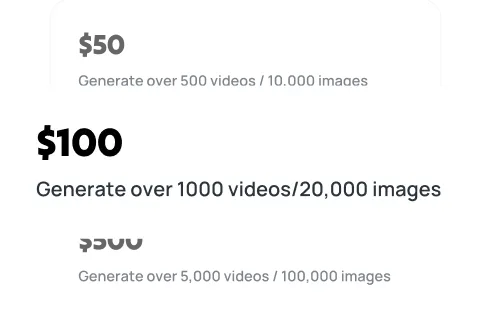
Top up
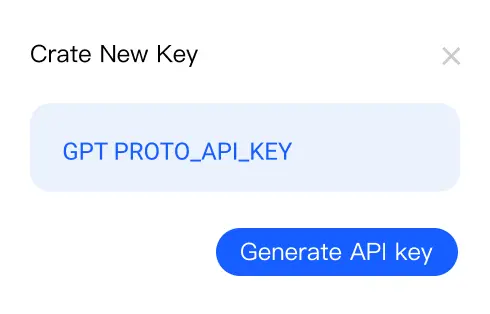
Generate your API key
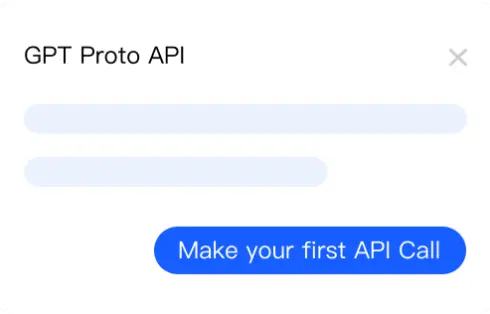
Make your first API call
Find answers about google veo 3.1 features, pricing, and technical capabilities for cinematic video generation powered by Google DeepMind.
Google built veo 3.1 lite to churn out cheap, high-volume video at scale rather than win Oscars. See if this utility model fits your production needs.
Explore Veo 3.1 for high-quality 4K AI video. Learn about the API, scene extension, and how to optimize costs for your projects. Get started today.
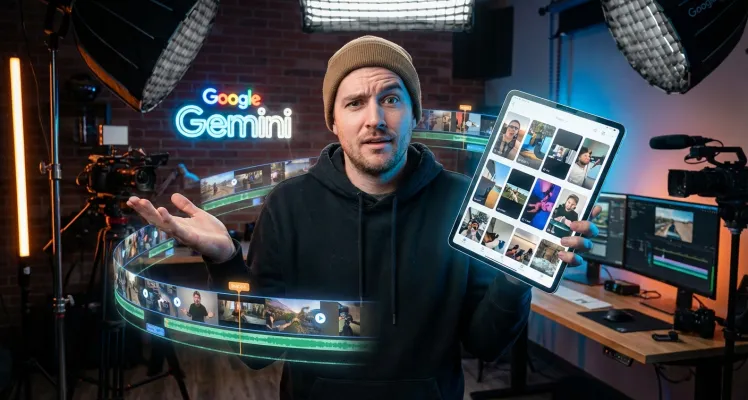
The gemini veo 3 limits you to 720p and 8-second clips, but its character consistency is unmatched. Learn how to optimize your storyboarding workflow now.

Google's video generator bridges the gap between weird artifacts and usable footage. Learn how to master veo3 ai prompts and scale your production.