AI Motion Transfer
Transfer dance, gestures, and body movement from a reference video to your character image. Create a custom AI motion video with two uploads and one click — no prompt or motion-capture setup required.
Remove visible logos, text, and date stamps from an image online—one upload, one click, and no editing software required.
BEFORE & AFTER
Compare the uploaded image with the cleaned result across different watermark positions, sizes, and backgrounds.
WHAT IT REMOVES
Use the same one-click workflow for visible logos, text overlays, date stamps, and marks on images you own or are authorized to edit.
Clean visible brand marks and corner logos from images you own, without manually cloning or painting over the surrounding background.
Remove captions, labels, or repeated text overlays so the image is easier to reuse in an authorized presentation, draft, or design.
Clean camera dates and timestamp overlays from personal or archival photos while keeping the rest of the image unchanged where possible.
Prepare product photos and campaign assets you own by removing outdated labels, draft marks, or internal approval stamps before reuse.
WHAT IT IS
Remove visible marks from a photo online without manually cloning, masking, or retouching pixels.
An AI watermark remover is an online image-editing tool that identifies a visible overlay and reconstructs the covered area from the surrounding image. Upload one photo and the tool returns a cleaned version with the selected mark removed. It can be used as an image watermark remover, logo remover, text remover, or date-stamp cleaner through the same one-image workflow.
The pixels hidden by a watermark are reconstructed rather than recovered from the original file. Results therefore depend on the watermark size, opacity, position, and the amount of usable visual context around it.
The tool identifies the overlaid mark, then builds a plausible replacement from the surrounding colors, textures, and shapes.
Watermark region detection
The system analyzes the uploaded image for visible overlay patterns such as logos, text, and date stamps. It isolates the marked region so the rest of the image can remain as close to the upload as possible.
Context-aware reconstruction
The covered region is rebuilt from nearby visual information, including color gradients, edges, repeated textures, and object boundaries. Simple backgrounds are usually easier to reconstruct than faces, small text, or detailed patterns.
CLEAR TIPS
The AI handles the edit, but the quality of the upload and the watermark position still set the ceiling on the result.
Upload the highest-resolution version available. More source detail gives the tool better information for rebuilding edges and textures.
Use an image with clear context around the mark. A watermark over sky, walls, or simple fabric is easier to reconstruct than one covering a face or intricate object.
Review complex areas closely. Check hair, eyes, fingers, product edges, repeated patterns, and small text for unexpected changes.
Compare the result at full size. A clean thumbnail can still hide soft edges or repeated texture artifacts, so inspect the final image before reuse.
Start from the original file when possible. Repeatedly compressed screenshots contain fewer usable details and can make the reconstructed area look softer.
Better source detail and simpler surrounding textures give the AI more reliable context to work with.
One balance runs every AI tool on GPTProto. Keep editing without switching accounts.
Transfer dance, gestures, and body movement from a reference video to your character image. Create a custom AI motion video with two uploads and one click — no prompt or motion-capture setup required.
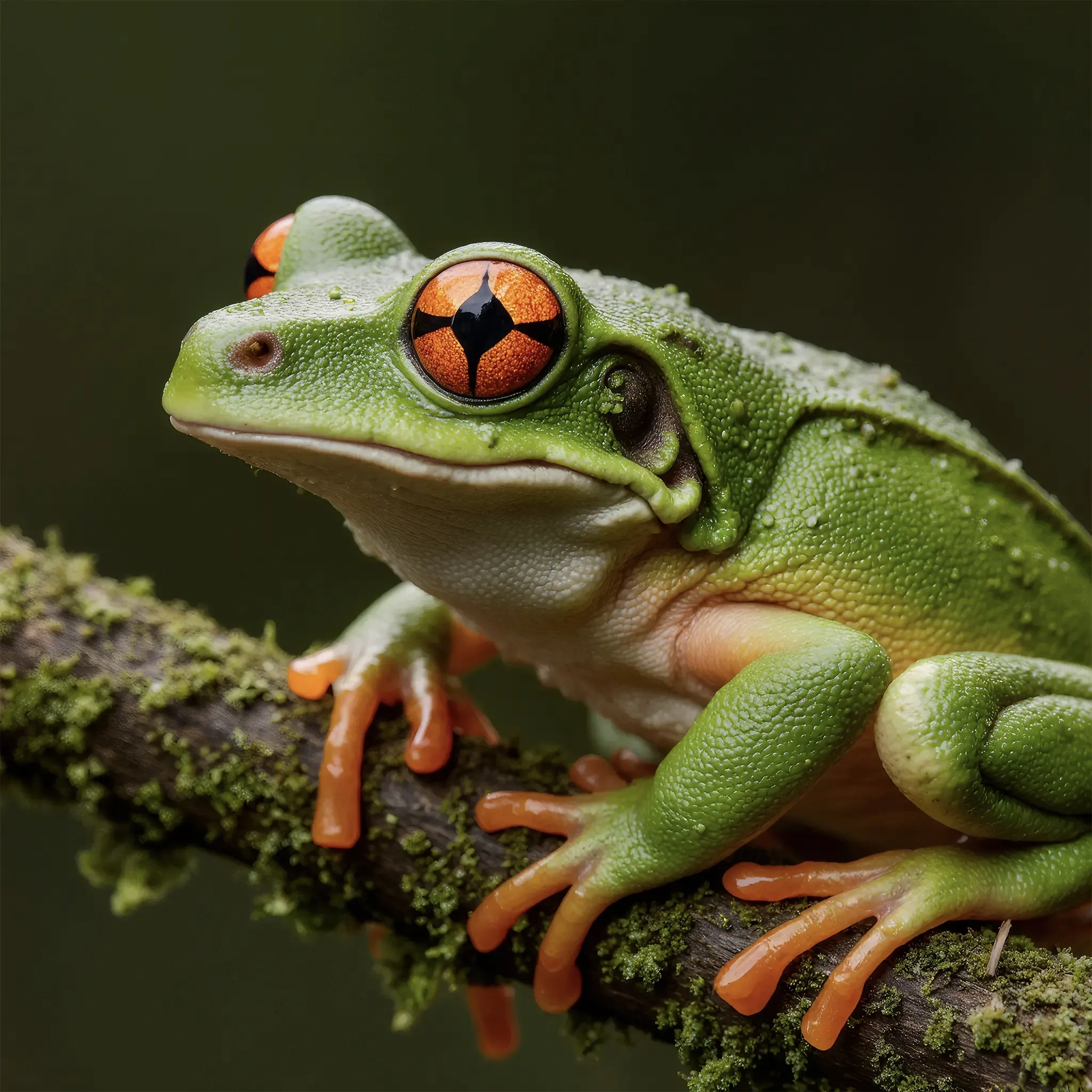
AI Image EnhancerUpload a low-res or blurry picture and let the AI enhance image quality instantly — sharper detail, less noise, and up to 4K resolution. No prompt, no editing skills. One click and download your enhanced photo.
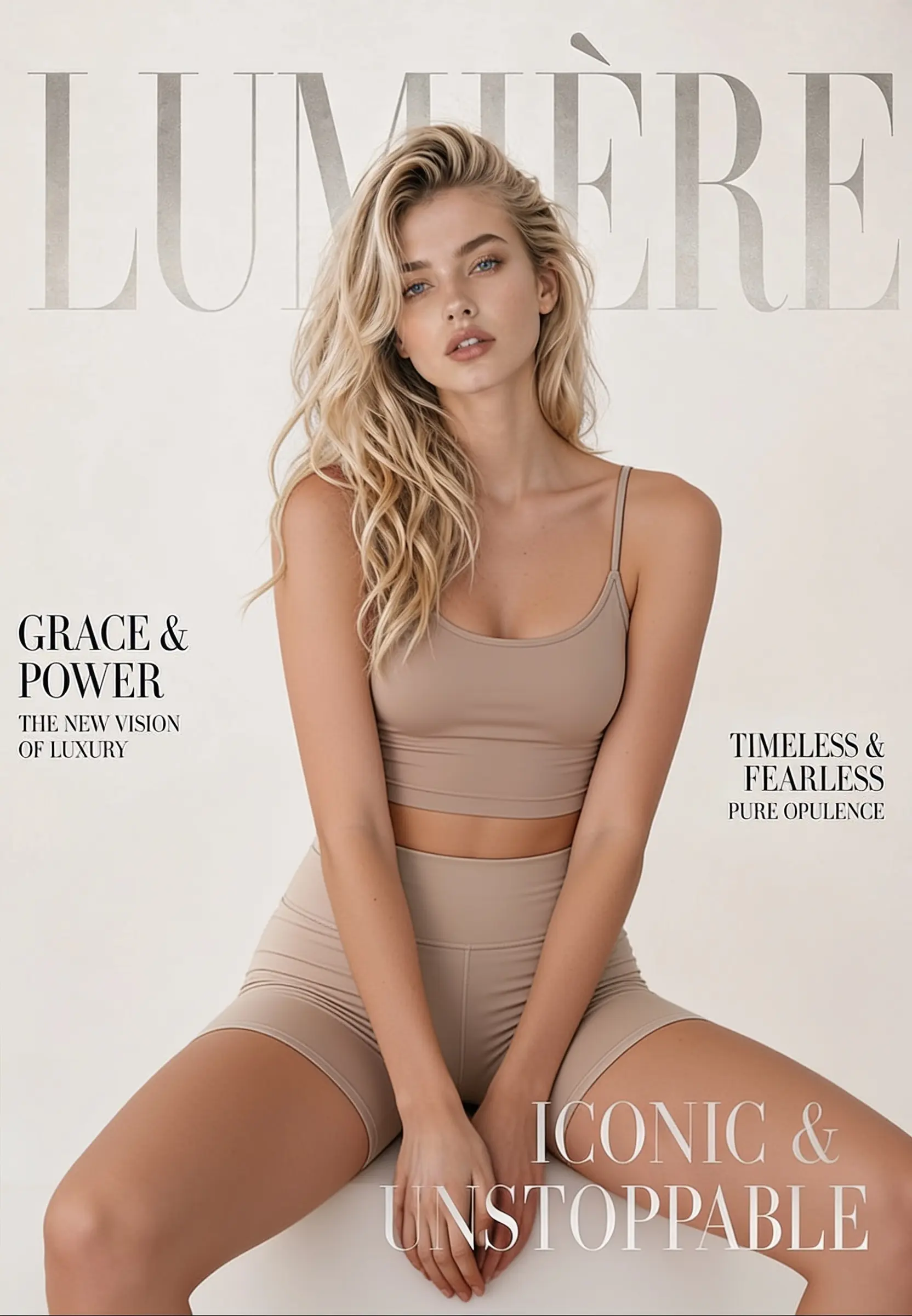
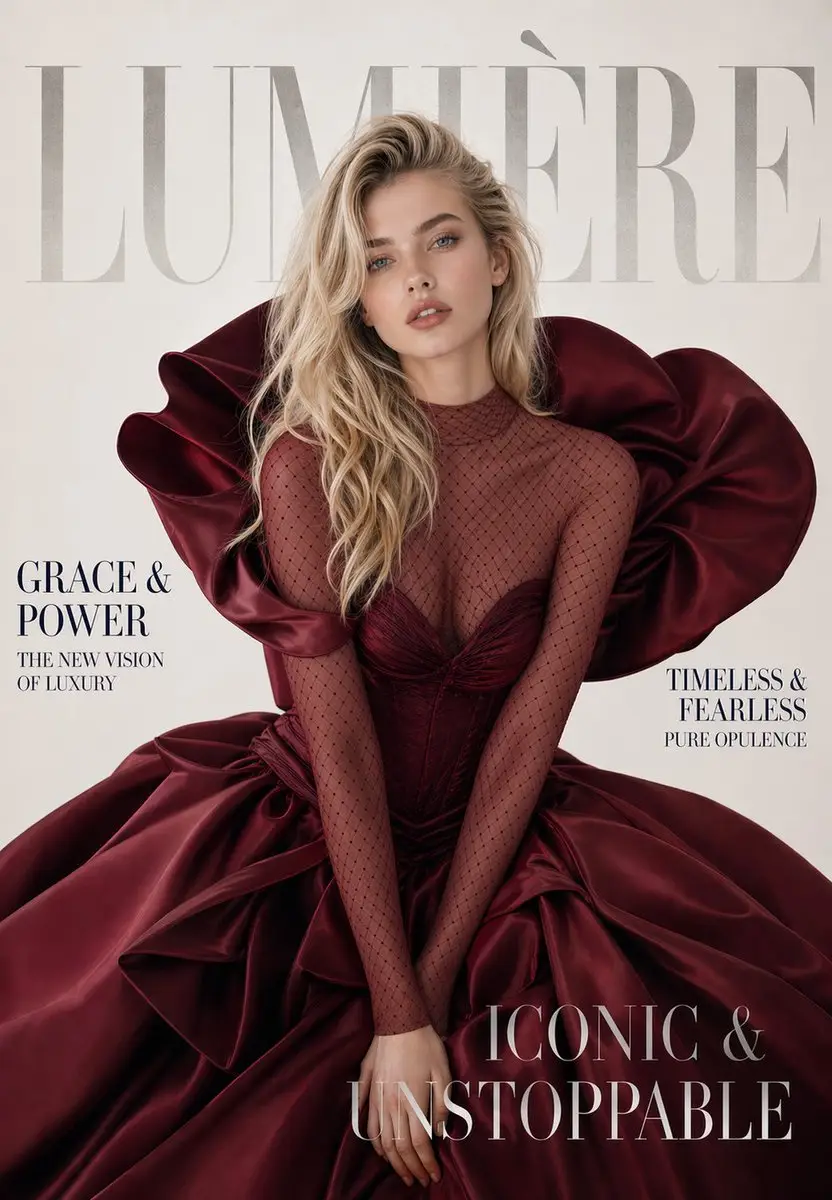
Change, remove, or replace the outfit in any photo online. Upload one image, click generate, and get a realistic restyled result in seconds — made for fashion mockups, e-commerce shots, and everyday photo editing.
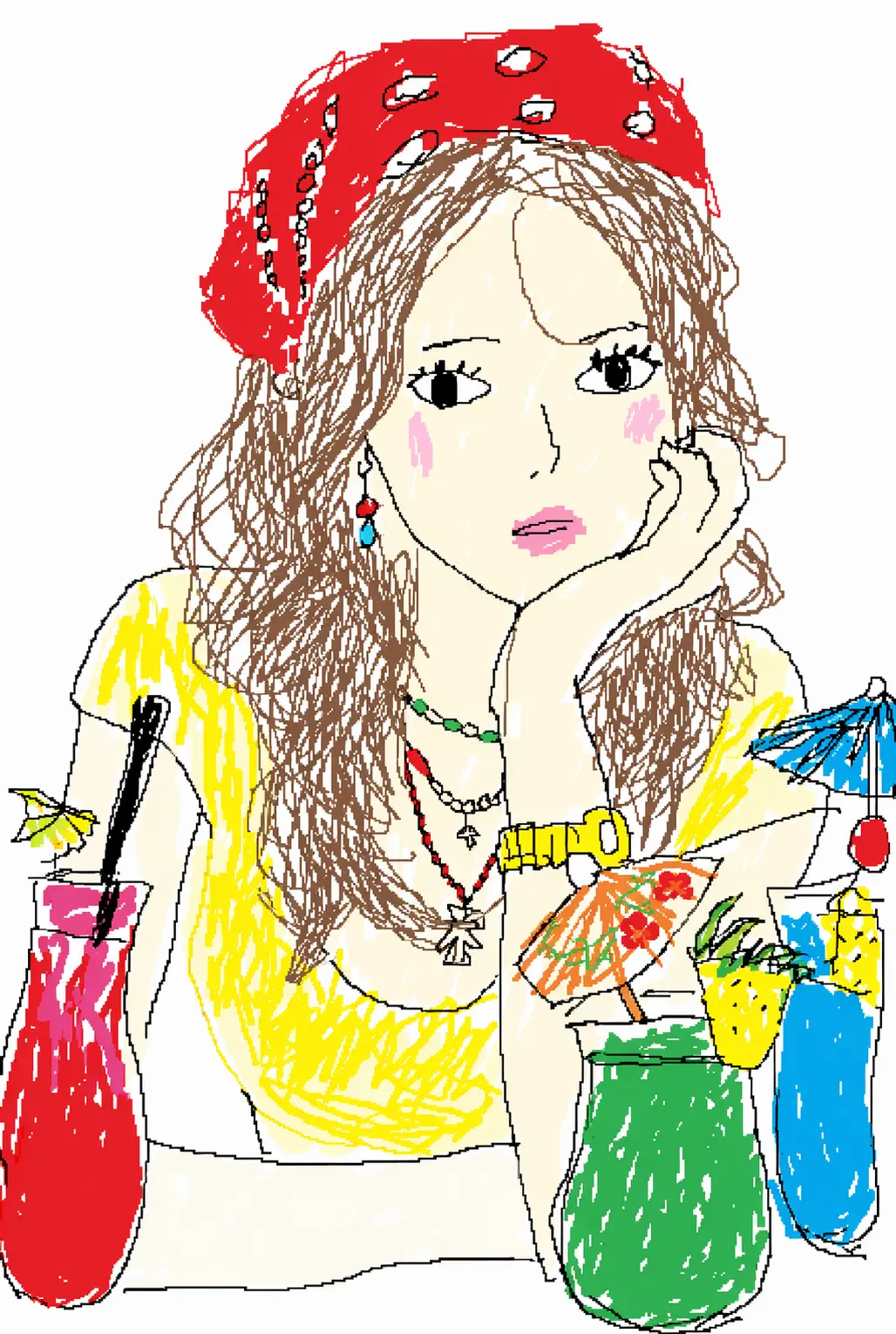

Turn any photo into a funny, mouse-drawn MS Paint doodle with AI. Upload a portrait, pet, meme, screenshot, or product shot and get crude, wobbly Microsoft Paint–style artwork — no prompt to write, no drawing skill needed. Just upload and generate..
Image
Upload the image you want to remove the watermark from