How do I create a high quality photo with this AI tool?
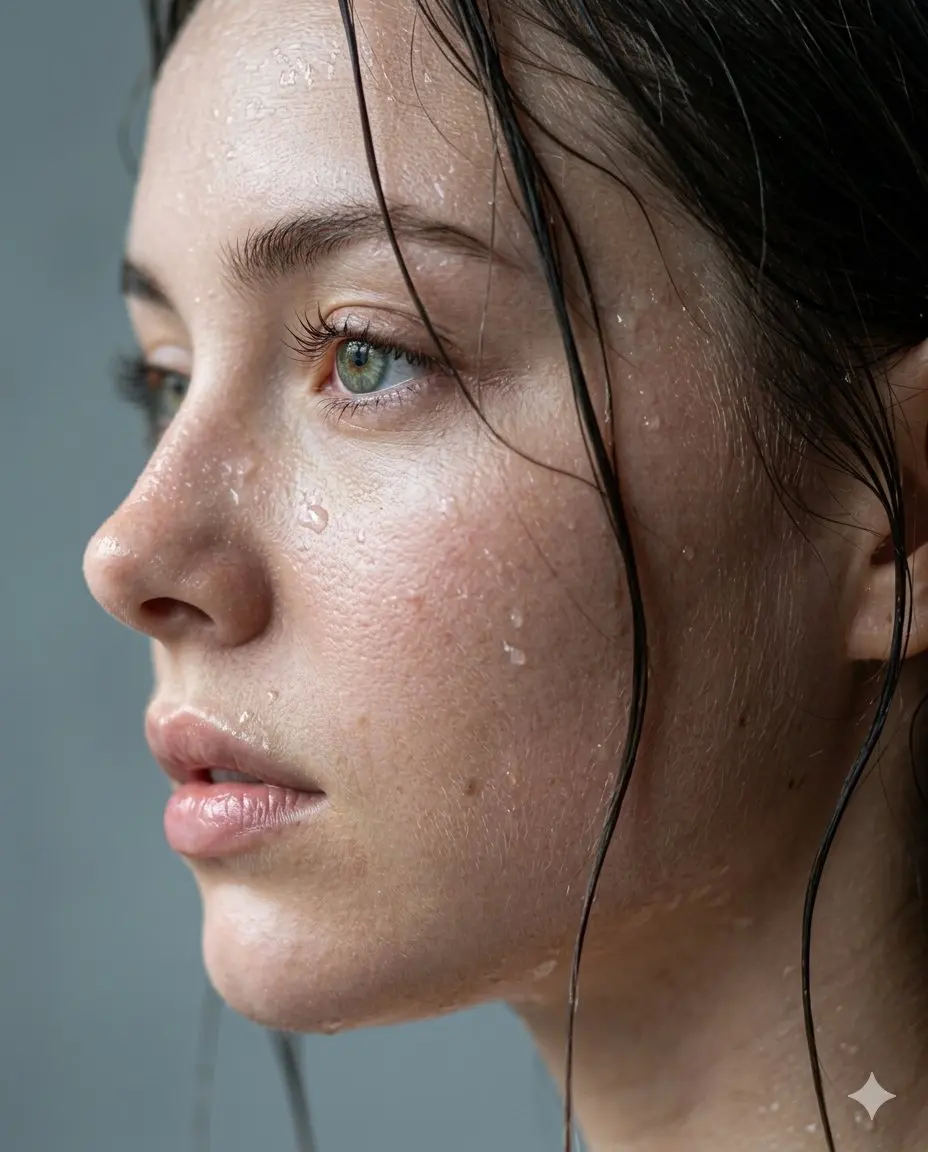
Simply upload your blurry or low-resolution image. Our AI analyzes the pixels, reduces noise, and sharpens details to produce a high quality photo instantly.
Will the AI enhancement ruin my original details?
Not at all! The AI model is trained to preserve and refine original textures. You get stunning visual results that look natural, without losing essential elements.
Can I fix old, fading, or pixelated images?
Yes. The system excels at depixelating and restoring vintage shots. It breathes life into old memories, transforming them into a brilliant high quality photo.
Is there a way to batch process multiple images?
Yes, you can upload multiple files simultaneously. The AI will apply the same advanced upscaling and noise reduction to deliver pristine resolutions for each file.
What makes this better than standard editing software?
Traditional tools require manual adjustments. Our AI automates the sharpening, color correction, and upscaling to deliver a high quality photo in seconds.
Can I use this for e-commerce or product marketing?
Absolutely. Upgrading your product visuals can significantly boost customer trust and sales. The AI ensures every single pixel shines perfectly.
Does the tool remove heavy grain from night shots?
Yes, the advanced denoise feature easily clears up heavy grain and static, ensuring your low-light captures become a pristine, high quality photo.
What happens if my picture is severely blurred?
While extreme motion blur is challenging, our advanced unblur algorithms can often recover crucial details, helping you salvage a remarkably high quality photo.
Testimonials
S
Sarah L.
Web Designer
I needed a high quality photo for my website banner, but my original was too small. This AI upscaler fixed it instantly without any pixelation!
D
David M.
Photographer
Absolutely amazed. It took a grainy night shot and turned it into a stunningly crisp image. The AI noise reduction is pure magic.
E
Emily C.
Historian
I had a blurry picture of my grandparents. Running it through the tool gave me a clear, high quality photo that my family adores. Thank you!
M
Mark T.
E-commerce Manager
Batch processing saves me hours. I can upgrade an entire product catalog to premium standard in just a few simple clicks.
J
Jessica R.
Content Creator
The unblur feature is incredibly reliable. Even slightly out-of-focus shots become a perfect high quality photo ready for Instagram.
C
Chris K.
Art Director
I was skeptical about AI enhancers, but the detail preservation is real. I finally get professional results without that artificial, over-smoothed look.
A
Amanda B.
Genealogist
Quick, simple, and effective. Turning an old, heavily pixelated scan into a high quality photo has never been this accessible. Highly recommend it.
T
Tom H.
Print Specialist
Great for fixing low-resolution graphics sent by clients. One click, and I have crisp visual files I can actually print on large posters.
R
Rachel W.
Digital Artist
Sometimes it takes a few tries on heavily blurred faces, but 90% of the time, I get a flawless high quality photo. The AI is brilliant.
K
Kevin J.
Marketing Exec
From dull and lifeless to vibrant and sharp! If you need a high quality photo fast, this is the only AI tool you will ever need.