AI Motion Transfer
Transfer dance, gestures, and body movement from a reference video to your character image. Create a custom AI motion video with two uploads and one click — no prompt or motion-capture setup required.
Generate AI images from text or transform an uploaded image online in seconds. GPTProto keeps your prompt exactly as written—with no rewriting, blocked prompts, or hidden creative filters.
Examples
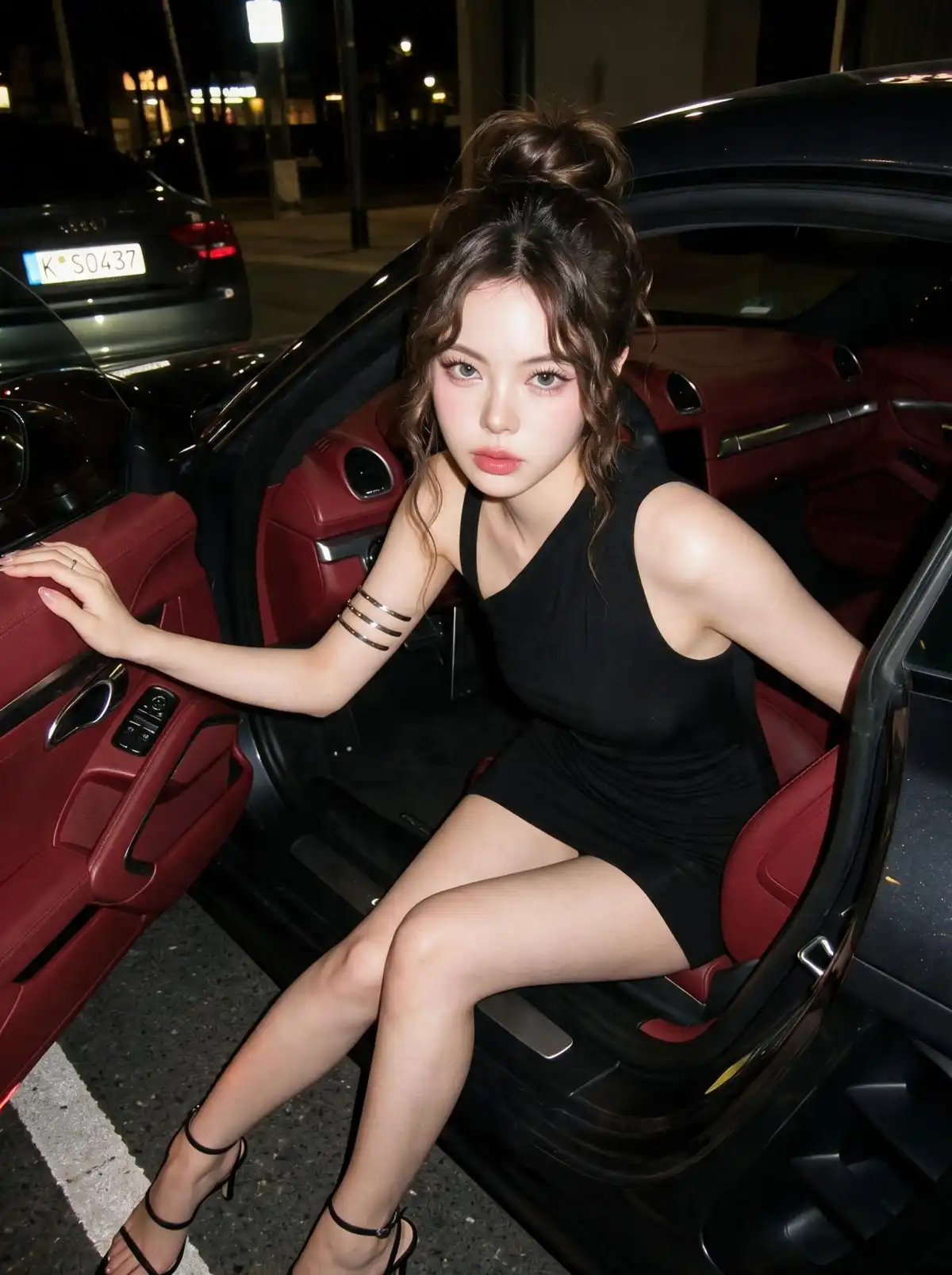
Explore original images created from text and transformations made from uploaded photos. From realistic portraits and character concepts to fantasy art, fashion, products, and cinematic scenes, GPTProto keeps every prompt exactly as written.
What You Can Create
Start with a written idea or an existing image and create visuals for personal, commercial, and creative projects across a wide range of styles.
Turn a written concept into portraits, illustrations, product scenes, posters, fantasy environments, social visuals, or experimental artwork without uploading a source image.
Upload a picture and describe the exact edit. Change its setting, styling, colors, lighting, clothing, mood, or composition without starting again from a blank canvas.
Create character concepts, campaign mockups, storyboards, product visuals, game assets, social posts, and personal artwork from either text or an existing image.
Generate or edit images featuring recognizable public figures, fictional characters, and franchise-inspired concepts without automatic character or brand keyword blocking. Check the necessary rights before publishing or commercial use.
What it is
An unrestricted AI image generator creates or edits images while keeping the user’s prompt exactly as written instead of silently rewriting, softening, or blocking it before generation.
An unrestricted AI image generator creates visuals from text prompts or uploaded images without rewriting, softening, or blocking your instructions before generation. Compared with heavily filtered tools, it gives you more control over the subject, style, composition, lighting, and details of the final image.
With GPTProto, you can generate an original image from text or transform an existing photo with a new prompt. “Unrestricted” refers to creative and prompt freedom—not unlimited free generations. Each generation still uses credits based on your selected settings.
Text to Image: Enter a text prompt to create an original image from scratch. Describe the subject, setting, visual style, lighting, colors, camera angle, and composition you want.
Image to Image: Upload an existing image and explain what you want to change. Modify clothing, backgrounds, colors, lighting, art styles, character details, or the overall atmosphere while preserving important elements of the source image.
“Unrestricted” Means
No Prompt Rewriting: GPTProto sends your prompt exactly as entered without automatically replacing, softening, or changing your words.
No Pre-Generation Prompt Blocking: Your prompt is not rejected by hidden keyword filters before being submitted for generation.
No Hidden Creative Filters: Explore a wider range of characters, styles, concepts, and visual directions without unnecessary creative restrictions.
Text and Image Inputs Supported: Start with text alone or upload an image and use a prompt to control how it is transformed.
Credits Still Apply: “No limits” describes prompt freedom, not unlimited free usage. Generating images requires credits according to the selected options.
Responsible Use Is Required: You remain responsible for ensuring that uploaded images, prompts, and generated results comply with applicable laws and do not violate copyright, privacy, publicity, or other third-party rights.
No Character, Celebrity, or Brand Keyword Blocking: Prompts are not automatically rejected solely for mentioning recognizable people, fictional characters, brands, or franchises. Generation access does not grant permission to publish or commercially use protected identities or intellectual property.
Pro Tips
Use clear prompts, specific visual details, and high-quality reference images to generate more accurate, consistent, and polished AI image results.
Describe the Main Subject Clearly: Specify the subject’s appearance, pose, clothing, expression, materials, and other details instead of relying on a short or generic prompt.
Add Style, Lighting, and Composition: Include details such as photorealistic, cinematic, watercolor, soft studio lighting, close-up, wide shot, or symmetrical composition to define the intended look.
State What Should Stay Unchanged: For image-to-image generation, clearly identify the features that must be preserved, such as the face, hairstyle, pose, product shape, or camera angle.
Upload a Clear Source Image: Use a sharp, well-lit image with an unobstructed subject. Low-resolution, blurry, or heavily compressed inputs may produce less consistent transformations.
Refine One Detail at a Time: Generate variations, review the result, and adjust specific parts of the prompt instead of rewriting everything after each attempt.
Avoid Conflicting Instructions: Make sure the requested style, lighting, pose, perspective, and environment work together. Contradictory directions can reduce visual consistency.
One balance runs every AI tool on GPTProto. Keep editing without switching accounts.
Transfer dance, gestures, and body movement from a reference video to your character image. Create a custom AI motion video with two uploads and one click — no prompt or motion-capture setup required.
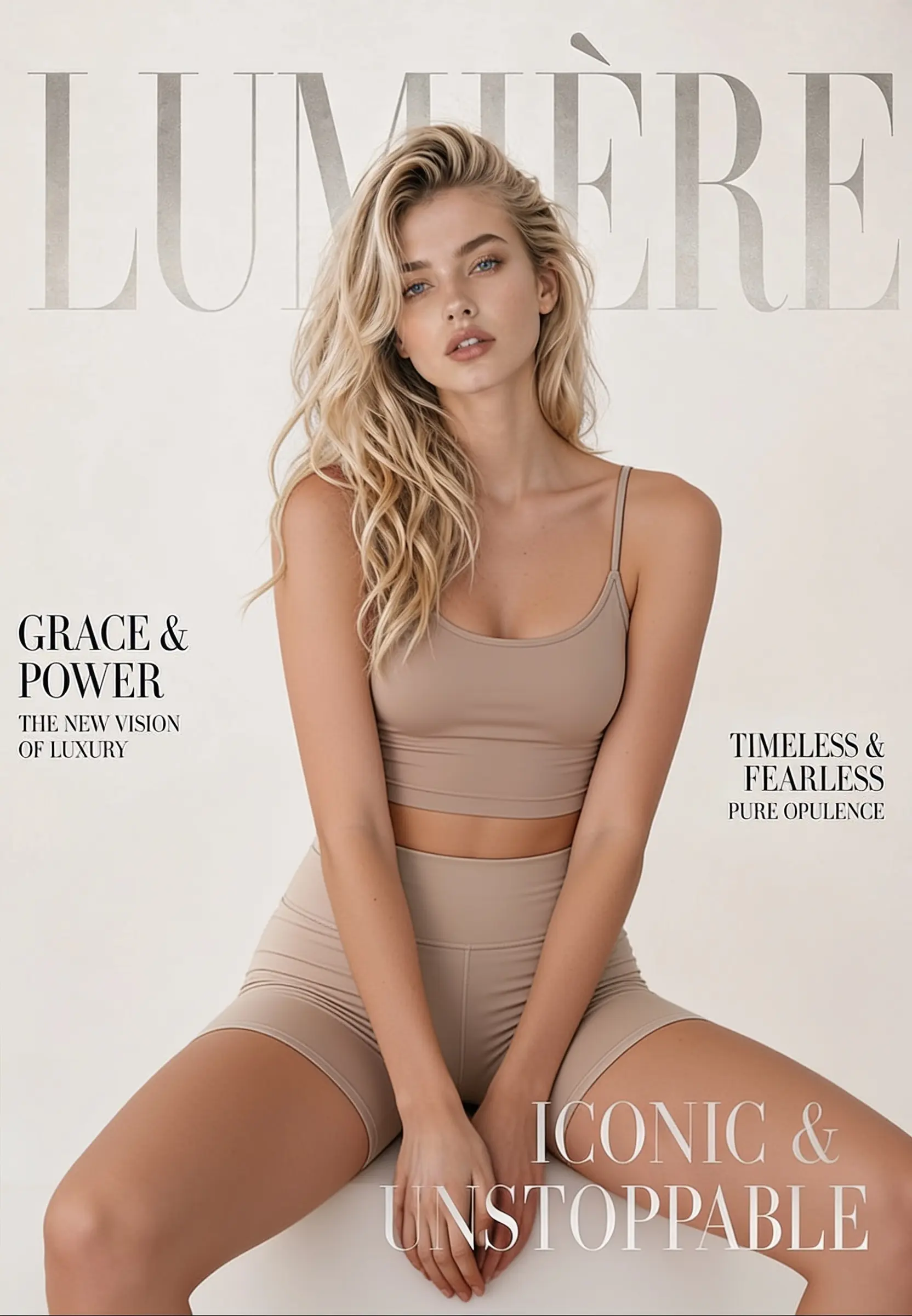
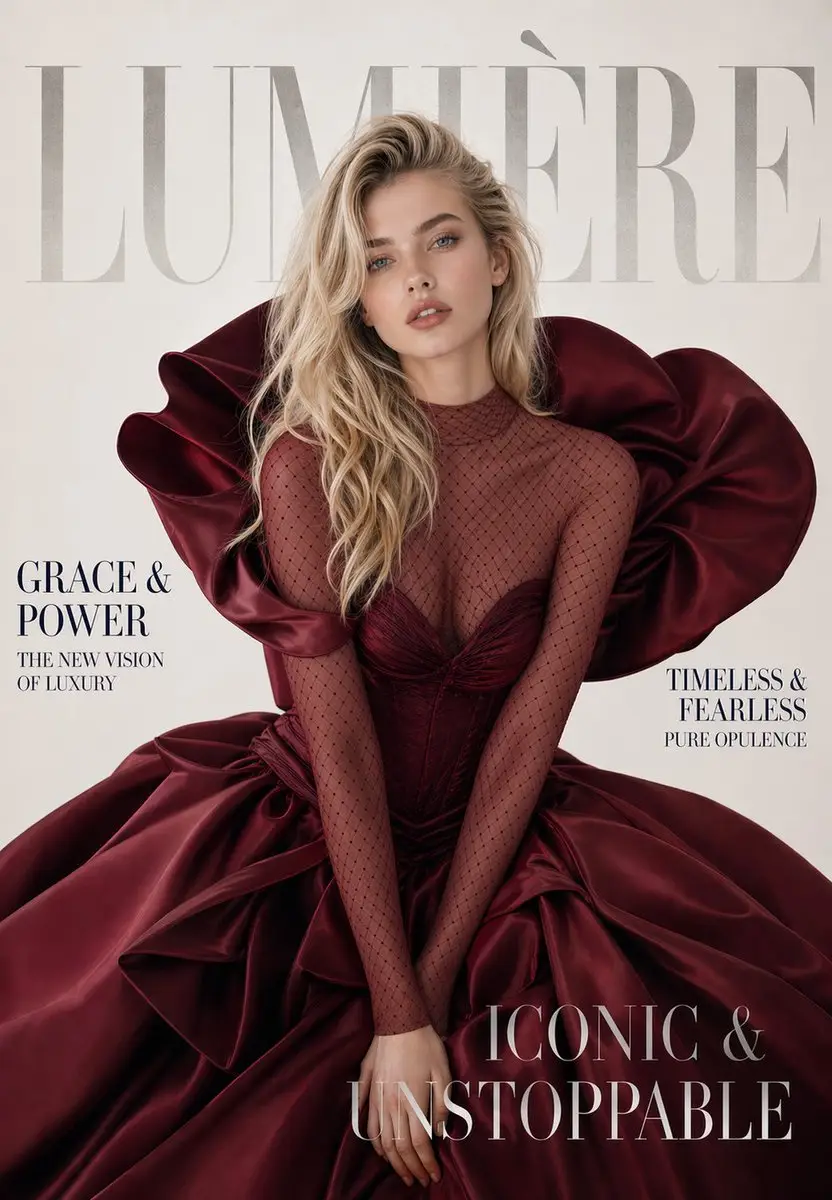
Change, remove, or replace the outfit in any photo online. Upload one image, click generate, and get a realistic restyled result in seconds — made for fashion mockups, e-commerce shots, and everyday photo editing.
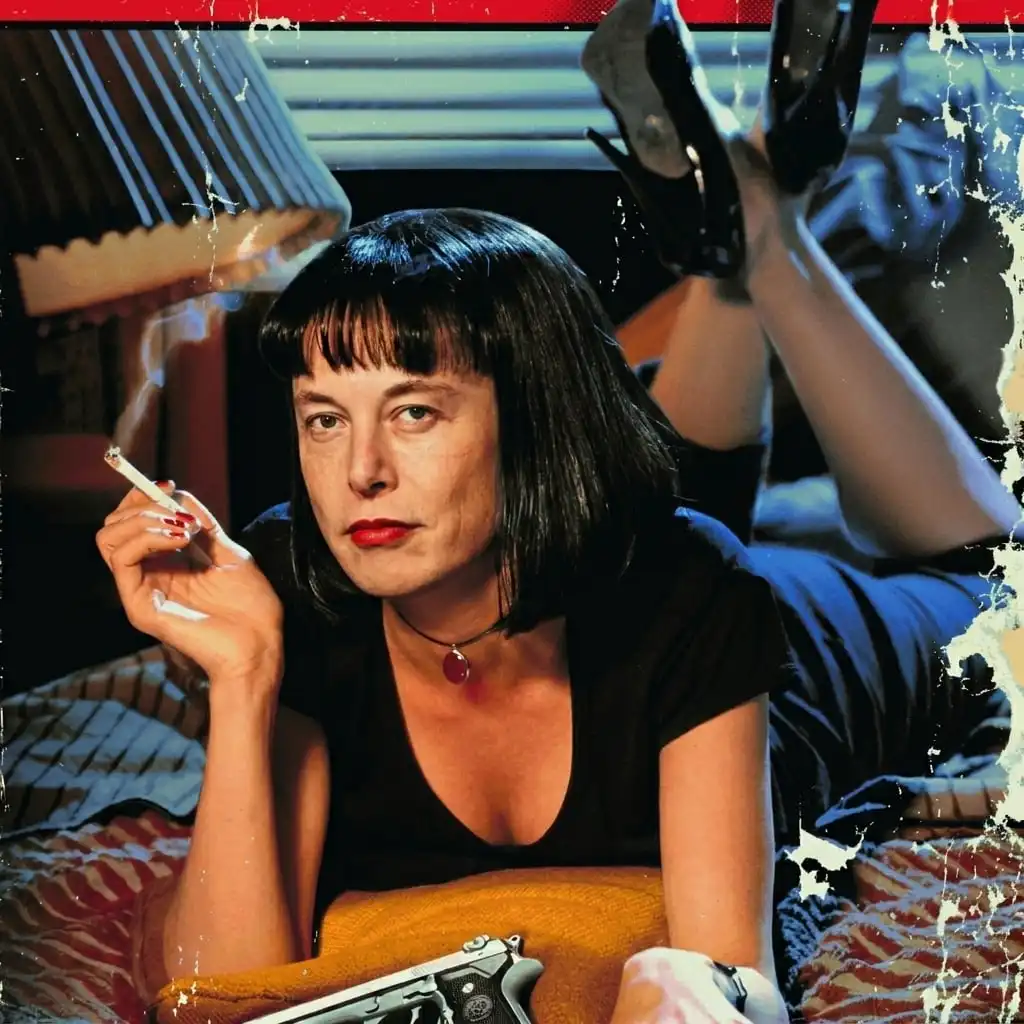
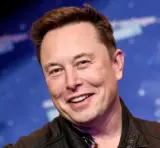
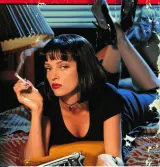
Swap faces in any photo in a single click — no masking, no layers, no editing skills. Just upload two photos and generate.
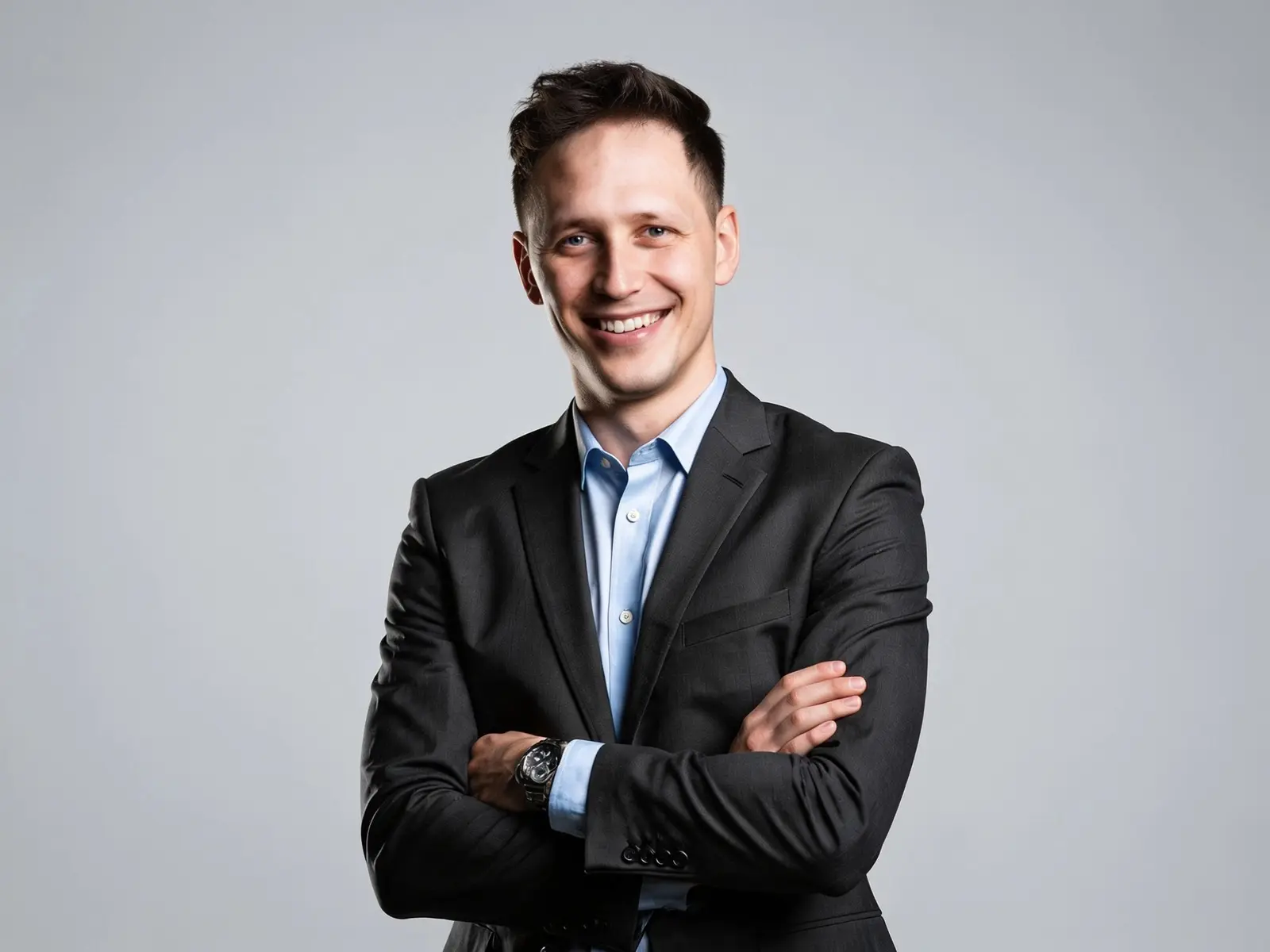
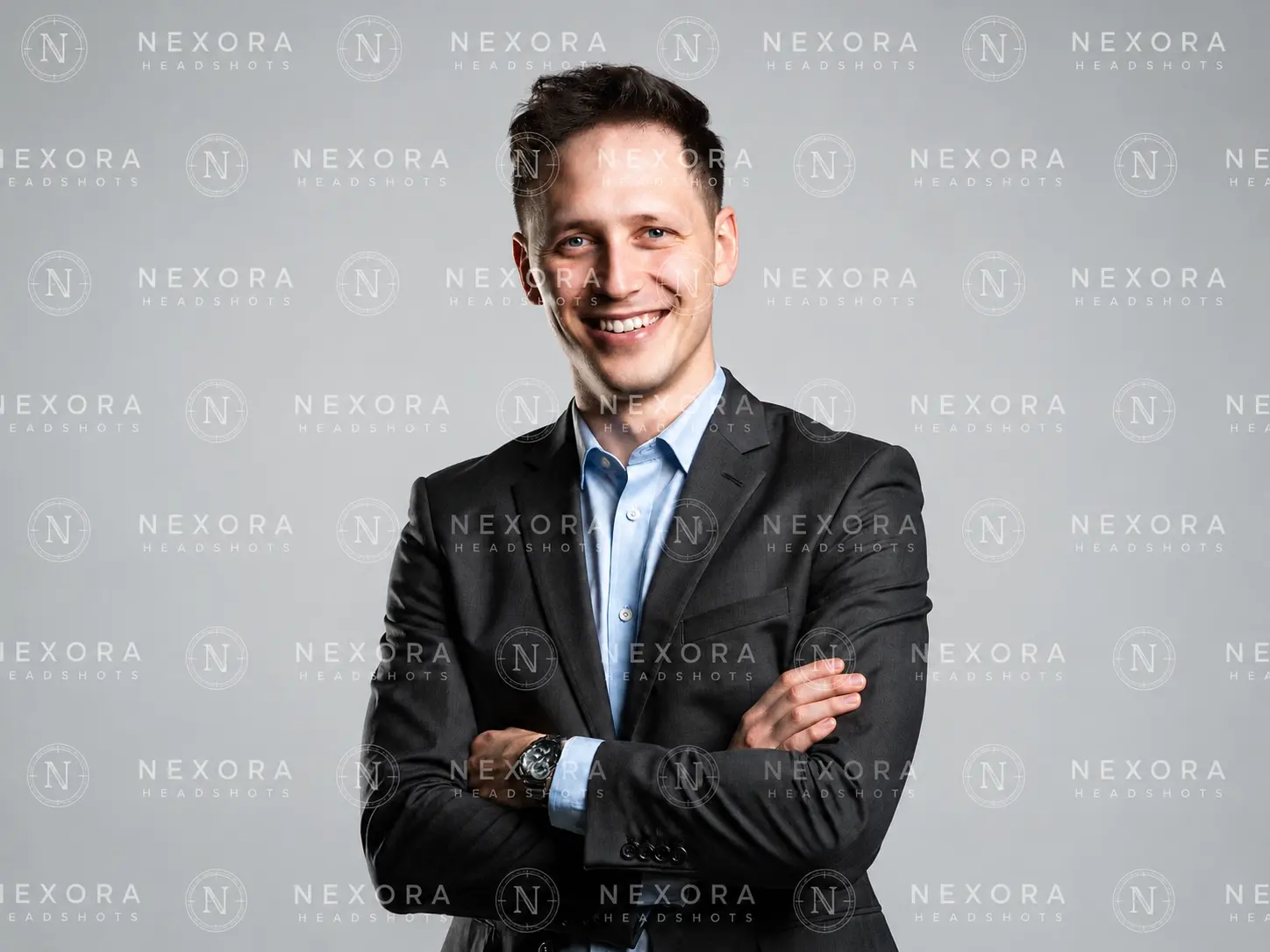
Remove visible logos, text, and date stamps from an image online—one upload, one click, and no editing software required.
Stop hitting safety walls. Find the best unrestricted ai image generator to reclaim your creative freedom. Compare top tools and start creating today.
Create a consistent AI generated influencer on a stable API in 2026 — lock the face, batch posts, add reels from $0.03/image. Real code, no monthly lock-in.
Compare 6 uncensored AI image-to-video generators online in 2026. Explore free and paid options, pricing, privacy, upload support, and key limitations.
The best unrestricted AI video generators in 2026, tested and ranked — Wan 2.6, Mage, ZenCreator & more. Consumer vs developer routes, real prices, no hype.