What Does “Uncensored” Mean for Image-to-Video AI?
Several terms are used almost interchangeably in this category, even though they describe different things:
Uncensored: The service accepts a broader range of lawful mature or sensitive content.
Unrestricted: Prompts and uploads face fewer pre-generation restrictions or automatic rewrites.
No filter: Usually a marketing phrase. It does not prove that the service has no post-generation review or account enforcement.
Unlimited: Describes usage volume, not content policy.
NSFW-supported: The platform explicitly permits certain adult content but still maintains legal and platform boundaries.
A service can accept an uploaded image without pre-screening it and still remove a generated result later. Another may accept mature fictional characters but reject real-person images.
Put simply, uncensored does not mean anything is permitted. None of the tools below should be used for content involving minors, non-consensual depictions of real people, stolen private images, or illegal material.
Quick Comparison of the Best Uncensored Image-to-Video Generators
| Rank |
Tool |
Best For |
Own Image Upload |
Free Access |
Paid Price |
Main Limitation |
| 1 |
GPT Proto |
Best overall browser workflow |
Yes |
Account required |
Prepaid credits; cost shown before generation |
Not unlimited free or rule-free |
| 2 |
Mage |
Explicit mature-content positioning |
Yes |
Free account with one-time Gems |
Unlimited video from $30/month |
Better models require higher plans |
| 3 |
DreamUtopia |
No-signup testing |
Yes |
10 advertised free generations |
Not clearly disclosed |
Public pages conflict on export details |
| 4 |
HackAIGC |
All-in-one image and video workflow |
Yes |
3 requests per day |
$20/month for 3,000 credits |
Video credit cost varies |
| 5 |
ZenCreator |
Paid 1080p creation |
Yes |
Limited access |
From $19.99/month |
Speed and quality claims are self-reported |
| 6 |
Nastia |
AI companion videos |
Limited |
Free plan available |
Unlimited plan at $15.99/month |
Mainly animates images created inside Nastia |
1. GPT Proto: Best Uncensored AI Image-to-Video Generator Overall
Best for: People who want to upload and animate an image directly in a browser without setting up an API or paying for another monthly subscription.
GPT Proto takes first place because it closes the biggest gap in the original image-to-video workflow. Previously, creators could use GPT Proto to prepare the source image but had to download it and move to another service for animation. The new unrestricted AI video generator now handles the animation stage as well.
Choose Image to Video, upload a portrait, product photograph, landscape, or original illustration, and explain what should move. The prompt can separately direct the subject action, environmental movement, camera behavior, lighting, pace, and visual style.
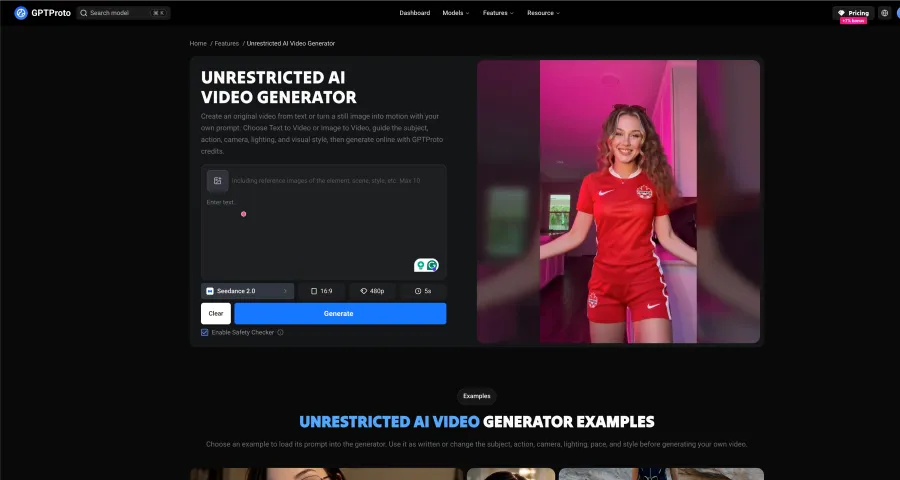
For example:
The character slowly turns toward the camera while her hair moves in the ocean breeze. The camera makes a gentle dolly-in. Keep the face, clothing, and background composition close to the uploaded image.
This separation matters. “The character turns” controls the subject; “the camera makes a gentle dolly-in” controls the shot. Mixing several actions and camera movements into one sentence gives the model more opportunities to distort the source.
Why GPT Proto ranks first
It works directly in a web browser.
You can upload your own image.
Image to Video and Text to Video are available in the same generator.
You can write your own motion, camera, lighting, pace, and style instructions.
The source-image and animation stages can remain inside the GPT Proto workflow.
Generation uses prepaid credits rather than an unlimited monthly promise.
The current credit cost is displayed before the job is submitted.
The limitation is in the word “unrestricted.” GPT Proto uses it to describe broader creative and workflow control—not the removal of every safeguard. Generations remain subject to current platform rules, model capabilities, applicable law, and the rights attached to uploaded material.
Image-to-video generation can also change faces, hands, clothing edges, text, product labels, or background details between frames. A clear starting image and one focused action usually give the model a better target, but they cannot guarantee perfect consistency.
Verdict: GPT Proto is the strongest overall recommendation for users who already have an image and want the shortest no-code route to an animated result. Choose Mage instead when a publicly documented mature-content policy or a wider selection of named video models is more important than keeping the workflow inside GPT Proto.
2. Mage: Best Uncensored AI Image-to-Video Generator Overall
Best for: People who want a browser-based generator with multiple video models and relatively transparent pricing.
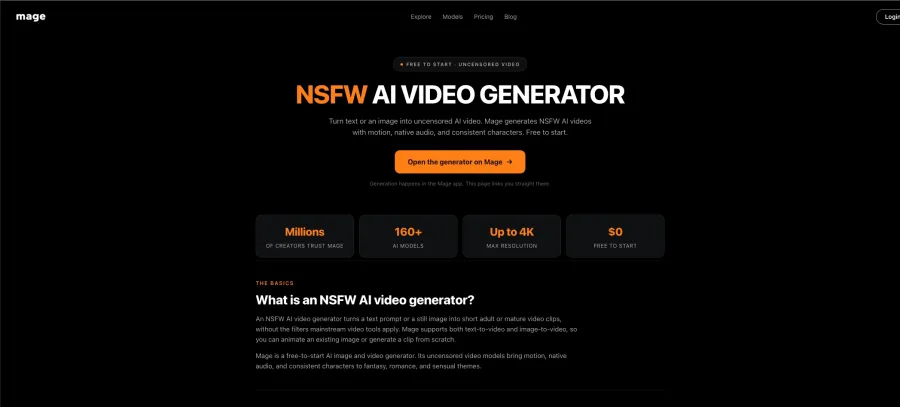
Mage takes first place because it is easier to verify than most websites competing for the same keyword. Its online generator supports both text-to-video and image-to-video, mature content is explicitly allowed within its policy boundaries, and users can choose between pay-as-you-go Gems and monthly plans.
The free account includes a one-time allocation of 300 Gems with no watermark. Unlimited video generation begins on the $30-per-month Pro plan, which also includes 1,500 monthly Gems. Pro Plus costs $60 per month and adds premium uncensored models and 3,500 monthly Gems. Duration and output resolution depend on the selected model and membership level, so “up to 4K” should not be interpreted as the default for every generation. Mage’s current video pricing and feature page explains these plan differences.
Why Mage ranks first
It runs in a web browser.
You can upload an existing image for animation.
The platform publicly states that NSFW creation is allowed within defined limits.
Several video models and payment options are available.
Pricing is easier to locate than on many smaller uncensored platforms.
Pay-as-you-go Gems provide an alternative to a recurring subscription.
The trade-off is cost. Mage is free to enter, but creators who want recurring unlimited image-to-video generation will need at least the $30 Pro subscription. Its premium video models sit behind the $60 Pro Plus tier.
Verdict: Mage is the safest overall recommendation here—not because it promises zero rules, but because its browser access, image-to-video support, content position, and pricing are comparatively clear.
3. DreamUtopia: Best Free Option Without Signup
Best for: Testing uncensored image-to-video generation without creating another account.
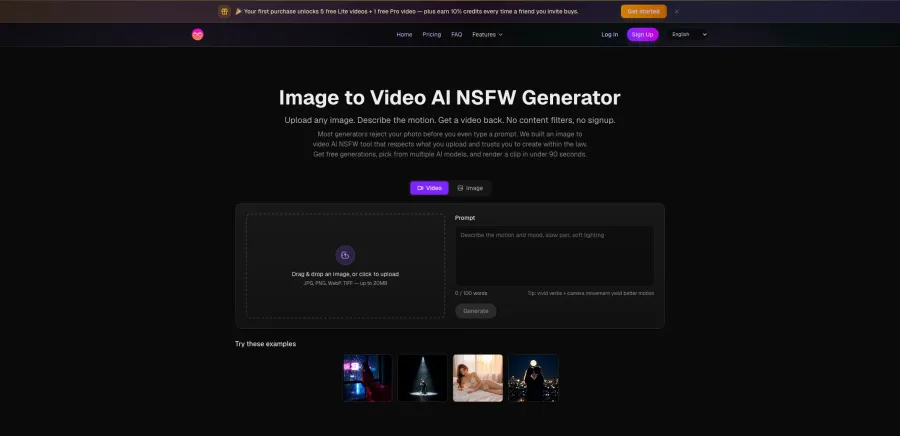
DreamUtopia has the lowest-friction starting process on this list. Its public generator accepts JPG, PNG, WebP, and TIFF files up to 20 MB, followed by a motion prompt of up to 100 words. The company advertises 10 free generations without requiring an email address, credit card, or account.
Its image-to-video page claims that most clips render in 60 to 90 seconds and that paid exports can reach 1080p. The service also says it does not run a source-image content scan before generation. These details are published on the DreamUtopia image-to-video page.
There is, however, a credibility wrinkle. Different DreamUtopia pages currently give inconsistent descriptions of free-tier resolution and watermarks. One page says paid plans remove the watermark, while other landing pages advertise watermark-free free output. I would verify the export screen before planning a commercial workflow around it.
Why choose DreamUtopia?
No account is required for the first generation.
You receive 10 advertised free generations.
It accepts several common image formats.
The workflow is built specifically around uploading and animating a still image.
It is a practical way to inspect the interface before paying.
Its long-term pricing is less transparent than Mage’s, and the platform has a shorter public track record. That makes it good for an initial test, but not yet my first recommendation for a repeat production pipeline.
Verdict: Choose DreamUtopia when the immediate goal is “upload one image and see what happens” without handing over an email address.
4. HackAIGC: Best All-in-One Image and Video Workflow
Best for: Users who want image generation, image editing, image-to-video, text-to-video, and chat inside one account.
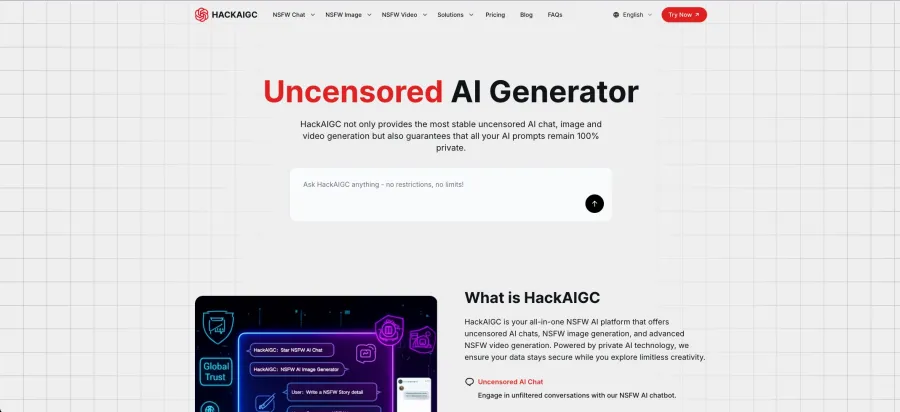
HackAIGC covers more stages of the workflow than most tools in this category. You can generate an image, edit it, animate it, extend a video, or start from a text prompt. This is useful when the starting frame still needs corrections before animation.
The free tier provides three requests per day. Its Premium plan is currently listed at $20 per month and includes 3,000 monthly “requests (credits),” image editing, text-to-video, image-to-video, video extension, and the option to disable the mature-content filter. These features and prices appear on HackAIGC’s product and pricing page.
Do not read “3,000 credits” as 3,000 videos. Video generation consumes more resources than text or still-image tasks, and HackAIGC states that the required credit amount changes by model.
The company also promotes end-to-end encryption, no-log processing, and local or on-device protection. Those are strong claims, but they come from the vendor itself. I would not upload sensitive real-person photographs solely on the strength of a marketing page.
Why HackAIGC ranks third
Multiple creation and editing tools are available in one browser interface.
It supports both image-to-video and text-to-video.
The free plan permits a small daily test.
The Premium plan includes several related generation modes.
Privacy is central to its product positioning.
The weak point is verification. Its privacy language is ambitious, while its video-credit consumption and output specifications are not as transparent as they should be.
Verdict: HackAIGC is appealing as an all-in-one workflow. Treat its privacy promises as vendor claims until you have reviewed the current privacy policy and tested the service with non-sensitive material.
5. ZenCreator: Best Paid Option for 1080p Output
Best for: Paid creators who care more about stated output specifications than free access.
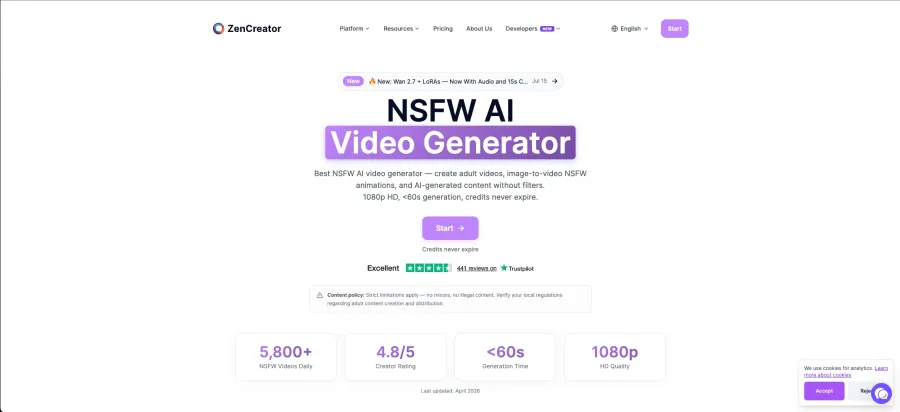
ZenCreator presents the clearest production-oriented pitch in this list. It supports uploaded-image animation and text-to-video generation, with access starting at $19.99 per month. Its product page advertises 1080p output at 60 fps, generation in under 60 seconds, no watermark, credits that do not expire, and commercial-use rights.
Those specifications sound excellent. They are also self-reported. ZenCreator does not provide a neutral benchmark showing that every model, prompt, and subscription level consistently reaches those figures. The correct wording is “ZenCreator advertises 1080p at 60 fps,” not “ZenCreator always produces 1080p video in under a minute.”
Current features are listed on the ZenCreator NSFW image-to-video page.
Why choose ZenCreator?
It accepts uploaded source images.
The workflow is designed around unrestricted video creation.
The advertised output reaches 1080p and 60 fps.
Credits are described as non-expiring.
The platform explicitly targets repeat paid creation.
There is no compelling free experience described on the main feature page, and the $19.99 entry price arrives before you have much evidence of how it will handle your particular visual style.
Verdict: ZenCreator has one of the strongest paid creator pitches, but its quality and speed claims need to be treated as marketing specifications until you test them yourself.
6. Nastia: Best for Consistent AI Companion Videos
Best for: Animating a recurring AI companion rather than unrelated images from your device.
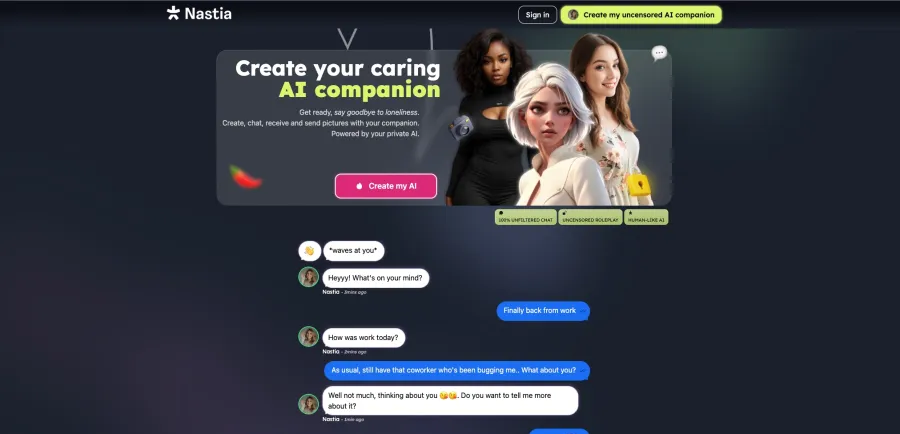
Nastia is different from the other four options. It is primarily an AI companion platform with image and video generation built into the character workflow. Users can create images of a consistent companion and then switch from Image mode to Image-to-Video mode.
Its Advanced settings include negative prompts, aspect-ratio controls, and face and body references. However, the documented image-to-video workflow asks users to select one of the images already generated inside Nastia. It is not positioned as a general converter for arbitrary uploads. Nastia’s official generator instructions confirm this limitation.
Nastia offers a free plan, a Standard plan at $11.99 per month, and an Unlimited plan at $15.99 per month. The Unlimited tier advertises unlimited images and video plus 1080p HD video generation. These plan details are presented on Nastia’s own current comparison and pricing page.
Why Nastia still belongs on the list
It works in a browser.
Character creation, images, chat, voice, and video share one workflow.
Face and body references help maintain a recurring appearance.
Its $15.99 Unlimited plan is less expensive than several dedicated video subscriptions.
It is suitable for creators whose videos revolve around one persistent fictional character.
Its specialization is also its weakness. If you already have an unrelated image on your device and simply want to animate it, Mage, DreamUtopia, HackAIGC, or ZenCreator provides a more direct path.
Verdict: Nastia is a companion platform with video features, not the best general-purpose image-to-video generator. Choose it for character continuity, not upload freedom.
Create and Animate the Source Image in One Workflow
Image-to-video models animate what is already present. They do not reliably repair distorted faces, cropped limbs, tangled hands, inconsistent lighting, or an overcrowded background. Movement often makes those defects more noticeable.
If you do not yet have the right starting frame, use GPT Proto’s unrestricted AI image generator to generate or edit it first. You can refine the subject, composition, clothing, lighting, background, or visual style before animation.
The complete workflow is now:
Generate a new source image or upload one for editing.
Check the face, hands, body, composition, lighting, and background.
Open the GPT Proto unrestricted AI video generator.
Choose Image to Video and upload the finished frame.
Describe one main subject action and one camera movement.
Name the visual details that should remain close to the source.
Review the displayed credit cost and generate the video.
Keeping both stages inside GPT Proto removes the need to prepare an image, download it, choose another third-party service, create another account, and learn a second credit system.
Create the Image. Then Make It Move.
Prepare your starting frame and animate it with your own motion prompt using GPT Proto’s image-to-video workflow.
How to Prepare an Image for Better Video Results
A well-prepared source image gives the video model fewer problems to solve.
Keep the subject fully visible
Avoid cutting hands, feet, hair, clothing, or moving objects at the edge of the frame. If a character is expected to raise an arm, the original composition needs enough space for that movement.
Separate the subject from the background
Busy backgrounds make it harder for the model to understand which elements should move. Clear silhouettes and visible depth between foreground and background usually produce more controlled animation.
Leave room in the direction of motion
A subject walking right needs empty space on the right. A camera pullback needs a scene with enough surrounding information to extend without inventing large parts of the environment.
Start with consistent anatomy and lighting
Animation can magnify small defects. Check the face, fingers, limbs, shadows, reflections, and perspective before uploading the image.
Request one primary action
“Turn toward the camera” is easier to execute than “turn, walk, wave, change expression, spin, and make the camera circle the room.” Generate separate clips when the scene needs several actions.
Separate subject motion from camera motion
A useful motion-prompt structure is:
Subject action + secondary environmental motion + camera movement
For example:
The character slowly turns toward the camera while her hair moves in the ocean breeze. The camera makes a gentle dolly-in. Keep the face and clothing consistent.
This tells the model what should move, what should remain stable, and how the viewer should move through the scene.
Which Uncensored Image-to-Video Generator Should You Choose?
The best choice depends on what matters most after you upload the image:
Choose GPT Proto when you want the best overall no-code workflow for uploading an image, writing a custom motion prompt, and generating the video in your browser.
Choose Mage when publicly stated mature-content support and access to several video models are your main requirements.
Choose DreamUtopia when you want to inspect the workflow without creating an account.
Choose HackAIGC when you want image generation, editing, video generation, and chat inside one external product.
Choose ZenCreator when you are willing to pay for a platform advertising 1080p and 60 fps output.
Choose Nastia when your videos revolve around a recurring fictional companion created inside its ecosystem.
For most users, I would start with GPT Proto because it provides the most direct route from an uploaded image to a generated video. Mage is the more appropriate alternative when explicit mature-content policy language matters. DreamUtopia remains useful for a no-signup trial, but its public export information should be checked before relying on it.
Privacy, Consent, and Commercial Use
An uncensored generator is not automatically a private generator. Before uploading any image, check:
Whether uploads are retained after generation
Whether prompts or results are used for model training
Whether generations appear in a public gallery
Whether account staff can review flagged content
How data deletion requests work
Whether commercial use is included in your plan
Whether the person depicted has consented to the generation and publication
Avoid uploading private photographs merely because a homepage says “no logs” or “complete privacy.” A vendor statement is not an independent security audit.
For commercial projects, content-policy permission and copyright ownership are separate issues. A service may allow paid publication while local law provides limited copyright protection for fully AI-generated work. Real-person likenesses can also involve privacy, publicity, and consent rights.
Turn Your Image into a Video
Upload a portrait, product image, artwork, or other authorized source image. Describe one clear action, add the camera movement, and tell the generator which visual details should remain consistent.