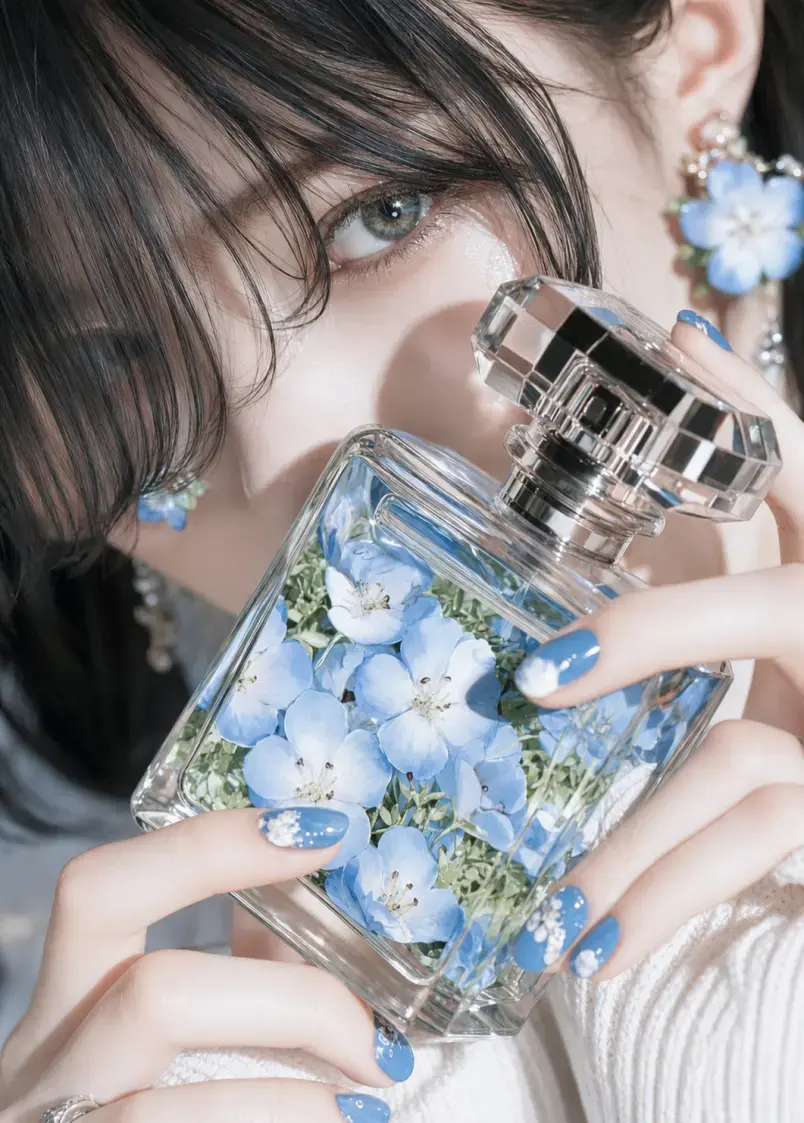
Anime to Real Life AI
Upload anime, manga, cartoon, or OC artwork and generate a realistic human interpretation while keeping the hairstyle, expression, outfit, color palette, and other defining visual details.
Create packaging concepts and product mockups from a text prompt, an uploaded image, or both. Explore new looks for boxes, bottles, pouches, labels, and ecommerce visuals without starting every idea from a blank canvas.
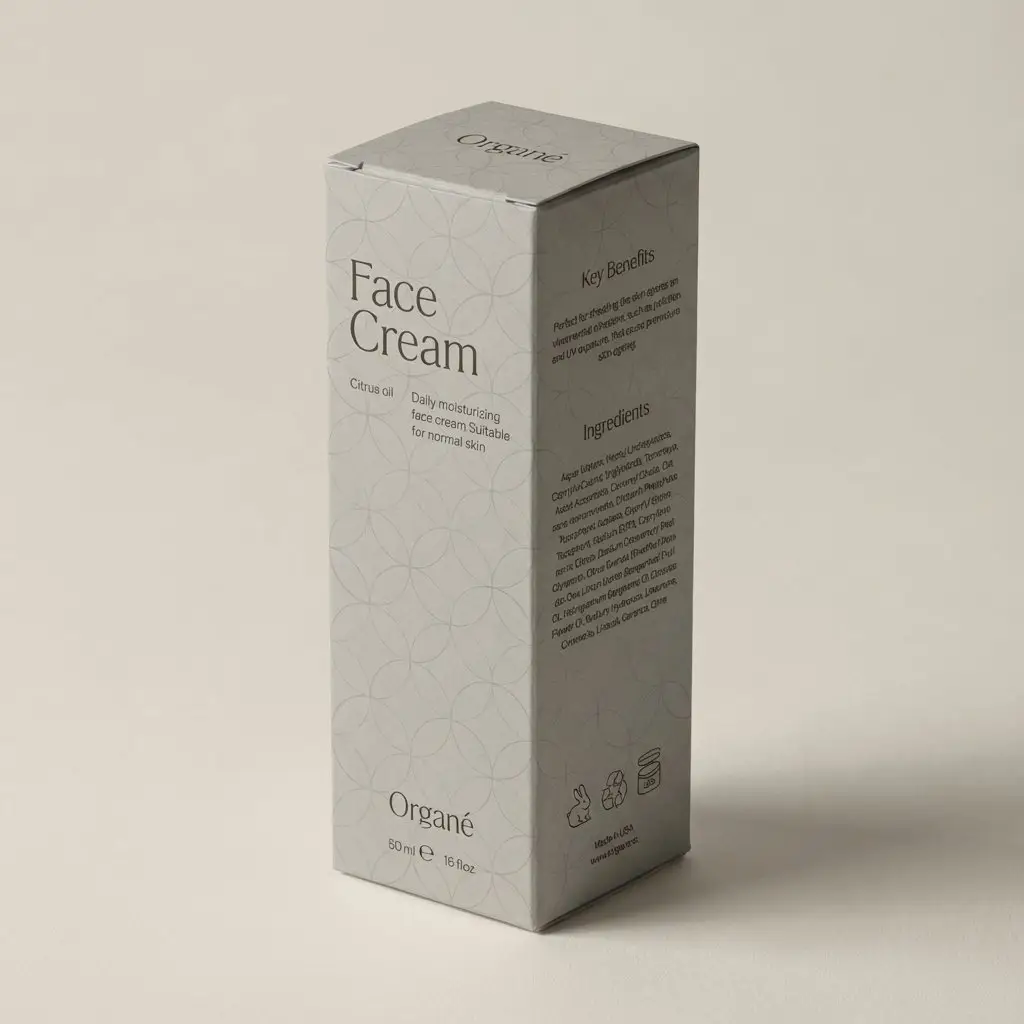
Examples
See how a text prompt or reference image can turn a product idea into a new packaging direction, redesigned label, or ecommerce presentation.
Design ideas
Use text-to-image for a new idea or image-to-image when you want the output to follow an existing product, package, or visual reference.
Describe the product, packaging format, audience, colors, materials, graphic style, and presentation you want. The generator turns those details into a new visual concept for early exploration, mood boards, or brand discussions.
Upload an existing package and explain what should change. Explore new color systems, graphics, typography direction, finishes, or brand positioning while using the visible package shape, angle, lighting, and composition as references.
Add a label concept to a blank bottle, jar, pouch, can, or box. Describe the label shape, colors, material, visual hierarchy, and brand direction so it sits more naturally on the visible product surface.
Turn a basic product image into a cleaner ecommerce or campaign presentation. Add a coordinated background, pedestal, props, shadows, and lighting while asking the generator to keep important product details close to the uploaded reference.
What it is
An AI packaging design generator creates new package visuals from written descriptions, reference images, or a combination of both. It can help brands, designers, marketers, and product teams explore packaging directions before spending time on detailed production artwork.
Text-to-image generation is useful when you are starting with an idea. Image-to-image generation is useful when you already have a product photo, package, label, or sketch and want to test a different visual direction. The output can support mood boards, concept reviews, pitches, ecommerce images, and product launch planning.
The tool generates raster images rather than editable structural packaging files. It does not calculate package dimensions, engineer a container, or create a production dieline. Treat each result as a visual concept or product mockup that may need further design work.
Choose the input route that matches how much material you already have.
Text to Image: Enter a written description to create an original packaging concept from scratch. Include the product, package format, target customer, brand style, colors, materials, graphic elements, and the type of mockup or setting you want to see.
Image to Image: Upload a product photo, existing package, flat label, sketch, or visual reference and explain the intended change. State which details should remain close to the source, such as the package shape, product position, camera angle, main colors, or background.
Packaging Types
The generator can visualize many common packaging formats and product categories, as long as the requested form and important details are described clearly.
Boxes and Cartons: Explore folding cartons, rigid boxes, mailer boxes, gift boxes, sleeves, and other box-based concepts for retail products, subscriptions, gifts, and direct-to-consumer orders.
Bottles, Jars, and Cans: Create packaging visuals for beverages, skincare, cosmetics, supplements, sauces, candles, and household products using glass, plastic, aluminum, or other visible material directions.
Pouches, Bags, and Flexible Packaging: Test stand-up pouches, coffee bags, snack packaging, refill packs, sachets, and other flexible formats with different color systems, illustrations, patterns, and finishes.
Labels and Sleeves: Apply label or sleeve concepts to blank products, or explore a new visual hierarchy for an existing bottle, jar, can, cup, or container.
Common use cases include food and beverage packaging, cosmetics and skincare, supplements and wellness products, ecommerce goods, and early concepts for DTC brands.
Prompt tips
Clear prompts help the generator understand both the package you want and the way it should be presented.
Prompt Formula: Product + packaging format + target audience + brand style + colors + materials + required visual elements + mockup setting
Name the product and format: Specify whether you need a coffee pouch, skincare bottle, beverage can, shipping box, jar label, or another package type.
Define the audience and position: Add cues such as premium, playful, family-friendly, eco-conscious, minimalist, youthful, or clinical when they genuinely fit the product.
Describe colors and materials: Mention paper, cardboard, glass, aluminum, matte plastic, foil, embossing, transparent labels, or other visible finishes.
List essential visual elements: Include the logo area, product name, illustration style, pattern, color hierarchy, or flavor cues that should influence the image.
Set the presentation: Ask for a front view, 45-degree angle, studio mockup, retail shelf scene, ecommerce product image, or campaign composition.
For image-to-image edits, say what should remain: Identify the package shape, product position, camera angle, lighting, or background when those details matter.
AI to Real
AI-generated packaging is useful for exploring directions and communicating an idea, but a visual result is not automatically a print-ready file.
Brand names, logos, and small text: Check spelling, spacing, alignment, and trademarked elements. Rebuild important typography and logos with the correct source files.
Product and legal information: Verify ingredients, nutrition facts, warnings, net quantity, barcodes, certification marks, contact details, and any category-specific claims.
Structure and dielines: Confirm dimensions, folds, cut lines, glue areas, closures, and how the artwork maps to the actual package with a packaging designer, manufacturer, or printer.
Print preparation: Set the correct bleed, safe area, color mode, image resolution, fonts, spot colors, and finishing instructions in the final production file.
Materials and finishes: Check whether the proposed paper, plastic, glass, metal, foil, embossing, coating, or transparency can be produced within the project budget.
Food, cosmetic, supplement, and wellness packaging may be subject to additional labeling rules in the markets where the product is sold. Complete the relevant legal and regulatory review before printing or distribution.
Continue refining your packaging image with related GPTProto tools.
Upload anime, manga, cartoon, or OC artwork and generate a realistic human interpretation while keeping the hairstyle, expression, outfit, color palette, and other defining visual details.
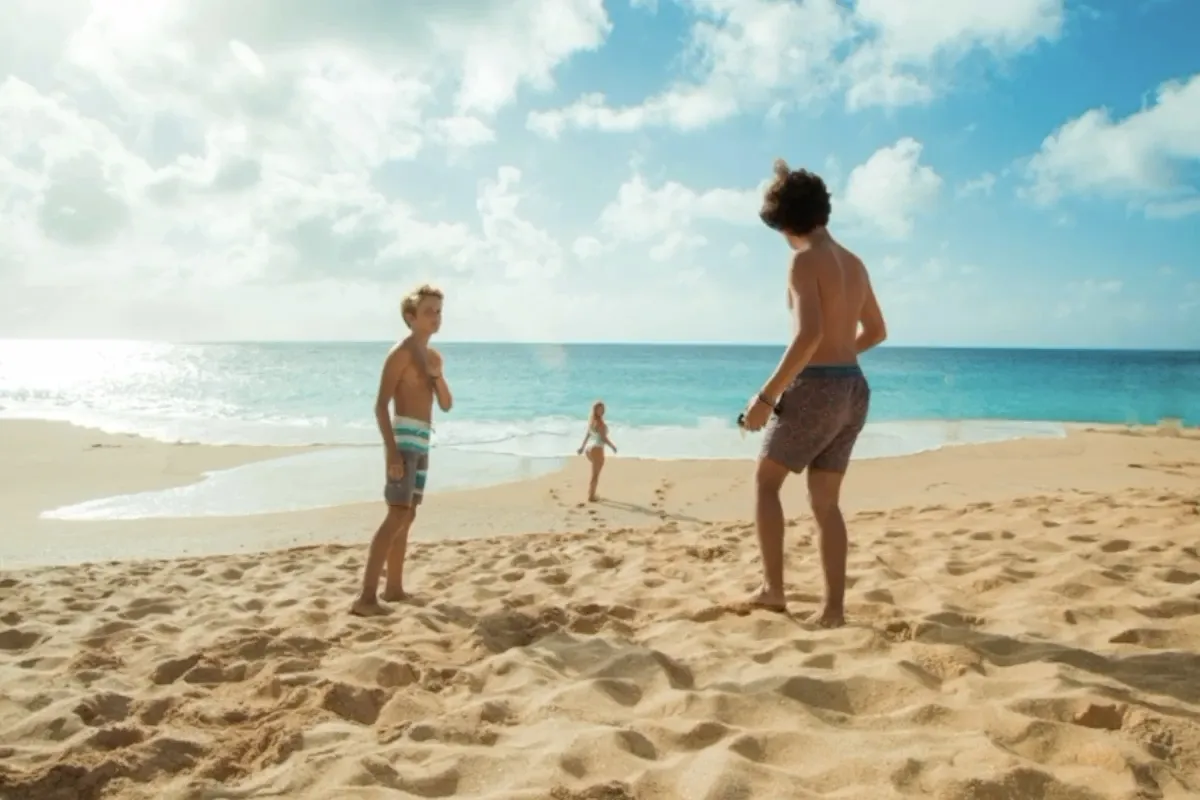
Upload a photo and describe exactly what you want gone. Remove unwanted people, text, clutter, wires, props, or overlays while AI rebuilds the cleared area to fit the surrounding scene.


Upload a photo, describe what you want to change, and let AI edit the image online. Remove or replace objects, change backgrounds, adjust lighting, restyle scenes, and create new variations with simple text instructions.
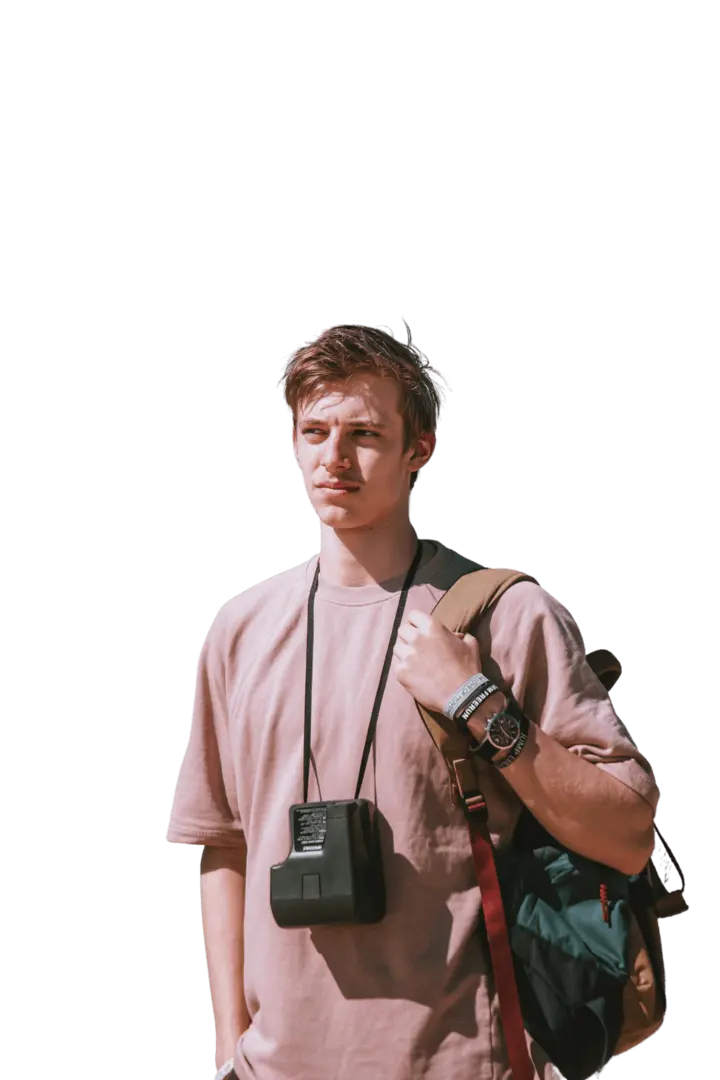
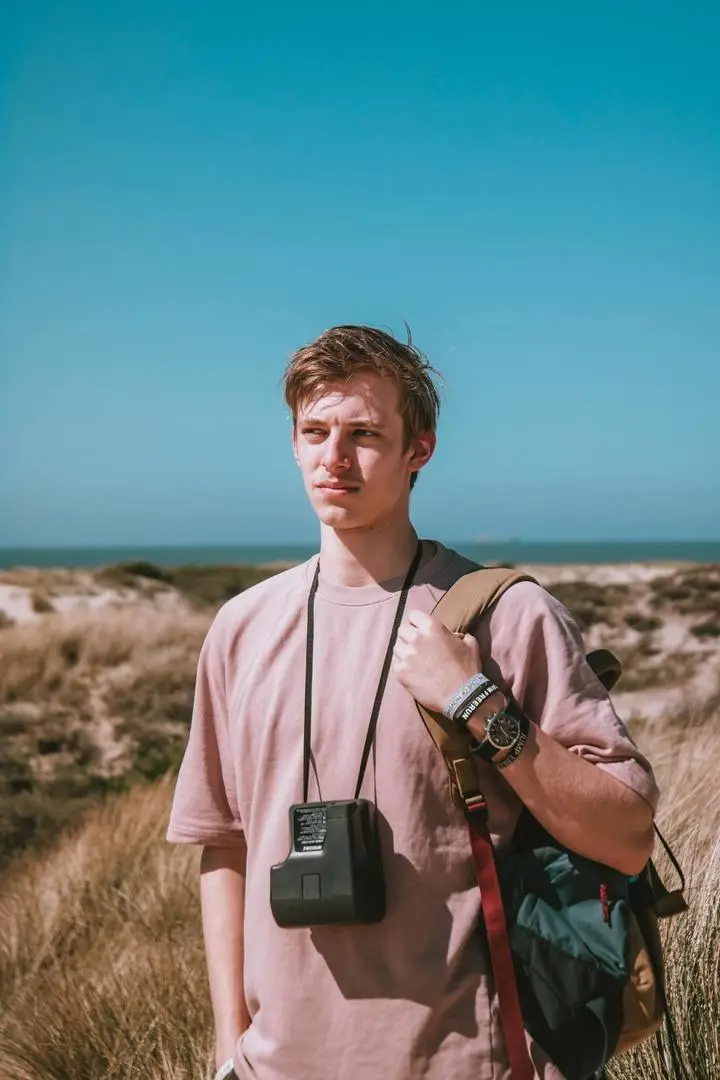
Upload any image and cut out the subject in one click. The AI removes the background and hands you a clean transparent PNG — no prompt, no manual masking, no design skills.
Copy 15 Nano Banana Pro prompts for photo editing, including face fixes, background changes, object removal, product cleanup, and image expansion.
Copy 20 of the best Nano Banana Pro prompts for 2026, with examples for ecommerce, ads, portraits, image editing, plus variables and repair tips.
Learn how to make realistic AI vlogs step by step with consistent characters, multiple scenes, voice-over, subtitles, and sound—no manual video editing required.
Copy 20 free Seedream 5.0 Pro packaging design prompts for product boxes, labels, SKU ranges, e-commerce images, shelf mockups, and campaign ads.
From first-round ideas to product launch visuals, the generator can shorten the distance between a written direction and an image people can review.