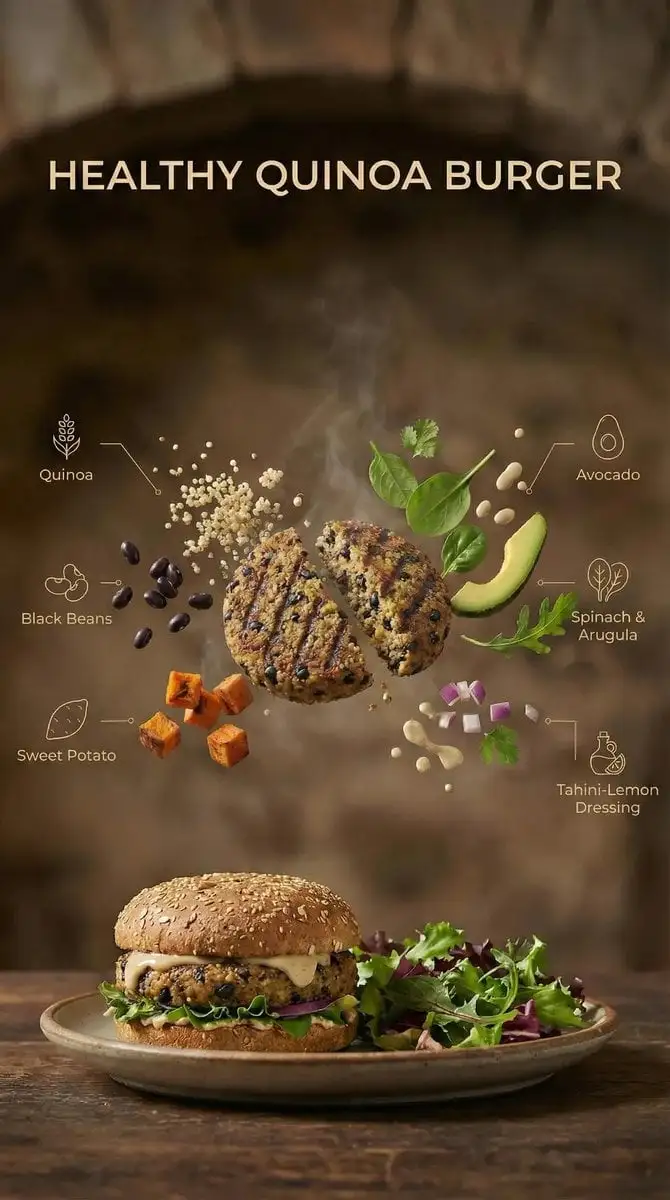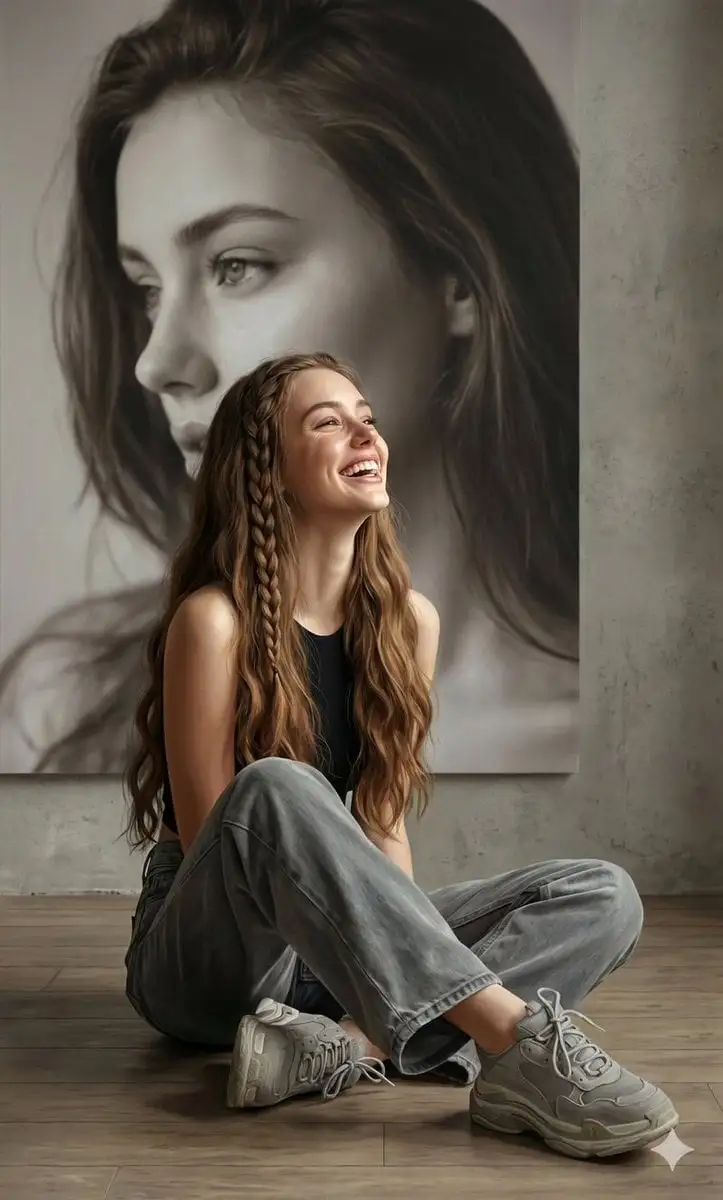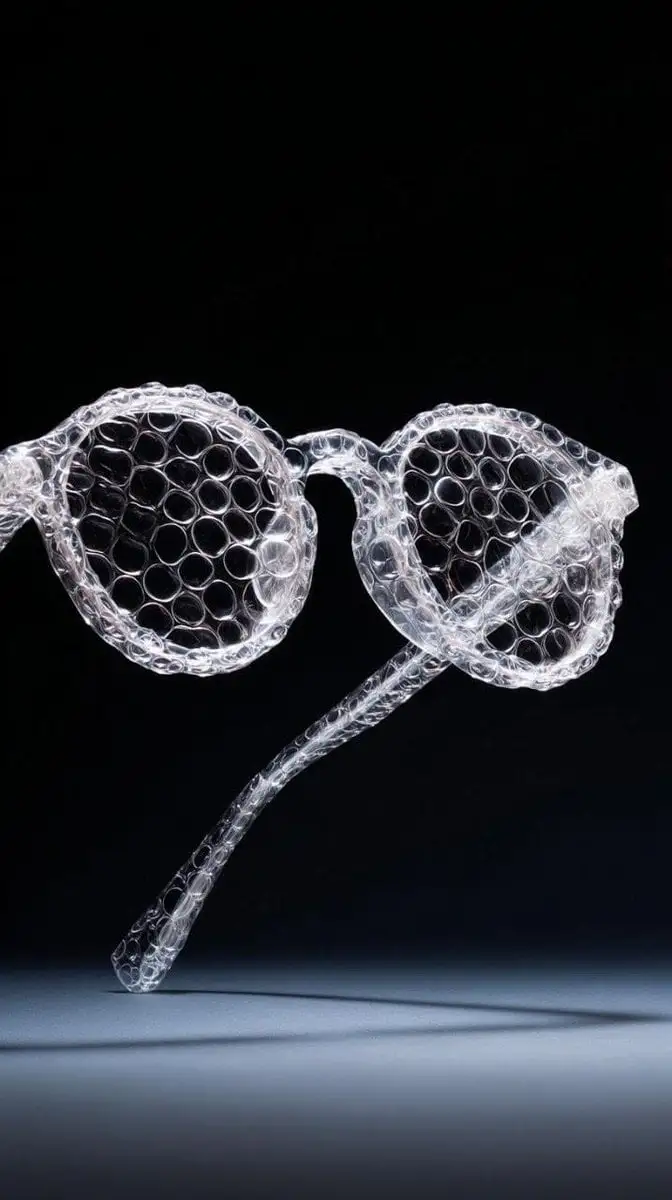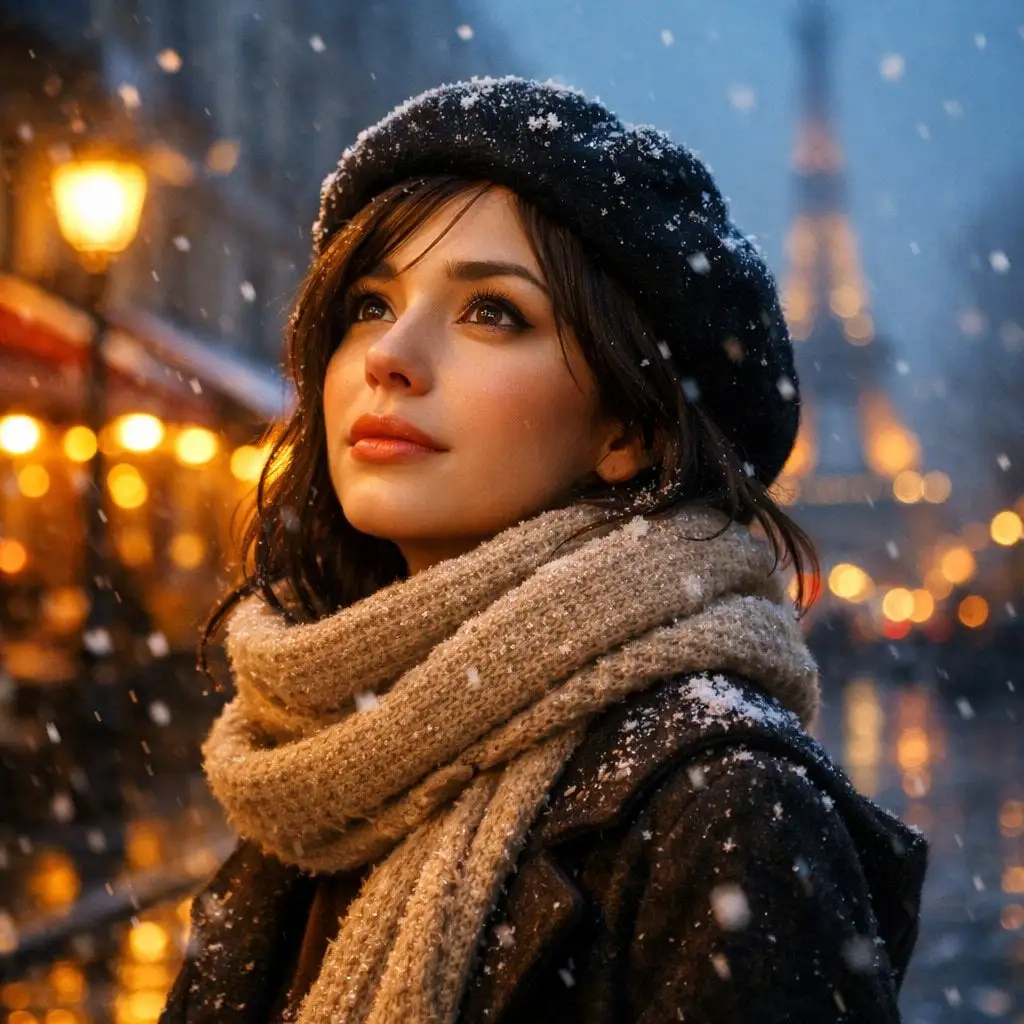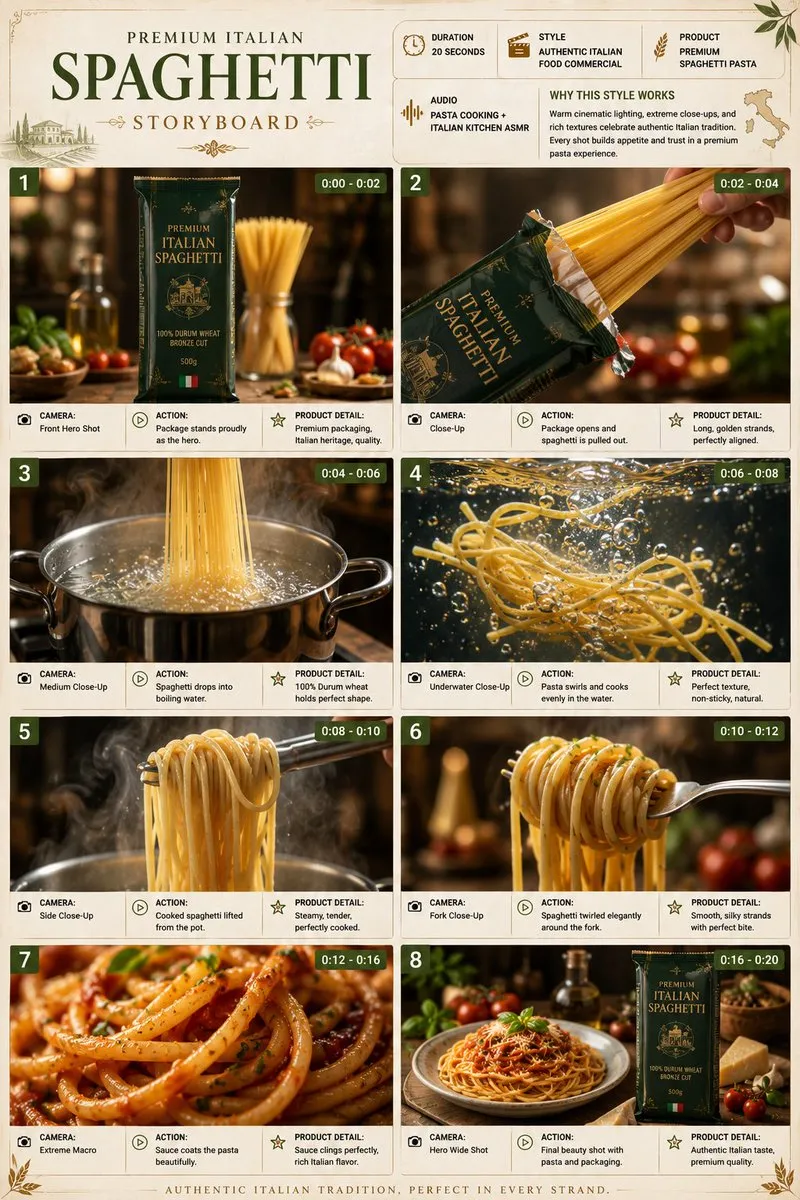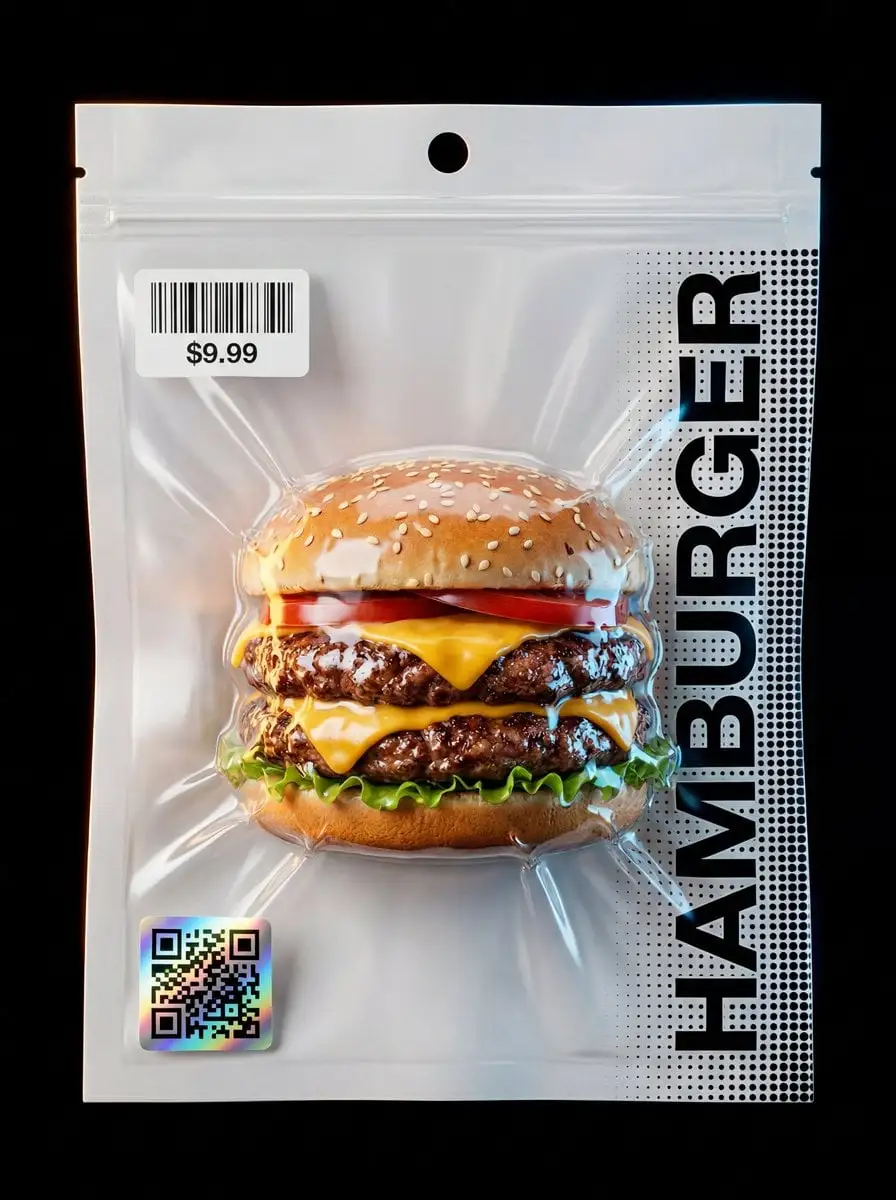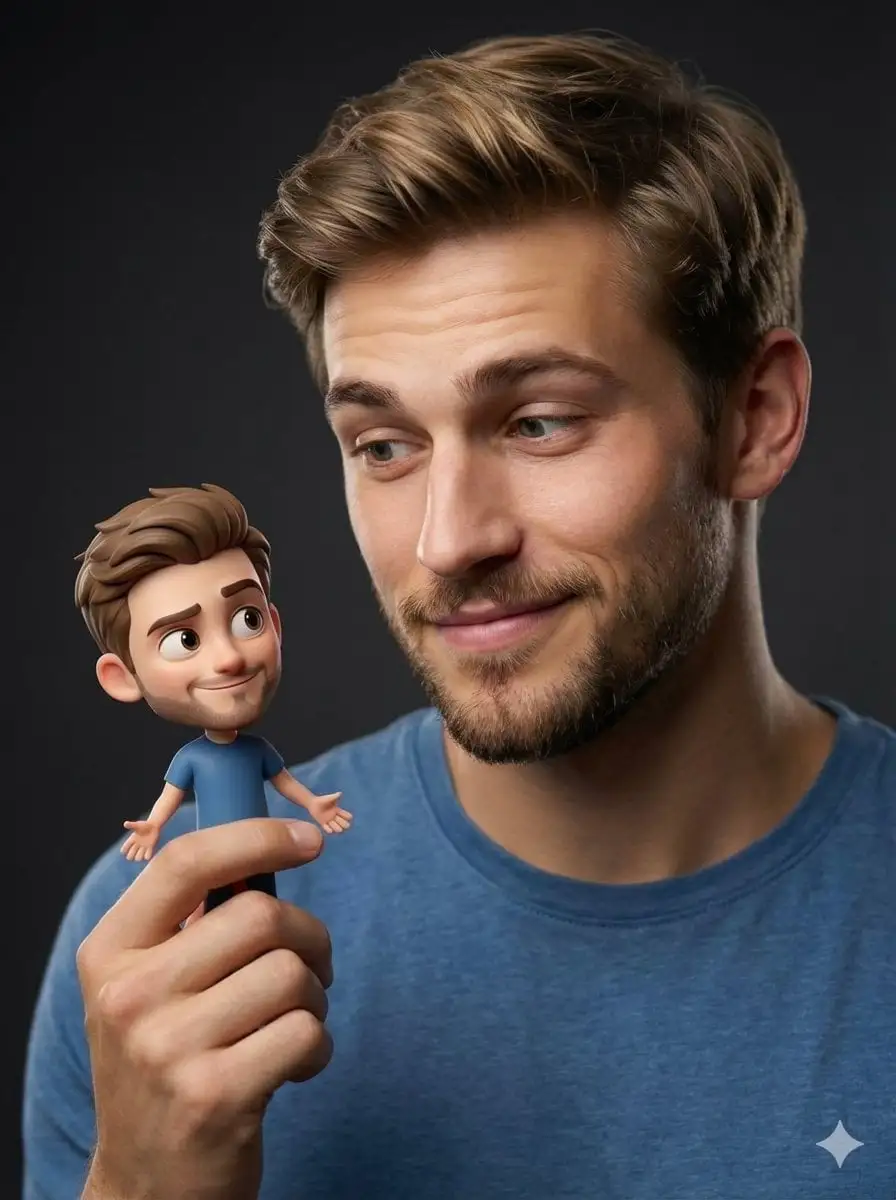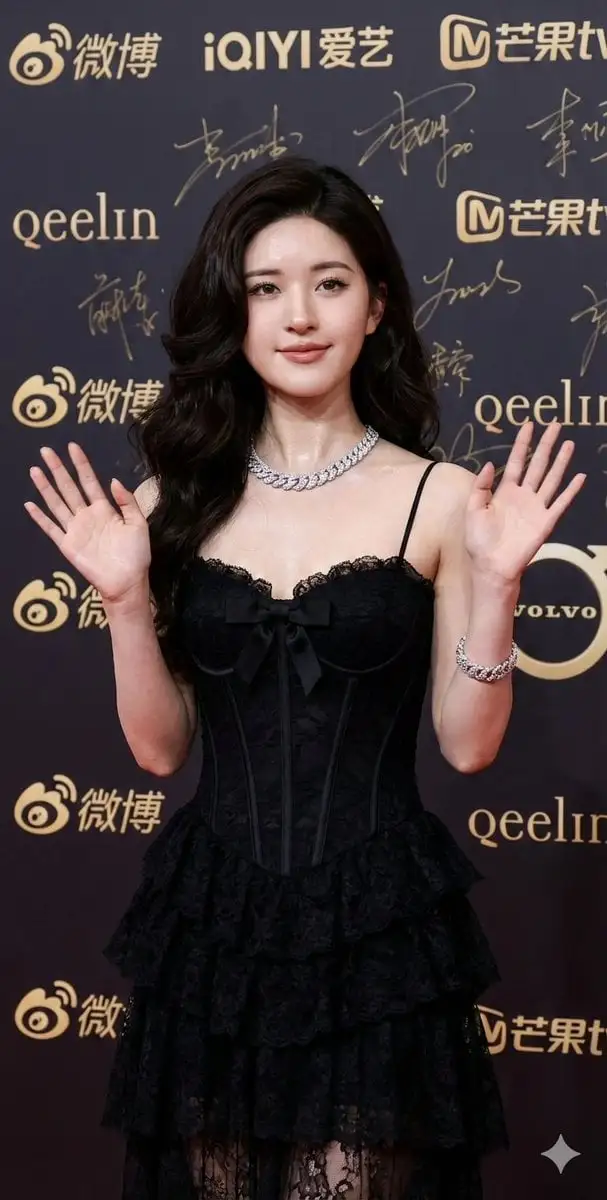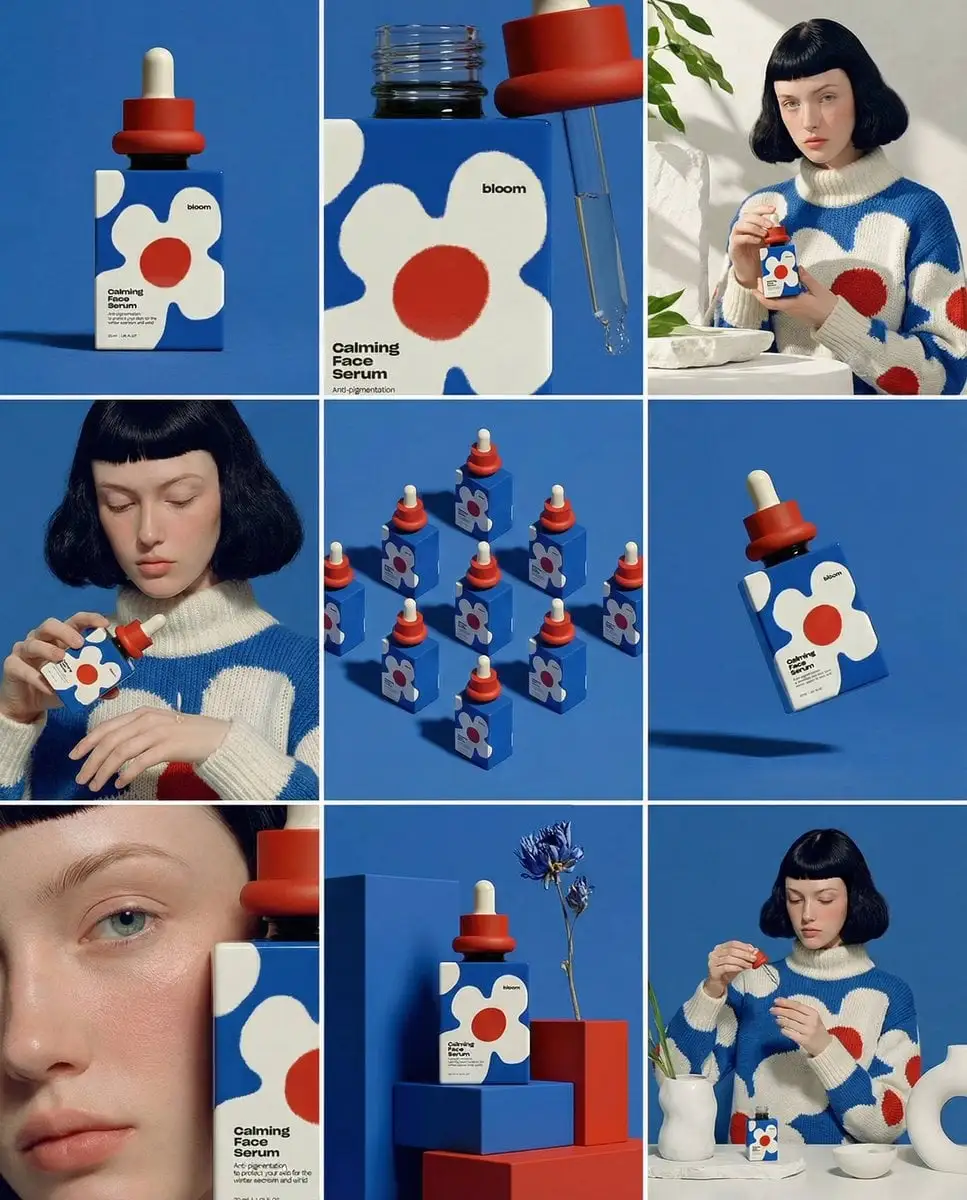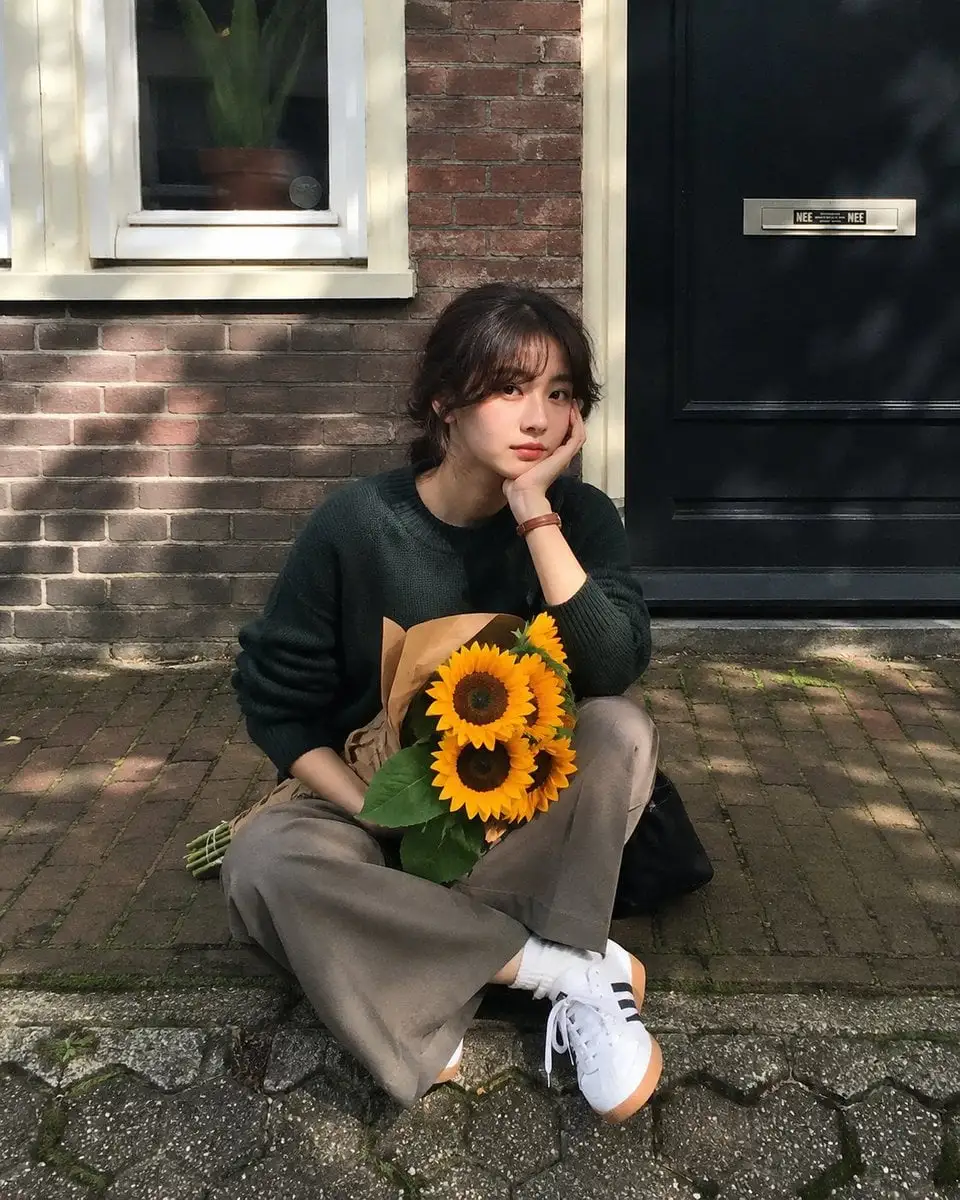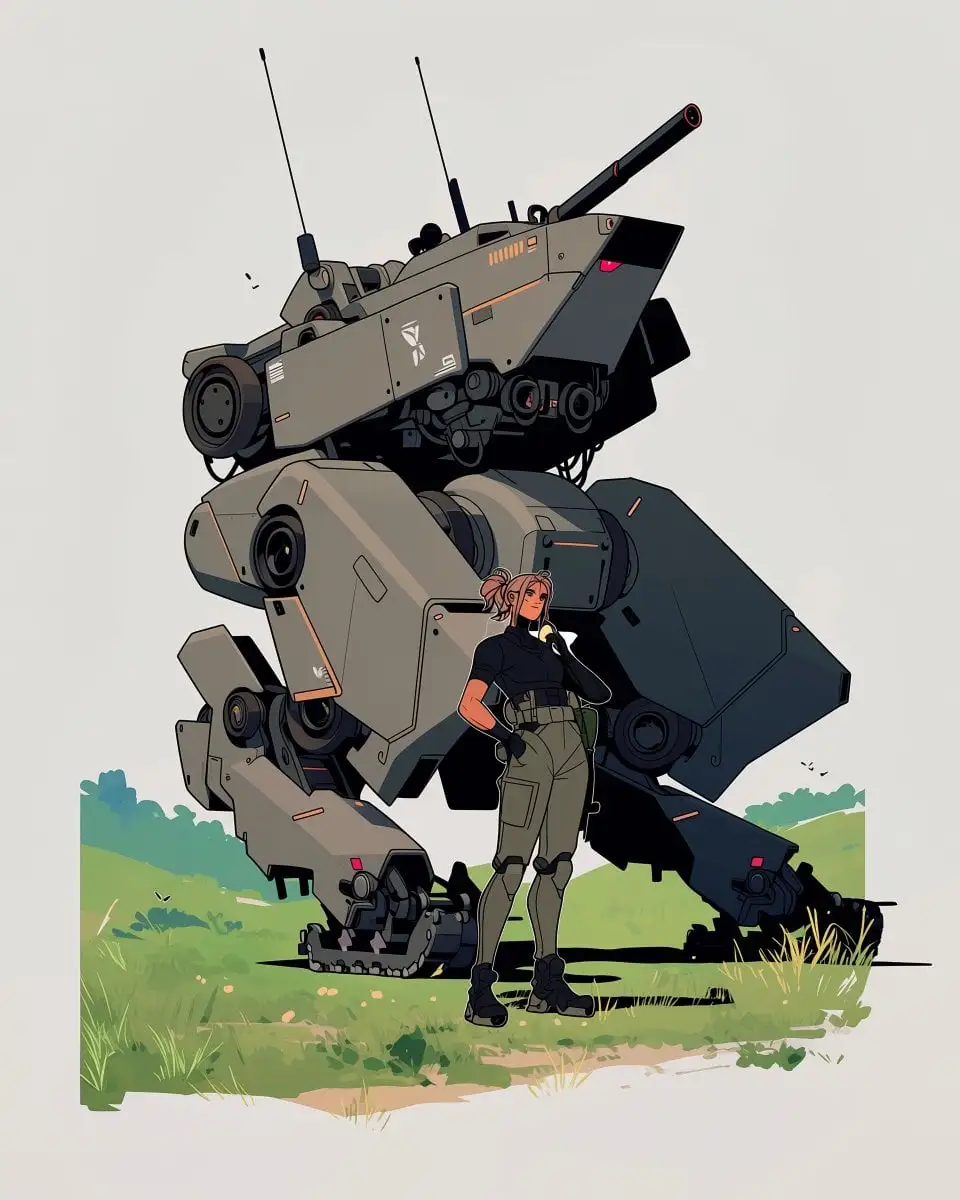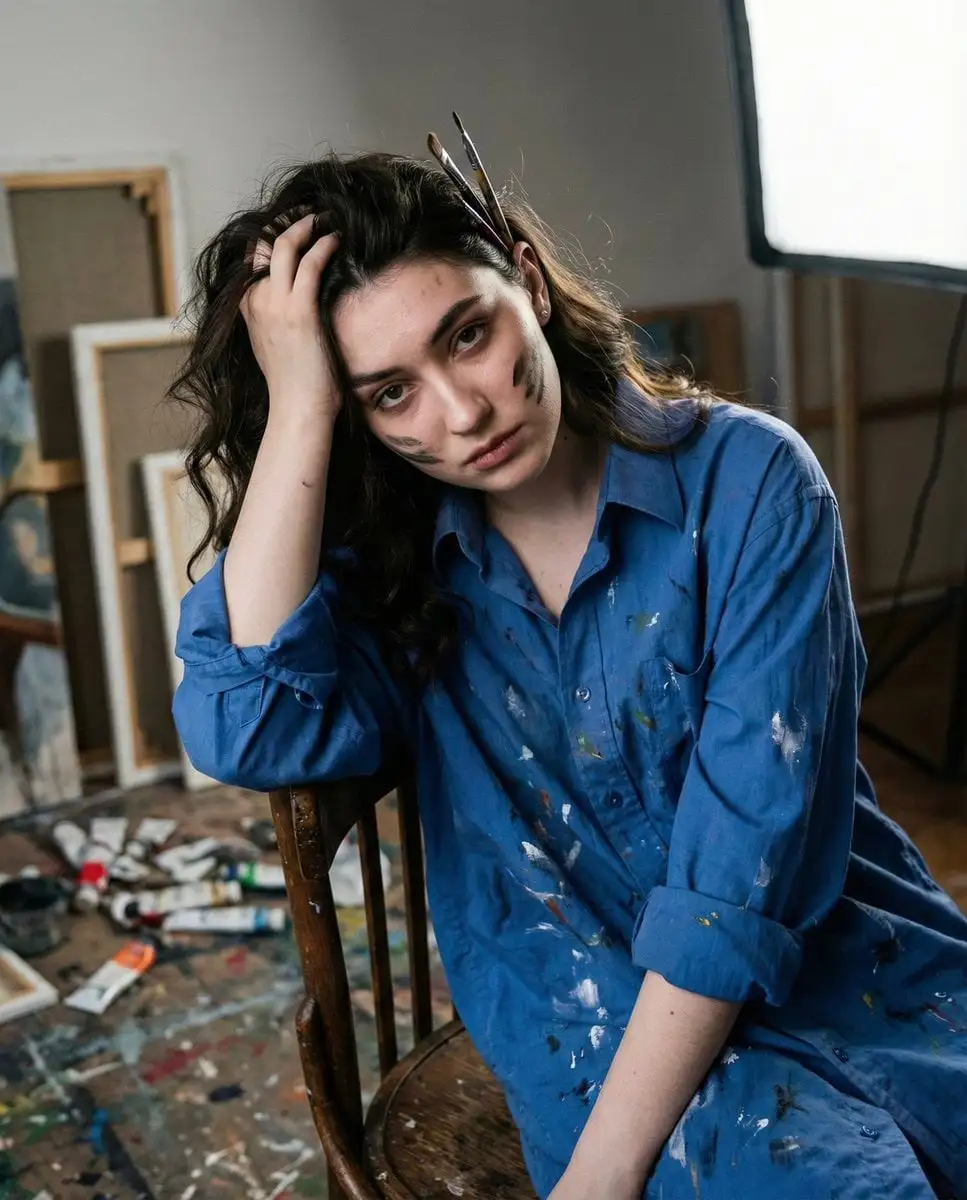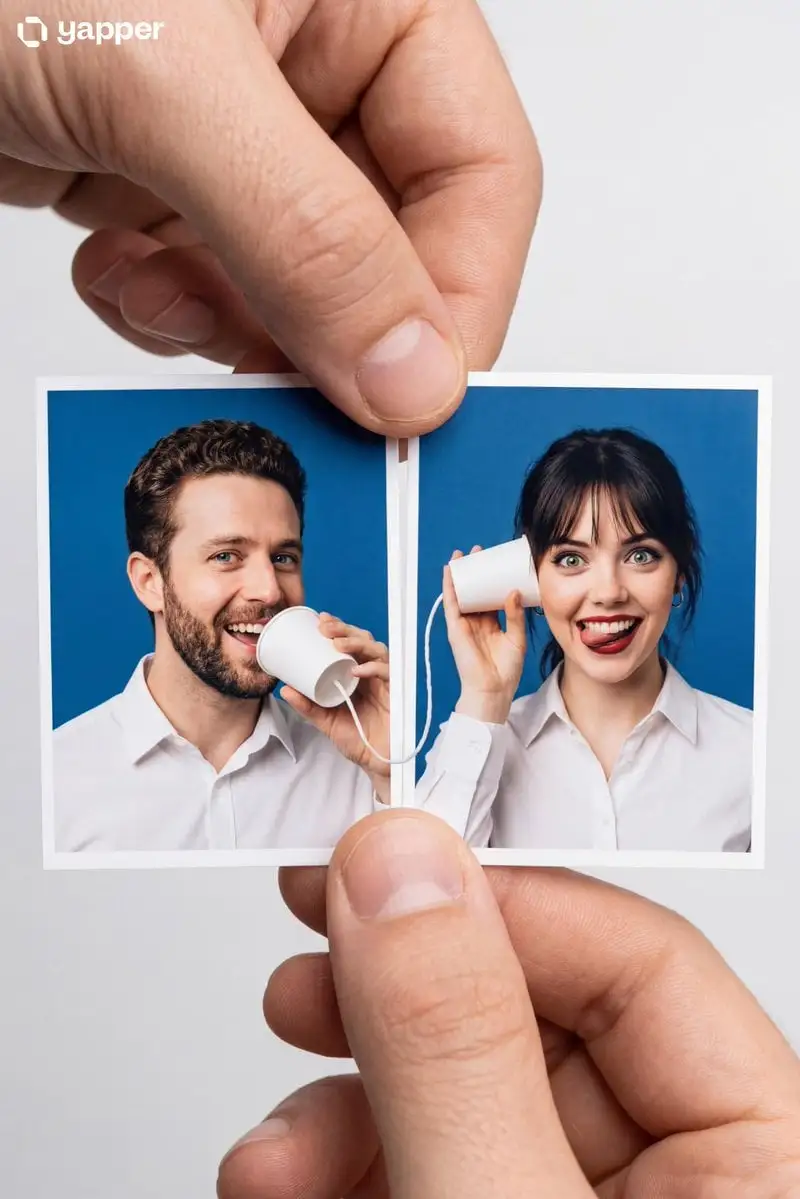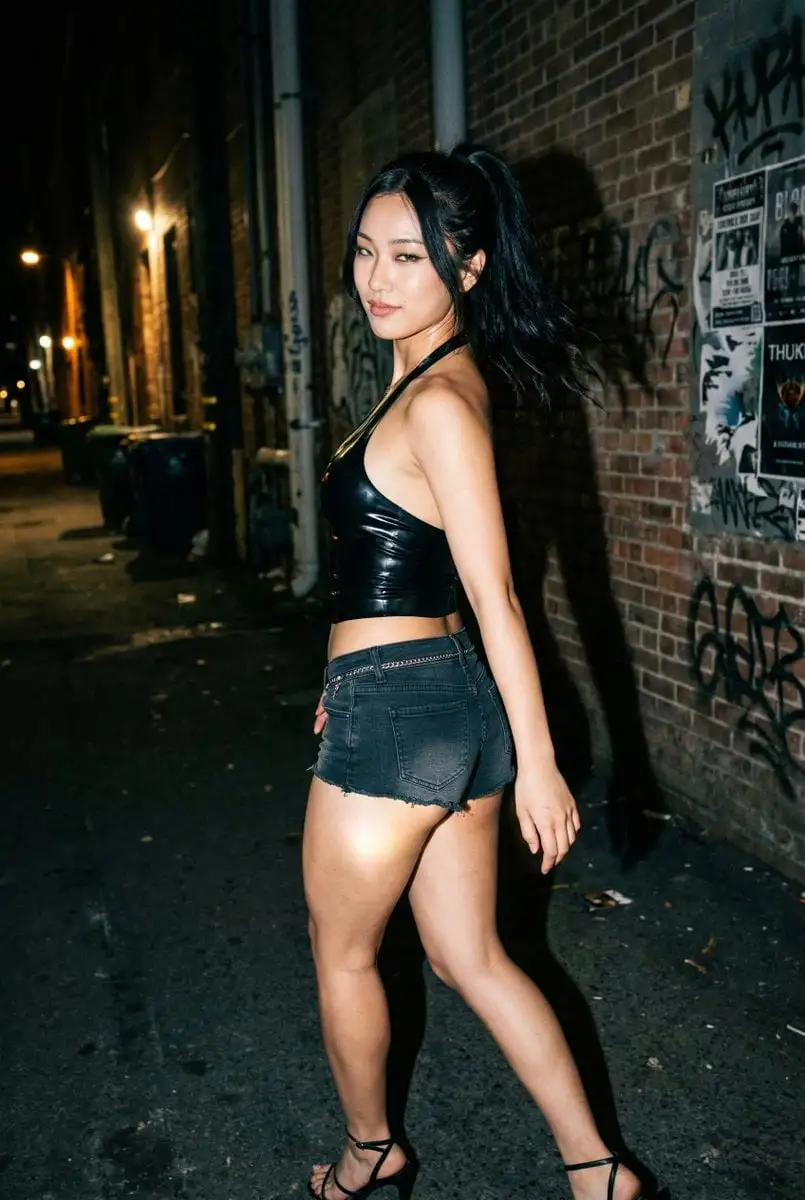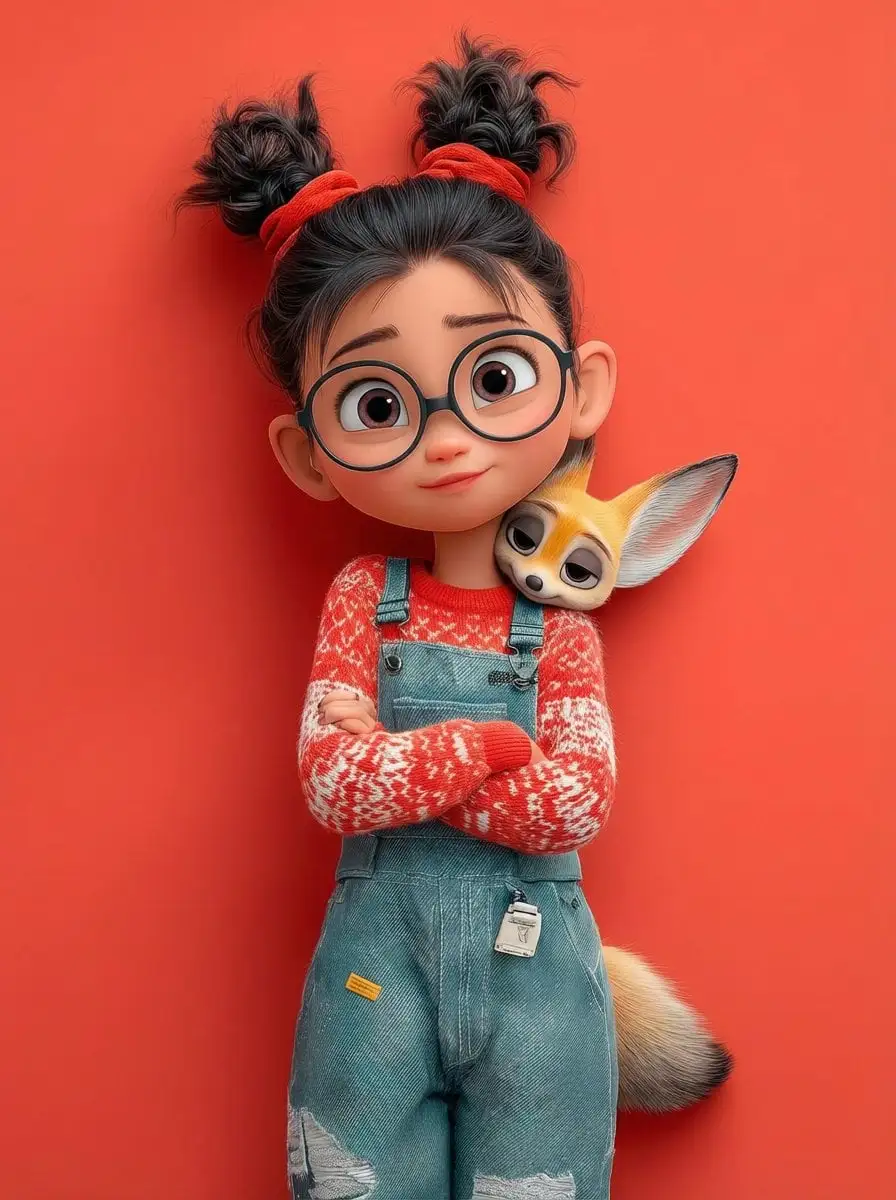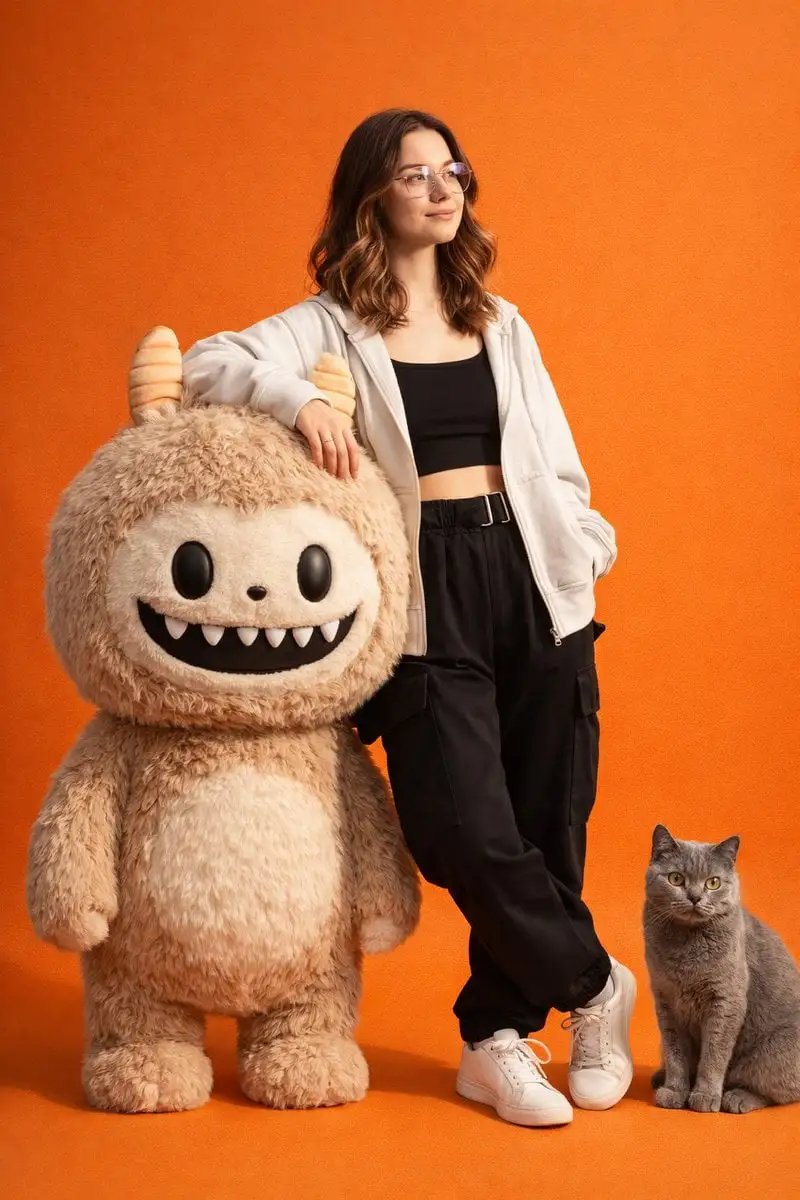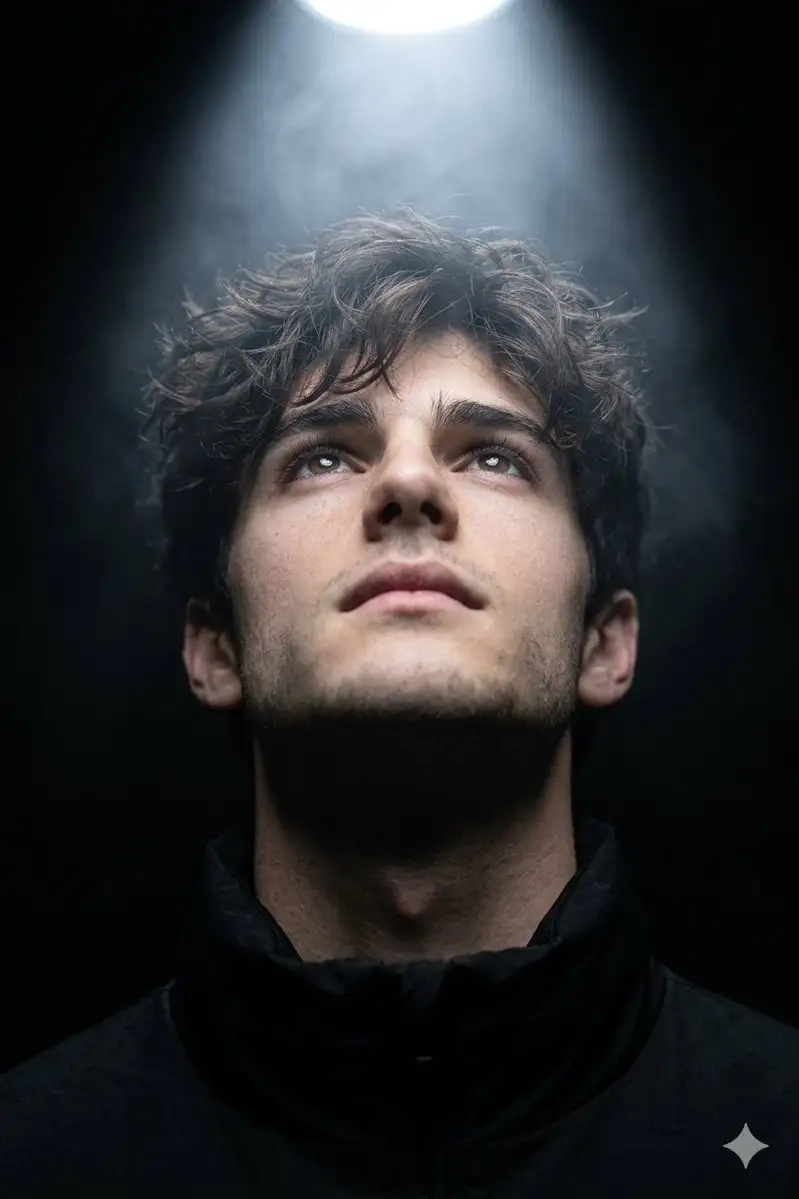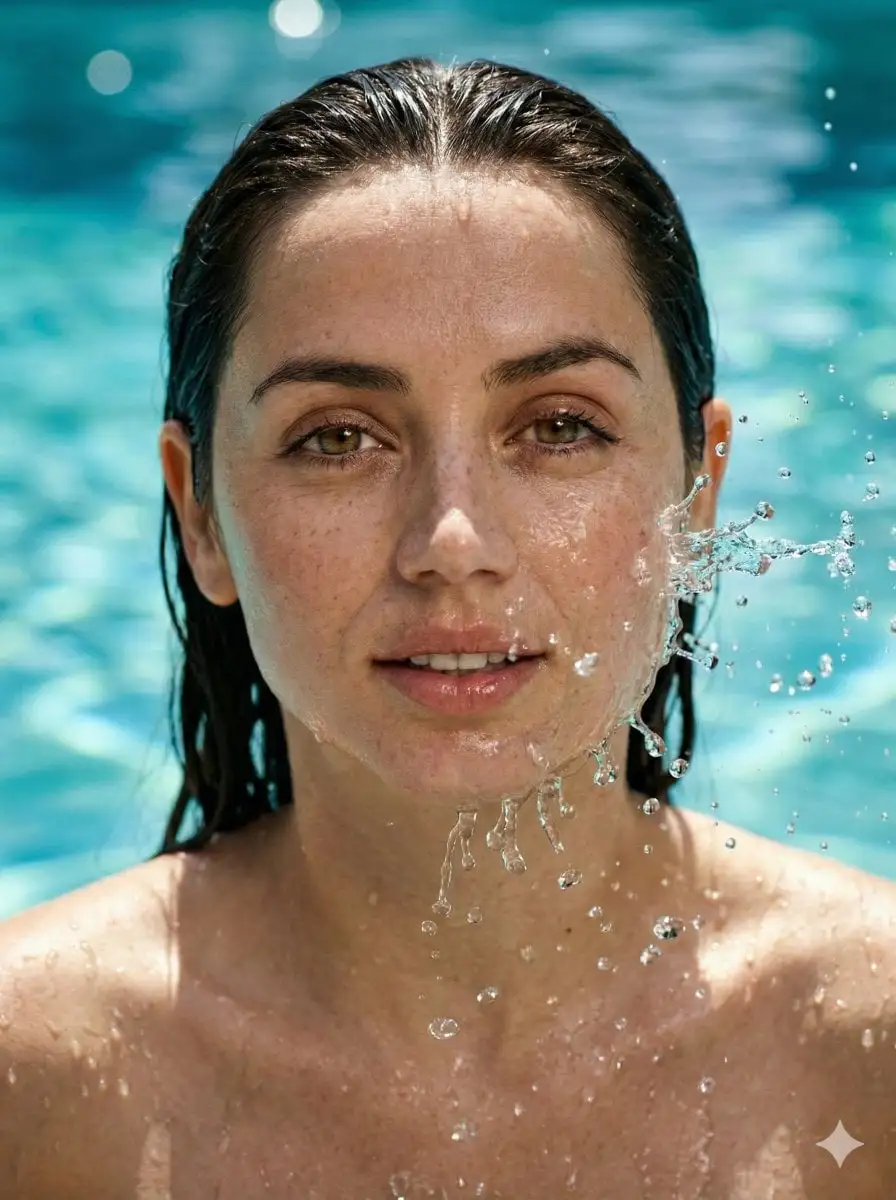



[PERSON NAME]. Act as a graphic designer creating a minim...
Using the provided photos, create a highly detailed, prof...
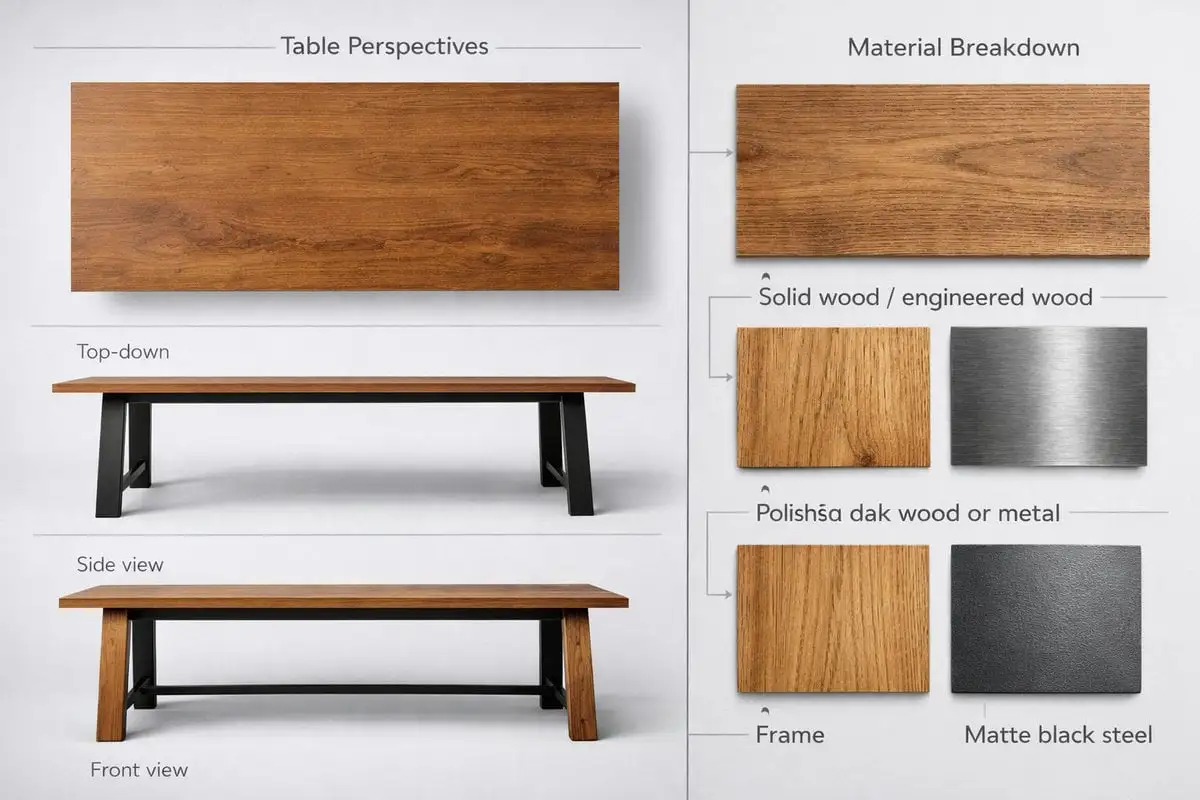
TITLE:
A [subject] split vertically down the center, left half a...
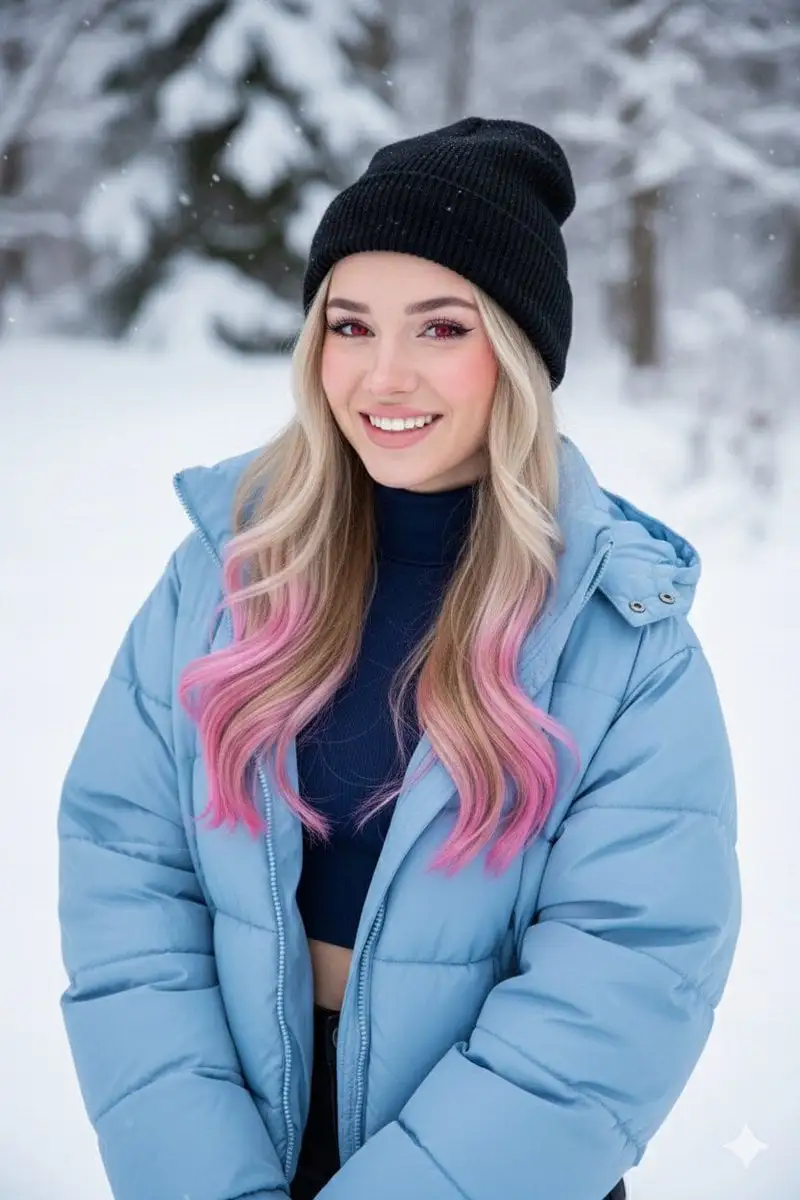
[BRAND NAME]. Act as a fashion photographer and creative ...
A blonde girl with pink-tipped hair and vibrant red eyes,...
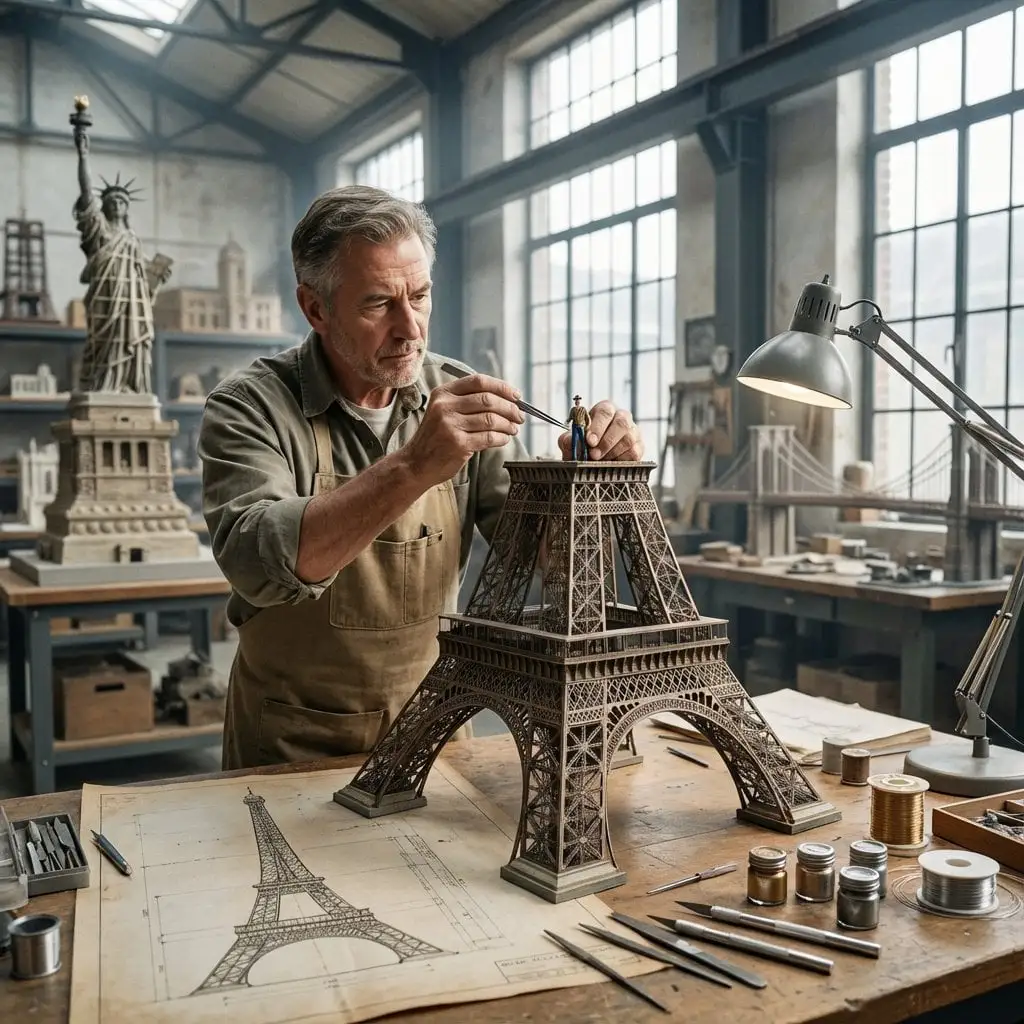
Do this for Eiffel Tower:
Composition & Subject: A professional front-facing studio...
"scene_description": {
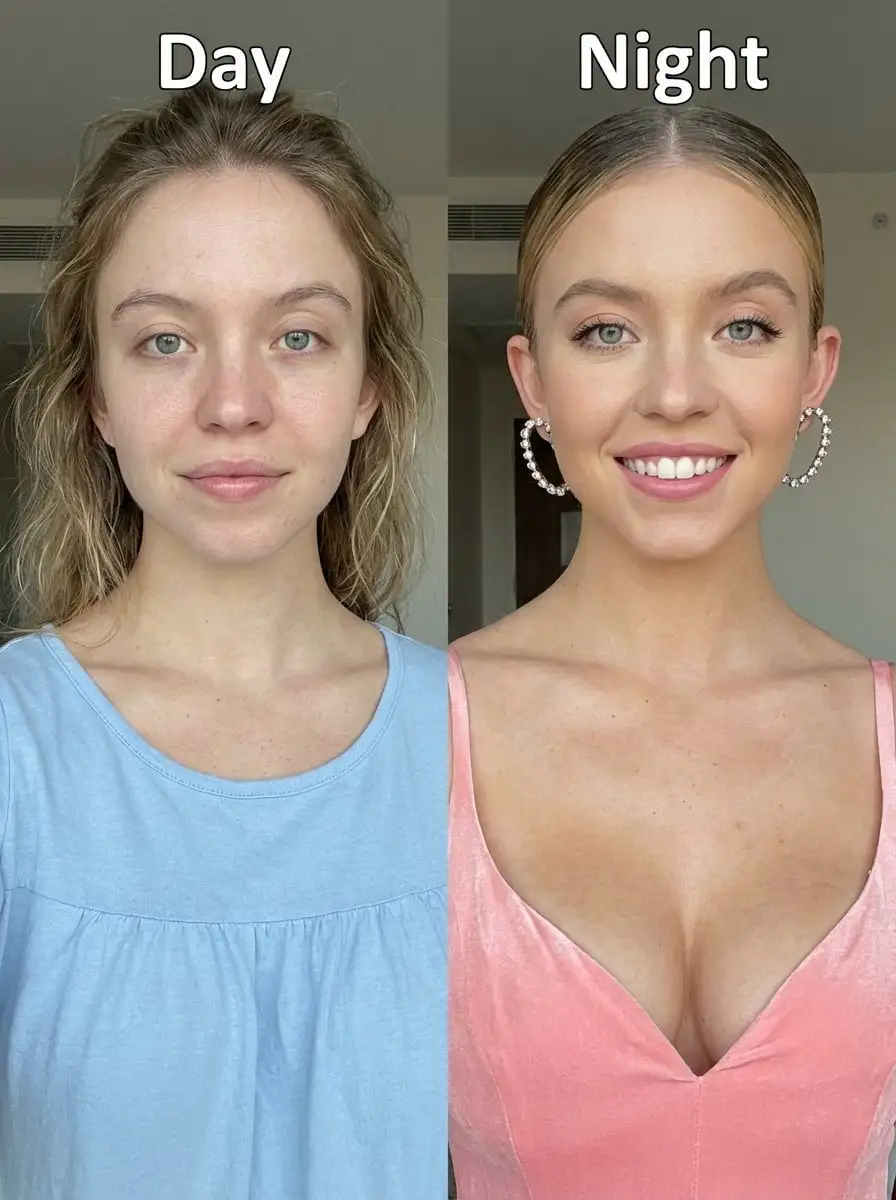
Before-and-after upper-body portrait photo of Sydney Swee...
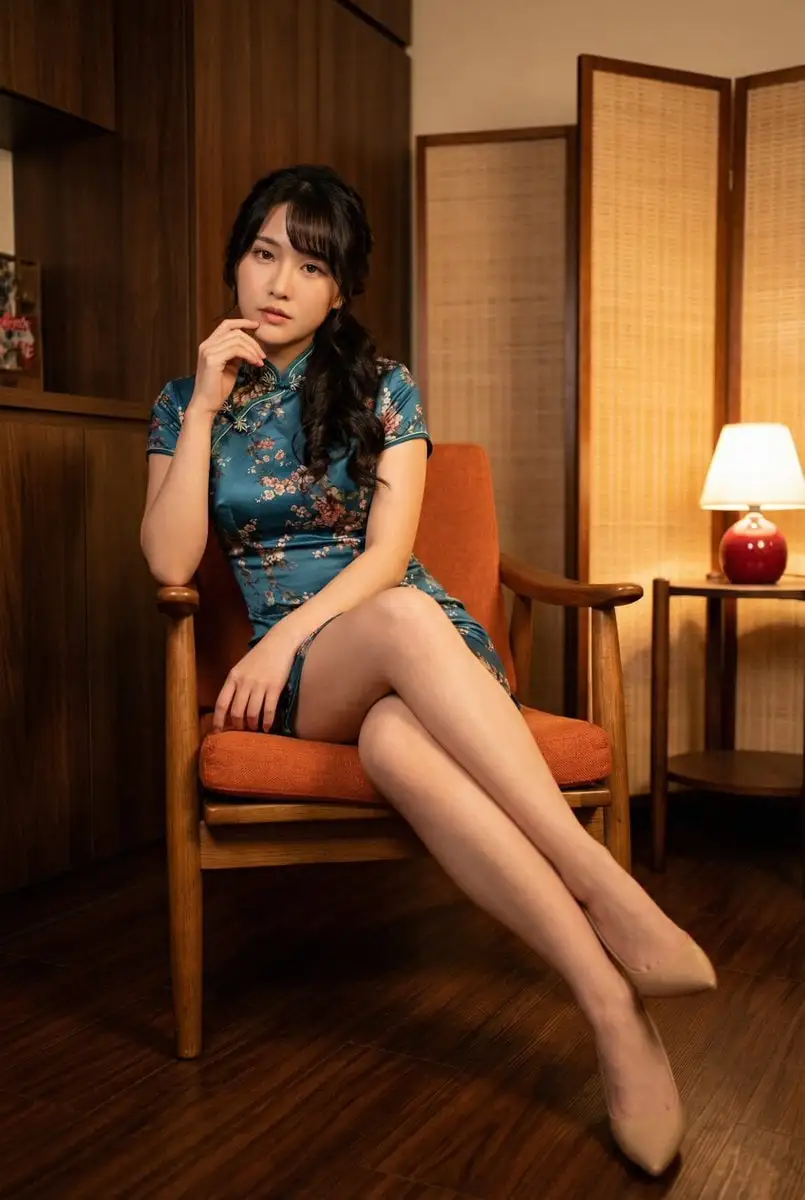
{ "subject": { "description": "A young adult woman sits e...
A surreal, high-concept masterpiece featuring “uploaded f...
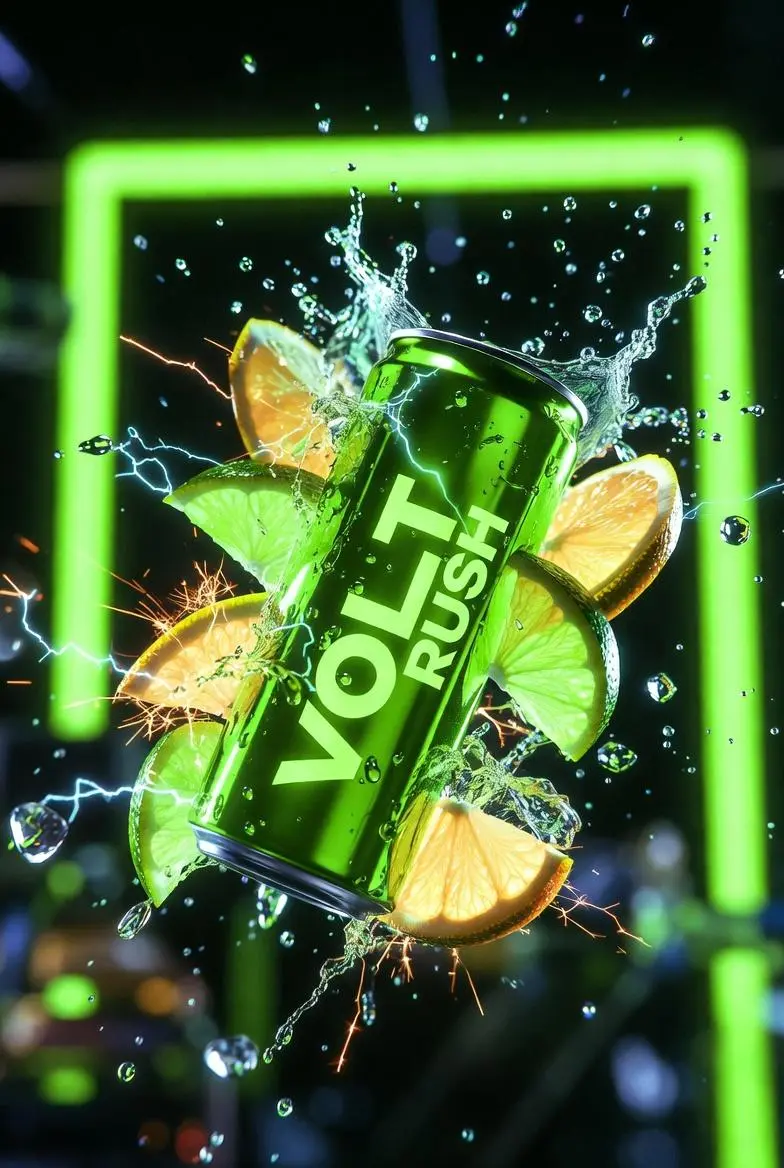
Ultra-cinematic product photography of a neon-green energ...
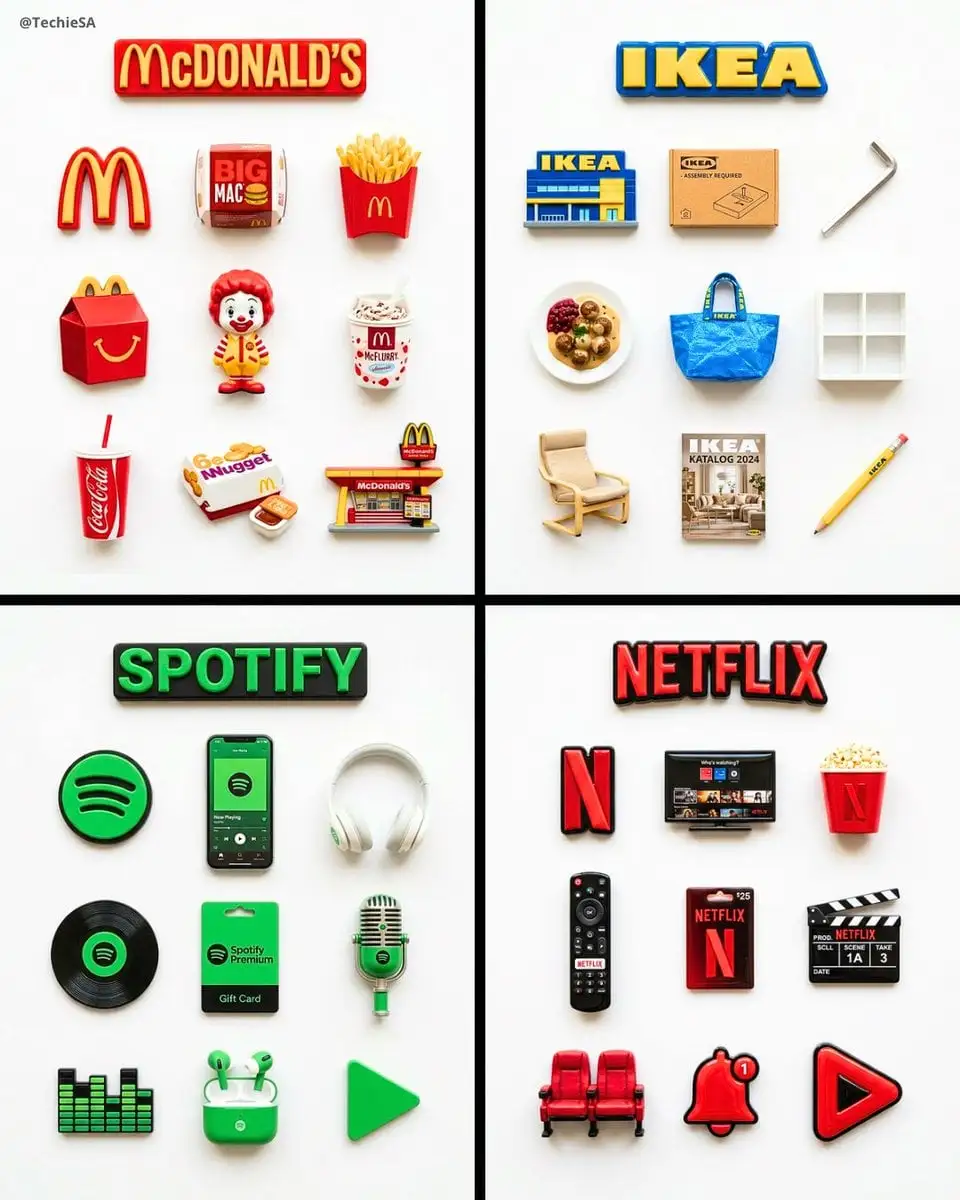
A flat-lay collection of exactly 9 hyper-realistic 3D res...
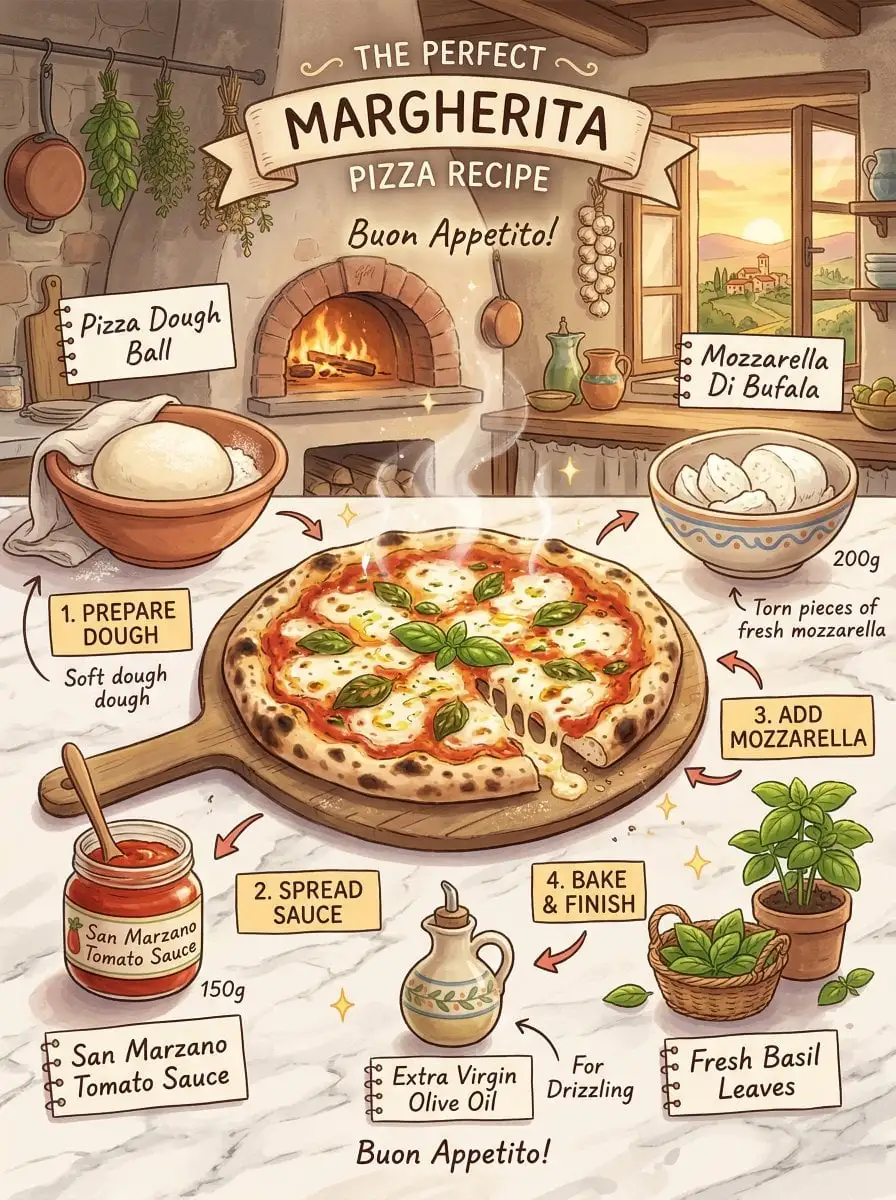
margherita pizza recipe infographic, Studio Ghibli inspir...
Do not change the facial features, proportions, hair colo...
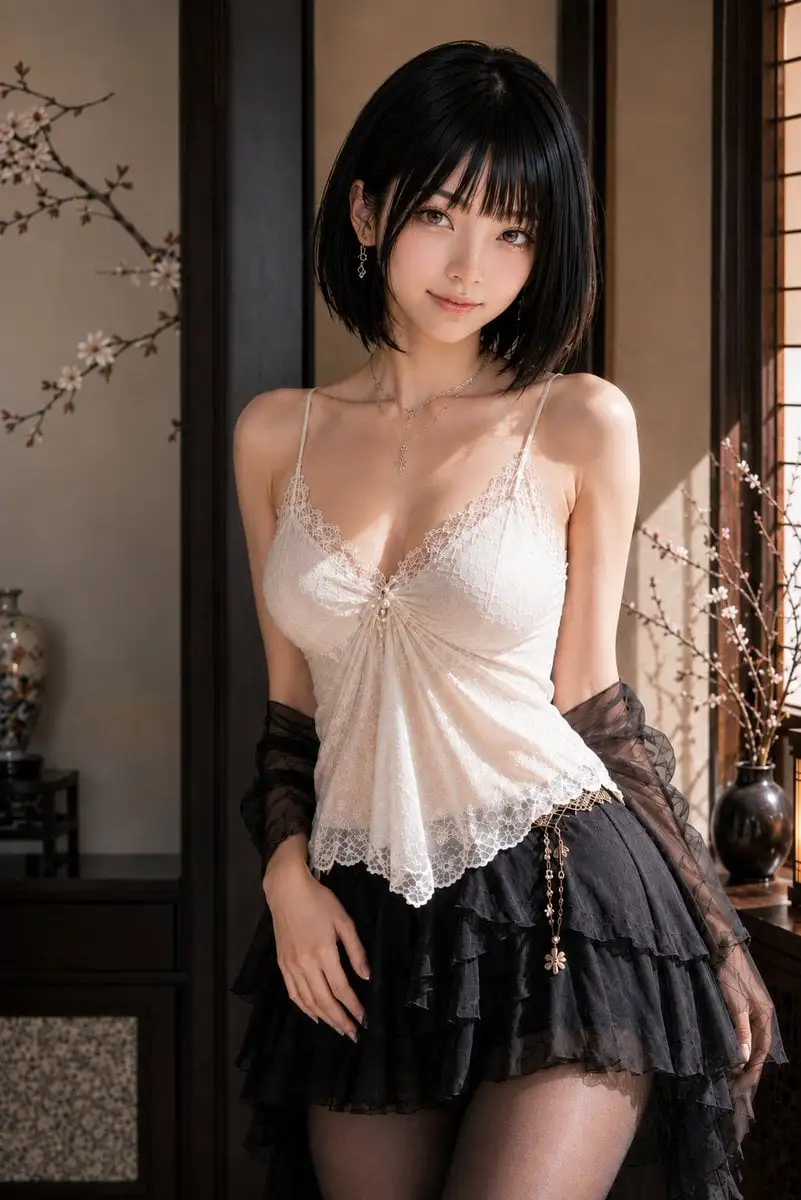
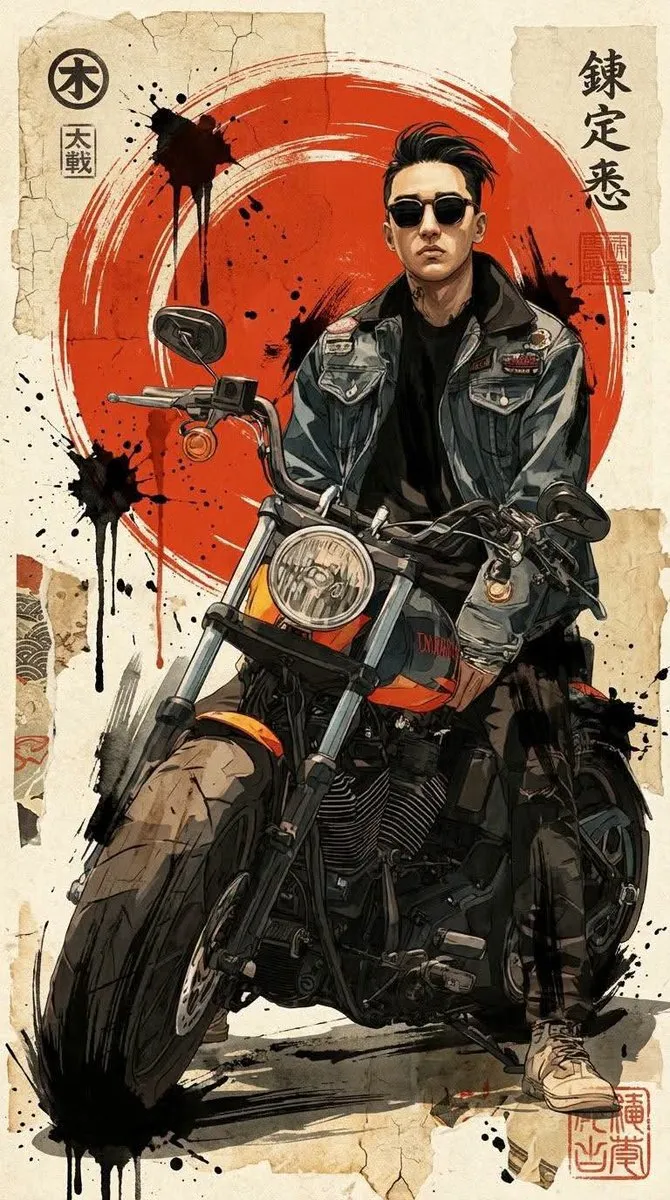
Contemporary neo-Japanese mixed-media portrait illustrati...
Create ONE final image.
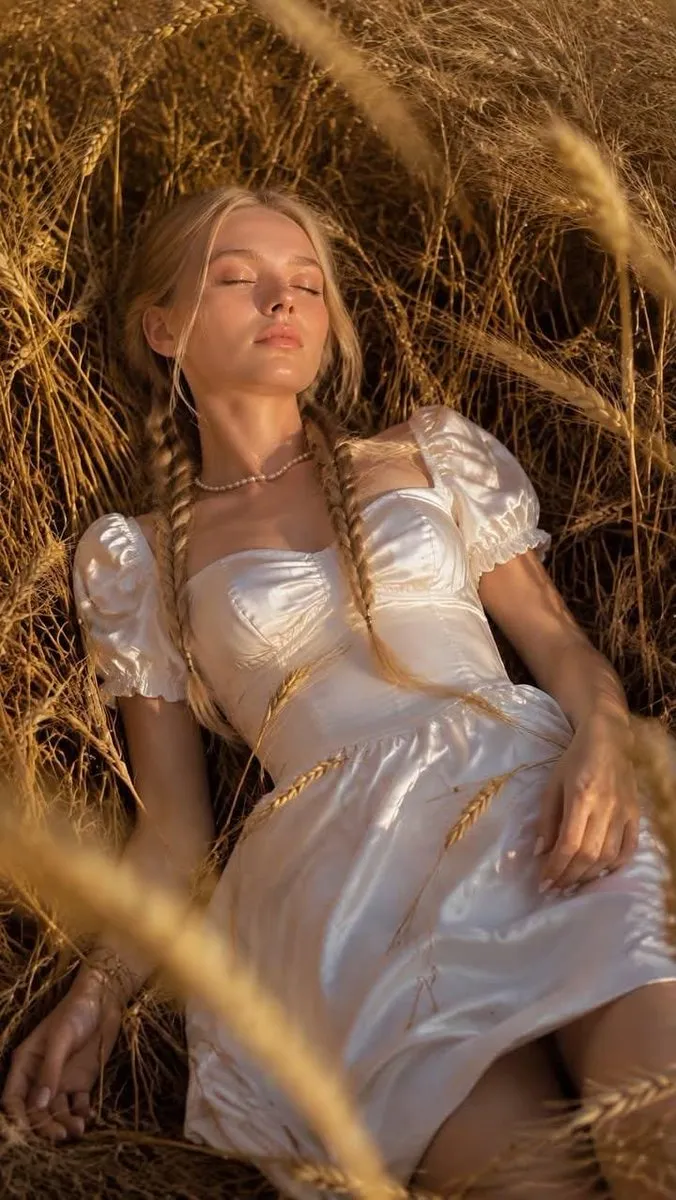
Ultra realistic lifestyle portrait of a beautiful young E...
I’m always impressed by Nano Banana pro’s understanding a...
• Concept: Artistic lifestyle, face preserved, tactile-pr...
Create a Portrait Master Object: Two passport-sized photo...
A cute 3D Pixar-style character portrait of a little girl...
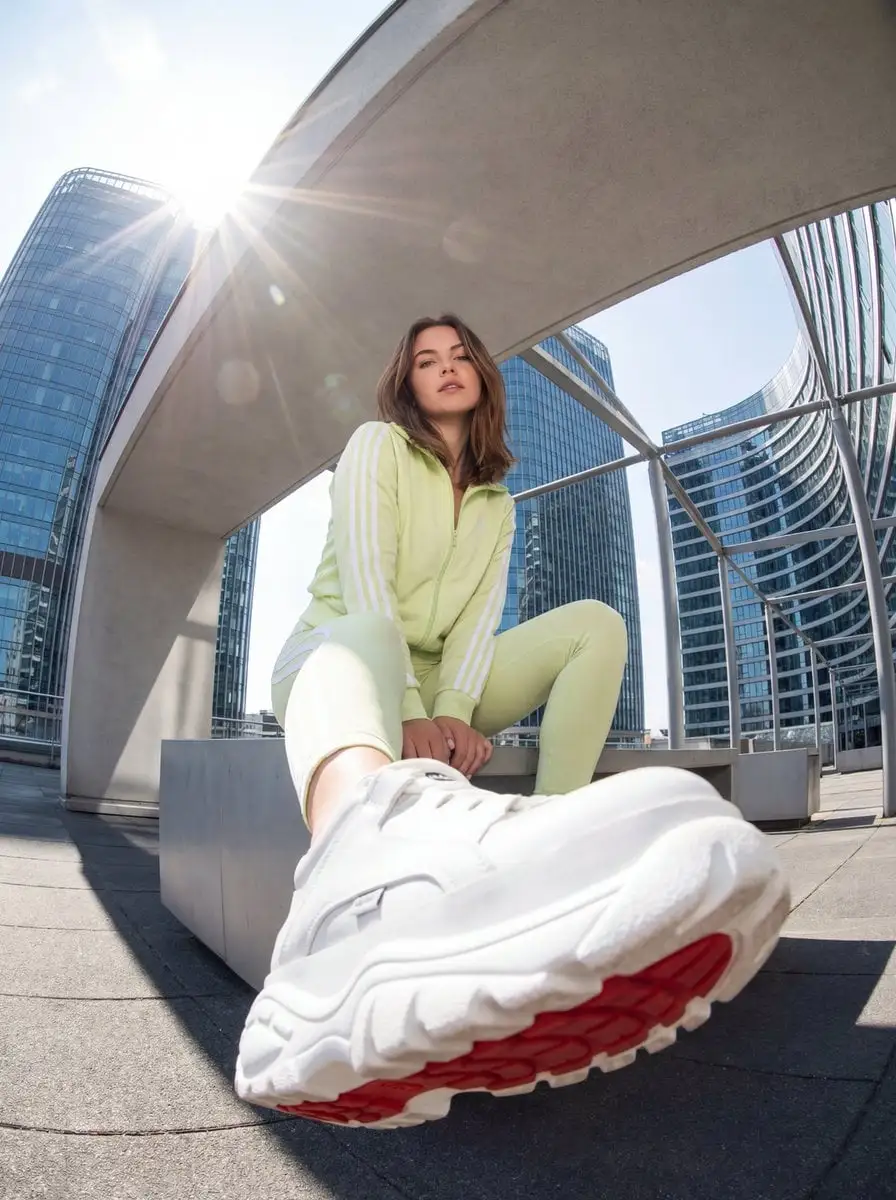
Create a hyper-realistic, high-detail studio photoshoot f...
A hyper-realistic cinematic close-up portrait (use upload...
A hyper-realistic 3D anatomical human [organ] made from s...
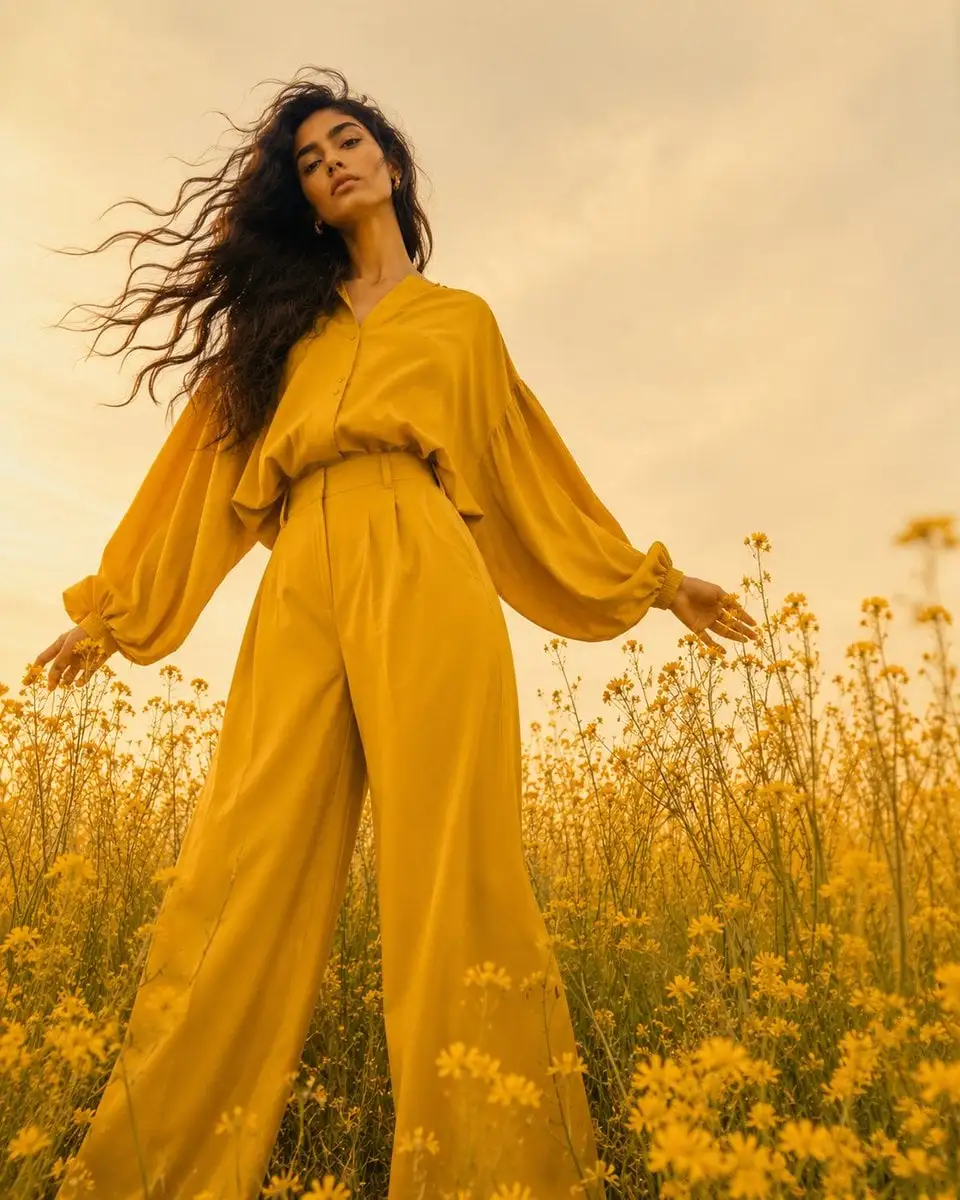
Full-body fashion editorial shot, woman in monochromatic ...
[BRAND NAME]: The core identity.
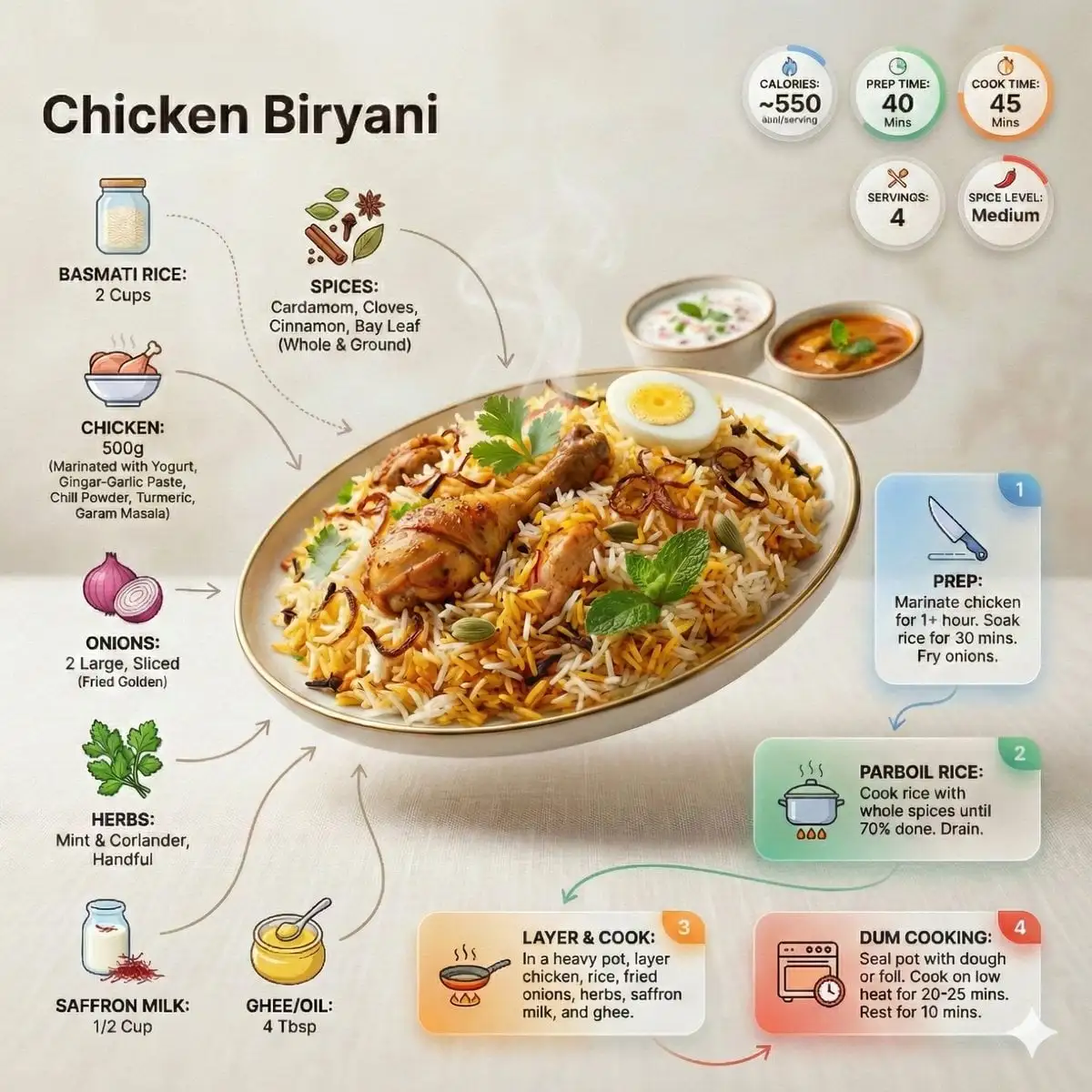
Ultra-clean modern recipe infographic. Showcase briyani i...
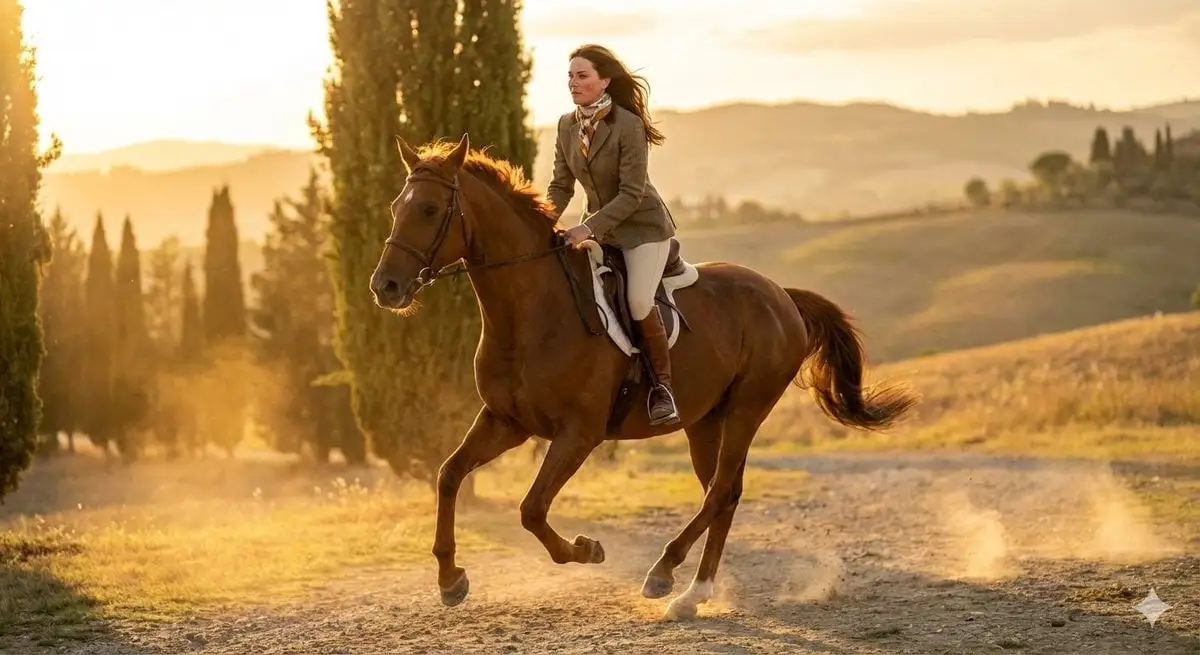
24-year-old female equestrian model riding a galloping ch...

Nano Banana Pro Prompts Prompts

Find inspiring examples for portraits, posters, products, infographics, typography, characters, and reference edits—then open and remix the full prompt.

About

About Nano Banana Pro Prompts

Start with an image you already like, then rebuild it around your own idea.

This Nano Banana Pro prompt collection helps you find inspiring ideas by showing the generated image before asking you to use its prompt. Instead of copying instructions blindly, you can judge the composition, text rendering, references, and visual style from the finished result.

Browse popular examples for portraits, posters, product mockups, advertisements, infographics, typography, character designs, architecture, localized graphics, and reference-based edits. The gallery brings together fresh discoveries from public creator communities, covering everything from polished commercial visuals to playful, cinematic, illustrated, and experimental styles.

Open an image to reveal its complete prompt, examine similar results, or select Use Idea to continue in GPTProto. Replace the person, product, brand, written text, language, setting, references, or style while preserving the structure you liked. After generating your own image, you can refine it further or turn it into a video through GPTProto’s image-to-video workflow.

Prompt Tips

Tips for Better Nano Banana Pro Results

Combine precise visual instructions, clearly assigned references, and accurate written content for more controlled professional images.

  1. Cover the core visual elements. Define the subject, composition, action, location, lighting, and style so the model understands both what should appear and how it should be presented.

  2. Assign a role to every reference. For example, preserve the face from Reference 1, use the outfit from Reference 2, and follow the lighting or composition from Reference 3.

  3. Separate requested changes from preserved details. State exactly what should change and what must remain unchanged, especially for faces, products, clothing, poses, backgrounds, and branded elements.

  4. Specify typography and language precisely. Provide the exact wording, language, placement, hierarchy, reading direction, and preferred visual treatment for every important piece of text.

  5. Include localization requirements. For region-specific visuals, define the market, currency, measurements, date format, cultural setting, platform, and other local conventions—not only the translated language.

  6. Supply real information for diagrams and infographics. Include the required labels, values, sequence, and relationships instead of asking for a generally “accurate” graphic. Verify factual details before publishing.

  7. Make targeted follow-up edits. Once the overall composition works, correct individual elements such as the text, product, background, pose, or color palette without rebuilding the entire image.

Frequently Asked Questions

What is this Nano Banana Pro prompt collection?

This Nano Banana Pro prompt collection is a visual library of popular image examples and their original prompts. It helps you evaluate the finished composition, typography, references, and style before copying or remixing the instruction behind it.

Is Nano Banana Pro the same as Gemini 3 Pro Image?

Yes. Nano Banana Pro is the creator-facing name commonly used for Google’s Gemini 3 Pro Image model. Searches for Gemini 3 Pro Image prompts, Nano Banana Pro prompts, and banana prompts may therefore refer to the same model.

Are the Nano Banana Pro prompts free to copy?

Yes. You can explore the Nano Banana Pro prompt gallery and copy its prompts for free. No account is needed just to browse the collection, but you must sign in when you want to generate an image through GPTProto. Generation itself may consume credits.

How do I use a Nano Banana Pro prompt from this page?

Open an example to reveal its complete prompt, then select Use Idea to move it into GPTProto. Replace the person, product, brand, wording, language, location, style, or references before generating. A finished image can also become the starting point for an image-to-video workflow.

What are the best Nano Banana Pro prompts to try?

Popular Nano Banana Pro prompts cover portraits, posters, advertisements, product mockups, infographics, typography, architecture, character designs, localized graphics, 3D scenes, and reference-based edits. Start with an example whose layout or visual logic already matches your goal, then personalize its content.

Can Nano Banana Pro prompts use reference images?

Yes. Nano Banana Pro supports image generation and reference-based editing. When using multiple references, explain what each one controls—for example, the face from one image, clothing from another, and lighting or composition from a third.

Is Nano Banana Pro good for text, infographics, and localized images?

These are among its most useful applications. Provide exact wording, language, layout, hierarchy, labels, and factual information instead of requesting a generally “accurate infographic.” For localization, also specify the target market, currency, measurements, date format, and cultural context.

How do I find new or popular Nano Banana Pro prompts?

Use the Newest tab for recently added examples, Popular for widely explored ideas, and Featured for selected inspiration. The collection is refreshed regularly as new prompt styles and community experiments appear.

Why does the same Nano Banana Pro prompt produce a different image?

A copied prompt preserves the idea, not every pixel. Different reference images, settings, aspect ratios, prompt edits, model changes, and normal generation variation can alter the result. Keep the composition or style you liked, then change one important variable at a time.

What Creators Are Saying

Real feedback from image creators using Nano Banana Pro prompts.
Alex Chen

Content Creator

The curated prompts saved me hours of trial and error. I clicked one, tweaked the text, and got a stunning image in minutes.

Maria Santos

Graphic Designer

Random prompt is my favorite — it's like a creativity slot machine. Every pick sparks a new idea I wouldn't have thought of.

James Park

Art Director

Finally a prompt library that actually works with the model. No more guessing what Nano Banana Pro wants in the prompt.