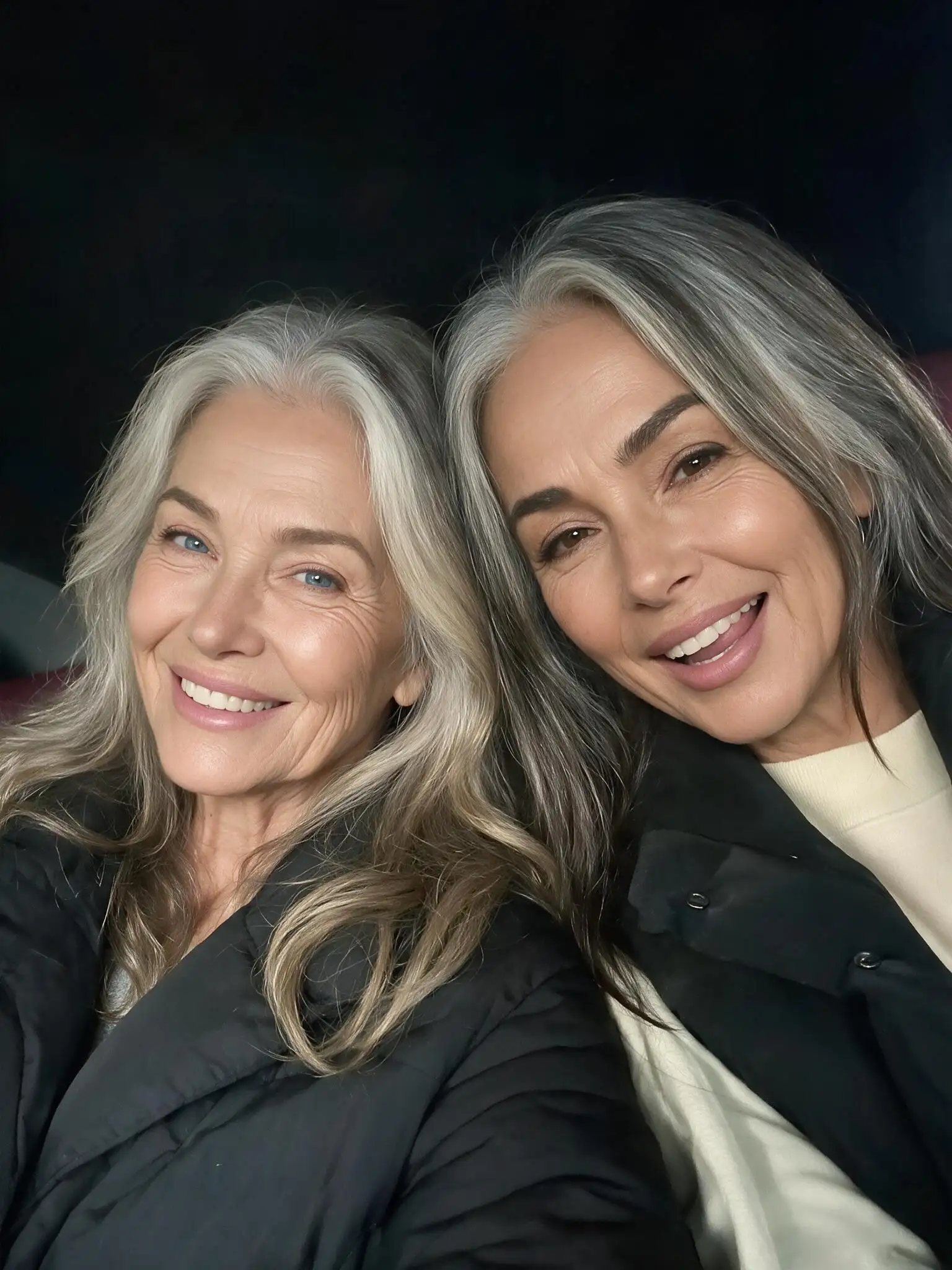
AI Age Filter
Upload a portrait or start with a text prompt to create an older, younger, teen, or baby version. Choose an example to load its prompt, adjust the age and details, and generate your result online.
Upload one couple photo or two separate portraits and turn them into a short, romantic kiss video. The AI French kissing generator brings both people into the same moment and creates the approach and kiss without manual video editing.
Examples
Choose an example to load its preset into the generator. Upload one couple photo or two separate portraits, then create the same French kiss style with your own images.
Ideas
Use the AI French kiss generator for couple memories, romantic edits, original fictional scenes, and short-form video concepts created with adults who have agreed to appear.
Animate an engagement, wedding, travel, or anniversary photo as a short romantic kiss video that can be saved privately or shared with your partner.
Upload two separate portraits when you do not have a photo together. The generator uses both people as visual references and places them in one shared moment.
Create a short French kiss AI video for a romantic post, Reel, Short, story, or personal message without building the motion manually in a video editor.
Visualize an adult romance scene for an original character concept, comic, game cutscene, book trailer, or storyboard before producing the complete sequence.
What It Is
An AI French kissing generator is a photo-to-video tool that creates a short kissing animation from one couple photo or two separate adult portraits. Instead of drawing frames or setting keyframes manually, you upload the source image or images and let the video model generate the approach, head movement, expressions, and kiss.
If both people are already together in one photo, the tool animates that existing composition. If you upload two separate portraits, it uses each portrait as a visual reference while composing the two adults into one scene. The result is generated video rather than a still-image filter, so appearance and fine details may vary between generations.
The GPTProto AI French kissing generator runs online and uses a fixed workflow. You do not need to write a technical prompt or learn a video-editing timeline: upload the images, optionally select an example preset, and generate.
One or Two Photos
Both input routes can create an AI French kiss video, but the best choice depends on the photos you already have.
Choose this route when both adults already appear together in the same image. A close or upper-body photo usually provides clearer facial references than a distant full-body shot. Keep both faces visible and leave enough room for the generated head movement.
Because the original image already contains the couple, their relative scale, lighting, clothing, and background are established before generation. This makes it a practical option for wedding portraits, anniversary photos, travel pictures, and existing couple selfies.
Choose this route when the two adults were photographed separately. Upload one portrait for each person. The generator uses the two photos as references while placing both people into a shared composition and creating the kissing motion.
For a more coherent result, use portraits with similar head size, camera angle, lighting, and image quality. Two front-facing or slightly turned upper-body portraits are easier to combine than one close-up selfie and one distant full-body photo.
Better Results
The photos you upload affect facial consistency, body positioning, and how naturally the two people can be brought together.
Use clear, visible faces: Choose photos where the eyes, nose, mouth, jawline, and hairstyle can be seen without heavy blur or compression.
Match two separate portraits: Use a similar aspect ratio, head size, camera height, and left-or-right head angle for both people.
Prefer close or upper-body framing: A tight couple shot gives the model more facial detail and less unrelated background to reconstruct than a wide group photo.
Choose soft, even lighting: Avoid strong backlighting, deep facial shadows, colored light across the face, or one portrait that is much darker than the other.
Reduce facial obstructions: Sunglasses, masks, hands, microphones, large props, heavy hair coverage, and extreme beauty filters can hide useful reference details.
Keep the frame focused on two adults: Crop out extra people when possible. A busy group photo makes it less clear which two subjects should be animated.
Leave room for movement: Avoid crops that cut tightly through the chin, forehead, or shoulders. A little surrounding space gives the generated lean-in more room.
Review important details: Check both faces, the mouth area, hairlines, hands, jewelry, clothing edges, and the background before downloading or sharing the result.
Responsible Use
Create videos only with consenting adults and images you have the right to use. Do not upload photos of minors, public figures, strangers, or anyone who has not agreed to appear in an intimate AI-generated scene.
Do not present a generated kiss video as evidence that a real event occurred. Avoid deceptive, harassing, defamatory, or non-consensual uses, and review the result before publishing it. If you are working with fictional characters, use original or properly licensed character artwork and keep the subjects clearly adult.
Prepare your source images, animate other movements, or continue building a longer video with related GPTProto tools.
Upload a portrait or start with a text prompt to create an older, younger, teen, or baby version. Choose an example to load its prompt, adjust the age and details, and generate your result online.
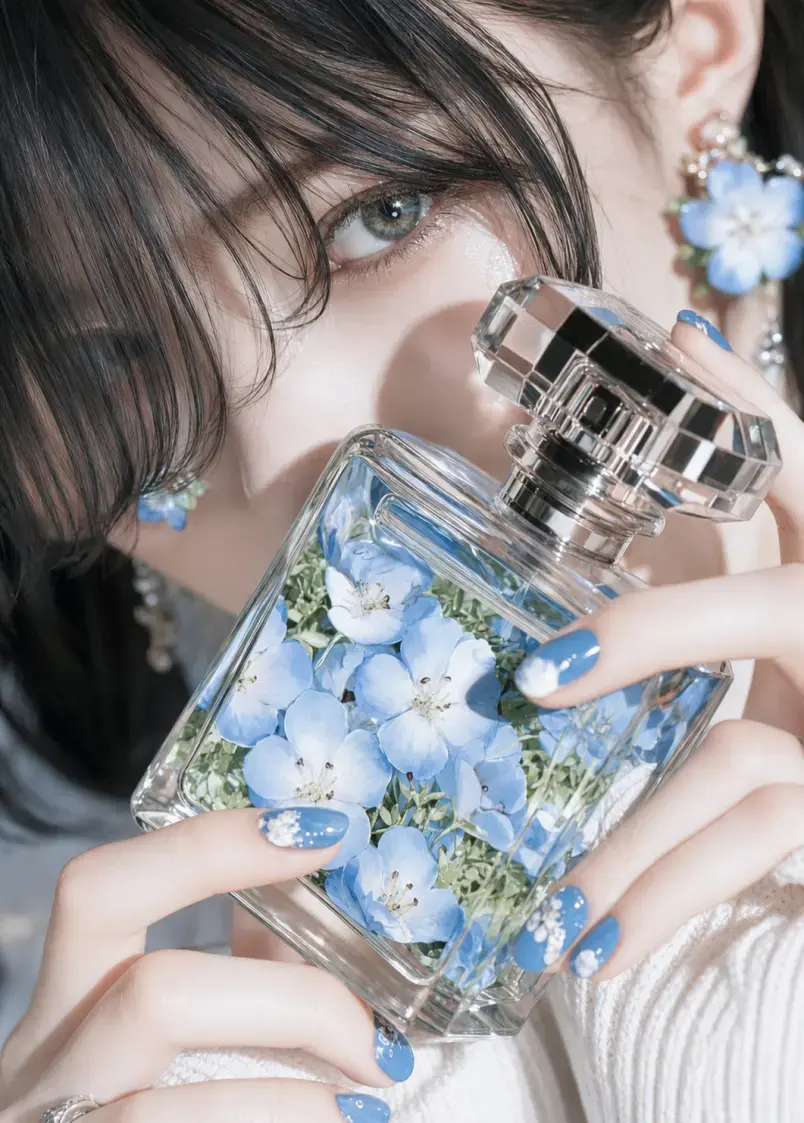
Upload anime, manga, cartoon, or OC artwork and generate a realistic human interpretation while keeping the hairstyle, expression, outfit, color palette, and other defining visual details.


Upload a photo, describe what you want to change, and let AI edit the image online. Remove or replace objects, change backgrounds, adjust lighting, restyle scenes, and create new variations with simple text instructions.
Transfer dance, gestures, and body movement from a reference video to your character image. Create a custom AI motion video with two uploads and one click — no prompt or motion-capture setup required.
Compare 7 third-party Midjourney API providers by pricing, access type, and risk. See the best picks for hosted, BYO, and multi-model workflows.
Compare 8 unrestricted AI photo editors for online, local, free, and image-to-image editing, including pricing, privacy, and key limits.
Learn how to turn an anime image into a realistic transformation video with matched first and last frames, prompts, sound, and editing tips.
Compare the best Chinese AI video models of 2026, including Seedance, MiniMax H3, Wan 3.0, Kling and Vidu, for text, image and reference video.
From personal couple edits to fictional story concepts, creators use the AI French kissing generator to test a romantic moment without manually animating every movement.