Anime to Real Life AI
Upload anime, manga, cartoon, or OC artwork and generate a realistic human interpretation while keeping the hairstyle, expression, outfit, color palette, and other defining visual details.
Создавайте концепции упаковки и макеты товаров по текстовому запросу, загруженному изображению или их сочетанию. Исследуйте новые варианты оформления коробок, бутылок, дой-паков, этикеток и материалов для электронной коммерции, не начиная каждую идею с чистого листа.
Примеры
Посмотрите, как текстовый запрос или референсное изображение превращают идею товара в новое направление упаковки, обновлённую этикетку или презентацию для электронной коммерции.
Идеи для дизайна
Используйте преобразование текста в изображение для новой идеи или преобразование изображения в изображение, если хотите, чтобы результат следовал существующему товару, упаковке или визуальному референсу.
Опишите товар, формат упаковки, аудиторию, цвета, материалы, графический стиль и желаемую презентацию. Генератор превращает эти сведения в новую визуальную концепцию для предварительного поиска идей, мудбордов или обсуждения бренда.
Загрузите существующую упаковку и объясните, что нужно изменить. Исследуйте новые цветовые системы, графику, направление типографики, виды отделки или позиционирование бренда, используя видимую форму упаковки, ракурс, освещение и композицию как референсы.
Добавьте концепцию этикетки на пустую бутылку, банку, дой-пак или коробку. Опишите форму этикетки, цвета, материал, визуальную иерархию и направление бренда, чтобы она естественнее выглядела на поверхности товара.
Превратите обычное изображение товара в более аккуратную презентацию для электронной коммерции или кампании. Добавьте согласованный фон, подиум, реквизит, тени и освещение, попросив генератор сохранить важные детали товара максимально близкими к загруженному референсу.
What it is
An AI packaging design generator creates new package visuals from written descriptions, reference images, or a combination of both. It can help brands, designers, marketers, and product teams explore packaging directions before spending time on detailed production artwork.
Text-to-image generation is useful when you are starting with an idea. Image-to-image generation is useful when you already have a product photo, package, label, or sketch and want to test a different visual direction. The output can support mood boards, concept reviews, pitches, ecommerce images, and product launch planning.
The tool generates raster images rather than editable structural packaging files. It does not calculate package dimensions, engineer a container, or create a production dieline. Treat each result as a visual concept or product mockup that may need further design work.
Choose the input route that matches how much material you already have.
Text to Image: Enter a written description to create an original packaging concept from scratch. Include the product, package format, target customer, brand style, colors, materials, graphic elements, and the type of mockup or setting you want to see.
Image to Image: Upload a product photo, existing package, flat label, sketch, or visual reference and explain the intended change. State which details should remain close to the source, such as the package shape, product position, camera angle, main colors, or background.
Packaging Types
The generator can visualize many common packaging formats and product categories, as long as the requested form and important details are described clearly.
Boxes and Cartons: Explore folding cartons, rigid boxes, mailer boxes, gift boxes, sleeves, and other box-based concepts for retail products, subscriptions, gifts, and direct-to-consumer orders.
Bottles, Jars, and Cans: Create packaging visuals for beverages, skincare, cosmetics, supplements, sauces, candles, and household products using glass, plastic, aluminum, or other visible material directions.
Pouches, Bags, and Flexible Packaging: Test stand-up pouches, coffee bags, snack packaging, refill packs, sachets, and other flexible formats with different color systems, illustrations, patterns, and finishes.
Labels and Sleeves: Apply label or sleeve concepts to blank products, or explore a new visual hierarchy for an existing bottle, jar, can, cup, or container.
Common use cases include food and beverage packaging, cosmetics and skincare, supplements and wellness products, ecommerce goods, and early concepts for DTC brands.
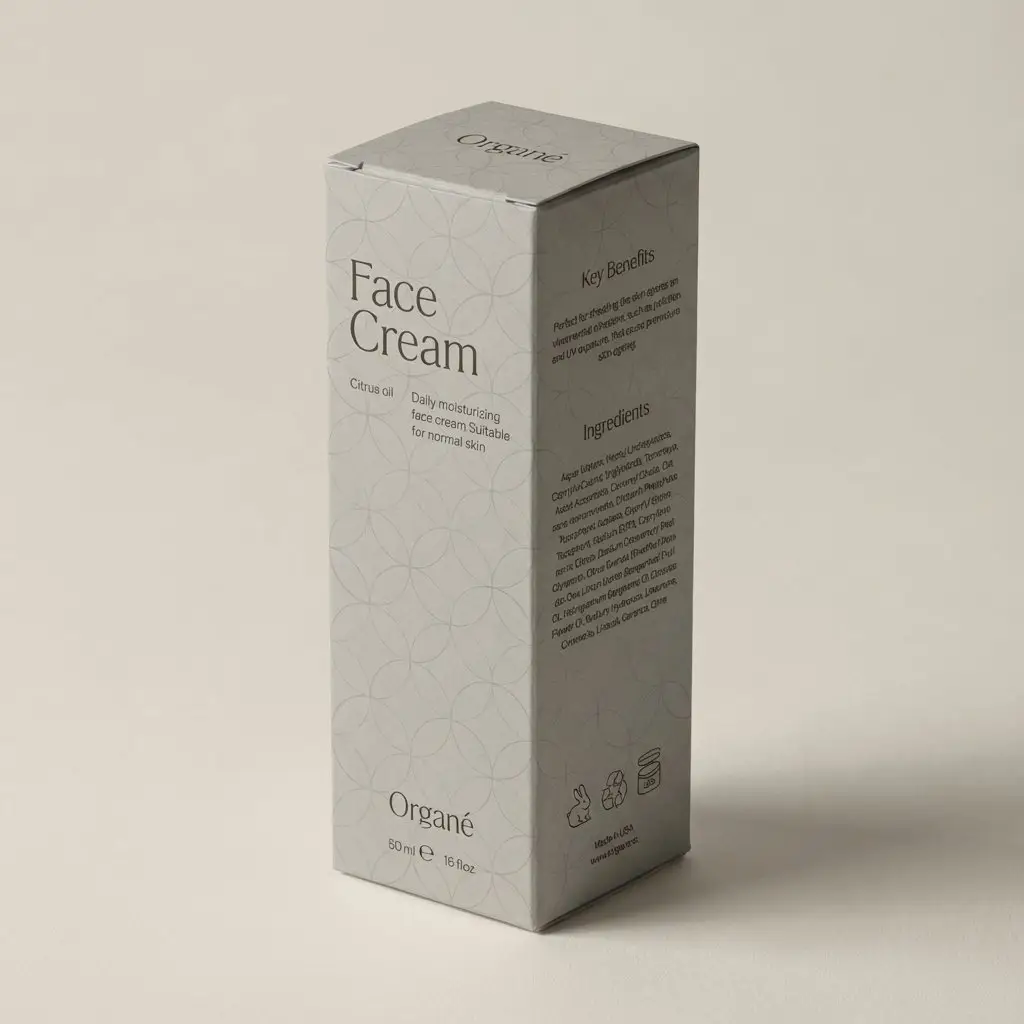
Prompt tips
Clear prompts help the generator understand both the package you want and the way it should be presented.
Prompt Formula: Product + packaging format + target audience + brand style + colors + materials + required visual elements + mockup setting
Name the product and format: Specify whether you need a coffee pouch, skincare bottle, beverage can, shipping box, jar label, or another package type.
Define the audience and position: Add cues such as premium, playful, family-friendly, eco-conscious, minimalist, youthful, or clinical when they genuinely fit the product.
Describe colors and materials: Mention paper, cardboard, glass, aluminum, matte plastic, foil, embossing, transparent labels, or other visible finishes.
List essential visual elements: Include the logo area, product name, illustration style, pattern, color hierarchy, or flavor cues that should influence the image.
Set the presentation: Ask for a front view, 45-degree angle, studio mockup, retail shelf scene, ecommerce product image, or campaign composition.
For image-to-image edits, say what should remain: Identify the package shape, product position, camera angle, lighting, or background when those details matter.
AI to Real
AI-generated packaging is useful for exploring directions and communicating an idea, but a visual result is not automatically a print-ready file.
Brand names, logos, and small text: Check spelling, spacing, alignment, and trademarked elements. Rebuild important typography and logos with the correct source files.
Product and legal information: Verify ingredients, nutrition facts, warnings, net quantity, barcodes, certification marks, contact details, and any category-specific claims.
Structure and dielines: Confirm dimensions, folds, cut lines, glue areas, closures, and how the artwork maps to the actual package with a packaging designer, manufacturer, or printer.
Print preparation: Set the correct bleed, safe area, color mode, image resolution, fonts, spot colors, and finishing instructions in the final production file.
Materials and finishes: Check whether the proposed paper, plastic, glass, metal, foil, embossing, coating, or transparency can be produced within the project budget.
Food, cosmetic, supplement, and wellness packaging may be subject to additional labeling rules in the markets where the product is sold. Complete the relevant legal and regulatory review before printing or distribution.
Продолжайте улучшать изображение упаковки с помощью связанных инструментов GPTProto.


Upload anime, manga, cartoon, or OC artwork and generate a realistic human interpretation while keeping the hairstyle, expression, outfit, color palette, and other defining visual details.

Загрузите фотографию и опишите, что именно вы хотите убрать. Удаляйте нежелательных людей, текст, лишние детали, провода, реквизит или наложения, пока AI восстанавливает очищенную область, чтобы она соответствовала окружающей сцене.


Загрузите фотографию, опишите, что хотите изменить, и позвольте ИИ отредактировать изображение онлайн. Удаляйте или заменяйте объекты, меняйте фон, настраивайте освещение, меняйте стиль сцен и создавайте новые вариации с помощью простых текстовых инструкций.


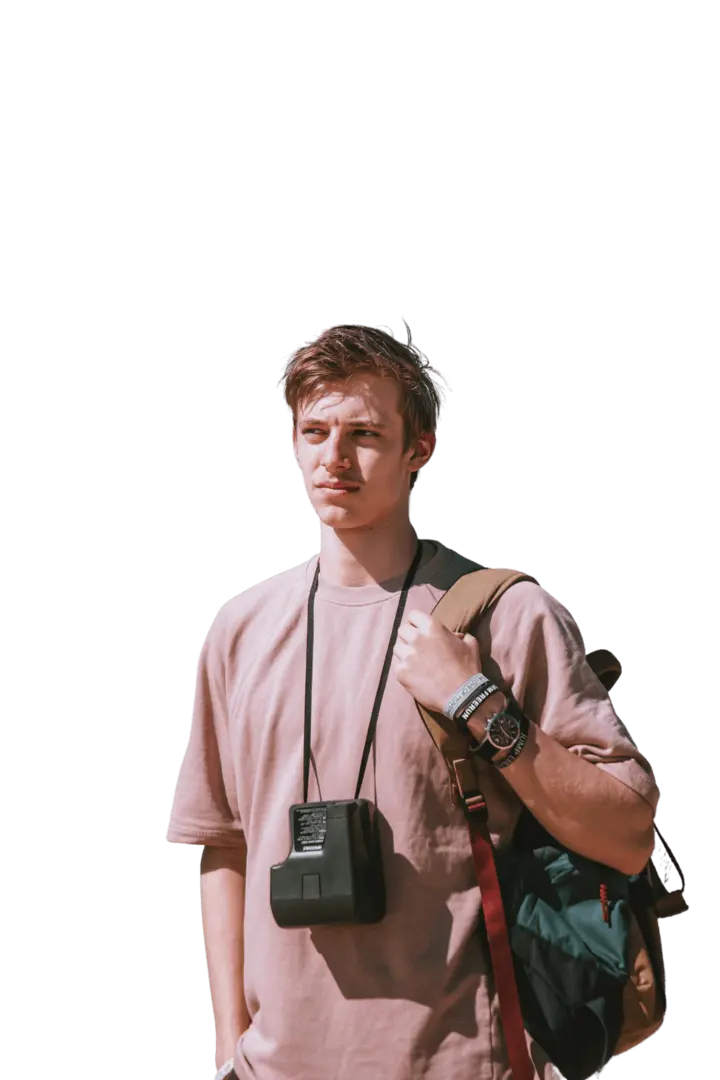
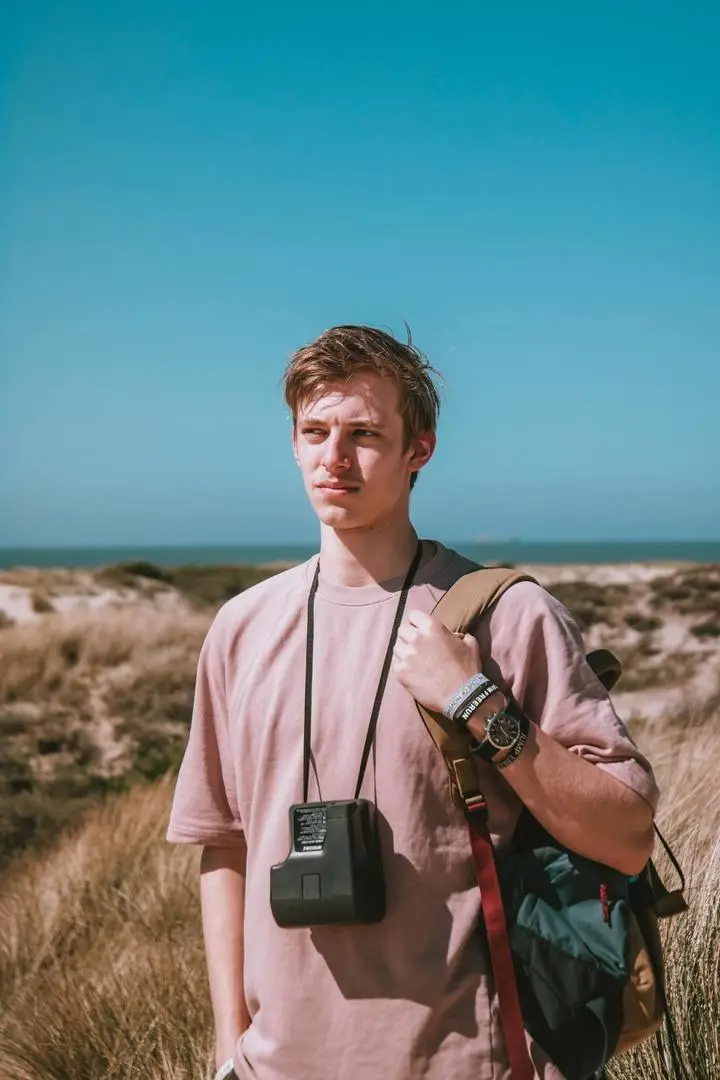
Загрузите любое изображение и вырежьте объект в один клик. ИИ удалит фон и выдаст вам чистый прозрачный PNG — без промтов, ручной маскировки и навыков дизайна.

Скопируйте 15 промптов Nano Banana Pro для редактирования фотографий: исправление лица, замена фона, удаление объектов, очистка фотографий товаров и расширение изображения.

Скопируйте 20 лучших промптов Nano Banana Pro на 2026 год с примерами для электронной коммерции, рекламы, портретов и редактирования изображений, а также переменными и советами по исправлению.

Узнайте, как пошагово создавать реалистичные AI-влоги с едиными персонажами, несколькими сценами, закадровым голосом, субтитрами и звуком — без ручного видеомонтажа.

Скопируйте 20 бесплатных промптов Seedream 5.0 Pro для дизайна коробок и этикеток, линеек SKU, изображений для электронной коммерции, макетов на полке и рекламных кампаний.
От первых идей до визуальных материалов для запуска товара — генератор сокращает путь между письменным направлением и изображением, которое можно обсуждать и оценивать.