Как мы ранжировали самые дешёвые генераторы ИИ-изображений
Я ранжировал эти модели по минимальной стоимости генерации одного изображения через GPT Proto, но одной цены было недостаточно, чтобы определить, для чего каждая модель подходит. Три правила сделали сравнение полезным.
Во-первых, модель должна быть доступна для вызова через GPT Proto на текущий момент. Дешёвая модель, которая есть в каталоге, но не может выполнить запрос, — это не рекомендация.
Во-вторых, конфигурация вывода должна быть видна. Черновик низкого качества 1024×1024 не эквивалентен напрямую изображению 2K или 4K. Поэтому таблица указывает как начальную цену, так и соответствующий уровень вывода.
В-третьих, я разделил стоимость запроса и стоимость пригодного изображения:
Стоимость запроса = цена одного запроса на генерацию

Эффективная стоимость за пригодное изображение
= общие расходы на генерацию, повторные попытки, редактирование и апскейлинг
÷ количество изображений, которые вы действительно можете опубликовать
Это сравнение в первую очередь по цене, а не тест качества на одинаковых промптах. Когда я рекомендую модель для определённой задачи, эта рекомендация основывается на её опубликованных входных данных, вариантах вывода и структуре оплаты, а не на выдуманном показателе успеха.
6 самых дешёвых генераторов ИИ-изображений: краткий обзор
| Место |
Модель |
Начальная стоимость |
Вывод за эту цену |
100 изображений |
1 000 изображений |
10 000 изображений |
Лучше всего для |
| 1 |
GPT Image 1 Mini |
≈ $0.0035* |
Низкое качество 1024×1024 |
≈ $0.35 |
≈ $3.50 |
≈ $35.00 |
Черновики и тестирование промптов |
| 2 |
Nano Banana 2 Lite |
$0.0202 |
1K |
$2.02 |
$20.20 |
$202.00 |
Предсказуемые нагрузки стартапа |
| 3 |
Kling Image O1 |
$0.0224 |
1K |
$2.24 |
$22.40 |
$224.00 |
Изображения с опорой на референс |
| 4 |
Seedream 4.0 |
$0.0255 |
2K |
$2.55 |
$25.50 |
$255.00 |
Недорогое производство в 2K |
| 5 |
Seedream 5.0 Lite |
$0.0298 |
2K |
$2.98 |
$29.80 |
$298.00 |
Более новый недорогой маршрут Seedream |
| 6 |
Nano Banana 2 |
$0.0402 |
1K |
$4.02 |
$40.20 |
$402.00 |
Более широкий рабочий процесс производства |
*GPT Image 1 Mini работает на основе токенов. OpenAI указывает изображение 1024×1024 низкого качества за $0.005, а GPT Proto указывает токены вывода изображений на 30% ниже прямой ставки. Таким образом, приблизительная цифра $0.0035 — это начальная оценка для такой конфигурации, а не фиксированная цена для каждого изображения. Ввод промпта, более высокое качество и большие размеры увеличивают стоимость. Итоговые суммы для партий выше предполагают один запрос на каждое сохранённое изображение, без повторных попыток, редактирования или апскейлинга.
1. GPT Image 1 Mini: самый дешёвый для черновиков и тестирования промптов
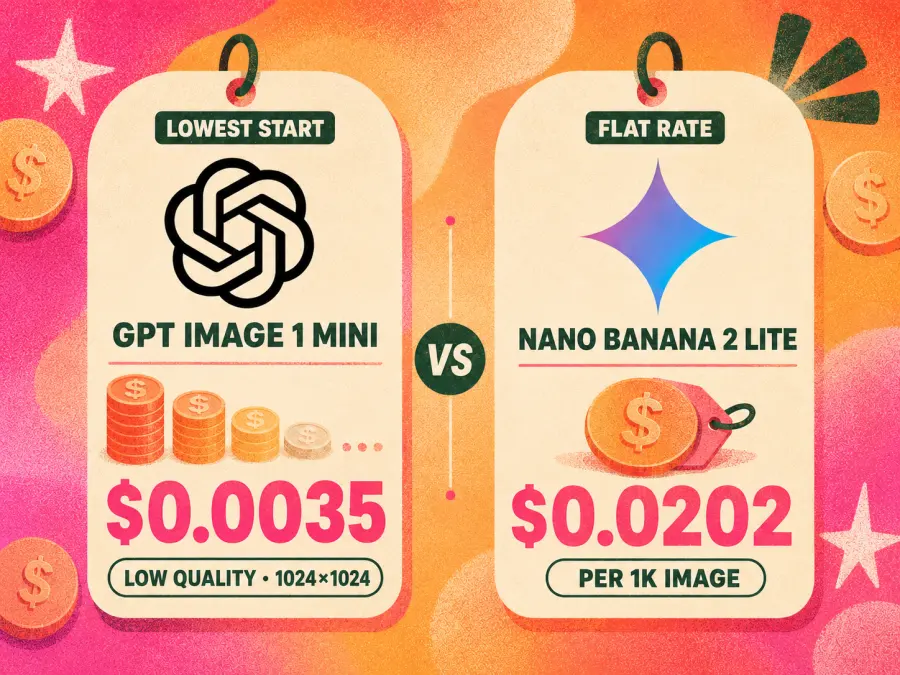
GPT Image 1 Mini — самая дешёвая отправная точка в этом списке. OpenAI описывает её как экономичную версию GPT Image 1, которая принимает текст и изображения на вход. Она предлагает низкое, среднее и высокое качество при 1024×1024, 1024×1536 и 1536×1024. Согласно опубликованному тарифу OpenAI, квадратное изображение низкого качества стоит $0.005; GPT Proto указывает базовую ставку вывода изображений на уровне $5.60 за миллион токенов вместо $8.00. Это даёт эквивалентную начальную стоимость вывода примерно $0.0035, не считая сравнительно небольшой платы за ввод промпта.
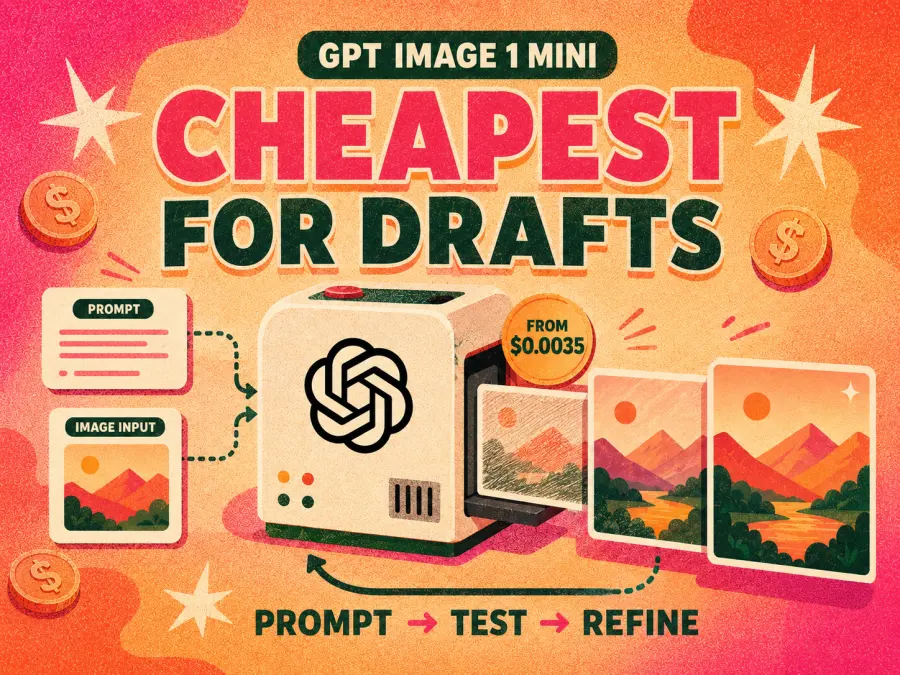
Привлекательность очевидна. Команда может использовать её, чтобы отсеивать слабые промпты, сравнивать композиции, создавать временную графику или делать множество ранних вариантов, не тратя на каждую попытку цены производственной модели.
Но есть и столь же важный нюанс: у GPT Image 1 Mini нет единой универсальной цены за изображение. Портрет или пейзаж высокого качества стоит больше, чем квадратный черновик низкого качества. Её более лёгкое позиционирование также означает, что её не следует считать прямой заменой премиальной модели изображений, когда важны мелкий текст, детализация поверхности или финальный фотореализм.
Мой вердикт: выбирайте GPT Image 1 Mini, когда объём итераций важнее максимальной детализации финального изображения. Это самый дешёвый стартовый вариант, но не обязательно самое дешёвое готовое изображение.
2. Nano Banana 2 Lite: самый дешёвый предсказуемый вариант с фиксированной ставкой
Nano Banana 2 Lite стоит $0.0202 за генерацию 1K в GPT Proto. Она принимает на вход либо текст, либо изображение, поэтому один и тот же маршрут может поддерживать новые изображения и изменения по изображению. В отличие от GPT Image 1 Mini, её входная цена не привязана к выбору качества или переменному количеству выходных токенов.
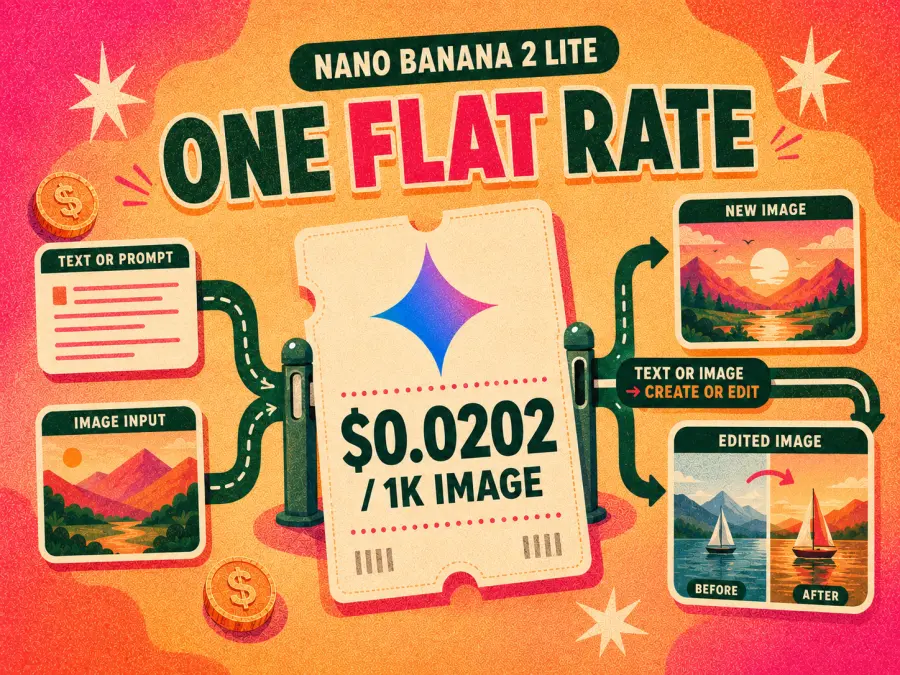
Такая предсказуемость ценна для стартапа. При опубликованной ставке 1 000 запросов стоят $20.20, а 10 000 — $202 без учёта повторных попыток. Продуктовая команда может привязать это число к лимиту функции или тарифу клиента, не оценивая сначала, сколько выходных токенов может потребить каждый запрос.
Компромисс — разрешение. Nano Banana 2 Lite — это маршрут 1K; она не предлагает варианты вывода 2K и 4K, указанные для полной модели Nano Banana 2. Если каждое сгенерированное изображение позже нужно увеличивать, заявленная цена $0.0202 перестаёт рассказывать всю историю.
Мой вердикт: GPT Image 1 Mini стартует дешевле, но Nano Banana 2 Lite — самый чистый ответ, когда «самый дешёвый» означает стабильную и легко прогнозируемую удельную стоимость.
3. Kling Image O1: самый дешёвый для изображений с референсами
Kling Image O1 стоит $0.0224 за изображение 1K — всего на $0.0022 больше, чем Nano Banana 2 Lite. Он поддерживает как текстовый, так и графический ввод, а документация Kling допускает до 10 референсных изображений для задач с участием субъекта, сцены, стиля или других визуальных ограничений.
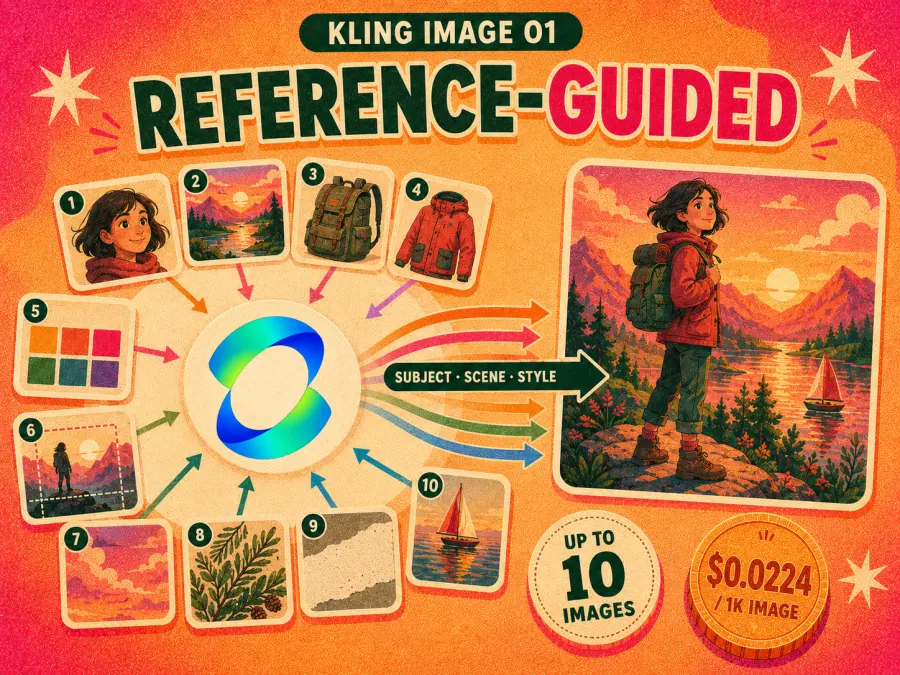
Это делает его интереснее, чем предполагает его третье место в ценовом рейтинге. Продукт, которому нужно перенести персонажей, объекты или визуальное направление из предоставленных изображений, может получить больше пользы от маршрута, ориентированного на референсы, чем от самого дешёвого запроса на генерацию изображения по тексту.
Но есть и ограничение. Указанный уровень выходного разрешения — 1K, и в этой статье нет контролируемого теста с одинаковым промптом, доказывающего, что Kling даёт больше пригодных результатов, чем два более дешёвых варианта. Рекомендация условная: выбирайте его потому, что вам нужен его рабочий процесс с референсами, а не потому, что таблица цен доказывает лучшее качество изображений.
Мой вердикт: доплачивать $2.20 за 1 000 изображений по сравнению с Nano Banana 2 Lite разумно, когда референсные изображения играют центральную роль в задаче. Для обычных черновиков text-to-image более дешёвые варианты по-прежнему проще оправдать.
4. Seedream 4.0: самый дешёвый генератор изображений 2K
Seedream 4.0 стоит $0.0255 за изображение 2K на GPT Proto. Это первое крупное изменение спецификации в рейтинге: Nano Banana 2 Lite и Kling Image O1 указаны с 1K, тогда как Seedream 4.0 достигает 2K примерно за два с половиной цента.
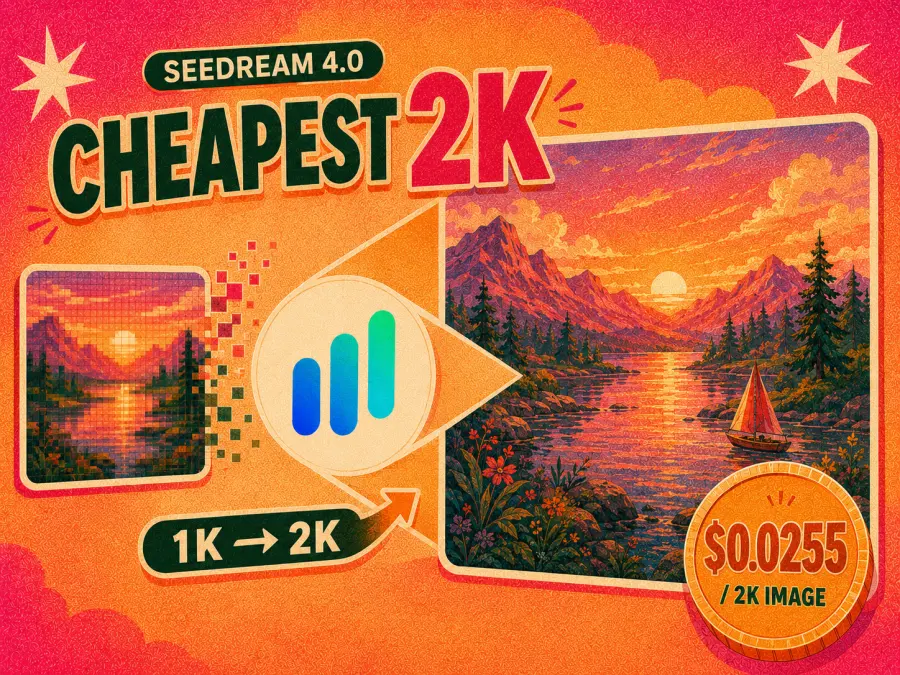
За 1 000 изображений его базовый счёт за генерацию составляет $25.50. Это всего на $5.30 больше, чем счёт Nano Banana 2 Lite за 1K. Если рабочий процесс иначе увеличивал бы каждый результат 1K, Seedream 4.0 заслуживает прямого сравнения по стоимости, а не отклонения только потому, что он стоит четвёртым в таблице.
Почему бы не назвать его лучшей недорогой моделью для изображений? Возраст. Seedream 4.0 — более старое поколение, а Seedream 5.0 Lite стоит всего на $0.0043 больше за изображение. Команды, которым важно использовать более новый маршрут, могут решить, что разница в $4.30 за 1 000 изображений слишком мала, чтобы оправдывать выбор 4.0.
Мой вердикт: у Seedream 4.0 узкая, но законная роль — самый дешёвый вывод 2K с фиксированной ценой в этом шортлисте из шести моделей. Выбирайте его ради удельной экономики, а не потому, что это самая новая опция Seedream.
5. Seedream 5.0 Lite: более новый вывод 2K дешевле трёх центов
Seedream 5.0 Lite стоит $0.0298 за изображение 2K. Он поддерживает как текстовый, так и графический ввод и относится к выпуску Seedream 5.0 Lite; его не следует путать с более дорогим Seedream 5.0 Pro.
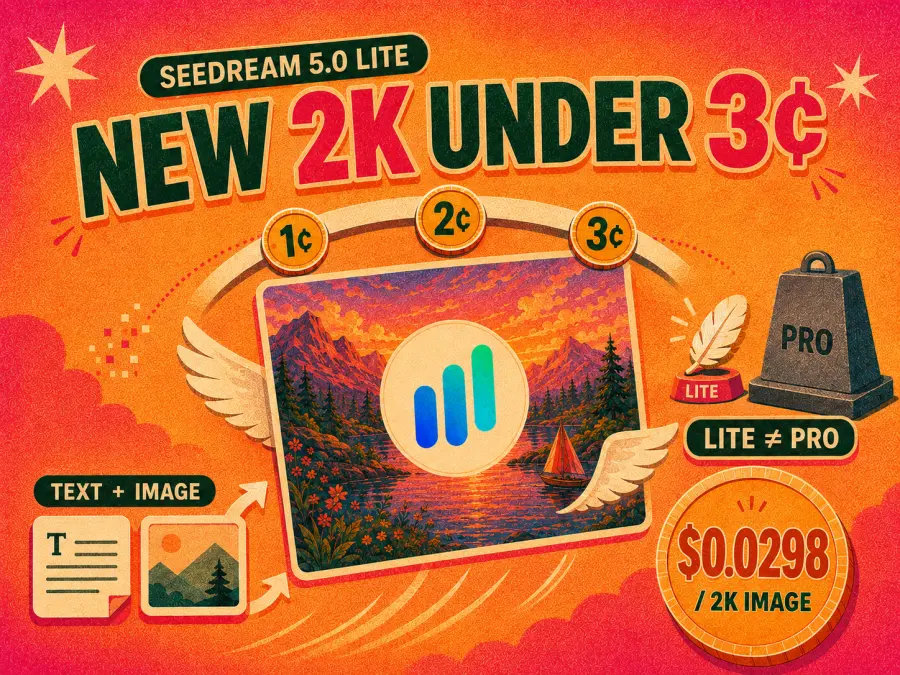
Его самый сильный ценовой аргумент проявляется, когда его ставят рядом с Seedream 4.0. Разница составляет $0.0043 за изображение, $0.43 за 100 изображений или $4.30 за 1 000. Для небольшого производственного запуска этот разрыв достаточно скромен, чтобы многие команды оценили более новую модель, прежде чем выбирать старую исключительно ради экономии.
Однако при 10 000 запросов разница вырастает до $43. Высоконагруженный сервис с простыми промптами может всё ещё предпочитать Seedream 4.0, если его собственные тесты не показывают значимого улучшения доли пригодных результатов. Последнее условие важно: стоимость генерации модели должна следовать за вашими результатами, а не за номером версии.
Мой вердикт: Seedream 5.0 Lite — более разумный вариант по умолчанию для команд, которым нужна недорогая генерация 2K без намеренного выбора предыдущего поколения. Seedream 4.0 остаётся строгим победителем по цене.
6. Nano Banana 2: лучший универсальный выбор дешевле пяти центов
Nano Banana 2 начинается с $0.0402 за изображение 1K на GPT Proto и также предлагает уровни вывода 2K и 4K. документация модели Google подчёркивает генерацию и редактирование изображений, более широкую поддержку соотношений сторон, многоязычный рендеринг текста и опциональную привязку к веб-поиску и поиску изображений.
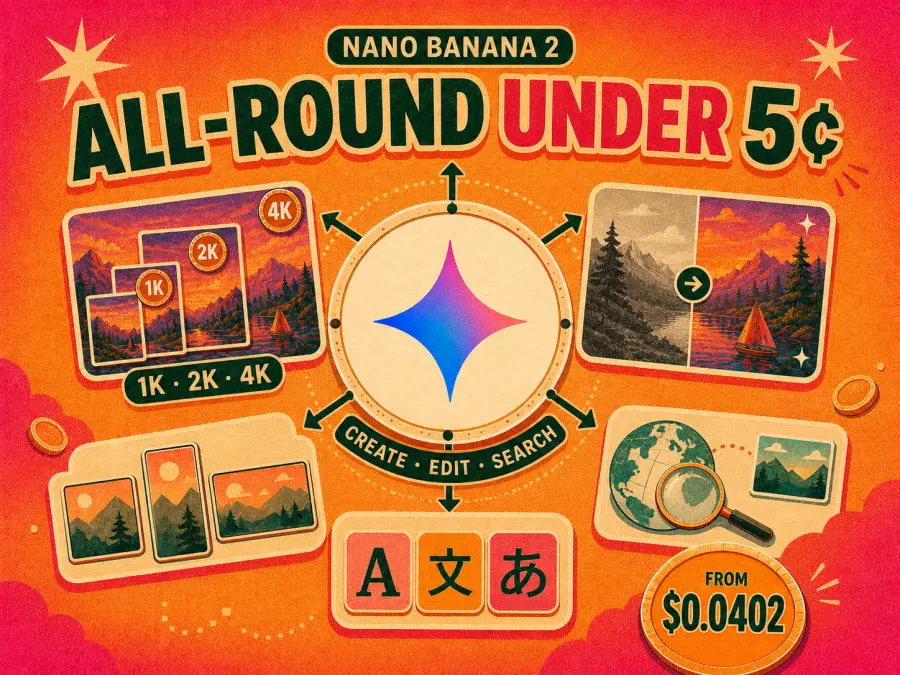
Это самая дорогая позиция в этом списке недорогих моделей. При 1K 1 000 запросов стоят $40.20 — почти вдвое больше, чем счёт $20.20 за Nano Banana 2 Lite. Командам, создающим одноразовые превью, не стоит платить эту разницу только потому, что версия не Lite имеет больше функций.
Расчёт меняется, когда одна модель должна покрывать генерацию черновиков, правки, несколько размеров вывода и изображения, содержащие текст. Маршрут, который сокращает переключение моделей или ручное исправление, может быть дешевле на уровне рабочего процесса, даже если его первый запрос стоит больше. Эта статья не утверждает, что измеренное сокращение повторных попыток достигнуто, но более широкий диапазон вывода даёт командам больше возможностей проверить эту вероятность с их собственными промптами.
Мой вердикт: выбирайте Nano Banana 2, когда экономия двух центов значит меньше, чем наличие вариантов 1K, 2K и 4K в одном семействе моделей. Это самый широкий производственный кандидат здесь, а не самый дешёвый запрос.
Самый дешёвый запрос может не дать самое дешёвое пригодное изображение
Таблица цен может сказать, сколько стоит запрос. Она не может сказать, сколько запросов пройдут проверку.
Представьте, что модель A стоит $0.0202, но требует трёх попыток, чтобы создать одно приемлемое изображение. Её стоимость генерации на один пригодный результат становится $0.0606. Модель B стоит $0.0402 и срабатывает с первой попытки, поэтому её стоимость остаётся $0.0402. Это гипотетические числа повторных попыток, а не измеренные утверждения о Nano Banana 2 Lite или Nano Banana 2, но арифметика показывает, почему разница в один цент может быстро исчезнуть.
Четыре вида затрат обычно не входят в заявленное число:
Повторные попытки: ошибки анатомии, нежелательный текст, слабая композиция или непоследовательные товары могут вынудить к ещё одной генерации.
Редактирование: замена фона, исправление этикетки или восстановление детали продукта может потребовать ещё одного запроса.
Увеличение разрешения: дешёвый результат 1K становится менее дешёвым, если каждое принятое изображение нужно увеличивать.
Проверка человеком: кто-то всё ещё должен проверять орфографию, цены, логотипы, геометрию продукта и соответствие бренду.
Поэтому самое полезное число для стартапа — не стоимость за вызов API. Это стоимость за одобренное изображение. Записывайте общие расходы и количество изображений, прошедших проверку, для каждой модели на репрезентативной партии. Даже тест из 50–100 промптов расскажет вам больше о вашей собственной экономике, чем общий рейтинг качества.
А что насчёт бесплатных генераторов изображений ИИ?
Бесплатные браузерные инструменты выигрывают, когда задача редкая и выполняется вручную. ChatGPT Free включает создание изображений с отдельными лимитами для инструмента. Google Gemini предоставляет доступ к изображениям, лимиты которого могут меняться в зависимости от модели, сложности запроса и системных ресурсов. Bing Image Creator — ещё один практичный вариант для нерегулярной генерации в браузере.
Они не включены в рейтинг из шести моделей, потому что $0 доступ и production API решают разные задачи. Стартапу могут быть нужны автоматизированные запросы, стабильная стоимость за единицу, журналы использования, планирование лимитов и возможность переключать модели. Бесплатный веб-интерфейс не обязательно даёт эти условия.
Если вам нужно всего несколько личных изображений, начните с бесплатного варианта. Если вам нужно сравнение с упором на браузер, смотрите наше руководство по лучшим бесплатным генераторам изображений ИИ. Переходите к генерации с оплатой по факту, когда ручные лимиты станут узким местом.
Какой недорогой генератор изображений ИИ выбрать?
Без привязки к рабочей нагрузке нет одного полезного победителя. Мой шортлист:
| Ваш приоритет |
Выбор |
Почему |
Главный компромисс |
| Минимально возможная стоимость черновика |
GPT Image 1 Mini |
Начинается примерно от $0.0035 за квадратное изображение низкого качества |
Переменная стоимость в зависимости от токенов и качества |
| Предсказуемая цена за 1K |
Nano Banana 2 Lite |
Фиксированная начальная цена $0.0202 |
Нет тарифа 2K или 4K |
| Генерация с опорой на референсы |
Kling Image O1 |
Поддерживает текст, ввод изображений и несколько референсов |
Вывод 1K |
| Самый дешёвый вывод 2K по фиксированной цене |
Seedream 4.0 |
$0.0255 за изображение 2K |
Генерация более старой моделью |
| Более новый недорогой маршрут 2K |
Seedream 5.0 Lite |
Всего на $0.0043 дороже, чем Seedream 4.0 |
Более высокий счёт при большом объёме |
| Более широкий производственный процесс |
Nano Banana 2 |
Варианты 1K, 2K и 4K с генерацией и редактированием |
Самая высокая начальная цена в этом списке |
Для прототипа стартапа я бы начал с GPT Image 1 Mini для чернового исследования и Nano Banana 2 Lite для функции, которой нужна предсказуемая оплата. Перед запуском прогоните один и тот же репрезентативный набор промптов через две или три модели и рассчитайте стоимость за одобренное изображение. Не подписывайтесь на шесть отдельных инструментов, пока не поймёте, какие два действительно подходят продукту.
Как получить доступ к недорогим моделям изображений ИИ с одним API-ключом
GPT Proto позволяет пополнить один аккаунт и получить доступ к нескольким маршрутам моделей изображений. Вы можете сравнить доступные варианты в ИИ-генераторе изображений или ознакомиться с ценами платформы, прежде чем задавать тестовый бюджет.
Самая простая настройка не требует сначала разбираться в каждом поле API:
Откройте страницу модели, которую хотите использовать.
Нажмите Попробовать эту модель.
Выберите Скопировать как и скопируйте настройку модели.
Вставьте это в предпочитаемого агента для программирования или ИИ-ассистента.
Сообщите ассистенту, какой язык, фреймворк или приложение вы используете. Затем он сможет объяснить оставшиеся шаги интеграции и адаптировать запрос под ваш проект.
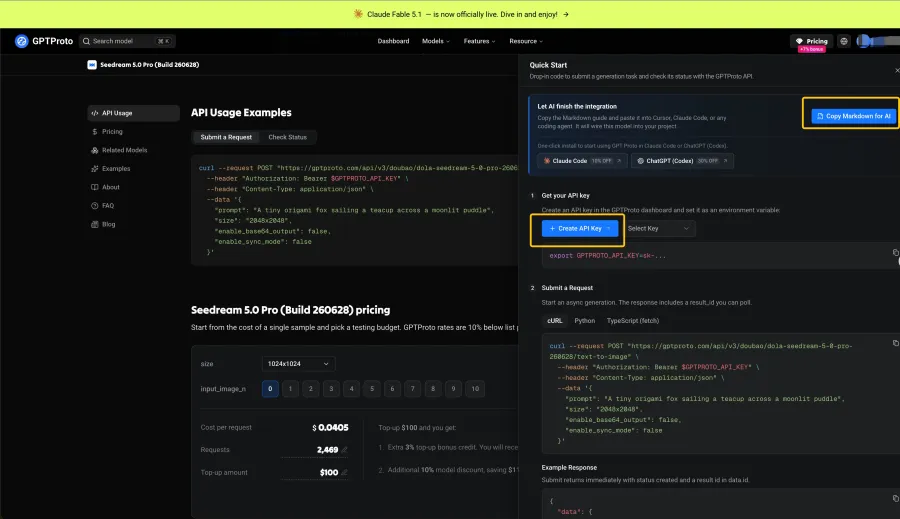
Храните API-ключ в переменной окружения, а не вставляйте сам секрет в публичный промпт. Скопированной информации о модели и структуры запроса достаточно, чтобы ассистент помог с настройкой.
Если вы предпочитаете начать прямо с примера API, скопируйте cURL-запрос, отображаемый на странице модели. В следующем примере используется маршрут Seedream 5.0 Pro, показанный в GPT Proto:
curl --request POST "https://gptproto.com/api/v3/doubao/dola-seedream-5-0-pro-260628/text-to-image" \
  --header "Authorization: Bearer $GPTPROTO_API_KEY" \
  --header "Content-Type: application/json" \
  --data '{
    "prompt": "Крошечный оригами-лис плывёт в чайной чашке по залитой лунным светом луже",
    "size": "2048x2048",
    "enable_base64_output": false,
    "enable_sync_mode": false
  }'
Если enable_sync_mode установлен в false, используйте пример Check Status на той же странице модели, чтобы получить результат после отправки. Для одной из шести более дешёвых моделей из рейтинга выше откройте её страницу и скопируйте её endpoint и поля запроса. Переключение моделей не всегда сводится к замене одного слова: маршруты GPT Image, Kling, Seedream и Gemini могут использовать разные пути и параметры.
Итоговый вердикт
Используйте бесплатный веб-генератор, если вам нужно всего несколько личных изображений. Используйте GPT Image 1 Mini, когда цель — создавать черновики и тестировать промпты по минимально возможной начальной цене. Выбирайте Nano Banana 2 Lite, когда стартапу нужна предсказуемая стоимость за единицу.
Для работы с более высоким разрешением Seedream 4.0 — строгий победитель по цене 2K, а Seedream 5.0 Lite предлагает более новый маршрут за небольшую надбавку. Nano Banana 2 стоит дороже всех в этом шортлисте, но более широкий диапазон вывода делает его лучшим кандидатом, когда одна модель должна покрывать больше производственного процесса.
Окончательное решение должно основываться на вашем проценте одобрения, а не на первом числе в таблице цен. Сравните эти модели в ИИ-генераторе изображений GPT Proto, запустите репрезентативную партию и рассчитайте, сколько на самом деле стоит каждое пригодное изображение.