The best AI video generators at a glance
| Pick |
Website |
Product type |
Best for |
Main inputs |
Editing and finishing |
Free entry |
| 1 |
Google Flow |
Official model studio |
Highest-end creative model access |
Text, image, video and mixed references |
Planning, conversational refinement, storyboards and tools |
Google AI tier and region dependent |
| 2 |
Kling AI |
Official model studio |
Multi-shot stories and recurring subjects |
Text, images, elements and motion references |
Creative Studio, effects and sound generation |
Account access; credits vary |
| 3 |
Dreamina |
Official Seedance studio |
Mixed references and longer Seedance projects |
Text, images, video and audio |
Image tools, avatars, agents and video generation |
Limited free entry advertised |
| 4 |
GPT Proto Video |
Focused multi-model workspace |
Using Seedance and Kling in one browser |
Text plus image, video or audio references |
Generation controls, history, community ideas and motion control |
Pay per generation |
| 5 |
Runway |
AI creative suite |
Generating and editing in one professional workspace |
Text, image, video and audio |
Full cloud creative suite and AI editing |
Free start advertised |
| 6 |
Adobe Firefly |
Multi-model creative workspace |
Adobe users and side-by-side model comparison |
Text and images |
Compare, refine and continue in Adobe workflows |
Limited free generation advertised |
| 7 |
CapCut |
Social video suite |
TikTok, Reels and short-form editing |
Prompts, images, scripts and existing clips |
Timeline editor, captions, audio, templates and export |
Free entry; some features are paid |
| 8 |
Canva |
Design and video suite |
Beginners, teams and branded social content |
Text, photos, scripts and existing media |
Templates, brand tools, voice, captions and collaboration |
Free entry; advanced tools vary by plan |
| 9 |
HeyGen |
Avatar and video agent platform |
Presenter videos, localization and faceless channels |
Scripts, photos, presentations and PDFs |
Avatars, dubbing, captions, voice and text editing |
Free start advertised |
| 10 |
InVideo |
Agent-led video production suite |
Turning an idea or script into a longer assembled video |
Prompts, scripts, documents and project references |
Storyboards, timeline, stock, agents, music and collaboration |
Sign-up available; volume is paid |
| 11 |
Vidu |
Official model studio |
Reference-driven clips and character work |
Text, images and character references |
Templates and direct generation |
Account access; credits vary |
| 12 |
Hailuo AI |
Official model studio |
Fast photo-to-video effects and image animation |
Photos, first/last frames and text |
Templates, effects and AI agent tools |
Limited tools or credits may be available |
These products are not identical. The first, second, third, eleventh, and twelfth picks are primarily places to use a specific model family. Runway, Firefly, CapCut, Canva, HeyGen, and InVideo add more of the production process. GPT Proto Video sits between the two groups: it provides a simple creation interface for selected models rather than a full social editing suite.
If you already know you want Seedance or Kling, you can open GPT Proto Video and generate from a prompt or reference file without setting up an API request.
How we ranked consumer AI video tools
Can a normal creator use it immediately?
Every ranked product has a browser-facing creation path. We favored tools that expose understandable controls—prompt, upload, model, duration, aspect ratio, sound, resolution, edit, and download—over products that only provide technical documentation or a developer console.
Does it solve the whole job or one important part?
A model studio can be excellent at creating an eight-second shot and still be a poor choice for a ten-minute YouTube video. A creator suite may generate less impressive raw footage but save hours through scripts, captions, avatars, stock media, music, brand templates, and a timeline editor.
The ranking therefore does not force every product into one fake score. Each pick has a clear job: cinematic shot generation, reference control, photo animation, social editing, avatar presentation, or assembled long-form production.
What does “free” mean?
“Free AI video generator” can mean a few trial credits, a recurring free plan, a free editor with paid generation, or a limited export with a watermark. We only use “free” when the current official page advertises free entry. We do not assume that this means unlimited generation, full resolution, commercial use, or watermark-free export.
1. Google Flow — best overall official AI creative studio
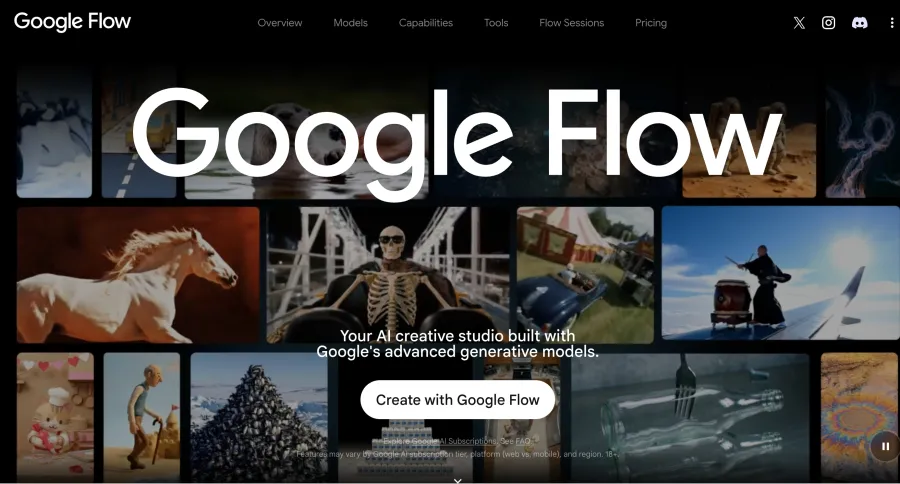
Google Flow is the strongest first stop for creators who want access to Google's newest media models inside a visual workspace rather than through developer tools. The current Flow site brings together Gemini Omni, Veo 3.1, and Google's image models, with features for planning, creating, refining, and building reusable creative tools.
This is more than a prompt box. Flow currently shows a storyboard studio, a video resizer, image editing, animated text overlays, character-development tools, and natural-language editing. Gemini Omni can work from mixed references, while Veo 3.1 remains useful for image-guided, cinematic footage with native audio.
Flow is the best fit when the generated shot itself is the priority and you are willing to work inside Google's subscription ecosystem. It is particularly strong for concept films, ad shots, visual development, landscape B-roll, and projects that need repeated refinement rather than a one-click social template.
The main drawback is access complexity. Features vary by Google AI subscription tier, platform, region, and age eligibility. Flow is also a creative studio, not a complete YouTube publishing system. You will still need to assemble longer videos, review music rights, create captions, and prepare the final upload.
Choose Flow for: high-end text-, image-, and reference-driven creation.
Choose something else if: you want a simple free tool, ready-made TikTok templates, or an avatar presenter.
2. Kling AI — best for multi-shot control and recurring subjects
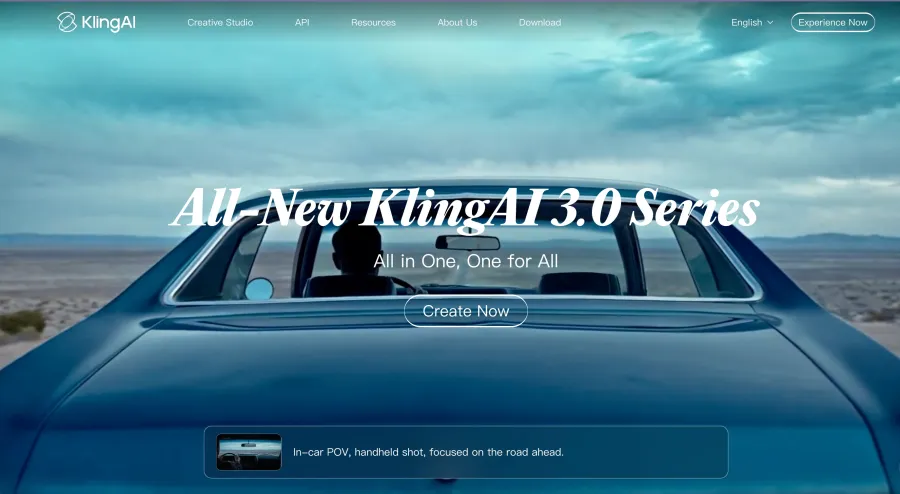
Kling AI provides a direct Creative Studio for Kling 3.0 and Kling 3.0 Omni. Its consumer site separates video generation, image generation, sound, effects, motion control, and an Omni workspace, making it one of the clearest official model sites for creators who want more control than a single prompt provides.
Kling's strongest reason to choose it is continuity. The current 3.0 system emphasizes multi-scene generation, multimodal instructions, subject references, native audio, and binding between visual identity and vocal tone. Those controls are useful for recurring characters, dialogue, short narrative ads, and sequences where several shots should feel like parts of one story.
The official website also provides apps and a dedicated Creative Studio, so non-developers do not need to understand API endpoints. Text-to-video users can start from a description, while image-to-video and motion-control users can begin with a stronger visual reference.
Kling is not automatically the best choice for a complete social post. Its core value is generating and controlling shots. Captions, a full edit, licensed music, brand graphics, and publishing may still happen in CapCut, Canva, Runway, or another editor.
Choose Kling for: character-led clips, custom shot planning, motion references and native audio.
Choose something else if: you mainly want a template to turn a script into a finished YouTube explainer.
3. Dreamina — best official Seedance experience
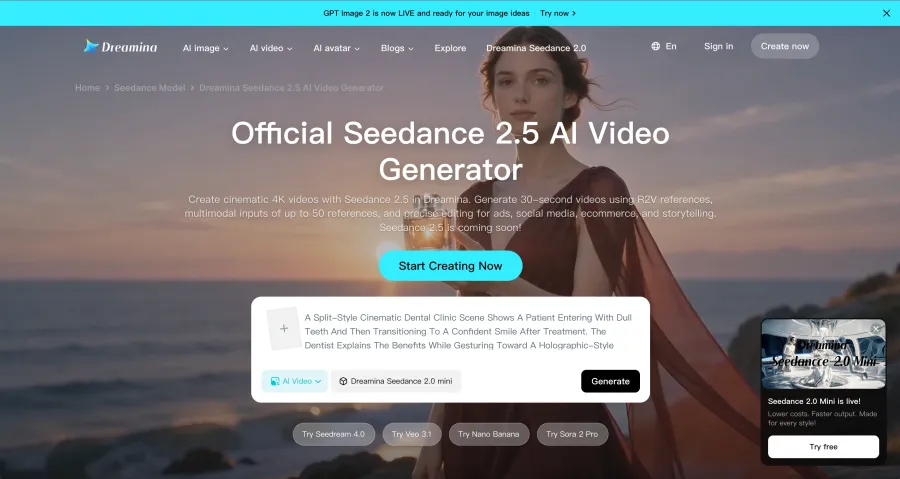
Dreamina is ByteDance's consumer-facing creative environment for Seedance. Its current official page promotes Seedance 2.5, including longer clips of up to 30 seconds, a larger set of multimodal references, region-specific editing, and workflows for social videos, product ads, and short films.
That makes Dreamina a better consumer recommendation than telling readers to search for a Seedance API model name. Creators can move between AI image tools, video generation, avatars, and agents from one site. The interface provides direct “Generate” and “Get started for free” paths, although the usable free quota and model availability may depend on the account and region.
Dreamina is especially useful when the project begins with several pieces of source material: a character image, product photos, a reference clip, an audio cue, and a written shot description. This is a stronger fit for planned campaigns and visual storytelling than a generator that accepts only one prompt and one image.
One caution: Dreamina's pages promote the newest model aggressively, and availability can differ between the landing page, account, and region. Confirm which Seedance version is selected before judging an output or comparing cost.
Choose Dreamina for: the newest official Seedance workflow, mixed references, social ads and longer short-form scenes.
Choose something else if: you want Seedance and Kling under the same account or need a full timeline editor.
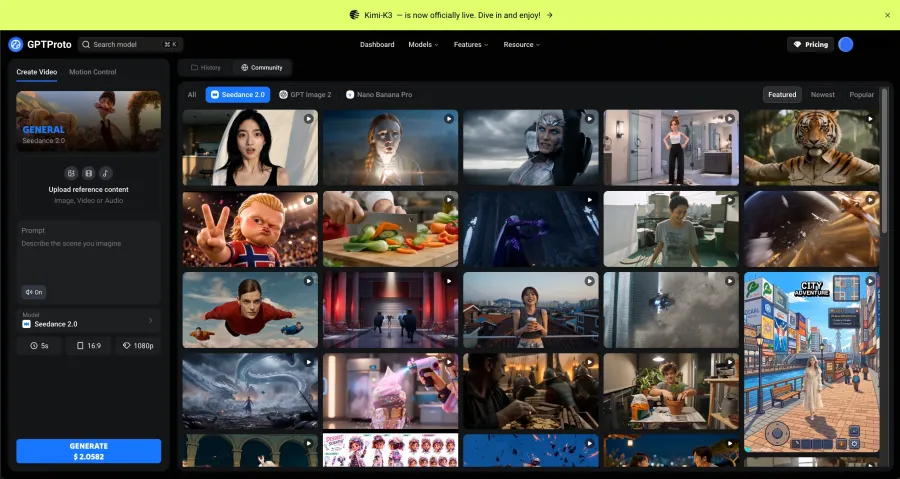
4. GPT Proto Video — best focused workspace for Seedance and Kling
GPT Proto Video is designed for creators who want a straightforward browser interface for selected video models without handling API keys, JSON payloads, or asynchronous job polling.
At the time of review, its model picker included Seedance 2.0 and Kling 3.0 Omni. The workspace accepts image, video, or audio references, provides a prompt field, and exposes controls for generated audio, duration, aspect ratio, and resolution. It also includes a separate Motion Control mode, generation history, and a community gallery with reusable ideas.
This makes GPT Proto a focused multi-model generator rather than a full editing suite. Its advantage is that a creator can try two major model families from one interface and keep the generation workflow consistent. You do not have to learn where each vendor places its controls or create an API integration just to make a clip.
Pricing is shown before generation. On July 24, 2026, the interface displayed $2.0582 for a five-second, 1080p Seedance 2.0 request with audio under the selected settings. The amount changes with model and parameters, so treat it as a dated example rather than a fixed promise.
GPT Proto Video currently offers fewer models and fewer editing features than broad suites such as Firefly or InVideo. It is most useful when you already want Seedance or Kling and prefer per-generation access.
Choose GPT Proto Video for: direct Seedance and Kling creation, clear generation controls, reference uploads and pay-per-run use.
Choose something else if: you need captions, a multi-track timeline, avatars, stock footage, or direct social publishing in the same app.
5. Runway — best AI generation and editing suite
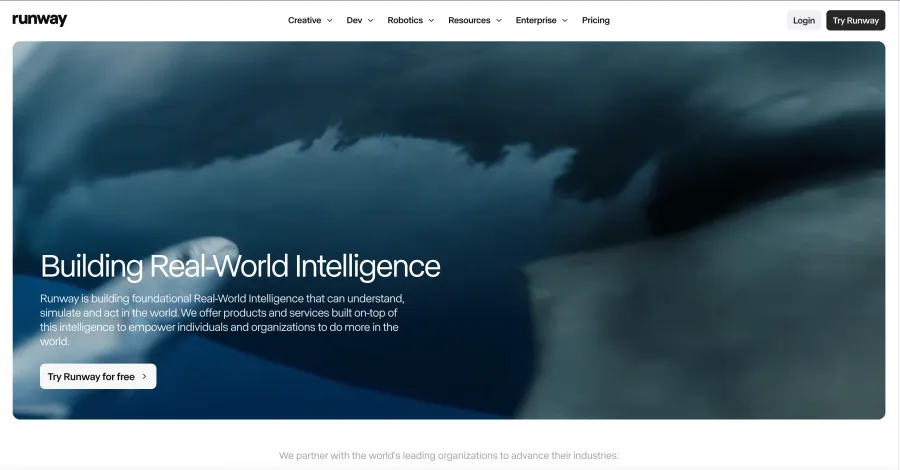
Runway remains one of the most complete browser-based creative platforms. Runway Creative combines video, image, and audio generation with editing tools in one cloud workspace, and the current site advertises a free starting option.
Runway belongs high in a consumer list because it covers more of the work after generation. A creator can build shots, revise footage, combine media, and continue editing without immediately moving every result into a separate desktop editor. Its current product family also includes agent-style creation, workflows, character tools, and Gen-4.5 access.
For filmmakers, agencies, music-video teams, and designers, that integrated approach can be more valuable than choosing the highest-ranked raw model. The best-looking clip still needs trimming, compositing, timing, and revisions. Runway reduces the number of tools involved in that loop.
The tradeoff is complexity and cost. A large creative suite takes longer to learn than a prompt box, and free access is intended as a starting point rather than an unlimited production plan. Creators who only need one inexpensive image-to-video animation may find Hailuo or Vidu faster.
Choose Runway for: a serious generation-and-editing workspace, iterative filmmaking and creative teams.
Choose something else if: your main goal is templated TikTok editing or a simple avatar presenter.
6. Adobe Firefly — best multi-model workspace for Adobe users
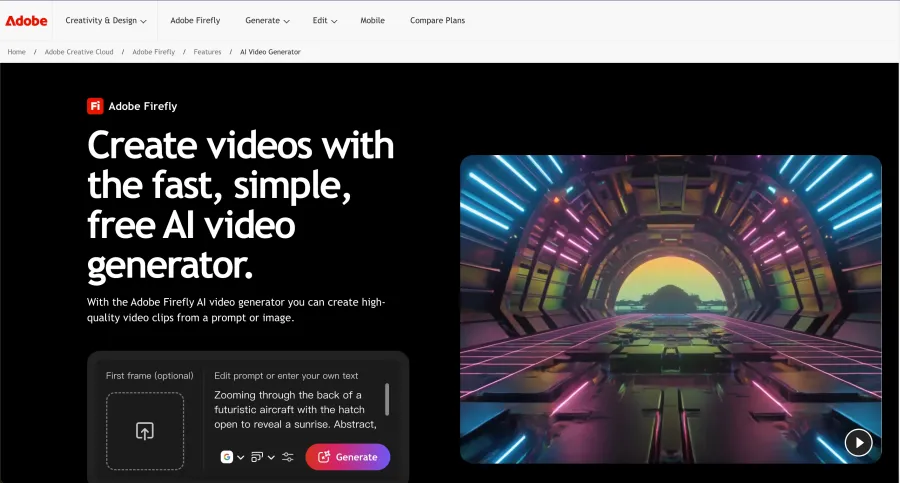
Adobe Firefly's AI video generator combines Adobe's own video model with partner models inside one creative workspace. Adobe explicitly positions the tool as a place to generate, compare, and refine video across several models, including running the same prompt through different options.
That comparison workflow is valuable for creators who do not want to choose a model based on marketing pages. A product shot may work better in one model, while a cinematic environment or stylized animation works better in another. Firefly lets the creator switch without rebuilding the entire project elsewhere.
Firefly is also a natural choice for people already working in Adobe's ecosystem. Generated B-roll, image-to-video clips, product visuals, and variations can feed into a broader professional workflow. The official page currently advertises free generation, but free credits and premium-model limits should be checked inside the account.
Firefly's limitation is that “access to several models” does not mean every model, setting, or newest release is always included. Adobe users should check the actual model picker and credit cost before assuming that a particular provider is available.
Choose Firefly for: comparing models, Adobe-centered production and commercial creative teams.
Choose something else if: you only want the newest version of one specific model through its official site.
7. CapCut — best for TikTok, Reels and short-form finishing
CapCut's AI video tools are the most practical choice when the final destination is TikTok, Reels, Shorts, or another vertical feed. The platform combines AI generation with the features that actually finish a social post: timeline editing, templates, automatic captions, text-to-speech, custom voices, music, effects, resizing, and export.
This is why CapCut should not be compared with Veo or Kling using only visual quality. A model may generate a better five-second shot, but CapCut can turn that shot into a complete 9:16 post with a hook, captions, beat cuts, product overlays, and platform-ready timing.
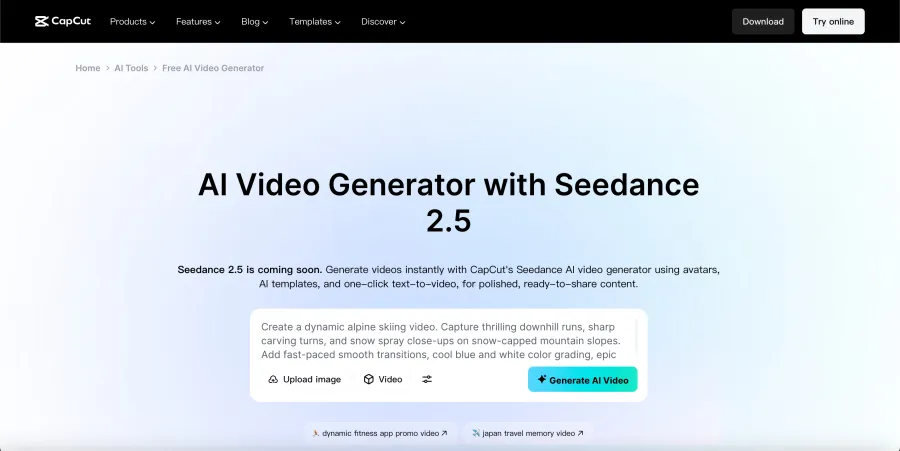
CapCut's current video generator page also connects its editing environment with Dreamina and Seedance-related tools. Some advertised model releases may be marked as coming soon or may vary by region, so check the model selector rather than relying only on the landing-page headline.
The free editor is a major advantage for beginners, but several AI and Pro features have separate limits. Export conditions, cloud storage, templates, and generation quotas can also vary by platform.
Choose CapCut for: TikTok, Reels, Shorts, captions, music, templates and fast mobile-to-desktop editing.
Choose something else if: raw cinematic generation quality matters more than the final social workflow.
8. Canva — best for beginners and branded social content
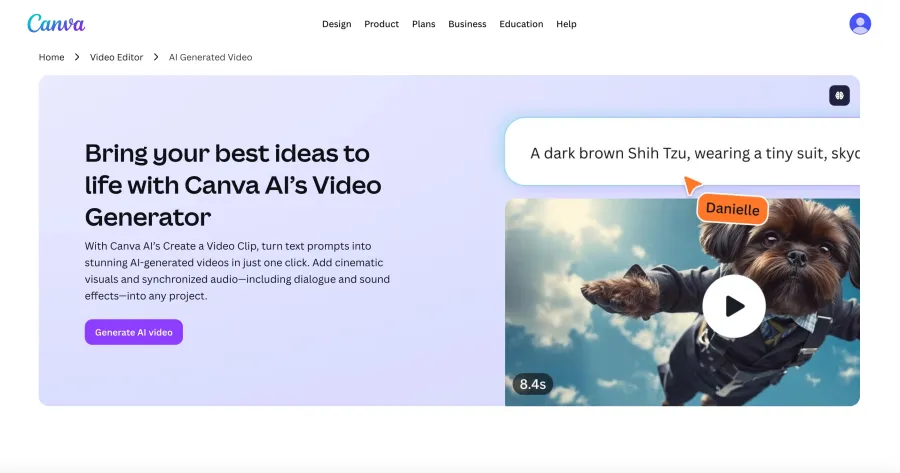
Canva's AI video generator turns text prompts into clips with synchronized dialogue and sound effects, then places those clips inside Canva's familiar design and video environment. It also supports avatars, voice tools, templates, graphics, collaboration, and brand controls.
Canva is the easiest recommendation for a user who already creates thumbnails, presentations, social graphics, and marketing assets there. The video does not live in isolation: it can be combined with titles, product images, logos, animations, and team feedback in the same project.
Its dedicated AI TikTok generator adds a clear short-form workflow, while the main video page points to Reels, avatars, dubbing, background removal, and other finishing tools. This makes Canva particularly useful for small businesses, social teams, educators, and creators who value speed and brand consistency over advanced shot control.
Canva offers free entry, but some AI, brand, background-removal, and collaboration features require paid plans. It is also not the best place for detailed multi-shot cinematography or strict character continuity.
Choose Canva for: beginners, branded posts, collaborative social work, simple YouTube assets and fast repurposing.
Choose something else if: you need exact camera instructions, complex references, or a dedicated cinematic model studio.
9. HeyGen — best for avatars, presenters and video localization
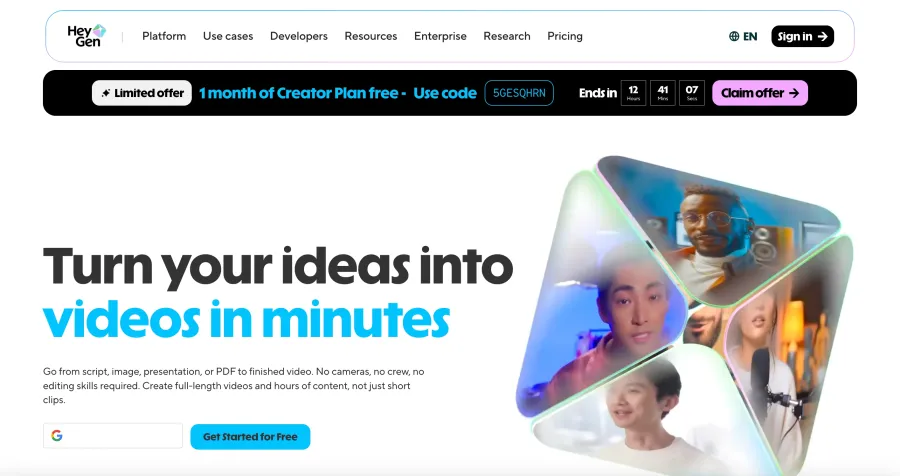
HeyGen is the best fit when “AI video” means a presenter, spokesperson, translated video, training lesson, product explanation, or faceless channel—not a purely cinematic text-to-video shot.
The platform can start from a script, image, presentation, or PDF and create longer assembled videos. Its strongest tools include photo avatars, stock avatars, digital twins, voice cloning, lip synchronization, subtitles, and translation across more than 175 languages and dialects. HeyGen also provides product-ad and short-form formats for TikTok, Instagram, and YouTube Shorts.
This makes it far more useful than a raw model for training, sales, onboarding, course content, and talking-head channels. A five-second cinematic generator cannot replace a consistent presenter who delivers a three-minute script in several languages.
HeyGen now also exposes third-party media models for B-roll inside its broader workflow. Even so, its main advantage remains people-led communication. Creators who do not need avatars or localization may get better value from Runway, Flow, Kling, or GPT Proto Video.
Choose HeyGen for: AI presenters, localization, digital twins, explainers and faceless content channels.
Choose something else if: your work is primarily cinematic footage without a speaking presenter.
10. InVideo — best for turning a brief into a longer finished video
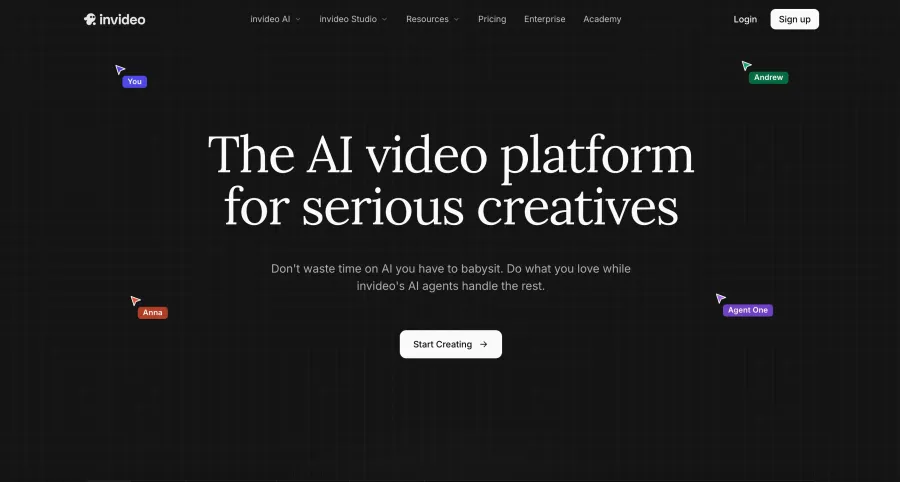
InVideo targets creators who want to describe a project and receive an assembled production rather than generate every shot manually. Its current platform uses agents to maintain project context, write prompts, select models, build storyboards, edit several shots, and work in a timeline.
The service lists access to more than 200 image, video, audio, and music models, including current video families such as Seedance, Veo, Kling, Wan, and Hailuo. It also adds stock providers, script writing, music, collaboration, custom agents, and social-media variations.
That makes InVideo one of the better choices for long YouTube videos, ads, microdramas, and content operations that need many scenes. It can take a brief or script and manage more of the assembly work than a model-native studio.
The tradeoff is control and pricing complexity. When an agent selects models and creates many assets, the creator must review which clips were generated, which stock items were used, how credits were spent, and whether the final style remains consistent. It is less direct than choosing one model and one prompt.
Choose InVideo for: prompt-to-project creation, long-form assembly, teams, storyboards and multi-model productions.
Choose something else if: you want precise control over one hero shot or a simple pay-per-generation interface.
11. Vidu — best for reference-driven character clips
Vidu provides direct text-to-video, image-to-video, and reference-to-video creation from its official website. It also offers templates and a dedicated character-reference workflow, making it useful when a creator wants to keep the same subject across several short clips.
Vidu's current model family supports native audio and relatively long short-form generation. The official site separates character reference, image animation, and text generation into clear creation paths, which is easier for a non-technical user than choosing API parameters.
The best use cases are animated characters, product references, social clips, and sequences where a source image defines the identity or visual style. Vidu is also a reasonable alternative when the user wants to compare results against Kling or Seedance without moving into a full editor.
The website may localize by region, and account credits or current model availability can differ. Confirm the selected model, duration, audio setting, and export format before generating a large batch.
Choose Vidu for: reference-to-video, recurring characters, longer short clips and native audio.
Choose something else if: you need a complete editor, captions, templates for an entire channel, or many provider models in one workspace.
12. Hailuo AI — best for quick photo animation and effect templates
Hailuo AI is a direct consumer studio from MiniMax with a strong emphasis on image-to-video creation, first- and last-frame control, photo effects, templates, and agent-led creative experiences.
Its home page makes photo animation approachable. Instead of writing a detailed cinematic prompt from scratch, users can start from a photo and select an effect or template for product ads, transformations, stylized motion, memes, ASMR concepts, and other social-friendly formats.
Hailuo is therefore a useful answer to “What is the best AI tool to generate video from photos?” It is less suitable for creators who need native audio, a complete editor, or a multi-scene YouTube project. The model-specific API route reviewed separately does not generate native audio, so plan to add music, dialogue, or effects later when required.
Free labels may appear on particular tools or promotions, but that does not prove unlimited free generation across the platform. Check the credit cost and export conditions inside the account.
Choose Hailuo for: animating a photo, first/last-frame effects, quick social experiments and image-led concepts.
Choose something else if: the project begins with a long script or needs an integrated voice and editing workflow.
Which AI video generator should you use?
| Your goal |
Best starting choices |
Why |
| Highest-end raw video creation |
Google Flow, Kling AI, Dreamina |
Direct access to leading current model families and deeper shot controls |
| Generate video from text prompts |
Google Flow, Dreamina, Kling AI |
Strong prompt-driven creation with different levels of reference and scene control |
| Generate video from photos or images |
Hailuo AI, Vidu, Dreamina |
Image-first workflows, reference controls and photo animation |
| Try Seedance and Kling in one place |
GPT Proto Video |
Both model families use the same browser workflow and payment account |
| Edit AI footage professionally |
Runway, Adobe Firefly |
Generation, refinement and creative production tools stay in one workspace |
| Make TikTok or Reels |
CapCut, Canva |
Vertical formats, templates, captions, voice and social finishing |
| Make YouTube B-roll |
Google Flow, Runway, GPT Proto Video |
Strong raw footage generation with landscape controls |
| Make a complete YouTube explainer |
HeyGen, InVideo, Canva |
Scripts, presenters, voice, stock, captions and assembly matter more than one model |
| Create an avatar presenter |
HeyGen, Canva |
Talking avatars, dubbing and language options |
| Start with limited free access |
Runway, Firefly, Canva, Dreamina, HeyGen |
Their current official pages advertise a free starting path, with limits |
Best free AI video generator in 2026
There is no unlimited free winner among the highest-end products. Runway, Adobe Firefly, Canva, Dreamina, and HeyGen currently advertise free entry, but generation credits, premium models, export quality, watermarks, and commercial terms can be restricted.
For a real project, ask five questions before calling a tool free: Does the allowance renew? Is the output watermarked? What resolution can be downloaded? Can it be used commercially? How many complete videos can be produced before payment?
Best AI video generator for YouTube
Use Google Flow, Runway, or GPT Proto Video when you need generated B-roll and visual sequences. Use HeyGen when the video revolves around an on-screen presenter or translation. Use InVideo when you want an idea or script turned into a longer assembled project. Canva is the easier choice for thumbnails, simple edits, titles, and brand graphics around the footage.
No short-clip model replaces research, factual script review, narration, music licensing, long-form editing, captions, thumbnail design, and upload optimization.
Best AI video generator for TikTok
CapCut is the most complete TikTok choice because generation sits beside captions, music, templates, effects, resizing, and timeline editing. Canva is better for teams and brand templates. GPT Proto Video, Kling, Dreamina, Flow, Vidu, or Hailuo can create the hero clip before it is finished in a social editor.
For TikTok, test true 9:16 composition rather than generating landscape footage and cropping it later. Keep faces, products, and text away from interface overlays, and judge the first two seconds separately from the rest of the clip.
Why Sora is not included
Sora is no longer a sensible 2026 recommendation for either consumers or new developer projects. The public Sora address currently redirects to sora.chatgpt.com/sunset, and OpenAI has announced a September 24, 2026 shutdown for the Sora 2 models and Videos API.
That does not make old Sora examples worthless. It does mean a new creator should learn a tool with a clearer future. Google Flow, Kling AI, Dreamina, Runway, Firefly, and the other products above provide active alternatives for the same broad goals.
Final verdict
For the strongest model-native studio, start with Google Flow. Choose Kling AI for multi-shot control and recurring subjects, or Dreamina for the newest official Seedance workflow. If you want to generate with Seedance and Kling in one focused interface, use GPT Proto Video.
For production beyond the first clip, choose Runway or Adobe Firefly. For TikTok and Reels, choose CapCut. For simple branded content, choose Canva. For avatars and translation, choose HeyGen. For turning a brief into a longer assembled video, choose InVideo. Vidu and Hailuo remain useful image- and reference-driven specialists.
The practical method is to shortlist one model studio and one editing suite. Generate the same text or image concept in both, then compare the complete path to a publishable result—not only the prettiest selected demo.
Try Seedance and Kling in GPT Proto Video, or open the official product that best matches your workflow from the list above.