AI猫ダンス動画ジェネレーター
鮮明な猫の画像と人のダンス動画をアップロードして、あなただけの AI 猫ダンスをオンラインで作成できます。参照動画が振り付けとタイミングを導き、画像が完成したクリップに登場する猫を決めます。アニメーションのタイムラインやモーションキャプチャの設備は必要ありません。
先進のAIタトゥージェネレーターで、コンセプトを肌に映えるデザインに変えましょう。決断の前に、無限のタトゥースリーブのアイデアやスタイルを探索できます。
Turn a reference image into a tattoo preview without writing a prompt.
Sign up for GPTProto and add credits to your account before generating. You can check the current cost in the generator.
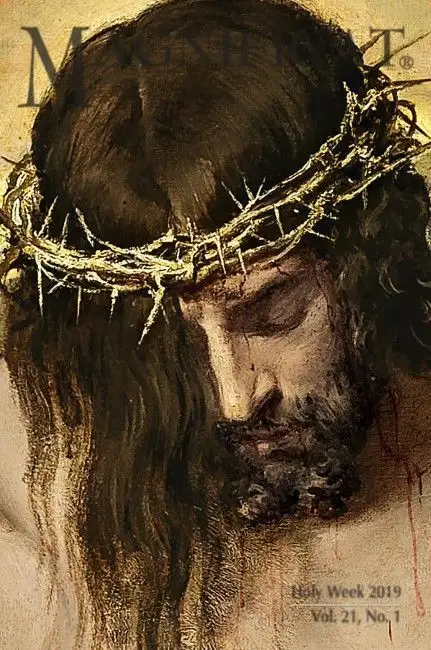
Upload the photo, sketch, or artwork you want to transform. An image with one visible subject gives the generator a clearer starting point.
Select Generate to create your tattoo preview. If you selected a style from the examples, the generator uses that style for the result.
Examples
See how the same reference subject can change across tattoo styles. Select a style to apply it to your uploaded image; the original image remains your reference.
Ideas
Start with something you already care about. Each reference image gives the generator a subject to reinterpret.
Use a clear photo of your pet to explore a tattoo that keeps its recognizable ears, markings, or expression.
Turn a flower or leaf photo into a fine-line, shaded, or colorful tattoo concept.
Upload a simple symbol or object and see how it could read as ink on skin.
Use a sketch you made as a starting point for a more finished tattoo look while keeping its central idea.
What it is
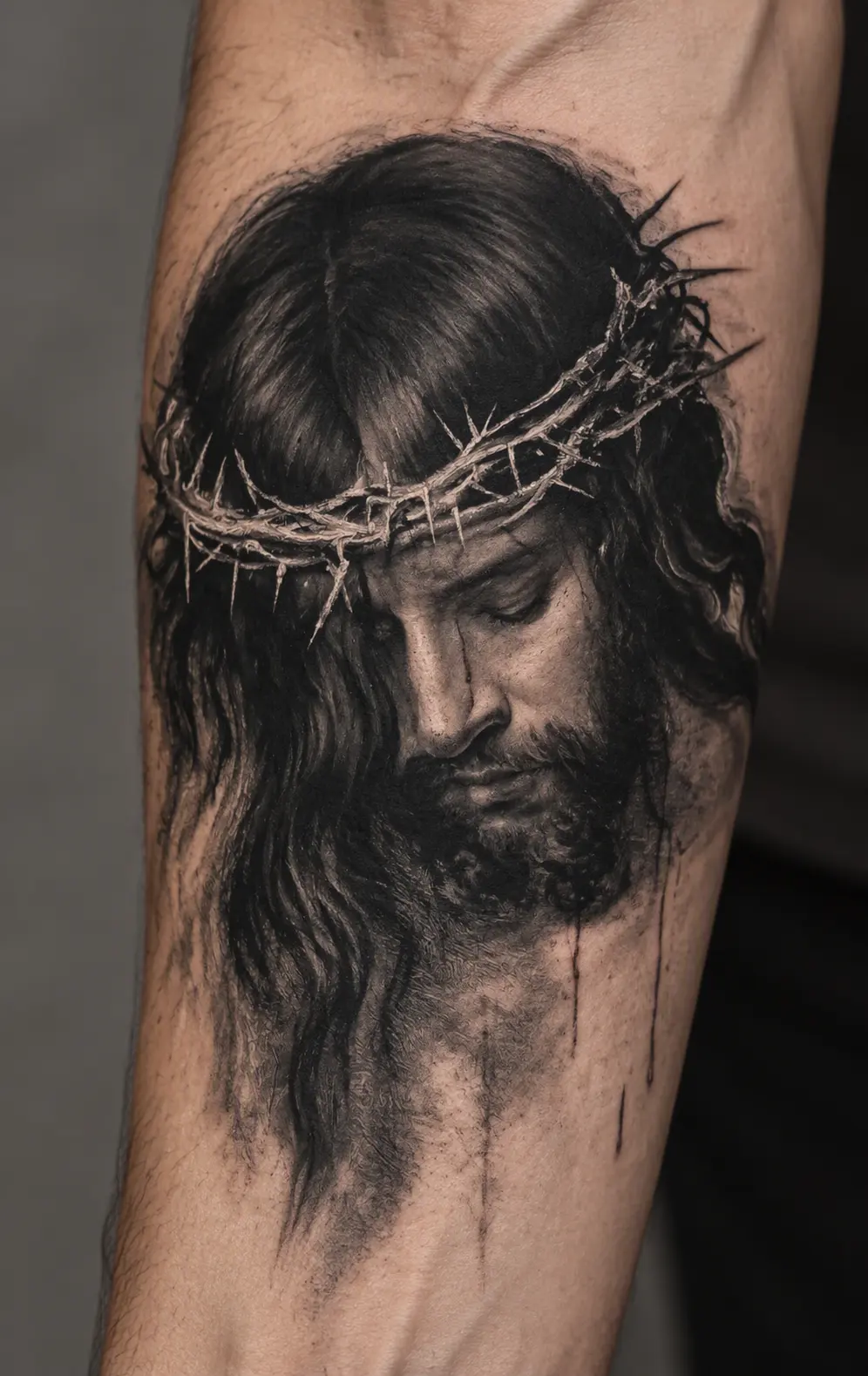
An AI tattoo generator uses your uploaded image as a visual reference to create a new tattoo-style image. On this page, the result is shown as a simulated tattoo on skin, so you can compare how a subject might look in different ink styles.
A photo of a pet, a drawing, or a familiar object can each provide the central subject. The generated result is an interpretation: small features, proportions, colors, and composition may change. It is useful for exploring a visual direction and discussing an idea with a tattoo artist. It is not a tattoo stencil or a guarantee of how the finished tattoo will look on your body.
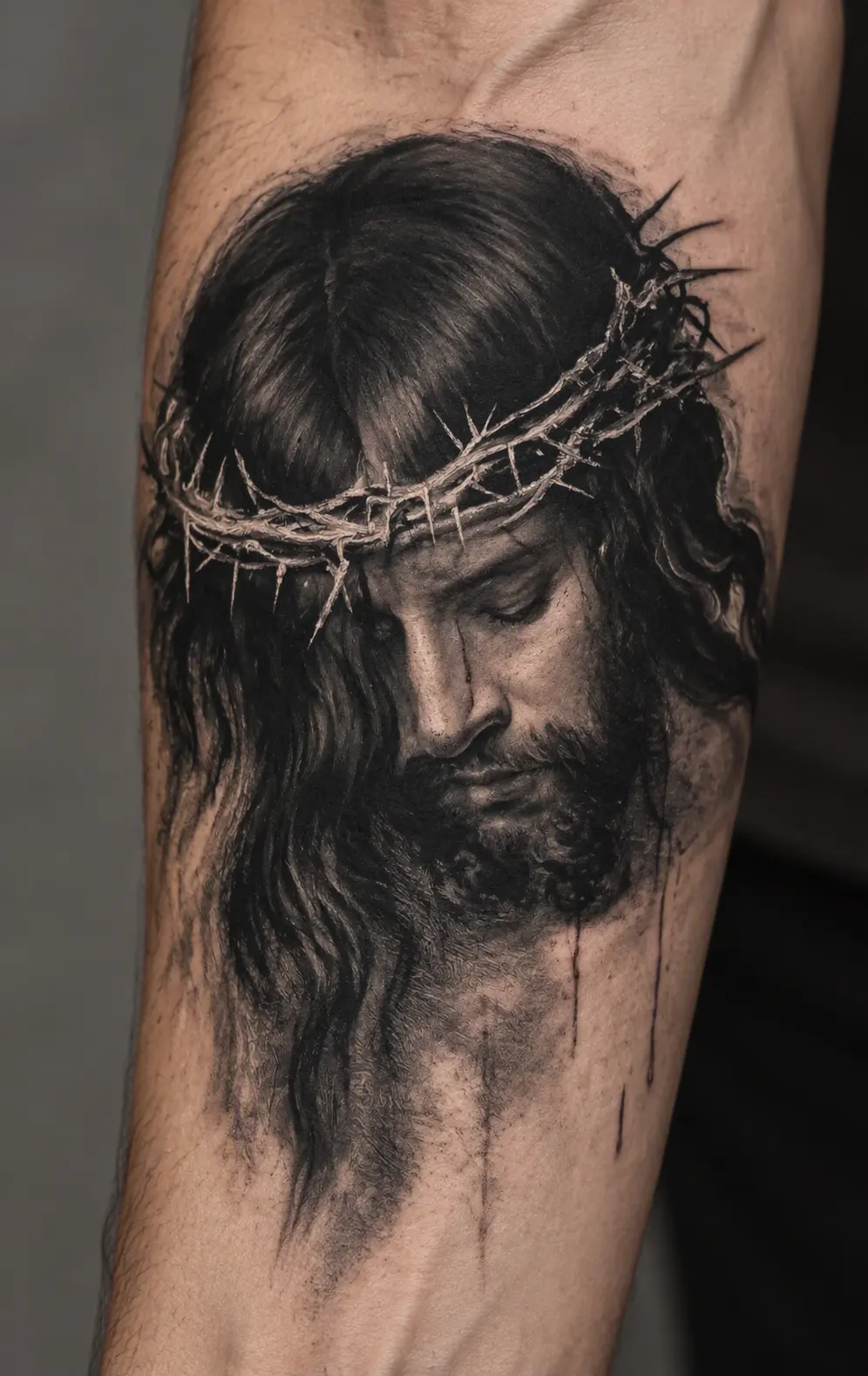
The uploaded image supplies the subject. The chosen style changes how that subject is drawn, while the finished preview presents the artwork as ink on a photographed forearm.
Translate the subject into tattoo artwork. Fine line simplifies it into delicate contours; blackwork builds contrast with solid ink; realism keeps more tonal detail. The reference remains the starting point in every style.
Present the ink on skin. The preview includes skin texture, lighting, and the curve of an arm to help you judge the overall look. This is a generated scene, not a placement preview on your own photo.
Better Tips
Choose one clear subject. A close-up pet portrait, single flower, or simple drawing is easier to interpret than a crowded group photo.
Keep defining details visible. Check that the markings, outline, or expression you care about are not cropped out or hidden in shadow.
Compare styles with the same image. Keeping the reference constant makes it easier to decide whether you prefer fine lines, strong black areas, or more shading.
Review tiny details before sharing. AI can change lettering, dates, faces, and small symbols. Ask a tattoo artist to redraw and check anything that needs to be exact before it becomes a real tattoo.
Continue working with your image using other GPTProto tools.
鮮明な猫の画像と人のダンス動画をアップロードして、あなただけの AI 猫ダンスをオンラインで作成できます。参照動画が振り付けとタイミングを導き、画像が完成したクリップに登場する猫を決めます。アニメーションのタイムラインやモーションキャプチャの設備は必要ありません。
テキストプロンプトまたはアップロードした画像から、パーソナライズされたかわいい壁紙を作成できます。GPTProto を使って、かわいいキャラクター、パステル柄、ペットのイラスト、スマートフォンのロック画面、デスクトップの背景をオンラインでデザインしましょう。
アニメ、漫画、カートゥーン、またはOC(オリジナルキャラクター)の画像をアップロードして、髪型、表情、服装、配色、その他特徴的なビジュアルのディテールを保ちながら、現実的な人物像を生成します。
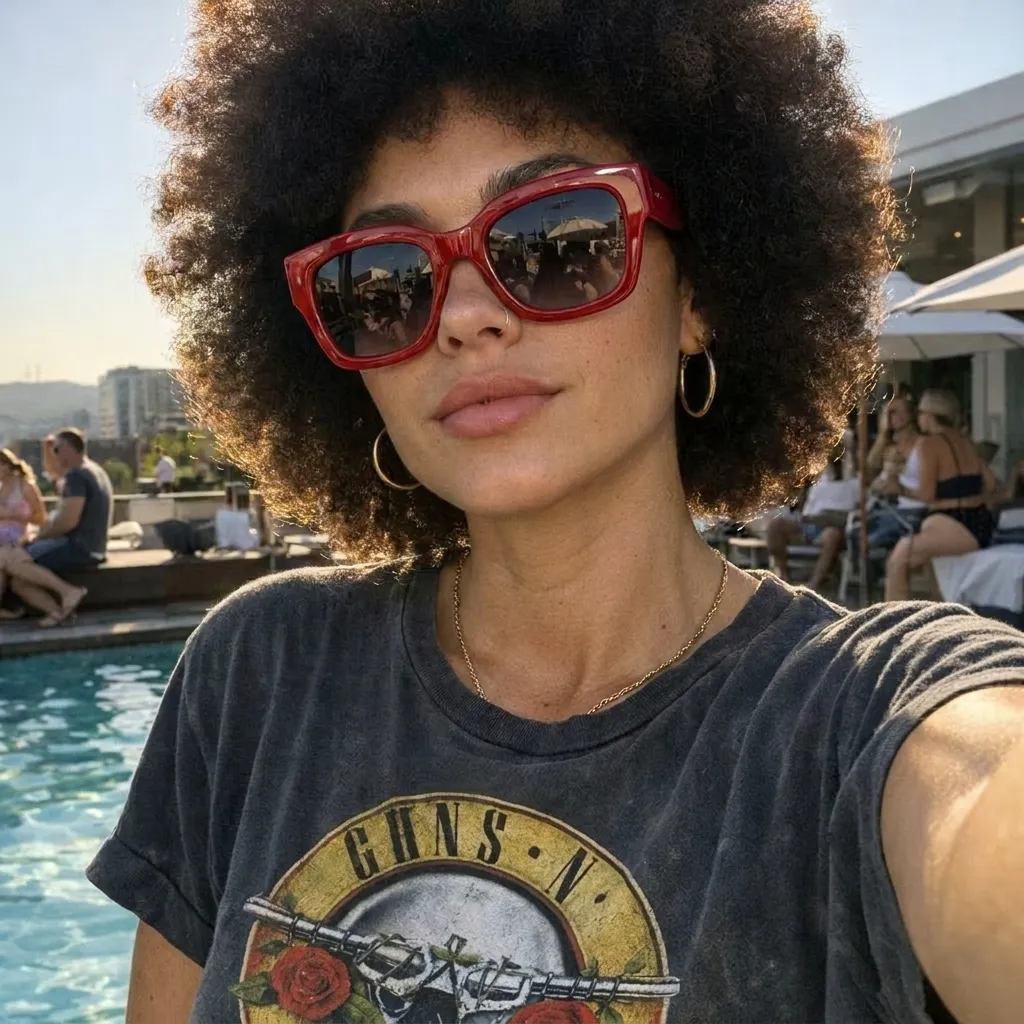
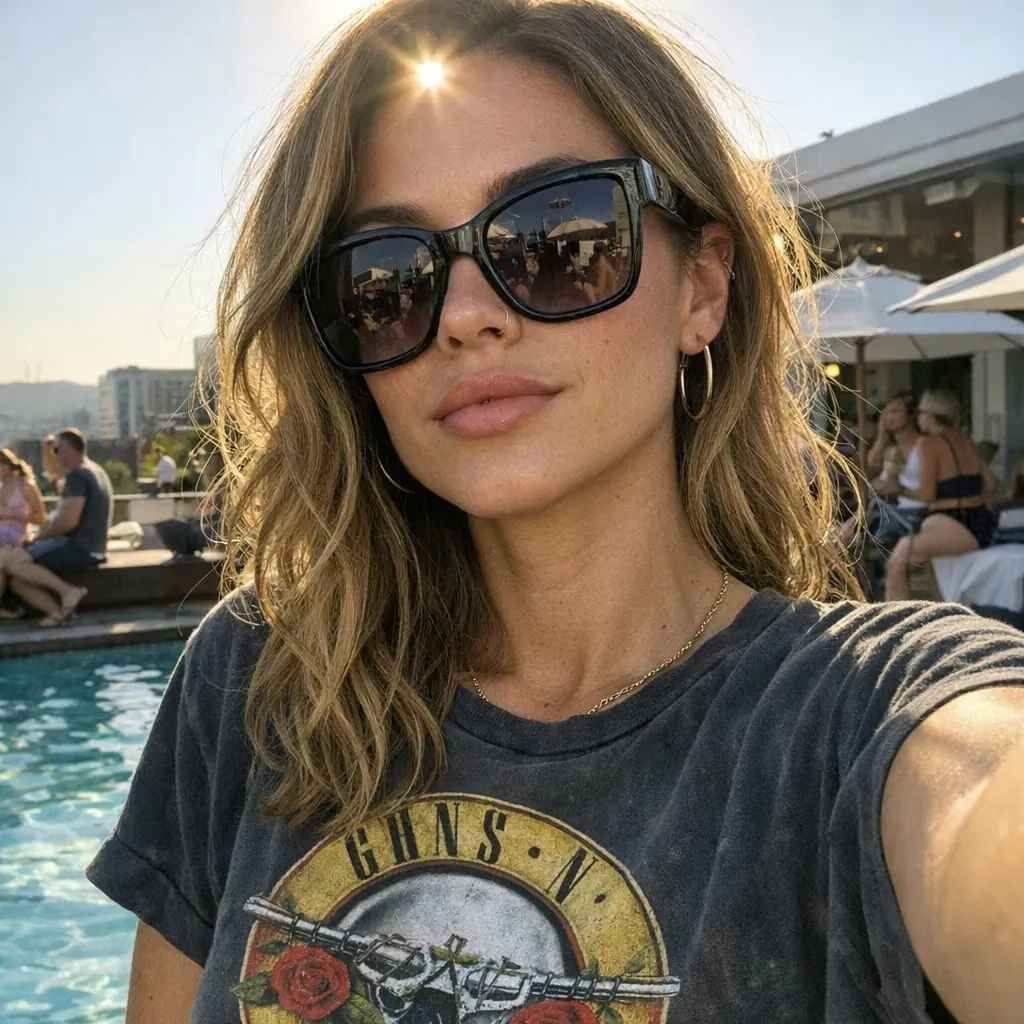
写真をアップロードし、変更したい内容を説明して、AIにオンラインで画像を編集させましょう。オブジェクトの削除や置き換え、背景の変更、照明の調整、シーンのスタイル変更、簡単なテキスト指示による新しいバリエーションの作成が可能です。
品質とハードウェア、フィルターのバランスを比較し、無料で使える最高のAI画像生成ツールを見つけましょう。実際に無料でアートを生成できるツールをご紹介します。
プラスチックのような写真にお金を払うのはやめましょう。あなたのキャリアに役立つ、プロらしくリアルな結果を提供する最高の無料AI証明写真ジェネレーターを見つけてください。
あなたのニーズに合った最高の無料AIアート生成ツールを見つけましょう。リアリズムと1日の上限を基準に、Bing、Ideogram、Leonardoをランキング形式で比較します。無料で制作を始められます。
最高のAI音楽生成ツールを見つけるには、マーケティング上の誇張を見抜く必要があります。SunoとMurekaの実際のテストを読み、理想のツールを見つけましょう。