Цены+7% бонус

ИИ-генератор татуировок: визуализируйте крутые идеи тату

Превращайте концепции в готовые к нанесению эскизы с помощью нашего продвинутого ИИ-генератора татуировок. Изучайте бесконечные идеи и стили тату-рукавов, прежде чем решиться.

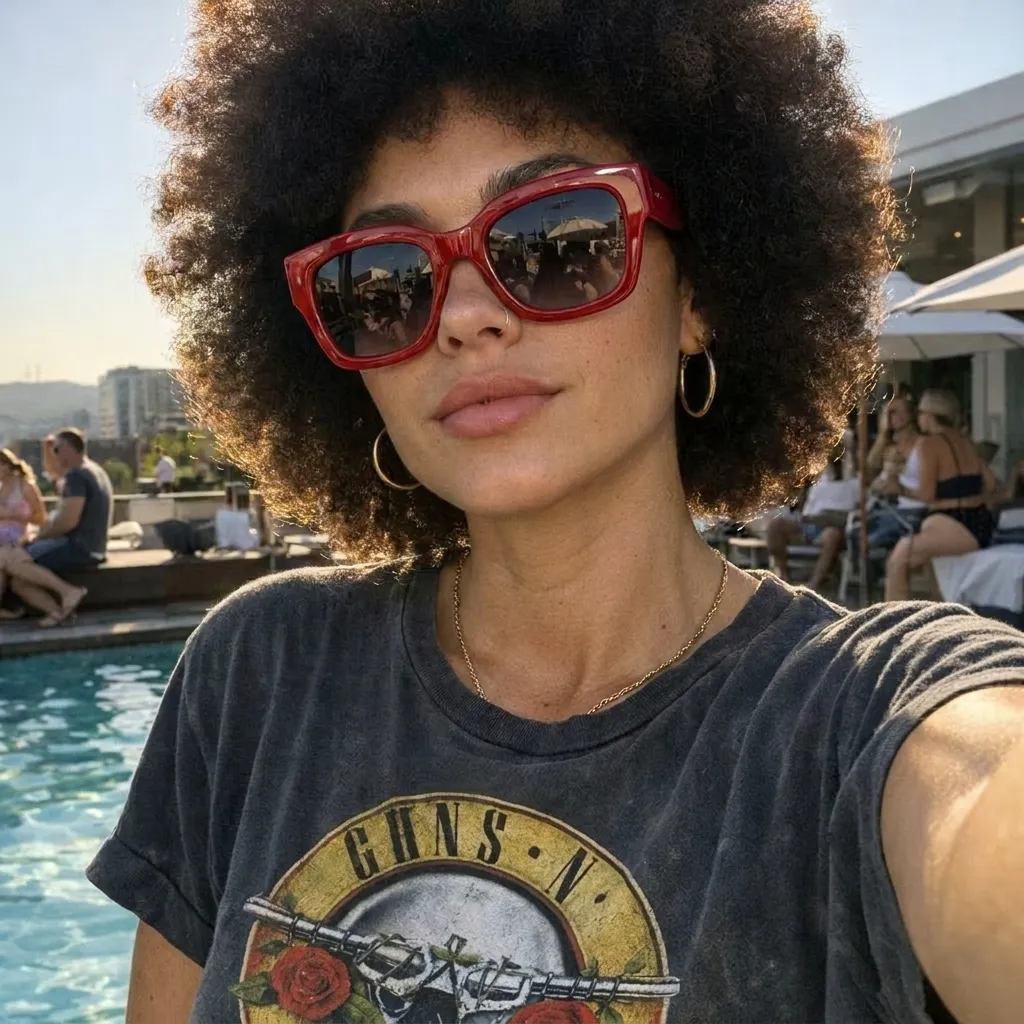
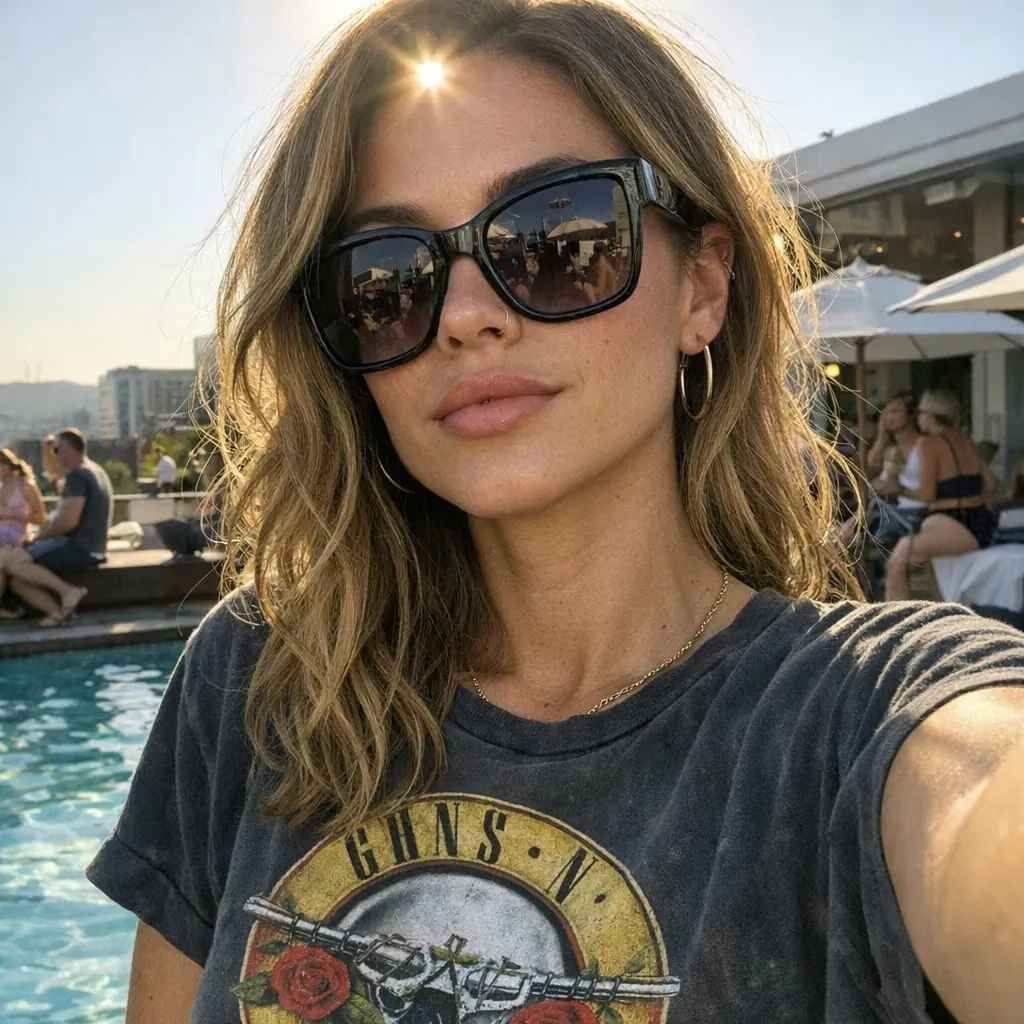
The images to edit. A maximum of 16 reference images can be uploaded.
Просмотреть изображение
История
Скачать
Пополните на $50 сейчас → Oct 31 – Nov 30 · Квота ограничена · Кто раньше, тот и получил
Пополнить

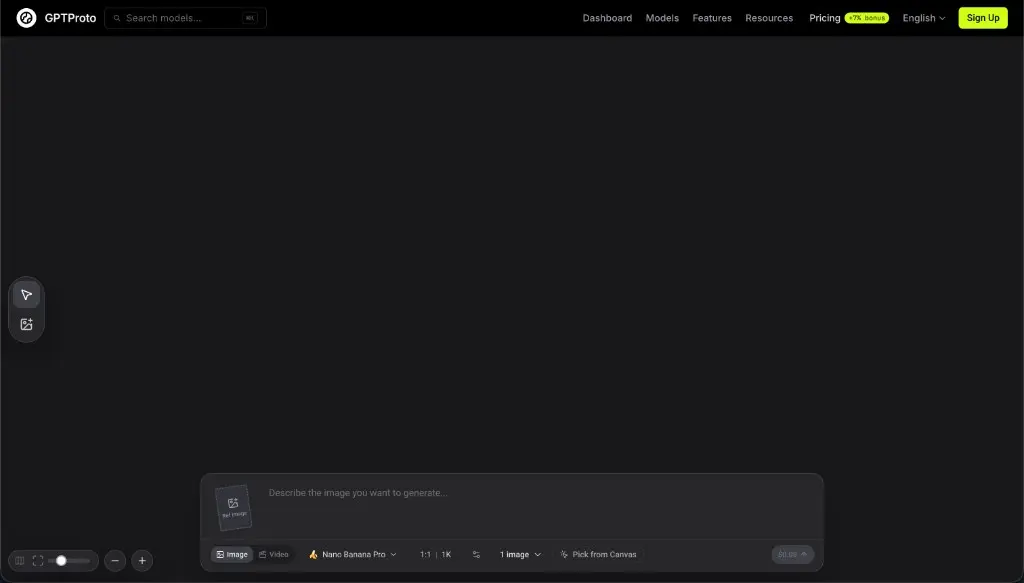
Как использовать

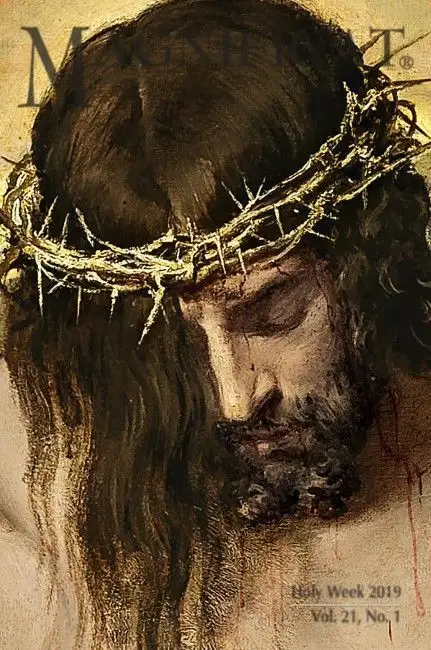
Turn a reference image into a tattoo preview without writing a prompt.

  1. Create an Account and Add Credits

    Create an Account and Add Credits

    Sign up for GPTProto and add credits to your account before generating. You can check the current cost in the generator.

  2. Upload a Reference Image: Upload the photo, sketch, or artwork you want to transform. An image with one visible subject gives the generator a clearer starting point.
    Upload a Reference Image

    Upload a Reference Image

    Upload the photo, sketch, or artwork you want to transform. An image with one visible subject gives the generator a clearer starting point.

  3. Click Generate

    Click Generate

    Select Generate to create your tattoo preview. If you selected a style from the examples, the generator uses that style for the result.

Examples

Как это работает

See how the same reference subject can change across tattoo styles. Select a style to apply it to your uploaded image; the original image remains your reference.

Ideas

Основные функции

Start with something you already care about. Each reference image gives the generator a subject to reinterpret.

  • Pet Portraits

    Use a clear photo of your pet to explore a tattoo that keeps its recognizable ears, markings, or expression.

  • Flowers and Botanicals

    Turn a flower or leaf photo into a fine-line, shaded, or colorful tattoo concept.

  • Meaningful Symbols

    Upload a simple symbol or object and see how it could read as ink on skin.

  • Personal Drawings

    Use a sketch you made as a starting point for a more finished tattoo look while keeping its central idea.

What it is

What Is an AI Tattoo Generator?

An AI tattoo generator uses your uploaded image as a visual reference to create a new tattoo-style image. On this page, the result is shown as a simulated tattoo on skin, so you can compare how a subject might look in different ink styles.

A photo of a pet, a drawing, or a familiar object can each provide the central subject. The generated result is an interpretation: small features, proportions, colors, and composition may change. It is useful for exploring a visual direction and discussing an idea with a tattoo artist. It is not a tattoo stencil or a guarantee of how the finished tattoo will look on your body.

How Does a Photo Become a Realistic Tattoo Preview?

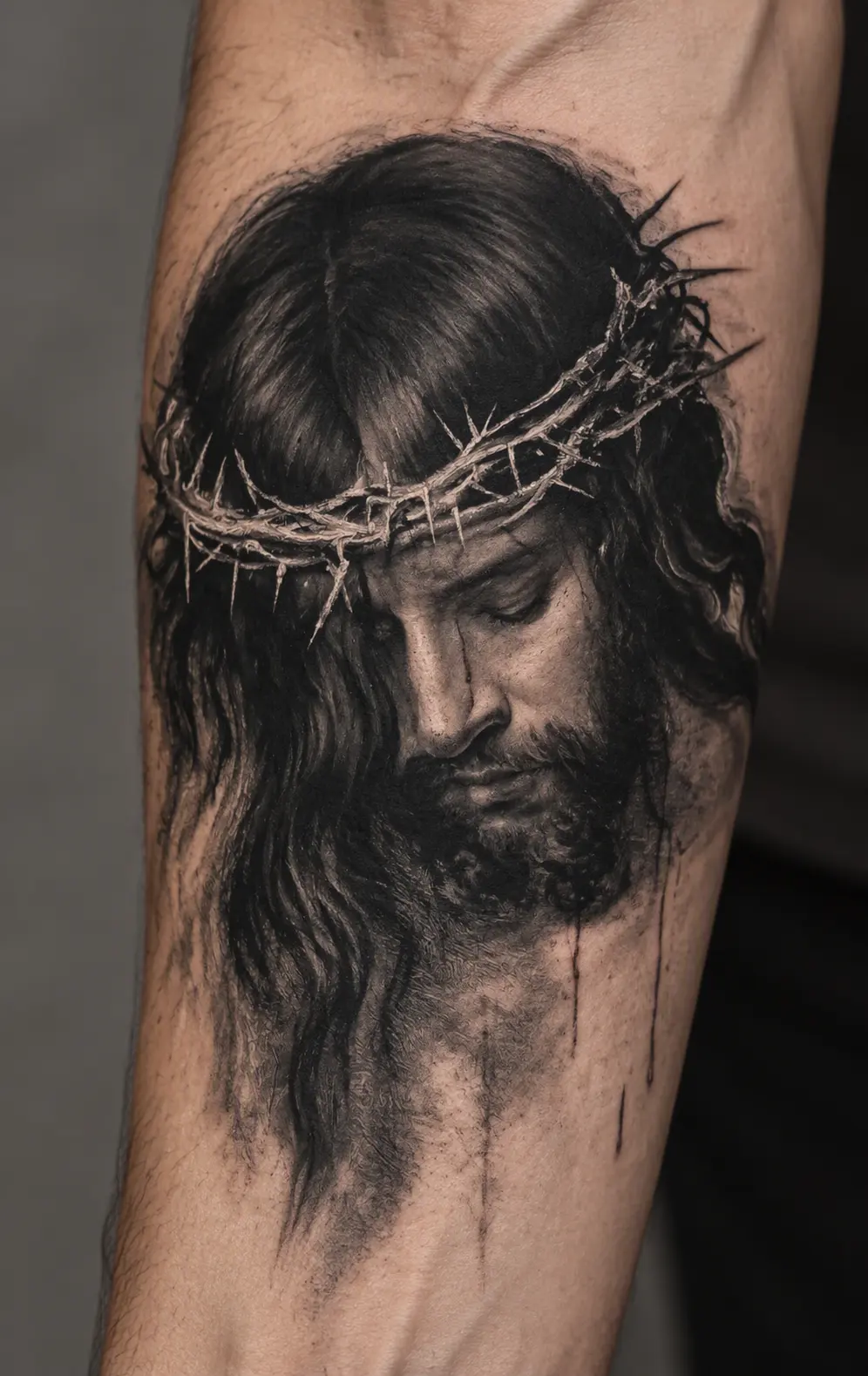
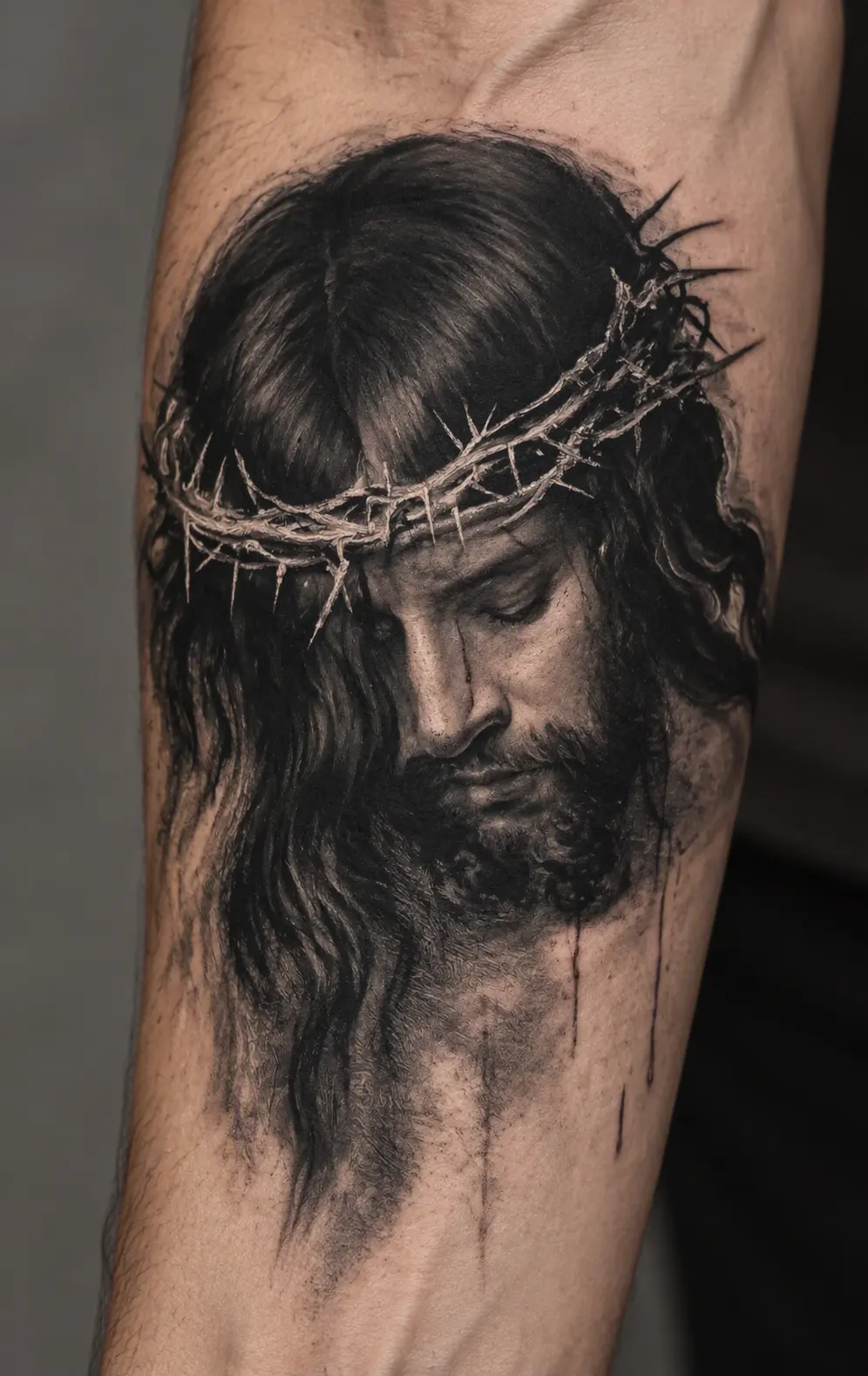
The uploaded image supplies the subject. The chosen style changes how that subject is drawn, while the finished preview presents the artwork as ink on a photographed forearm.

  • Translate the subject into tattoo artwork. Fine line simplifies it into delicate contours; blackwork builds contrast with solid ink; realism keeps more tonal detail. The reference remains the starting point in every style.

  • Present the ink on skin. The preview includes skin texture, lighting, and the curve of an arm to help you judge the overall look. This is a generated scene, not a placement preview on your own photo.

Better Tips

How to Get Better AI Tattoo Results

  • Choose one clear subject. A close-up pet portrait, single flower, or simple drawing is easier to interpret than a crowded group photo.

  • Keep defining details visible. Check that the markings, outline, or expression you care about are not cropped out or hidden in shadow.

  • Compare styles with the same image. Keeping the reference constant makes it easier to decide whether you prefer fine lines, strong black areas, or more shading.

  • Review tiny details before sharing. AI can change lettering, dates, faces, and small symbols. Ask a tattoo artist to redraw and check anything that needs to be exact before it becomes a real tattoo.

Изучите больше онлайн-инструментов с ИИ

Continue working with your image using other GPTProto tools.

Похожие статьи

Часто задаваемые вопросы

Can I create a tattoo design from a photo?

Yes. Upload a photo with a clear subject, such as a pet, flower, or meaningful object. The generator uses it as the visual reference for a new tattoo preview on skin. It may reinterpret smaller details rather than copy every pixel.

Do I need to write a tattoo prompt?

No. This page uses an image upload and preset styles. Upload your reference image, optionally select a style from the examples, and click Generate.

Which tattoo styles can I explore?

The examples show fine line, blackwork, black and grey realism, American traditional, Japanese traditional, watercolor, and geometric dotwork. Each style interprets the same source subject differently.

Will the tattoo appear on a photo of my own arm?

The current workflow takes one image as the tattoo subject reference and generates a preview on a simulated forearm. It does not ask you to upload a separate photo of your own arm for exact placement.

Is the result ready to tattoo or print as a stencil?

No. It is a visual concept. A tattoo artist should review and adapt the lines, size, placement, and fine details before using it for a real tattoo.

Can I use this as an AI tattoo cover-up generator?

You can use the page to explore new tattoo ideas, but this one-image workflow does not assess whether a design will conceal existing ink. A tattoo artist needs to evaluate the old tattoo and plan an actual cover-up.

Can I upload a sketch instead of a photo?

Yes. A drawing or piece of artwork can provide the subject, provided you have the right to use it. Keep the main shape clear and avoid a crowded background when possible.

Will the generated tattoo exactly match my reference image?

No. The tool creates a new interpretation in the selected tattoo style. Look closely at names, dates, faces, small markings, and other details that need to stay exact.

Is the AI Tattoo Generator free?

Creating a result requires a GPTProto account and credits. Check the current generation cost shown in the tool before you click Generate.

Отзывы

Mark T.

5 / 5

Тату-энтузиаст

Этот ИИ-генератор тату спас меня от ошибки! Я посмотрел, как будет выглядеть трайбл-тату, и скорректировал его до визита к мастеру.

Dave R.

4 / 5

Графический дизайнер

Найти идеи маленьких тату для мужчин непросто. Платформа выдала пять уникальных минималистичных дизайнов, которые мне действительно нравятся.

Sarah M.

5 / 5

Бармен

Я использовал ИИ-генератор тату, чтобы спланировать татуировку на ноге. Визуализация идей для рукава придала мне огромную уверенность.

Elena C.

4 / 5

Медсестра

Инструмент для надписей безупречен. Я проверила шрифт для тату с именем дочери, и предпросмотр был очень реалистичным.

James W.

5 / 5

Учитель

У меня никогда не было татуировок. Этот тату-ИИ помог мне начать с простых тату. Очень удобный интерфейс!

Chloe B.

5 / 5

Ученик тату-мастера

Как ученик тату-мастера, я ежедневно использую ИИ-генератор тату, чтобы придумывать крутые идеи, когда клиенты сомневаются.

Riley K.

5 / 5

Фотограф

Детализация просто невероятная. Мой мастер взял цветочный узор и сразу превратил его в трафареты для тату, без правок.

Tom H.

5 / 5

Инженер-программист

Лучший ИИ-генератор тату, который я пробовал. Когда я увидел, как геометрический узор идеально лёг на мою спину, у меня просто снесло крышу.

Alex P.

5 / 5

Музыкант

Генерация идей татуировок на руках и просмотр того, как буквы изгибаются вокруг суставов, помогли легко решиться на тату на костяшках пальцев.

Mia S.

5 / 5

Студентка художественного училища

Наличие генератора шрифтов для тату вместе с инструментами для изображений — это идеально. Я легко соединила изображение и шрифт.