Best Higgsfield Alternatives at a Glance
| Rank |
Alternative |
Best for |
Image |
Video |
API |
Billing approach |
Main catch |
| 1 |
GPT Proto |
Developers, startups, AI teams |
Yes |
Yes |
Yes |
Pay as you go |
No full video timeline |
| 2 |
Runway |
Professional video production |
Yes |
Yes |
Yes |
Subscription and API |
Costs rise with retries |
| 3 |
Krea |
Image, video, 3D, and visual ideation |
Yes |
Yes |
Yes |
Compute units |
App and API balances are separate |
| 4 |
Kling AI |
Direct Kling image and video workflows |
Yes |
Yes |
Yes |
Subscription and API |
Narrower model ecosystem |
| 5 |
Adobe Firefly |
Brand and commercial workflows |
Yes |
Yes |
Yes |
Subscription credits |
Usage terms vary for partner models |
| 6 |
Luma Dream Machine |
Fast cinematic iteration |
Yes |
Yes |
Yes |
Subscription and API |
App and API use separate billing |
| 7 |
ComfyUI |
Open-source and local workflows |
Yes |
Yes |
Local API |
Your hardware or cloud GPU |
More setup and maintenance |
This is a platform and workflow comparison. I did not submit an identical prompt to all seven services and then pretend that one subjective output test settled the ranking. Prices and documented features were checked against official pages in October 2026.
Why Look for a Higgsfield Alternative?
A good Higgsfield competitor should solve the specific problem that made you search for an alternative. Otherwise, you are only moving the same credit system and workflow friction to a different logo.
Subscription credits do not roll over
According to Higgsfield’s explanation of how credits work, subscription credits reset with the billing cycle rather than accumulating indefinitely. The generation cost also changes with the selected model, resolution, and duration.
That structure works for a creator who generates every week. It is less attractive for a startup with irregular demand because unused monthly capacity disappears.
“Unlimited” does not cover every model forever
Higgsfield’s Unlimited-model documentation says access applies to specific models for a stated period. Some flagship models may receive shorter windows, and Unlimited access works only inside the Higgsfield web application.
Unlimited generations also use a shared standard queue. Higgsfield itself notes that processing can take longer during busy periods.
The trade-off is straightforward: a fixed subscription can reduce the marginal cost of repeated experiments, but it does not guarantee equal access to every model, resolution, queue, or API route.
Higgsfield has an API now
This matters because several existing Higgsfield alternatives articles are already outdated.
Higgsfield says its self-service API provides access to more than 50 image and video models, uses a US-dollar balance, and charges per generation without requiring a subscription.
Lack of API access is therefore no longer a sufficient reason to switch. Developers should instead compare:
Model breadth
Billing and spending controls
Image, video, audio, and LLM coverage
Input and output formats
Queueing and concurrency
Batch-generation support
The effort required to change models later
Community complaints are real—but they are still anecdotes
Some users report confusion about Unlimited eligibility, credit deductions, and delayed support. One Higgsfield community discussion describes a billing and support dispute that remained unresolved during the subscription period.
The picture is not entirely negative. A separate four-month user review concluded that the product delivered the desired result, even though the author disliked the pricing structure and marketing.
I would treat those posts as evidence that billing clarity matters—not as proof that every account receives the same experience.
How I Chose These Higgsfield Alternatives
The ranking uses seven practical criteria:
Image and video model coverage
Developer API availability
Billing transparency
Creative and editing controls
Suitability for automated production
Team and budget-management features
Local or open-source deployment options
Visual quality is still important, but it depends heavily on the selected model, prompt, reference files, duration, resolution, and number of retries. A platform with more models does not automatically produce a better clip. It gives you more routes to test.
1. GPT Proto — Best Overall for Developers, Startups, and AI Teams
GPT Proto ranks first when the thing you want to replace is Higgsfield’s role as a multi-model access layer.
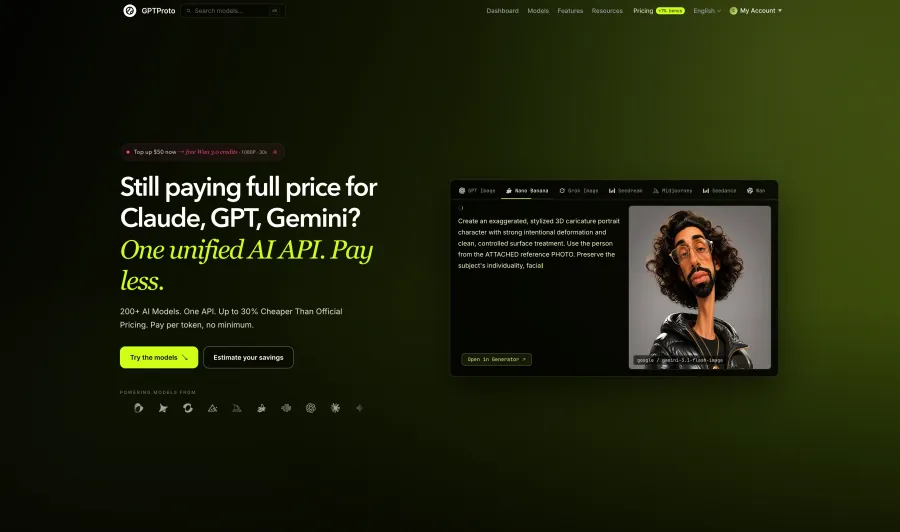
It provides one account, one prepaid balance, and one key for more than 200 supported text, image, video, and audio models. The catalog includes current video families such as Kling, Seedance, Wan, Vidu, MiniMax, Sora, and supported Higgsfield routes.
That broader scope matters to a startup. A product may use an LLM to turn a user brief into a shot list, an image model to create the first frame, a video model to animate it, and an audio model for narration. Keeping those calls under one balance reduces account management and makes it easier to test a different model without rebuilding the entire commercial relationship.
Where GPT Proto is better than Higgsfield
Broader modalities: Higgsfield’s API focuses on generative media, while GPT Proto also covers LLM and audio workloads.
Pay-as-you-go access: You do not need to justify a monthly creator plan during a quiet production period.
Model comparison: You can keep a supported Higgsfield route while testing Kling, Seedance, Wan, Vidu, or MiniMax.
Developer-oriented use: It is a better fit for SaaS features, batch jobs, agents, backend automation, and model evaluation.
Shared account balance: Teams do not need to fund a separate subscription for every model family they test.
If you specifically want Higgsfield output without relying on its creator subscription, start with the live Higgsfield API models available on GPT Proto. The page is also the source of truth for current model availability, input types, billing units, and route-specific limitations.
Where GPT Proto is weaker
GPT Proto is not a full non-linear video editor. It does not replace a mature timeline, compositing environment, motion brush, or every camera-control preset inside a creator suite.
Model interfaces also vary. One video route may accept text and an initial image; another may support video, audio, multiple references, or native sound. “One key” does not mean every provider suddenly uses an identical payload.
Verdict: Choose GPT Proto when you are building a product or automated content system. Choose a creator suite when a human editor will spend most of the day refining shots inside a visual interface.
2. Runway — Best for Professional Video Control and Editing
Runway is the stronger Higgsfield alternative when video production itself is the job.
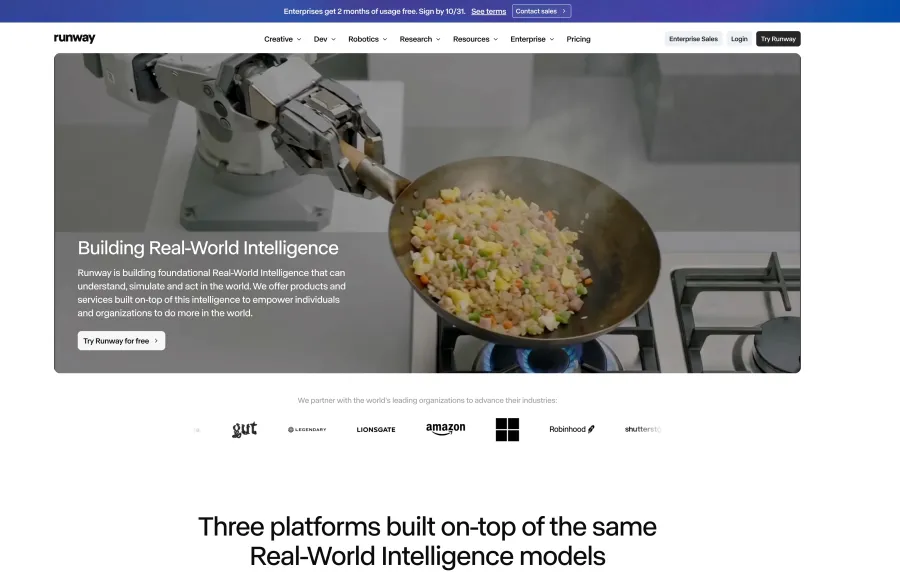
Its ecosystem combines video generation with editing and control tools, while Runway Dev offers API access to Runway models and selected third-party models. Gen-4.5 supports text and image input, produces clips up to 10 seconds at 720p, and is currently listed at $0.12 per second through the developer platform.
Runway’s creator pricing page lists paid image and video plans from about $12 per month. Its free plan includes a one-time allocation of 125 credits, while Gen-4.5 uses 12 credits per generated second.
For API users, Runway Dev credits cost $0.01 each. That makes the cost easier to translate into a per-second budget, but retries still count.
Why choose Runway over Higgsfield?
Choose it for shot-level control, editing, and a production environment built around video. It is a more focused recommendation for filmmakers, agencies, and professional editors.
The cost is model breadth. Runway can expose multiple media models, but GPT Proto is the better fit when the same product also needs a broad range of LLMs, image models, and provider families.
Verdict: Better editor. Narrower general-purpose AI stack.
3. Krea — Best All-in-One Visual Workspace
Krea is the closest alternative for people who like Higgsfield as a visual workspace rather than merely as an API provider.
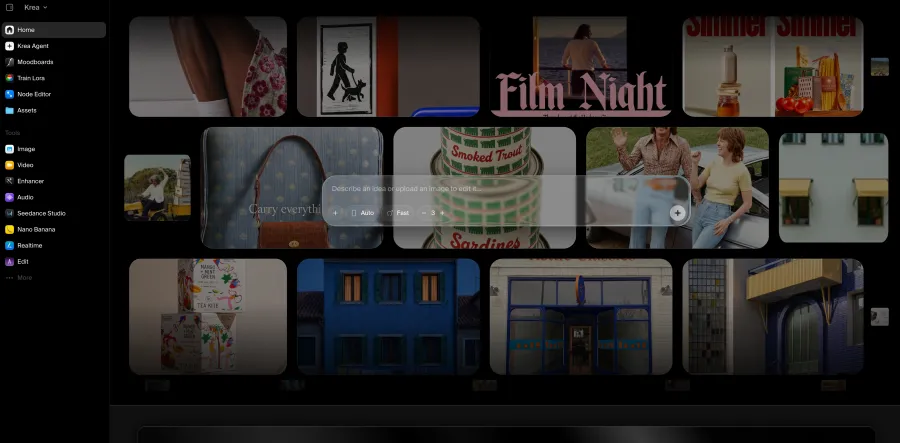
It combines image generation, video, 3D, upscaling, LoRA training, real-time creation, node workflows, and an agent that can plan and iterate across models. Its image tools cover multiple providers and styles instead of forcing every project through one model family.
Current Krea pricing lists:
Free: 100 compute units per day
Basic: $9 per month for 5,000 units
Pro: $35 per month for 20,000 units and access to all video models
Max: $105 per month for 60,000 units
Why choose Krea over Higgsfield?
Krea is attractive for multidisciplinary creative work. A team can develop the image, animate it, upscale the result, train a LoRA, and build reusable visual workflows in one interface.
But read the billing boundary carefully. Krea states that the consumer subscription and included compute units are separate from its API balance. Production API calls are billed independently.
Verdict: Choose Krea for hands-on visual work. Choose GPT Proto when the workflow primarily runs in application code.
4. Kling AI — Best If You Mainly Want Kling Video
Kling AI is a direct Higgsfield alternative for users who already know they want the Kling model family.
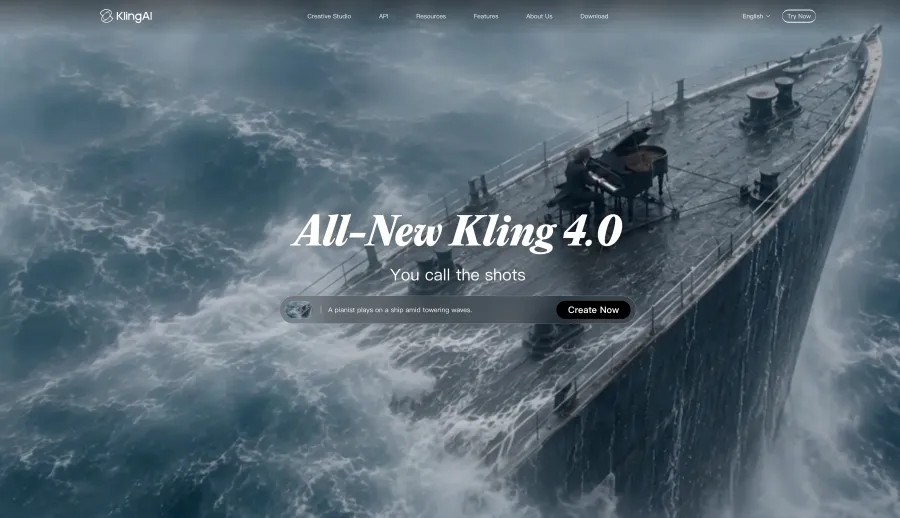
Its creator platform covers AI image and video generation, while its developer API supports text-to-video and image-to-video workflows. Kling’s API documentation states that current routes support 720p and 1080p generation and are billed according to generated video duration.
The attraction is focus. You go directly to the Kling ecosystem instead of choosing Kling from a larger collection of unrelated models. That can make the workflow easier to learn and keep your testing consistent.
The same focus is also the limitation. If the next project needs Seedance, Wan, Vidu, an image model, and an LLM for prompt planning, a single-model ecosystem creates another integration decision.
Developers who want Kling without committing their entire stack to one family can instead compare the current Kling models on GPT Proto.
Verdict: Pick Kling AI for a Kling-first workflow. Pick a broader API platform when switching models is part of the product design.
5. Adobe Firefly — Best for Brand and Commercial Workflows
Adobe Firefly deserves a place in this comparison because many teams are not chasing the most dramatic demo clip. They need content that can move through a real design, review, and publishing process.
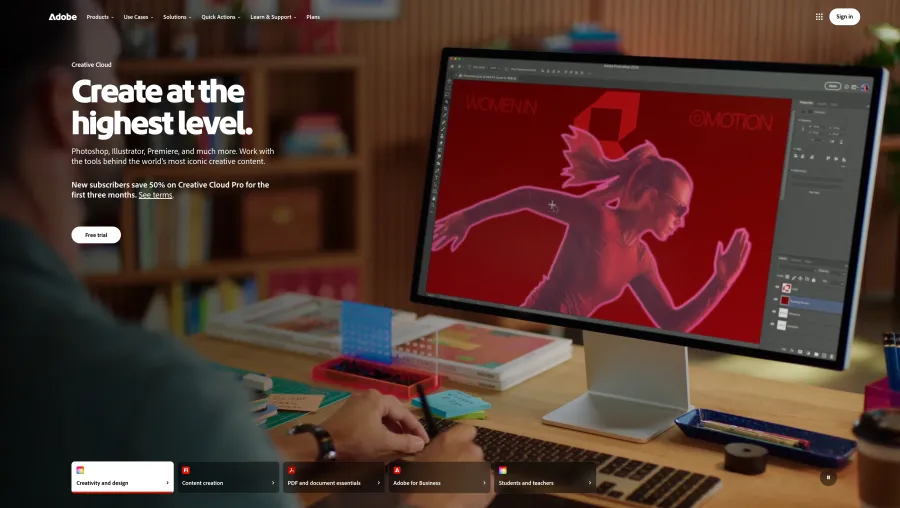
Firefly covers image, video, audio, and vector generation and connects naturally with Adobe’s creative software. Adobe’s own Firefly models are trained on licensed content and public-domain material whose copyright has expired.
Current Adobe Firefly plans include:
Standard: $9.99 per month with 2,000 generative credits
Pro: $19.99 per month with 4,000 credits
Pro Plus: $49.99 per month with 10,000 credits
Premium: $199.99 per month with 50,000 credits and unlimited access to the Adobe Firefly Video Model
Why choose Firefly over Higgsfield?
Brand teams may value its Adobe integration, Content Credentials, and commercial-use positioning more than access to the largest number of experimental models.
There is an important boundary. Adobe’s safety claims apply most clearly to Adobe’s own Firefly models. Adobe notes that users remain responsible for determining whether content from partner models is appropriate for a project.
Verdict: Best for controlled brand workflows. Less compelling when rapid access to many new Asian image and video models is the priority.
6. Luma Dream Machine — Best for Fast Cinematic Iteration
Luma Dream Machine is a good Higgsfield alternative for creators who want to move quickly from a still image or prompt to a cinematic shot.
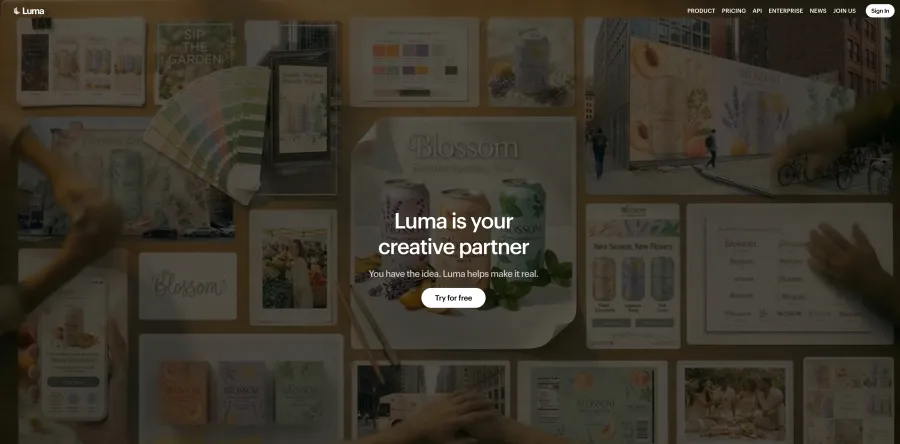
Luma has its own Ray model family and also integrates models such as Seedance, Veo, Kling, and Nano Banana into its creative ecosystem. The current Luma pricing page lists Plus at $30 per month with 10,000 credits and Pro at $90 per month.
The interface is less intimidating than a local node graph. That makes it suitable for concept development, social creative, and short image-to-video iterations.
The billing split is the catch. Luma’s own official information page says the developer API uses a separate credit system. Buying a Dream Machine plan does not mean your production API workload is already covered.
Verdict: Strong for creator-led cinematic iteration. Calculate the API separately before building it into a product.
7. ComfyUI — Best Open-Source Higgsfield Alternative
ComfyUI is the strongest open-source Higgsfield alternative, but it is not a one-click clone of Higgsfield.
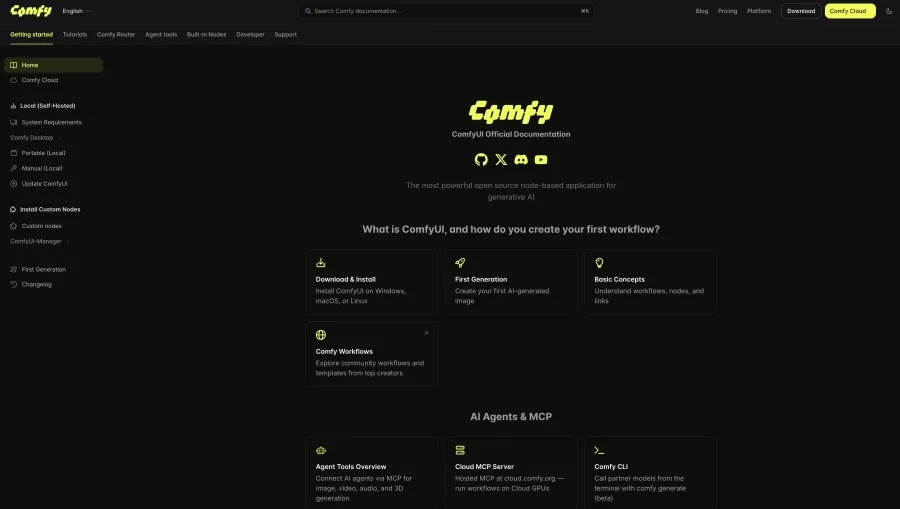
It is a GPL-3.0 node-based interface, inference engine, API, and backend for reusable image, video, audio, 3D, and text workflows. It supports asynchronous queues, partial graph re-execution, model offloading, and local API integration.
The official ComfyUI documentation confirms that the project is open source and can run on a local device.
That gives you control over:
The price is paid in engineering time. You need suitable hardware or a cloud GPU, compatible model files, working custom nodes, dependency management, and a plan for turning a local workflow into a reliable service.
Open-source software also does not automatically make every model commercially unrestricted. Each checkpoint, training dataset, custom node, and API service can have separate terms. ComfyUI’s closed-model API Nodes still require paid API credits.
Verdict: Maximum control. Maximum responsibility.
Which Higgsfield Alternative Should You Choose?
| Your priority |
Best choice |
Why |
| Building an application |
GPT Proto |
Broad model catalog under one balance |
| Startup with irregular usage |
GPT Proto |
Pay for actual calls instead of unused monthly credits |
| Professional video editing |
Runway |
More focused video-production controls |
| Image and video creative workspace |
Krea |
Broader hands-on visual workflow |
| Direct Kling generation |
Kling AI |
Official Kling-focused environment |
| Brand and commercial workflow |
Adobe Firefly |
Adobe integration and commercially oriented model strategy |
| Simple cinematic iteration |
Luma Dream Machine |
Lower learning curve than local node workflows |
| Local or open-source control |
ComfyUI |
Self-hosting and reusable graphs |
For an AI team, I would separate the decision into two questions:
Where will humans create and review assets?
Which API will the product call in production?
The answer does not have to be the same platform. A designer can work inside Krea or Runway while the application backend uses GPT Proto to route production jobs across supported models.
Creator App, API Platform, or Open Source?
A common mistake in Higgsfield alternatives lists is comparing platforms, model families, and open-source workflow engines as if they were identical products.
| Route |
Best when |
What you really pay for |
| Creator app |
A person generates and edits manually |
Subscription, credits, seats, retries |
| API platform |
Generation happens inside a product or automation |
API calls, integration, storage, monitoring |
| Open source |
Local control and customization matter most |
GPU, setup, maintenance, engineering time |
A cheap subscription is not automatically a cheap production system.
If a team spends hours moving files between tools, rebuilding prompts, retrying failed jobs, and manually recording costs, the subscription price is only a small part of the total.
Conversely, an API is not automatically cheaper for a casual creator. Someone making four clips per month may prefer a polished visual app even if its theoretical per-generation price is higher.
How to Test a Higgsfield Alternative Through GPT Proto
If you want to compare a non-Higgsfield video route, Wan 3.0 is a useful starting point because the current GPT Proto model page exposes a direct text-to-video request.
First, create a GPT Proto key and store it as an environment variable:
export GPTPROTO_API_KEY="YOUR_GPTPROTO_API_KEY"
Submit a five-second 720p video job:
curl --request POST "https://gptproto.com/api/v3/alibaba/wan-3.0/text-to-video" \
  --header "Authorization: Bearer $GPTPROTO_API_KEY" \
  --header "Content-Type: application/json" \
  --data '{
    "prompt": "A tiny origami fox sailing a teacup across a moonlit puddle",
    "negative_prompt": "",
    "resolution": "720P",
    "ratio": "adaptive",
    "duration": 5,
    "generate_audio": true,
    "audio": "",
    "shot_type": "single",
    "watermark": false,
    "seed": 1
  }'
The response supplies a result ID. Use it to check the job:
curl --request GET \
  "https://gptproto.com/api/v3/predictions/YOUR_RESULT_ID/result" \
  --header "Authorization: Bearer $GPTPROTO_API_KEY"
The route and payload above match the live API Usage panel checked on October 23, 2026. Before shipping it in production, open the Wan 3.0 model page and copy the current example because endpoint fields can change as a preview model develops.
This is the real advantage of an API-based comparison: you can run the same brief through Wan, Kling, Seedance, Vidu, or another supported video route and evaluate the cost of an accepted clip—not merely the advertised subscription price.
Final Verdict
GPT Proto is the best overall Higgsfield alternative for developers, startups, and AI teams because it extends beyond generative media: one key and one balance can cover supported LLM, image, video, and audio workloads.
That does not make it the winner for every job.
Choose Runway when professional video editing matters most. Choose Krea for a broad visual workspace. Choose Kling AI when you specifically want the Kling ecosystem. Choose Adobe Firefly for Adobe-centered brand work, Luma for fast cinematic iteration, and ComfyUI when local control is worth the setup.
You also do not need to abandon Higgsfield models simply because the Higgsfield subscription workflow no longer fits. Compare the live Higgsfield API routes on GPT Proto, or test the browser-based Higgsfield AI Video Generator before choosing the route that fits your project.