


視覺 AI UI 生成
讀取 UI 螢幕截圖,輸出具備超過 90% 視覺準確度的正式環境 React 或 Tailwind 程式碼。

image
text
圖片轉文字
curl --request POST "https://gptproto.com/v1/responses" \
  --header "Authorization: Bearer $GPTPROTO_API_KEY" \
  --header "Content-Type: application/json" \
  --data '{
    "model": "gpt-5-codex",
    "input": [
      {
        "role": "user",
        "content": [
          {
            "type": "input_text",
            "text": "這張圖片中有什麼?"
          },
          {
            "type": "input_image",
            "image_url": "https://tos.gptproto.com/resource/cat.png"
          }
        ]
      }
    ]
}'專為現代軟體工程團隊打造的企業級 AI 工具。
讀取 UI 螢幕截圖,輸出具備超過 90% 視覺準確度的正式環境 React 或 Tailwind 程式碼。
透過函式呼叫撰寫並執行單元測試,自動修正直到所有終端測試通過。
原生最佳化並行函式呼叫,實現複雜的多步驟技術工作流程。

在 256k 上下文視窗中執行跨多檔案重構,維持大型程式碼庫中的模式。

取得 gpt-5-codex API 金鑰只需四個步驟,僅需幾分鐘。建立免費的 GPTProto 帳號、儲值、產生金鑰,並進行第一次呼叫 — 在 $0.875 / $7 這裡能以比直連更划算的價格取得 gpt-5-codex API 金鑰,且單一金鑰即可在平台上所有模型通用。完整 gpt-5-codex 說明文件 請參閱說明文件。
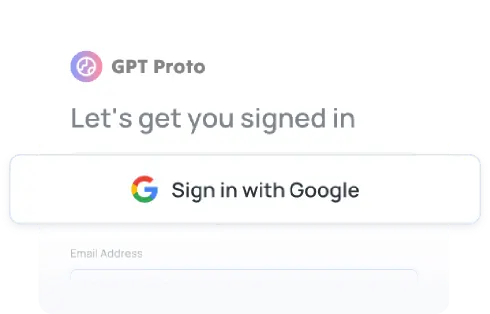
註冊
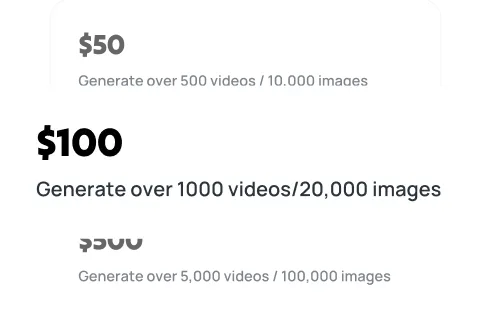
儲值
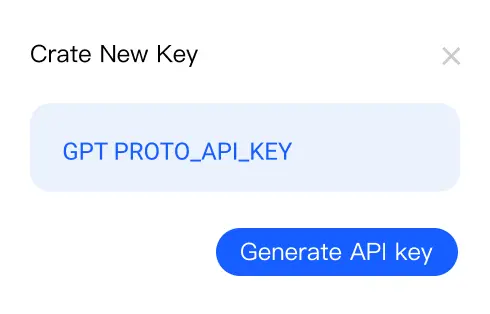
產生您的 API 金鑰
進行第一次 API 呼叫
關於透過我們的統一 API 平台部署 AI GPT 5 Codex,以用於企業軟體工程的常見問題。
了解如何使用 OpenAI 的 GPT-Image-1 進行專業影像生成。透過這份完整指南,掌握文字生成影像、圖像修補與 API 整合。
探索 GPT Image 1.5 的突破性能力,包括快 4 倍的生成速度、精準編輯與進階文字渲染。查看實際範例、價格與客觀的效能分析。
在我們完整的 2025 年 12 月指南中,了解 GPT-4o 與 GPT-4 之間的主要差異。比較價格、效能與多模態能力,並了解哪個 OpenAI 模型最符合您的需求。