


Agentic Trajectory Planning
The model decomposes high-level goals into discrete sub-tasks with a 95% success rate in autonomous tool orchestration and execution.

image
text
Image To Text (Response)
curl --request POST "https://gptproto.com/v1/responses" \
  --header "Authorization: Bearer $GPTPROTO_API_KEY" \
  --header "Content-Type: application/json" \
  --data '{
    "model": "gpt-5-chat",
    "input": [
      {
        "role": "user",
        "content": [
          {
            "type": "input_text",
            "text": "What is in this image?"
          },
          {
            "type": "input_image",
            "image_url": "https://tos.gptproto.com/resource/cat.png"
          }
        ]
      }
    ]
  }'
Image To Text (Chat)
curl --request POST "https://gptproto.com/v1/chat/completions" \
  --header "Authorization: Bearer $GPTPROTO_API_KEY" \
  --header "Content-Type: application/json" \
  --data '{
    "model": "gpt-5-chat",
    "messages": [
      {
        "role": "user",
        "content": [
          {
            "type": "text",
            "text": "What is in this image?"
          },
          {
            "type": "image_url",
            "image_url": {
              "url": "https://tos.gptproto.com/resource/cat.png"
            }
          }
        ]
      }
    ],
    "max_tokens": 300
}'Explore the specialized features that make the ai gpt 5 chat model a leader in reasoning and multimodal tasks, from high-fidelity coding to autonomous agentic planning and tool orchestration.
The model decomposes high-level goals into discrete sub-tasks with a 95% success rate in autonomous tool orchestration and execution.
Featuring an internal Chain-of-Thought mechanism, it scores significantly higher on GPQA science benchmarks than any previous gpt model.

Guarantees 100% adherence to complex nested JSON schemas, making it perfect for direct ingestion into production databases and APIs.

The ai gpt 5 chat model treats video and audio as native tokens, allowing for temporal reasoning with 40% higher accuracy than previous versions.

Getting a gpt-5-chat API key takes four steps and a few minutes. Create a free GPTProto account, add credits, generate your key, and make your first call — at $0.875 / $7 it's a cheaper gpt-5-chat API key than going direct, and one key works across every model on the platform. Full gpt-5-chat Documentation is in the docs.
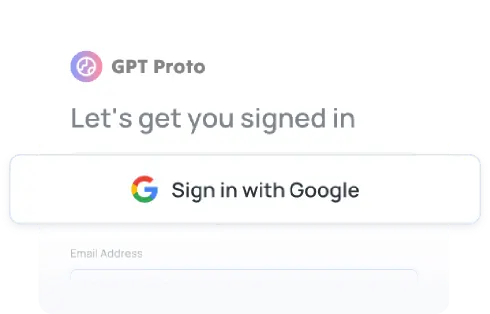
Sign up
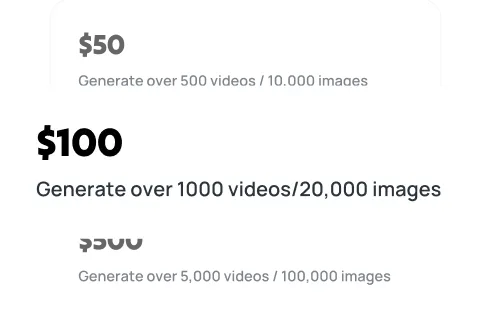
Top up
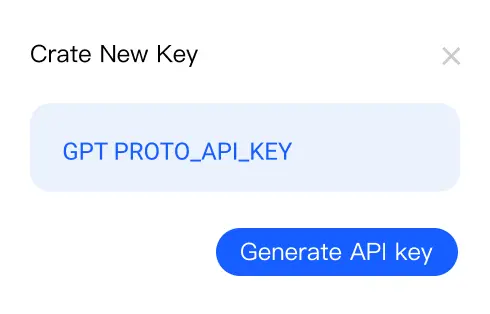
Generate your API key
Make your first API call
Get expert answers about the ai gpt 5 chat model, its pricing, multimodal features, and how to integrate this OpenAI frontier model into your enterprise workflow through our unified API.
Discover GPT-5-nano's August 2025 release, expert predictions, and early API access opportunity. Get the latest updates on OpenAI's AI models.
Explore the GPT-5 Mini API release status, performance benchmarks, and $2/1M token pricing. Optimize your AI development today. Discover more...

Explore the groundbreaking AI models of 2025. This guide breaks down the latest in AI, from the large language models to the video and image generators.

Explore the shift from AI invention to global diffusion with GPT-5. This guide breaks down the critical role of infrastructure, language inclusivity, and smart API integration via GPTProto in bridging the technological gap between the Global North and South for sustainable growth.