




MeiGen Community
@user_e7c6297c
0
Explore trending examples for photorealistic portraits, product visuals, posters, infographics, illustrations, and reference edits—then open the prompt and create your own.
About
See what the prompt created before you decide to use it.
A prompt is easier to trust when you can judge its finished result. This Seedream 5.0 Pro prompts hub works as a visual gallery: browse the generated images first, then open the original prompt behind any result that catches your attention.
Explore fresh examples discovered across public creator communities, including photorealistic portraits, product photography, advertising visuals, editorial graphics, posters, multilingual layouts, infographics, UI concepts, illustrations, precise image edits, and multi-reference compositions. New ideas are added regularly as creators discover different ways to use Seedream 5.0 Pro.
Open any image to view its full prompt, explore related examples, or download the result when available. Select Use Idea to carry the prompt into GPTProto, where you can replace the subject, product, text, layout, colors, materials, visual style, or reference images. Generate your own version directly, or continue from the finished image into an image-to-video workflow.
Prompt Tips
Treat the prompt like a visual brief: define the purpose, layout, content, references, and details that must remain unchanged.
Start with the intended deliverable. Tell Seedream 5.0 Pro whether you need a product hero image, portrait, advertisement, poster, infographic, UI concept, editorial visual, packaging design, or social media graphic.
Structure the complete image clearly. Describe the main subject, setting, composition, camera angle, lighting, materials, color palette, image style, and aspect ratio instead of relying on vague phrases such as “professional” or “high quality.”
Define the visual hierarchy. Explain what viewers should notice first, second, and third. For text-rich designs, specify the position and relative importance of the headline, supporting copy, labels, data, product, and call to action.
Write required text exactly. Place headlines, labels, prices, and other required wording inside quotation marks. State the language, placement, size, reading order, and whether Seedream may add any extra text.
Give every reference image a specific role. Explain which reference controls the person, product, clothing, material, composition, lighting, or style. Name references by their visible content rather than asking the model to simply combine several images.
Separate the requested edit from protected details. For image-to-image tasks, describe the target element, the exact change, and what must stay unchanged—for example, preserving the face, pose, product shape, camera angle, layout, and lighting while replacing only the background.
Use precise spatial instructions. Describe whether an element belongs in the upper-left corner, center foreground, behind the subject, inside a marked area, or aligned with another object. Clear positional relationships improve complex layouts and local edits.
Refine one problem at a time. Once the composition works, make targeted changes to the text, color, material, product, background, or facial detail. Rewriting the whole prompt may remove parts that Seedream already handled successfully.
Buat gambar AI dari teks atau ubah gambar yang diunggah secara online dalam hitungan detik. GPTProto mempertahankan prompt Anda persis seperti yang ditulis—tanpa penulisan ulang, pemblokiran prompt, atau filter kreatif tersembunyi.
Transfer tarian, gestur, dan gerakan tubuh dari video referensi ke gambar karakter Anda. Buat video gerakan AI khusus dengan dua unggahan dan satu klik—tanpa perlu prompt atau pengaturan motion capture.
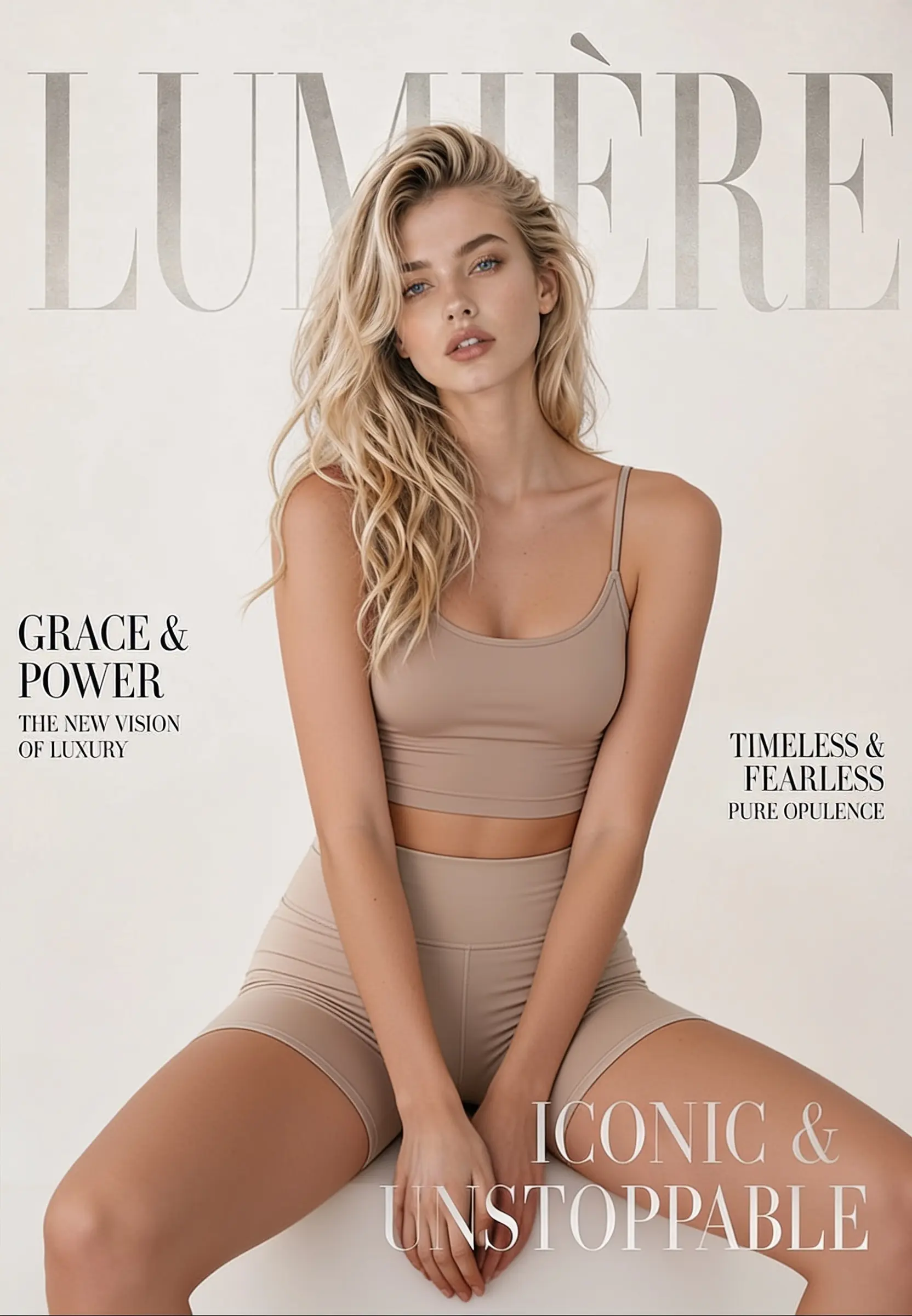
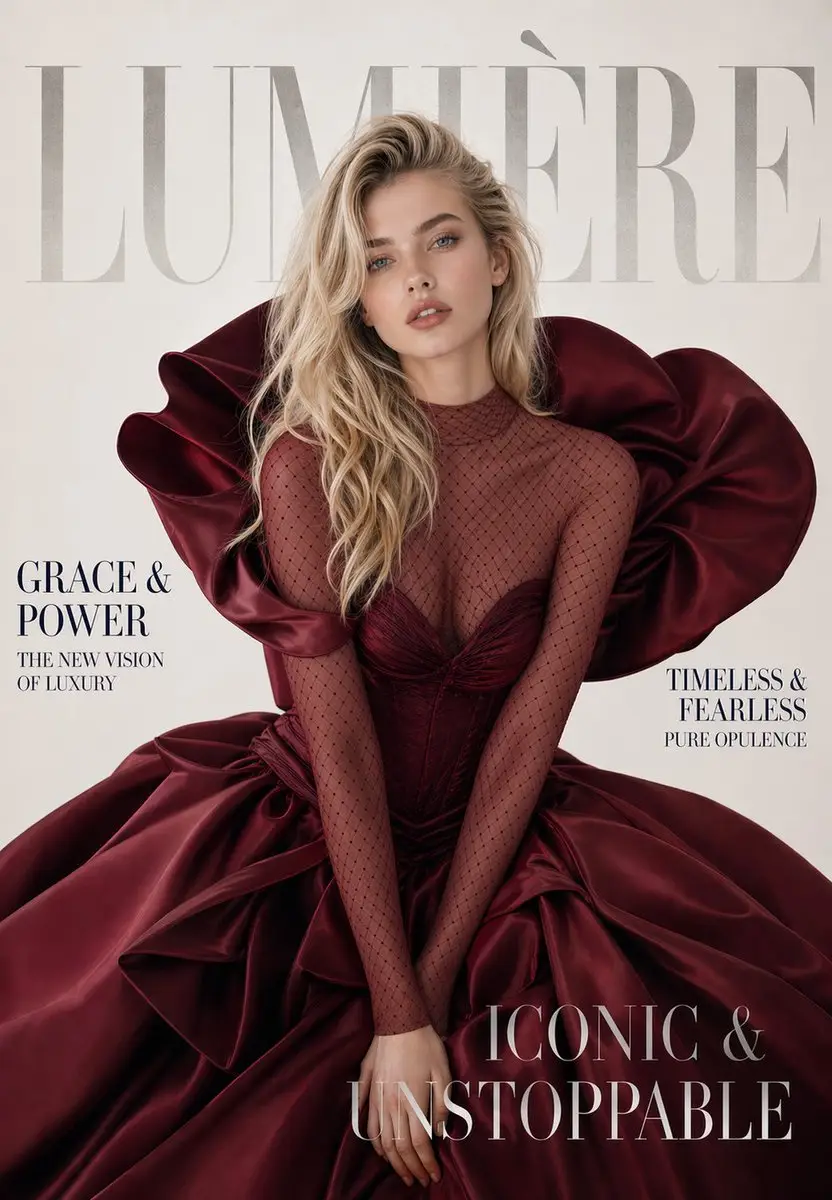
Change, remove, or replace the outfit in any photo online. Upload one image, click generate, and get a realistic restyled result in seconds — made for fashion mockups, e-commerce shots, and everyday photo editing.

Remove visible logos, text, and date stamps from an image online—one upload, one click, and no editing software required.
Compare Gemini 3.6 Flash and Gemini 3.5 Flash-Lite pricing, speed, benchmarks and use cases. See which new Google model fits your AI workload.
Tak perlu lagi terbentur batasan keamanan. Temukan generator gambar AI tanpa batas terbaik untuk mendapatkan kembali kebebasan berkreasi Anda. Bandingkan berbagai alat unggulan dan mulai berkarya hari ini.
Compare the best AI text to speech tools for TikTok and YouTube, including free options, voice quality, commercial rights, video workflows, and API automation.
Compare Qwen 3.8 Max vs GLM 5.2 on coding, API access, context, pricing, and open weights. See which model is safer for production in 2026.
Compare the best text to speech AI APIs for voice quality, real-time agents, multilingual audio, pricing, free tiers, voice cloning, and production use.
Joyfun AI promises free, no-sign-up image and video generation. We checked its pricing, privacy, content rules, features, and alternatives.
Real feedback from image creators using Seedream prompts.